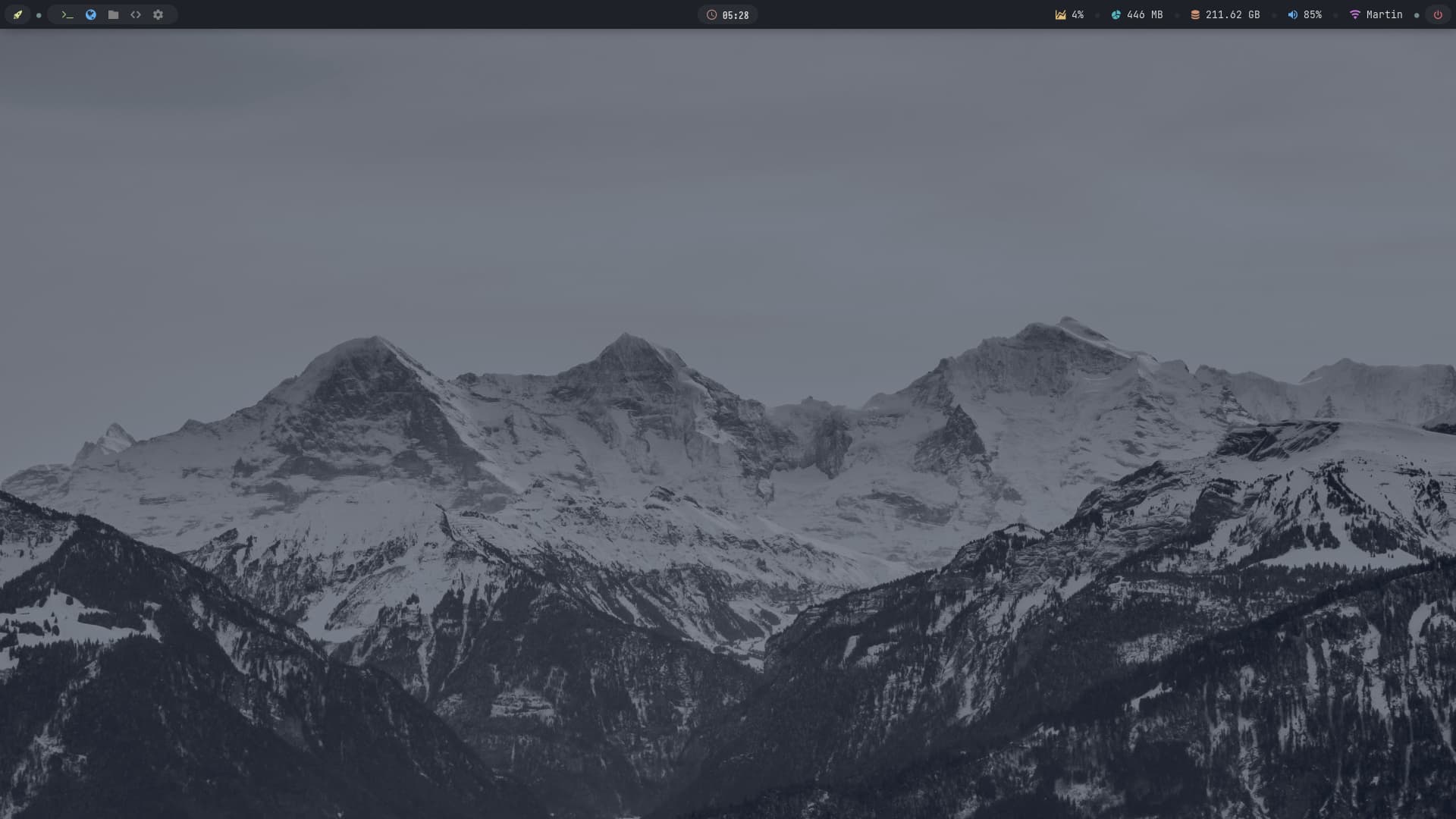
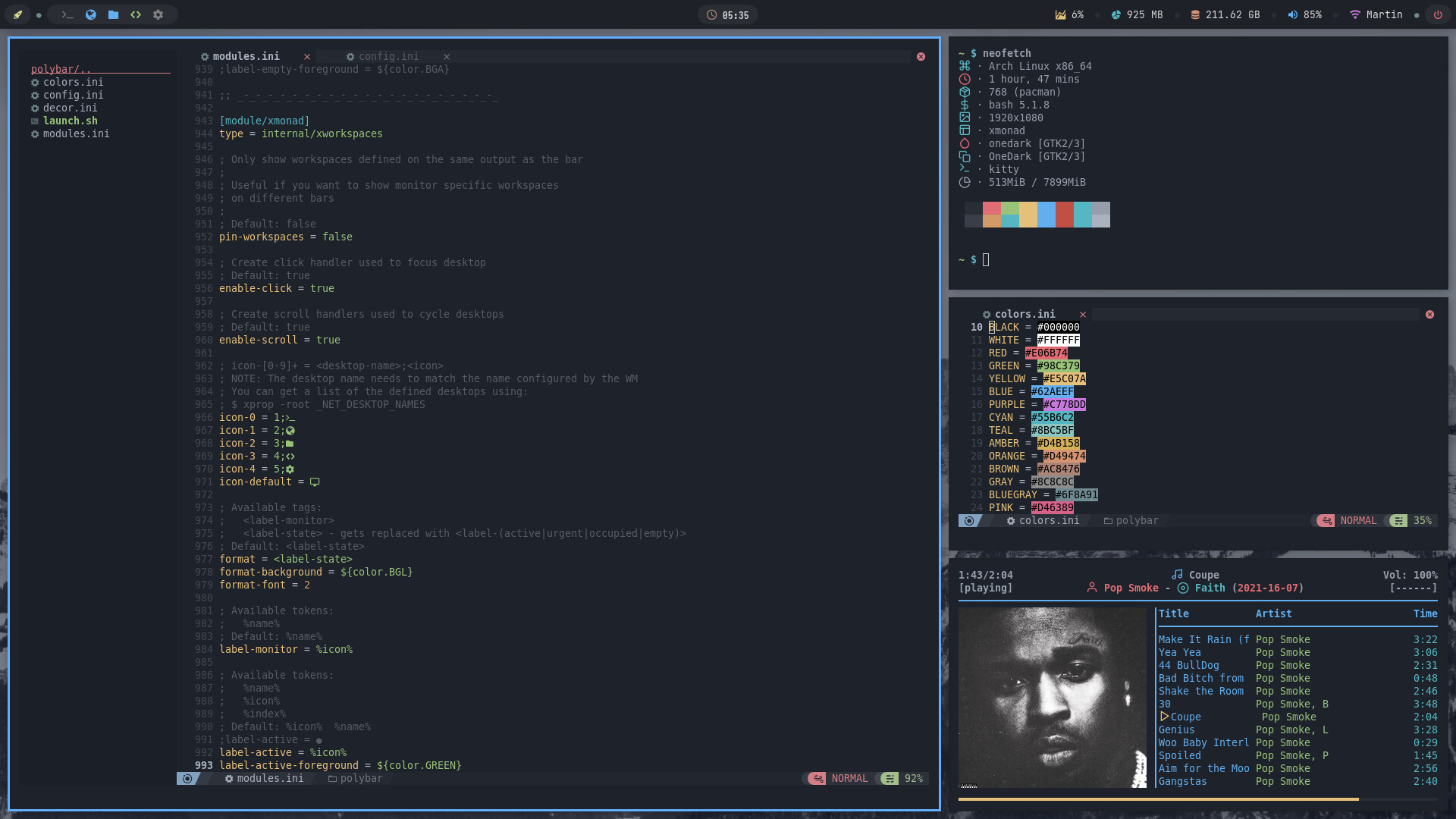
Reminds me of when I started using i3wm. Nord theme is excessively popular and thats what I used.
Later started using pywal.
I like the idea of the profile pic in neofetch/screenfetch. Is that a hack within those or is it something that involves kitty? If I can get that working with xfce4-terminal that would be cool 
Not a hack - just a config option (and provision of a suitable pic). xfce4-terminal can handle it, btw - only quirk seems to be that the pic disappears after further clicks…
Check out ~/.config/neofetch/config.conf noting #image_backend and #image_source
I usually put the image source in with the config.conf in the neofetch dir for ease of finding it!
Yeah I used the term “hack” rather loosely there! Of course it’s configs really. Thanks for directing me to the relevant file, saves me a search. I think putting image sources in the right place is a good clean way to run a system, rather than some location in a user’s Picture folder, that’s just messy!
You think maybe I learned that the hard way? It’s a possibility… 
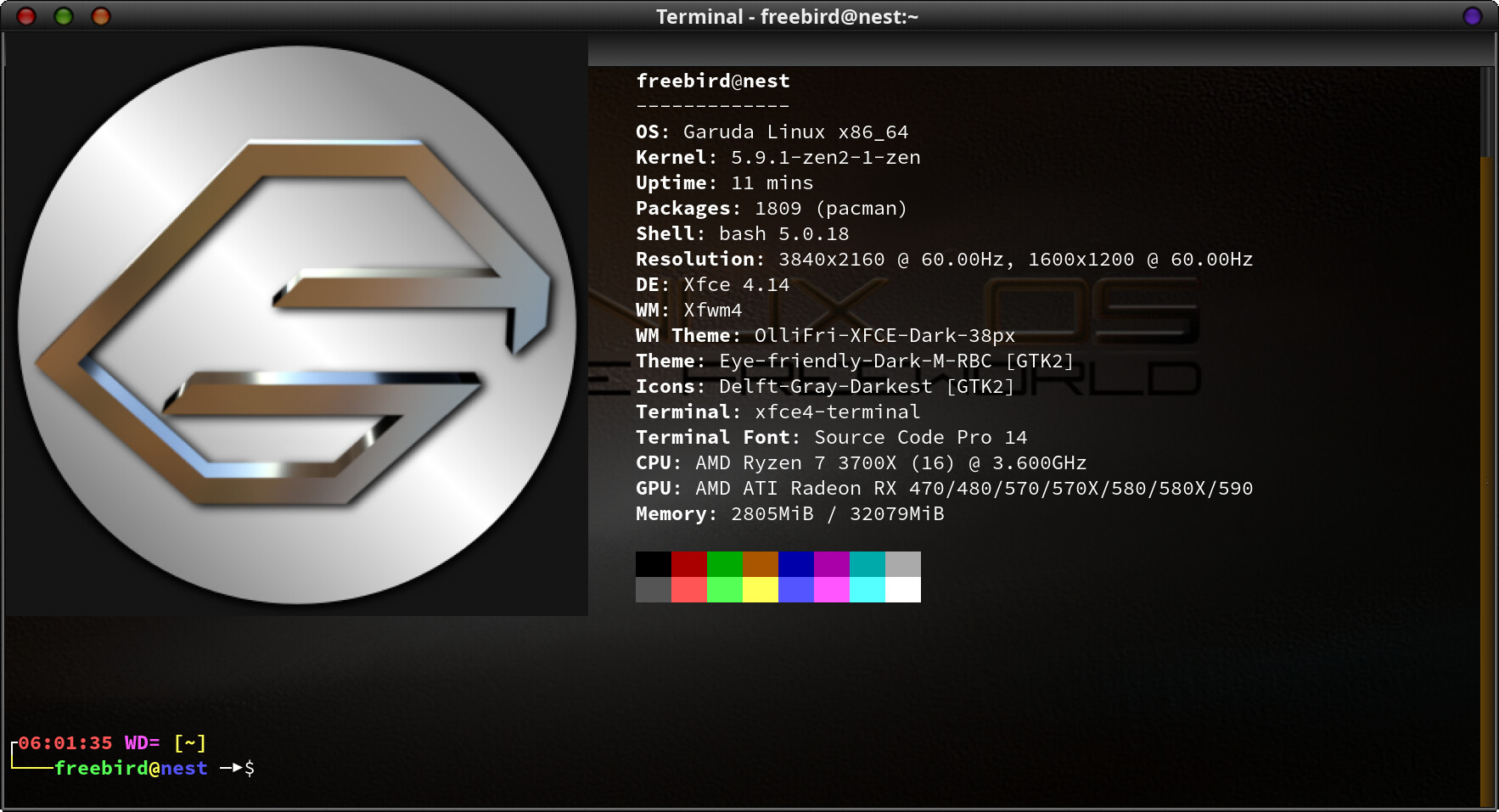
Btw - here’s a screenshot from loading a Garuda icon I liked in its neofetch…
Yeah like trying to set up a background image in LightDM for instance? It won’t (obviously) accept an image in user space because it’s before it (learnt that one back in the day) 
Endeavour BSPWM with some custom dotfiles.
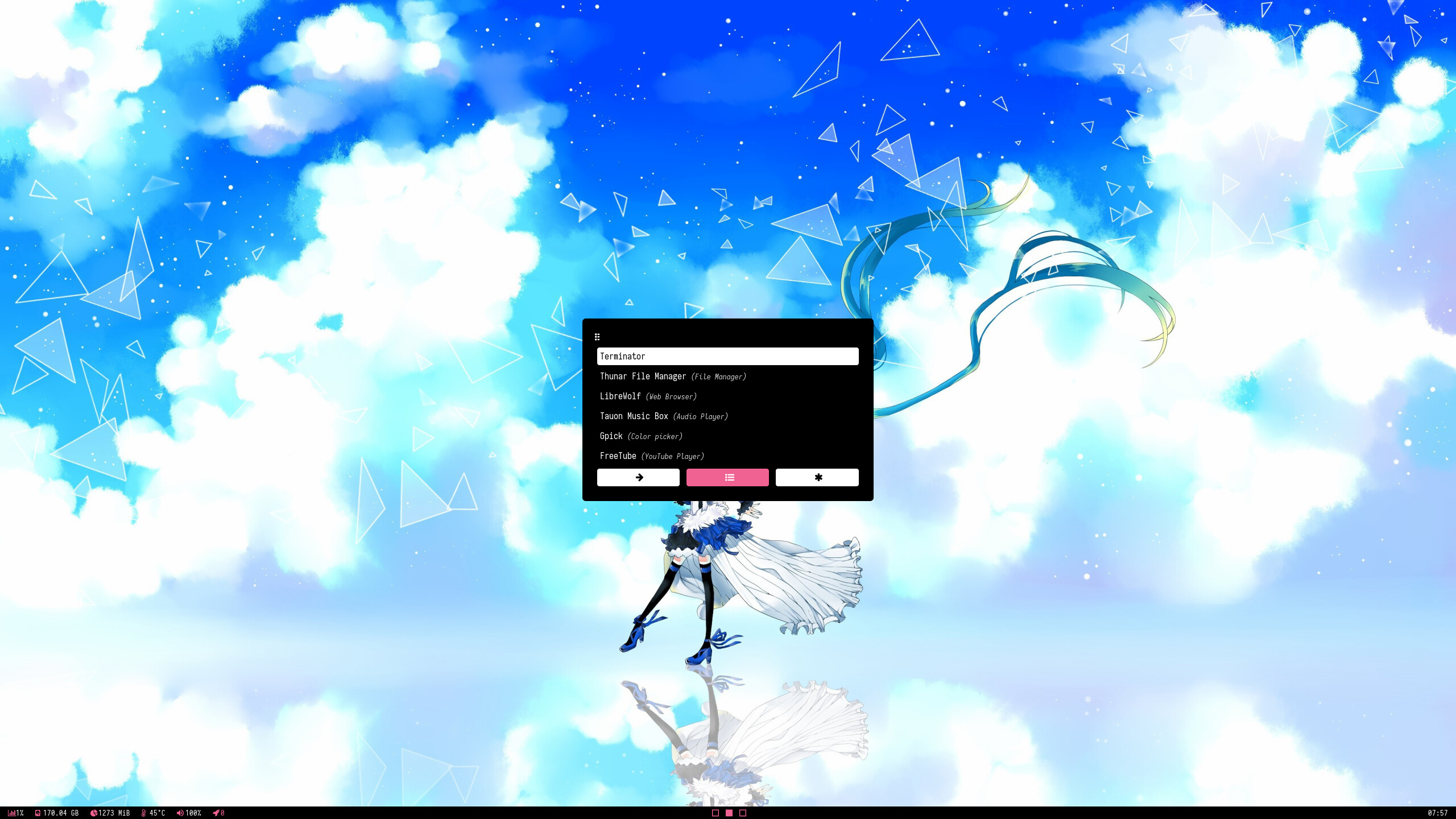
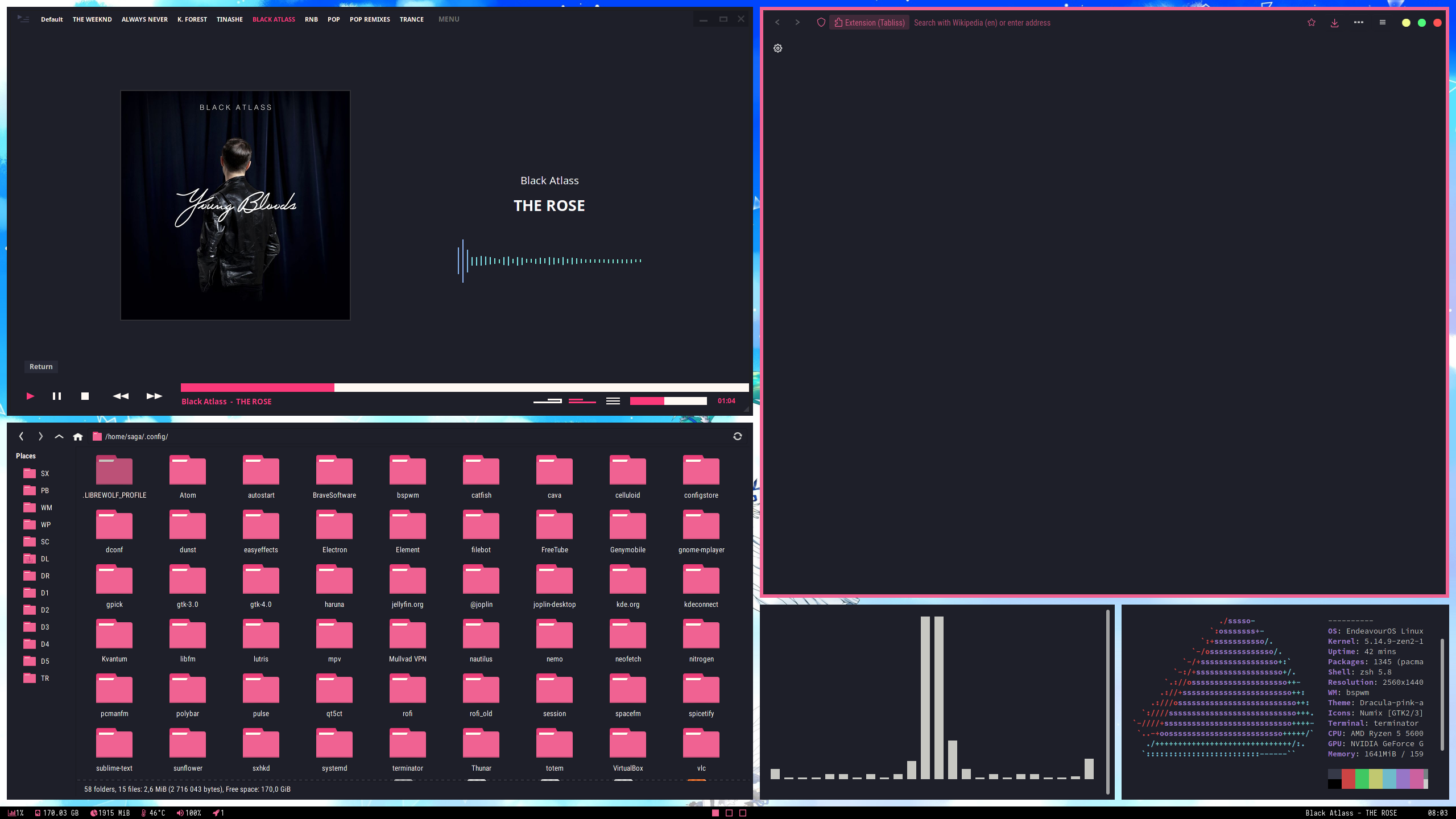
App launcher = Rofi
Terminal emulator = Terminator
Visible in terminator = Cava & Neofetch.
File manager = Thunar
Music player = Tauon Music Box
Browser = Librewolf
Bottom bar = Polybar with a few custom modules.
Icon pack = Numix, modified by the numix-folders package.
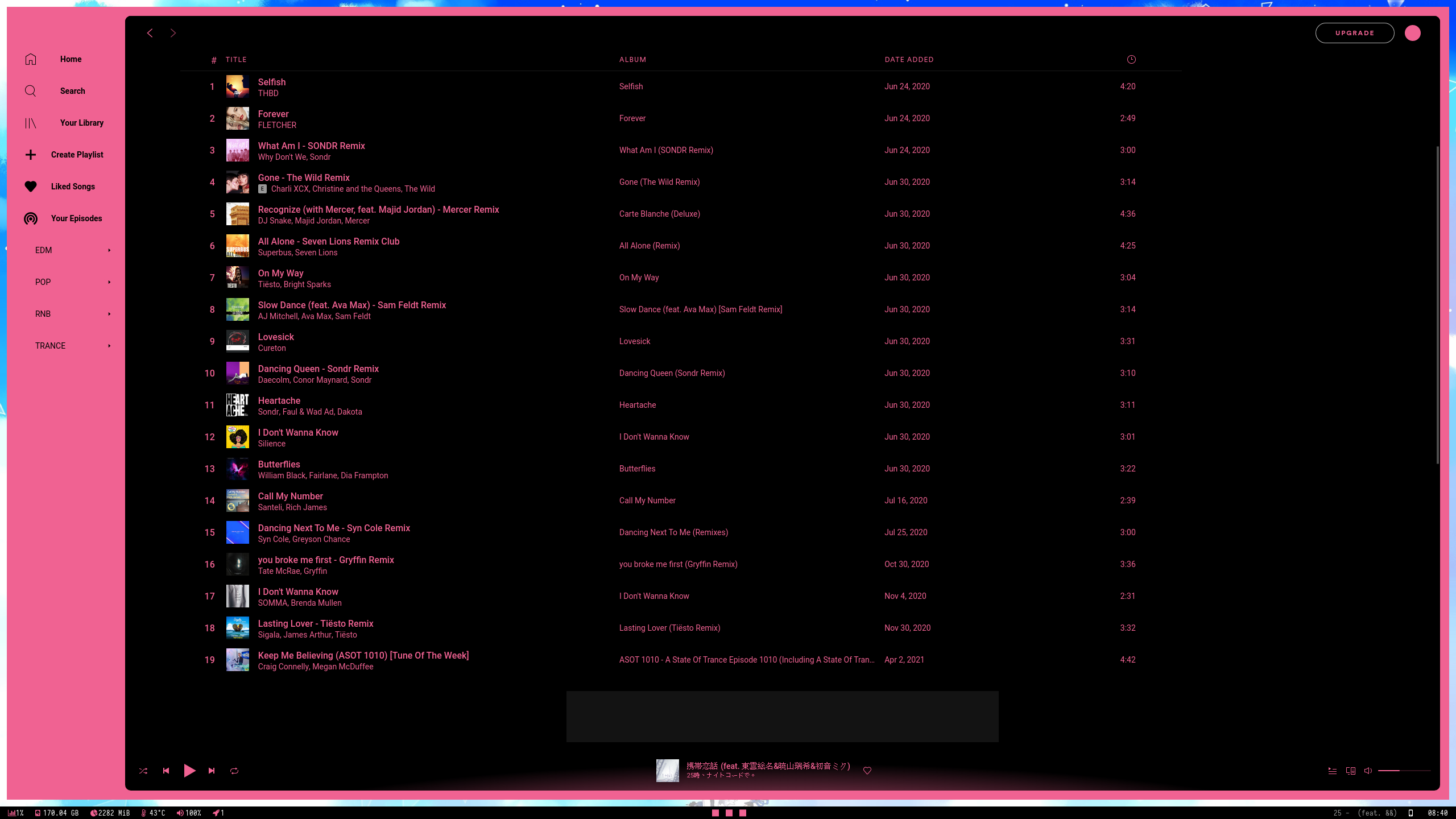
Third screenshot is Spotify with a modified version of the Spicetify theme ‘Dribbblr’.
First time with a tiling WM for me, thought it’d take a while to adapt and perhaps be a bit of a nuisance on a desktop, but I quite like it.
It looks quite usable. I’ve not heard of that music player before, I use Deadbeef with my own configs. The only thing that stops me using a tiling WM is the limited screen space for a browser. It seems far too small, although I suppose it is possible to run it fullscreen? For everything else it seems fine. I use a lot of keyboard shortcuts anyway with a stacking WM or a full DE, it wouldn’t be hard to adjust.
It is extremely customizable and comes with a variety of layouts out of the box.
Apps will adapt to the available screen space, if you have nothing but a browser open it’ll take up the entire screen. You can also adjust the size of each window yourself, and launch an application in full screen with a simple keybind.
What about workspaces, are they available? I’m using Fluxbox and I still have those available so I just jump between them when I need to. It’s not that much different to a DE really, just simpler and faster.
BSPWM comes with 10 workspaces (I think) out of the box. You can reduce/add workspaces to fit your needs. In the screenshot above I have three (see boxes in the middle of the bottom bar). You can send apps to each workspace with a keybind of your choice.
Ah that’s good to know. In that case I’d just have a browser fullscreen in one workspace and the other stuff normally takes up less room anyway, unless it’s Gimp or something like that. Keybinds are fine. I may try i3 first but I’m undecided so far. Thanks for the info!
That’s why I have dedicated workspaces for everything (or tags as they are called in dwm). Firefox has it’s own one and runs fullscreen. Everything else I uses opens on other tags.
Yeah that’s how I run things. Browser on one, file manager on another, text editor on another etc etc. I find that 4 workspaces is enough for my needs but of course it depends on the individual.
The reason why i choose kitty is because for some reason w3m-img is not rendering properly, i can “looping image” in neofetch setting but i don’t seem it worth for that. I heard kitty hsve their own image preview so i immediately download and start using it.
It’s not just about the image preview, but idk why i like kitty is because it’s more simplistic and not too much needed gui settings like xfce-terminal(?).
But if you want to, you can either download kitty or enable “looping image” in the neofetch config (it should be around ~/.config/neofetch/config.conf
I like nord not because popular, i like it because the color scheme, it’s not hurting my eyes the the color is really fitting with the background and i3 bar.
bspwm nord theme
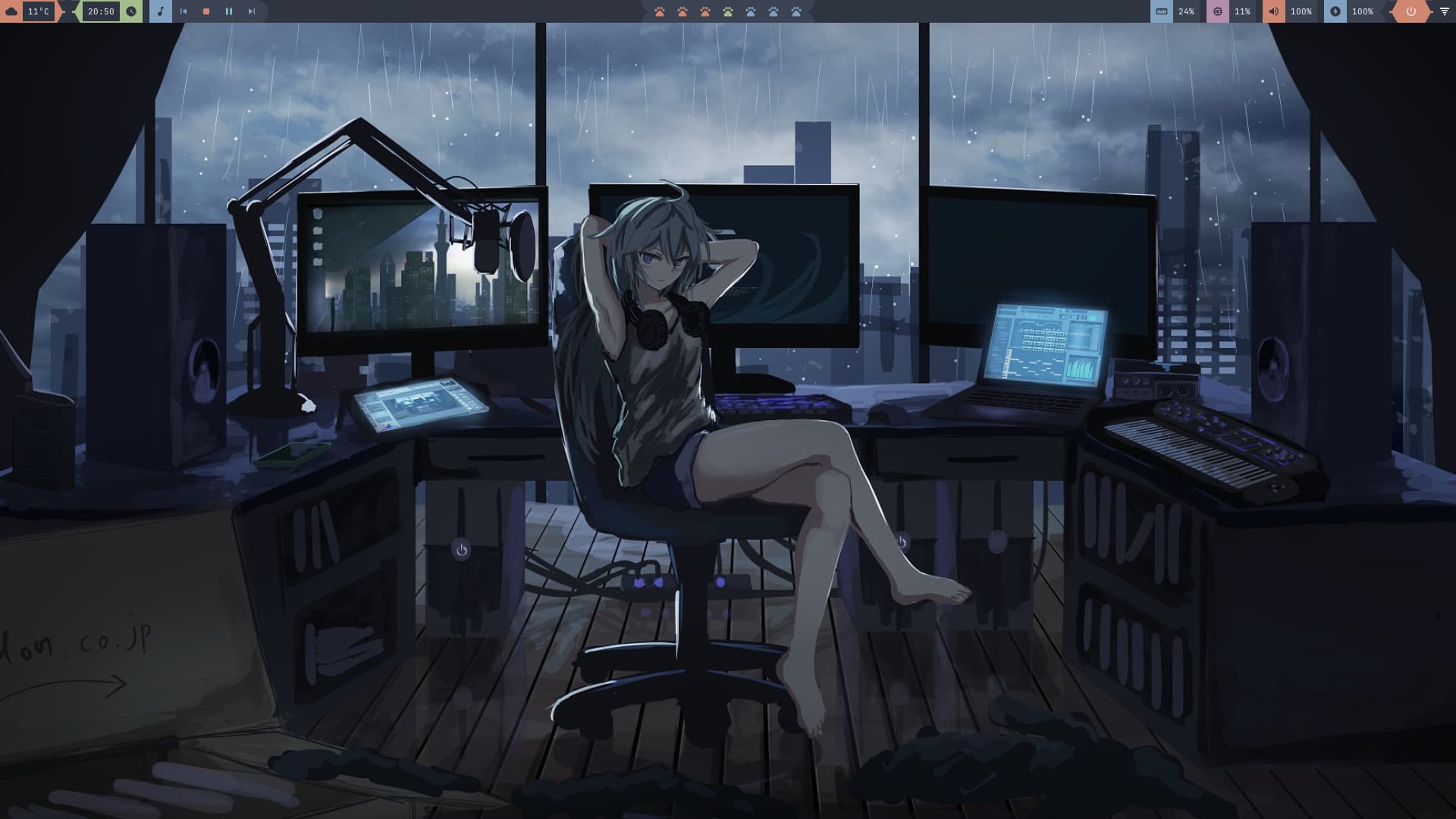
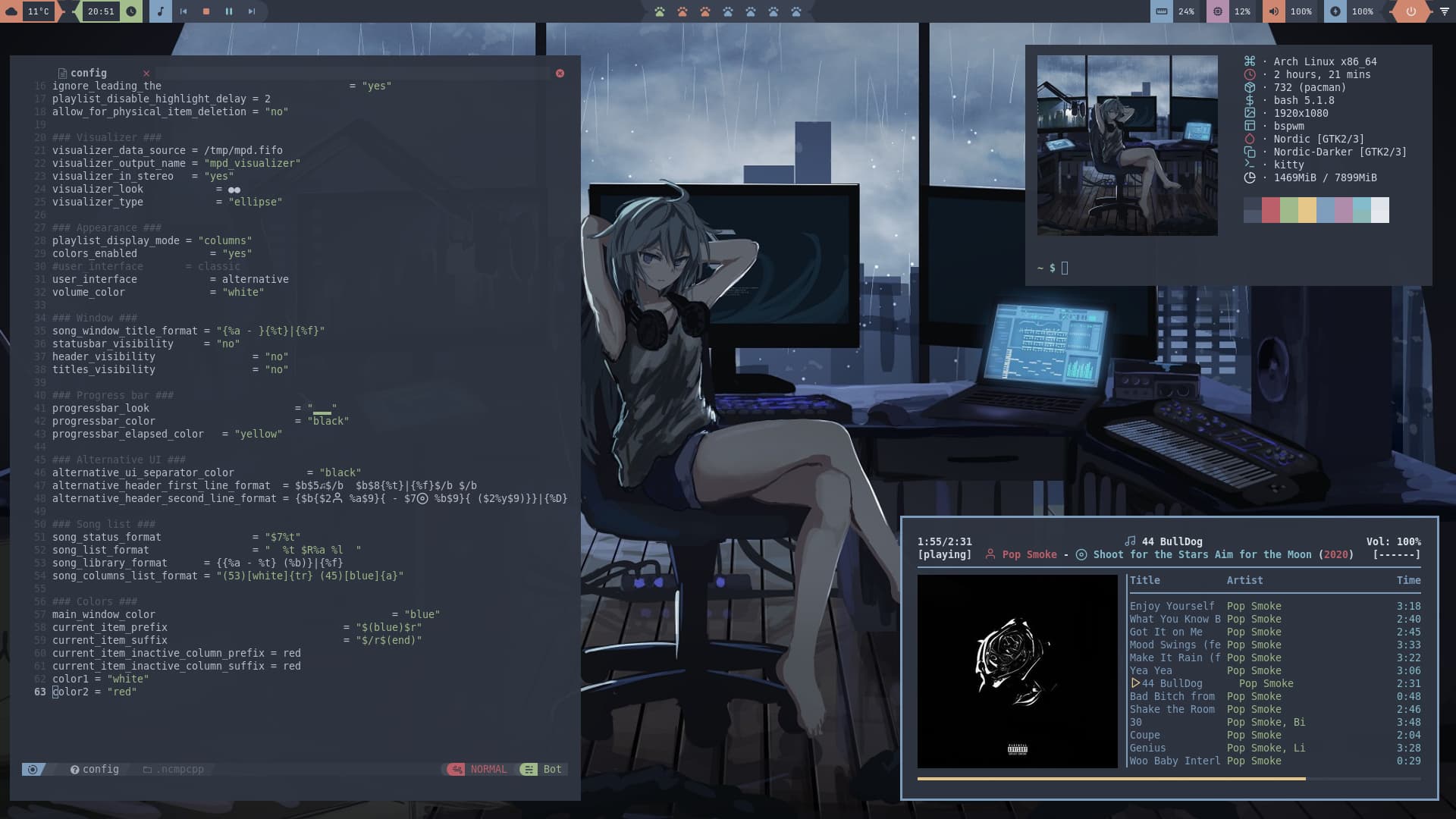
Nice wallpaper, looks a lot like my setup, but without microphone and +1 laptop and midi-controller 
bspwm
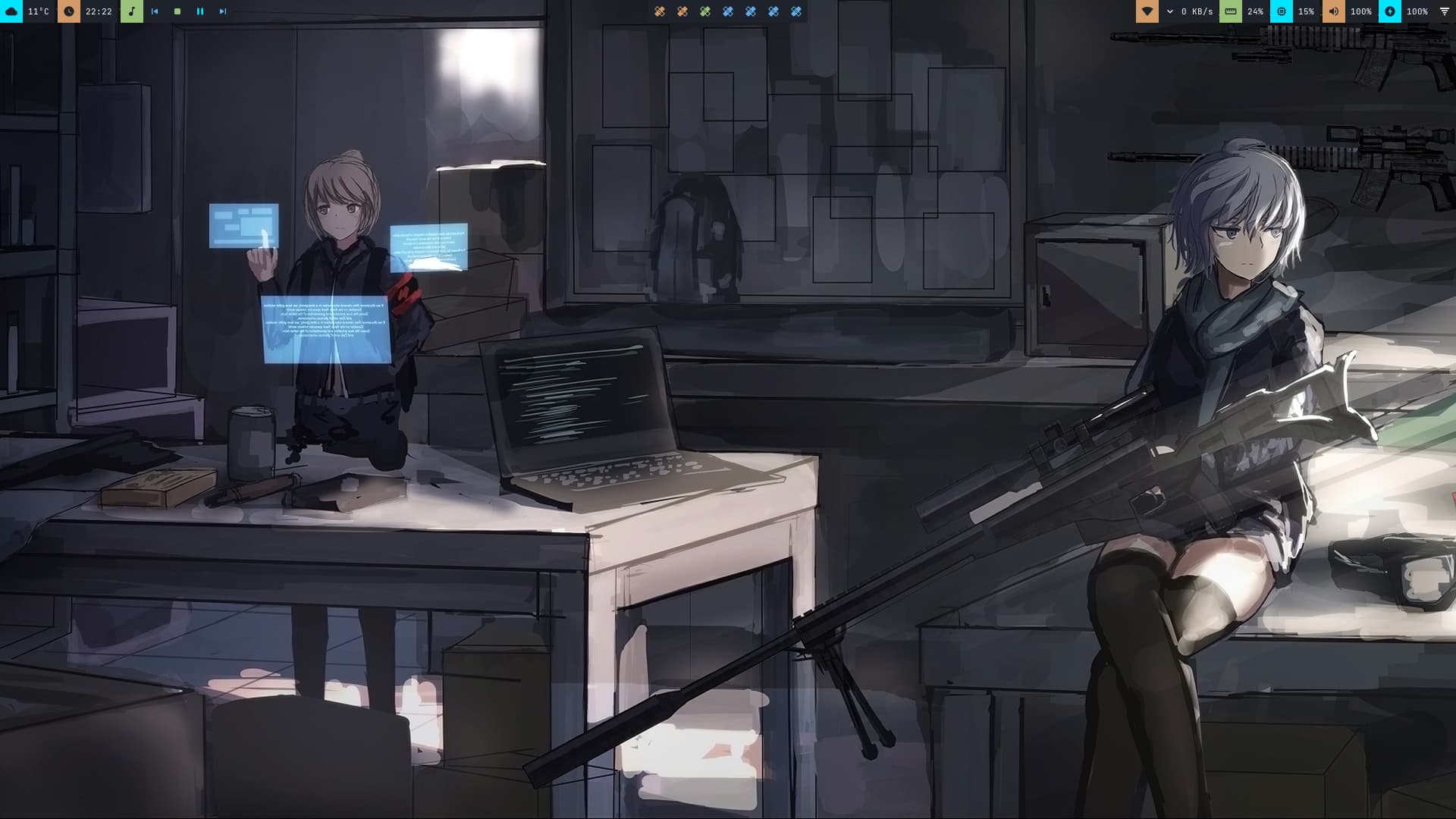
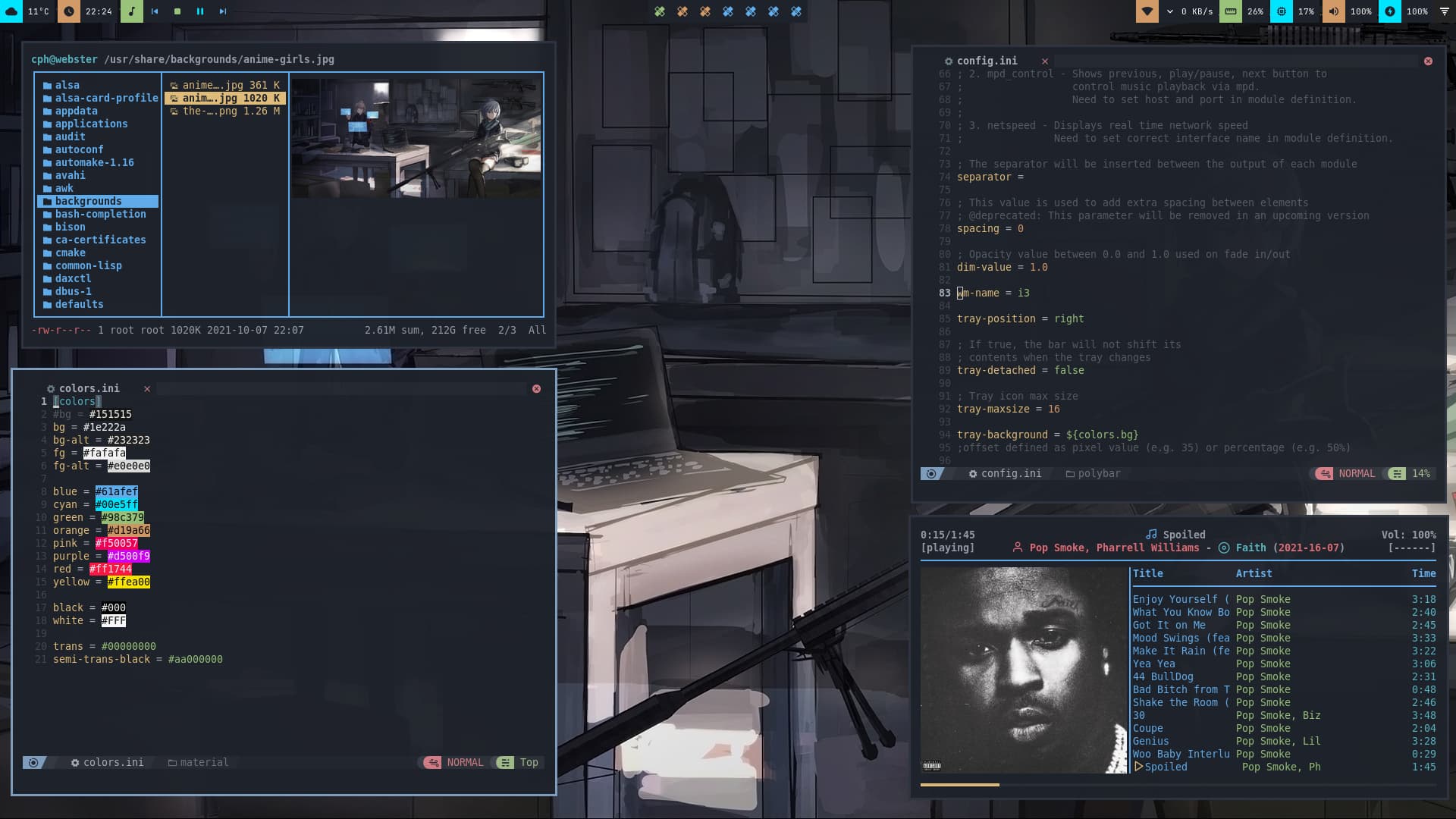
xmonad with polybar
this time was not easy
it has taken me 4 hours to put it together
but I learn something new every time