No I haven’t. Thank you for the suggestion. I will look into it and see if it can be of some help.
1 Like
There are some settings like that in my Sony phone running Android 11. I haven’t looked into it yet but the option appears to be there. I don’t know if it’s a Sony or Android thing 
1 Like
If I am not mistaken, the ones installed from F-Droid come with somewhat more functionalities than their correspondent versions from Play Store.
1 Like
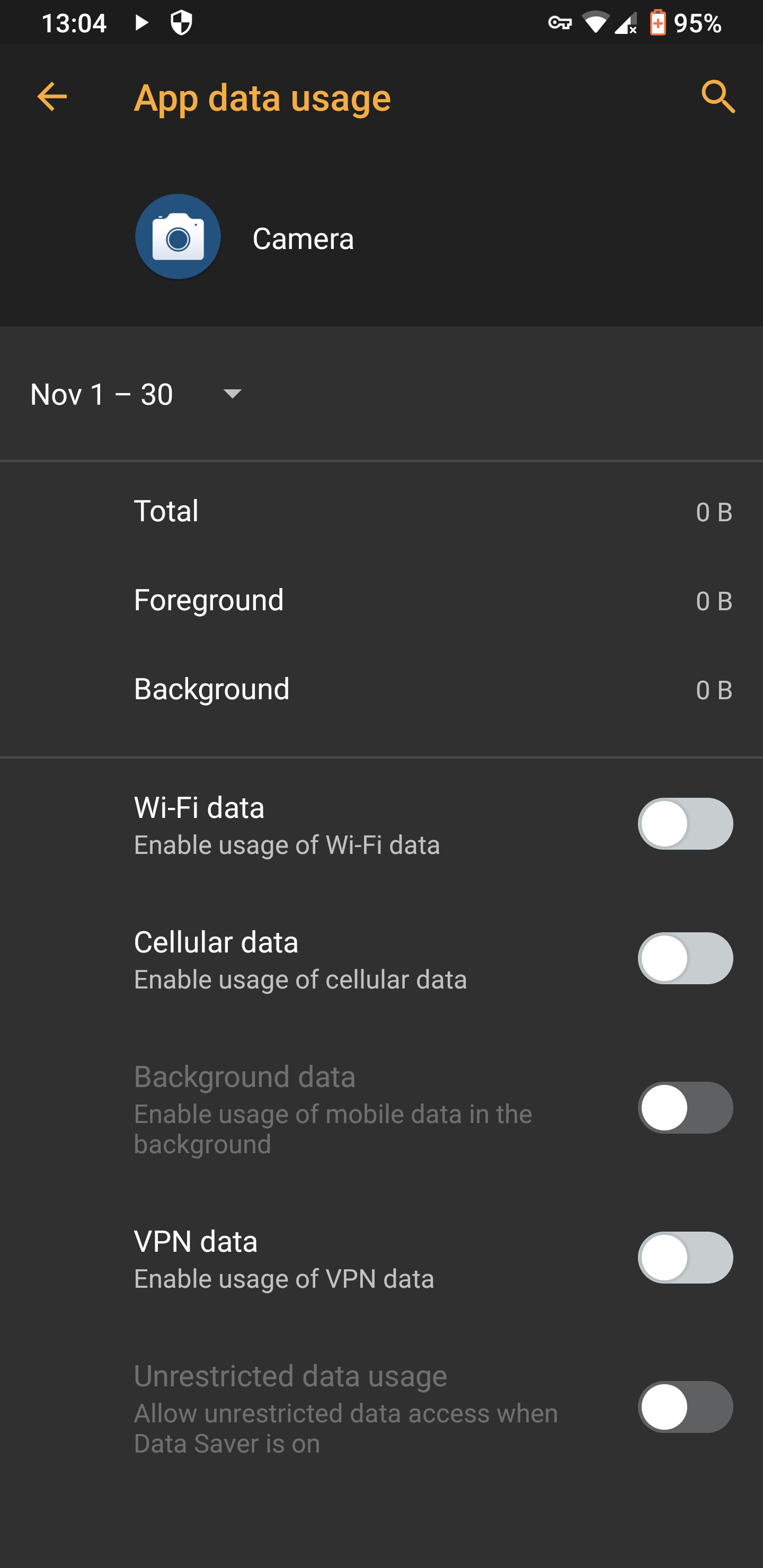
My device is not rooted. You will need Aurora services for automated installations, which I suspect needs to be installed as a system application, but this does not require a rooted device. It can be done with adb, a custom recovery (requires unlocked bootloader), or various other android applications.
edit: there are installations instructions for Aurora services using adb, without root, on the GitLab page.
1 Like
Great! Thanks for the explanation!
I was mistaken then about the need for a rooted device in order to being able to install system apps.
Of course using a terminal and adb is the way then.
2 Likes
It’s in Apps & notifications/Advanced/App permissions, and then you go from there. It lists access to various things like camera etc. It looks like a lot of setting up but very comprehensive and ultimately gets down to every installed app giving the option of Allow only while using the app, Ask every time or Deny. Looks pretty good!
1 Like
Sure, I’ve got that as well.
This is on a Galaxy S8 running on /e/ still on Android 9 for this device 
Maybe someone can try this on a Samsung or other phone that is non-Sony. I’m not sure if it’s an Android setting or not. I do know that the latest Sony phones are pretty much vanilla Android unlike many. Pixels obviously are!
Oh OK, just got that!
1 Like
My last phone was a Galaxy S4mini running Android 4.4 (!) so all this stuff is new to me! 
1 Like
If I remember correctly, those permission settings have been there since Android 7. Or was it 8 
That’s quite an upgrade from 4.4 KitKat to Android 11! Nice!
Yeah it’s pretty much blown my mind! 

I am currently using a Lenovo Yoga Smart Tab with Google. I think the F-Droid is just as capable of automatically updating apps installed from its repositories as the Play Store. I haven’t even heard of this Aurora. This is why this thread is useful. If I understand correctly, this really makes sense on Android devices that don’t use Google services. Otherwise, I think Aurora may collide with the Google Play Store. Huawei, for example, which already uses HMS, can be considered as such in this respect?
Yes, it makes more sense on devices without Gapps. However, Aurora wouldn’t interfere with the Google Play Store directly. Both would be updating apps from the same source. It would just end up being the case that the app that most recently checked for updates updated the app.
1 Like
Just to clarify, I mean you would need blacklist the application within Aurora. For instance, if you had microG installed and the Aurora store was telling you you had an update available for Gapp/service x (that you knew had been replaced by microG), you’d know that was wrong and would have to blacklist the update within Aurora.
1 Like
Great! Thanks for further clarification! I appreciate it.
Just switched back to Android. Remember antenna pod a couple of years back! Still the best podcast app?
Firefox is still laggy, scrolling, any fixes or am I doomed to use chrome?!
AntennaPod seems to be doing, I guess everything you would be expecting of a podcast app. It runs nicely on my device and I am quite pleased with it both when it comes to functionality and UI.
As for Firefox, I don’t have it installed. However I use occasionally a fork, namely Mull. I find it a good browser but it is indeed a bit slower than my daily which is Bromite.
1 Like