I just “made” awesome and light weight notification center using Mako with fzf
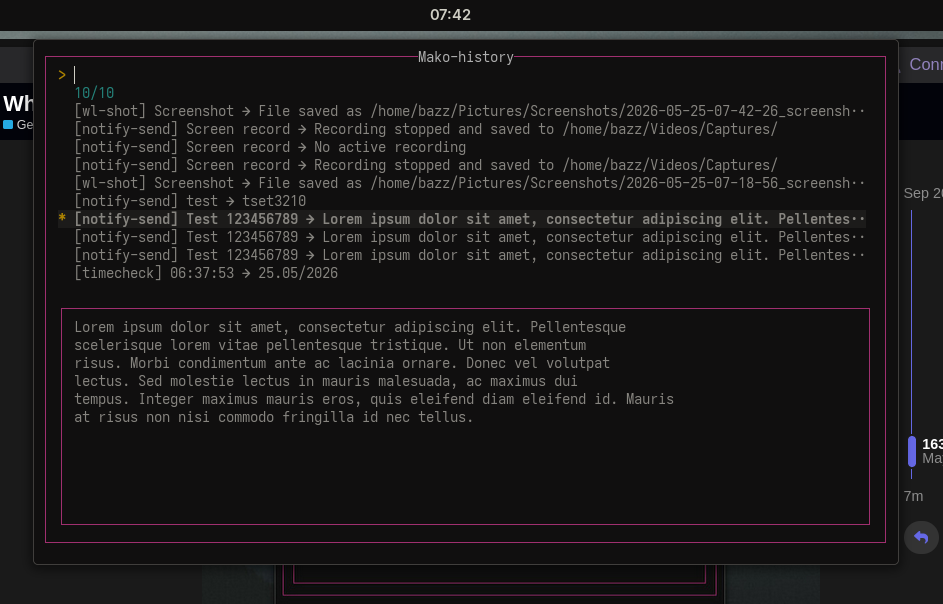
Magical oneliner!
makoctl history -j | jq -r ".[] | \"[\(.app_name)] \(.summary) ➜ \(.body)\"" | fzf --layout reverse --border-label="Mako-history" --delimiter " ➜ " --preview "echo {2} | fmt -s" --preview-window=bottom:wrap
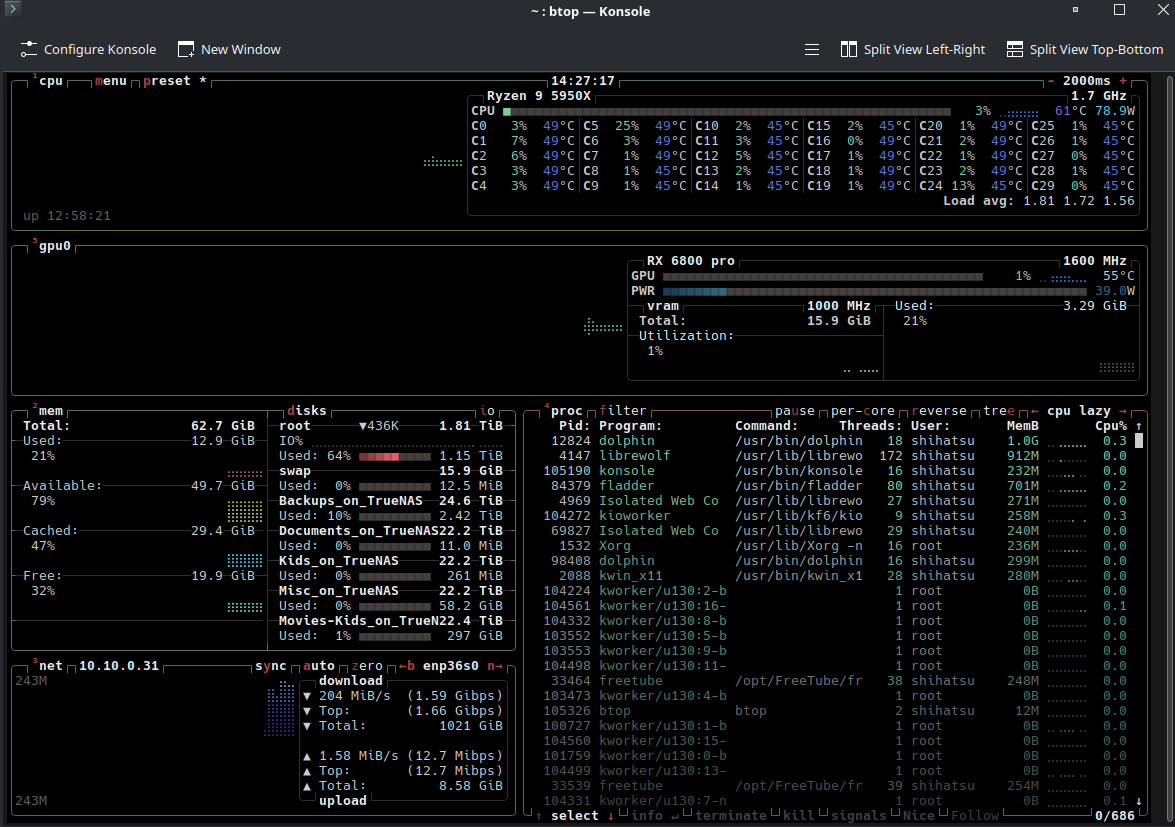
For me it was btop. I used htop for years, then tried btop and never went back. Seeing CPU, memory, disk, and network all in one clean view just makes way more sense. Felt like going from a spreadsheet to an actual dashboard.
Welcome to the community @Talor 


I’ve been using htop for a while and decided to give btop a go based on your recommendation. You’re right, it is a lot clearer! Thank you!
I gave it a try on an external CIFS mount and it is really cool! Indexing a remote CIFS directory with gnome’s localsearch is cumbersome and slow and it consumes not only CPU but also network bandwidth. Instead, clapgrep is doing the job very well. Thanks for bringing it up.
For AMD user: You need to install rocm-smi-lib package.
I intendly did not mention this 
I only noticed it because the GPU display wasn’t working for me
Aaaand then you checked the documentation, which was my plan
I’m really sorry, that wasn’t my intention
Yeah, I’ve had btop installed for ages. But I never really looked into it. It’s more of a “must-have” program. It wasn’t until I saw a post saying you could also enable the GPU that I got curious
Both btop and htop here 
Anyone try ‘Shelly’?
I also use Octopi, pacseek, and yay.
Remembering the ton’s of software out there and all the categories to be explored takes a toll on one’s memory. . . The names can be easily forgotten. I’ve install and played a lot with different distro’s over the years and not being a purist , I use anything and everything that I can possibly find to educated myself. Apt for Debian users is another interesting helper. . . if you use Debian. Software package management comes to mind. . .
Rich
Shelly was mentioned multiple times as recently discovered application, just search in this thread. It does not seem to have the best reputation in our community, but I never tried it myself, so take it with a grain of salt.
All software can be buggy. . . the intent of how it can be used as a means to identify what is available and being worked on is what interests me.
Rich
What are the packages for btop and htop?
i never knew that my favorite subtitleedit do have native port on linux. although it is in beta version but still is nice to have it here. Now i want notepad++ have ported it here also please.. 
I used to enjoy Notepad++ too.
Kate contends well with it, being very polished and lean, but quite powerful too (just not obviously so). It’s what I use now (if not using code).
There’s also Notepad Next, which aims to be a cross-platform reimplimentation of Notepad++ (essentially what you’d requested). I’ve not tried it though.
There’s an AppImage available for that too, so it should be easy enough to try. There are AUR entries as well.
Yeah I too want notepad++ too ported to Linux. I
Need its macro capability badly. There is no text editor which can do what notepad++ can do. Come on notepad++ team, port it.