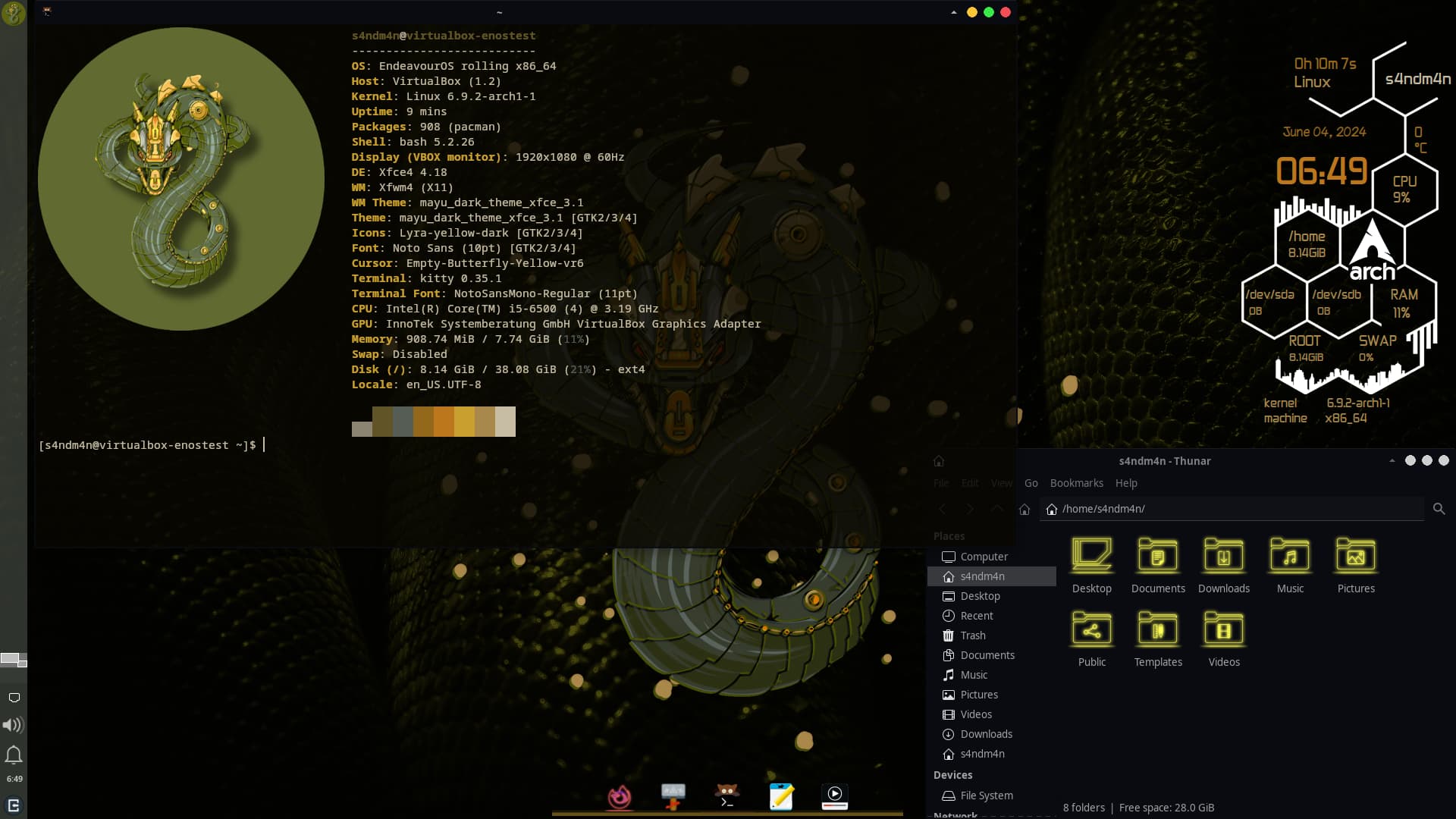
P.S: I replaced the xfce terminal with kitty. It’s a far better terminal than I thought. Also, if anyone wishes to learn I can write a tutorial on how to do this.
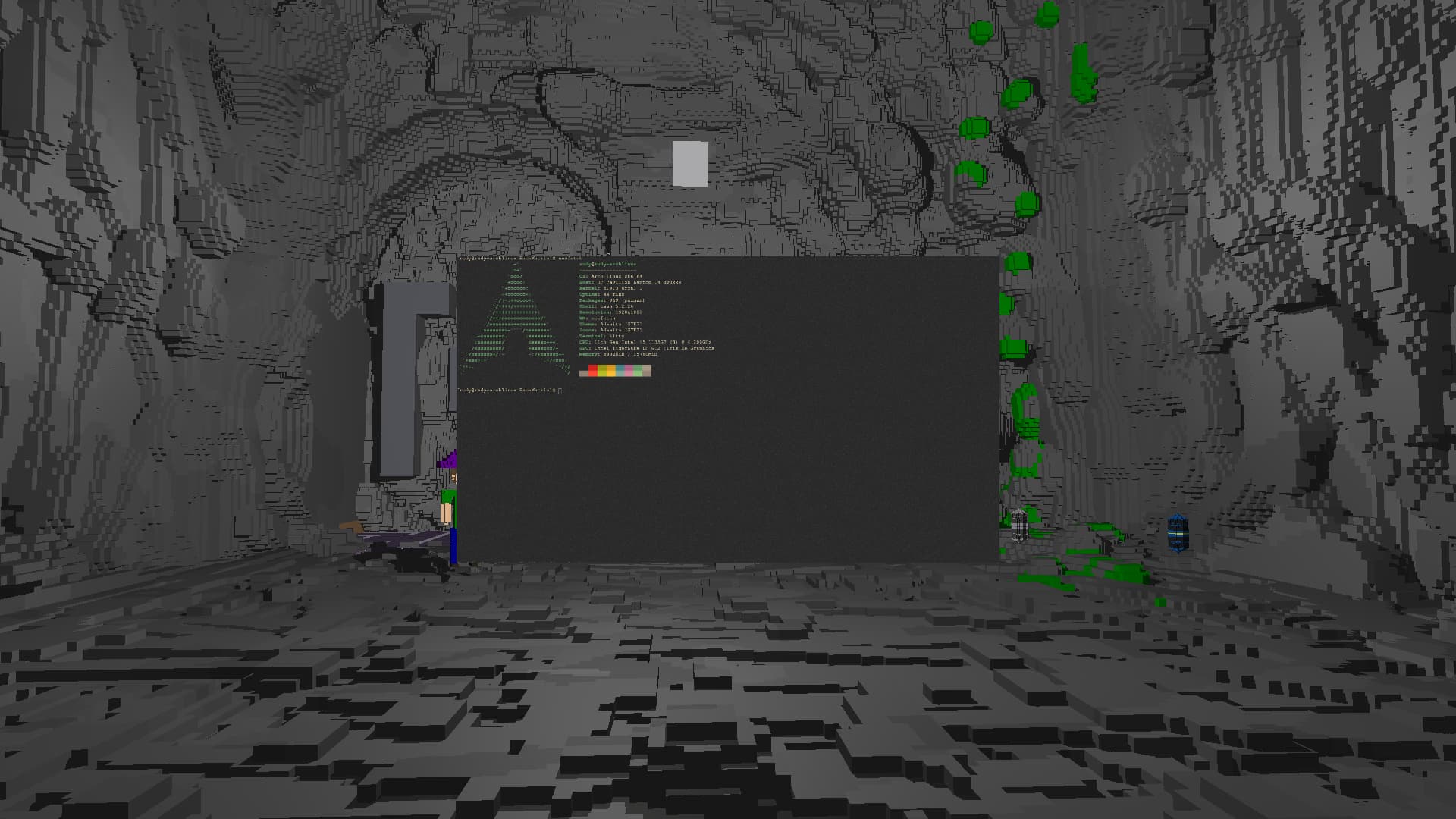
this could be the craziest and the most unique one in here , i am actually not using wayfire or anything my WM is seriously neofetch on the image and i can pretty much move around like literally walk in my whole setup with wasd keys and i can see the back of my window too
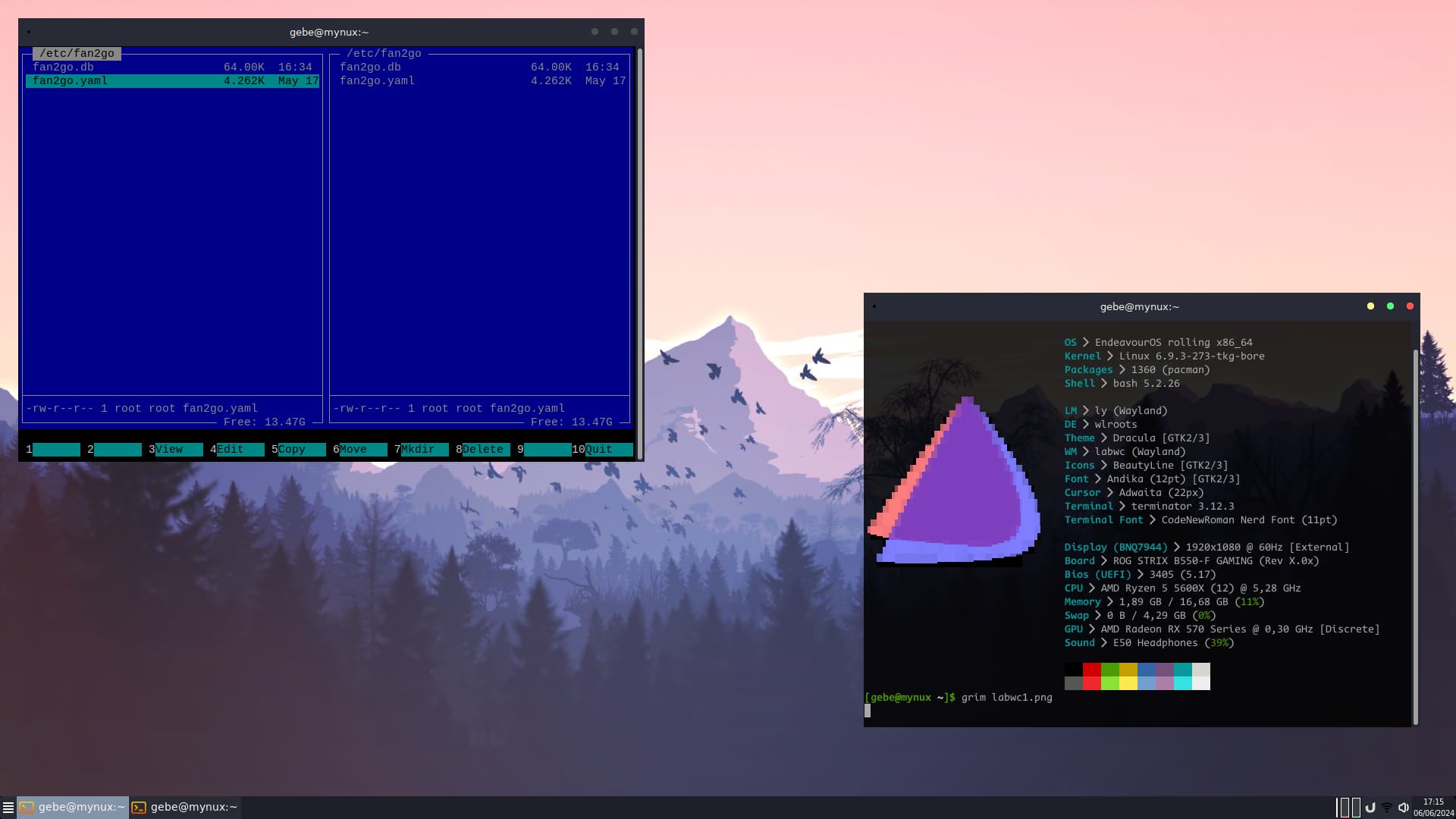
Yeah labwc is i thing best replacement for openbox on wayland.
But its replacement of somting easy, stable and old.
Nothing more only openbox nativly under wayland (from outside).
Now there is lots of better VM , openbox and his compatible ports without nothing significaly new will slowly disappeare or move to special projects .
I will be preparing low power pc for consume internet for beginer and i thing i will use (N3350 , 6g ram) and for that , clen arch(endeavor no desktop) with noting mote that labwc on wayland and optimalise everything will be good start. (Becaus i know the openbox config … i remeber its like 20yers the same … )
I’ve not been “playing” a lot with Openbox, I was more a Windowmaker/Rox Filer/Xfce guy . I still keep using Xfce and I didn’t find any wayland alternative I would switch to yet.
Only a few widgets added and reduced to the bare minimum
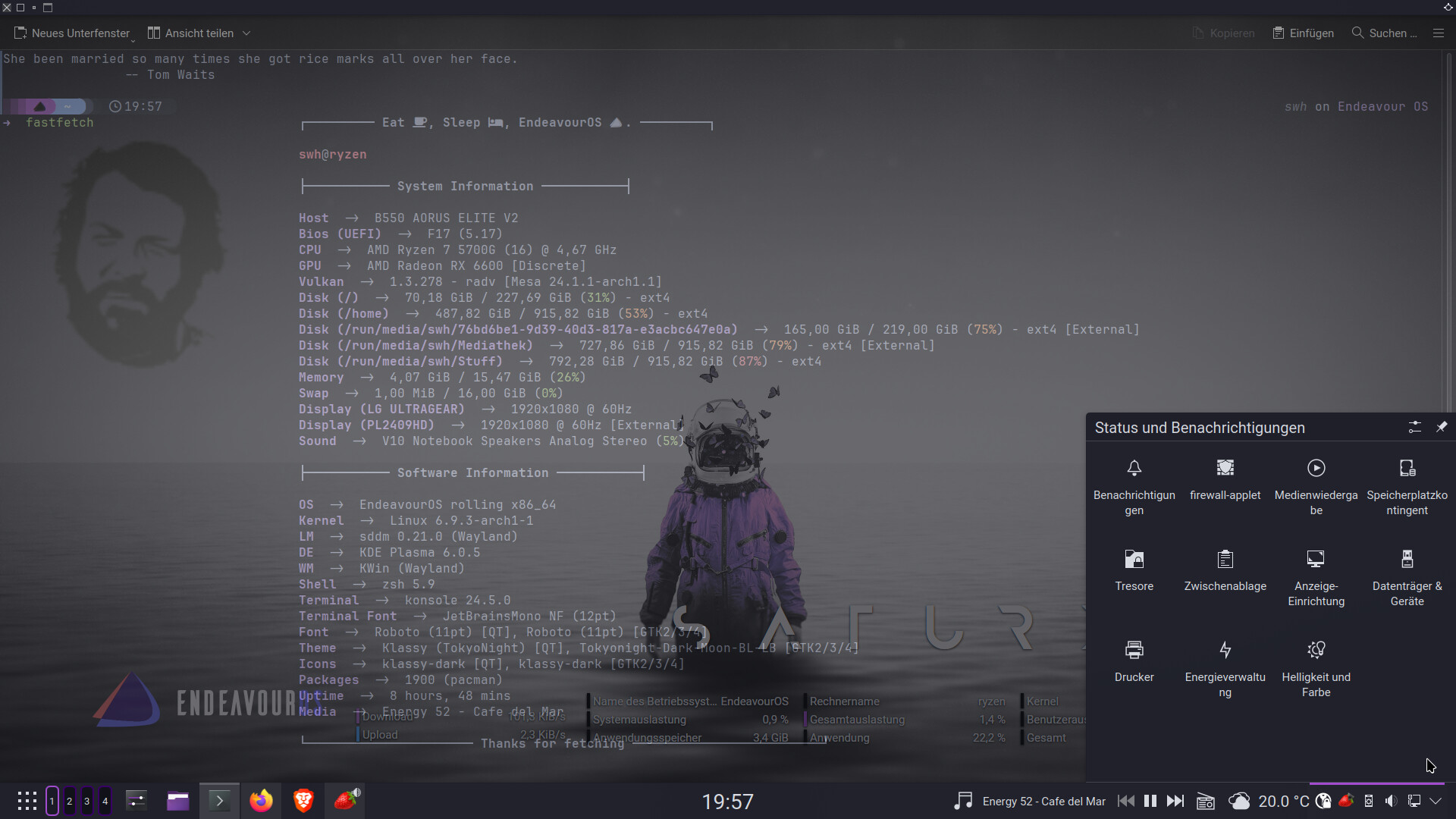
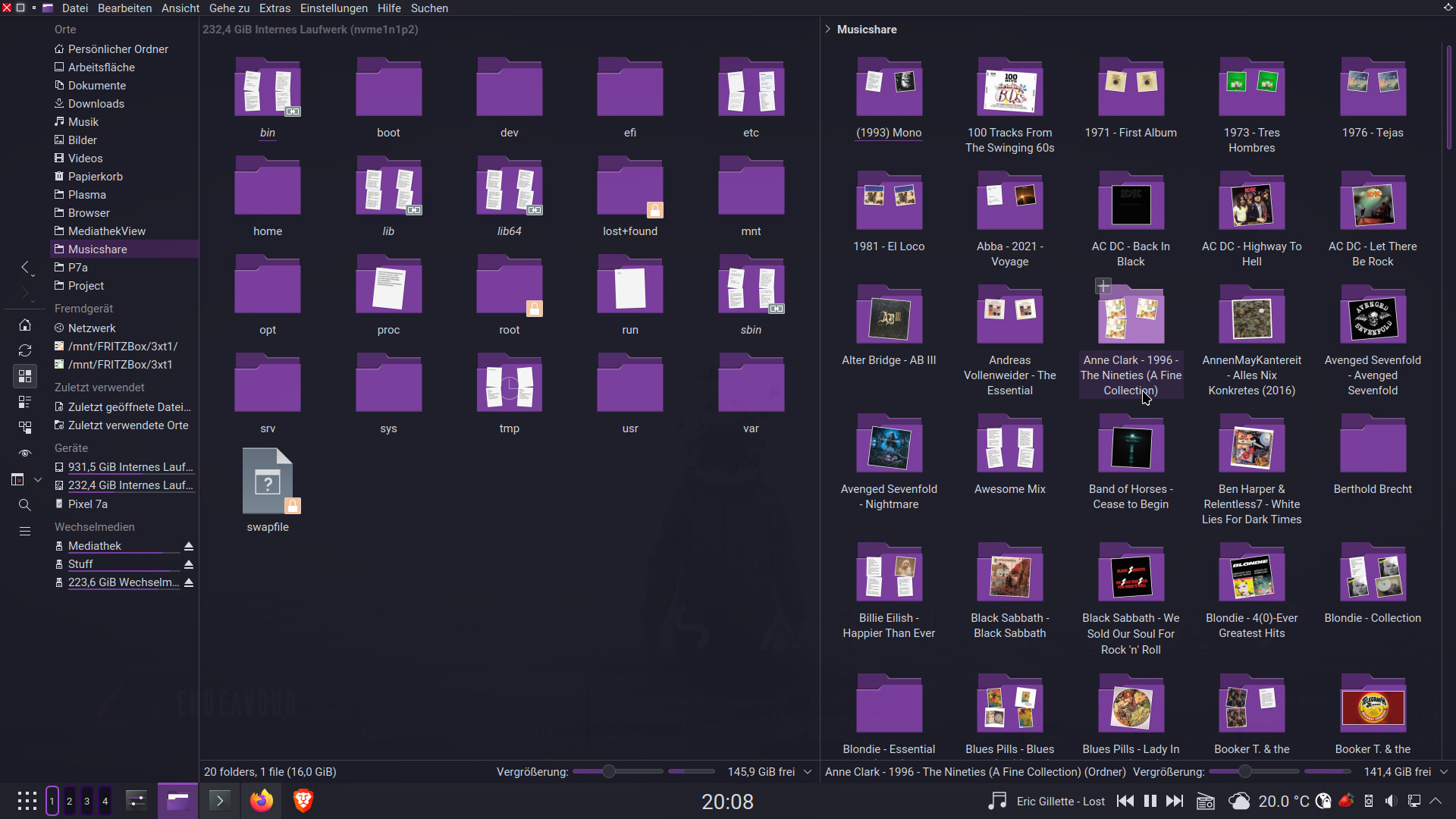
Klassy Theme, Klassy Window decoration. Klassy Icons again. Blurred and transparent as usual.
Top Panel Application Title Bar and Global Menu. Application overview on the far right.
Bottom panel kickoff launcher, compact pager and bar with icons. PlasMusic toolbar and wunderground on the right. System section of the control bar reduced to the minimum.
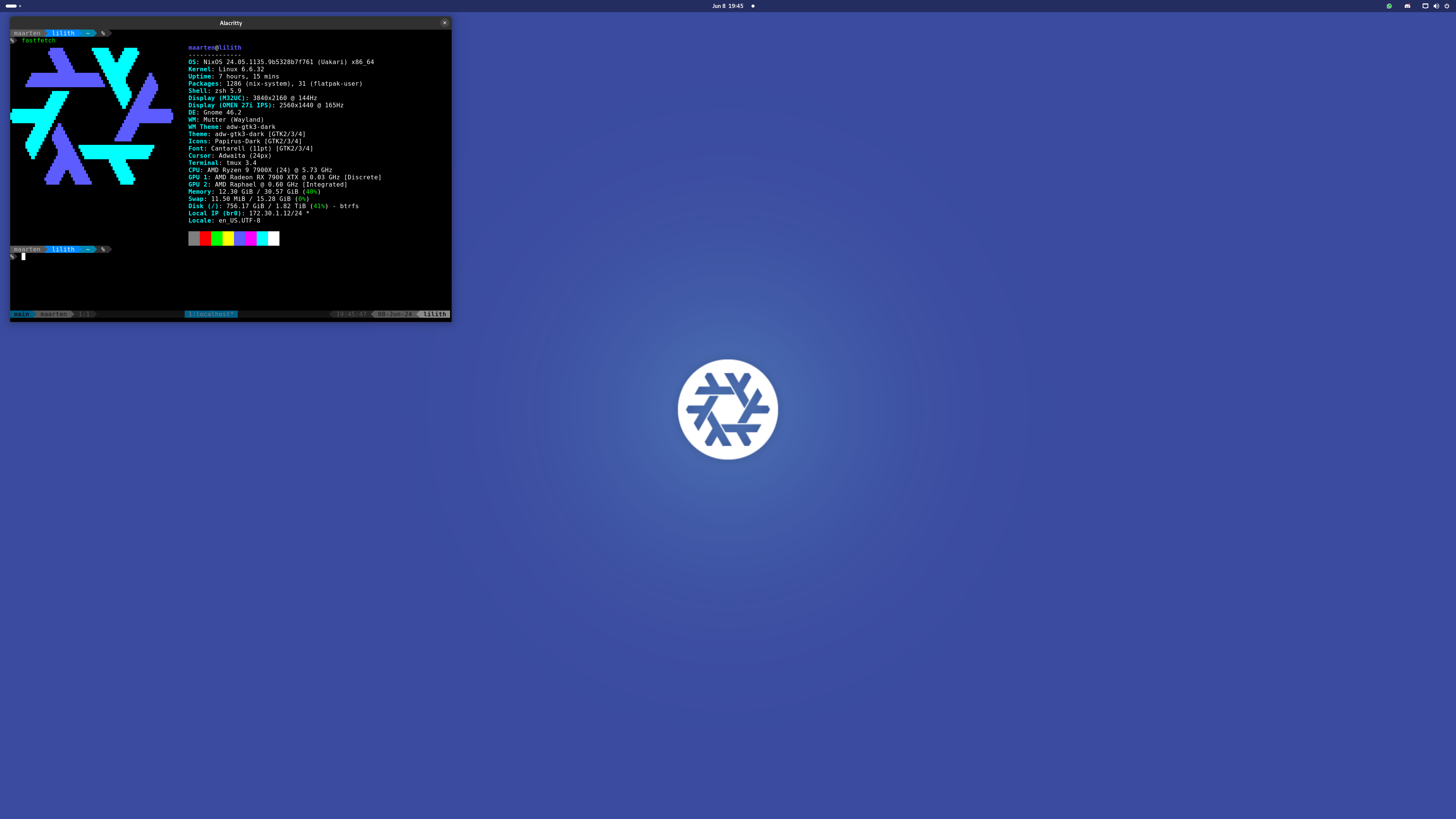
I really need to investigate NixOS further. I have Fedora Kinoite (Fedora Silverblue, but KDE) in a VM at the moment. Atomic, while technically immutable, seems easier for a noob to immutable distros.
But, having a look at a pretty comprehensive NixOS wiki, I may give that a go.
I only switched over today, I had been using Silverblue for a month or so before today. I had been wanting to try NixOS but had never taken the time because it looked so much more complicated than Arch. But yesterday I decided to install it in a vm and then I realized it wasn’t at all that complicated so today I reinstalled my desktop system with NixOS. I’m really enjoying it, since it kind of gave me the feeling Arch first gave me when trying to figure it out. I’m sure I’ll still learn some things I don’t currently know yet but that knowledge will come with some more experience with NixOS.
If you enjoy Arch you will probably also enjoy NixOS, so play around with it in a vm and see how you get on with it. Here’s the link I used for most of setting it up, the rest I Google when I needed to look for something specific.


 .
. … i remeber its like 20yers the same … )