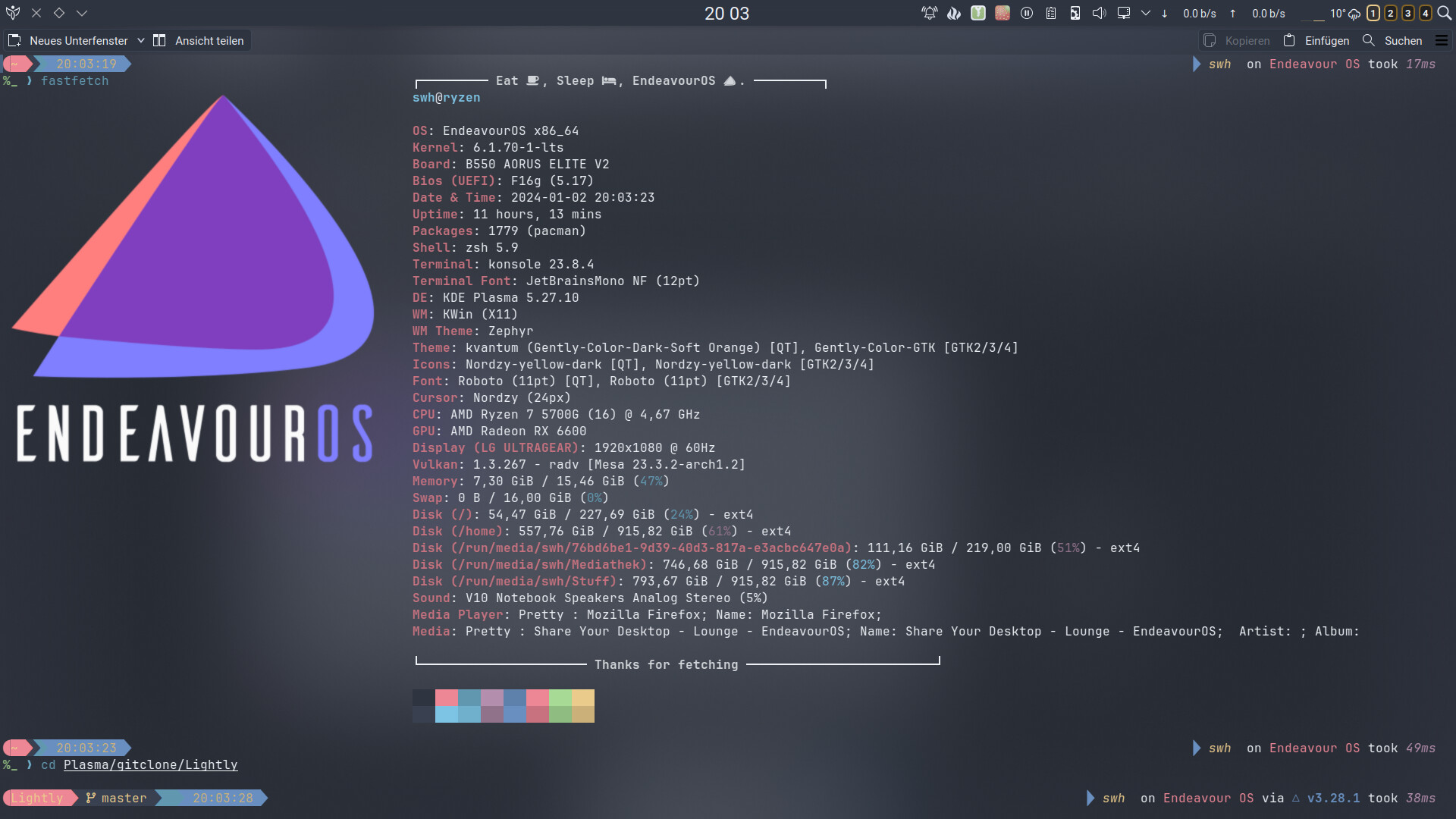
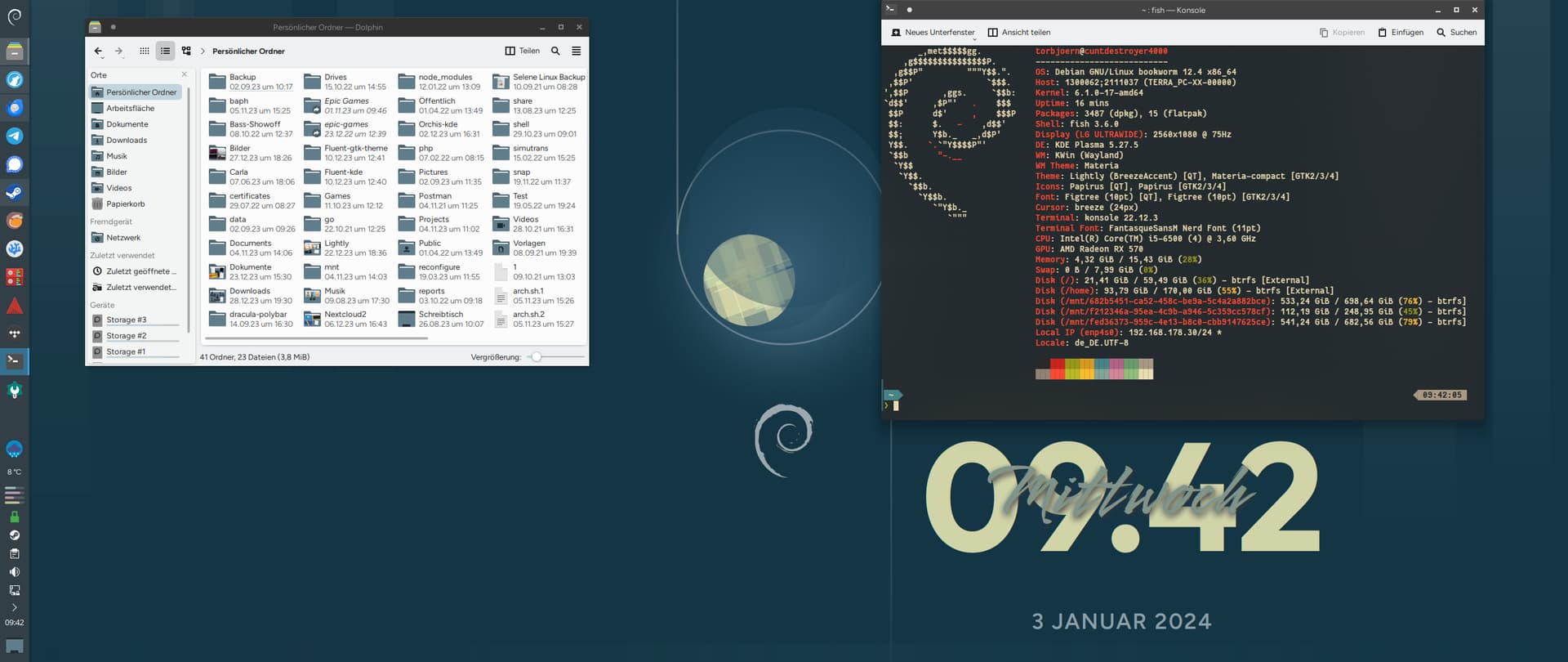
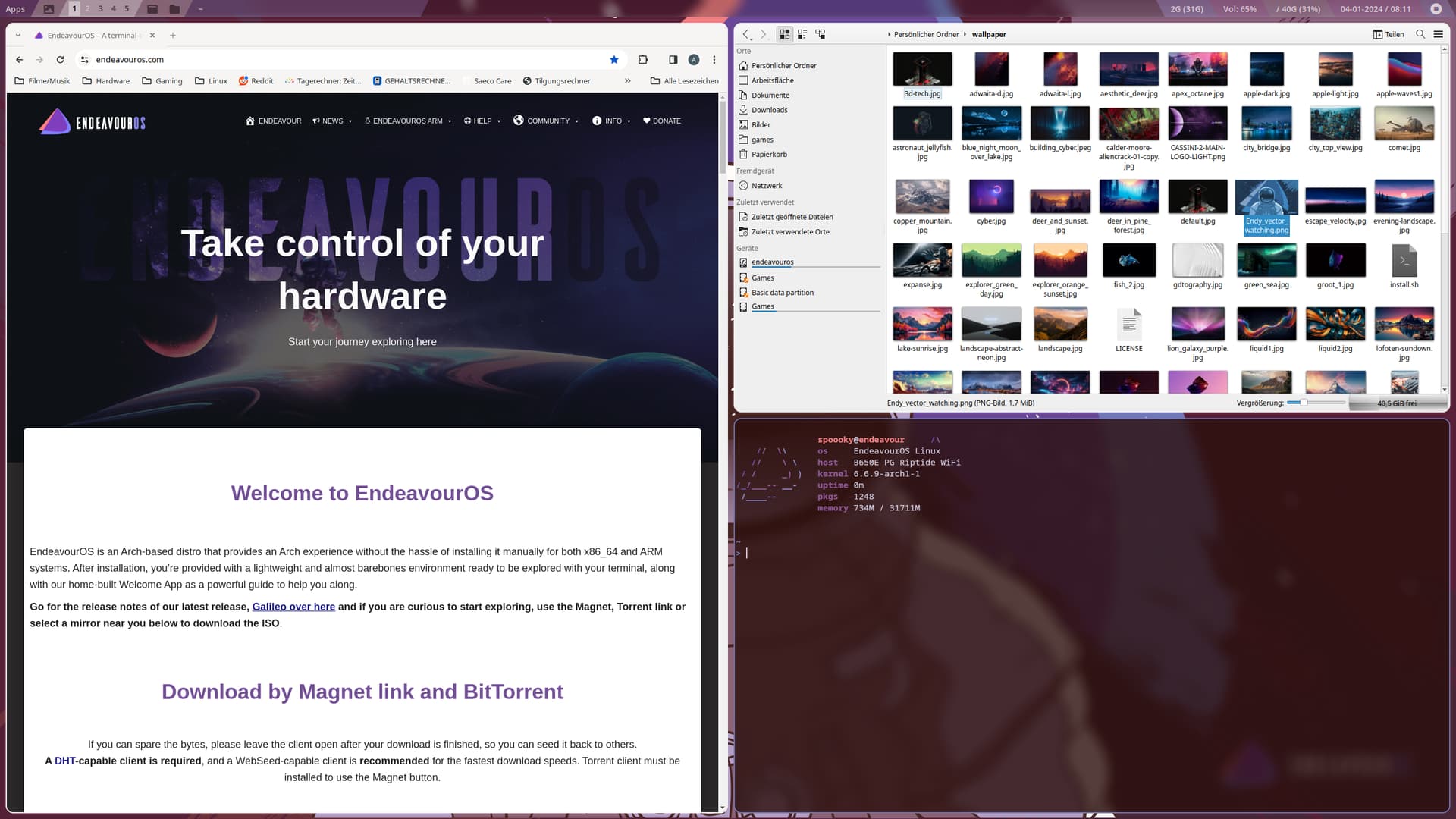
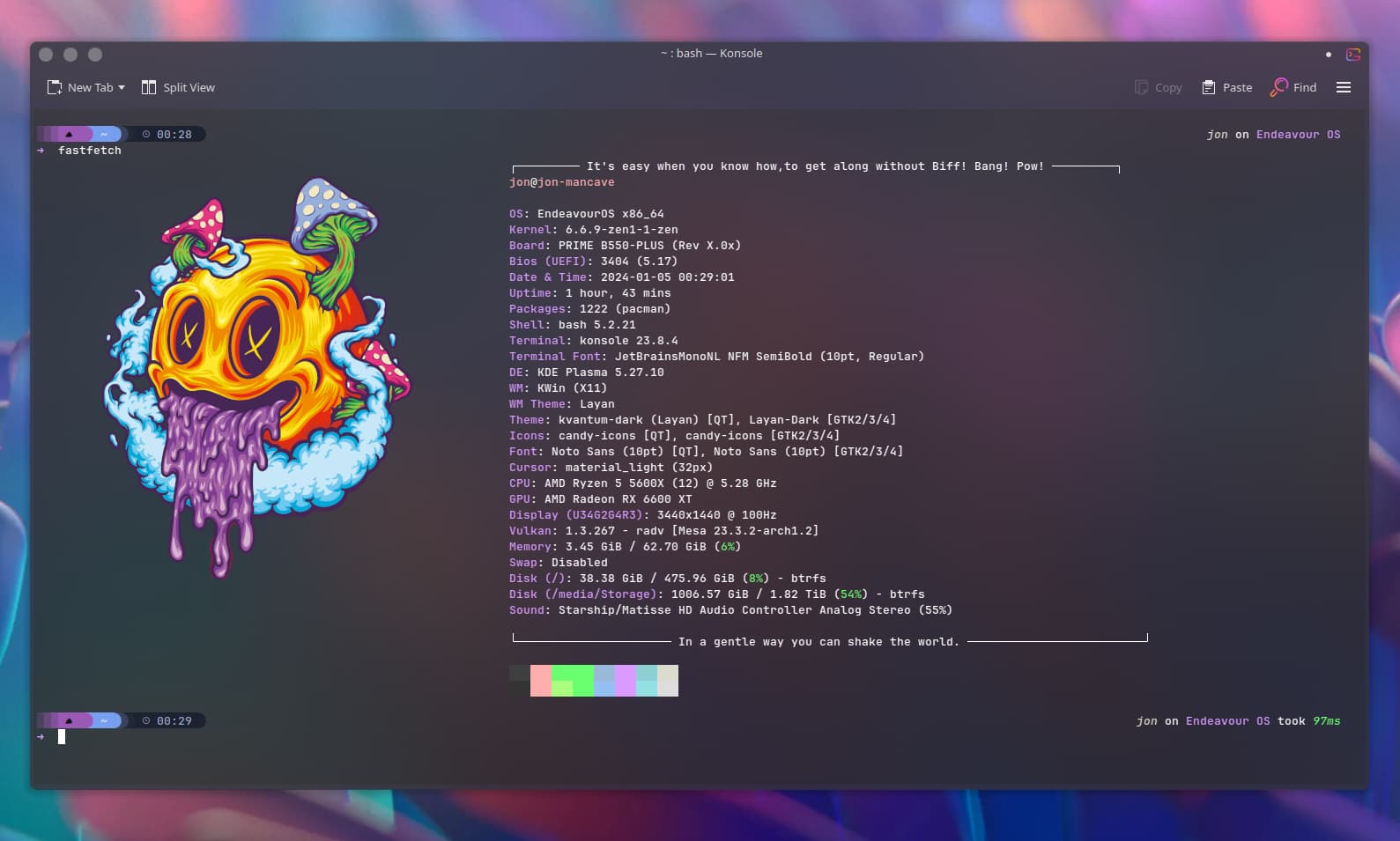
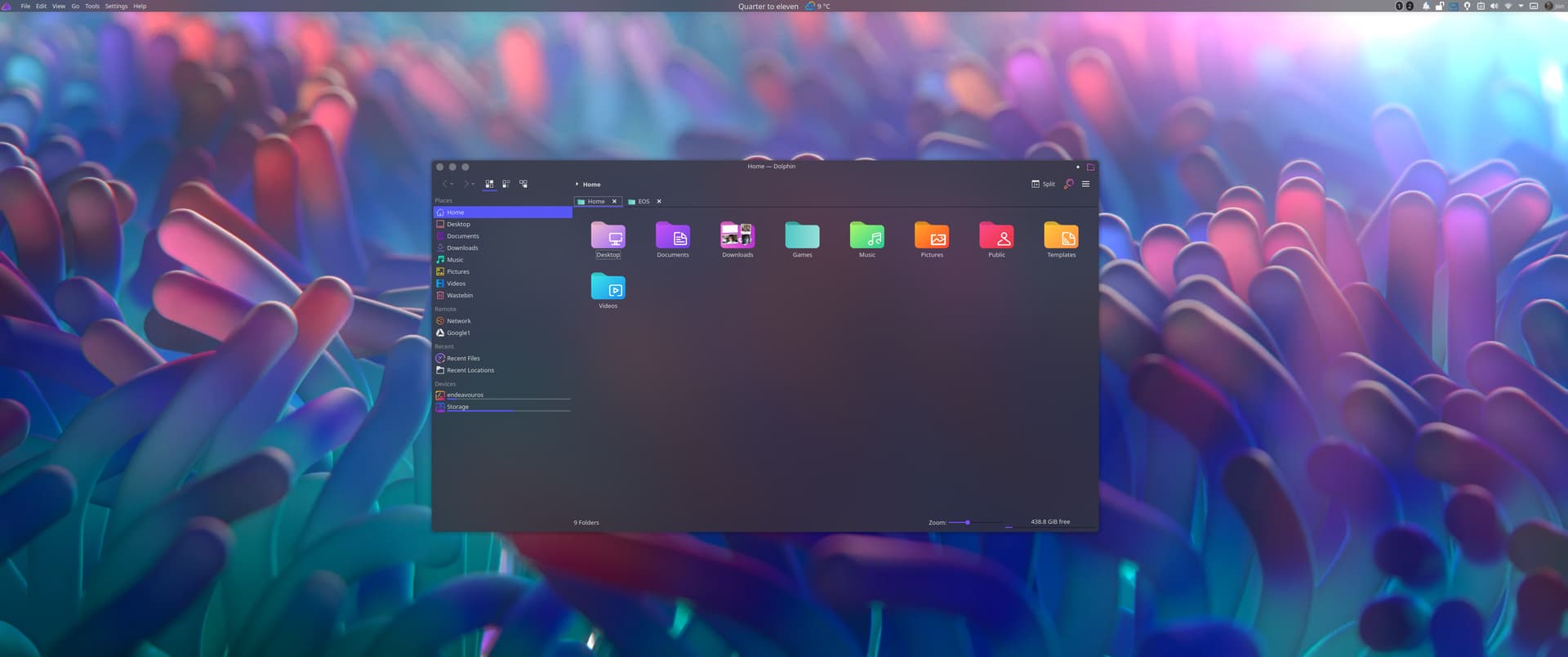
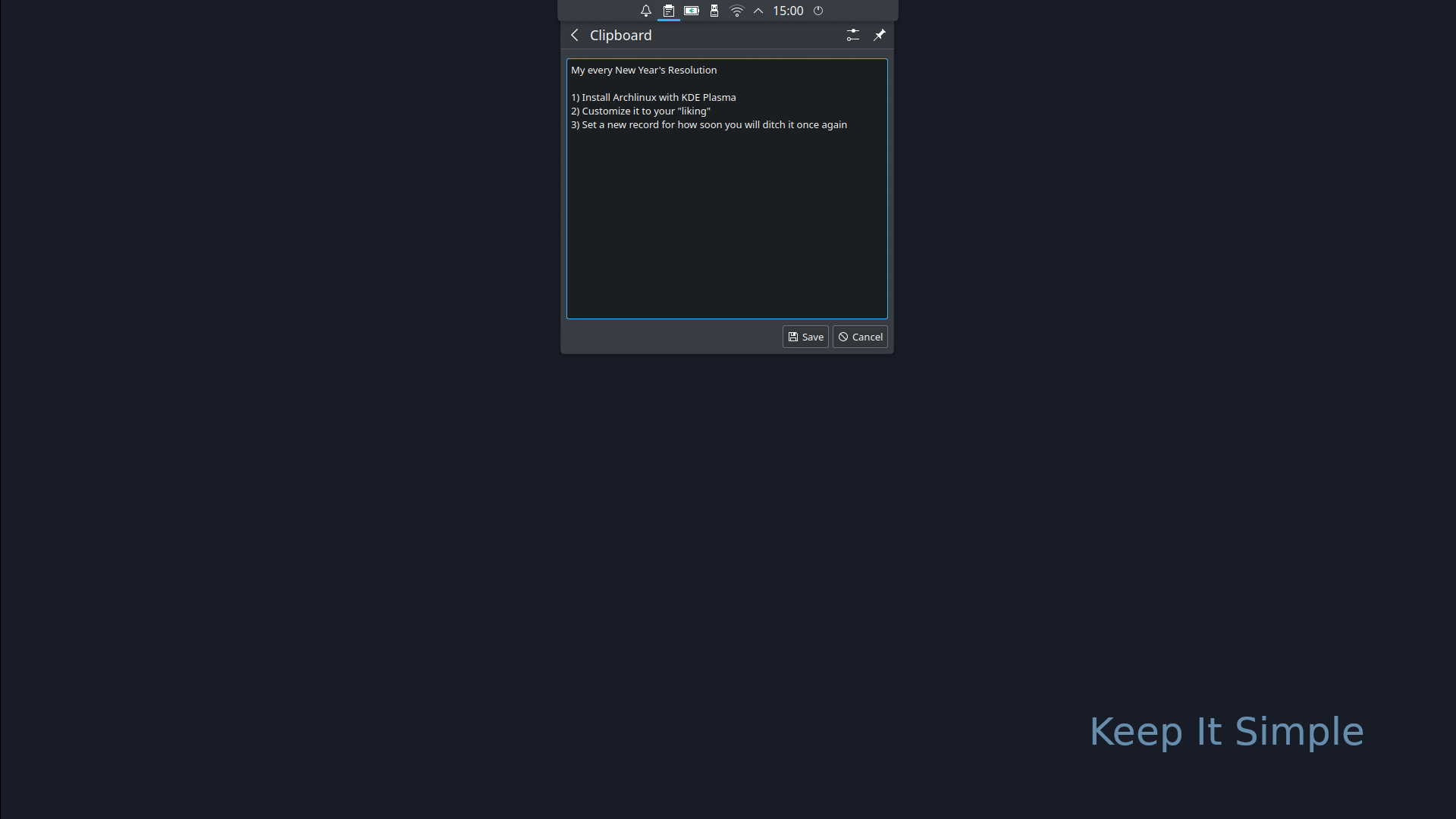
Archlinux | KDE Plasma 5.27 | Top Panel Autohide



spoiler
This year I may challenge myself to keep it around until after the release of Plasma 6 
Archlinux | KDE Plasma 5.27 | Top Panel Autohide
This year I may challenge myself to keep it around until after the release of Plasma 6
Too much bloat!
Ah maaaan, thanks so much. I’ll get back on the ricicle bicycle at the weekend.
I did a little bit of DE hopping within EnOS over the past few days, I’d not tried Gnome so gave it a go. Needless to say I’m in the process of reinstalling Plasma. Probably my favourite part of hopping is getting it out of my system and coming back to something I am so comfortable with; EnOS Plasma.
I have mine set up similar using either krunner or a click of the mouse to open the menu on an empty desktop space. (I’ve readded the panel but rarely use it anymore)
Yes, krunner it is for me too. Works just fine.
I like to have a minimum of stuff on my desktop when I login. So I just see the wallpaper.
And a panel set to autohide just for the system tray. No launchers no nothing.
Maybe I just set up an autostart for konsole later on. That is what I launch first anyways.
Yup 100% I generally only use 1 or 2 programs at a time and when i turn on the pc I know what I’m after and the wallpaper/widgets are there just for eye candy in between tasks. I’d switch to openbox but KDE just implents this so much better with mininal effort
Really nice to see you around again. Happy New Year. 
It’s good to be around again, it was a nice little vacation though. I spent my time writing the great American novel and forum hopping elsewhere 
hehehehe I like that.
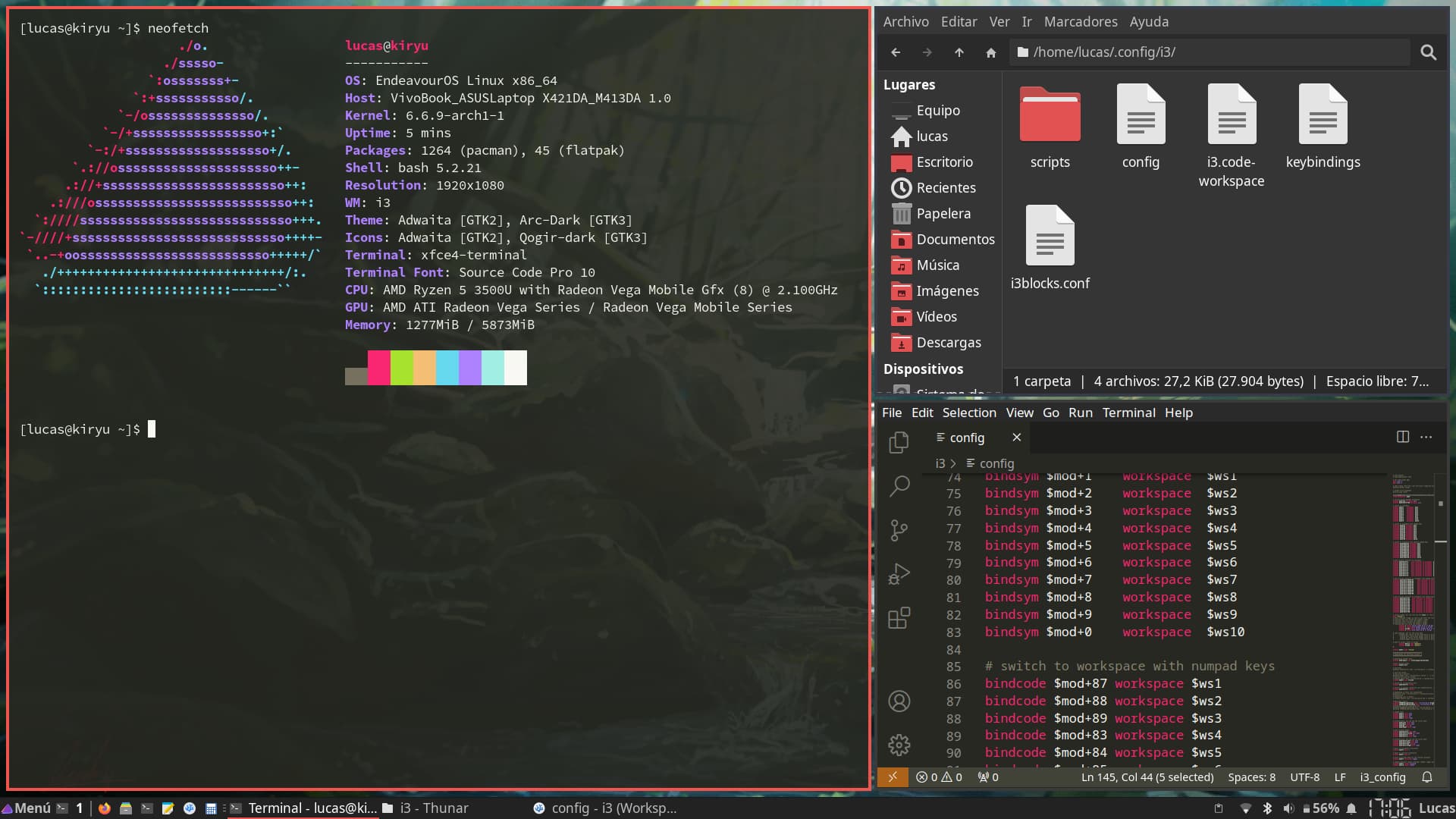
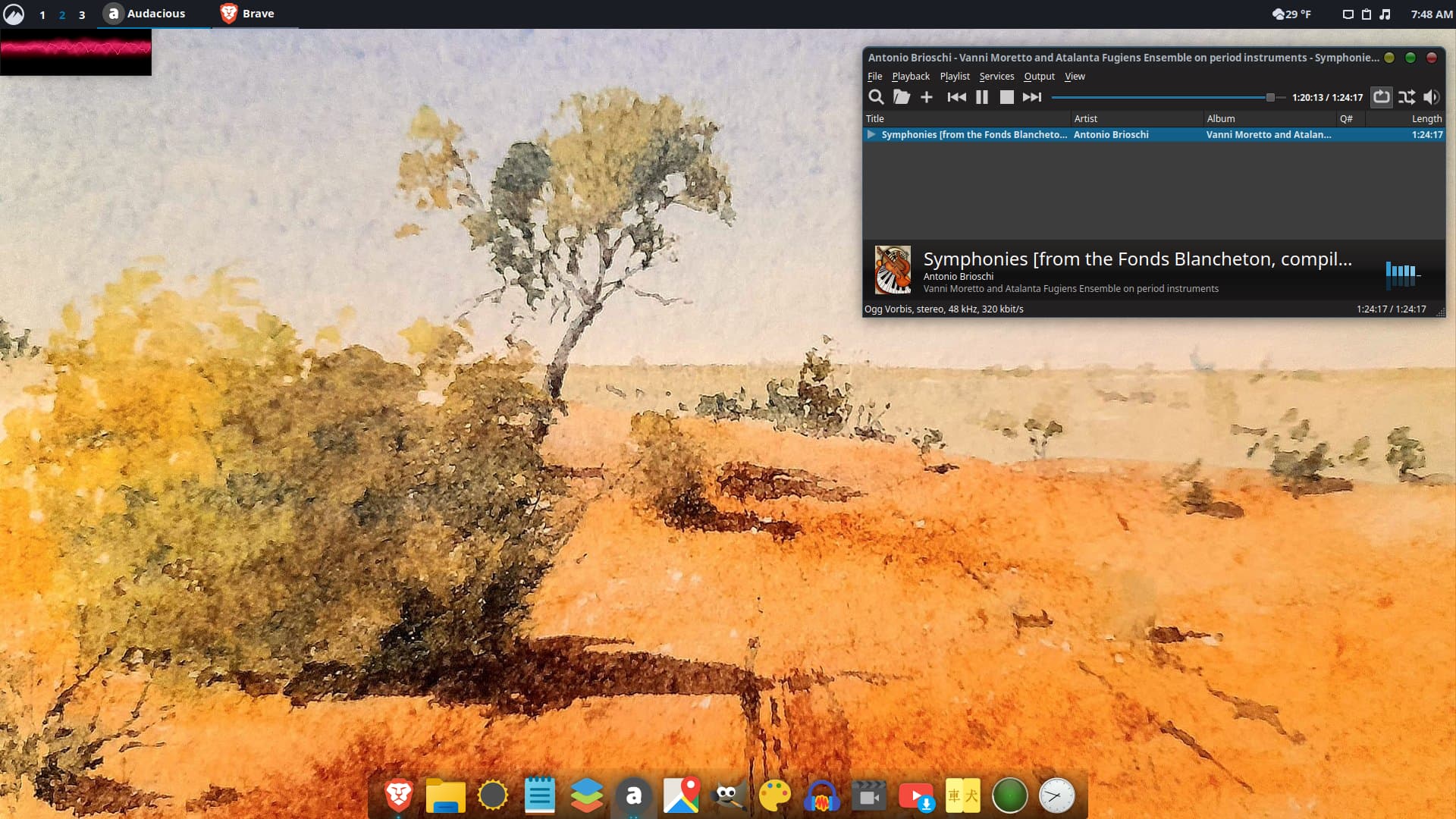
Thanks to @anon63071375 for the tutorial he made on Xfce + i3, it really helped me get things going.
First window manager experience! The wallpaper is not that great as i have them randomized and that’s what was there at the moment
The best of both worlds, Xfce desktop utilities and window manager control!
There’s not nearly enough xfce+i3 love out there. I’m glad to help anyway I could even if it’s an old tutorial, and I don’t really even use it anymore. That looks fantastic!
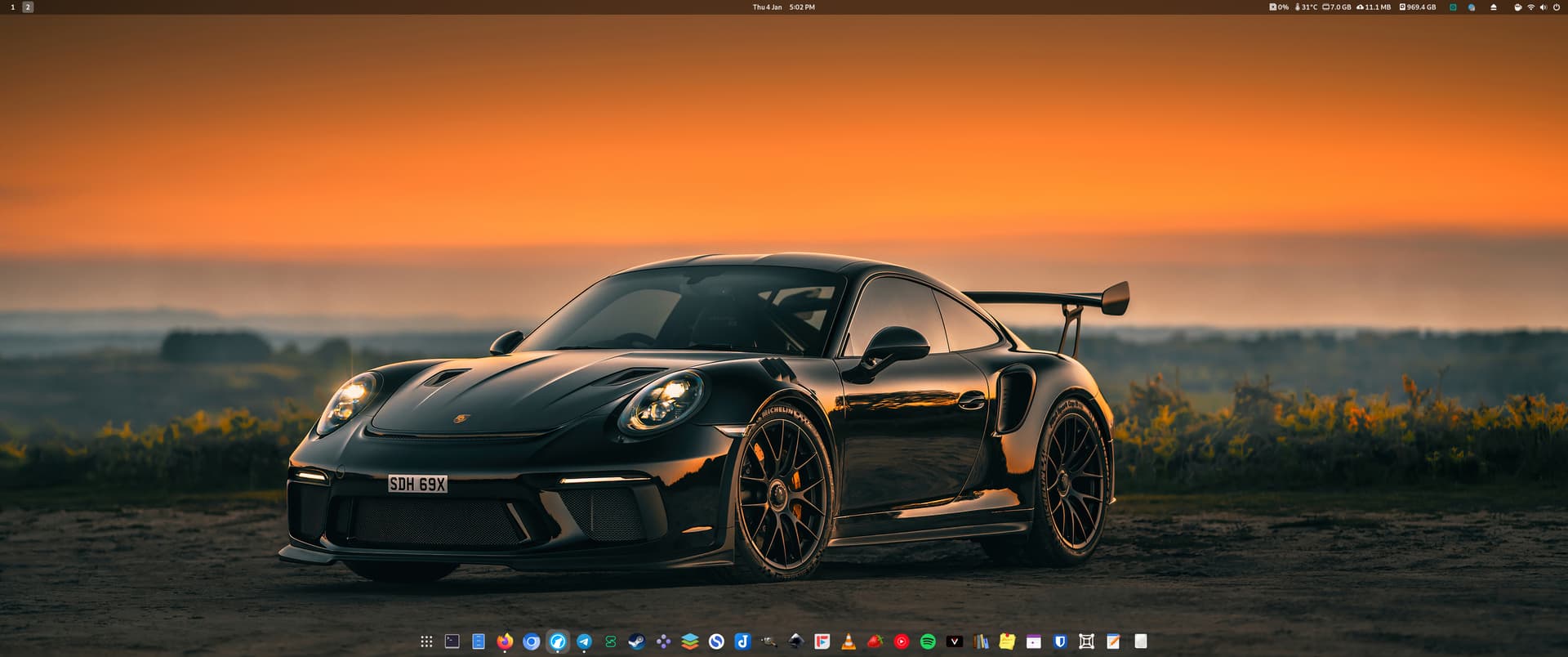
you can also use gnome with x11 btw. just saying. cinnamon great too 
Yeah, i had to adapt a bit to get everything working because you can’t install multiple desktops at the same time anymore.
I will update the tutorial in a comment with the steps i followed.
The combination is astonishing, xfce works flawlessly with i3