Nahh - it doesn’t infect anything… just don’t run your copy of neofetch! At least until it has been cleansed…
That looks more like a seamless dualboot. 
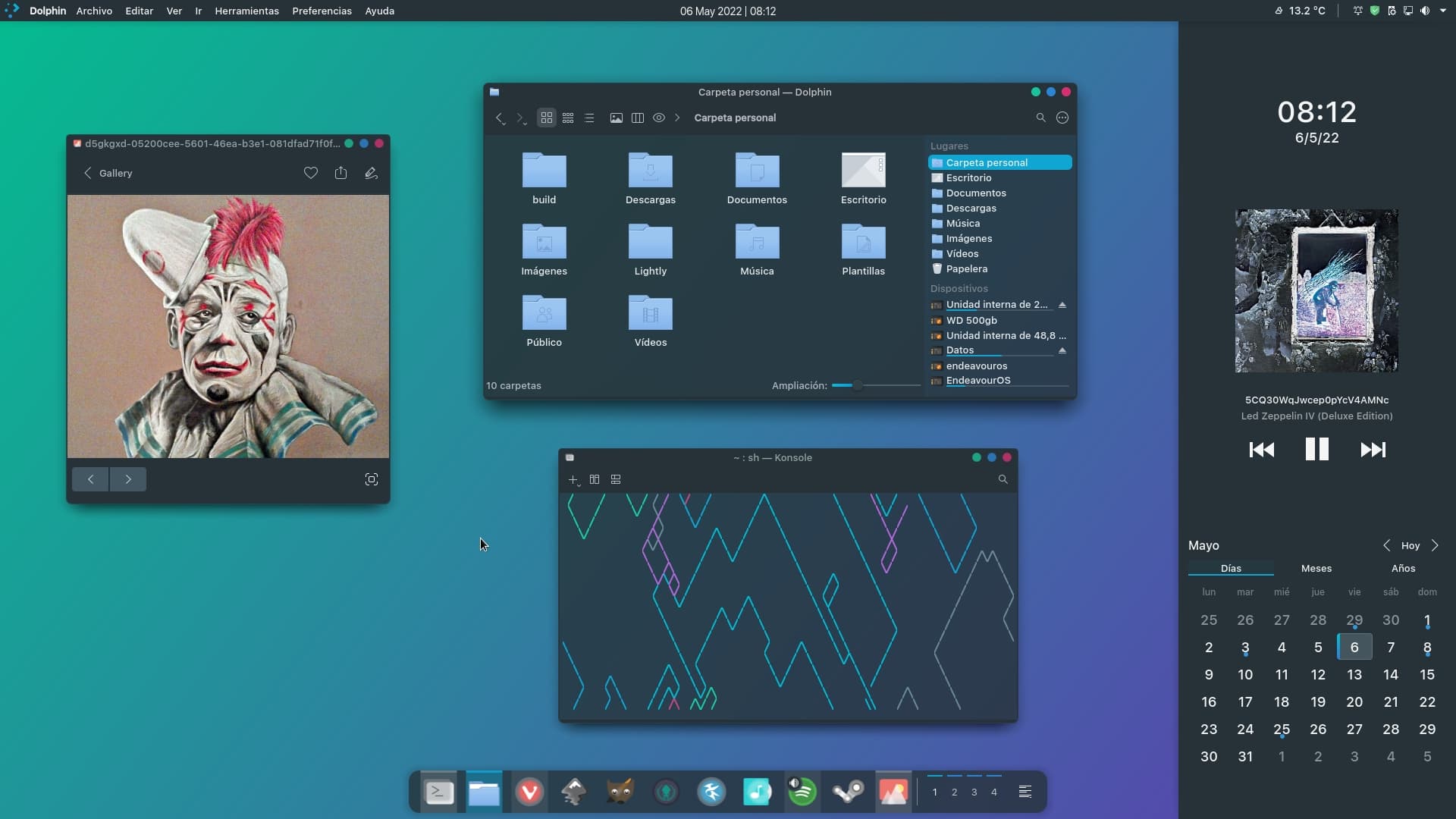
EndeavourOS Plasma, Edna themes.

5 Likes
it can move with or auto hide if no focus + push ESC for hide , in pref you will see .  just see post
yes i tried it already… works nicely… but i can’t stay on DEs  currently challenging myself with budgie on using it daily for a week
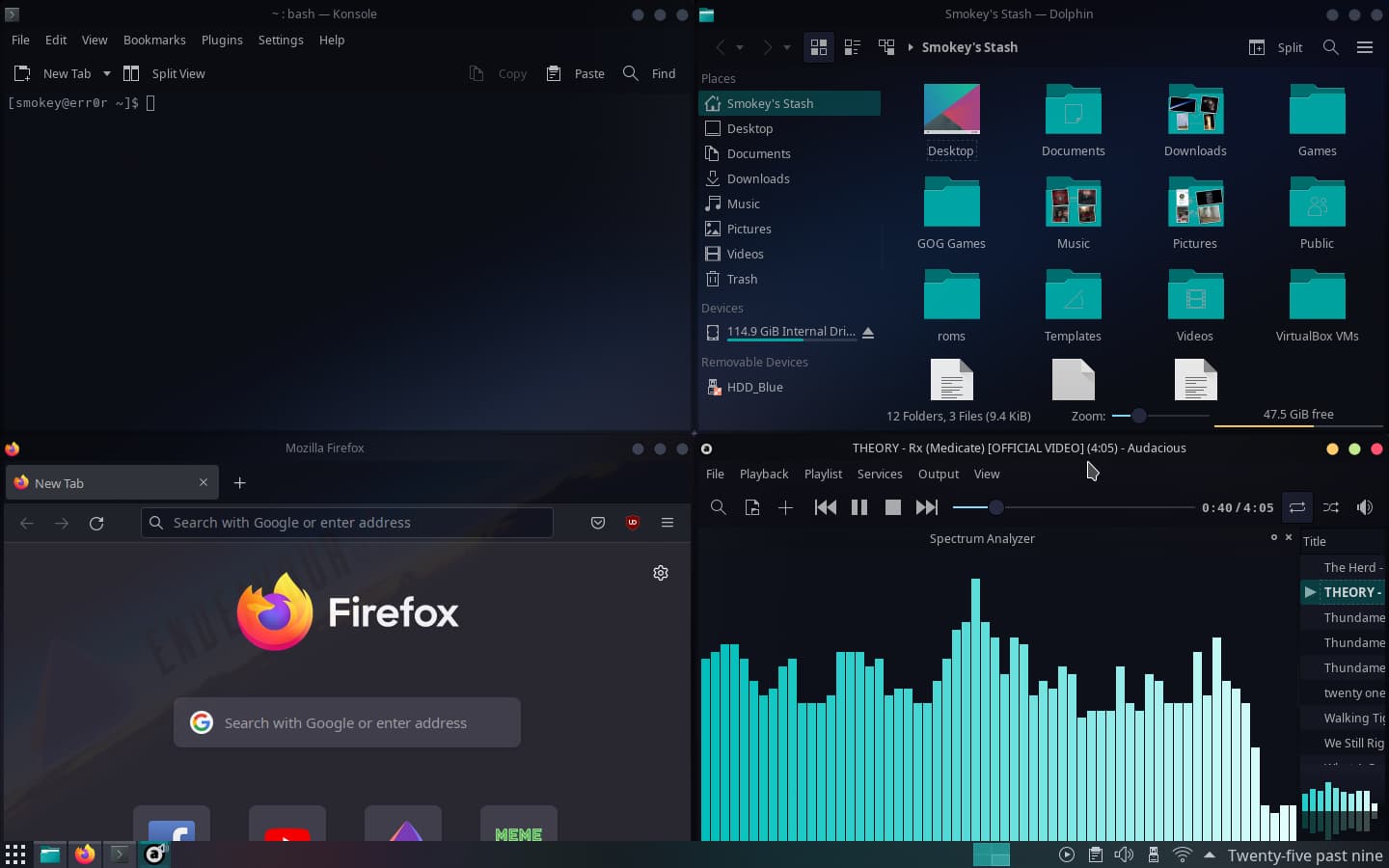
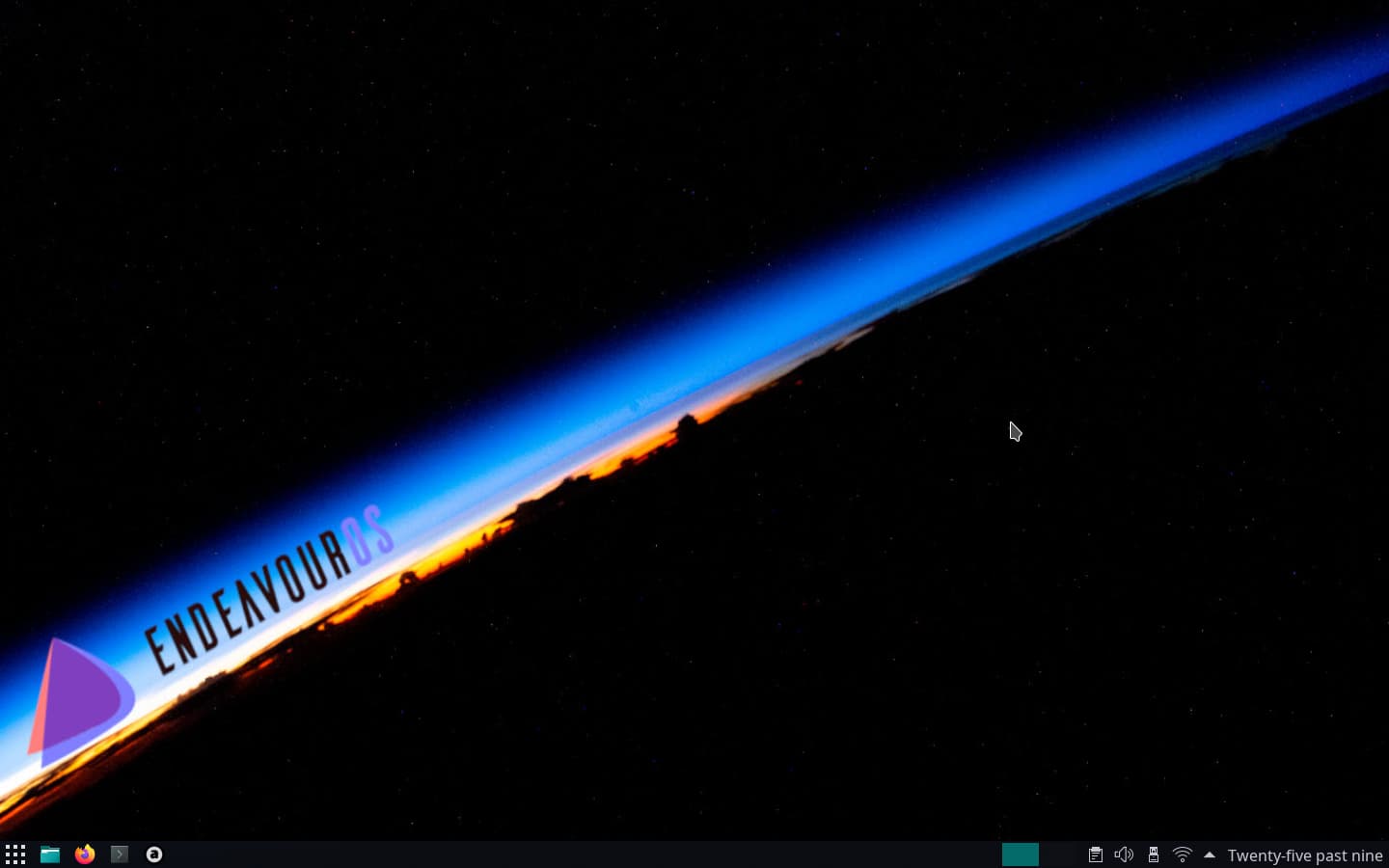
Ocean Theme
agree . i can no stay on DE long , it feel constrained
You guys just need to drink more and be lazier.
I love it. Hahaha
I do not recommend using the dsp.config from reddit, that’s from many years ago and i changed it quite a bit now, i still need to upload an updated version of it
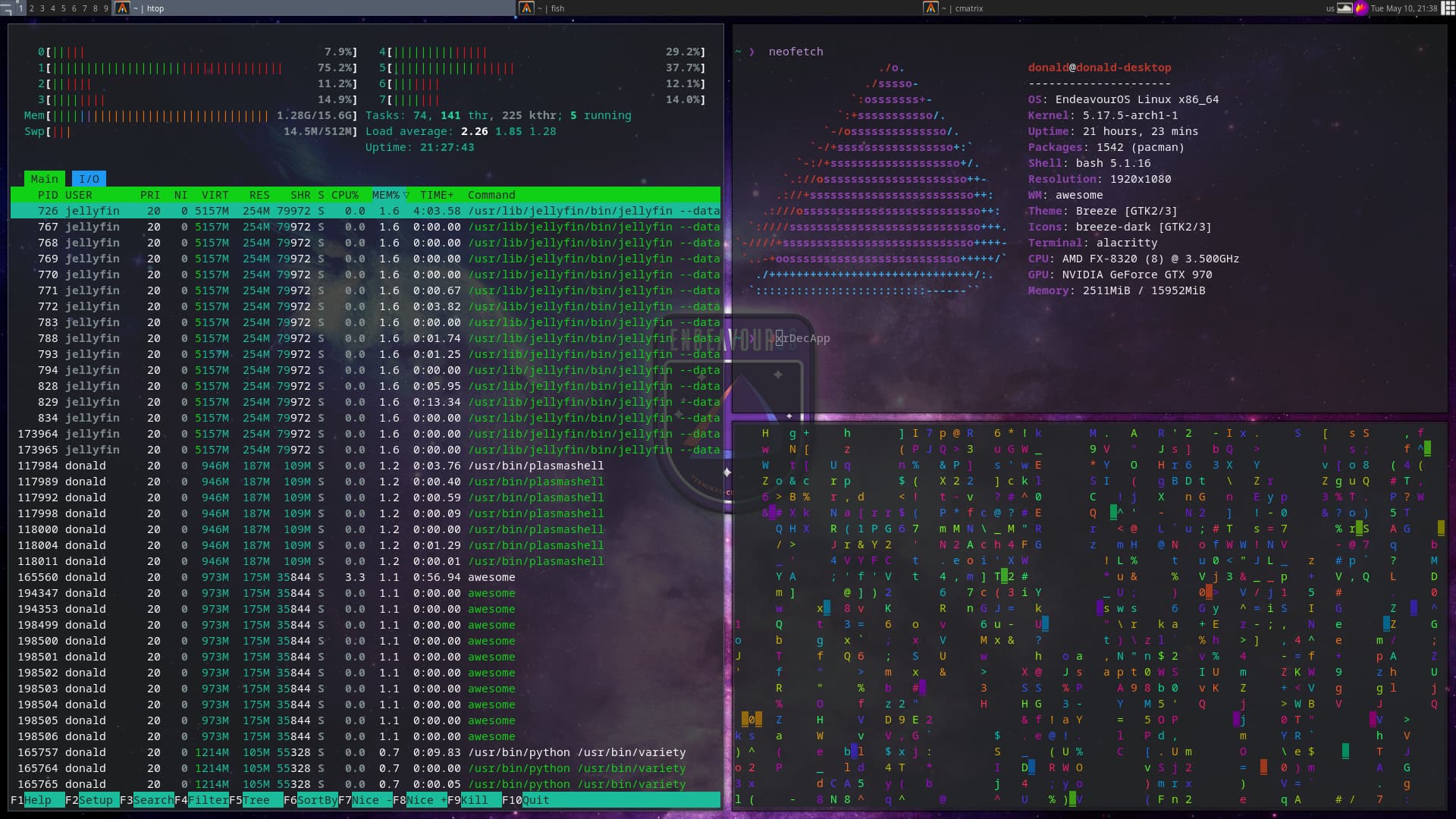
my first attempt at setting up a tiling window manager(awesome WM). Parts of it I find cool but while I am in it, I miss KDE, but then while I am on KDE I seem to miss being on awesome lol.
RPi 4b 8 GB RAM on a 64 bit OS with Budgie Desktop.
Notice the new Budgie Control Center
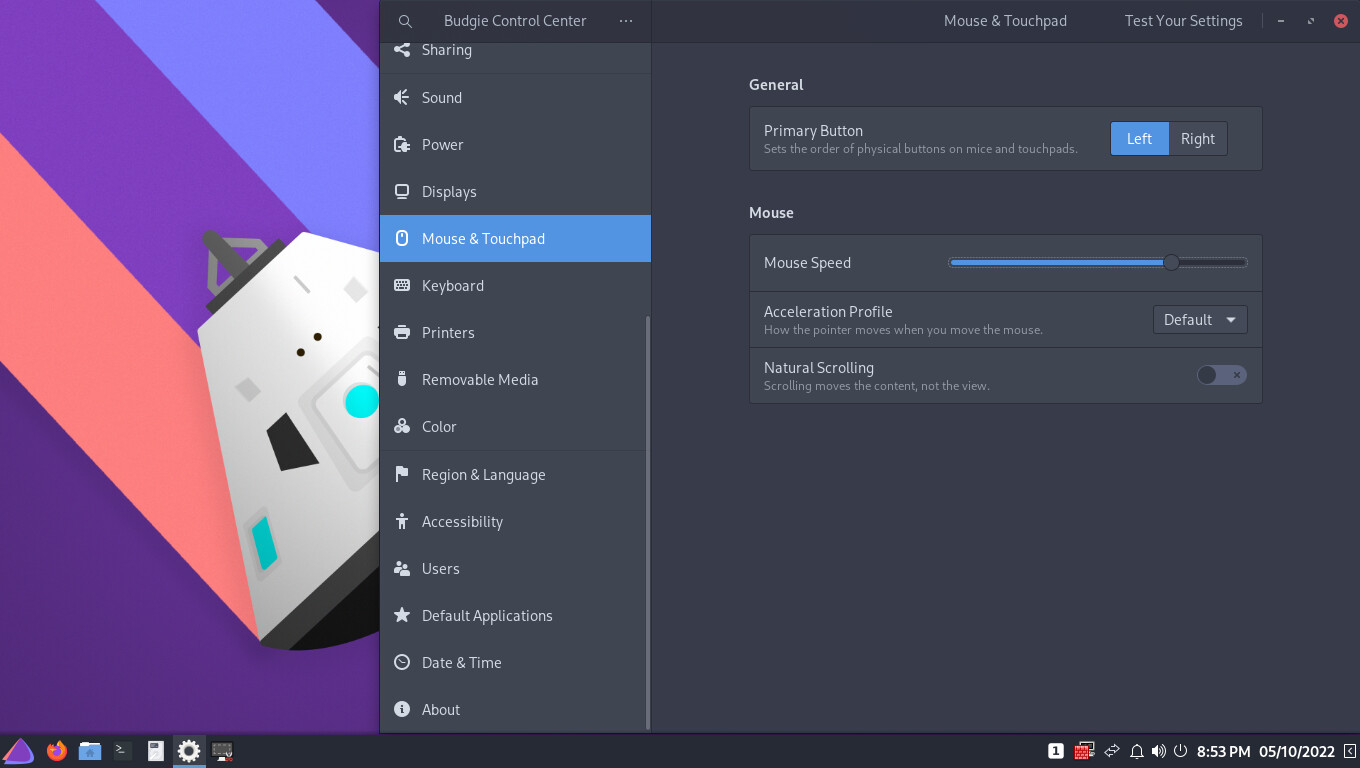
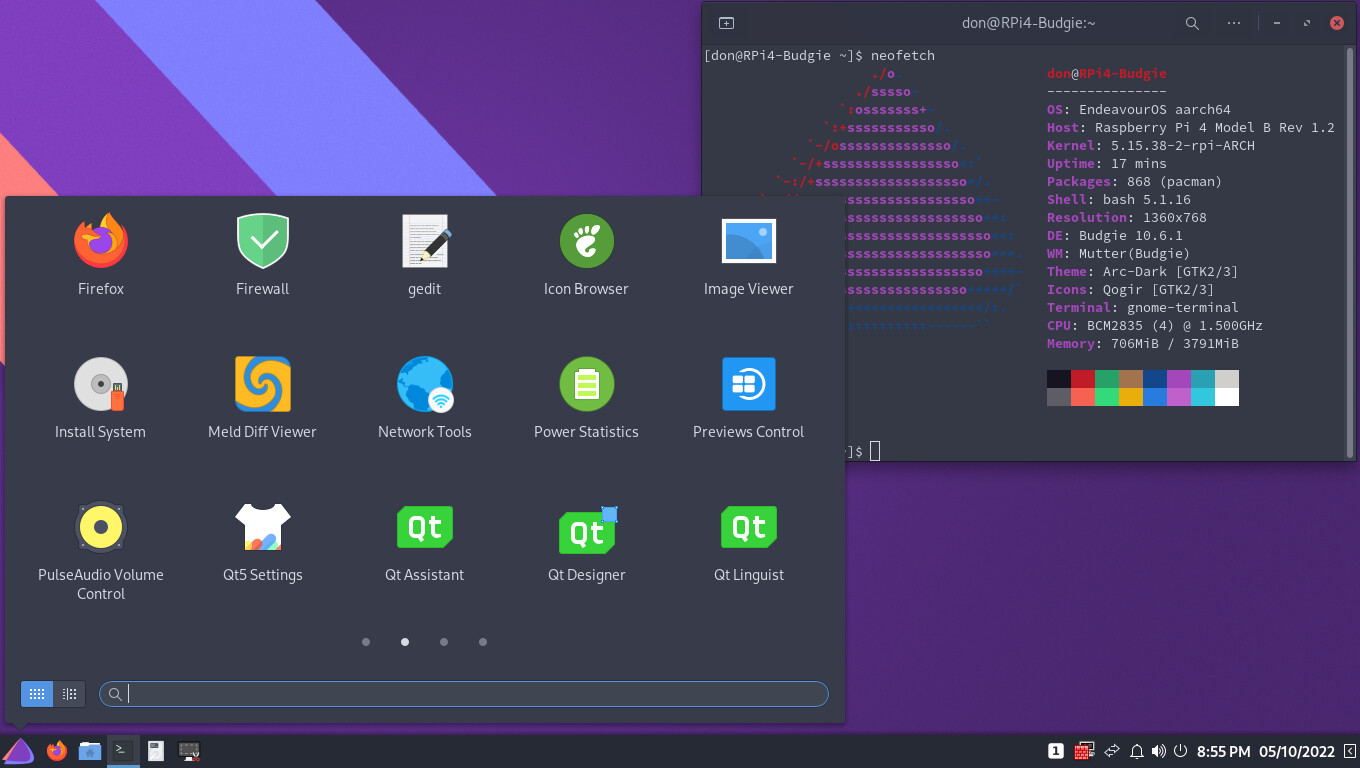
Pudge
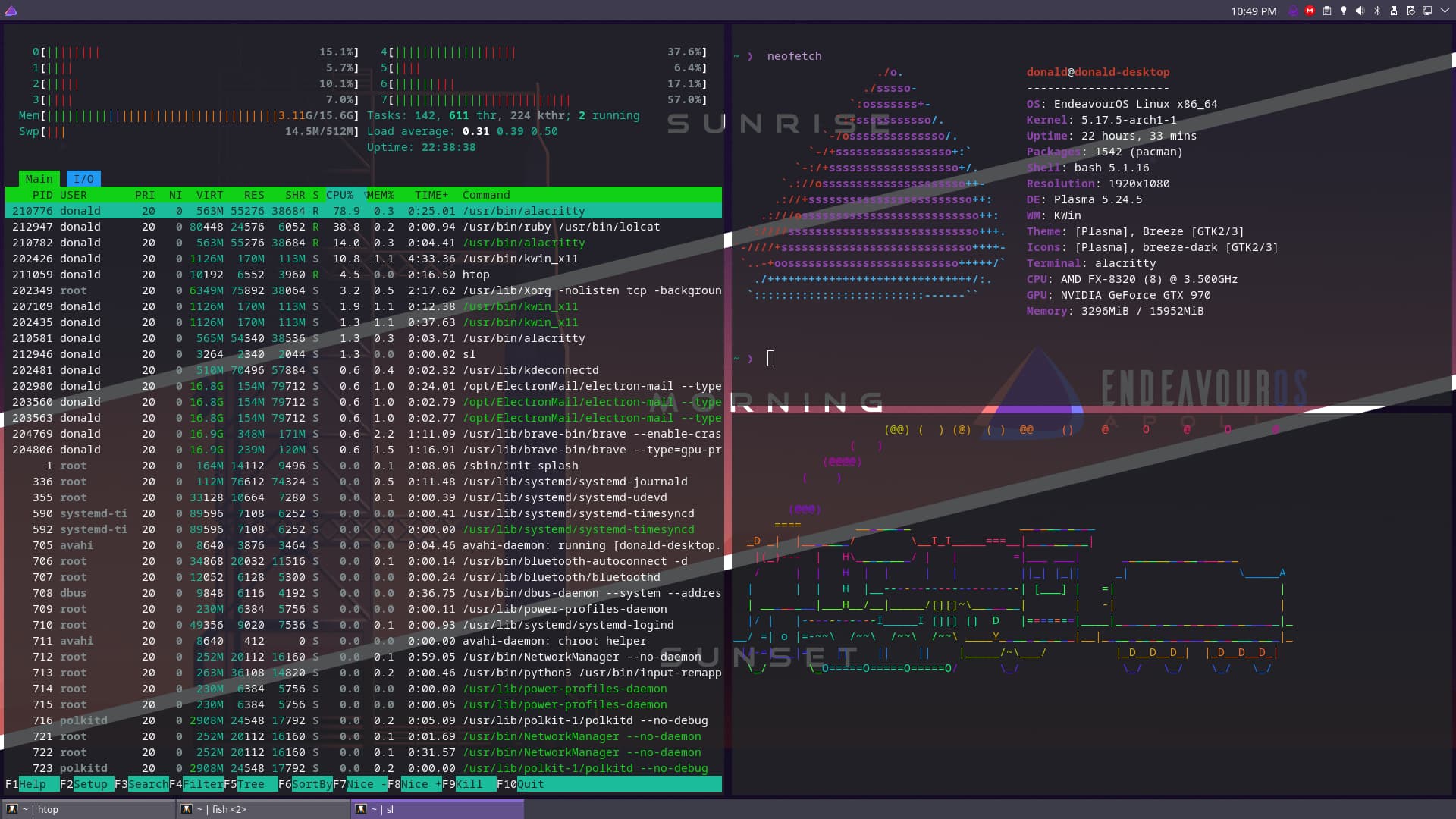
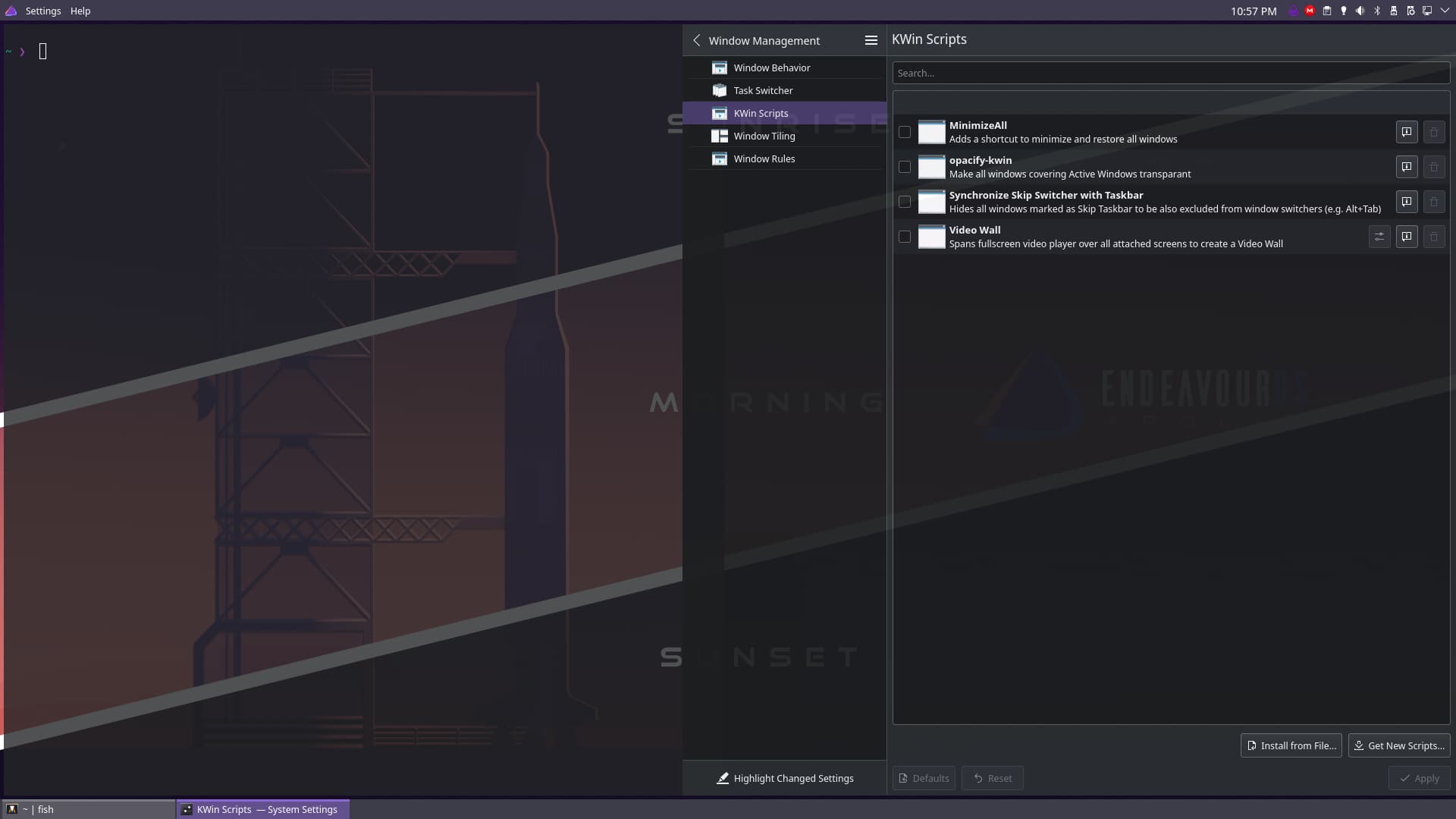
My attempt to use the things I liked on awesome WM, but on KDE with the bismuth kwin script. It has its quirks like certain programs will still overlap other programs for some reason (like KDE settings for instance) but still I think this is a good compromise. I went in and configured a lot of the keyboard shortcuts to match awesome’s defaults. While still have the things in KDE I am used to (like not having to know how to read some new language to configure panels)
I’ve been collecting fetching scripts for over 15 years. 150+ 
It’s fiiiine. 
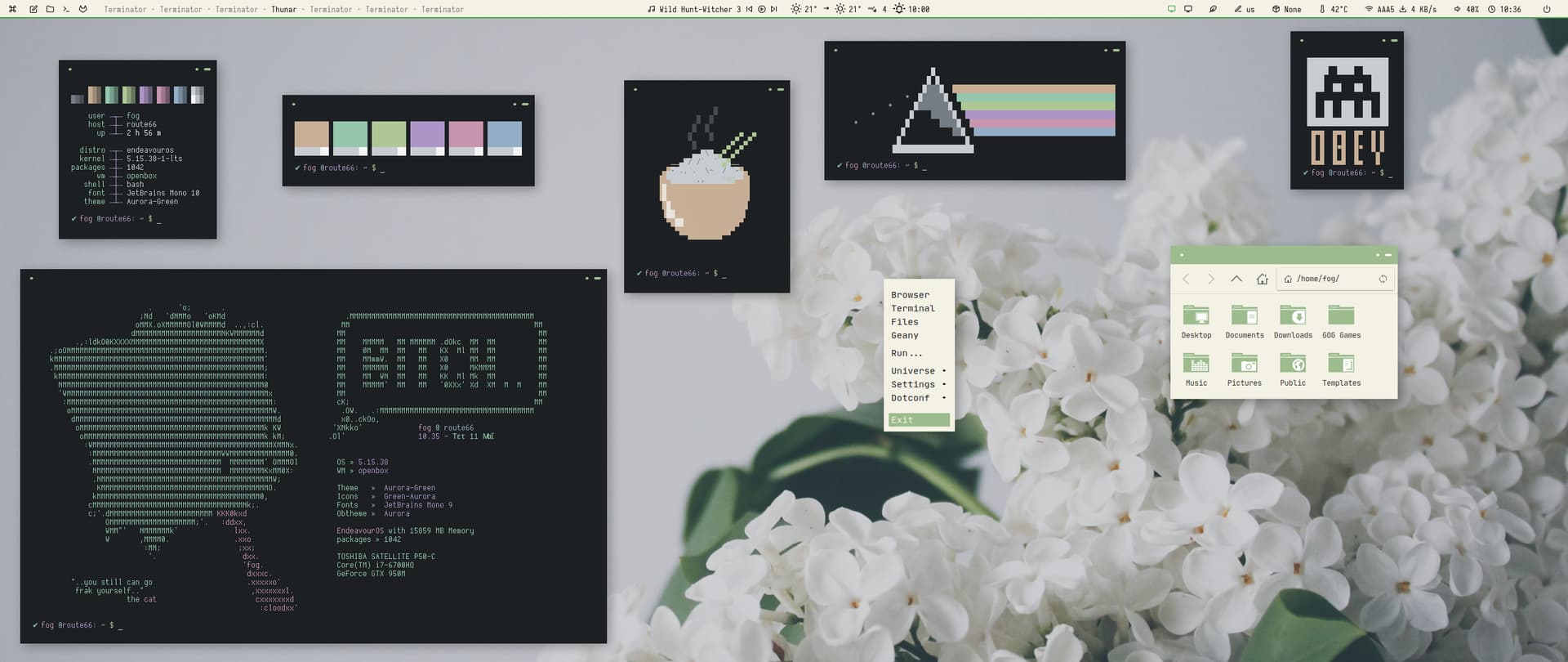
We had EndeavourOS anonymous before…
Maybe it’s time to open rice anonymous 
I’m fiiine (denial  )
)
“It Ain’t Coca-Cola, it’s Rice”
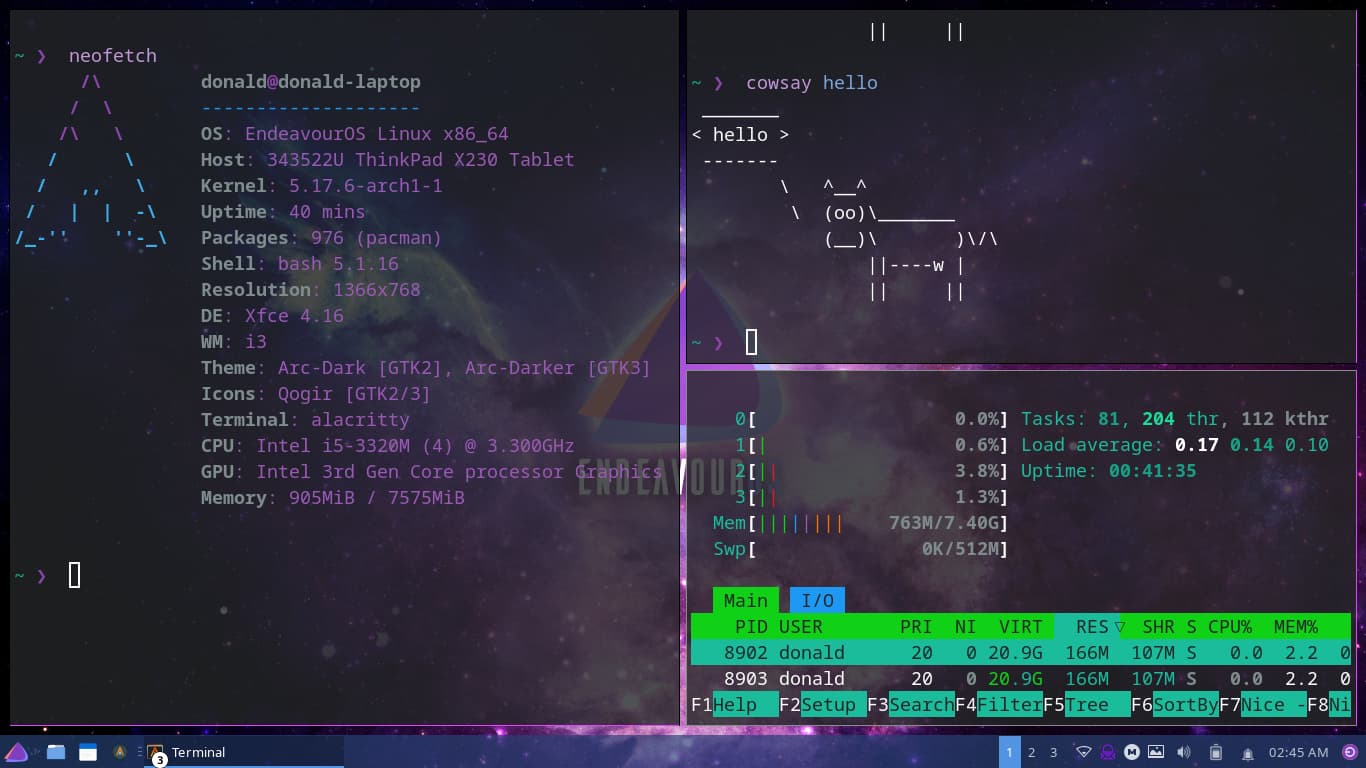
I dove head first into setting up i3 with xfce on my laptop using fbodymechanic’s tutorial and then tweaking everything to my liking. I lost track of time and didn’t realize it is way pastime to go to bed(3am here).
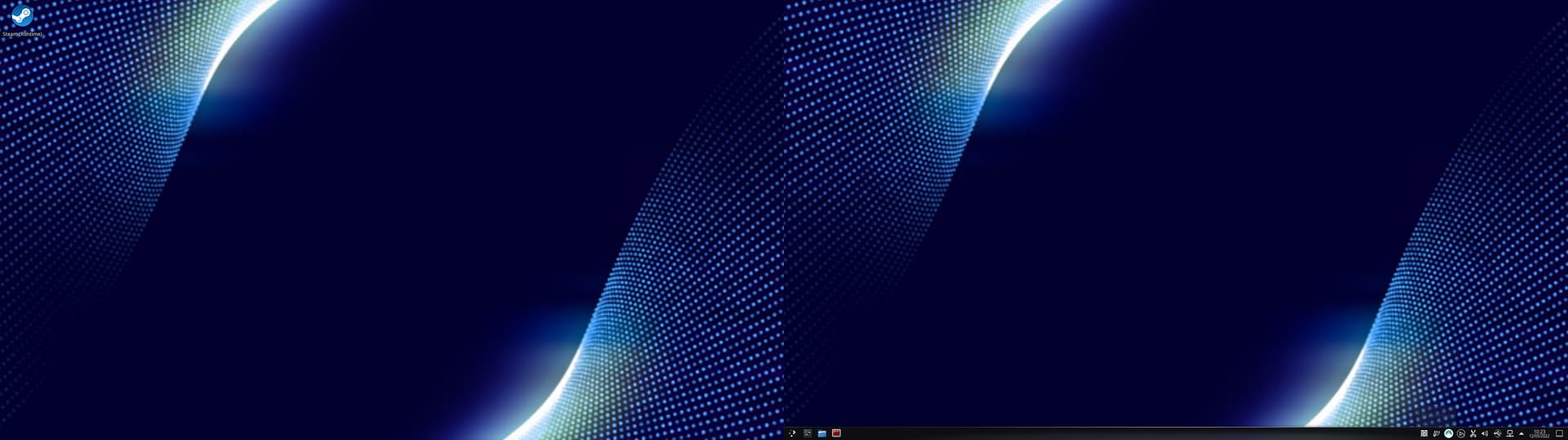
EOS Plasma Everything now works, Even Elgato Streamdeck(linux version)
Of course EOS plasma is tweaked visually the way I like it.
Awesome, thanks!
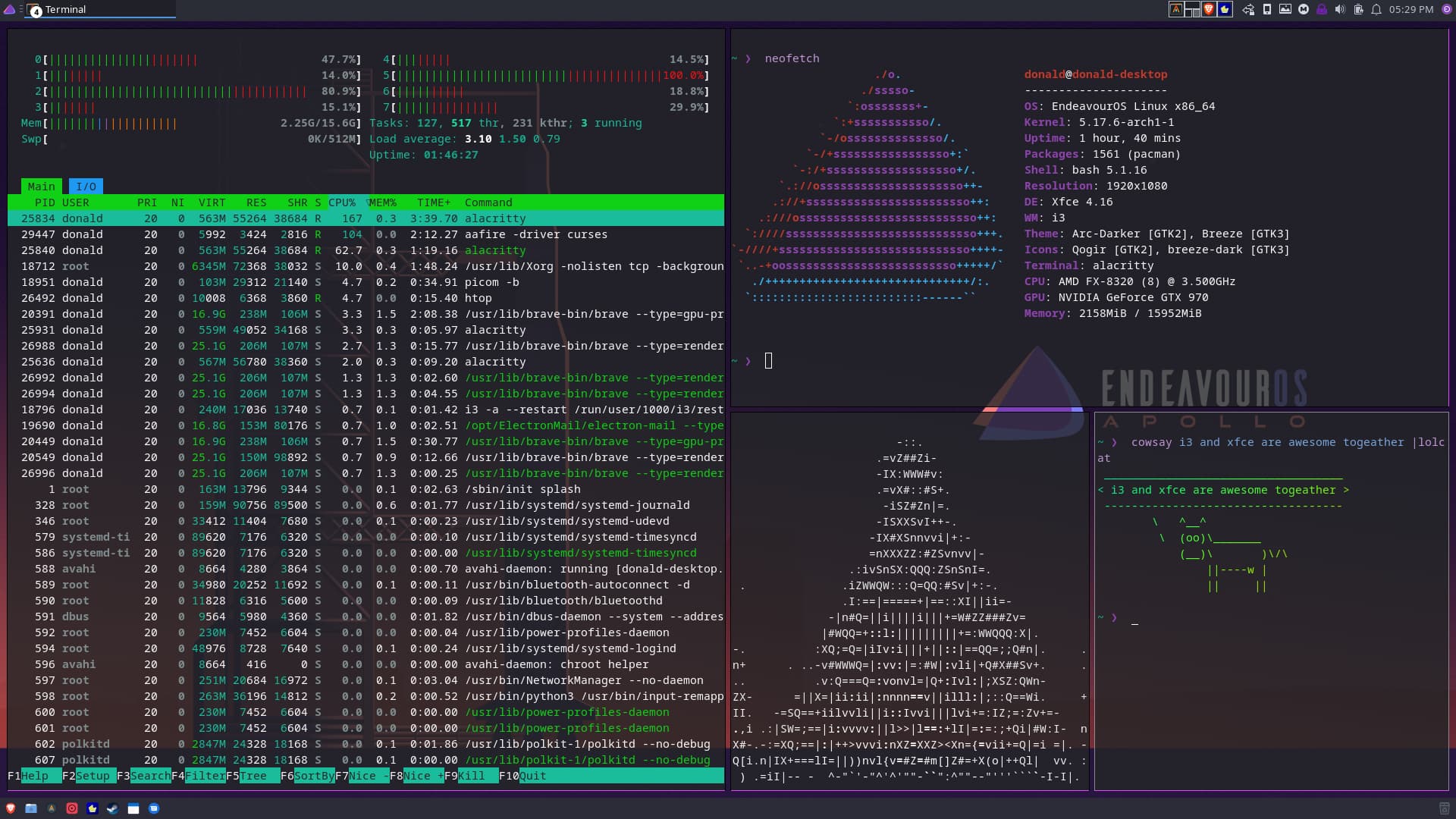
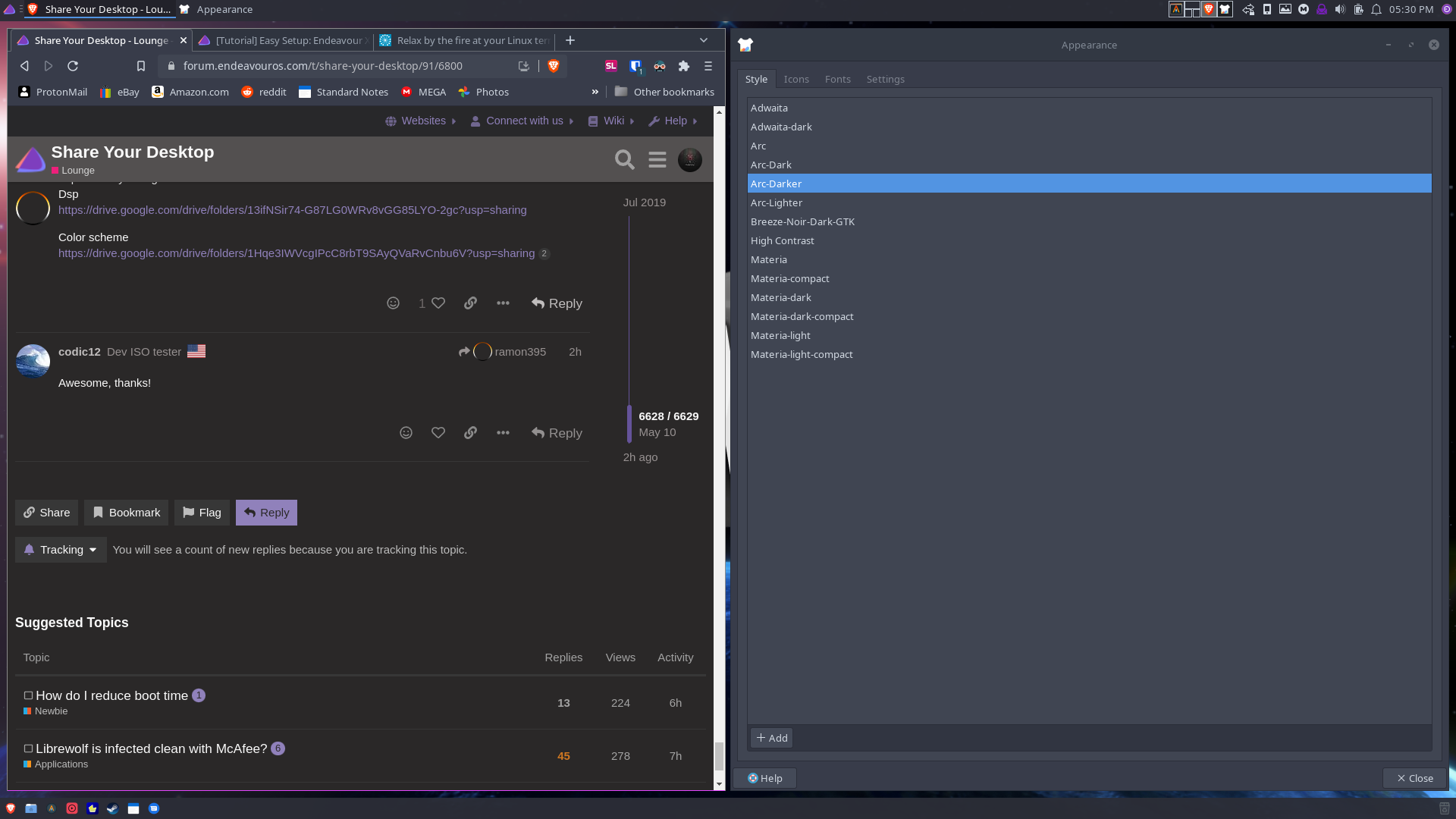
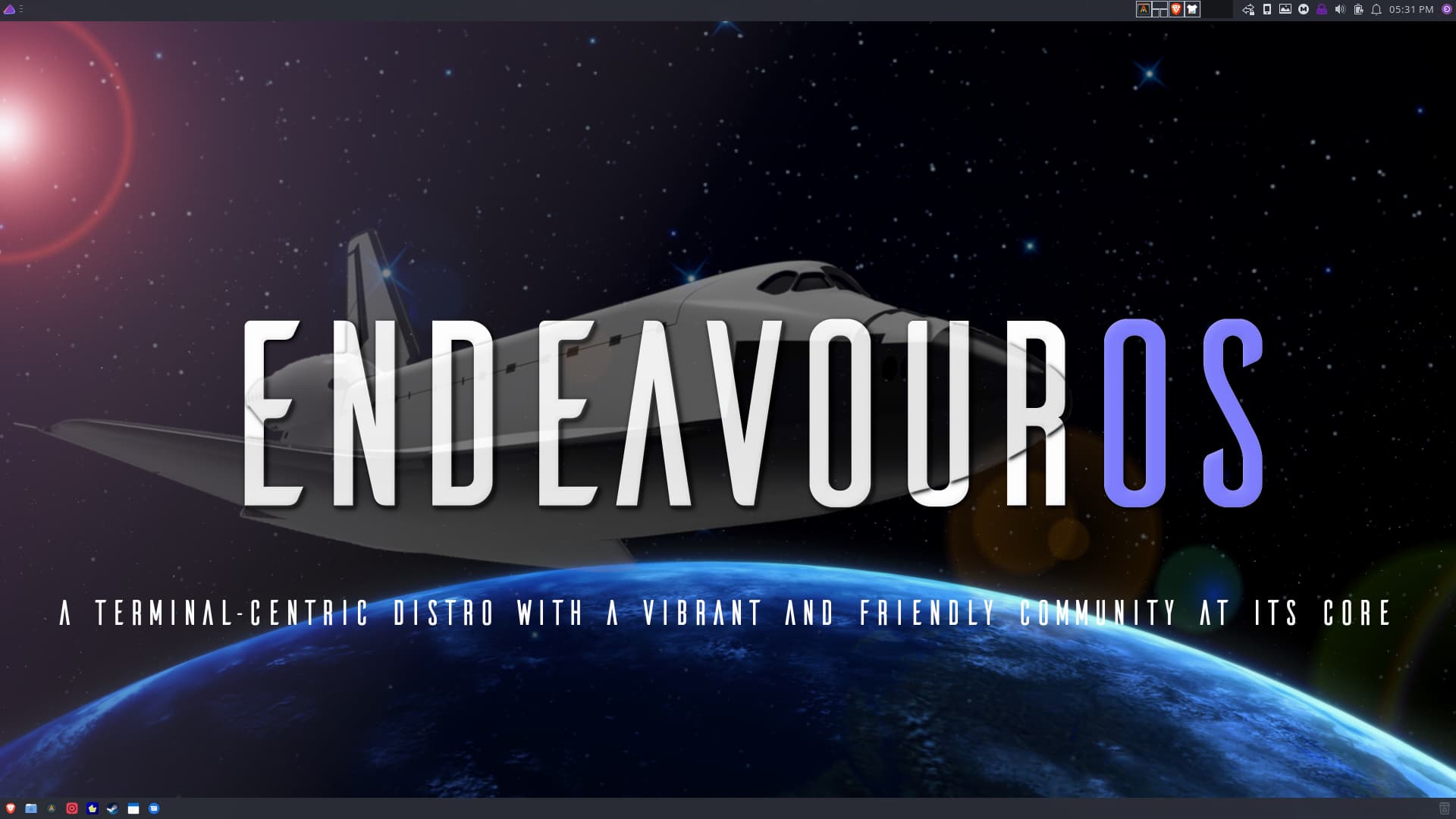
So after spending quite a while lastnight setting up i3 with xfce on my laptop, I ended up liking it so much I decided to put it on my desktop as well. But I didn’t do them the same way. The laptop I did a fresh install following fbodymechanic’s guide. My desktop though I didn’t want to do a fresh install I wanted to install it on top of my already installed system but using the i3 config files from my laptop as a starting point… That presented some challenges (I then got rid of KDE, or most of it anyway) but after a lot of time tinkering and getting everything to work the way I want I am done(until I get bored again I guess) with both systems.