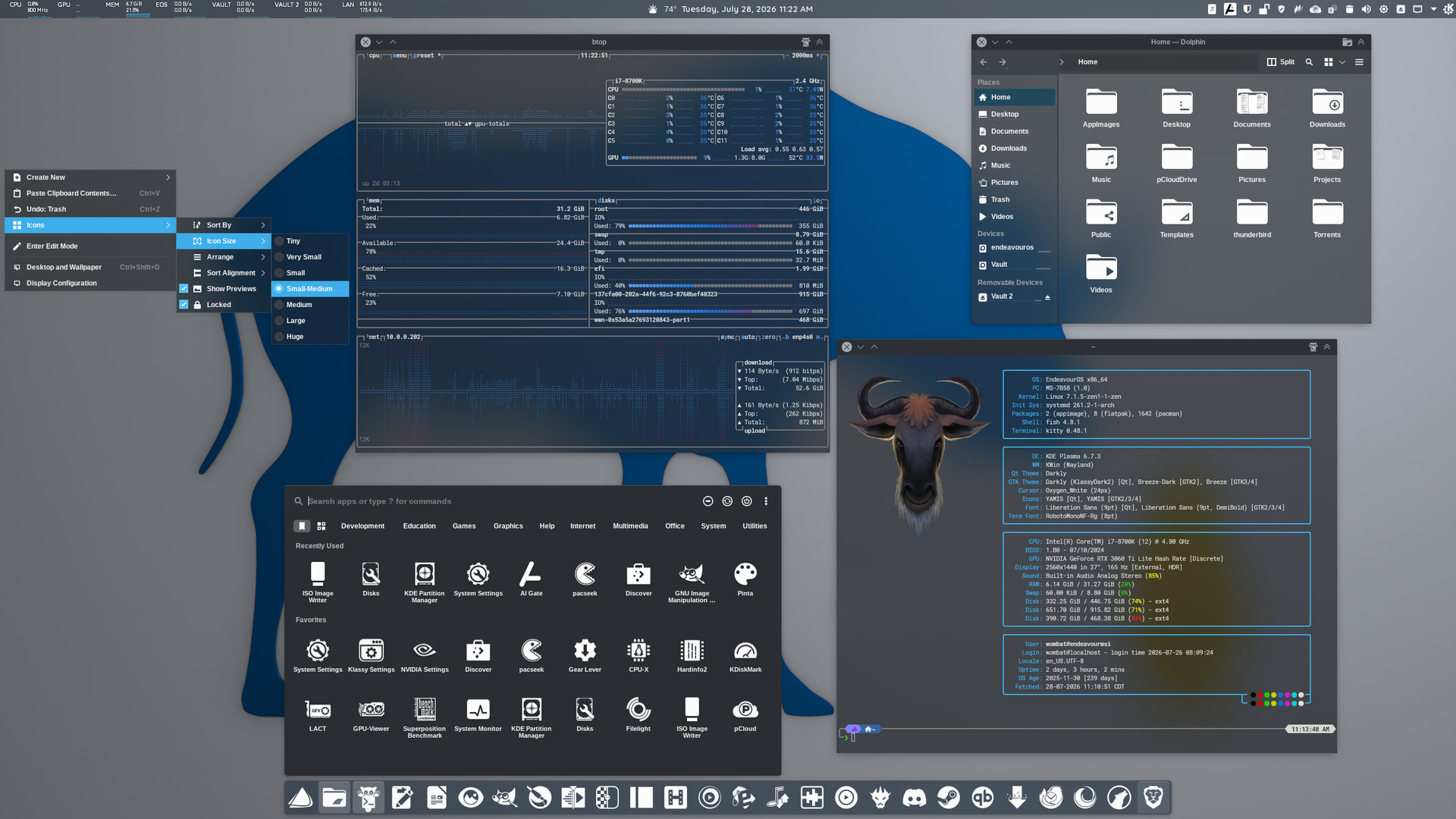
- Panels: Panel Colorizer
- Global Theme: Kite Dark
- Colors: Klassy Dark
- Application Style: Darkly
- Plasma Style: Darkly
- Window Decorations: Darkly
- Icons: Yet Another Monochrome Icon Set
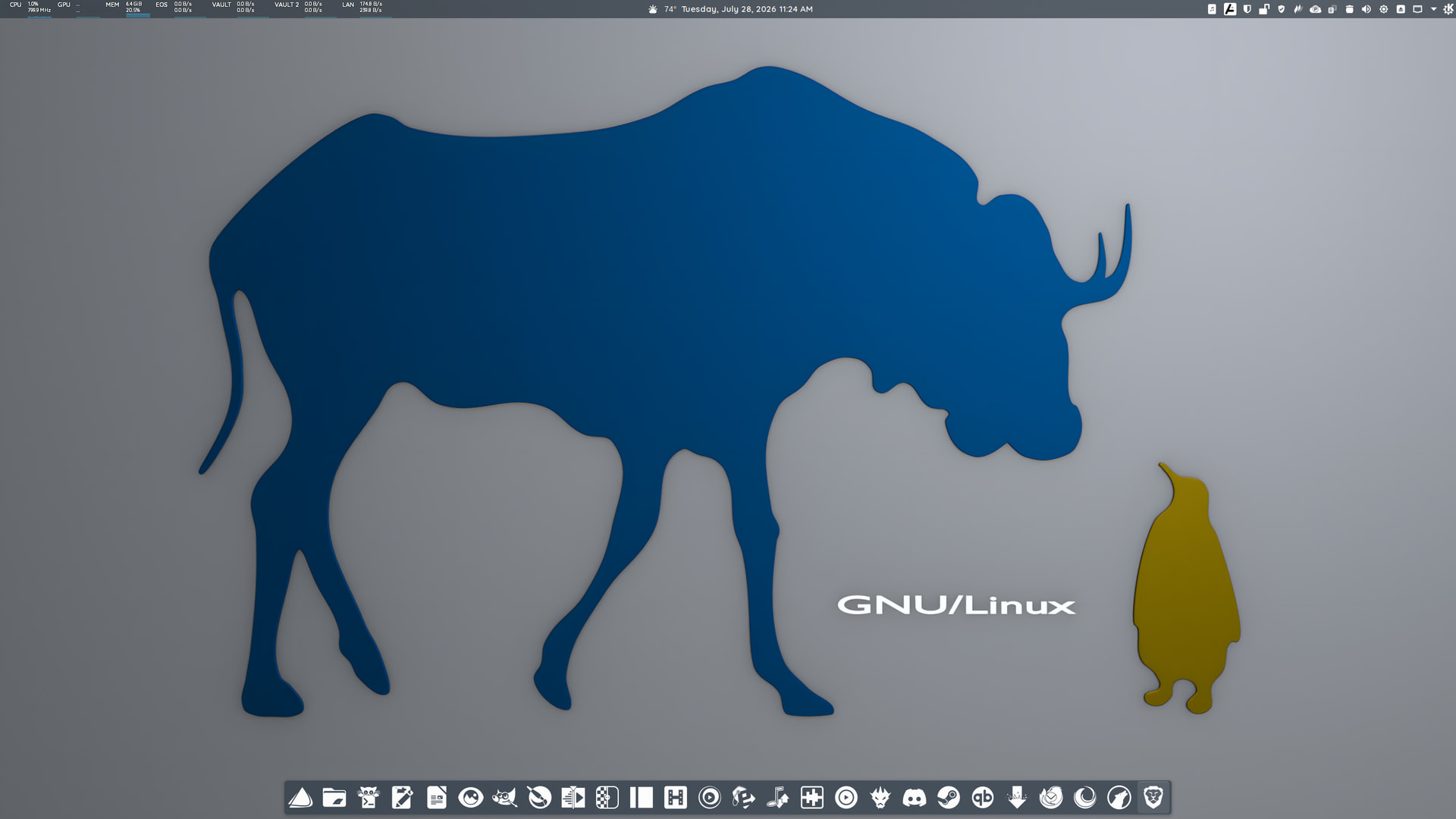
- Wallpaper: HERE
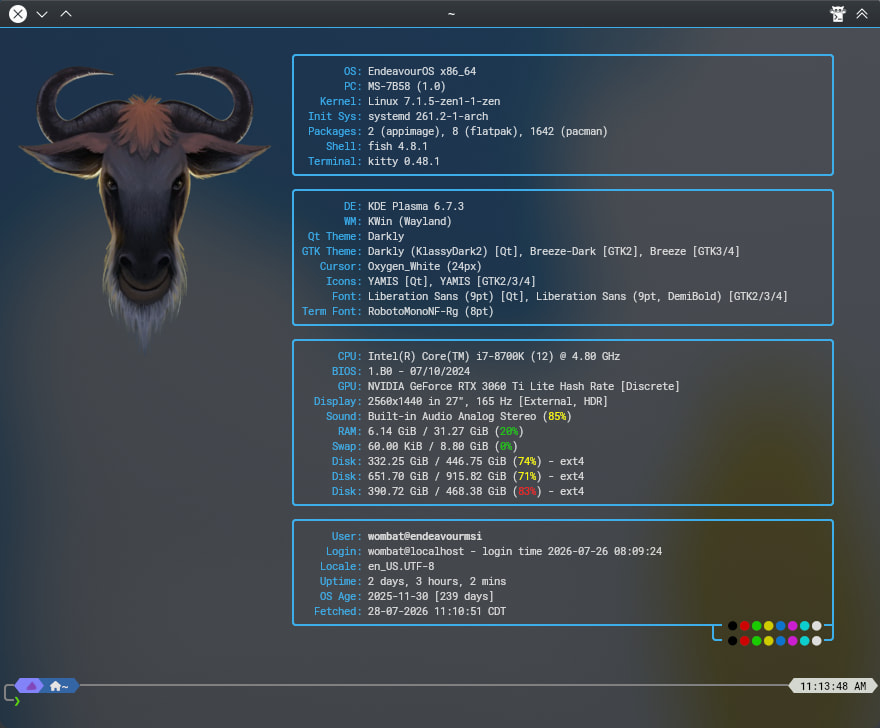
- Fastfetch Image: HERE
STORM OS
“For Beginner Users of Arch”
they gotta work on the branding here 
this didn’t play nice last time I tried it, a couple years ago. looks great. they have a strict no proprietary at all policy as I recall.

sluggish slow etc—I think it was hardware
For what? I’m running EndeavourOS.
I was talking about the gnu/linux distro—that’s what I thought I was seeing, sorry
I just liked the wallpaper. I didn’t know what you were talking about. Apologies.
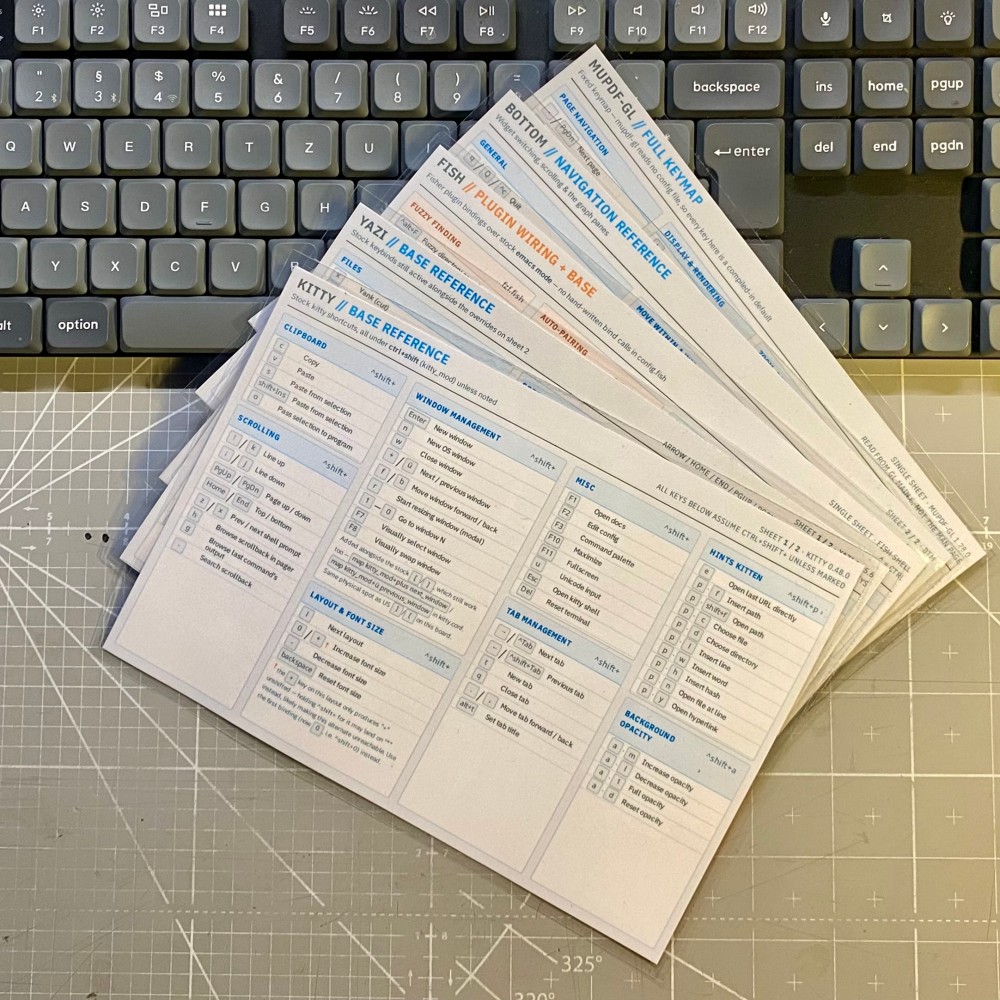
Literally my desks top. I don’t know exactly why, but now I do have some laminated cheat sheets for the keybinds / shortcuts ( and -chords) of my most frequently terminal applications.
For those who want to blame me: Yes, I was tinkering around with Claude Design. And yes, it’s still in beta and it isn’t perfect.
If I literally “shared my desktop” there would be odds and ends like this too. Oh if my Linux world existed on 3X5 cards like this there would be less screen time. my eyes keep going back to the ‘option’ key? is that the WIN key? or something else?
LOL, a conky script to display them on your wall would be helpful.
There’s just something about having them printed out physically though and especially laminated.
Very nice…
to expand on this a bit since the cards are each about a single app you could make conkys for each and then keybind so to pop up the one currently needed most.
However its a very clever idea and looking down on the physical desktop can be easier in some cases then making sure the desktop is exposed for the conky
Well, my whole setup within Niri / DMS is based upon fully utilizing the whole screen. And not seeing an wallpaper at all. And it has been that way on KDE Plasma already. But as the automatic tiling didn’t worked that well on KDE Plasma and I had to manually readjust the desktop tiling zones, newly opened windows were hard to open consistently at a specific location and I had to place them into their dedicated tiling zone, which bothered me long enough.
In short, in a tiling wm conky doesn’t make any sense. Usually you would see an desktop wallpaper only if there aren’t any windows opened. But due to window rules, autostart and such, my whole screen would be populated with the very same windows layout on each session login.
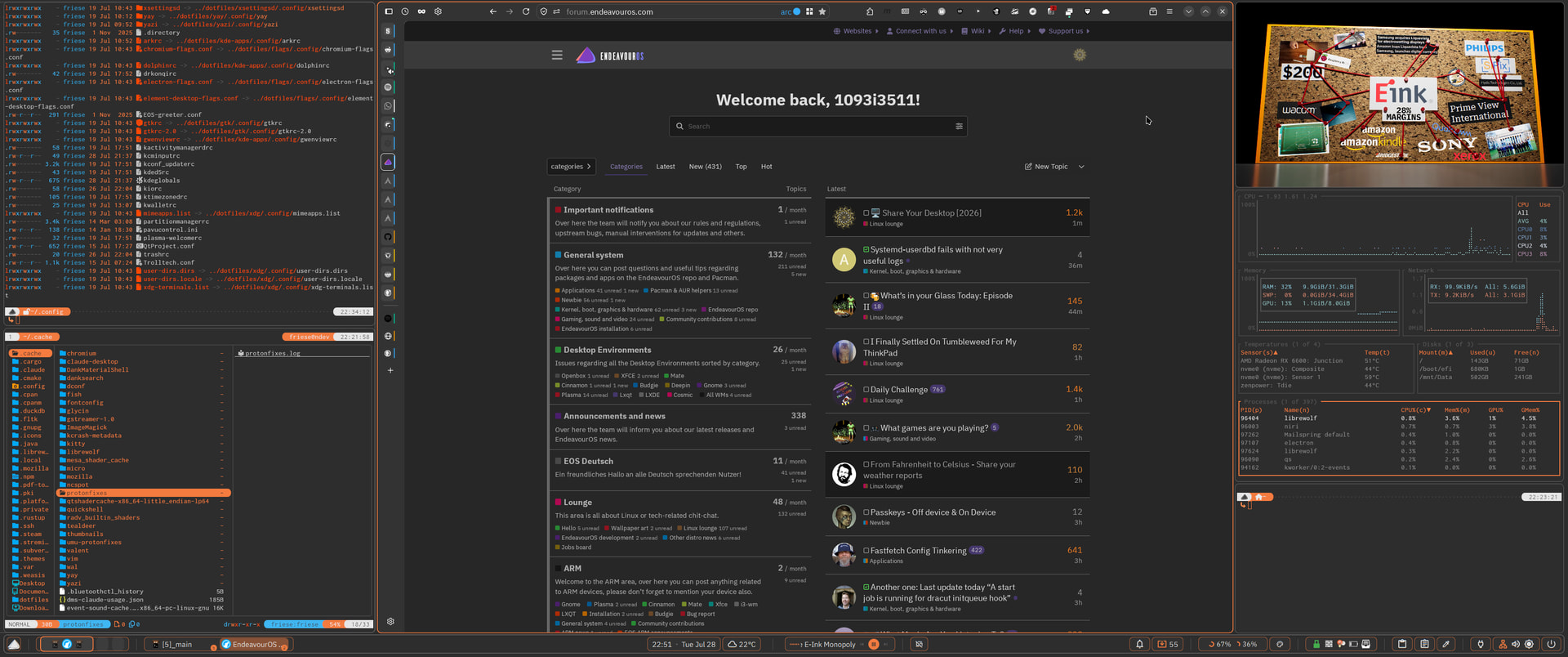
Only ncspot is currently causing issues, therefore the empty kitty pane in the bottom right. Spotify must have changed something within their OAuth2 authentification … again. Which they like to do on a regular basis, every other month or so. therefore… using librespot / ncspot really isn’t smooth sailing 
And I was thinking I am the only one with such a workflow .. I am with sway but setup on my personal daily driver is similar. Everything i need starts with the session
I have a notebook on my desk where I have shortcuts, commands, locations of certian files and websites written in. I also keep some of these as notes on the PC but I prefer the notebook.
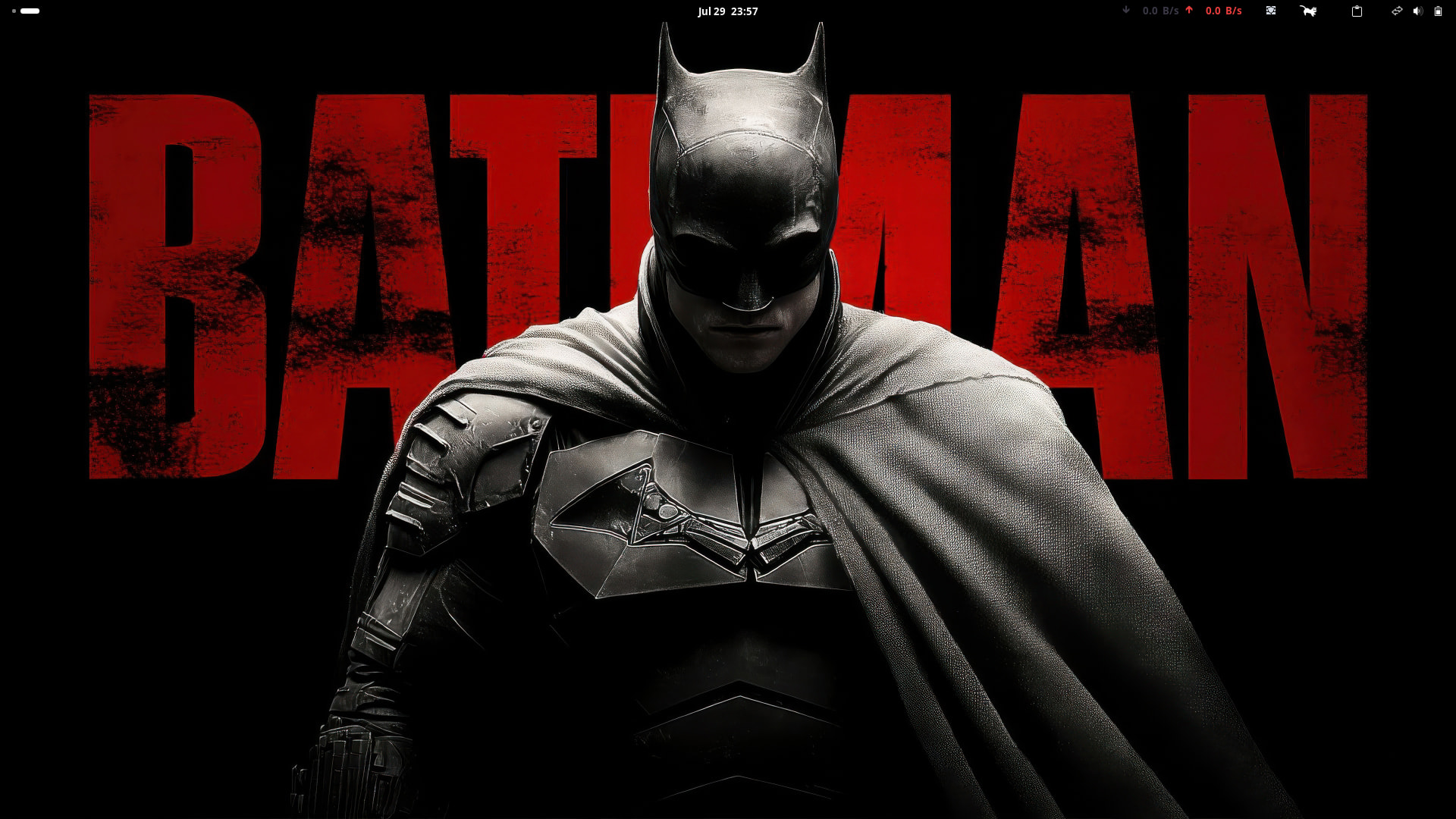
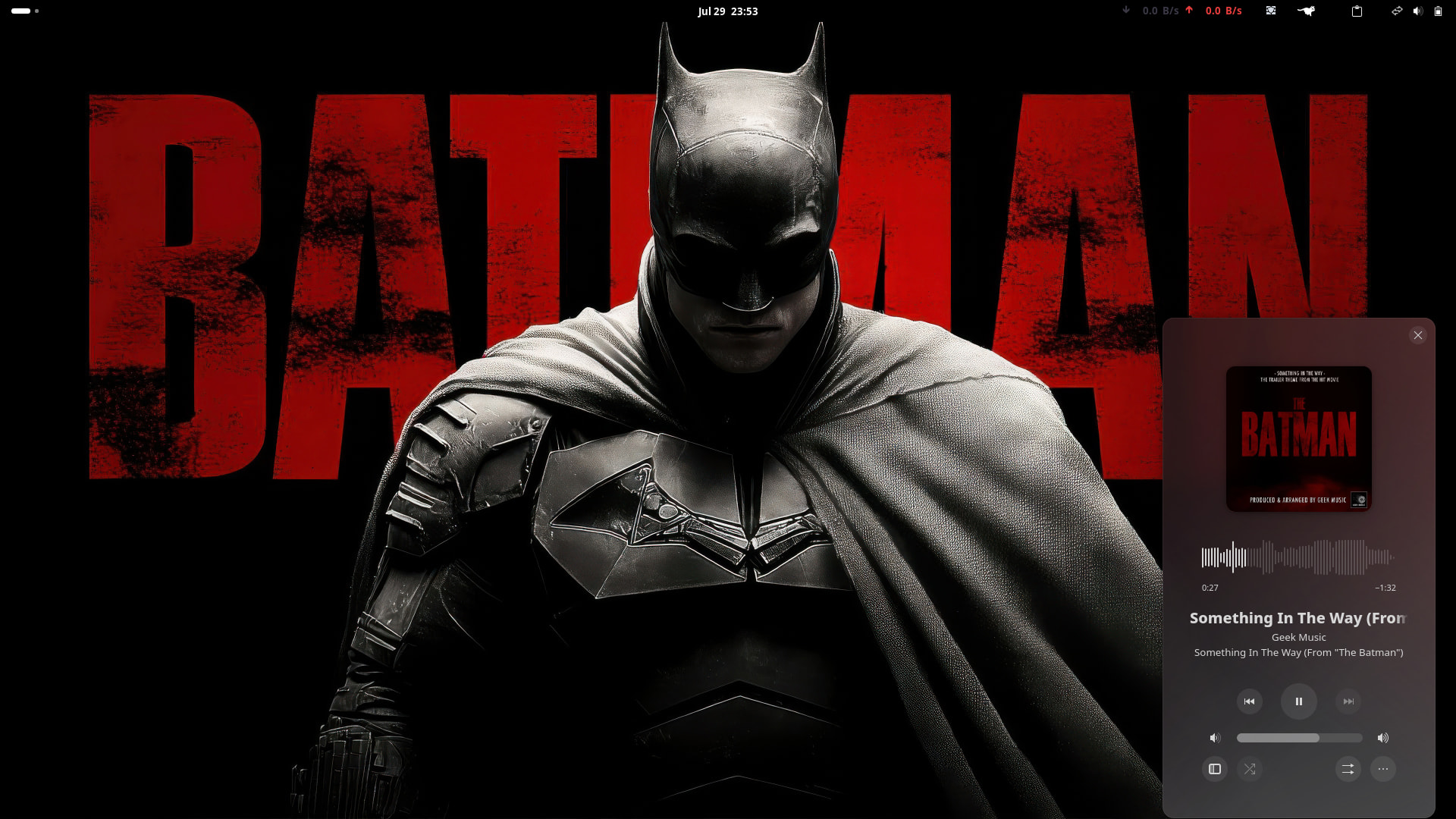
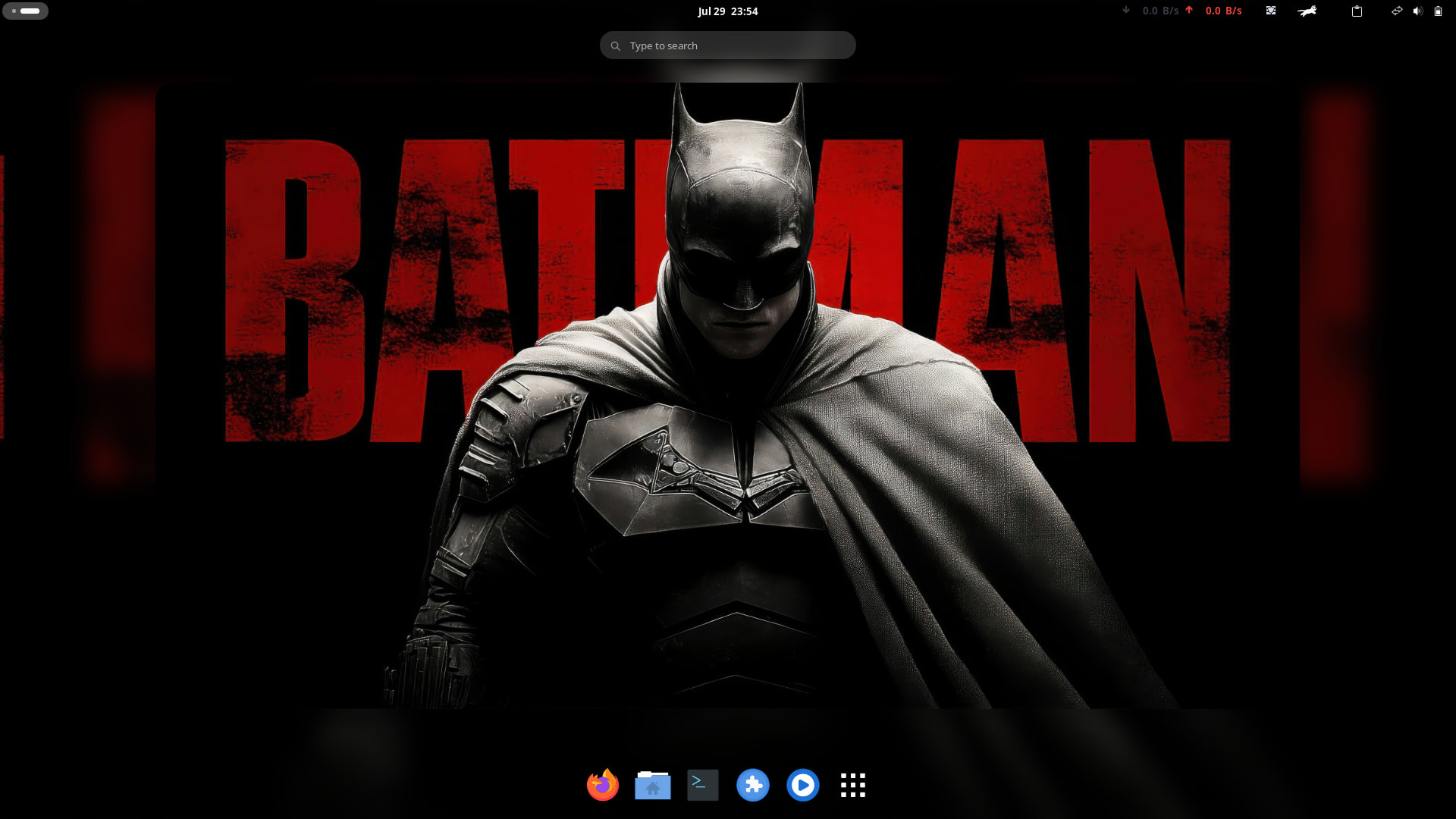

Let me guess… Looks like you are a Batman fan, aren’t you? 
Btw, nice desktop. 
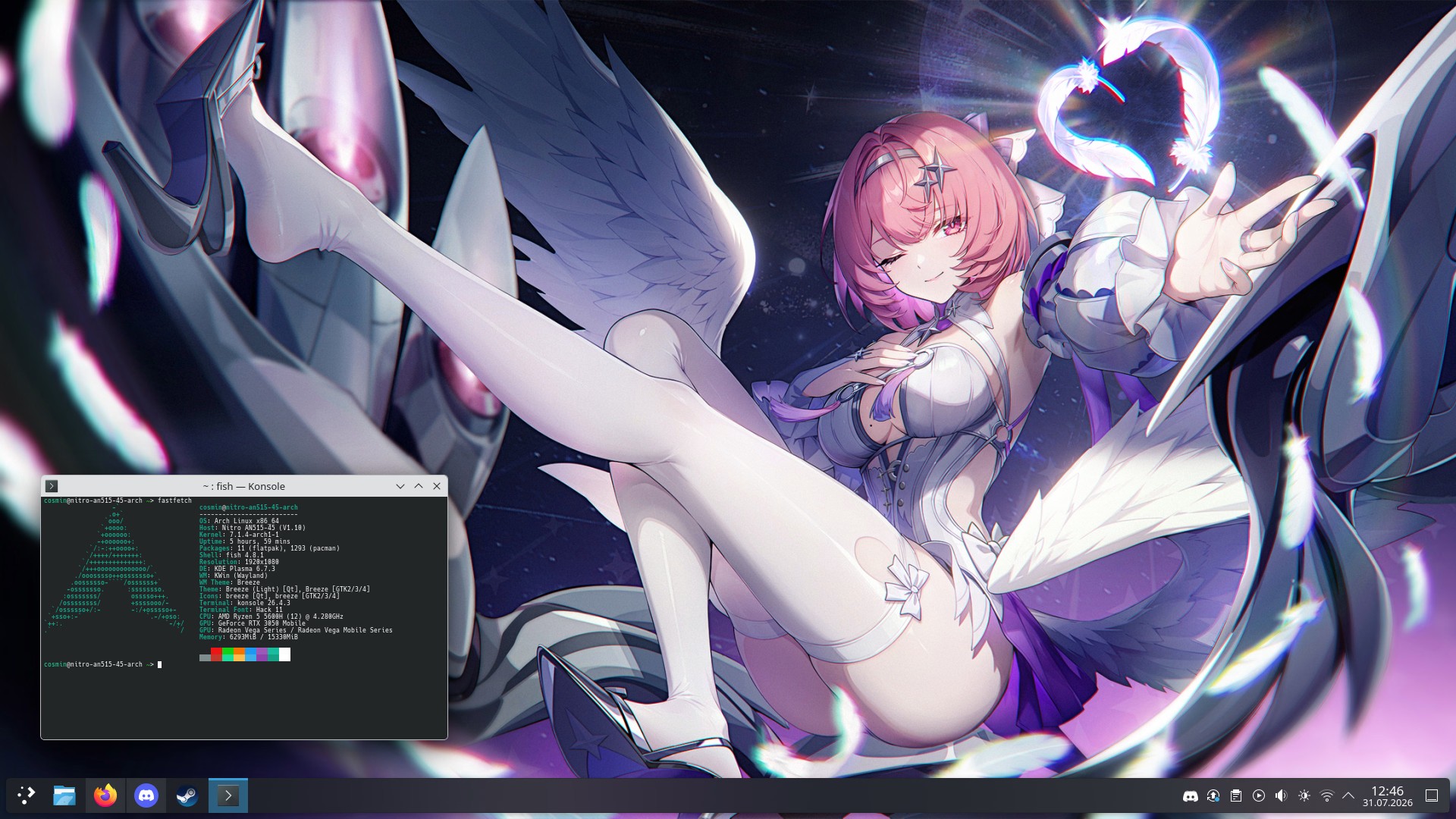
This new Zenless Zone Zero character, Remielle Dan, is hot, not gonna lie.
Source (account is required due to the illustration being a bit too spicy for Pixiv it seems)