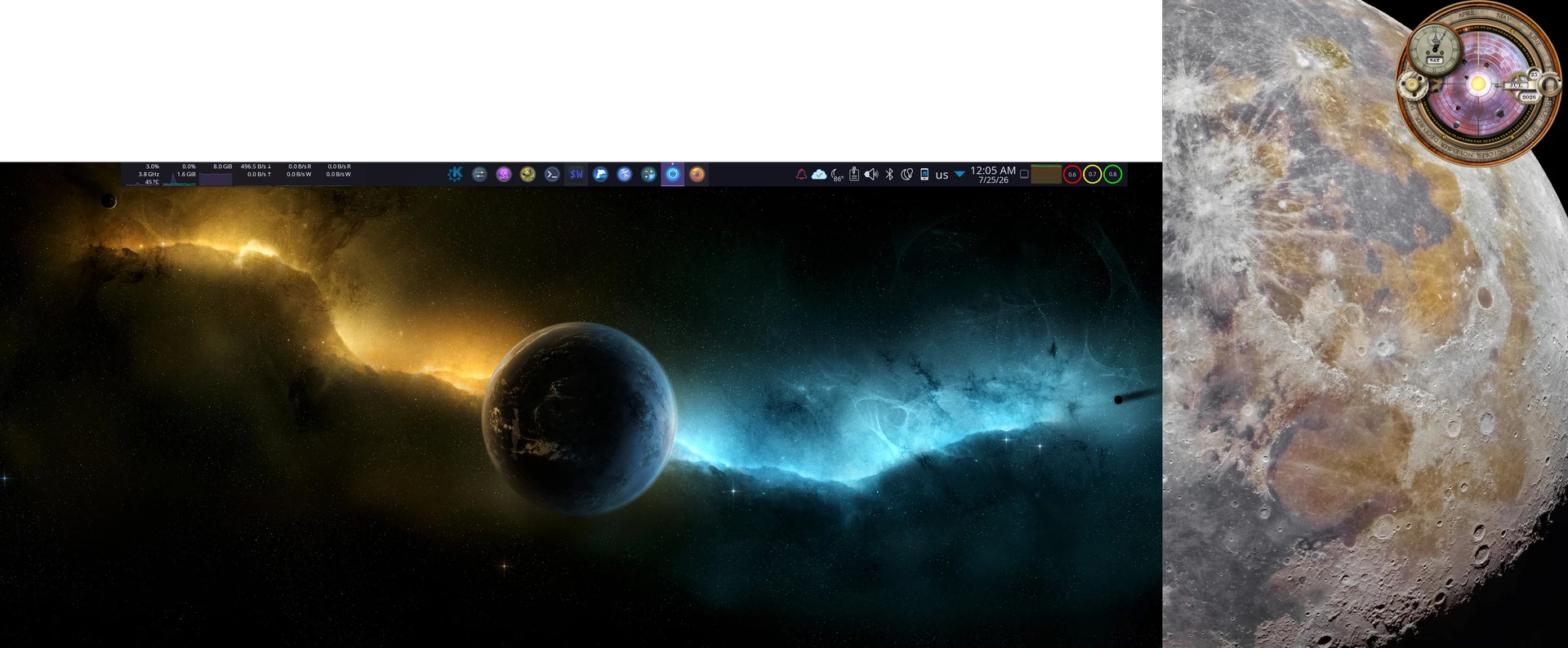
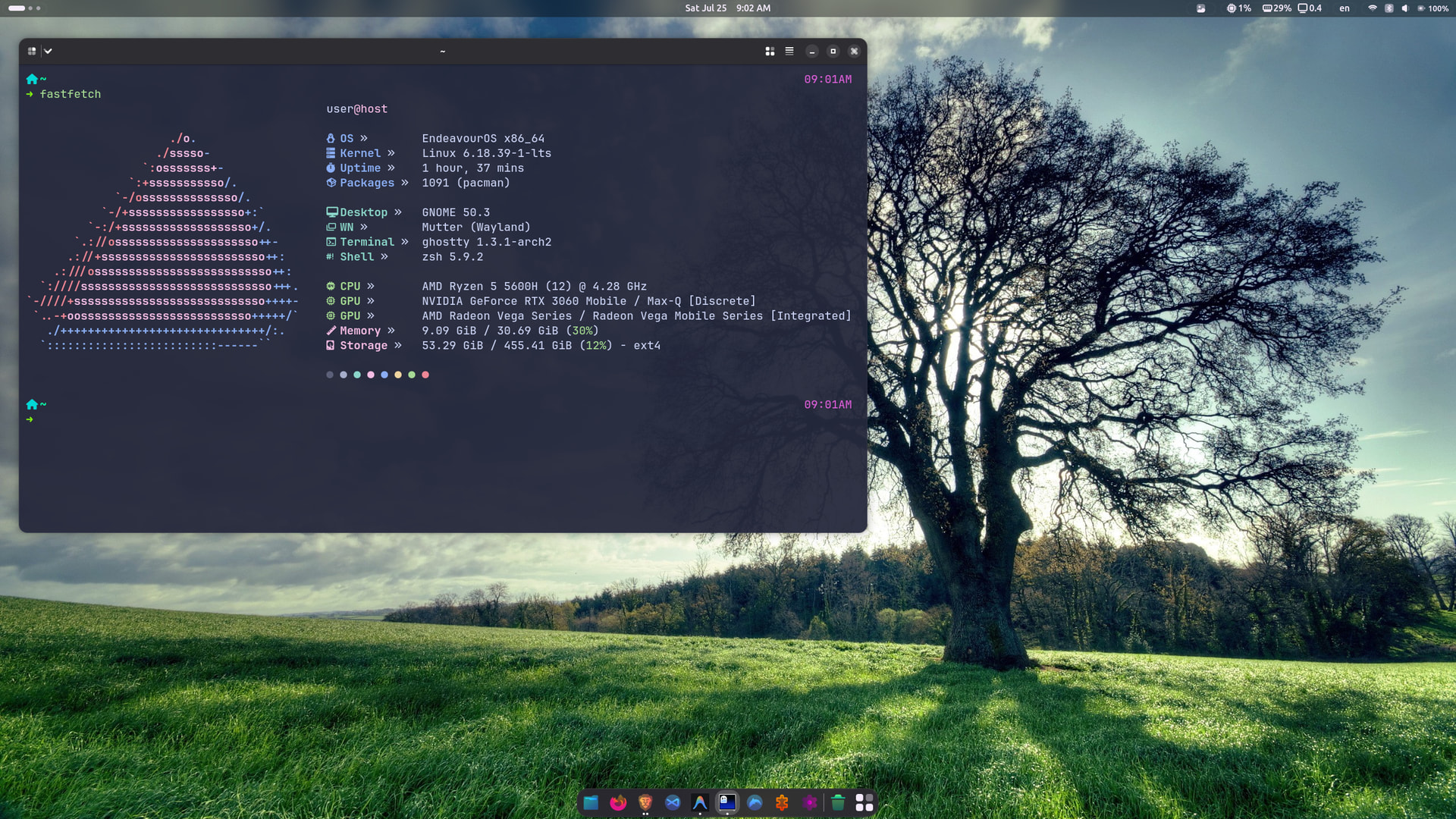
Looks like it’s no longer available on Breeze.
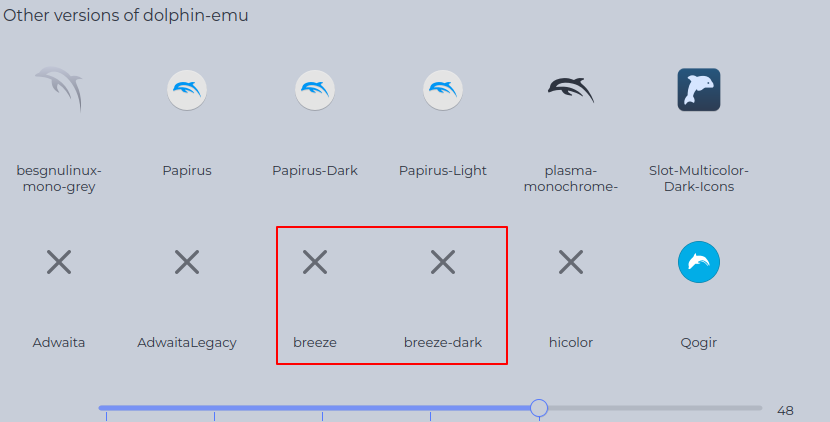
It can be download from here
In the dolphin folder, i am not using the flatpak version but the github clone build.
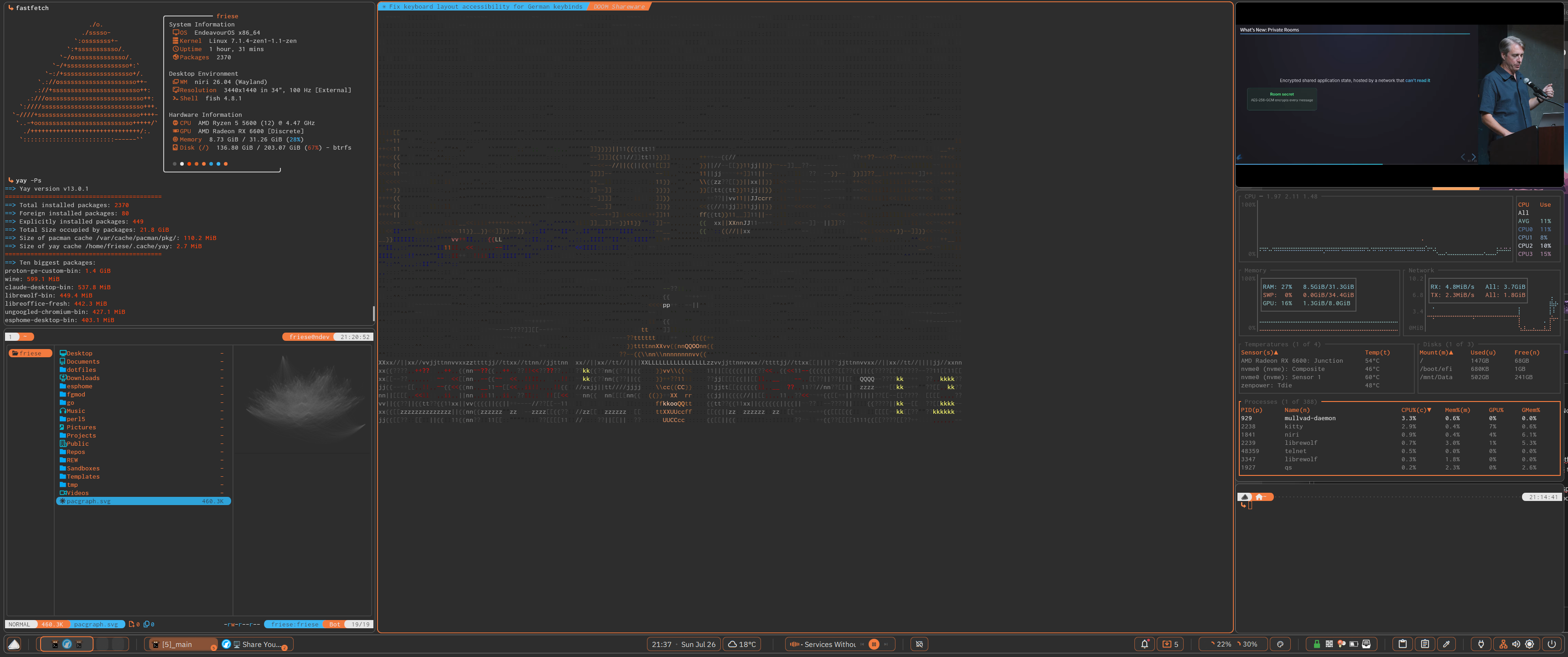
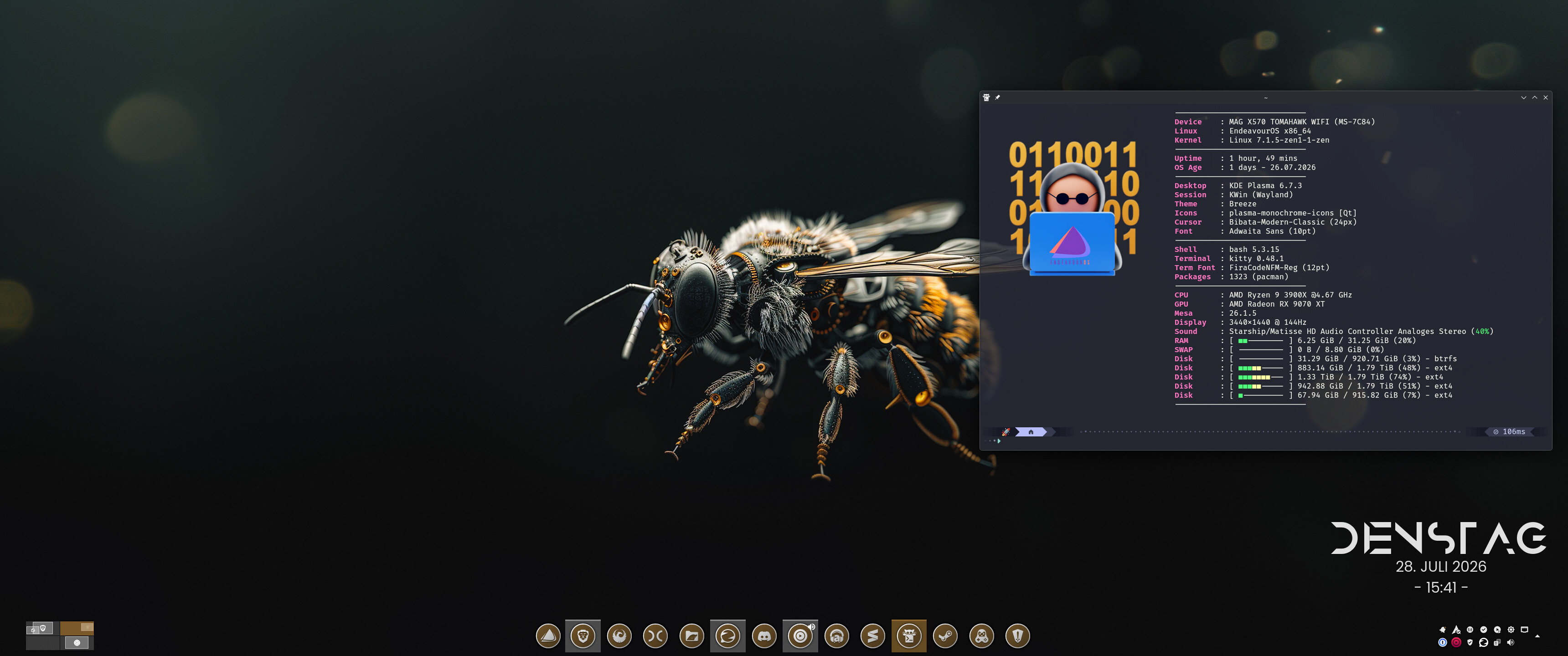
I did a whole lot of fine tuning on my current install. And said goodbye to KDE Plasma and removed it completely.
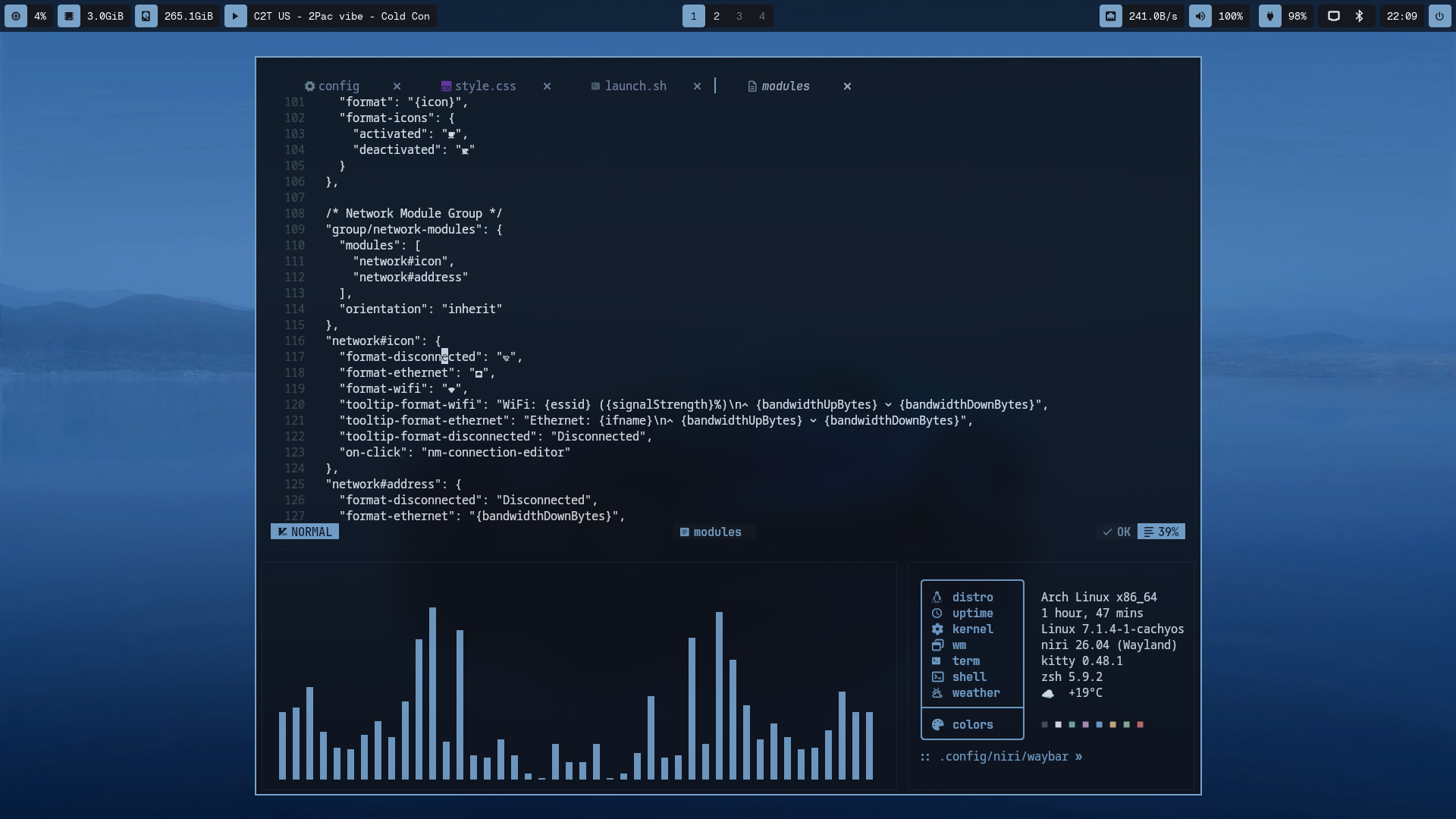
Essentially overhauling my yazi configuration as well as bottom. Including the exclusion of broken sensor values and reducing iot ti the bare minimum of sensors. And mount points.
Not only on the UI level, but also spend considerate time in finally setting up dotfiles management via stow and syncing them to my github. As well mirroring the dotfiles as an tarball on a NAS share of my router locally each night.
Pretty happy with the results. Only ncspot won’t work at the moment. Sadly ncspot really struggles to keep up with the hurdles spotify is throwing into their way. Which results in longer periods of time in which ncspot is simply broken.
And for those who are wondering what rendered within my terminal window.
telnet doom.w-graj.net 666
that’s only me showing off, not really playing it that way.
I like your fastfetch view,can you share config,please?
Sure, I’m pretty certain that I’ve copied it from somewhere else.
But you would need nerdfonts, and therefore the symbols that are in use on my config may not work properly.
$ cat .config/fastfetch/config.jsonc
{
"$schema": "https://github.com/fastfetch-cli/fastfetch/raw/dev/doc/json_schema.json",
"logo": {
"padding": {
"top": 1,
"left": 2,
"right": 1
}
},
"display": {
"separator": " "
},
"modules": [
// Title
{
"type": "title",
"format": "{#1}╭───────────── {#}{user-name-colored}"
},
// System Information
{
"type": "custom",
"format": "{#1}│ {#}System Information"
},
{
"type": "os",
"key": "{#separator}│ {#keys} OS"
},
{
"type": "kernel",
"key": "{#separator}│ {#keys} Kernel"
},
{
"type": "uptime",
"key": "{#separator}│ {#keys} Uptime"
},
{
"type": "packages",
"key": "{#separator}│ {#keys} Packages",
"format": "{all}"
},
{
"type": "custom",
"format": "{#1}│"
},
// Desktop Environment
{
"type": "custom",
"format": "{#1}│ {#}Desktop Environment"
},
{
"type": "de",
"key": "{#separator}│ {#keys} DE"
},
{
"type": "wm",
"key": "{#separator}│ {#keys} WM"
},
{
"type": "wmtheme",
"key": "{#separator}│ {#keys} Theme"
},
{
"type": "display",
"key": "{#separator}│ {#keys} Resolution"
},
{
"type": "shell",
"key": "{#separator}│ {#keys} Shell"
},
{
"type": "terminalfont",
"key": "{#separator}│ {#keys} Font"
},
{
"type": "custom",
"format": "{#1}│"
},
// Hardware Information
{
"type": "custom",
"format": "{#1}│ {#}Hardware Information"
},
{
"type": "cpu",
"key": "{#separator}│ {#keys} CPU"
},
{
"type": "gpu",
"key": "{#separator}│ {#keys} GPU"
},
{
"type": "memory",
"key": "{#separator}│ {#keys} Memory"
},
{
"type": "disk",
"key": "{#separator}│ {#keys} Disk (/)",
"folders": "/"
},
{
"type": "custom",
"format": "{#1}│"
},
// Colors
{
"type": "colors",
"key": "{#separator}│",
"symbol": "circle"
},
// Footer
{
"type": "custom",
"format": "{#1}╰───────────────────────────────╯"
}
]
}
Works, thank you)
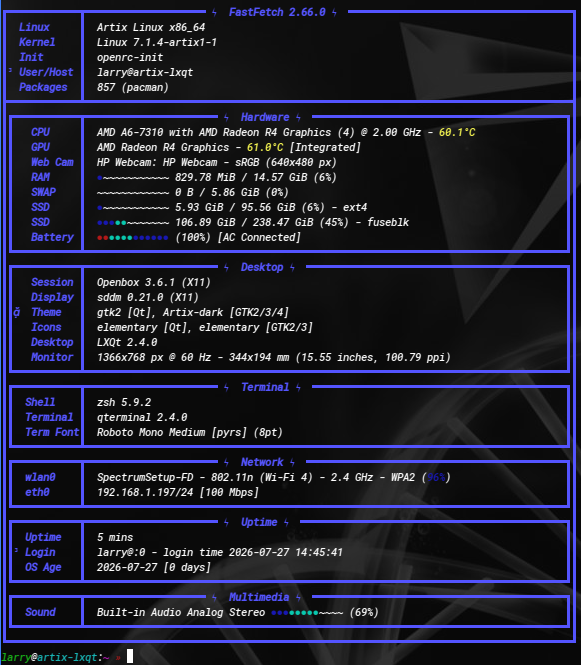
Testing out the latest build (07-18-2026) of Artix LXQT2.4 with X11 and OpenRC. I tried running this a couple of months ago when it was Xlibre … I knew it would fail. This laptop dislikes Xlibre.
Only a few hours in, and I am impressed. Very low initial mem at boot … it was in the mid-700’s before I started adding some things. It doesn’t come with much pre-installed. I’ve added a half dozen things and it’s still sitting under 6Gig installed. Not one thing broken OOB and it just hums along. Also testing out the latest Helium browser … UBlock installed by default. I’ve been reading of vast improvements in recent months.
I’m intrigued by GrapheneOS, and this article makes me want to buy a Google Pixel even more now. https://cybernews.com/privacy/atlanta-man-border-search-prosecuted-grapheneos/
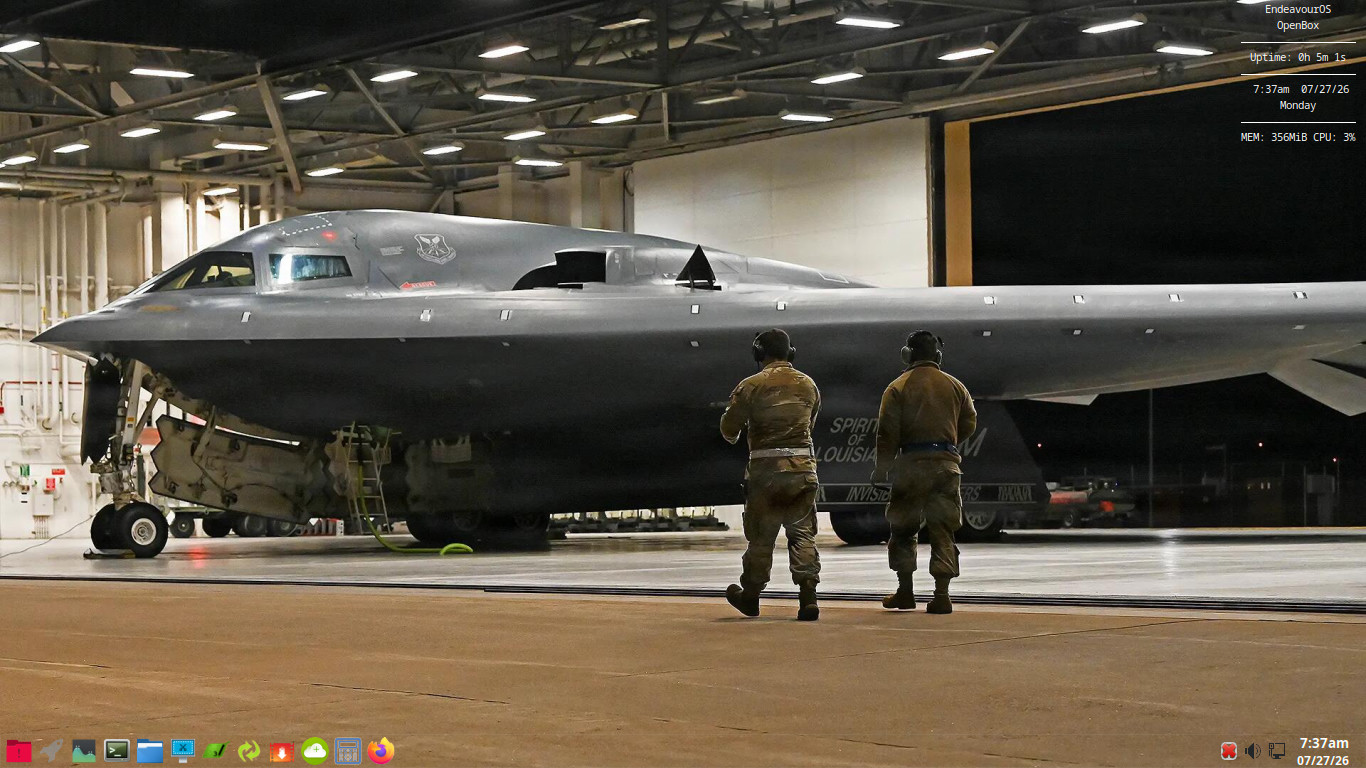
I will never get to but I would love to ride in that or an SR-71.
It would be mad as hey