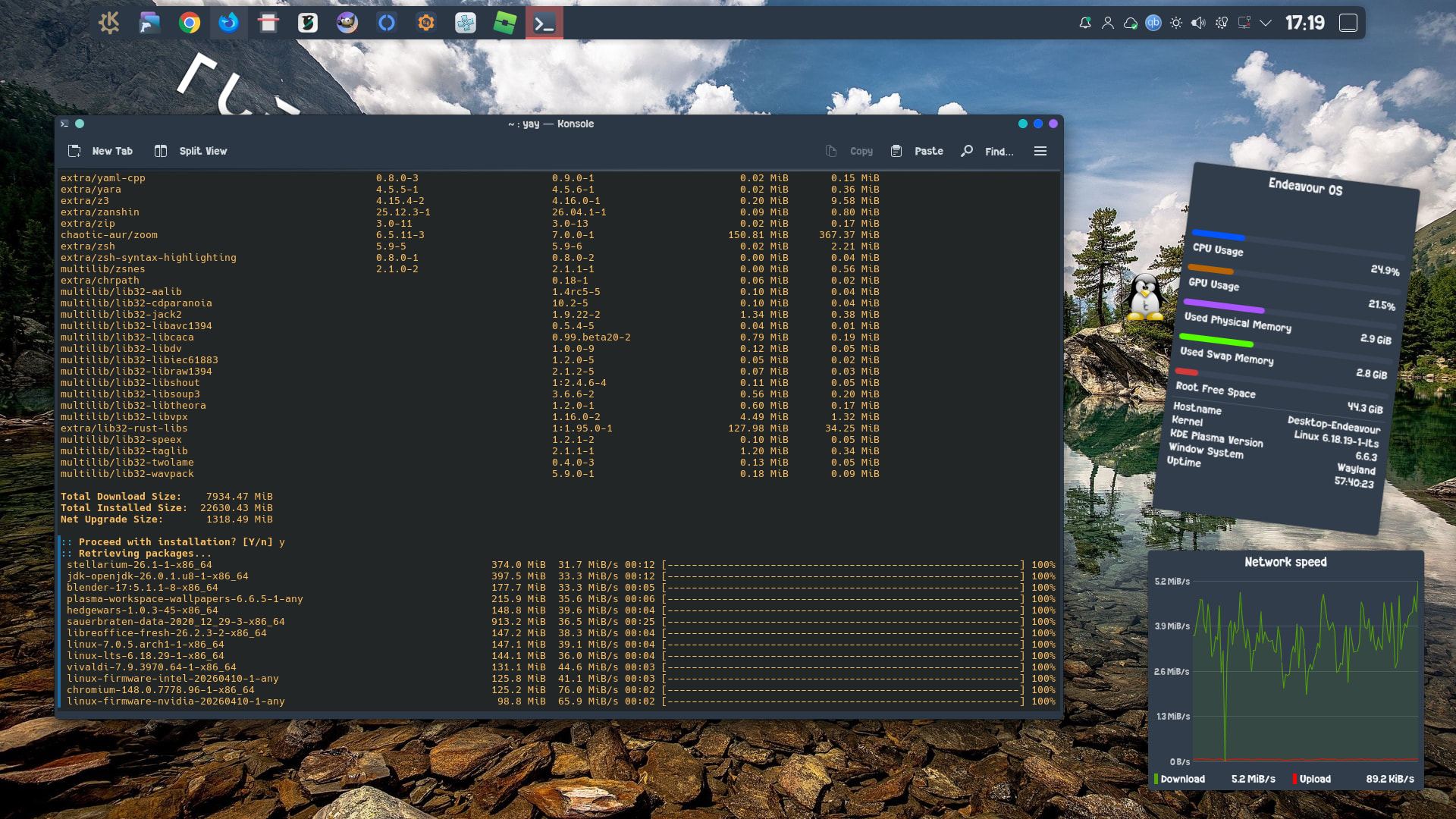
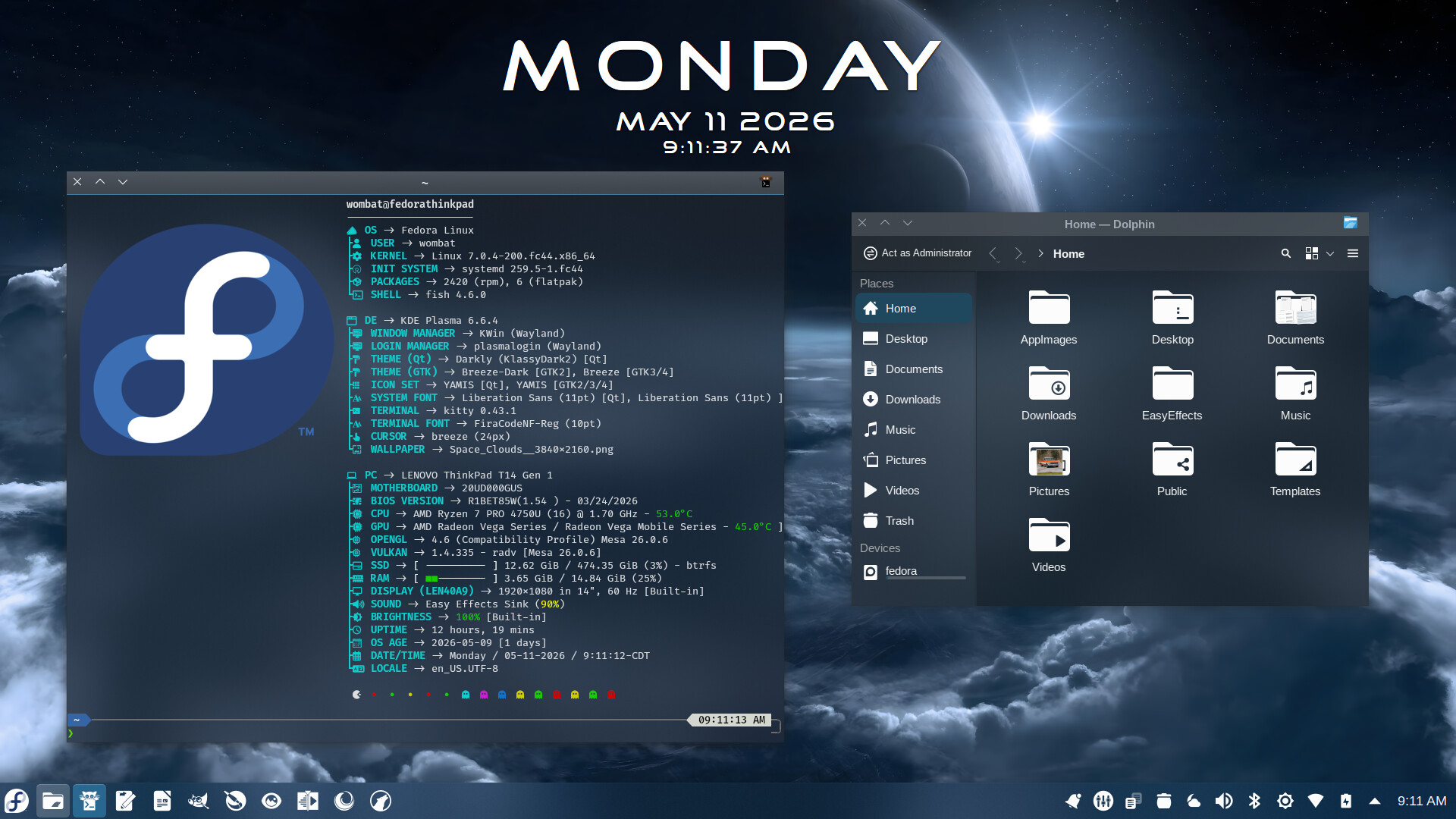
Regular Fedora 44 KDE Plasma. Personally, I have no use for immutable distros.
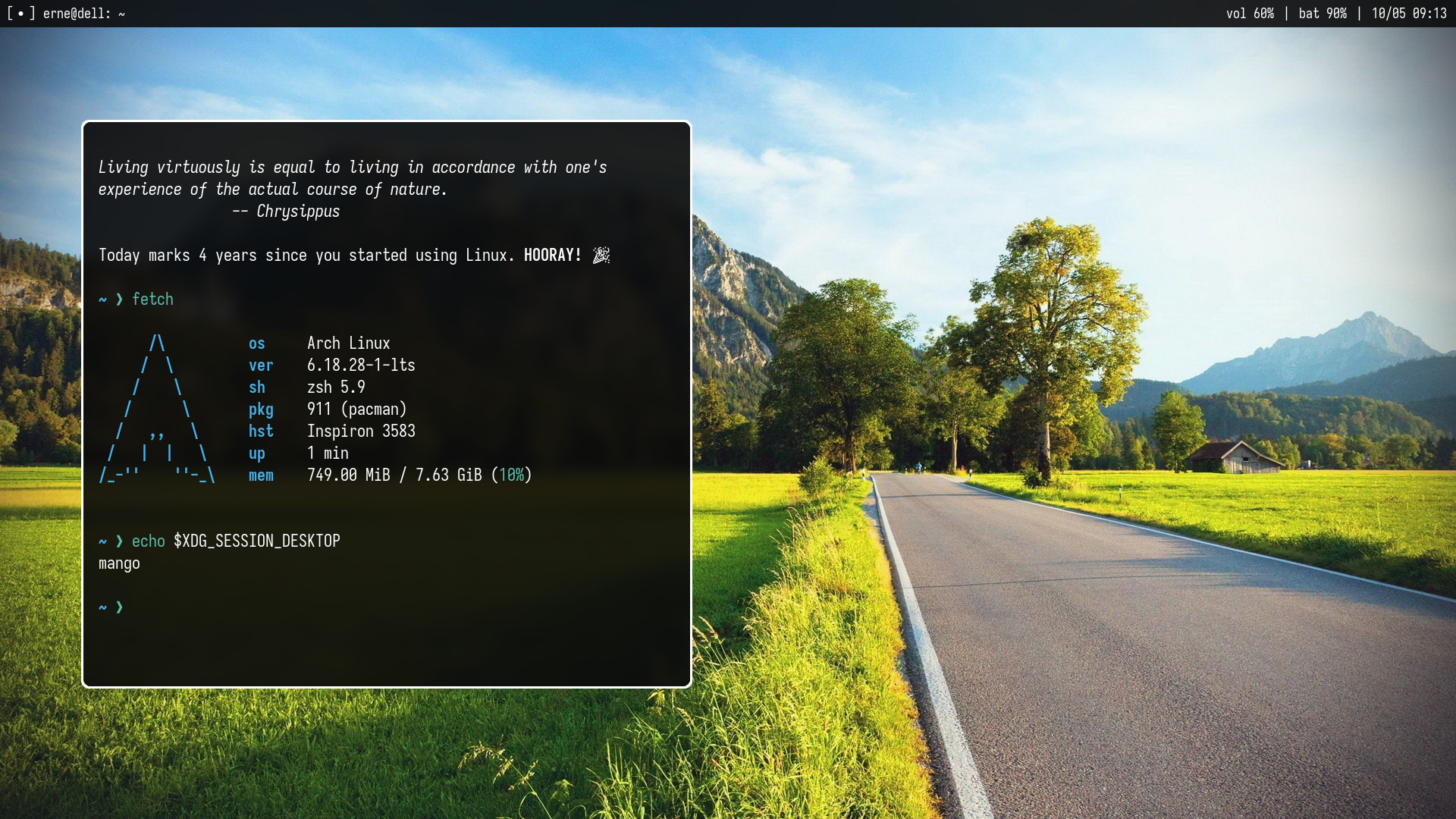
Happy Linux Day!
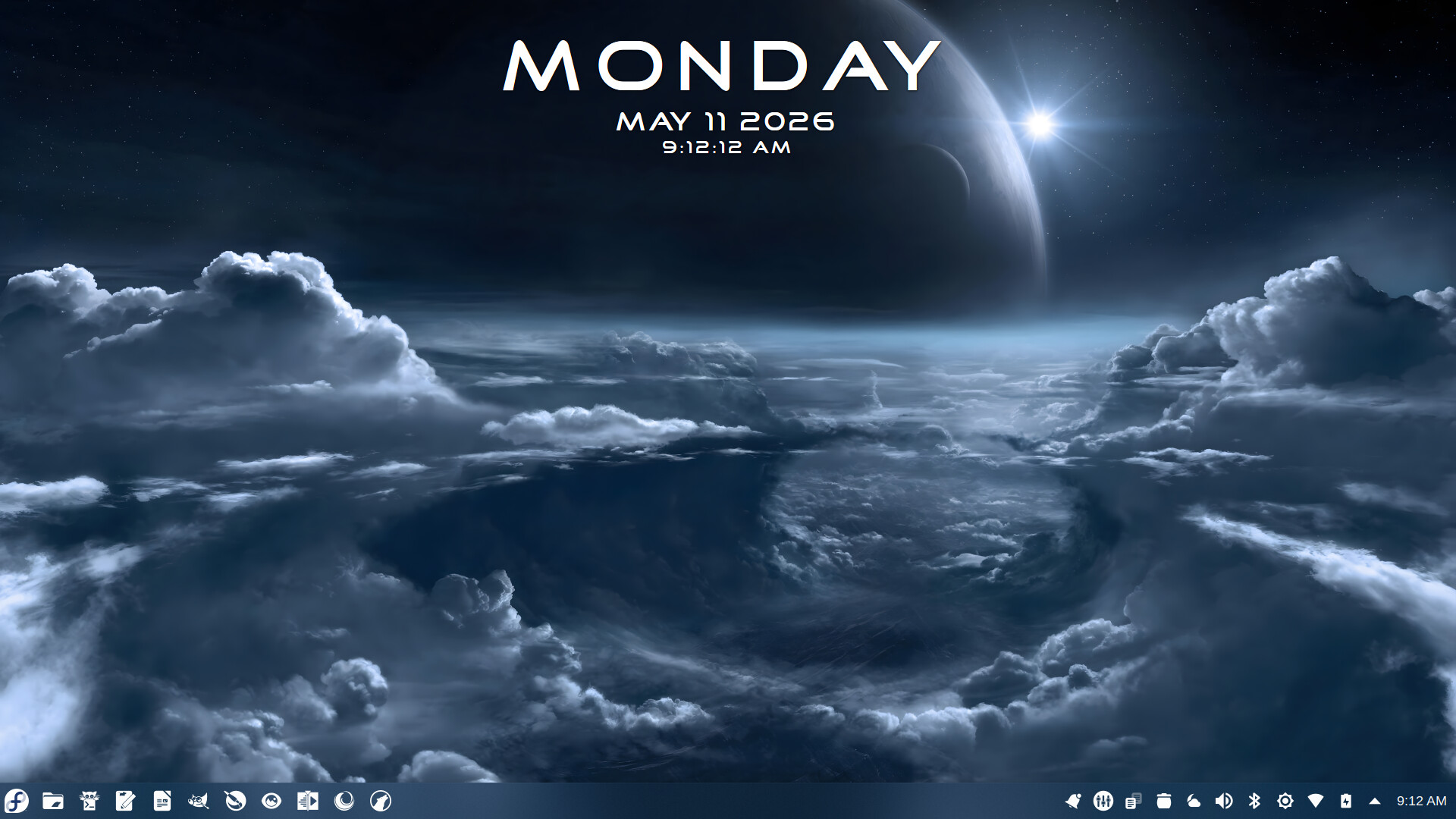
Links to wallpapers here, that was a pain. I really need to put my 2fa apps on my new phone
Hello again! I have been absent this forum almost year now. Reason is quite typical. I got lost in distro-hopping. Spent most of the time in debian land. Parrot has been my favorite distro. But I needed some change and EOS was a natural choice. I installed Titan-Neo on my Lenovo ideapad and here I am. Everything works. Which is not a surprise. I’m still going to keep Parrot on my other partition because I’m quite fond of it.
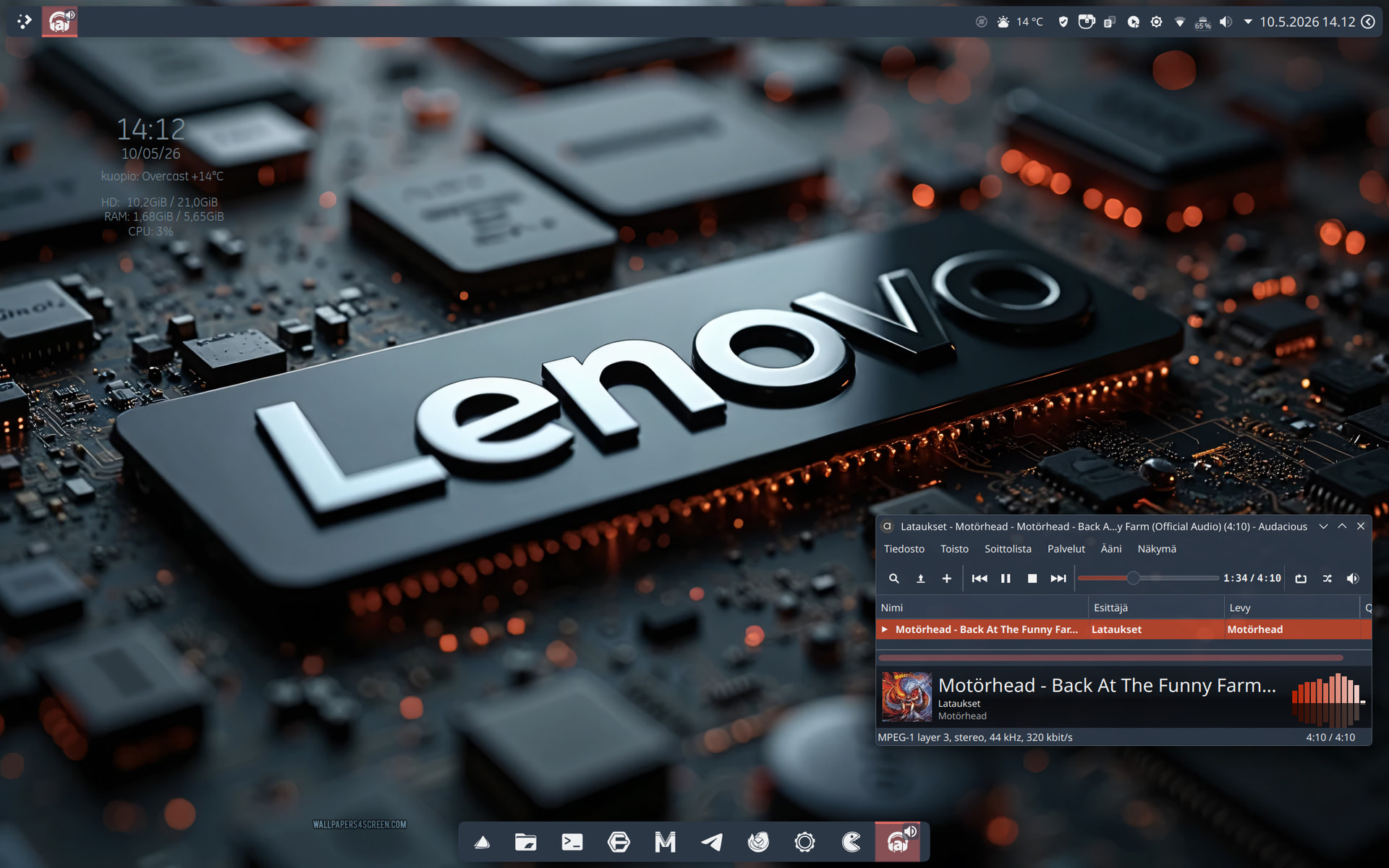
That’s the magical part. For now. Ricing has just begun 
Didn’t even notice that. I did that a while ago because everyone thought I was running OSX, then realized it wasn’t because of the note. Not the other widgets that say EndeavourOS, but the tilted note. 
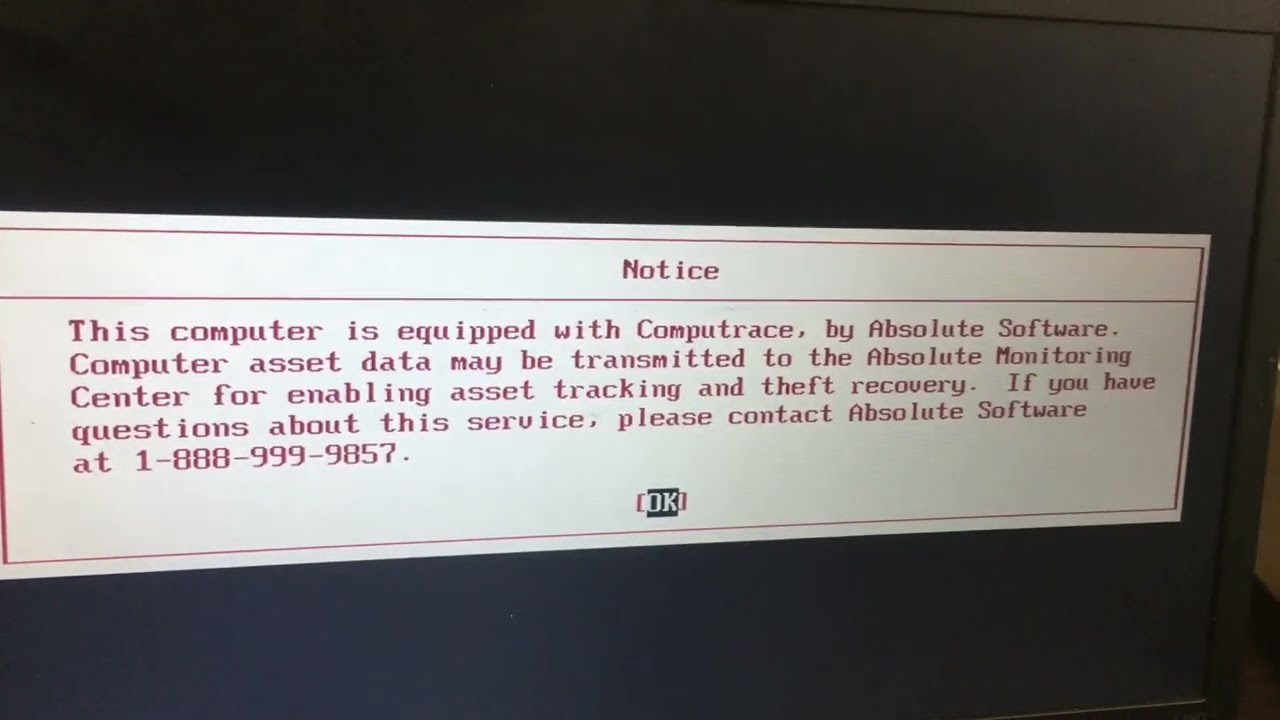
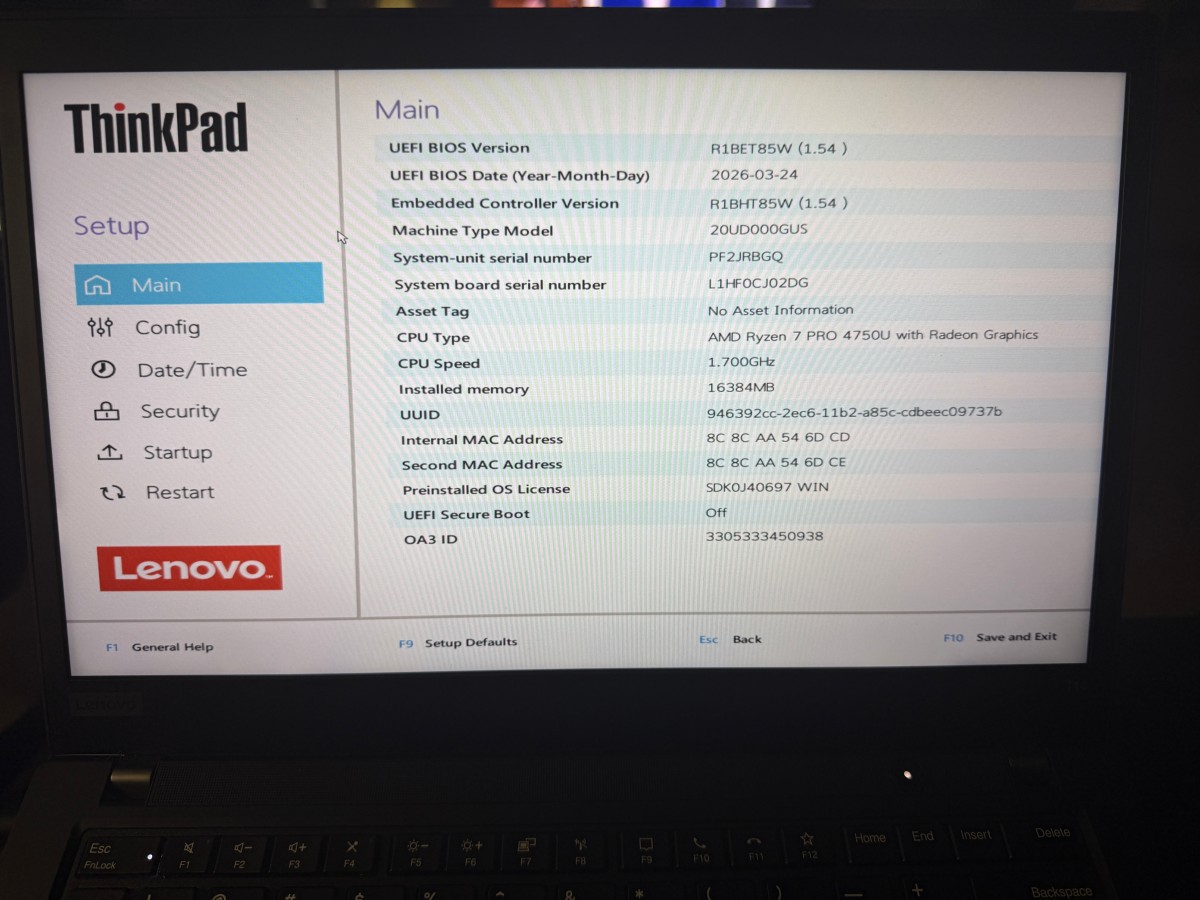
Firmware’s last letter is “W”, is it locked to Absolute Computrace company?!
Not sure what you’re talking about.
Enter the bios setup, go to security section, do u see any “Absolute Computrace” option?
I found this on YouTube and no such notice when I updated BIOS last week.
I’ll dig deeper after work tonight.
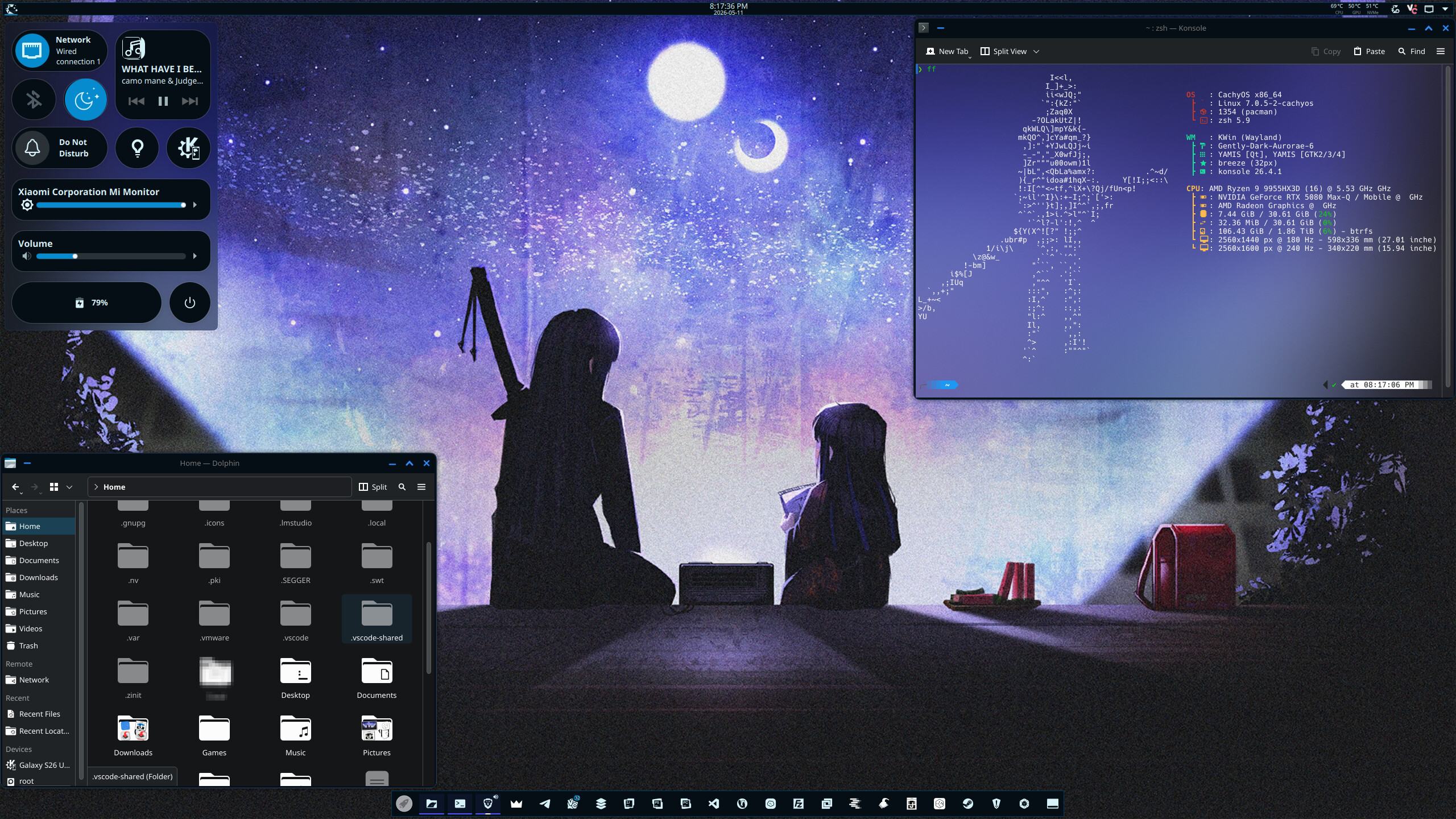
Used Panel Colorizer built-in Outline theme for top and bottom bars
Desktop layout based on @dirn’s desktop
Global Theme: Gently Dark Plasma 6
Icon pack: Yet Another Monochrome Icon Set by @dirn (tho I had to make some icons myself for niche apps like SEGGER J-Link software, IMSProg, LM Studio and PulseView)
Wallpaper: Limbus Company Canto IX Artwork (WARNING! SPOILER ALERT FOR THOSE WHO PLAYS LC)
FastFetch theme: Fastcat preset and made ASCII art myself based on Ryōshū’s (also from Limbus Company) in-game unused sprite
@HuskerDu, all is well.
BIOS setup loads with no warning:
Absolute Persistence Module is NOT active or enabled:
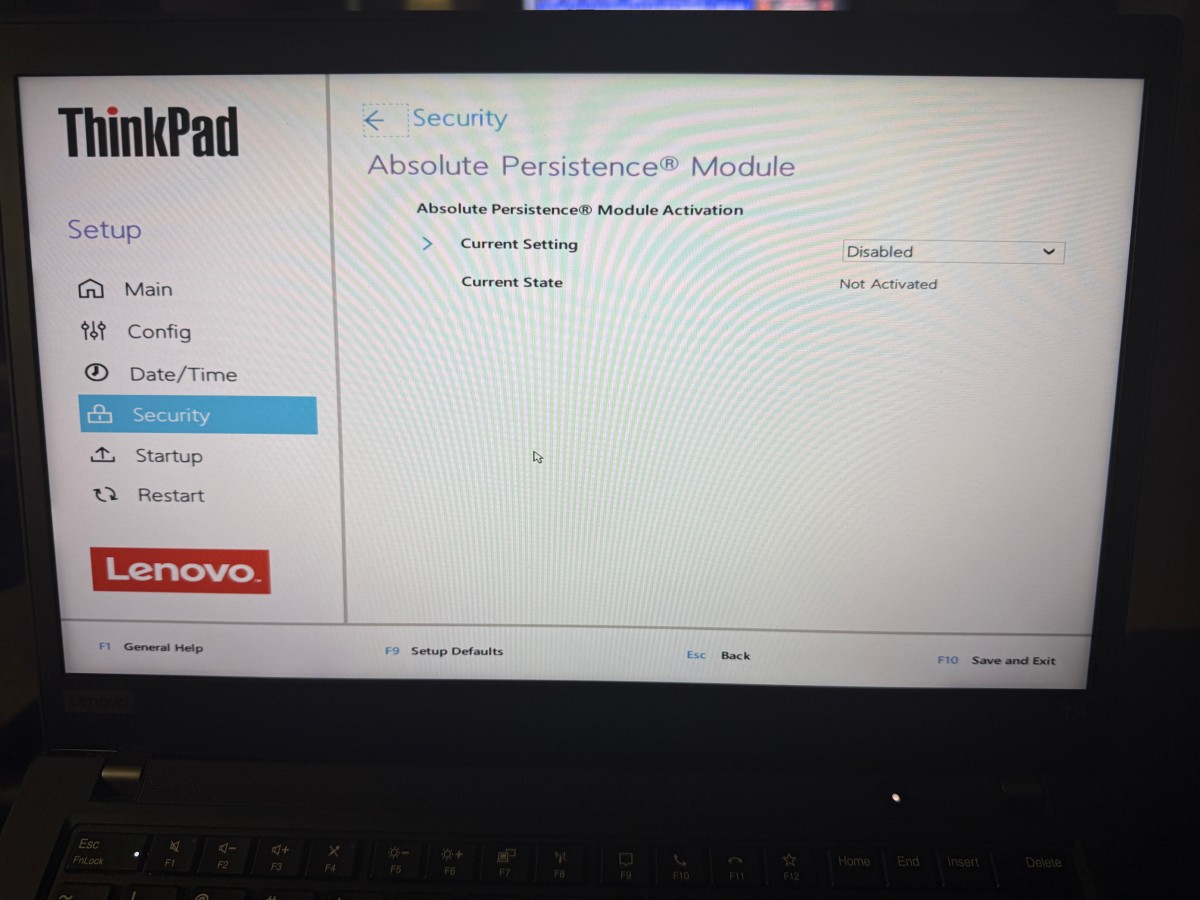
That’s good, State is “Not Activated”, in Current Setting is there an option like “Permanently disabled”?
Yep. I permanently disabled it…
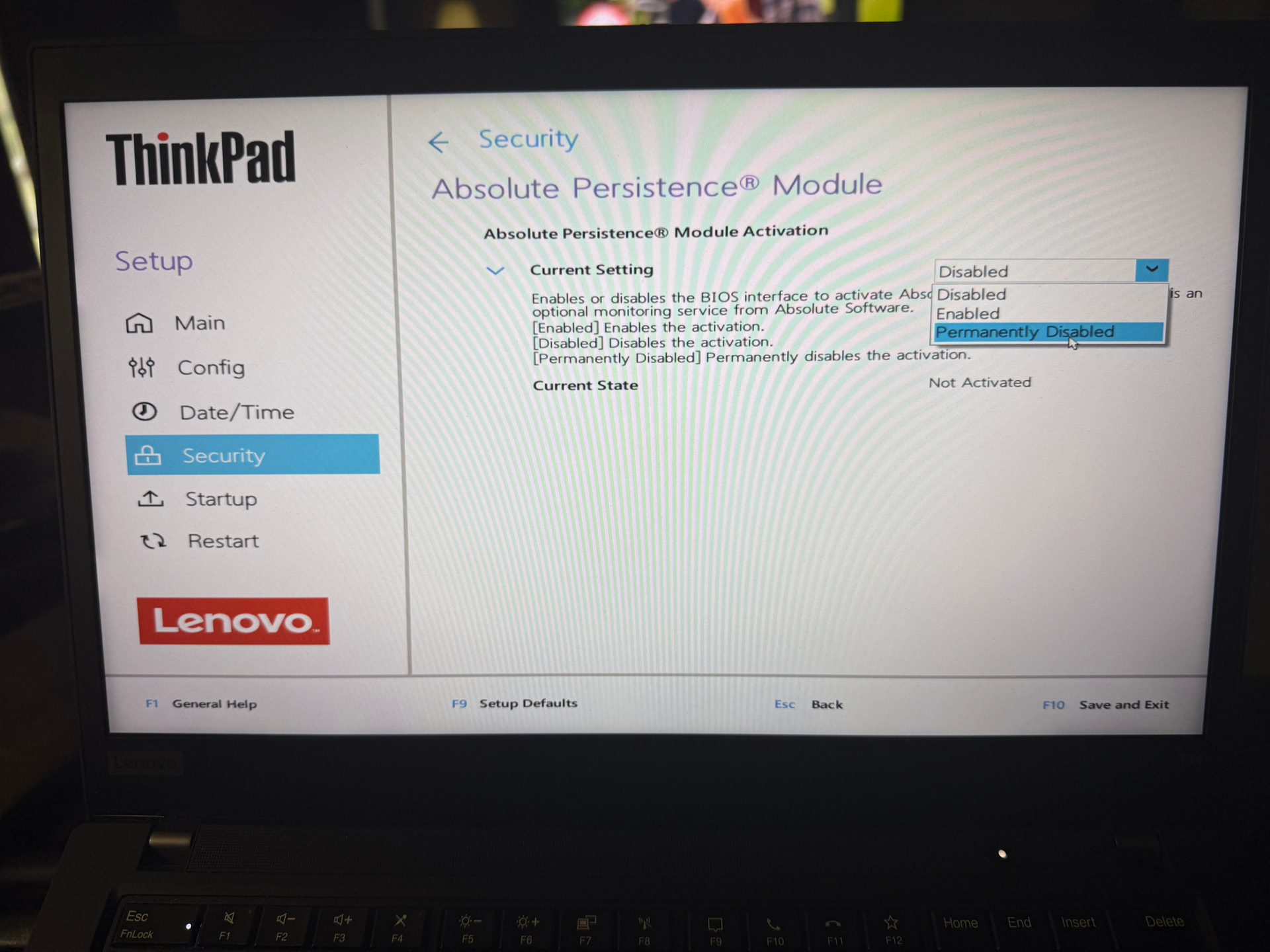
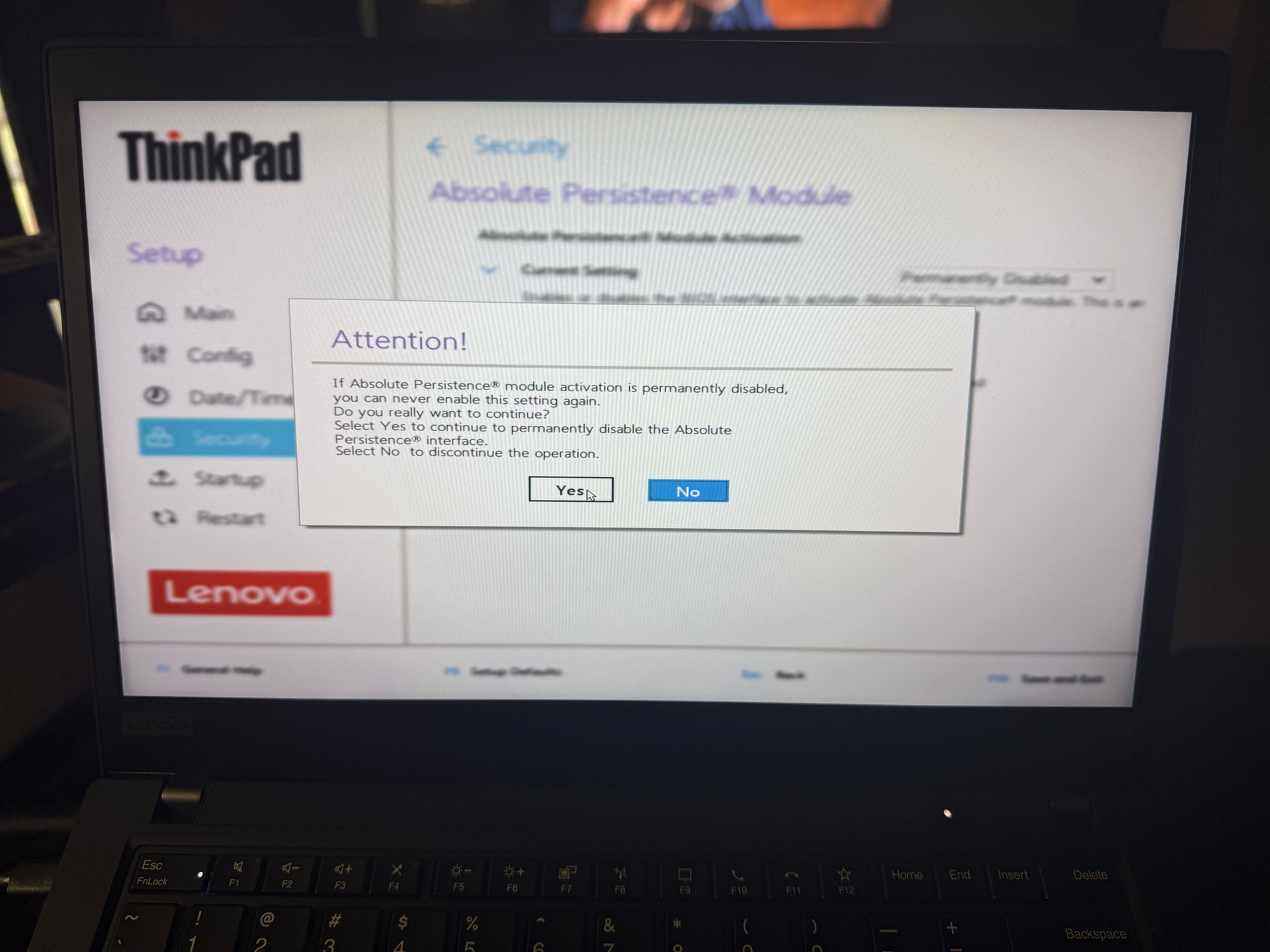
Now the Absolute Persistence Module option is gone…

Appreciate your help, @HuskerDu!
Done the same just some minutes ago; thanks for pointing that out @HuskerDu !