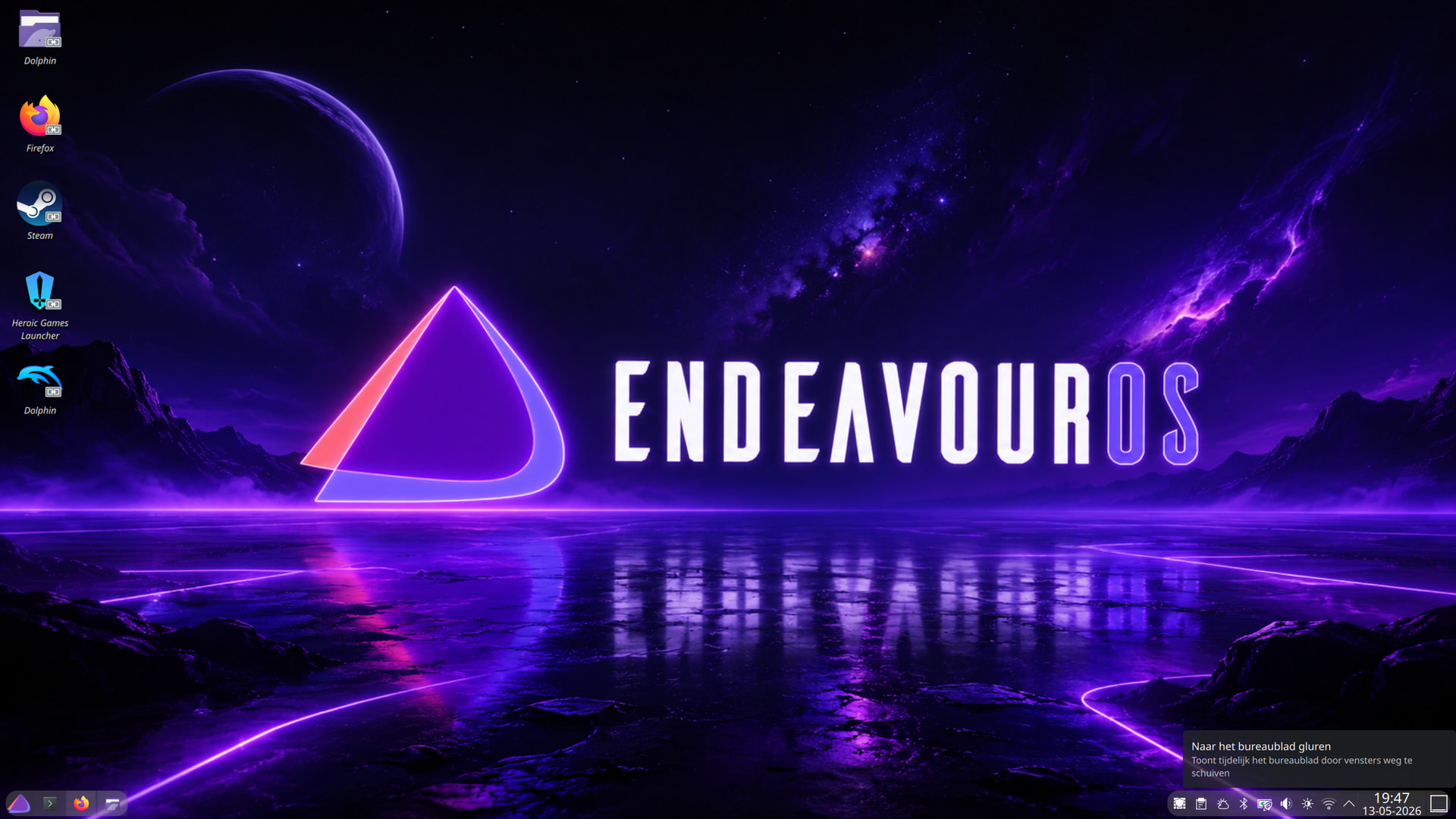
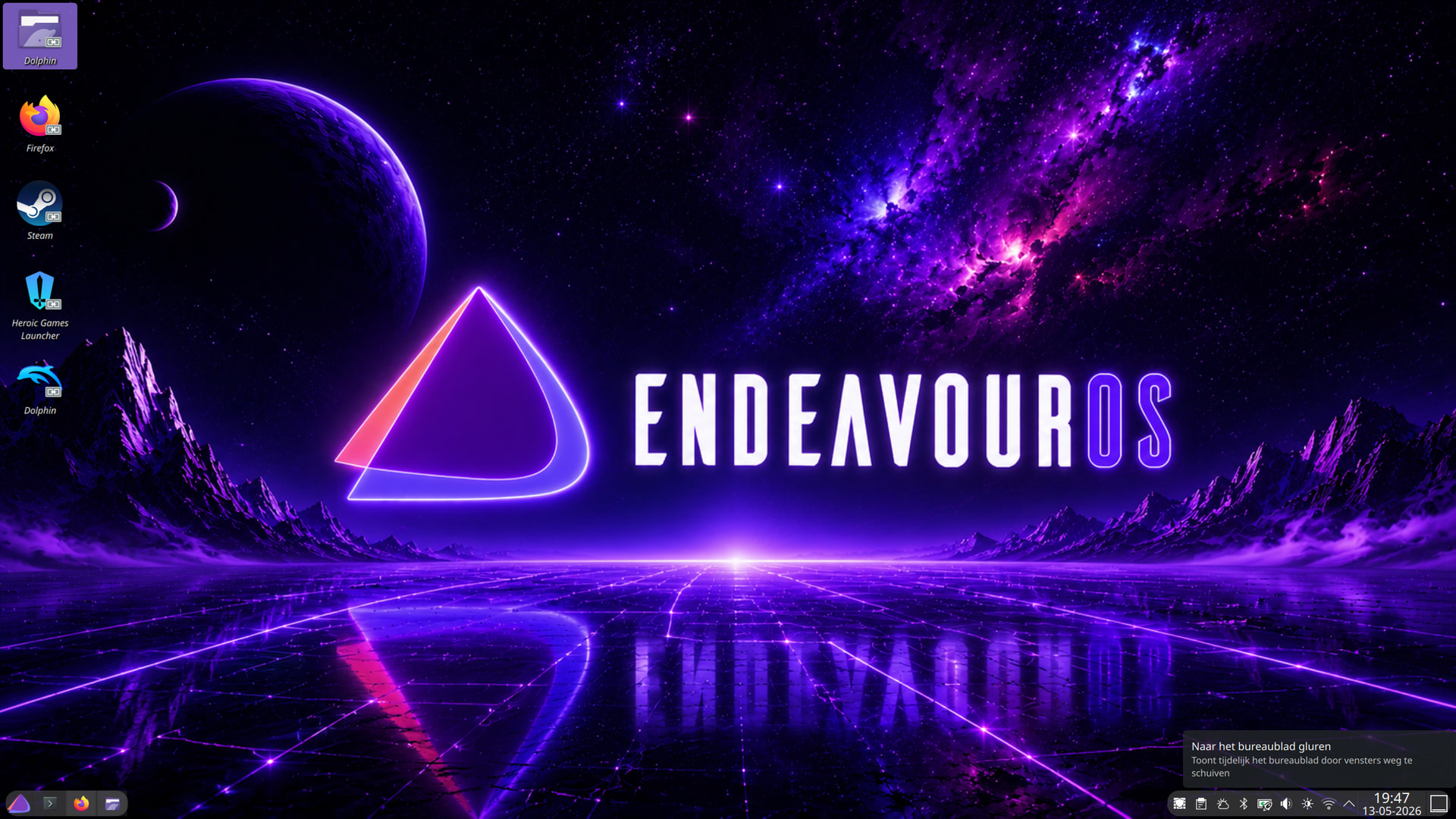
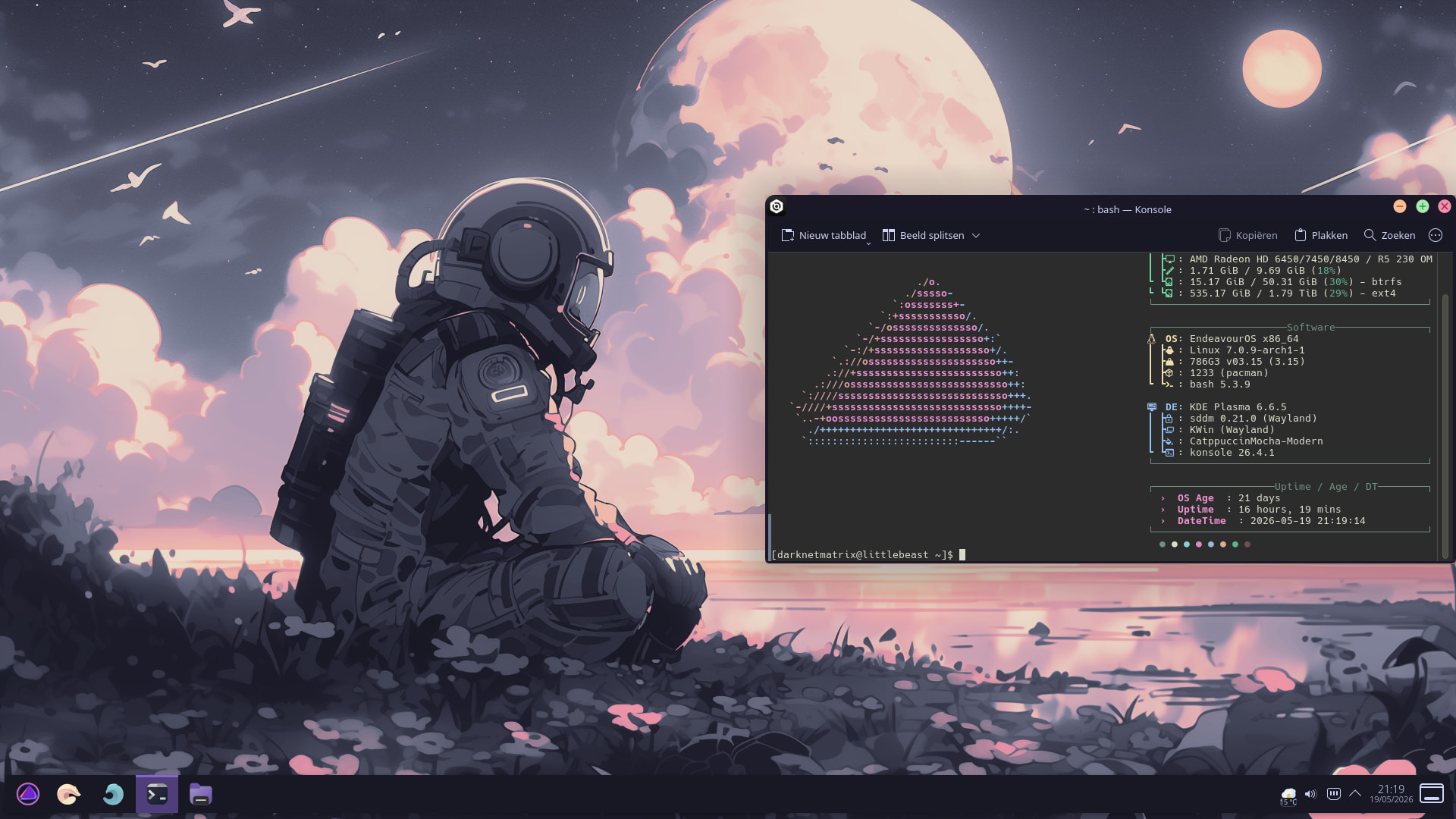
It’s the kid’s computer. Sometimes they have it upside-down just to trigger my OCD!
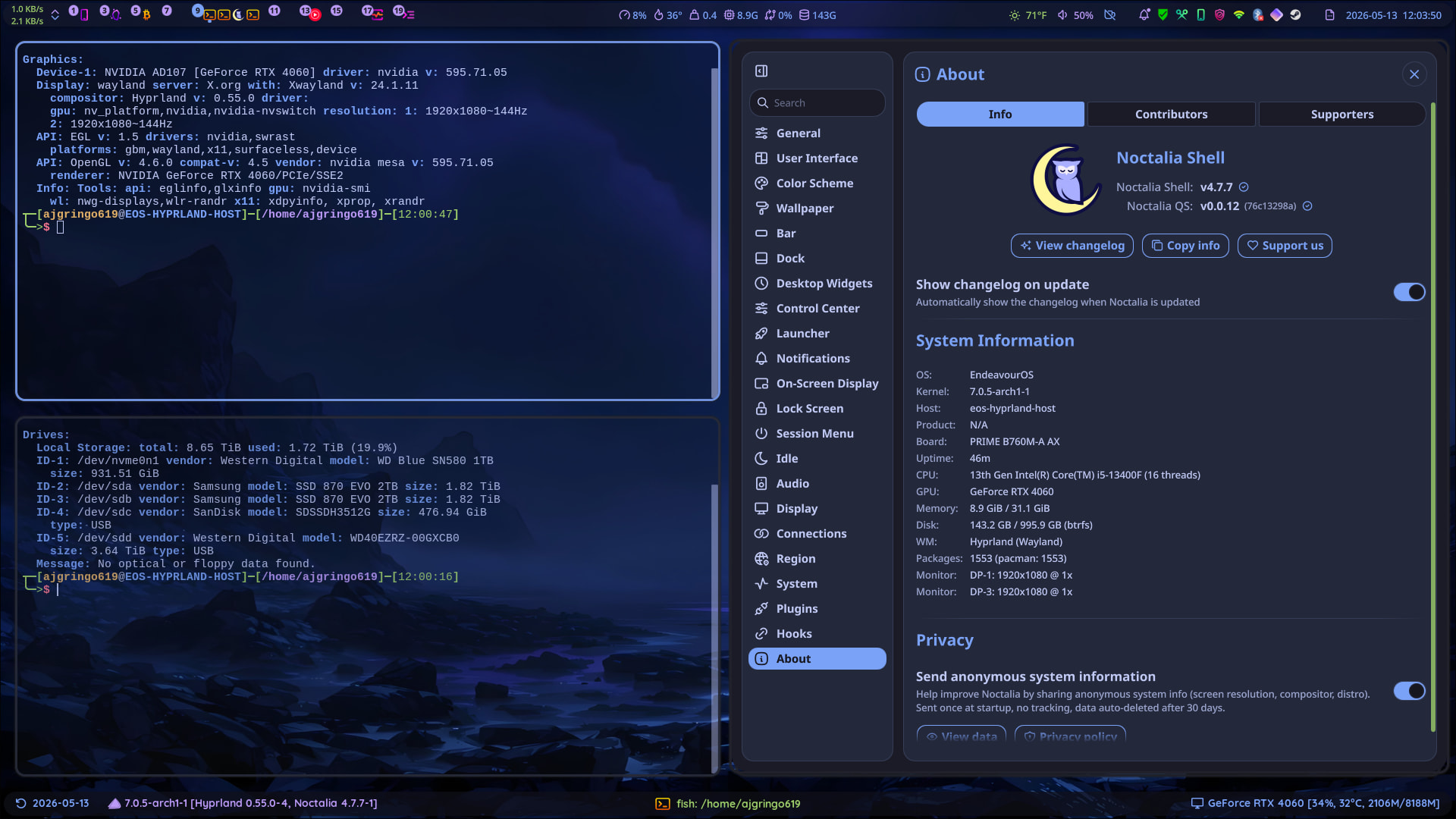
It is actually the “System Monitor Sensor” widget, but I have also used “Total CPU Usage” the same way before that one. They have just been modified in the settings.
It actually worked out fine. No hickups. I am starting to really push EOS as a beginner distro. Have had better luck with my EOS systems on long duration upgrades than my Mint and Debian systems. Usually go about 2 weeks and it updates fine. Can’t do that on Garuda!
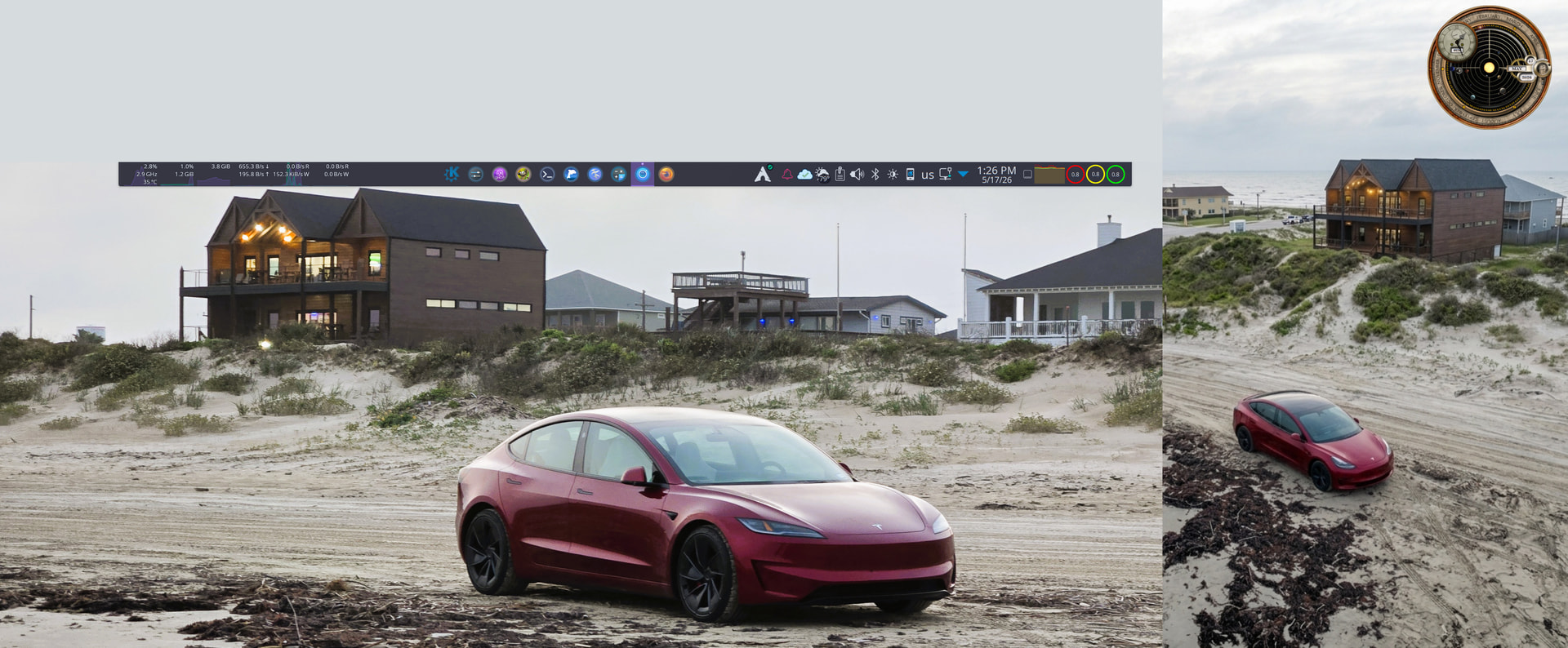
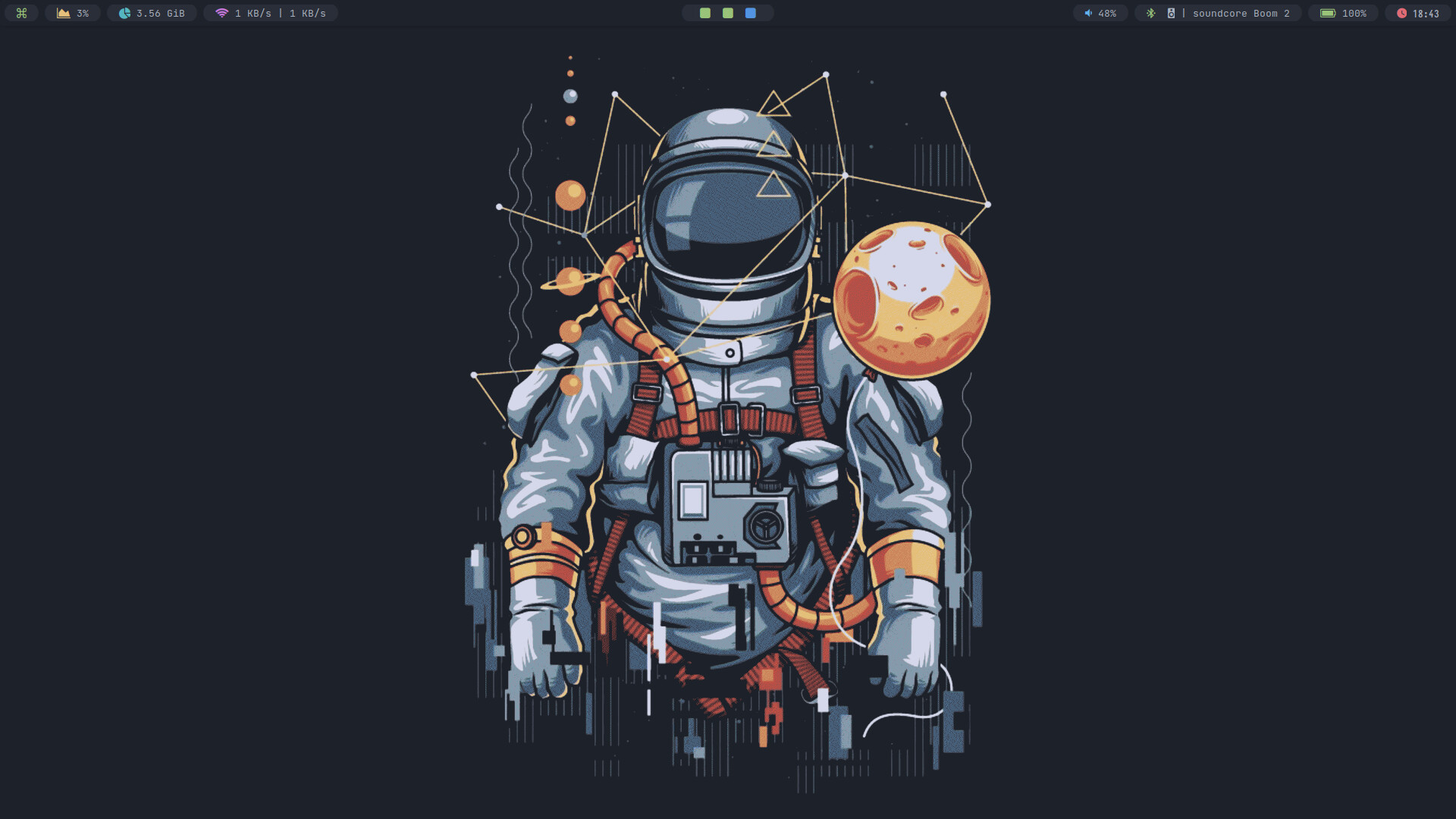
my long journey with a complete panel on the left side is over, it’s been more than 15 years with these setups but I’m pretty comfortable with a minimal panel auto-hiding on the center top of the screeen:
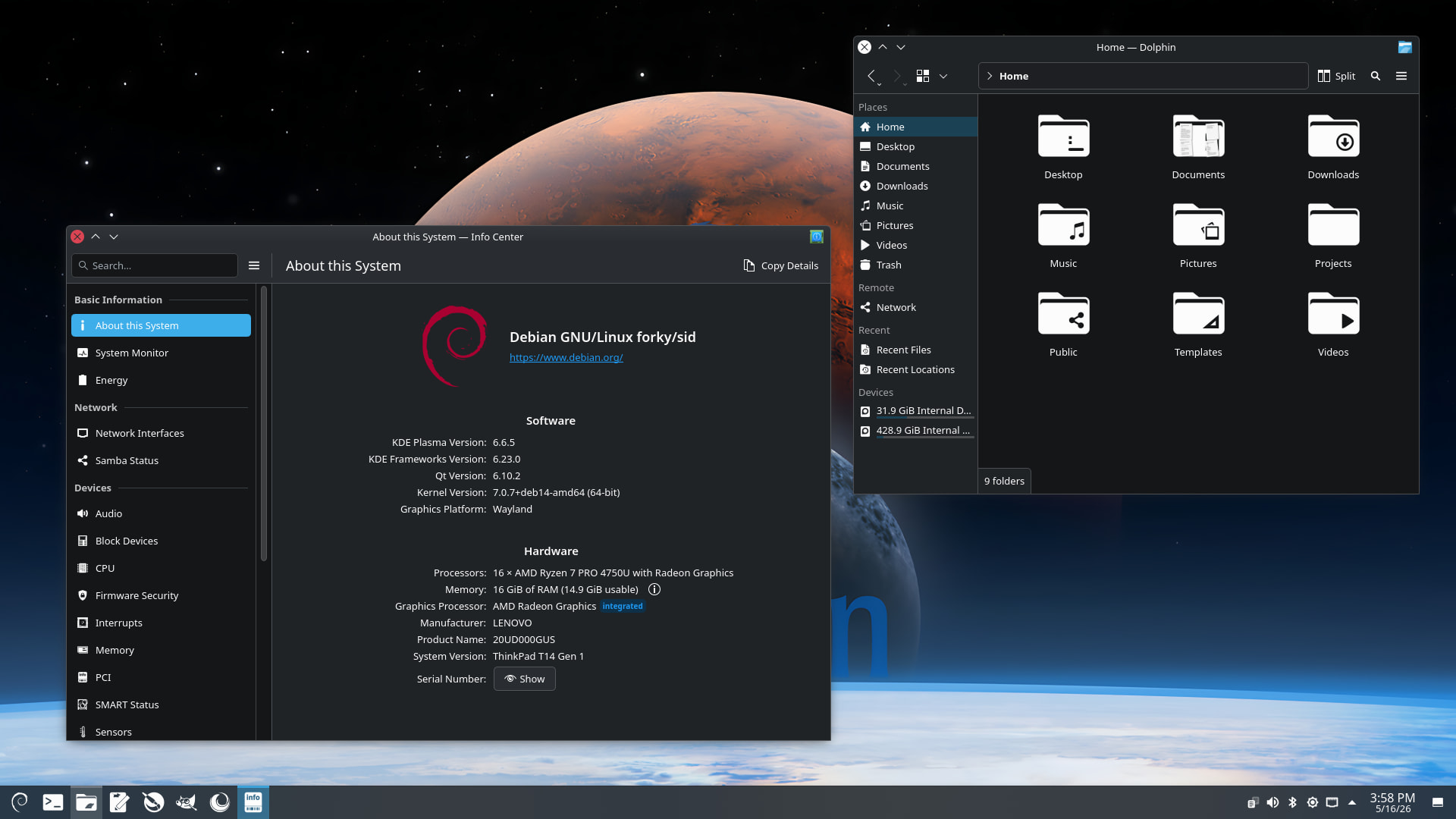
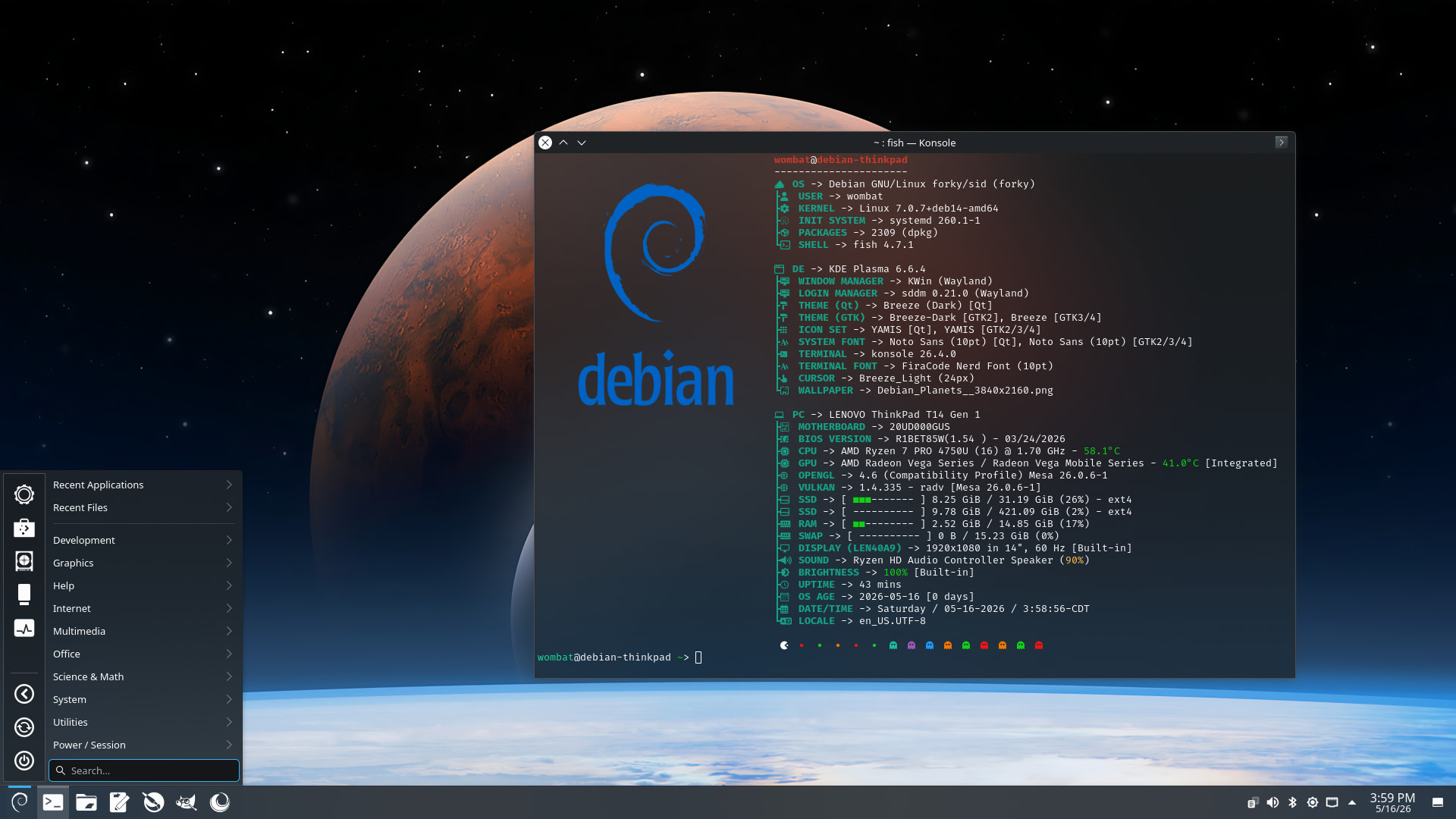
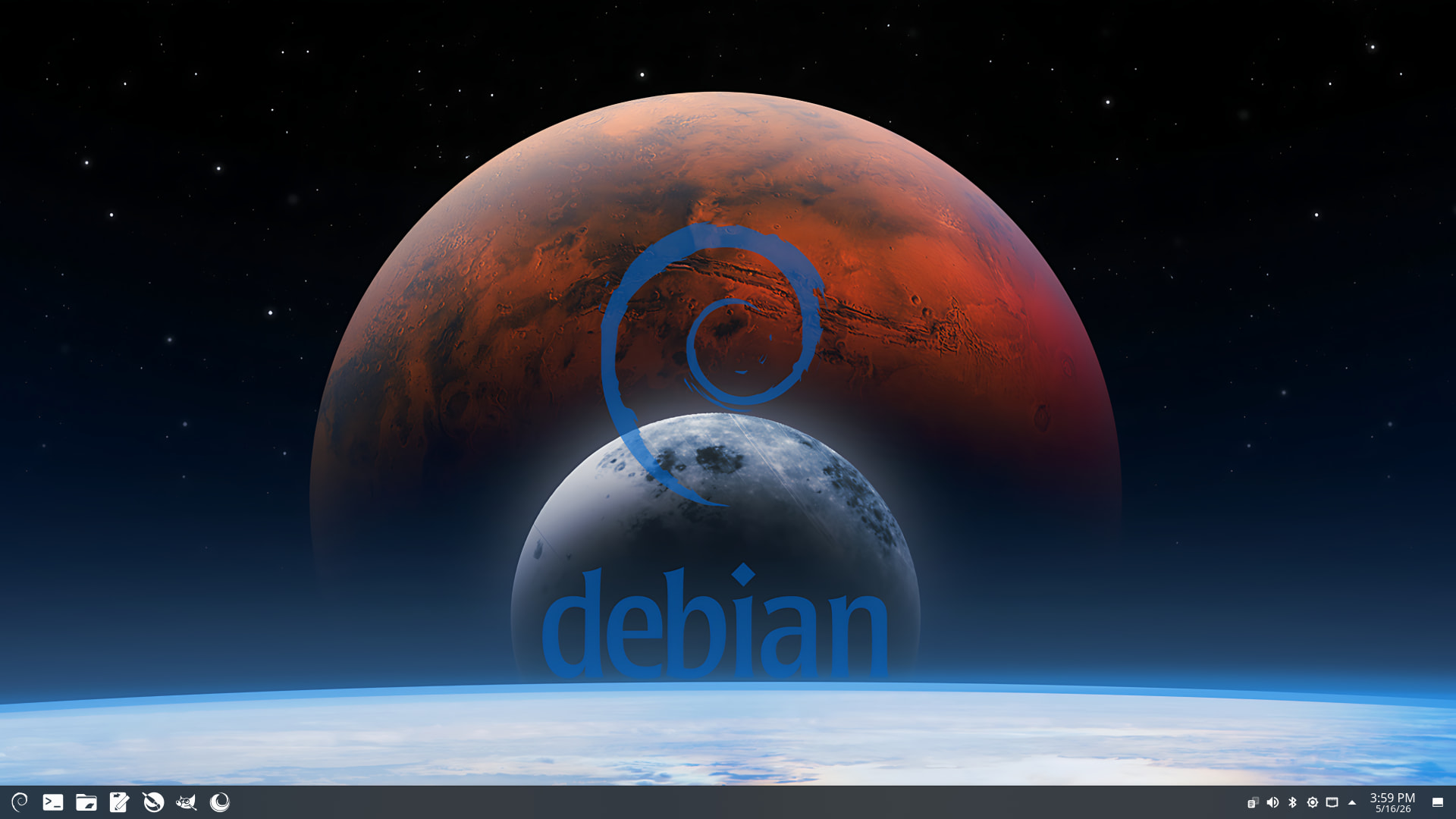
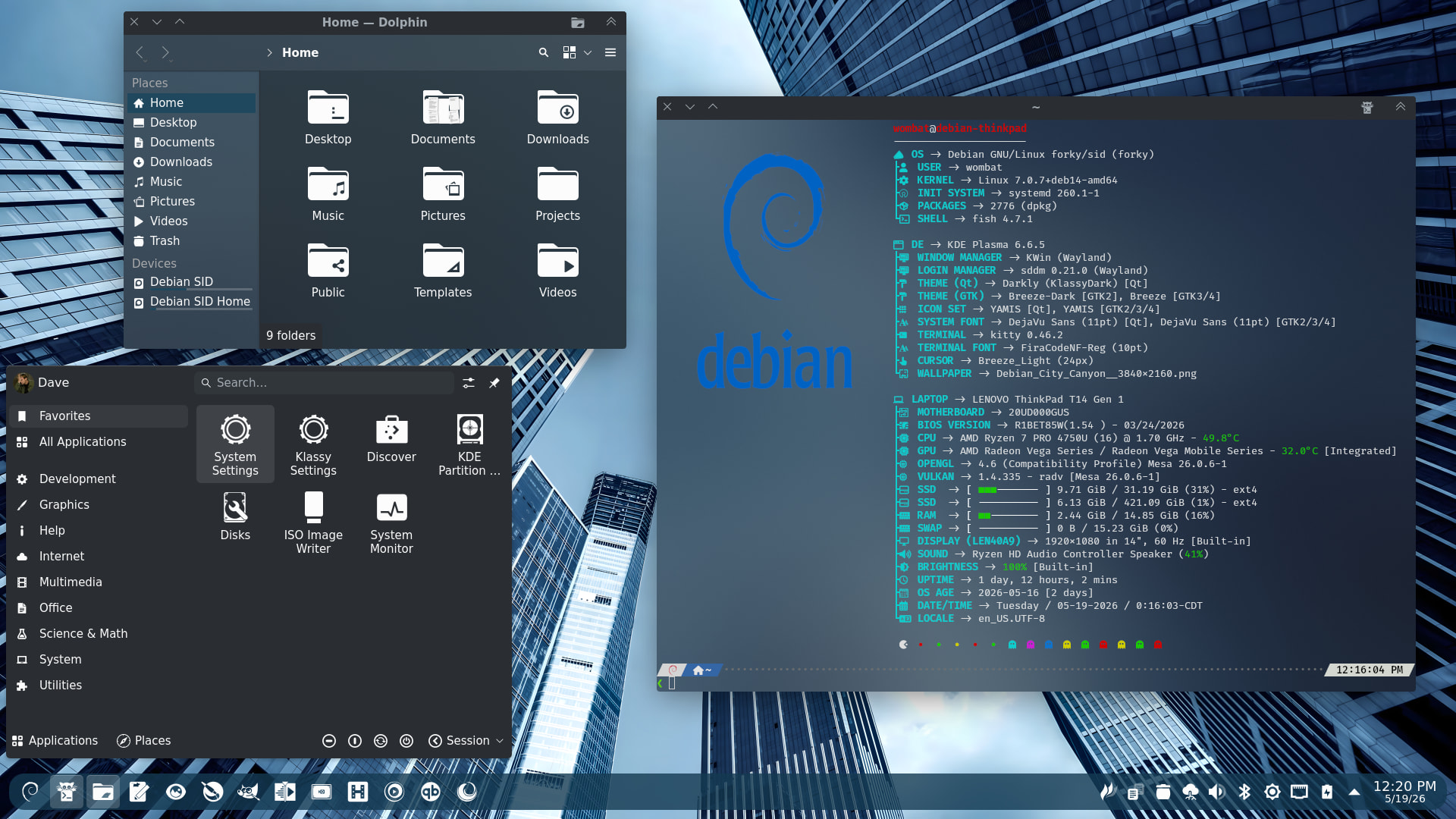
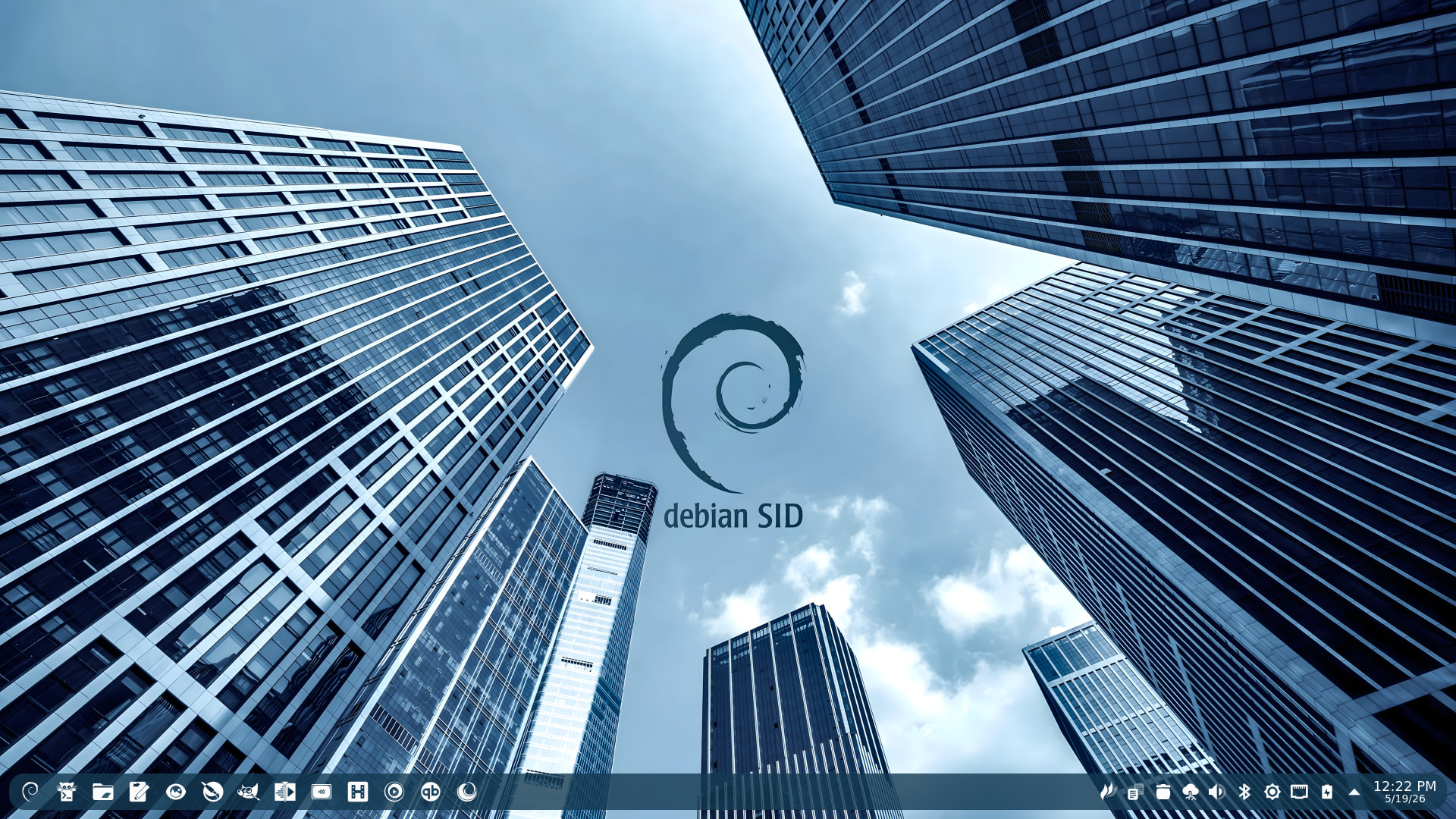
Debian SID (Forky) on the ThinkPad. Just a tiny bit of theming for now. Still getting the last of my apps/packages installed. All I’ve done so far is added my Debian wallpaper and got Fastfetch sorted out. But I think this looks good for a starting point.
Nothing wrong with Fedora at all. Just testing and deciding what I want to keep on the ThinkPad. I’ve always had a soft spot for Debian Testing or SID. Sticking with SID for now.
EDIT:
I really have no use for “regular” Debian as it’s so far behind on everything from Plasma to Kernel to apps. SID (even though it’s not meant to be used as a day-to-day desktop) works much like a rolling release, which I prefer. And it’s only slightly behind on a couple of things.
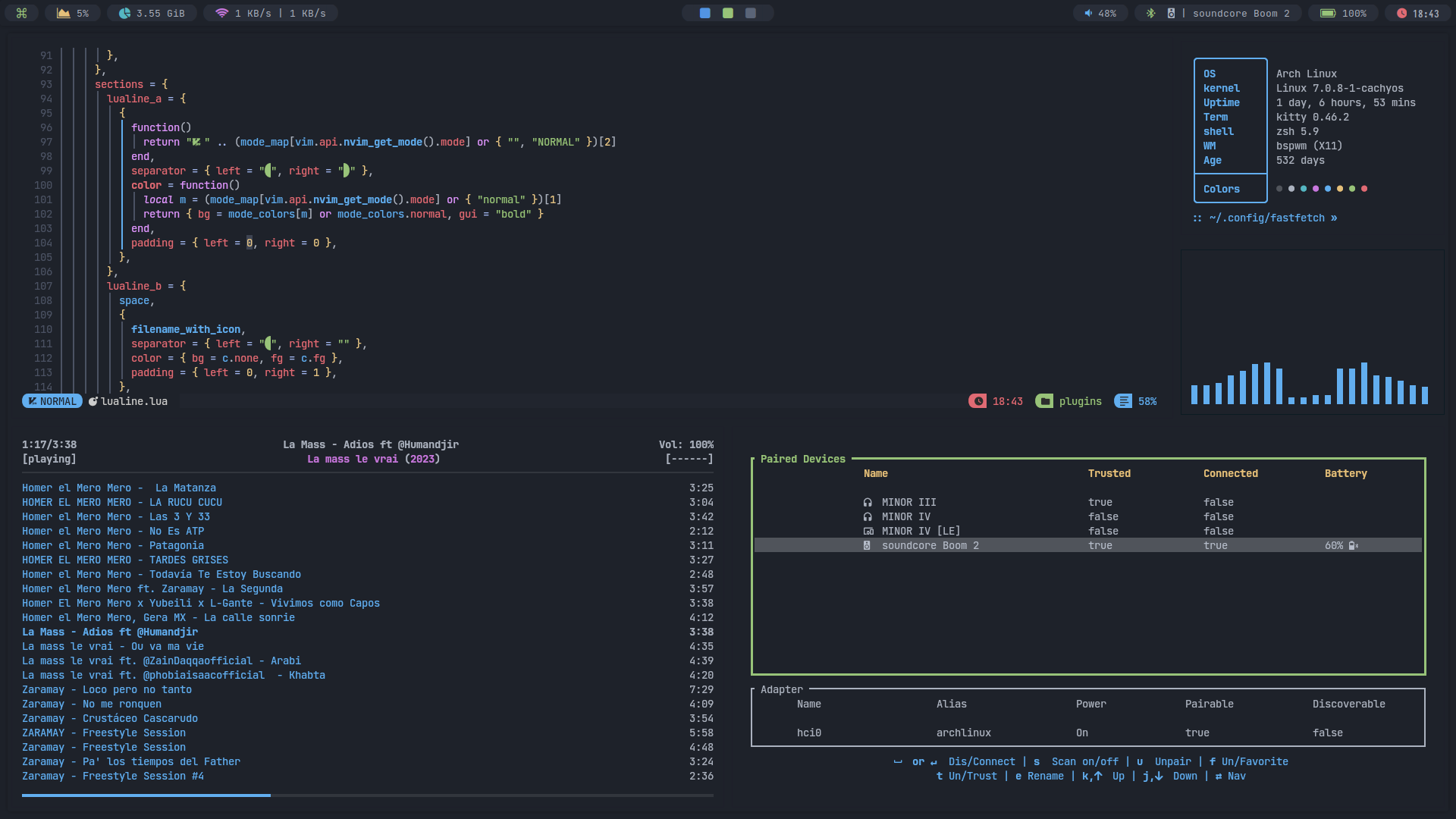
Not much has changed besides the color scheme.
It now uses lualine, similar to the one in NvChad, and has switched from cmp.nvim to blink.cmp.
And the kernel to linux-cachyos.