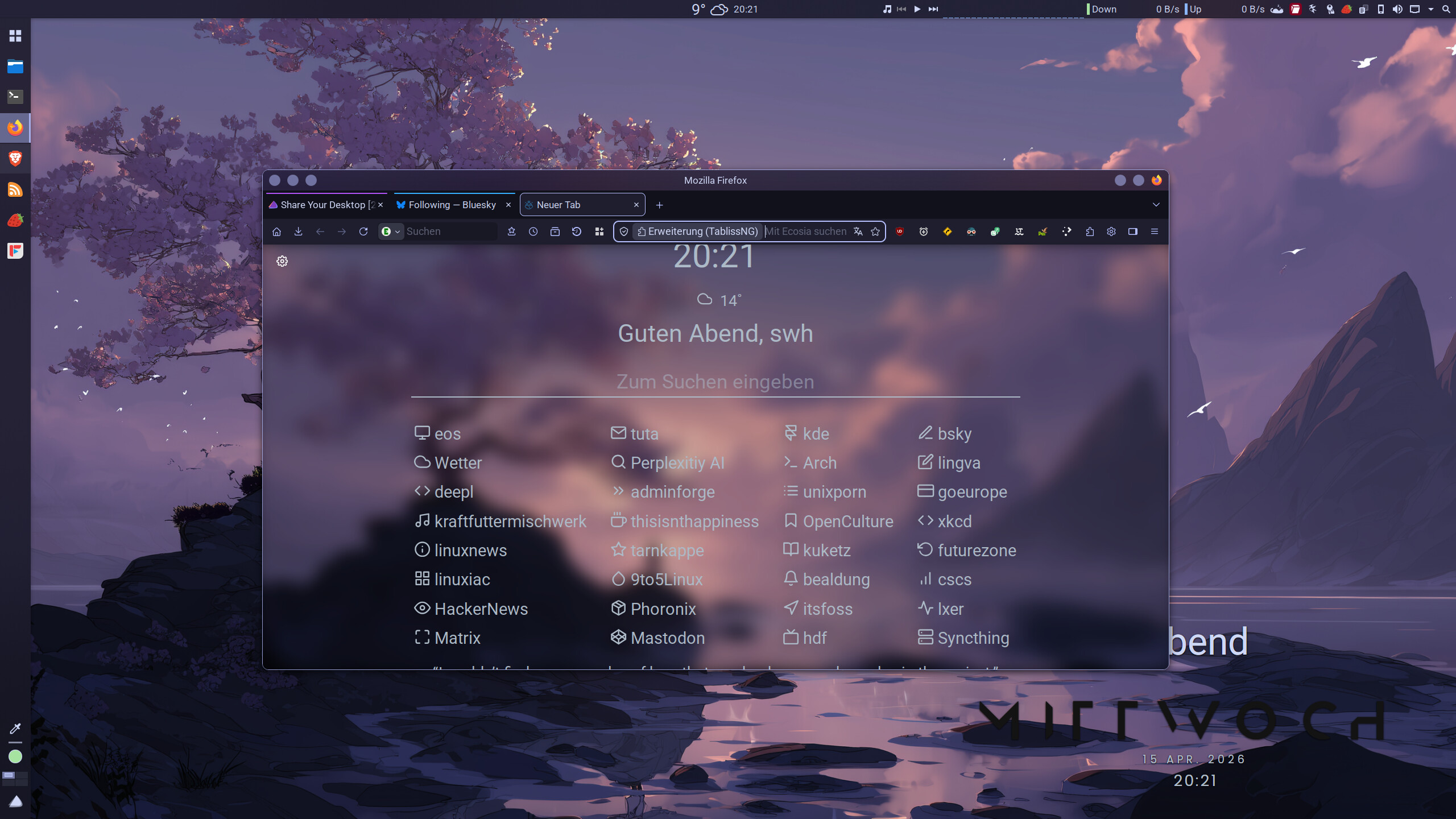
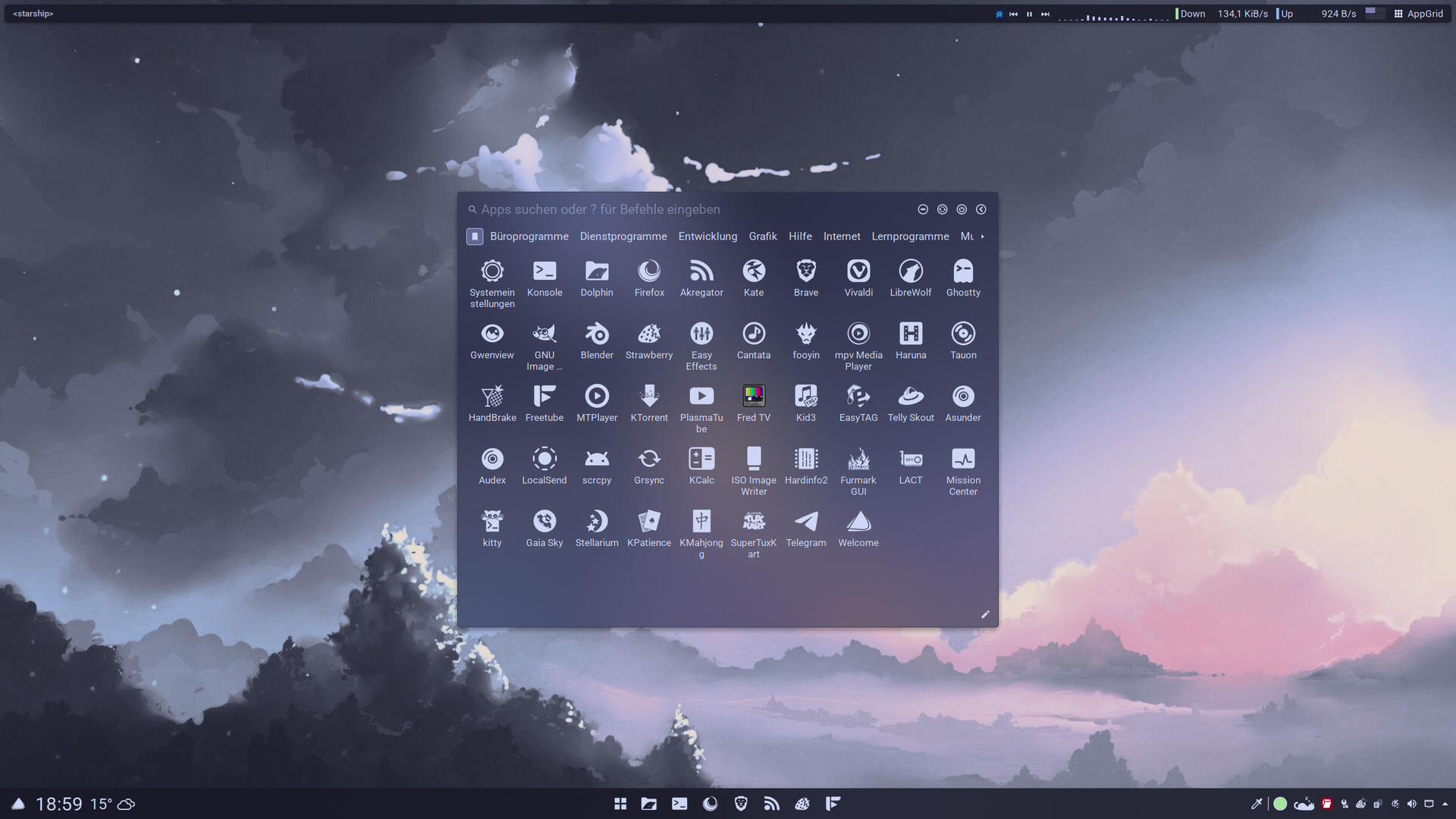
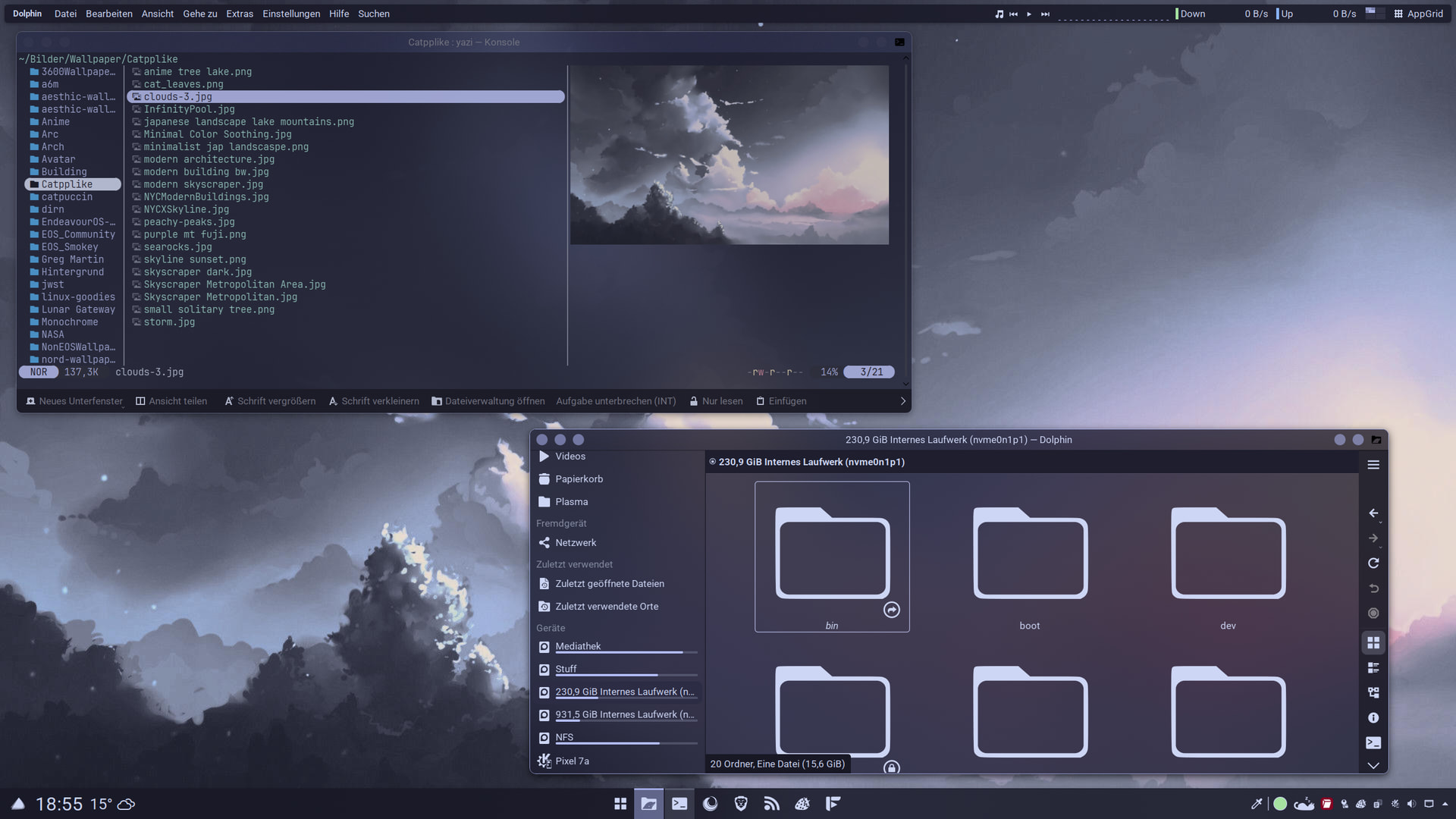
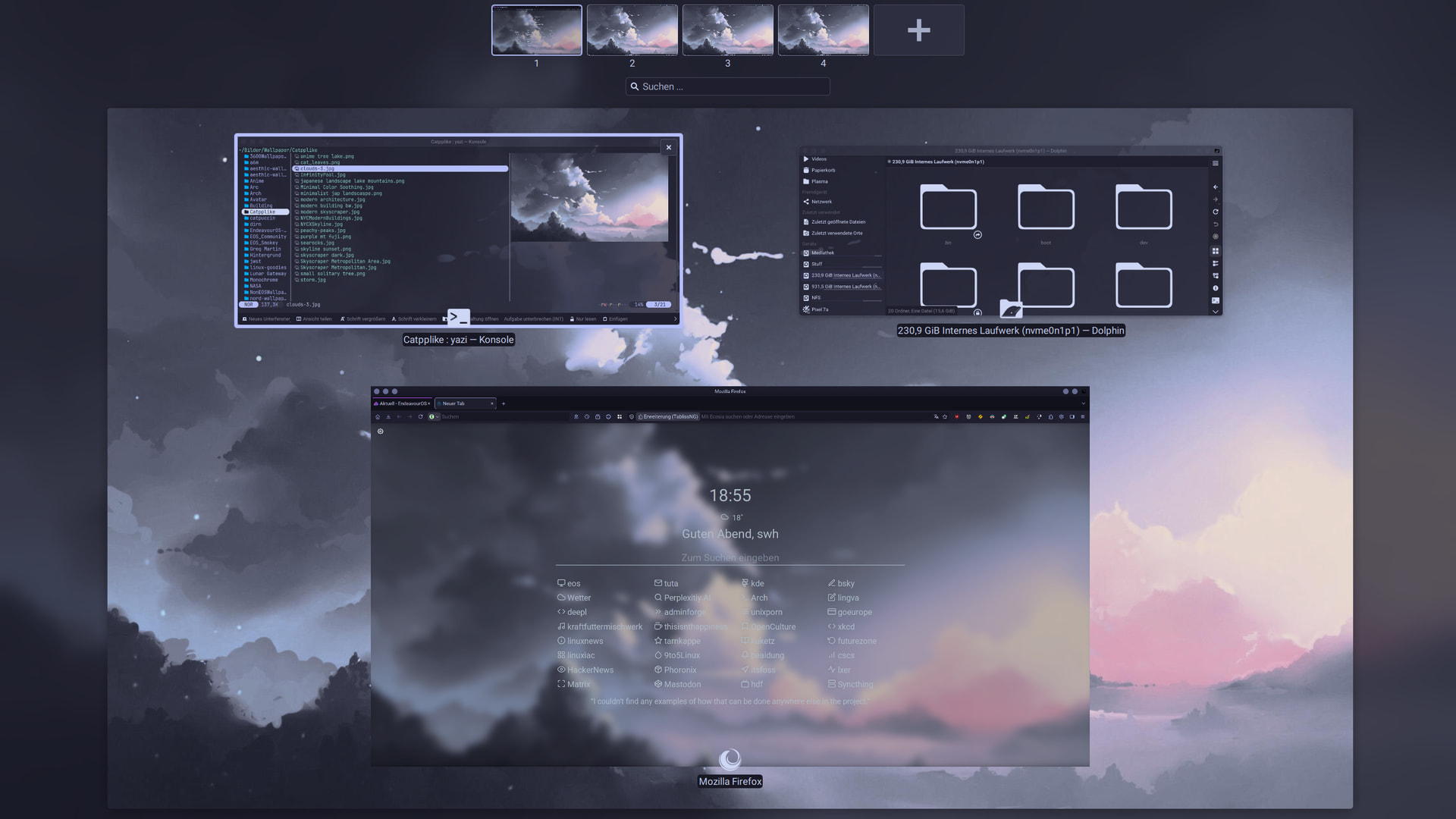
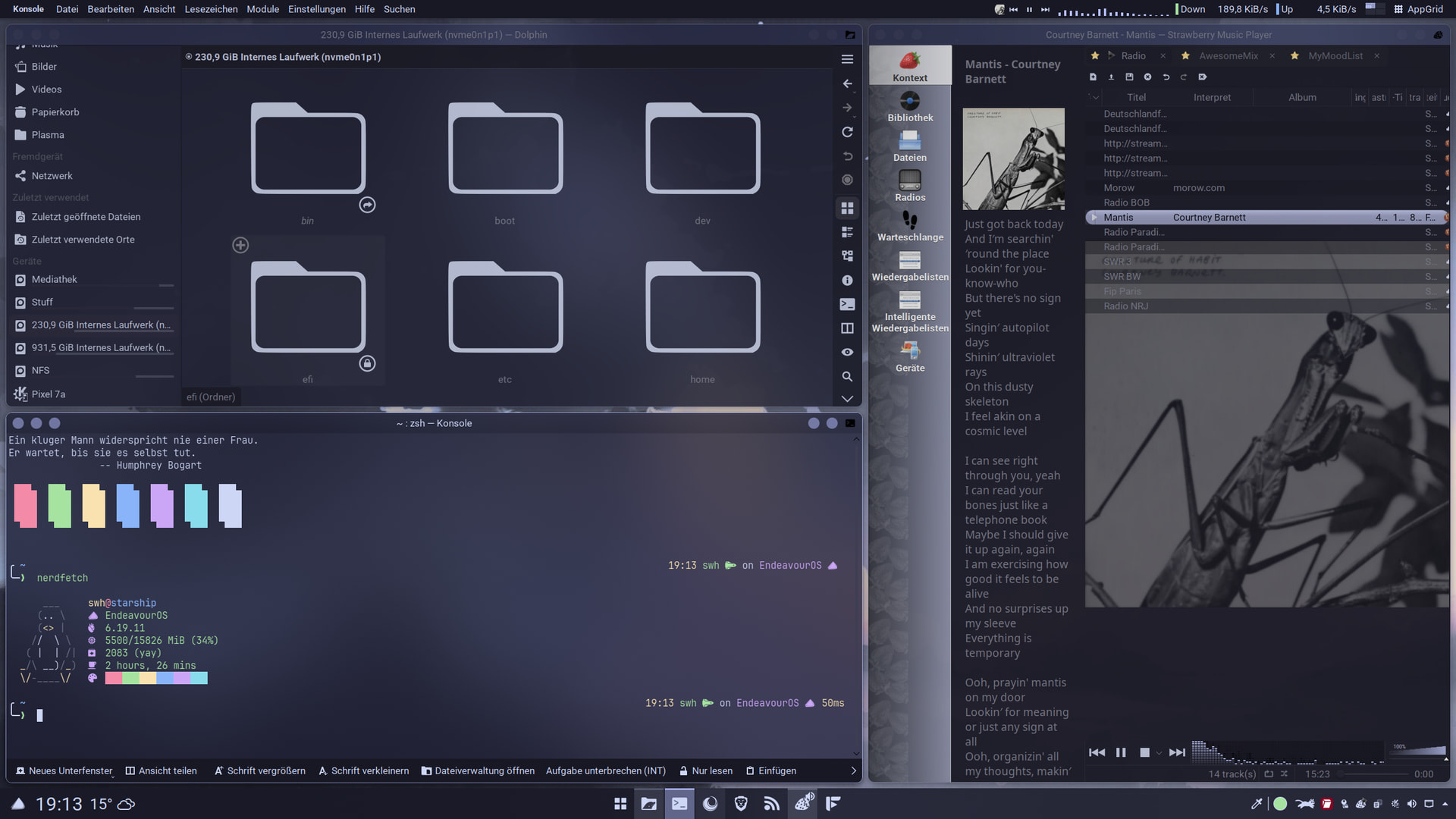
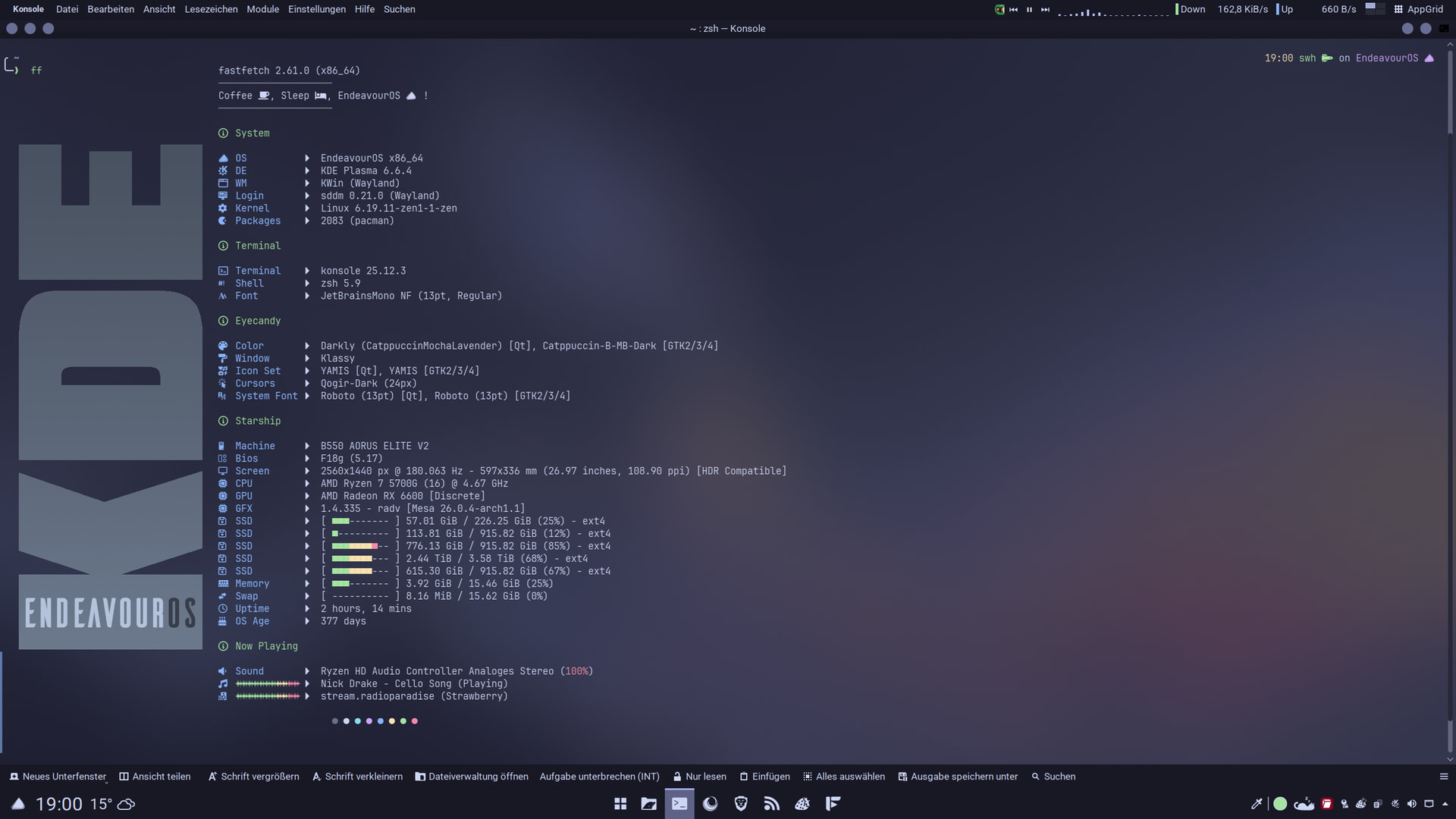
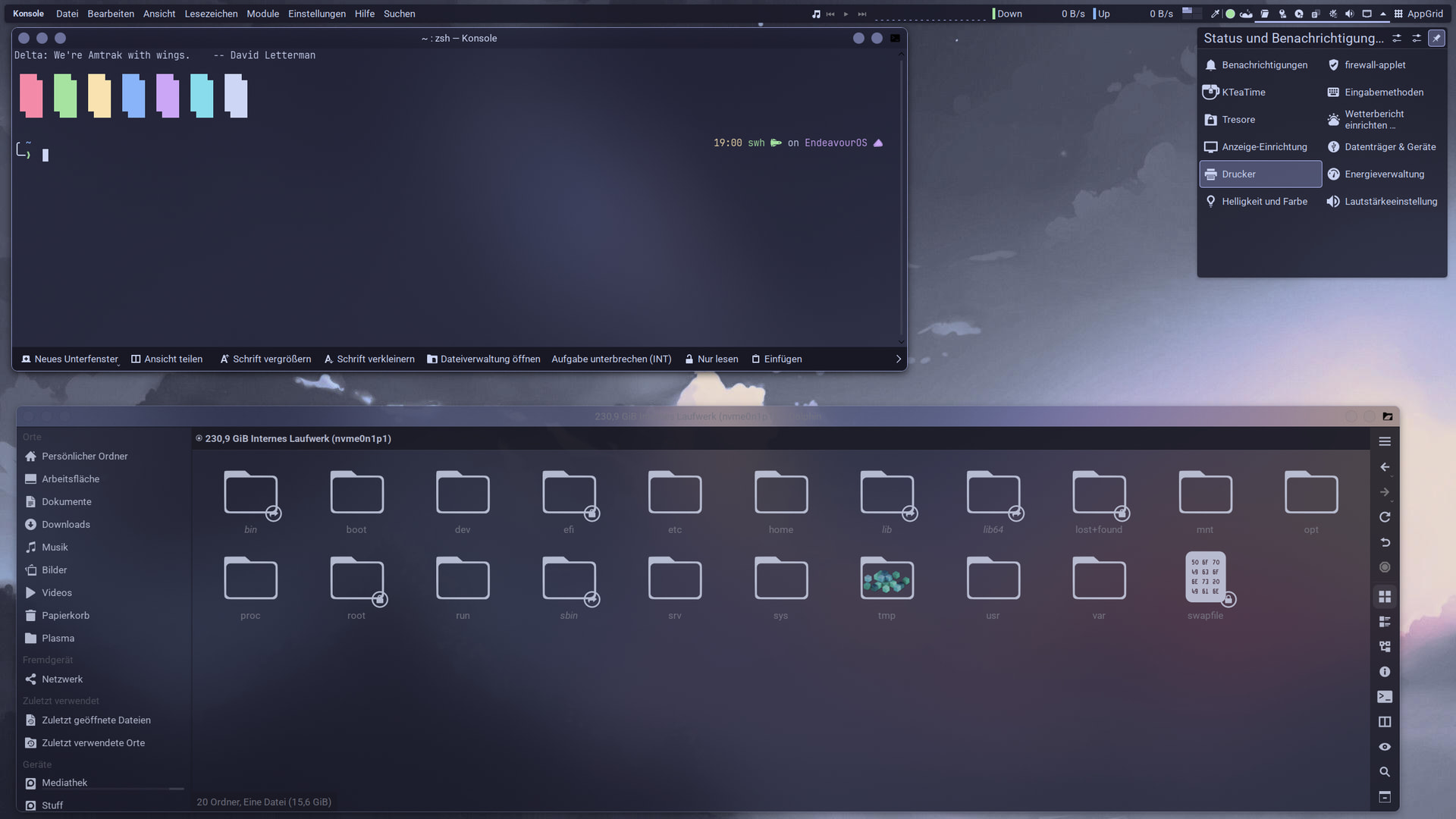
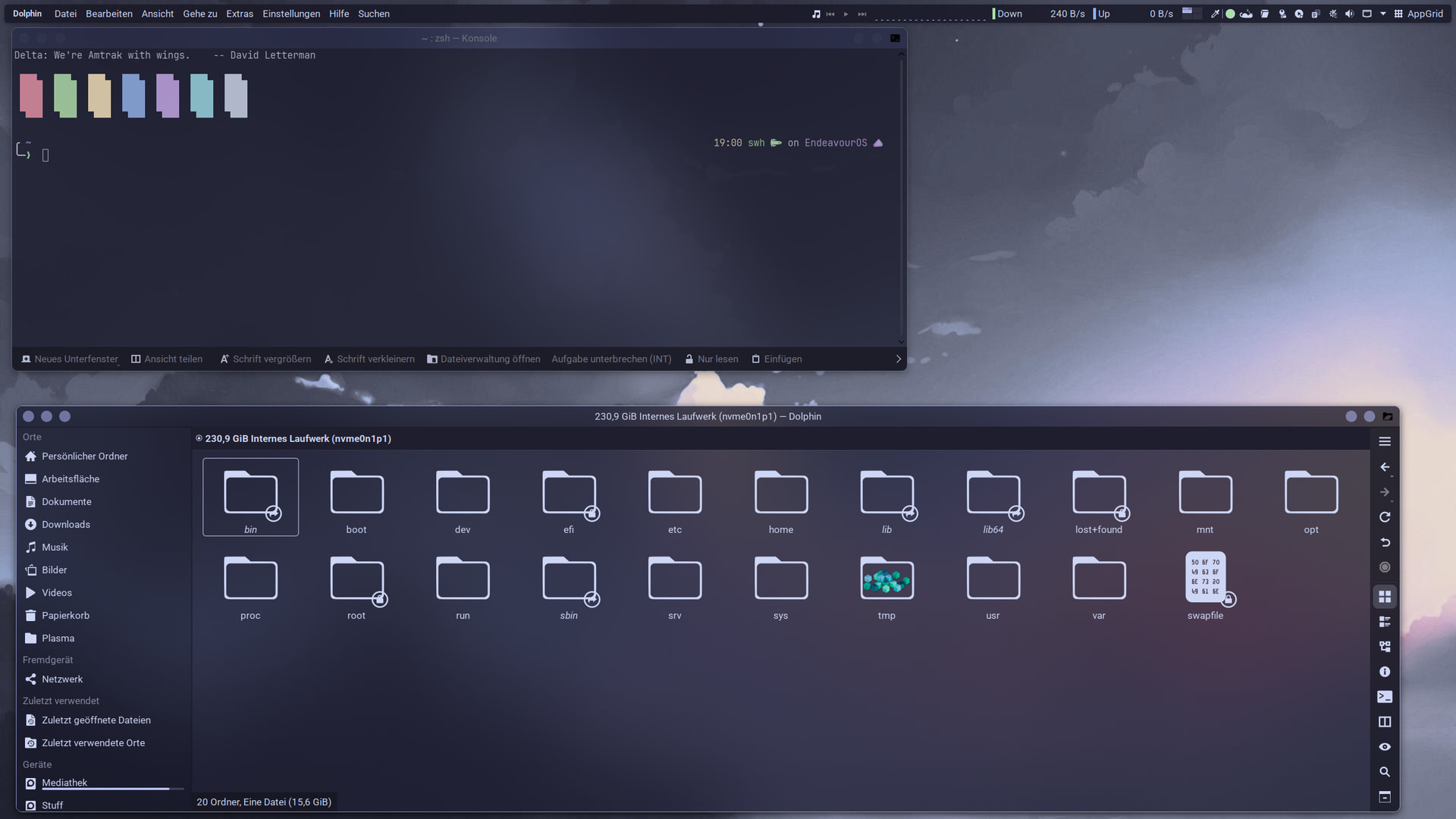
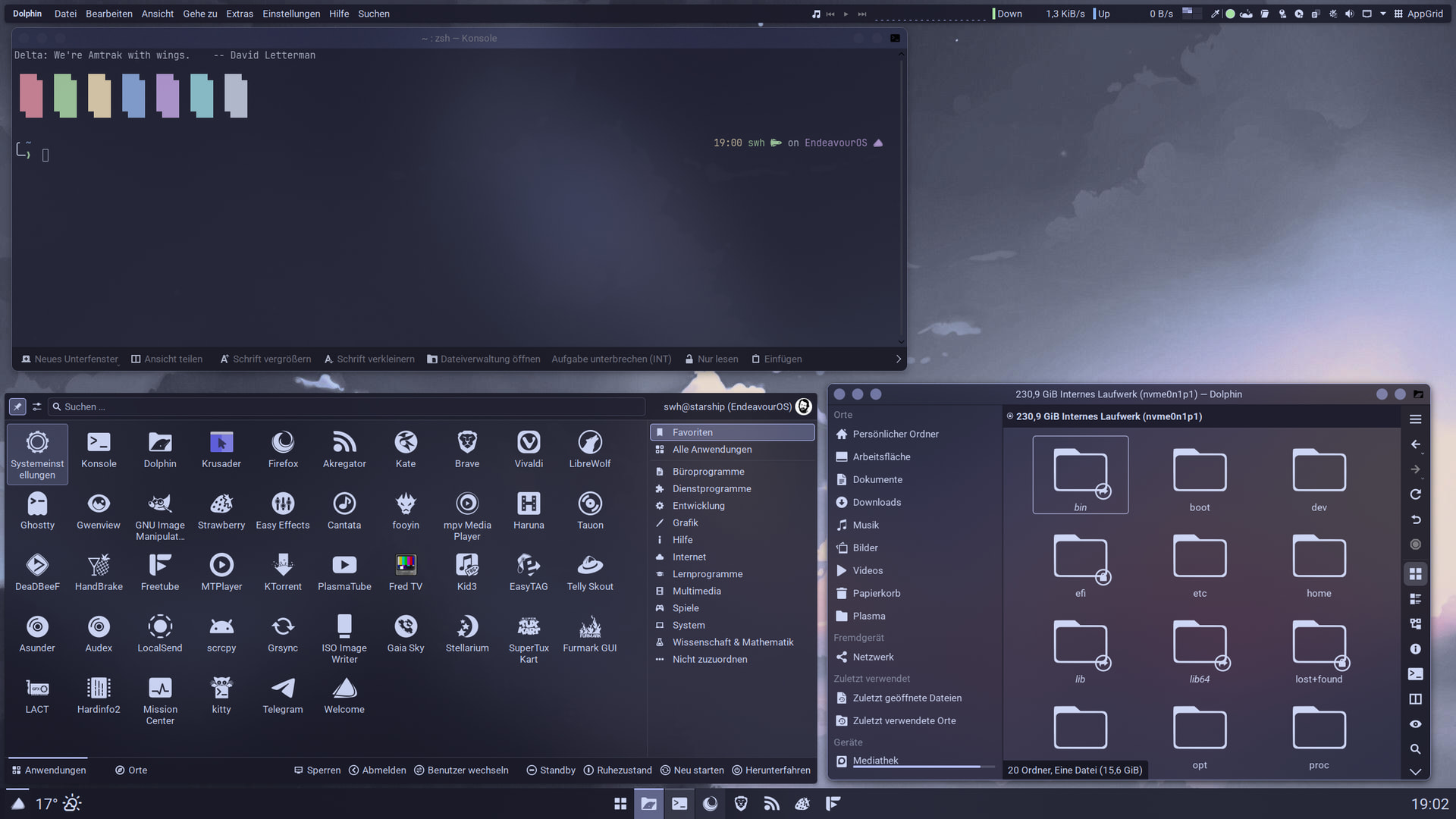
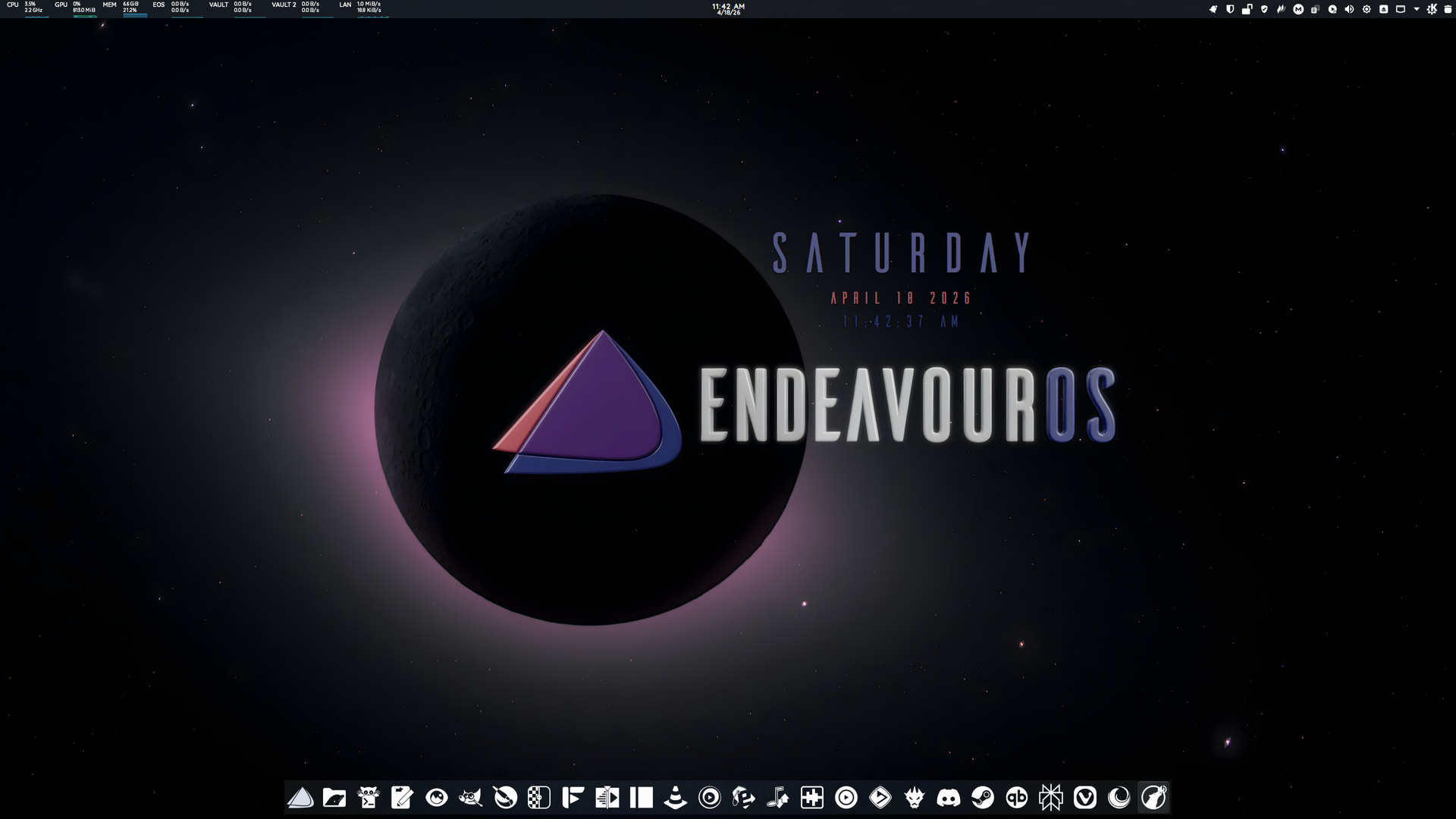
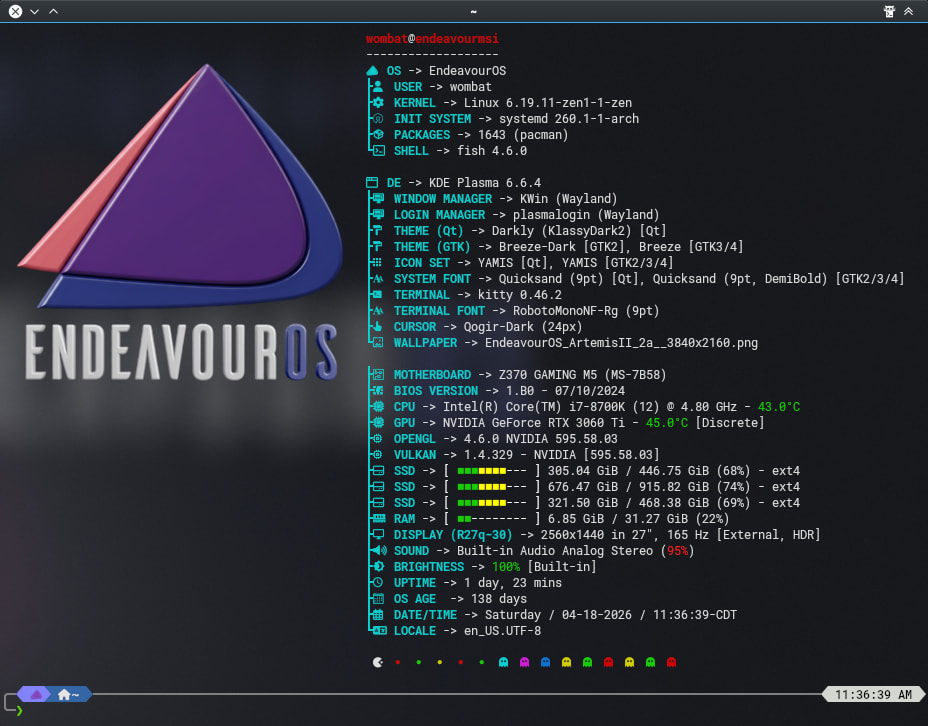
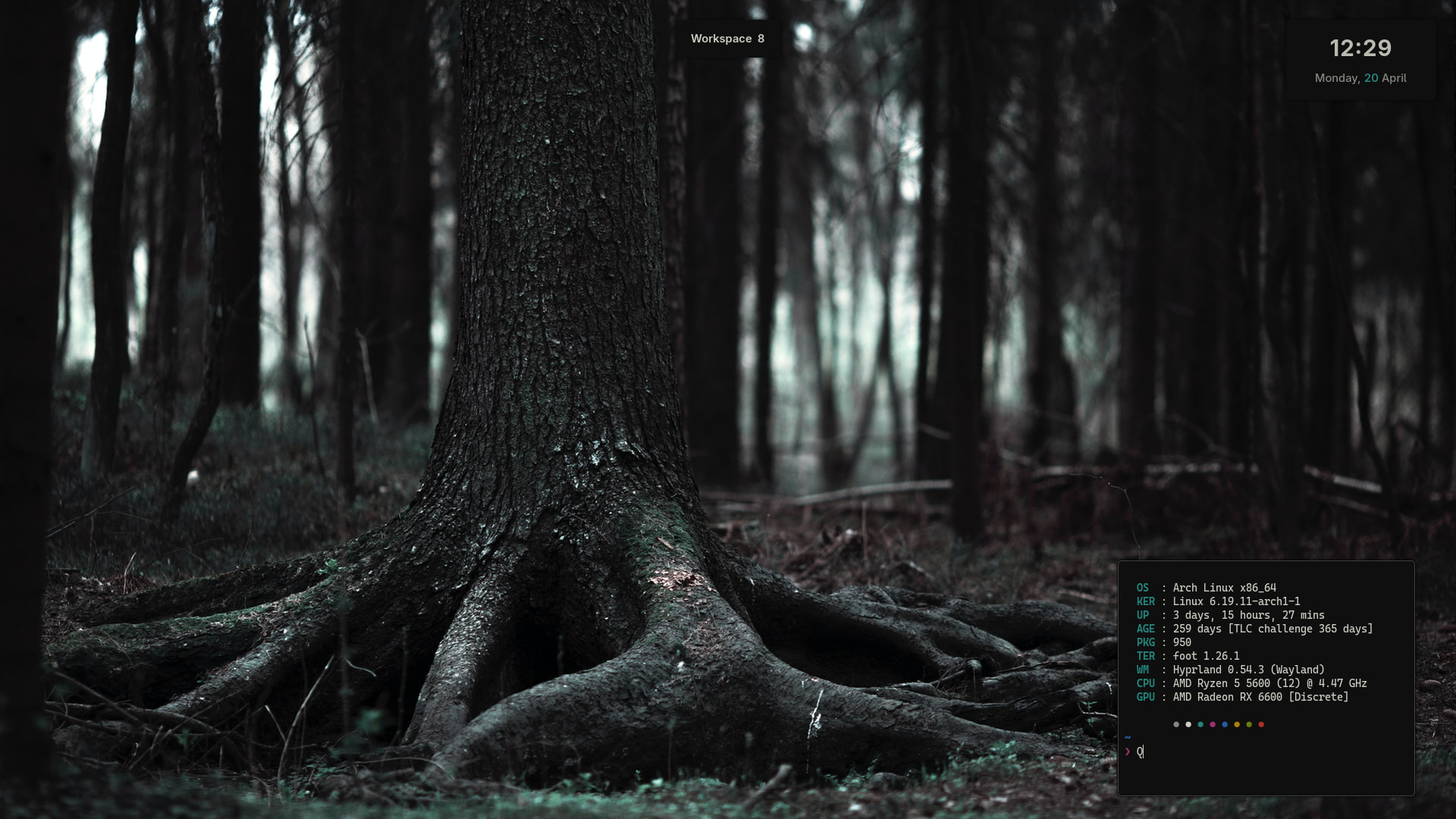
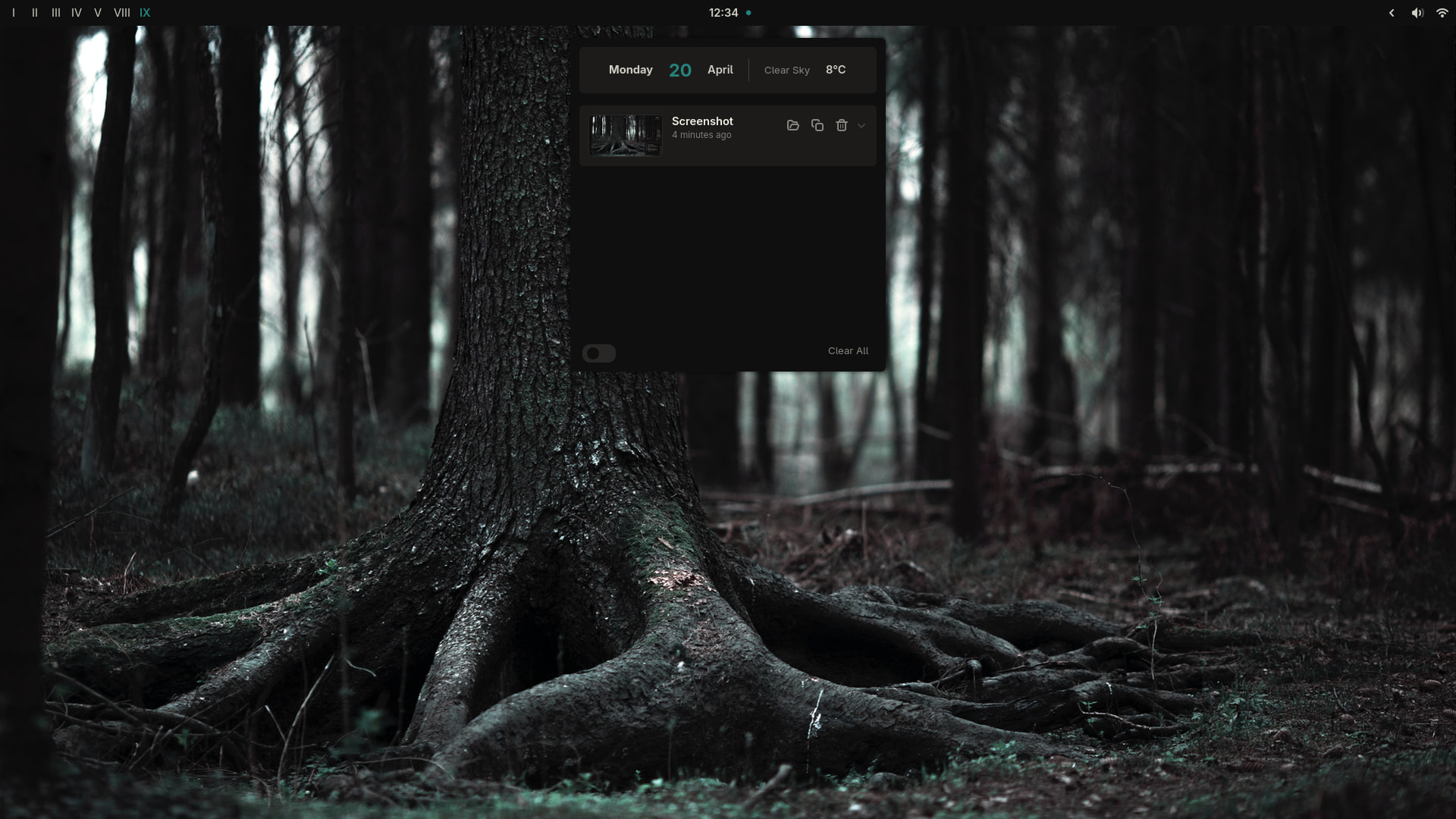
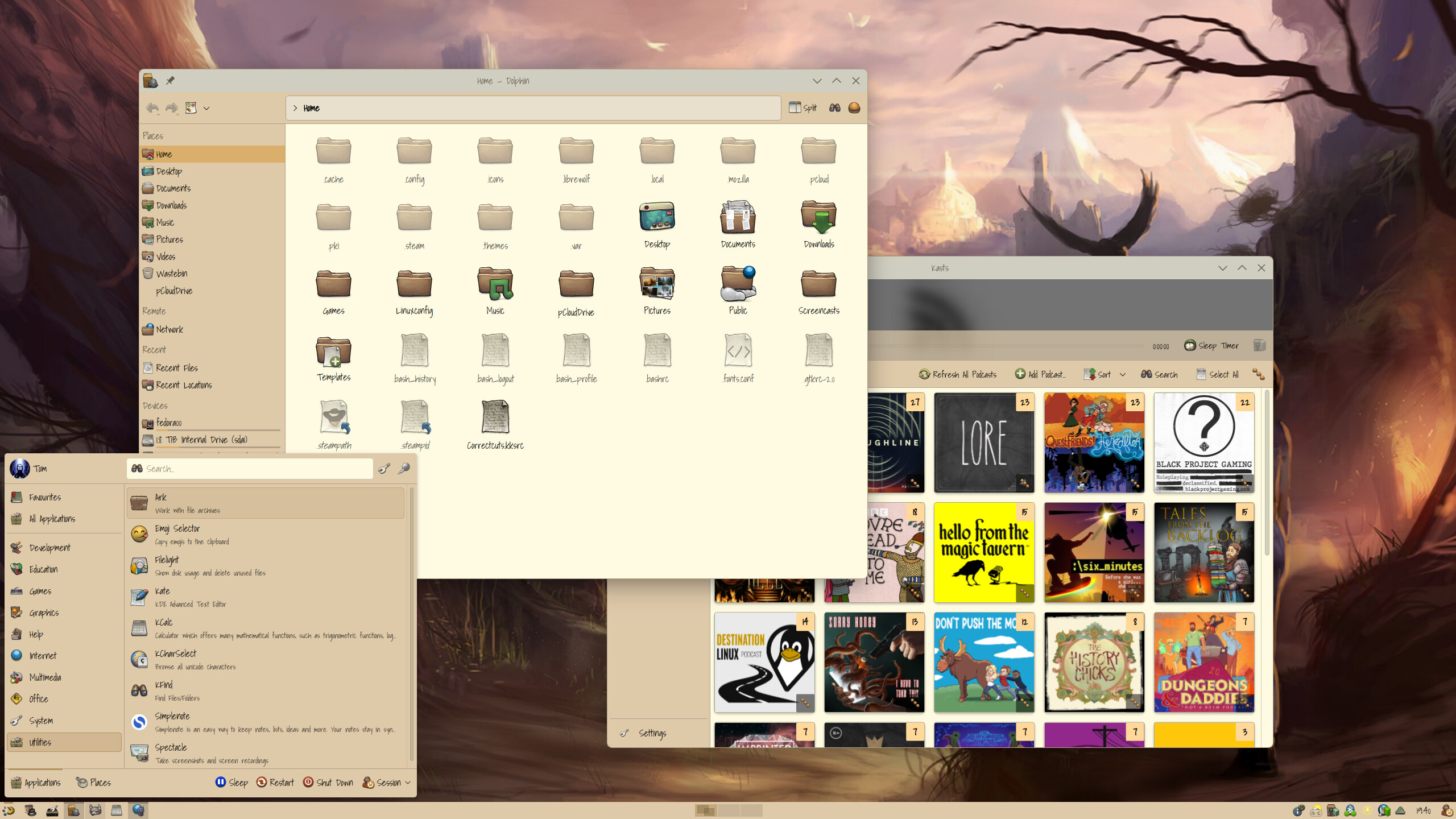
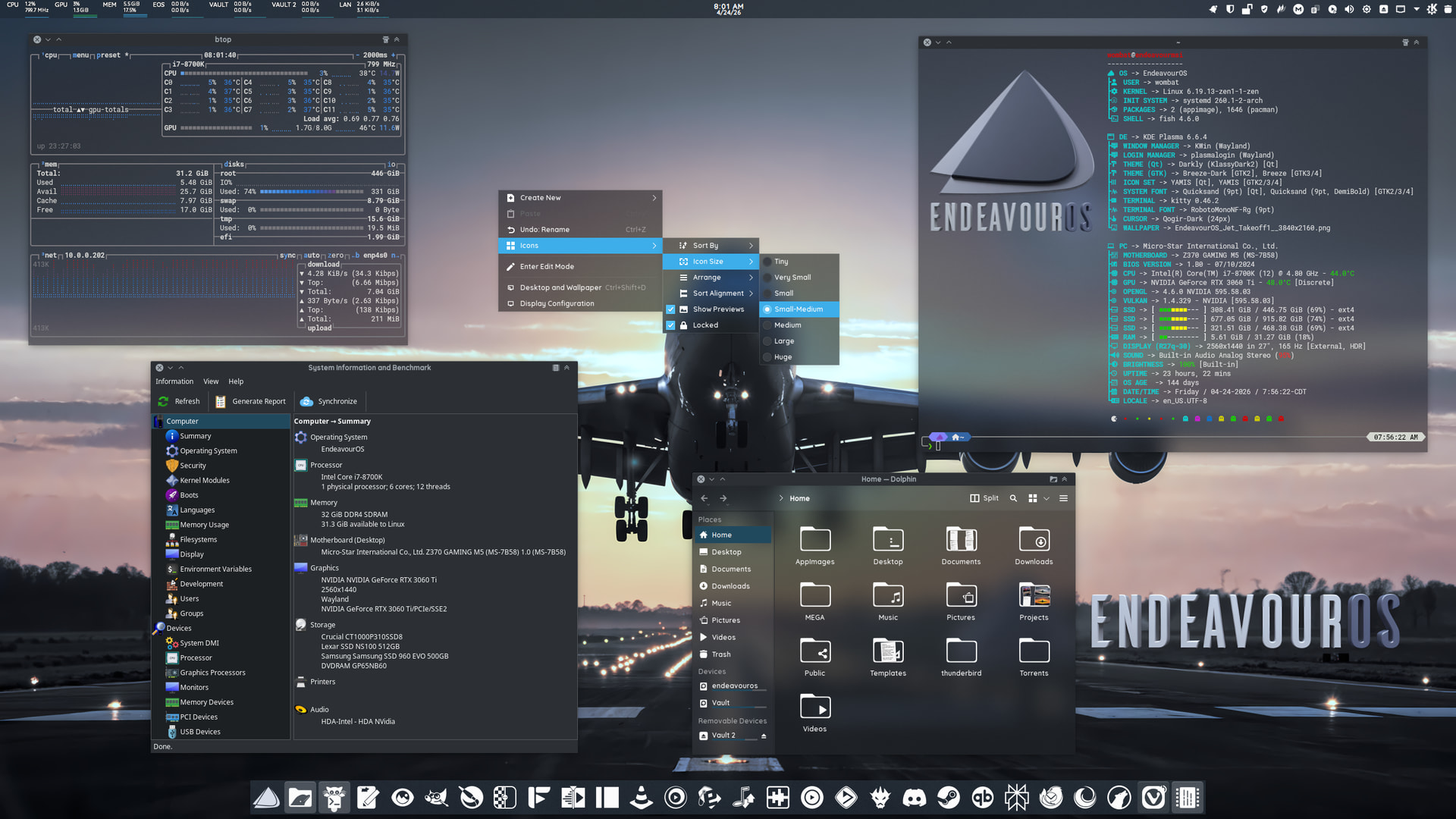
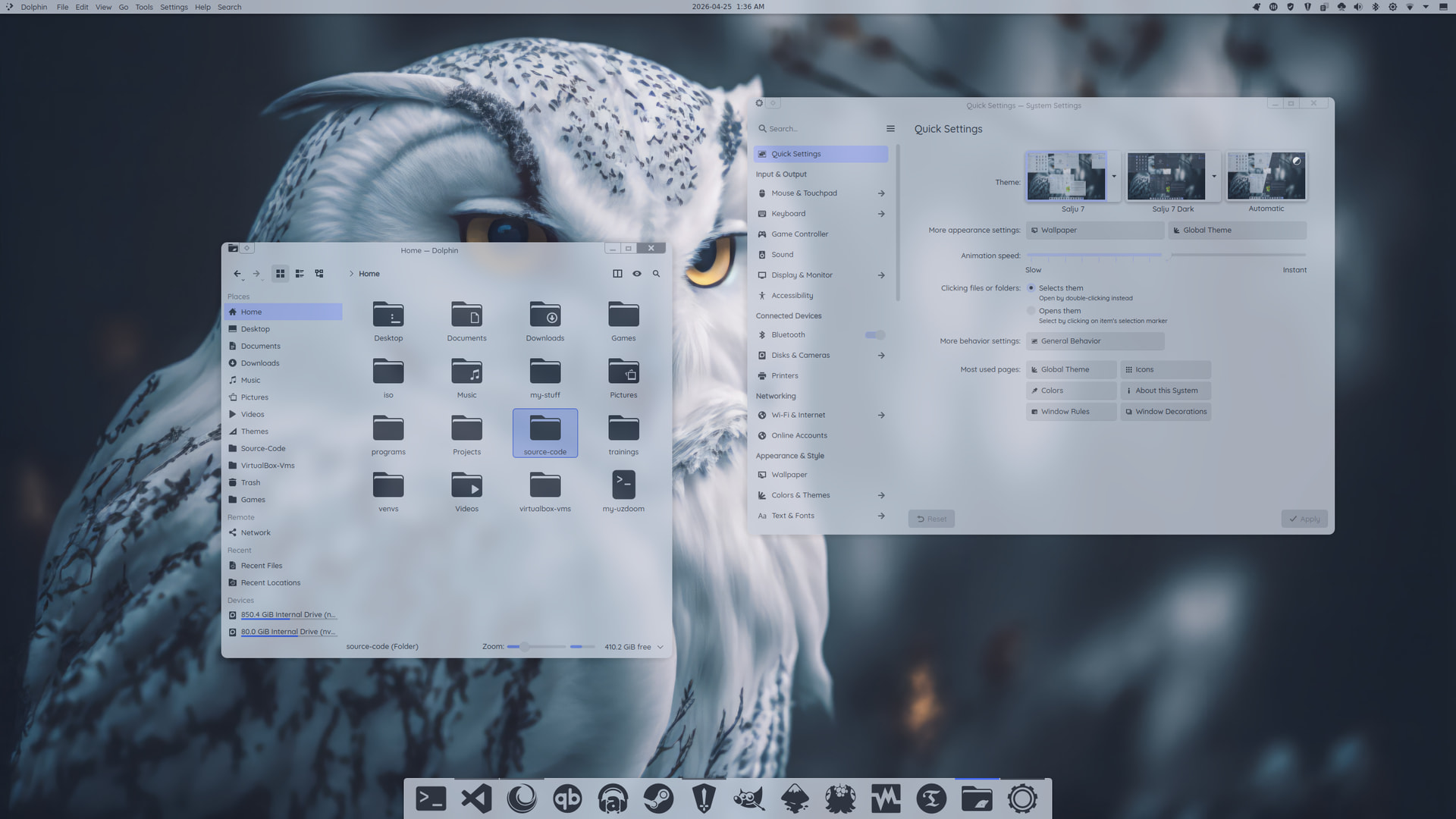
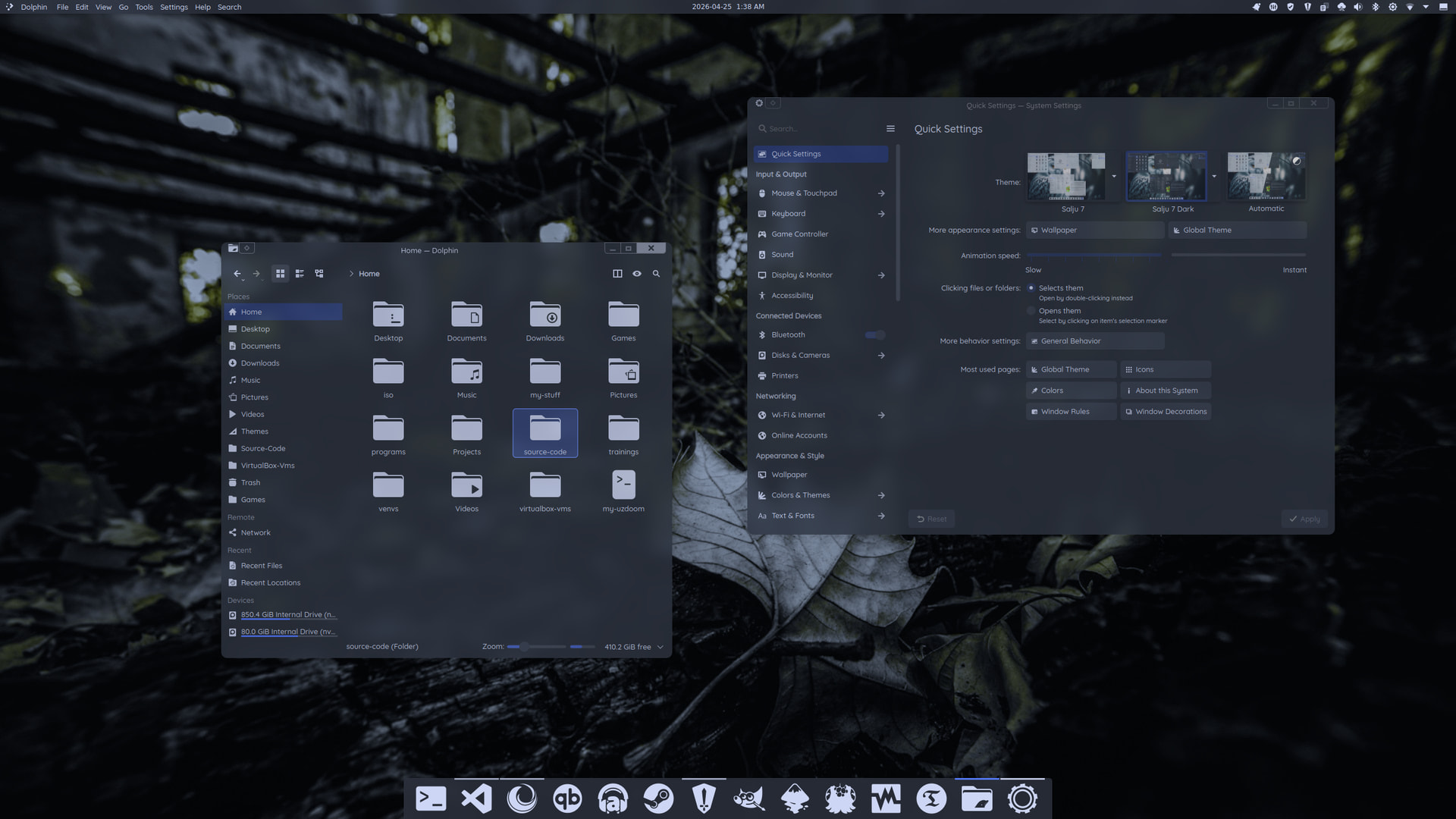
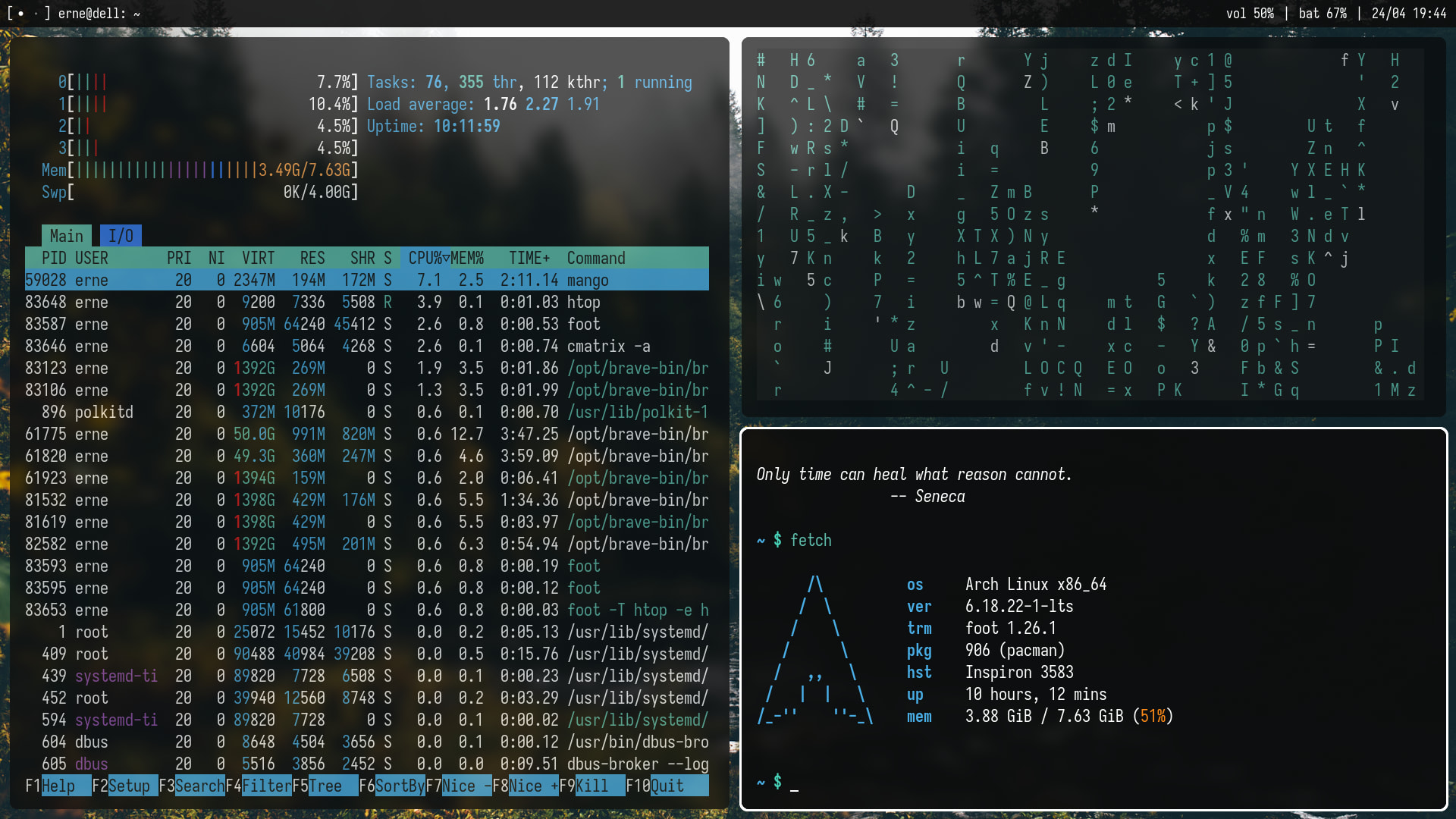
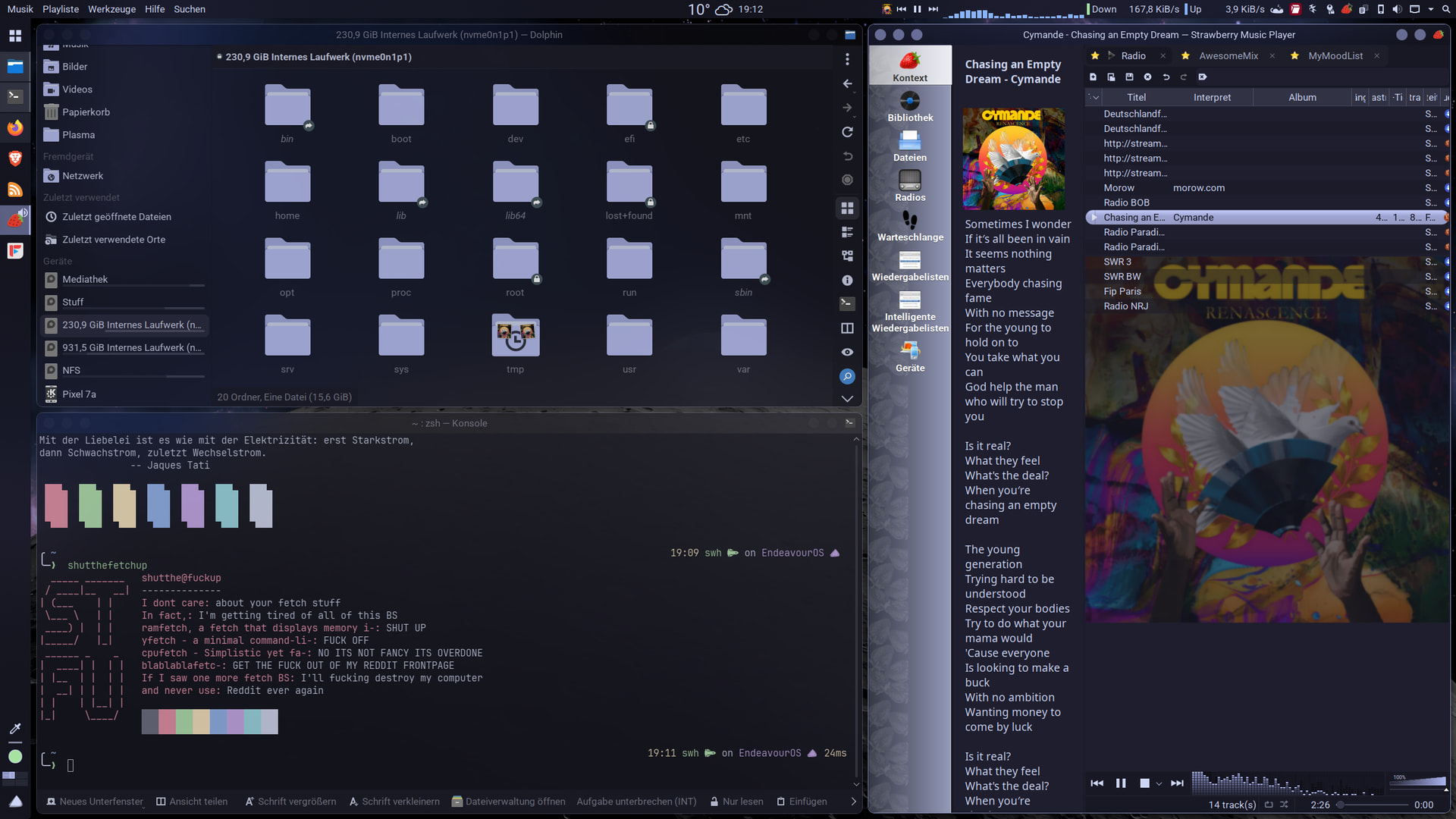
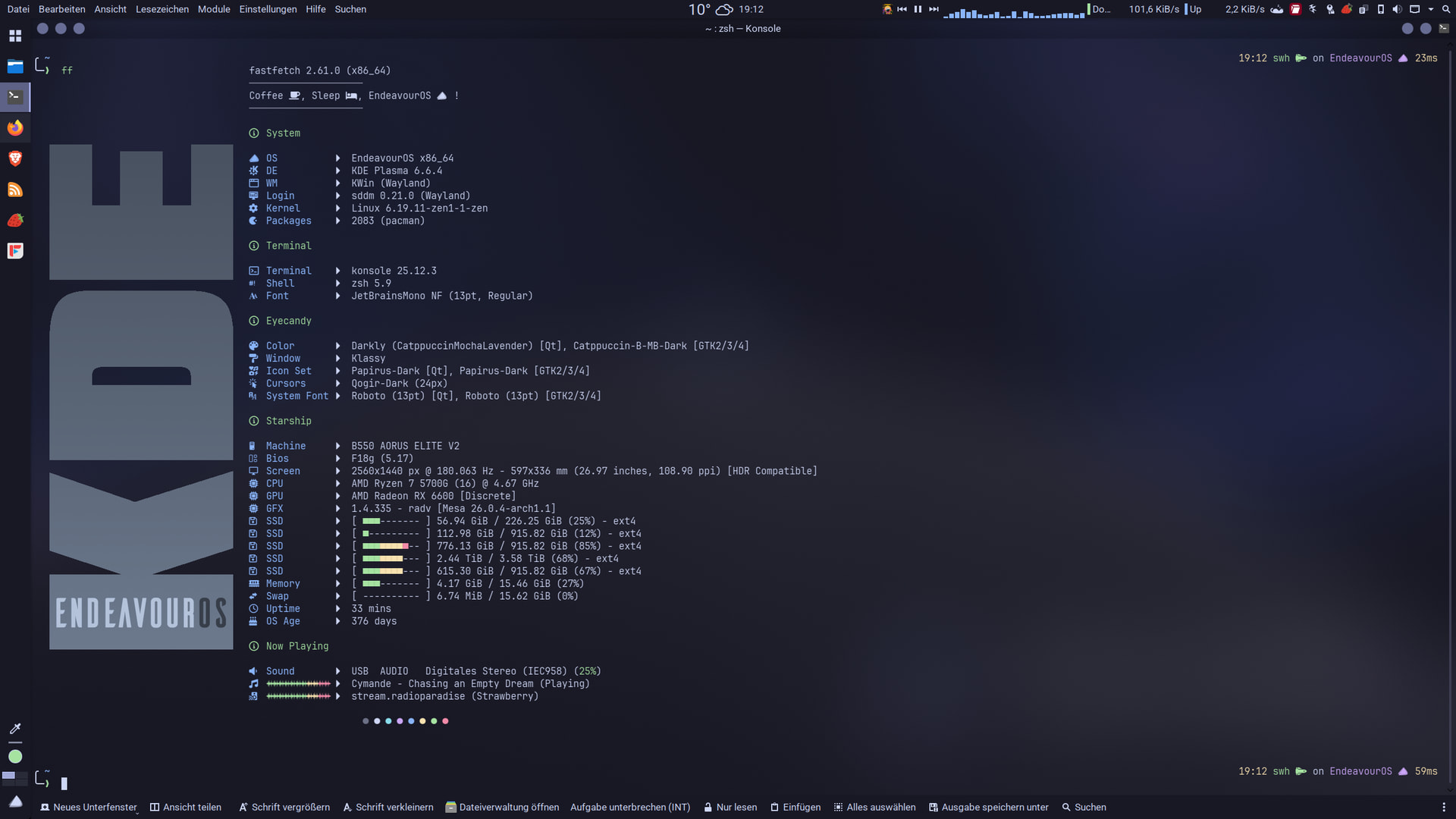
Nice. I got klassy window decoration back. Noodling around with. Setting up something new. Darkly and catppuccin mocha lavender
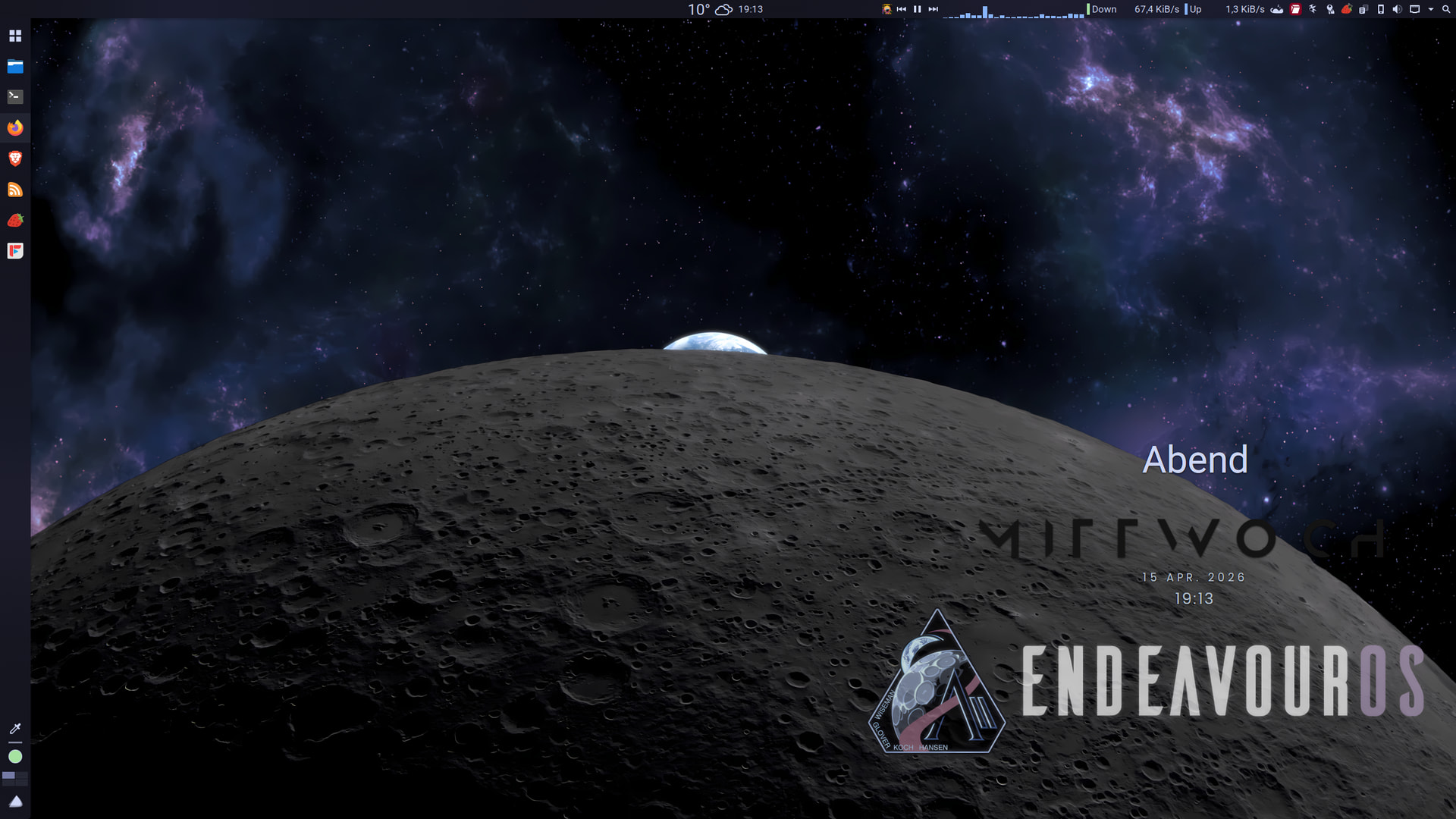
EDIT:
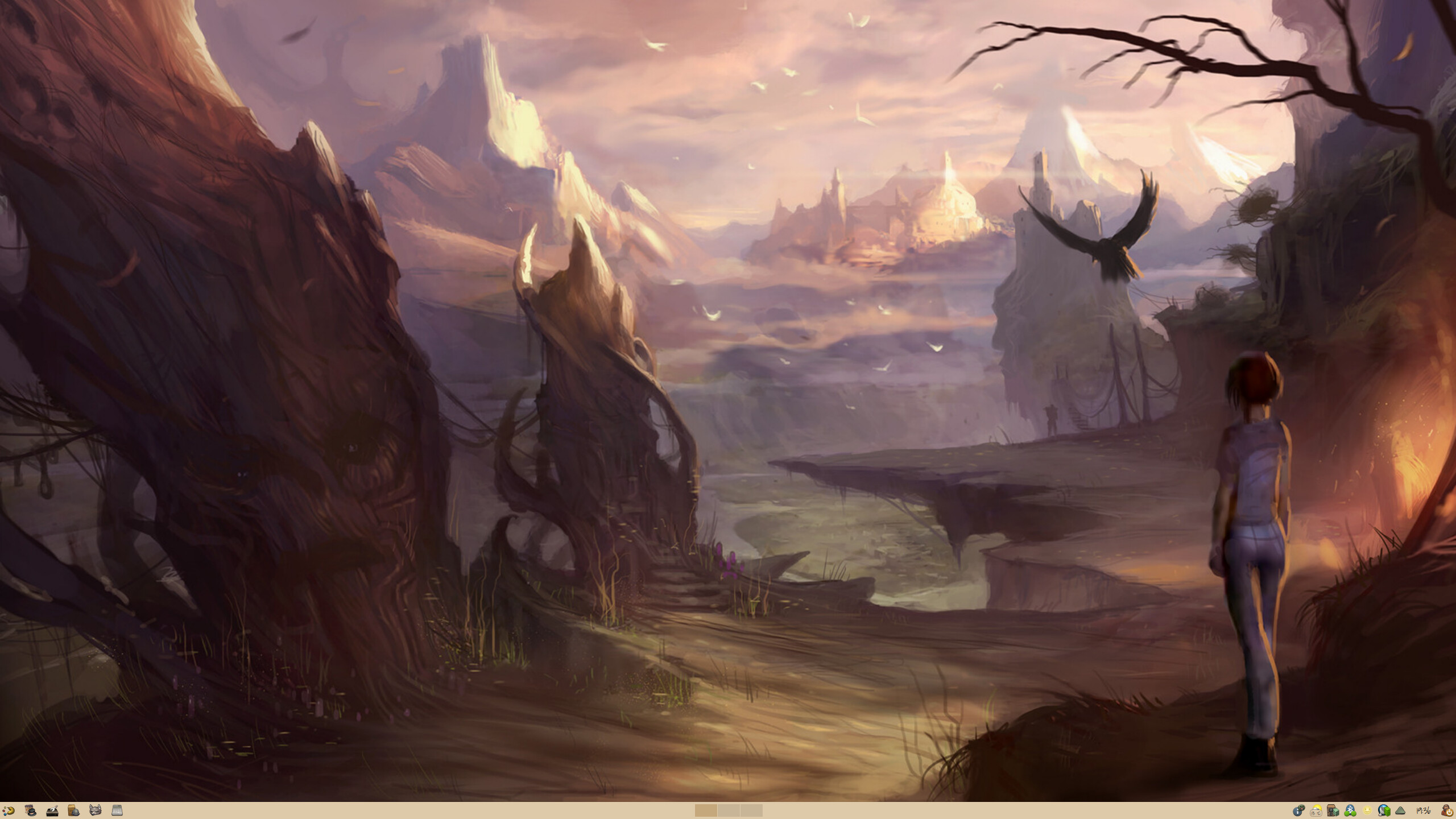
Just changed the Wallpaper
Finished noodling around with catppuccin colors, klassy window decoration, a few widgets made by @luisbocanegra. And of course I am back at @dirn’s awsome YAMIS Icon Set
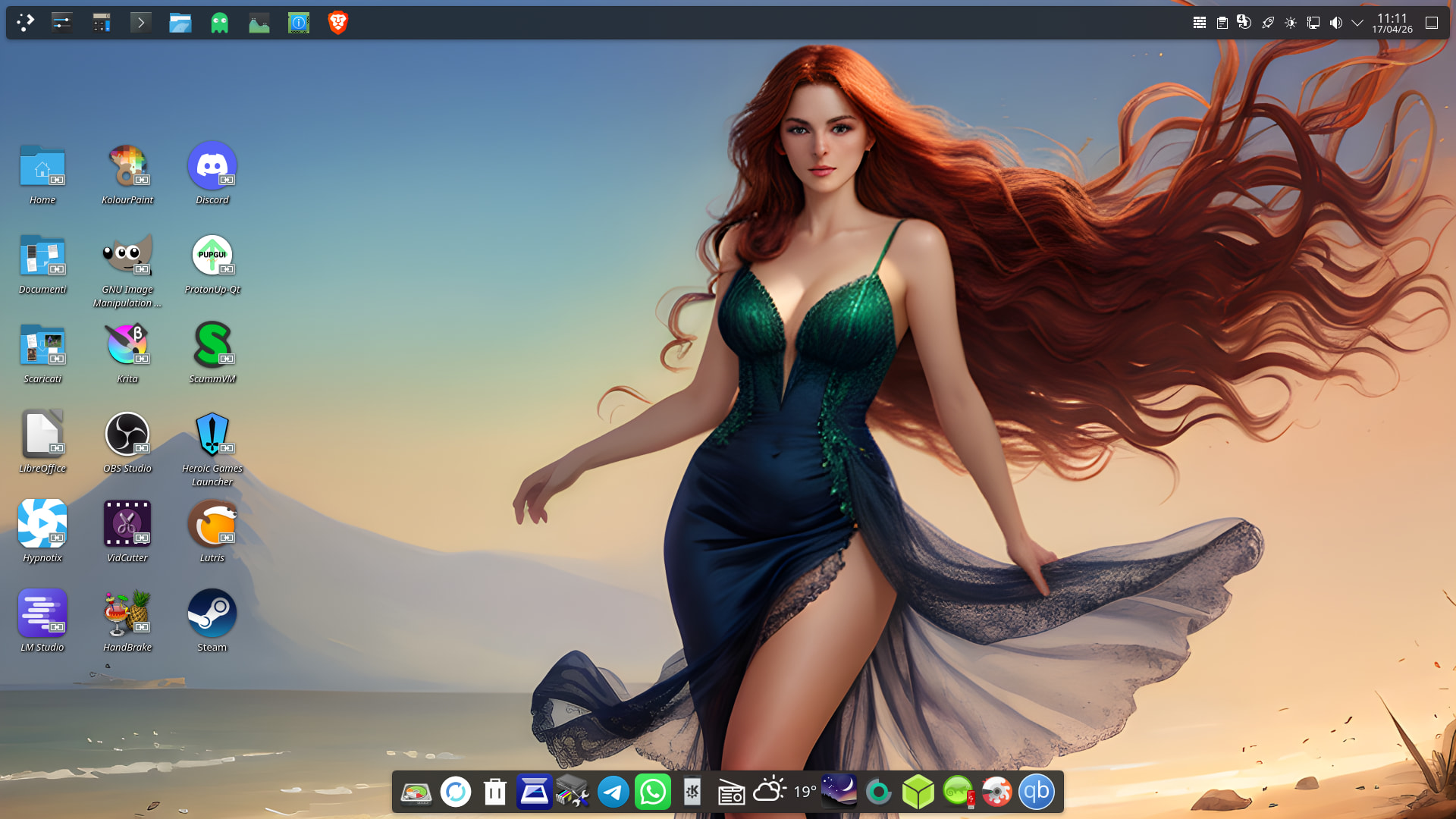
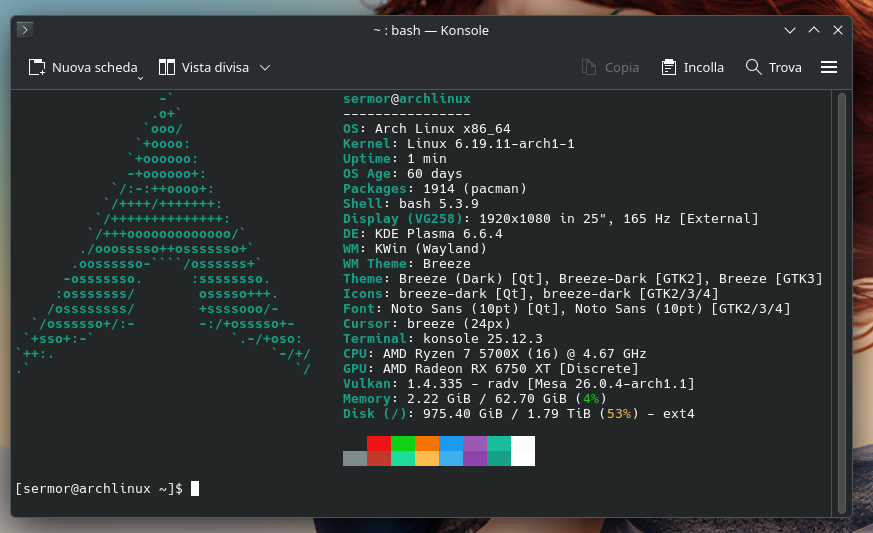
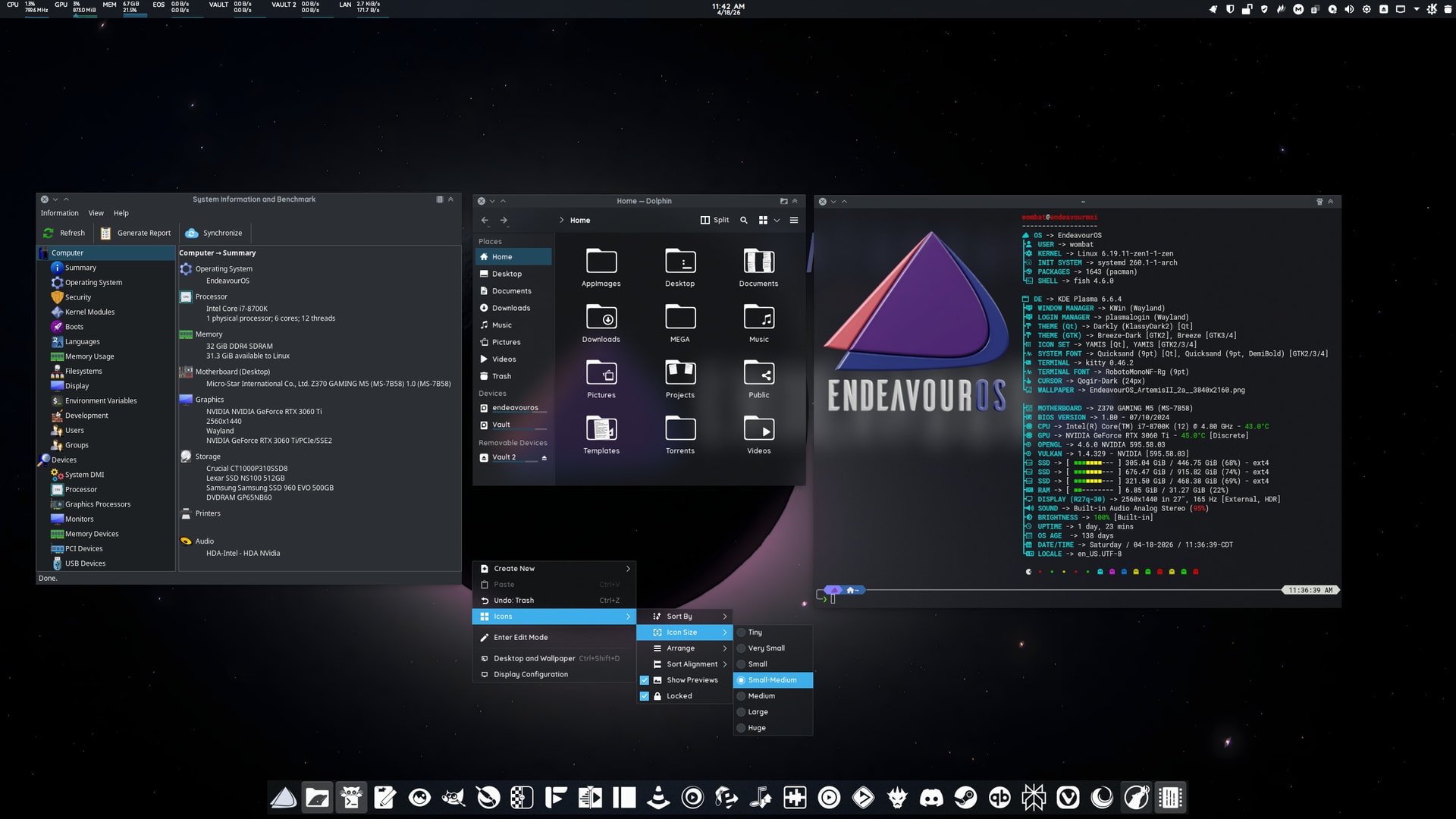
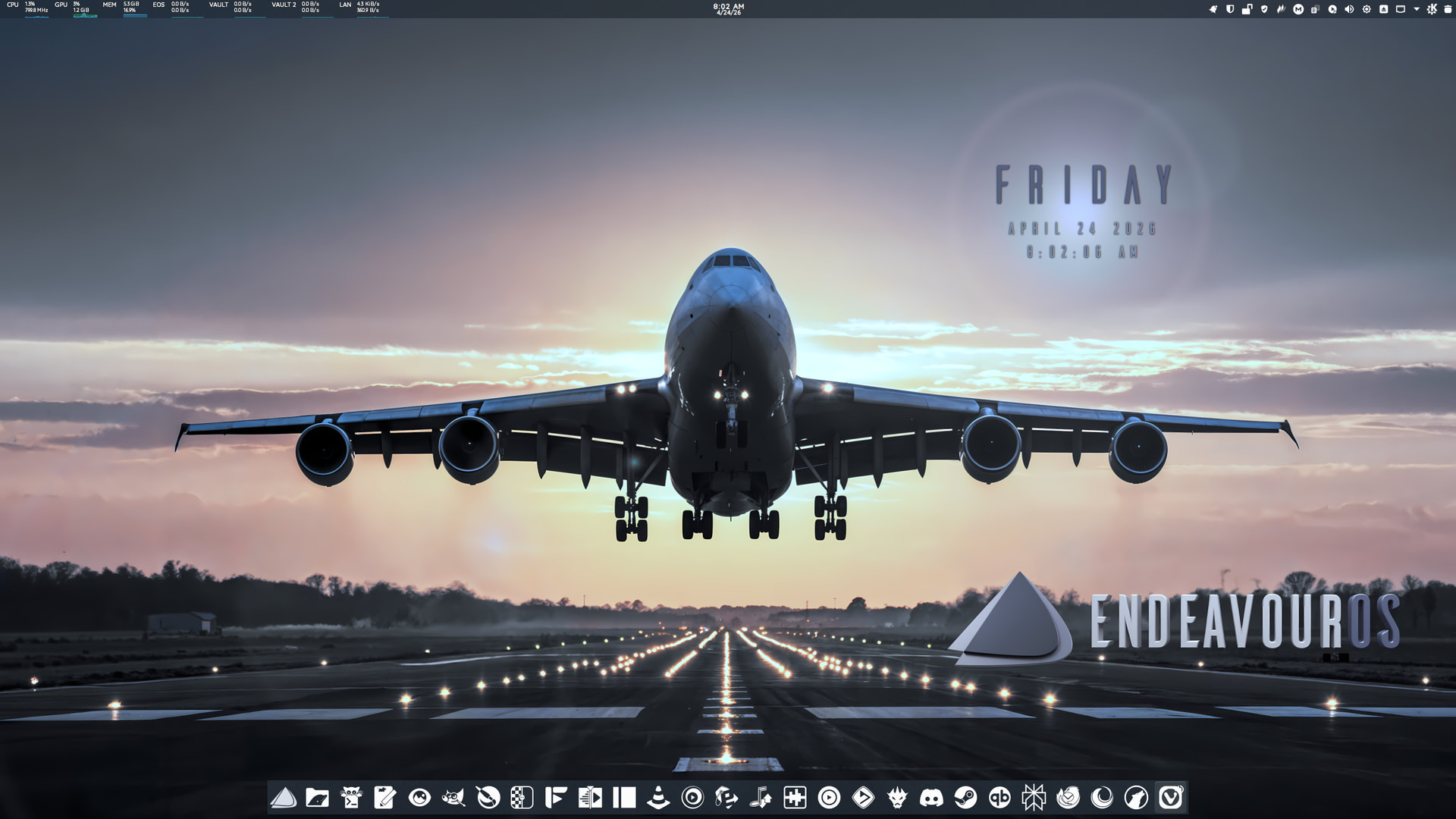
Since KDE Plasma is still affected by the icon placement bug with Wayland and AMD graphics cards, and every time I booted into Arch, I had to rearrange the icons (the same thing happens to me on EOS, but I’ve noticed it’s much less frequent than with Arch), I decided to manually rearrange and reorganize the desktop.
I didn’t use any themes or anything else; I simply moved the bottom bar to the top and added the one at the bottom with what I need most.
But it definitely makes for a more minimalist, and above all, tidier, desktop. Now I have to get used to using the top bar again. XD
How did you get the date/time overlay on the desktop. That looks pretty sweet!
It’s called Advanced Modern Clock
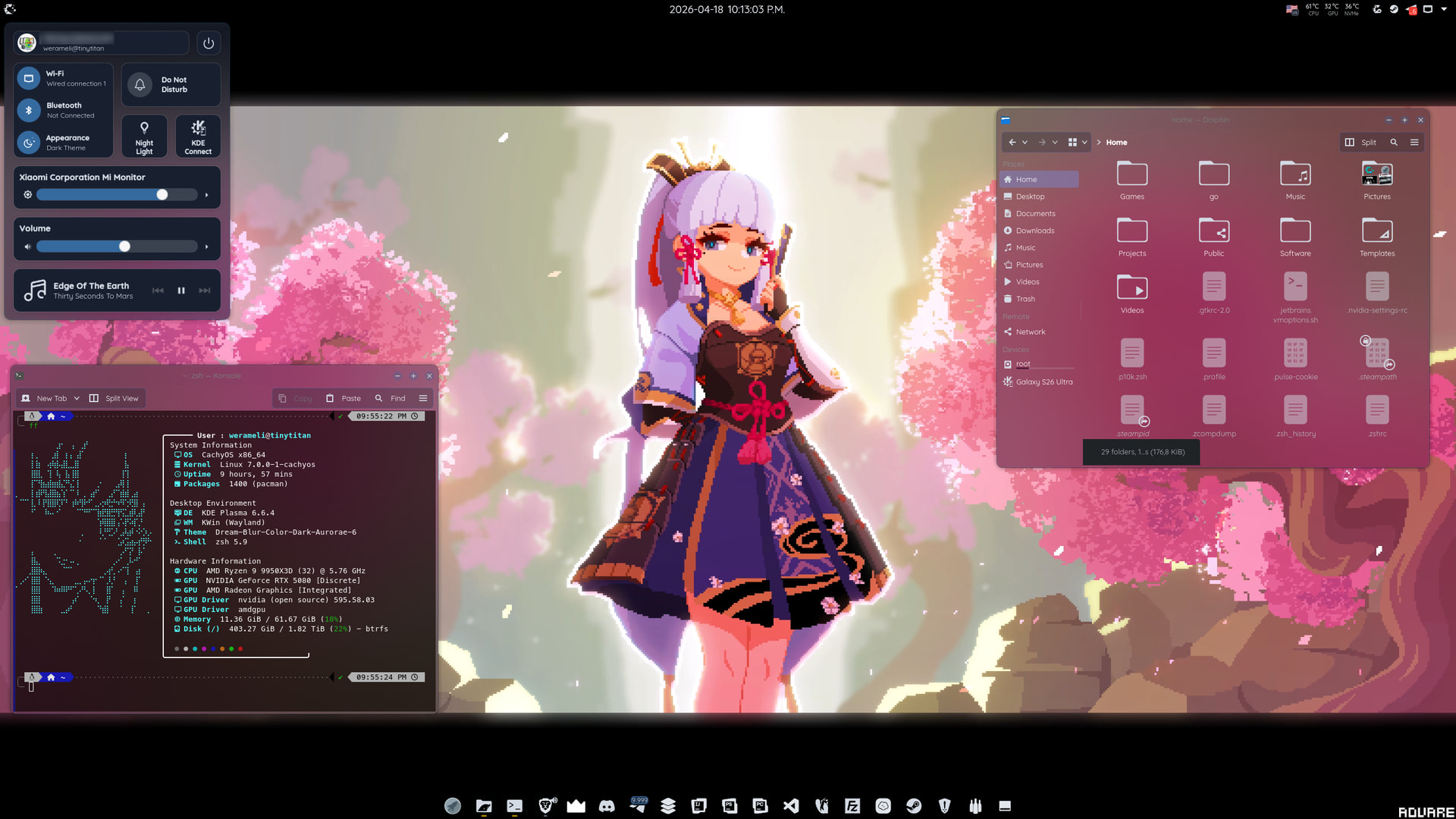
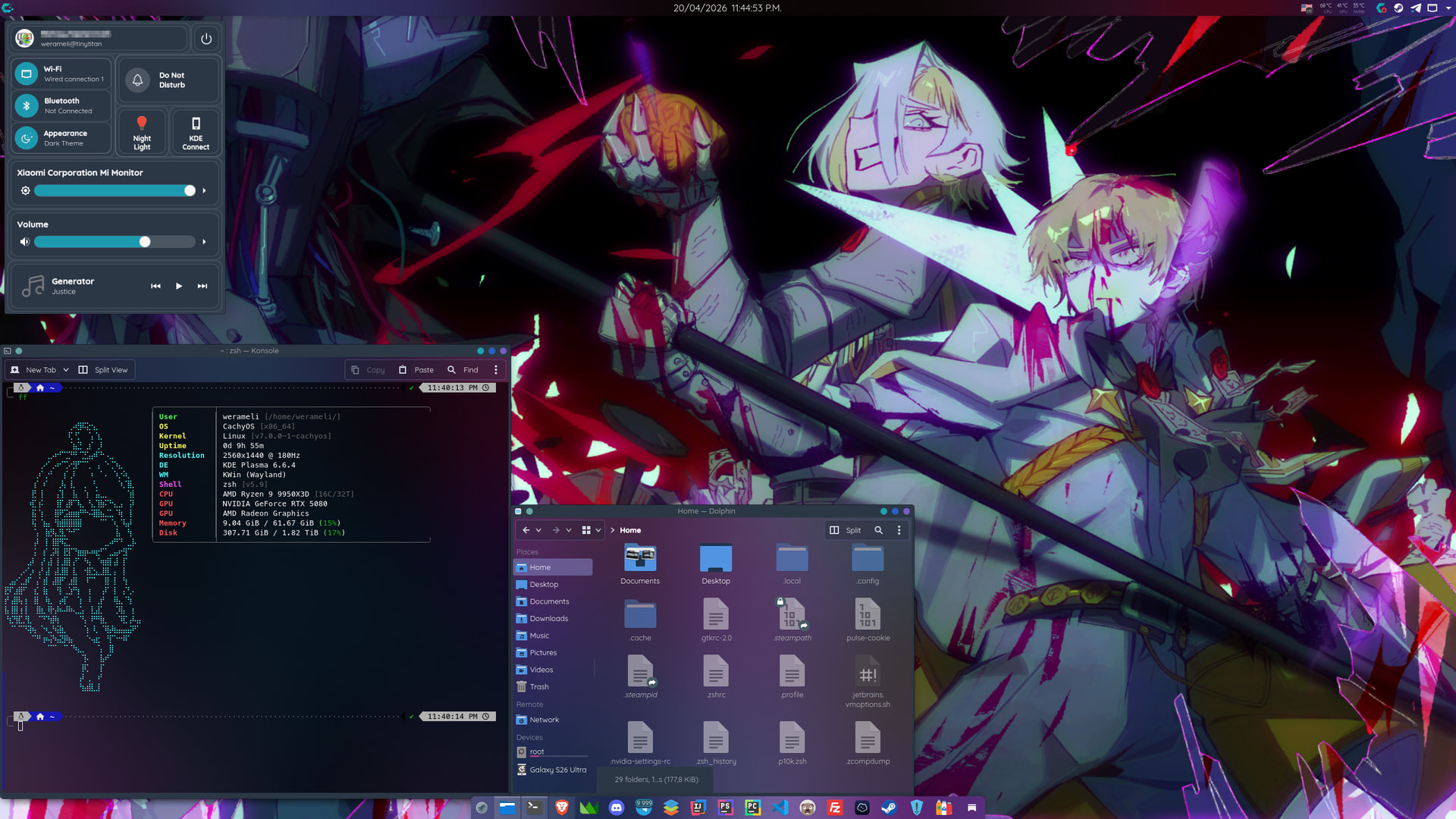
Went a bit anime way.
Found a wallpaper engine intergration plugin, customized fastfetch, changed icon set to monochrome from @dirn and used Panel Colorizer to make panels translucent
how did you changed tray in left side of screen?
You mean control center? It’s a widget called KDE Control Station
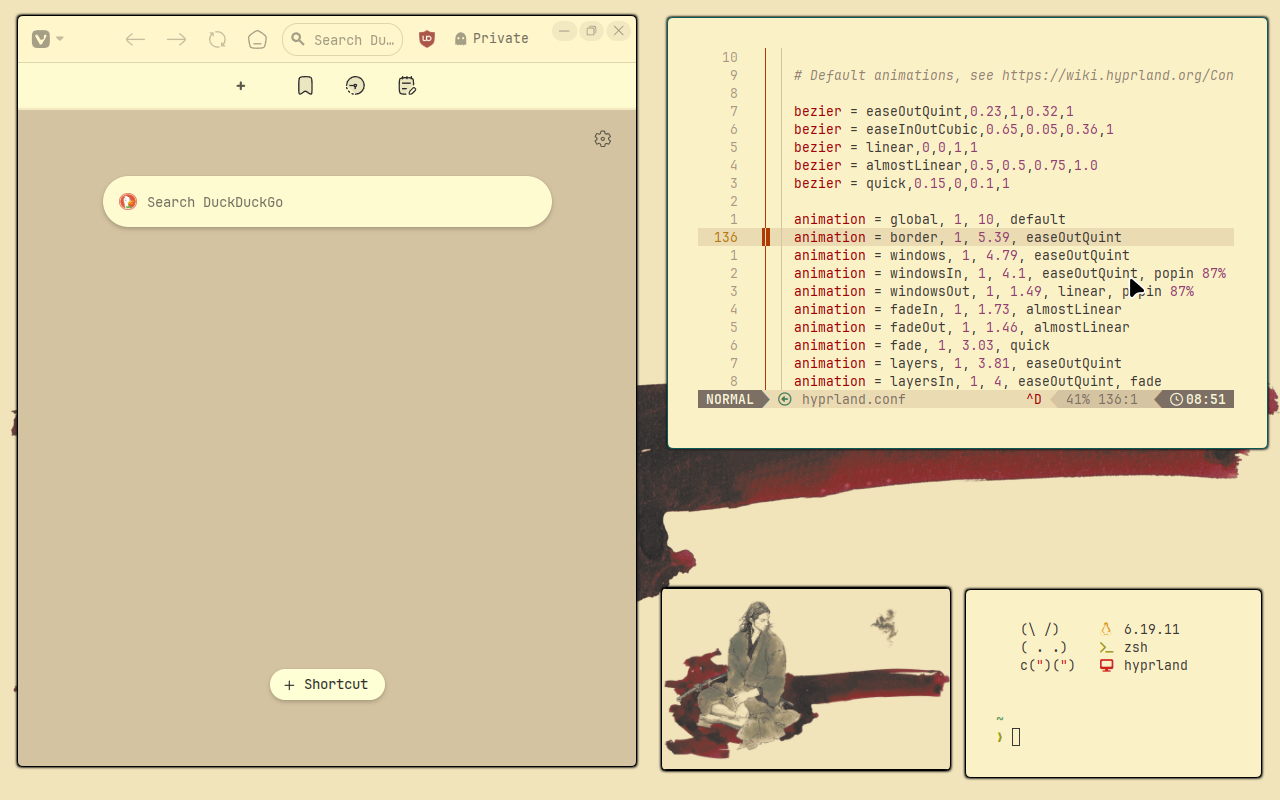
April Ryan 
Among my favorite characters.
You have both good eyes and good taste. This fan art is absolutely top tier too. I found it on a wallpaper compilation with no artist credit alas. I love the tree reference to the first puzzle of the first game, and the warm palette