Alright looks good ill follow the steps you sent
Did i read everything wrong or is this right?
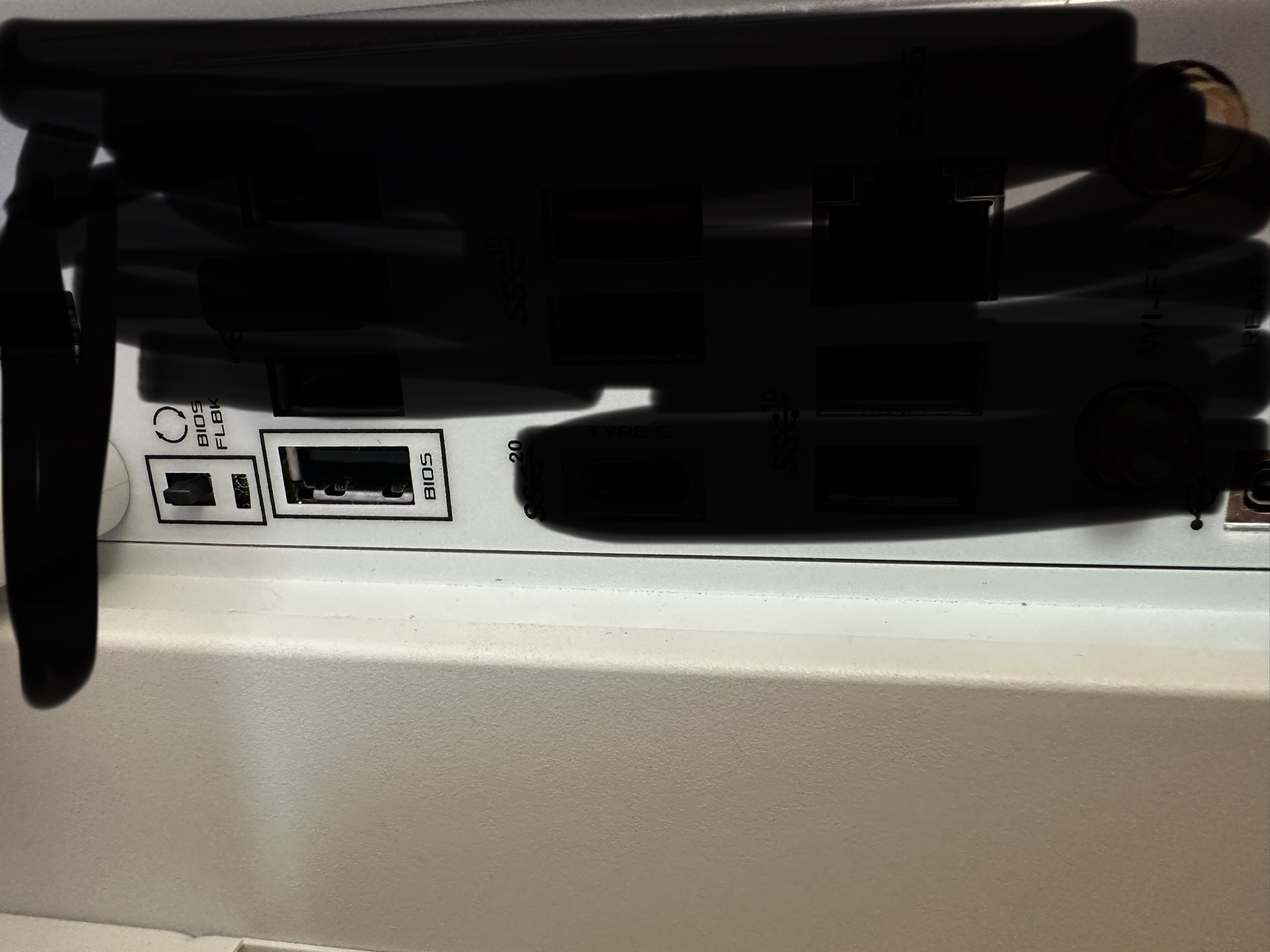
I plug the usb into the usb slot in the picture, while in bios i hit the button with the usb in
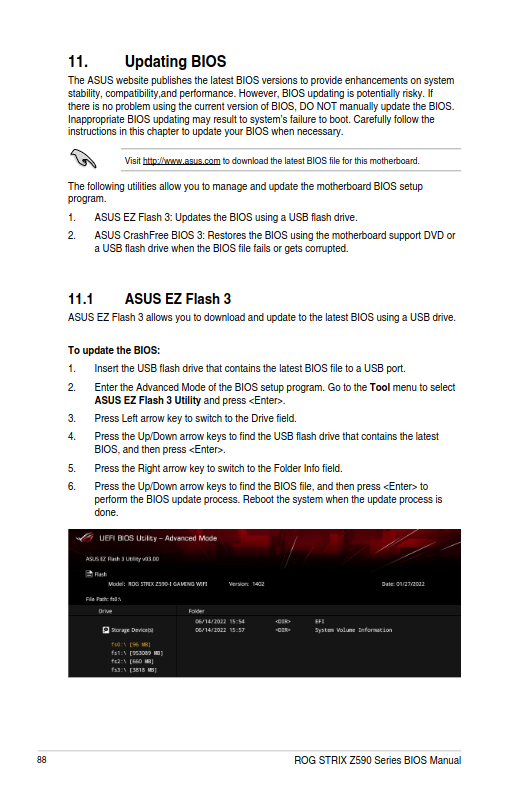
Doing it this way requires the computer to be shutdown and plug in the usb and i think you hold down the button and start the computer. I don’t typically do it this way. I do mine from within the bios settings screen after booting up. But you can try this way as per the image i sent you that has the instructions to do it this way.
The way you do it is you plug in the usb into any slot, go into bios and do something else ?
Yes. I usually plug in the usb and boot to the bios settings screen. Press F7 to go into advanced and then click on ez flash menu. But it doesn’t matter. If you follow the instructions on the image it tells you exactly how to do it.
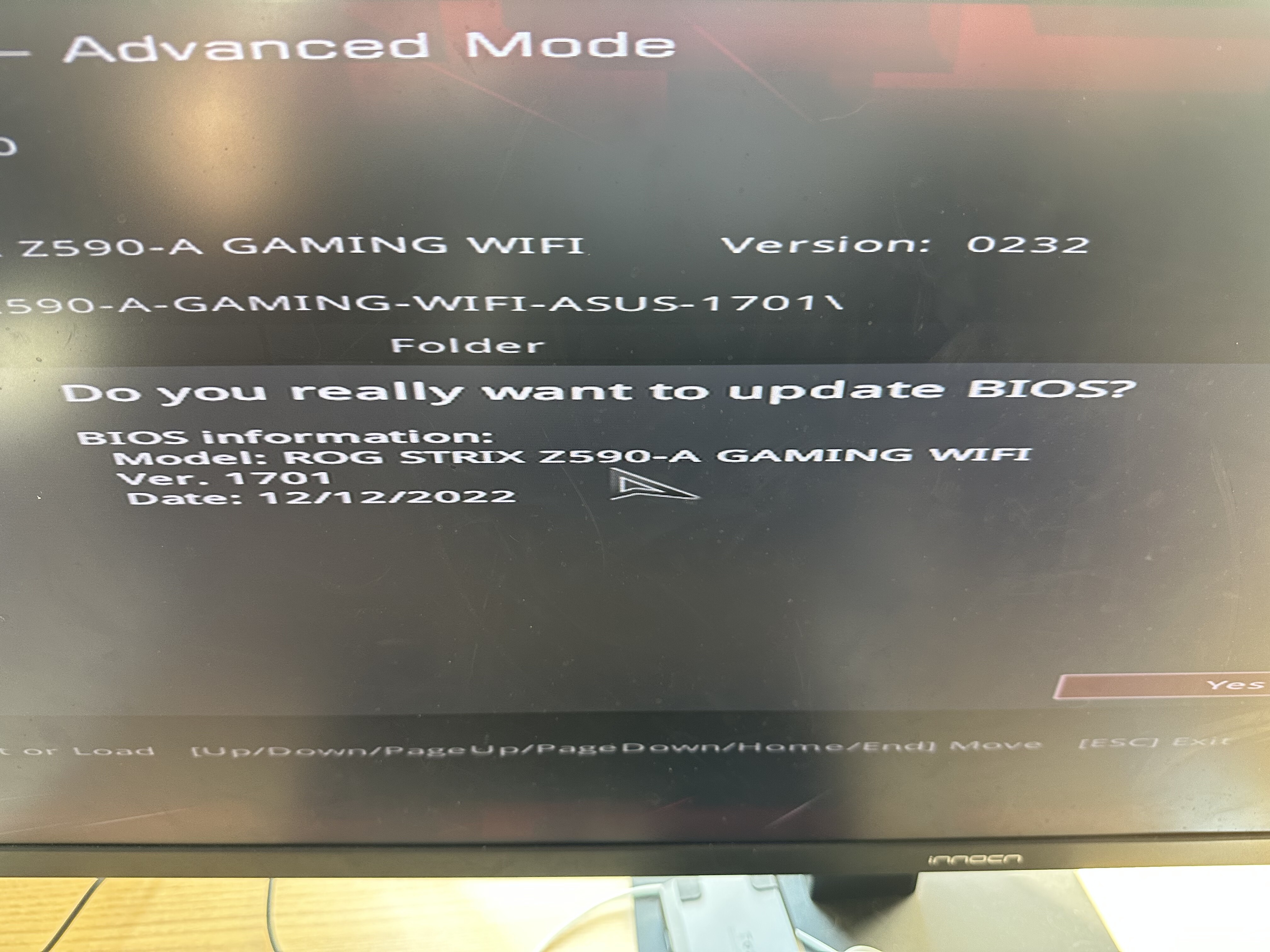
Do i hit yes?
Yes that’s the file.
Alright it shows a status bar near the bottom
Let it complete totally. Screen may go blank but don’t touch it. It may even reboot on it’s own. It usually copies the image file and then flashes it. So wait as it takes a little bit of time.
Alright, i got a screen that says “bios is updating LED firmware”
1 Like
Don’t get impatient. Just wait till it’s all finished.
Looks done. Its back in Ami
Okay see if it boots to the desktop.
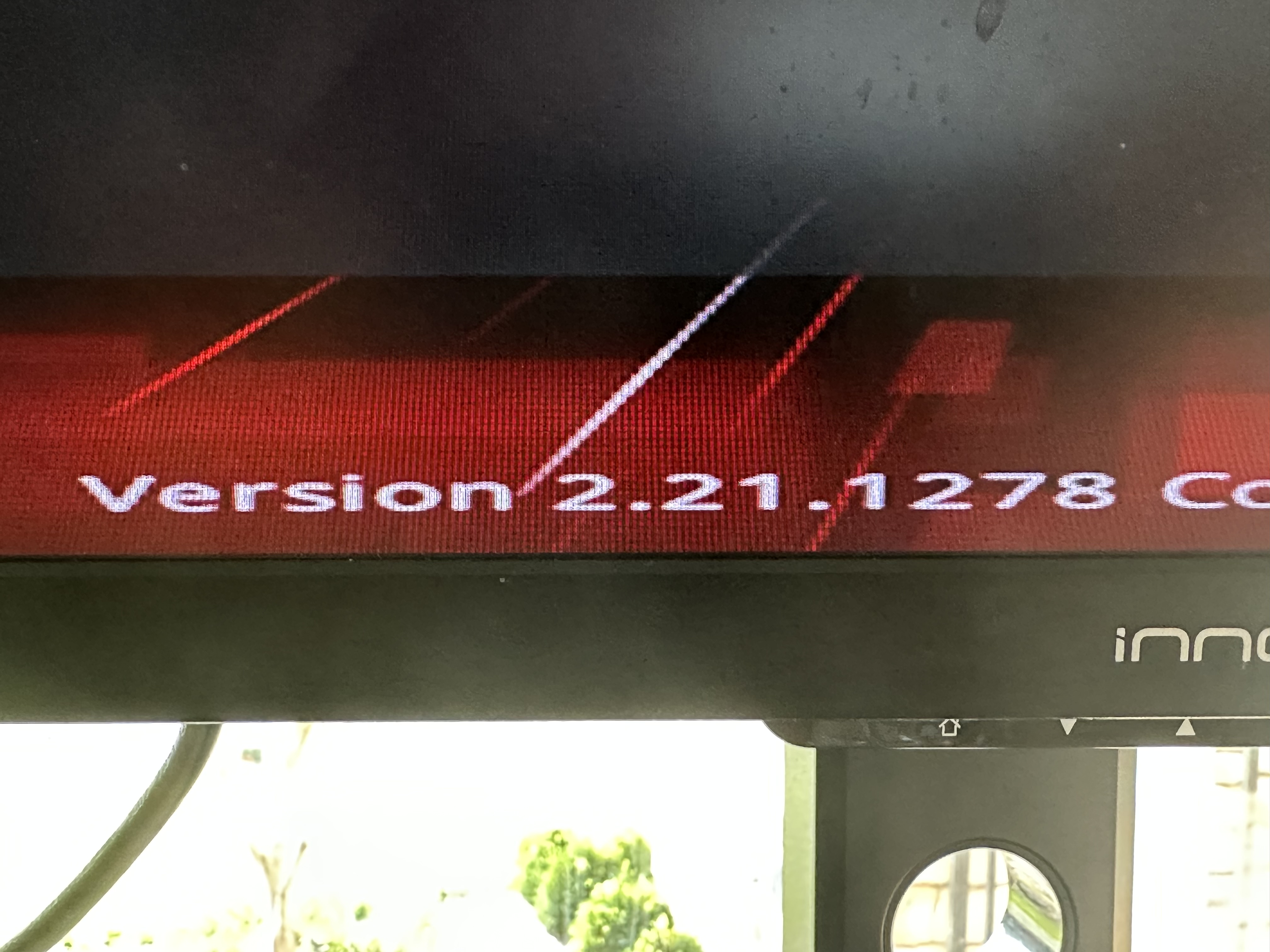
Not sure if that is the correct thing you are looking at. Does it boot to the desktop if you restart it.
Yes it booted to desktop
Show me again the url
inxi -Faz | eos-sendlog
( btw i still dont have my gpu in hopefully thats fine )