Hey, I’m totally new to the “Arch Linux based distros” world. Is this true that I can totally block my machine if I don’t do updates regularly ? I want to use EndeavourOS but I’m afraid of bricking my computer if i go on vacation
Thanks in advance I’m sorry if the question has already been answered!
It’s not more likely to go wrong if you update every couple of weeks, it’s just that there may be more manual interventions to apply at once, and it can be harder to trace what the actual problem is should it go wrong.
The reality is that, if you keep up with the news and take any action required, Arch and by extension EndeavourOS, are remarkably reliable.
You do not need to update every day or every week. I have endeavouros virtual machines which have been updated after 2 month being inactive and that worked just fine.
If you do not want to update too often I suggest that you define a maintenance plan for yourself. E.g. Put every Sunday on your calendar as maintenance day for your endeavouros installation. May be even every second sunday.
But what you should be aware of is, that endeavouros resp. arch linux also receives security updates frequently. Security updates should be installed asap. Therefore I would recommend to update once a week at least.
Welcome to EndeavourOS.
Personal experience: Last time I updated with ~6months gap and Nvidia driver caused some issues. Fixed with chroot + with help of amazing forum members.
For safety just keep your /home partition separately or if possible even better on another disk.
No. However what is true is that your more inept to have issues Such as Manual Interventions that don’t go well.
How long of a Vacation are you planning on going on 6 months? I have a “Radio Head” that is an EOS install that I only update occasionally ( at least once every three months) While I had to do a few manual interventions I had no issues. However That is also going to be determined by your personal skill level. Being a Rolling Release however does mean that Security updates should be installed and applied ASAP. I personally have Sundays set off as my maintenance day. I do my backups and updates all during this time.
If you don’t update frequently enough, it can make the update process more difficult. It won’t cause your machine to fail.
However, when say frequently, it means something like at least a once per month. Don’t take it to mean you need to update every day.
We see people who try to update after not updating for 6-12 months and the update can be complicated if you wait that long depending on what happened over that time period.
No, however sometimes “manual” intervention is needed. If people don’t read the news and just update and reboot it might give some problems. I am almost a year on endeavour os and i didn´t get locked out of my system ever. I do update frequently/daily.
[michel@michel-crosshair15b12ugsz ~]$ stat -c %w /
2025-03-30 19:06:12.732448428 +0200
no, as alrerady others have said, its just that updating can become more difficult and longer and complicated with depending on how many changes and/or big changes had happened in the meantime, and there errors can occur.
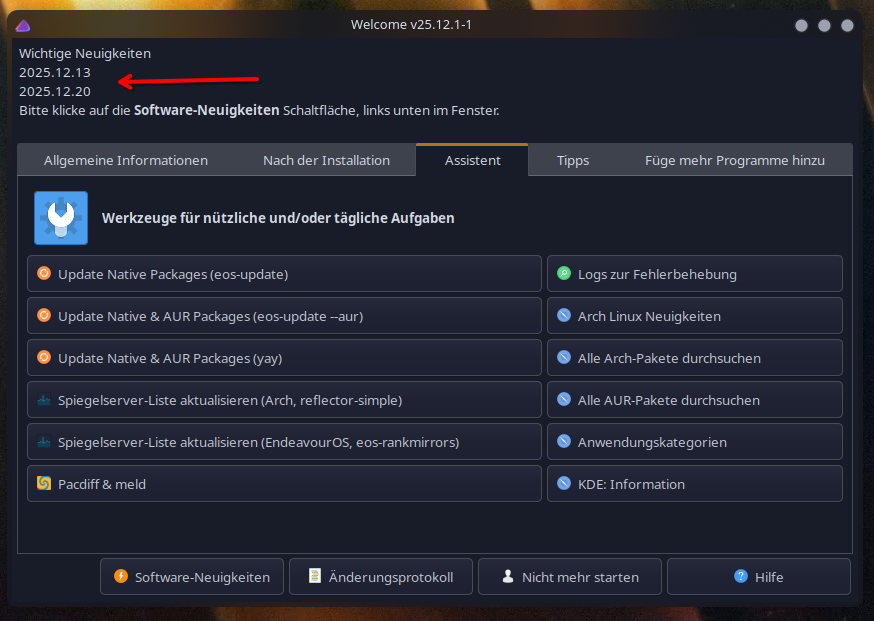
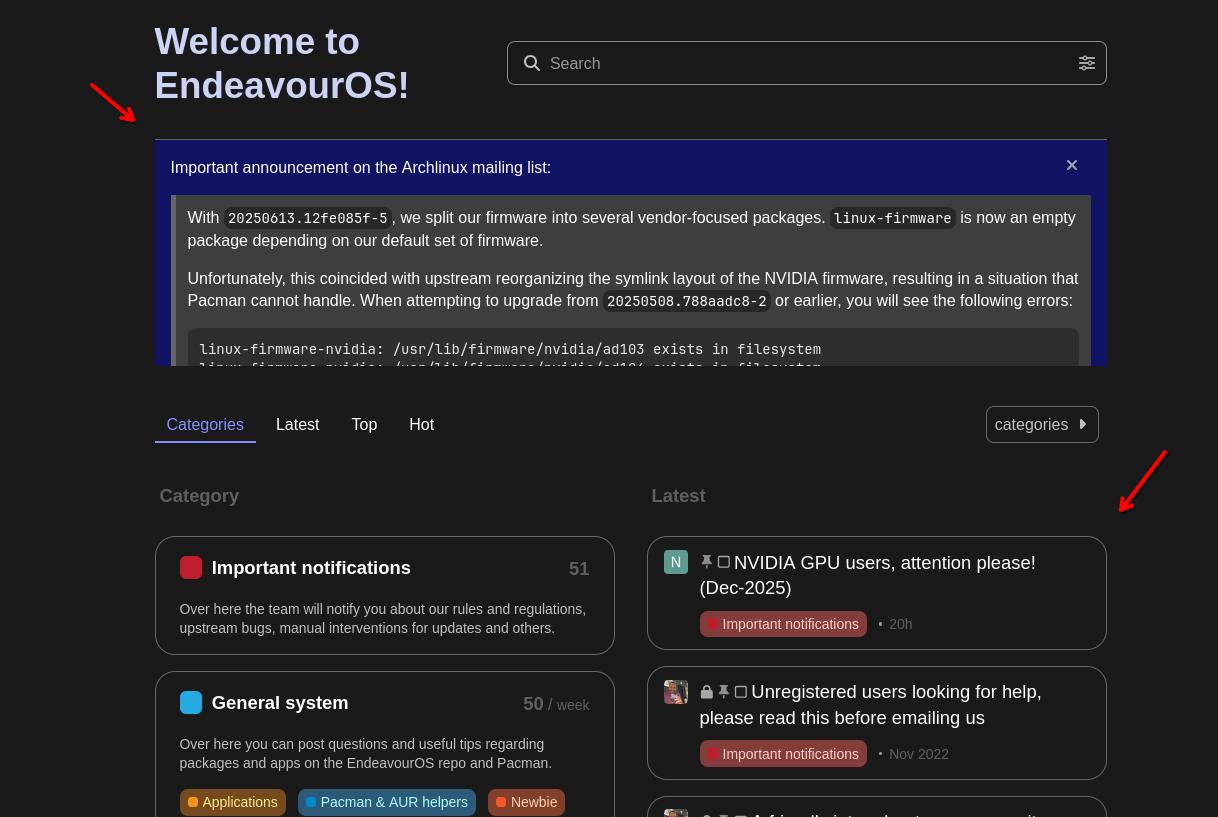
so if you are gone for a while its best to still somewhat keep up with the news, or at least when you then come home and turn on the laptop or pc, before you update look if there is a important notification here on the welcome screen:
then you are on the save side.
and should still something go wrong, im shure you can come here and get help.
(also it is always recommended to have some sort of backup system, and/or snapshot system to roll back if something goes wrong)