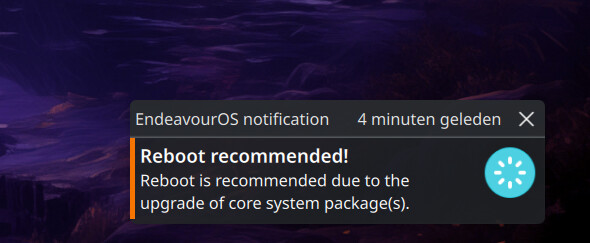
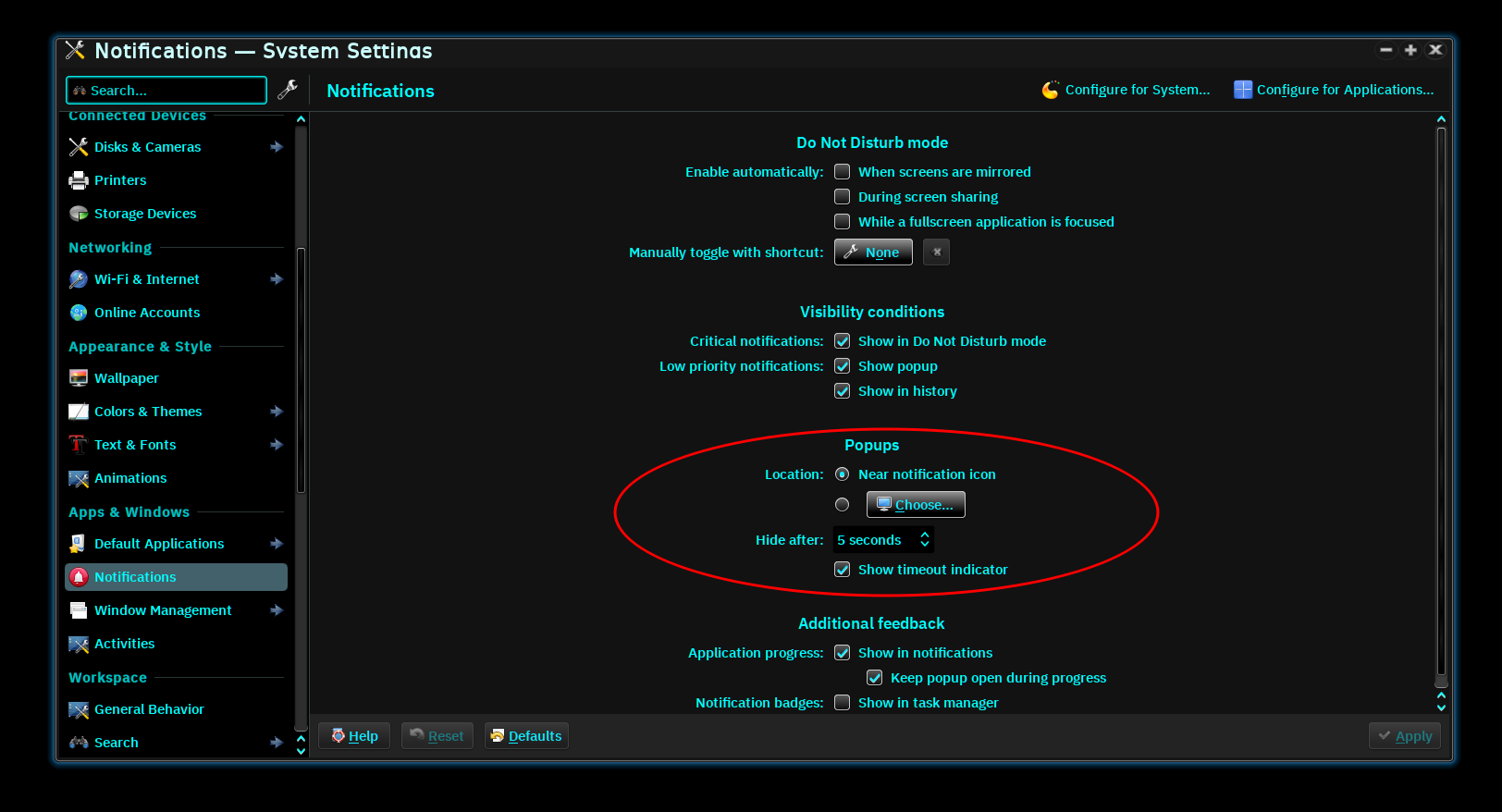
Can this message gets auto removed after lets say 10 seconds or something ?
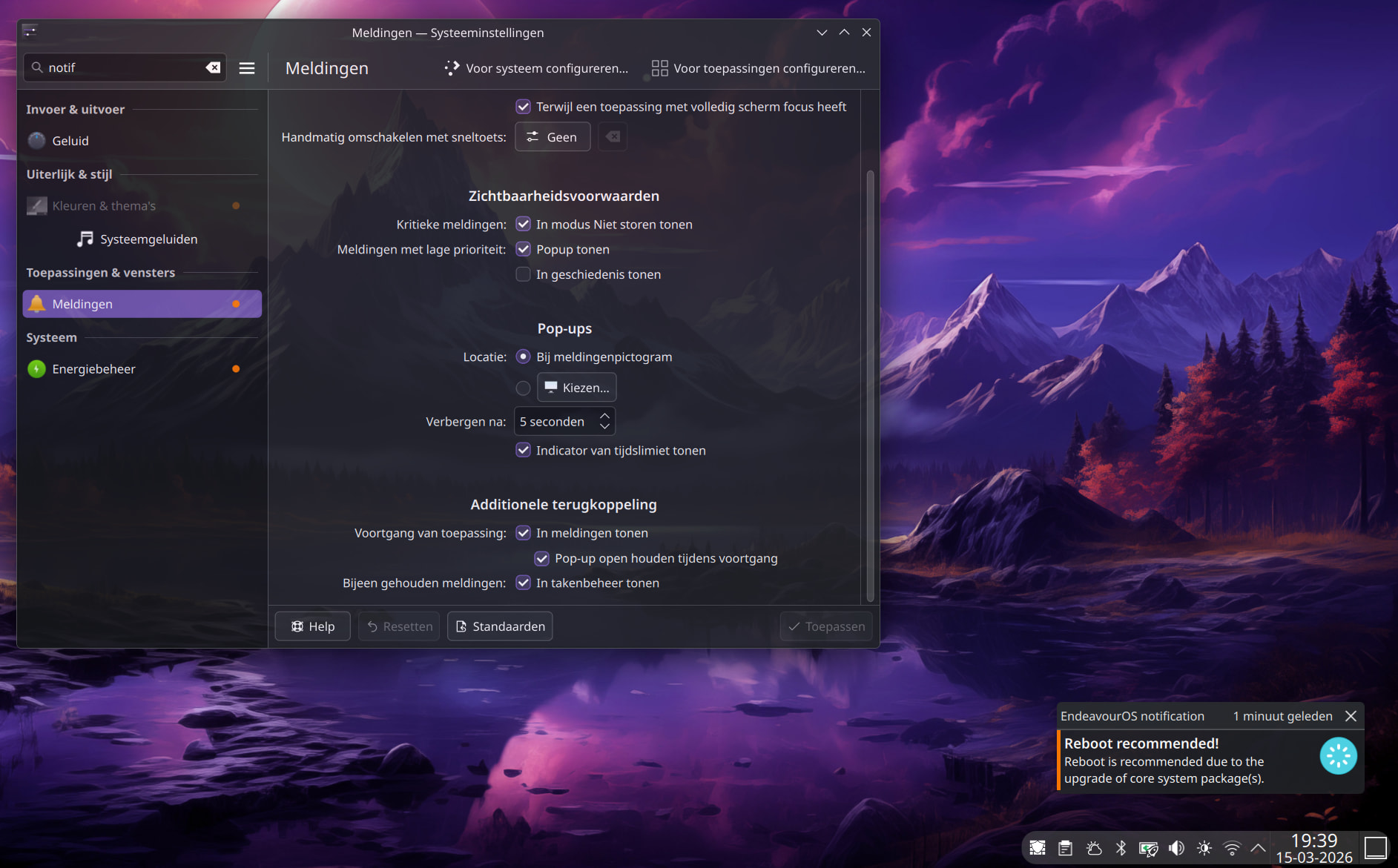
It just stays there unless i remove it.
Can this message gets auto removed after lets say 10 seconds or something ?
It just stays there unless i remove it.
Doesn’t it stay for 10 minutes? I’m sure I remember that from somewhere.
10 minutes is way to long, is is possible to change it to 5-10 seconds ?
Well I don’t know I always reboot (almost) right after the message pops up, and I don’t think you should wait 4 minutes to reboot , otherwise this message would be just useless. But that is just me. Also you might get some behaviour you don’t want from your system because some services and other things need a reboot.
Look at the first post it’s the same, this reboot message is presistant and ignores the setting.
Ah, sorry, I missed that.
I don’t use Endeavour so I can’t help you - I don’t know how the notification is invoked.
I think it’s set by the calling program so probably not. I always reboot shortly after it pops up so it’s not there for long.
Well i still want to find out HOW to change it. If i update i don´t always plan to reboot.
Well why not update when you are ready to reboot ?
Perhaps @manuel can help in this case.
It’s an intended feature.
how to disable eos reboot pop up
I don’t know if the service files can be edited to change/add the timer.
maybe @manuel can reply on this. Maybe add something so we can change it.
IMO, there is very little reason to have it with only a short time. Unless you watch your notifications constantly while updating, you would not see it.
If you don’t want the notification, why not remove it?
You can remove the package eos-reboot-recommended if you don’t want the notifications.
I’m the other way around. I like the notification to reboot. I just don’t get the notification anymore. No idea why. And eos-reboot-recommended is indeed installed.
Made some changes to eos-reboot-recommended version 26-1:
/etc/eos-reboot-recommended.conf.eos-reboot-recommended is no more a dependency of eos-bash-shared (version 26.3-1) thus making it easy to uninstall.Here’s a link to a small new file which explains more about this:
https://github.com/endeavouros-team/PKGBUILDS/blob/master/eos-reboot-recommended/eos-reboot-recommended.md
Hope this helps! 
Edit: it should be available at the mirrors within a few minutes to a couple of hours.
I had to update mirrors and updated…
3  endeavouros/eos-bash-shared         26.2.1-1       -> 26.3-1
2  endeavouros/eos-reboot-recommended  25.12.1-1      -> 26-1
Made the changes. We’ll see how it works on the next update. Thanks, @manuel.
#!/bin/bash

## REBOOT_MAX_TOTAL_WAIT defines the maximum time in seconds
## to wait before notifying about recommended reboot.
## If you install or update a package that requires more time,
## consider increasing the value accordingly to have more accurate notifications.
## Default: 300
#
REBOOT_MAX_TOTAL_WAIT=300

## REBOOT_WAIT_DIFF defined how many seconds to wait after checking again if all
## pacman-like processes have finished and the database lock filehas been released.
## This time is typically from 3 to 5 seconds.
## Default: 4
#
REBOOT_WAIT_DIFF=4

## REBOOT_NOTIFICATION_USER defines the user name to get notification about reboot recommendations.
## Then other users don't receive the notifications.
## Default: empty
## Example: REBOOT_NOTIFICATION_USER=username
#
REBOOT_NOTIFICATION_USER="wombat"

## REBOOT_EXPIRE_TIME defines the time (in seconds) to show the reboot notification.
## This is used only when REBOOT_NOTIFICATION_USER above has been assigned.
## Default: empty
## Example: REBOOT_EXPIRE_TIME=30
#
REBOOT_EXPIRE_TIME="15"
"wombat" and "15" or wombat and 15?With or without quotes since no space characters are included in the value.
So that’s normal bash syntax.
Awesome! Thanks for the update!
Excellent. Thanks!