You can test it with command
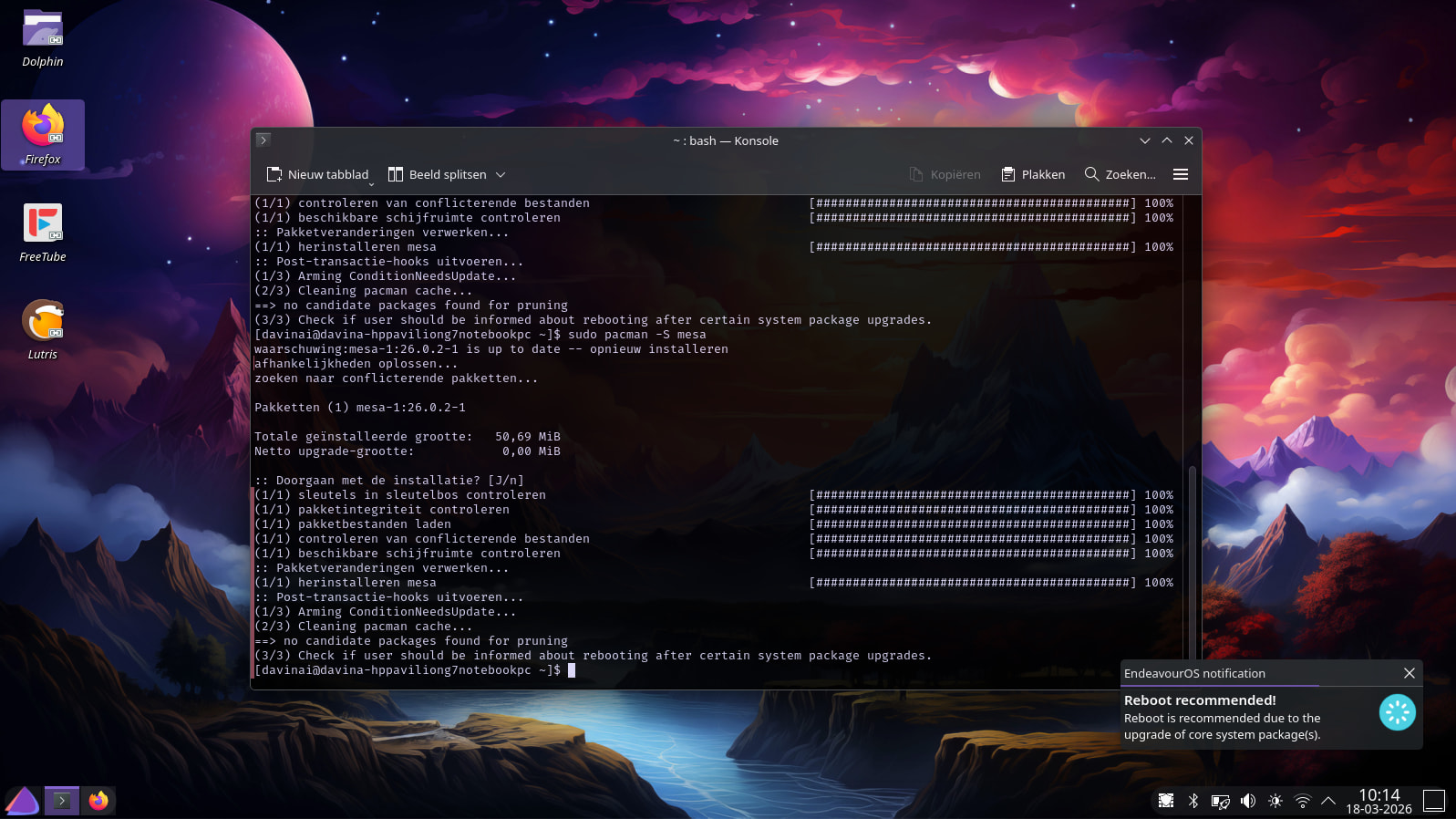
sudo pacman -S mesa
but only if you have mesa already installed. Alternative tester package could be e.g. the kernel (linux ?) that you are currently using.
You can test it with command
sudo pacman -S mesa
but only if you have mesa already installed. Alternative tester package could be e.g. the kernel (linux ?) that you are currently using.
Perfect. Reinstalled Mesa, reboot pop-up appeared. Thanks, again!
Thanks for testing and reporting! 
i have this after :
yay -Qdt
eos-reboot-recommended 26.1-1Version 26.1-1 includes a fix for a minor unlikely corner case.
Edit: it still may be registered as a dependency.
Edit2: sudo pacman -D --asexplicit eos-reboot-recommended to change it.
Hard to say , because I can’t read the setting at the bottom that reads reboot expire time , the way I understand it you should be using that setting.
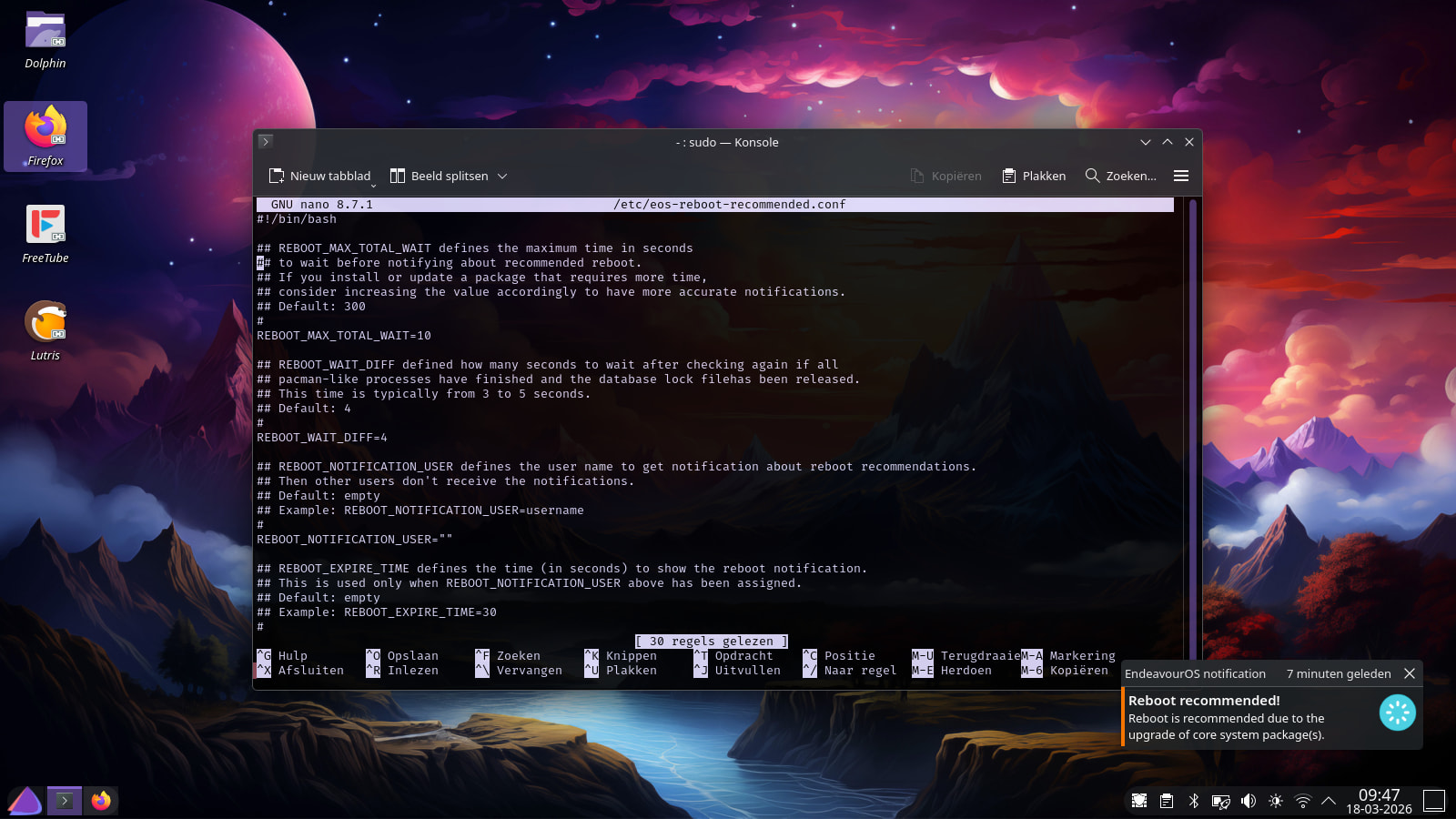
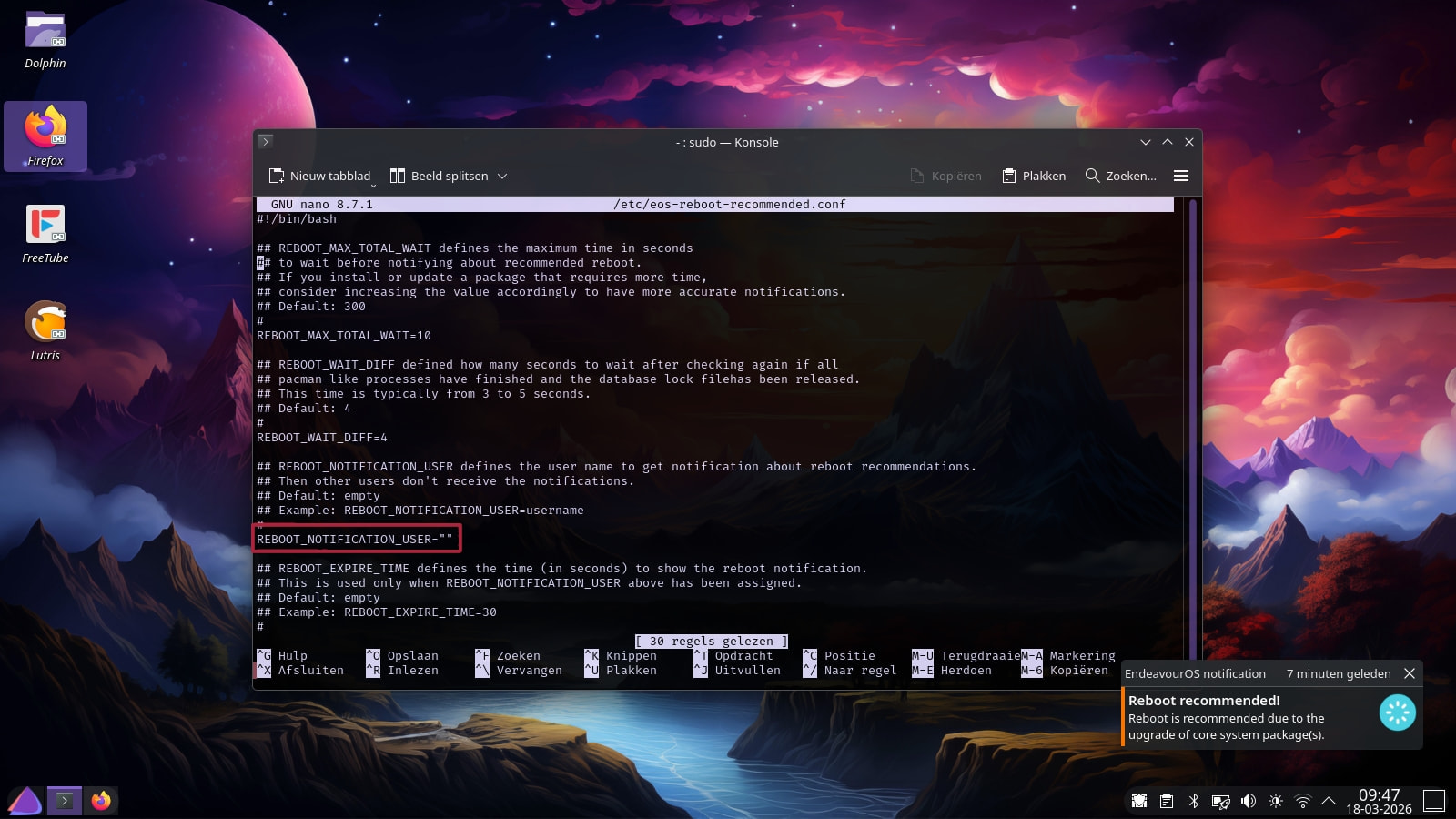
As an example, you likely made the following kind of changes in file
/etc/eos-reboot-recommended.conf:
REBOOT_NOTIFICATION_USER=micheln
REBOOT_EXPIRE_TIME=5
It’s set like this and it’s working fine 
REBOOT_NOTIFICATION_USER="michel"
REBOOT_EXPIRE_TIME="10"
The quotes are included