A Framework surprise

For Ambient light to work on Gnome, one only needs to install iio-sensor-proxy

On GNOME, you need to install iio-sensor-proxy and restart the session (or reboot, just in case). Then run monitor-sensor to check if it is working.

i see also users getting it work for KDE/Plasma i will try next time i got some free braintime.

What about the GPU when not used? Is still draining battery?

still into this part.. not sure about sleep mode will see how it shows on Gnome .. on KDE it is instantly putting screen on when open id doe snot really seems to fully sleep more like screen off and pulling down things like wifi Bluetooth..

Actually I meant the typical troubles that software like bumblebee or optimus manager tried to solve: when the GPU is not in use in a typical session, is the GPU turned off so that it doesn’t consume power?

[joekamprad@FrameWork13]$~: inxi -Gaz
Graphics:
  Device-1: Advanced Micro Devices [AMD/ATI] Phoenix1 vendor: Framework
    driver: amdgpu v: kernel arch: RDNA-3 code: Phoenix process: TSMC n4 (4nm)
    built: 2023+ pcie: gen: 4 speed: 16 GT/s lanes: 16 ports: active: eDP-1
    empty: DP-1, DP-2, DP-3, DP-4, DP-5, DP-6, DP-7, DP-8, Writeback-1
    bus-ID: c1:00.0 chip-ID: 1002:15bf class-ID: 0300 temp: 27.0 C
  Device-2: Realtek Laptop Camera driver: uvcvideo type: USB rev: 2.0
    speed: 480 Mb/s lanes: 1 mode: 2.0 bus-ID: 3-1:2 chip-ID: 0bda:5634
    class-ID: 0e02 serial: <filter>
  Display: wayland server: X.org v: 1.21.1.16 with: Xwayland v: 24.1.6
    compositor: kwin_wayland driver: X: loaded: amdgpu
    unloaded: modesetting,radeon alternate: fbdev,vesa dri: radeonsi
    gpu: amdgpu display-ID: 0
  Monitor-1: eDP-1 model: BOE Display 0x0bca built: 2022 res:
    mode: 2256x1504 hz: 60 scale: 150% (1.5) to: 1504x1003 dpi: 201 gamma: 1.2
    size: 285x190mm (11.22x7.48") diag: 343mm (13.5") ratio: 3:2 modes:
    max: 2256x1504 min: 640x480
  API: EGL v: 1.5 hw: drv: amd radeonsi platforms: device: 0 drv: radeonsi
    device: 1 drv: swrast gbm: drv: kms_swrast surfaceless: drv: radeonsi
    wayland: drv: radeonsi x11: drv: radeonsi
  API: OpenGL v: 4.6 compat-v: 4.5 vendor: amd mesa v: 25.0.1-arch1.2
    glx-v: 1.4 direct-render: yes renderer: AMD Radeon 780M (radeonsi phoenix
    LLVM 19.1.7 DRM 3.61 6.12.19-1-lts) device-ID: 1002:15bf memory: 1.95 GiB
    unified: no display-ID: :0.0
  API: Vulkan v: 1.4.304 layers: 12 device: 0 type: integrated-gpu
    name: AMD Radeon 780M driver: N/A device-ID: 1002:15bf
    surfaces: xcb,xlib,wayland
  Info: Tools: api: clinfo, eglinfo, glxinfo, vulkaninfo
    de: kscreen-console,kscreen-doctor gpu: amdgpu_top wl: wayland-info
    x11: xdpyinfo, xprop, xrandr

As of https://frame.work/laptop13?tab=specs&slug=laptop-13-gen-amd we have only igpu no hybrid in that device

1 Like

Ah OK! So only an integrated graphic card! Even better :wink:

1 Like

you should show your lspci lsusb and inxi -Fxxc0z | eos-sendlog (post url)

Oh, man, what great news!

I really wanted to get a Framework laptop to eventually replace my current one – now I want it even more!

@joekamprad you’re a bit silent since you got this new shiny toy. I hope it doesn’t prevent you from getting from behind your desk every now and then and go play outside for a bit… :wink:

ha ha i am busy with a lot non-computer things too currently.
Also i do really enjoy playing with the Framework, find out it should also have an NPU inside.. so i work on getting some knowledge about that.

2 Likes

What NPU?? What have you tried so far?? I’ve seen reading a bit about NPUs recently.

https://www.amd.com/de/products/processors/laptop/ryzen/7000-series/amd-ryzen-7-7840u.html

AMD XDNA (Adaptive AI Engine)

But no clue, could be its not supported by the board itself already .. as of Framework does provide other models as AMD AI ..

From my experience on the Framework 13 (Intel 12th Gen), EndeavourOS just works perfectly, no extra steps for getting it to work.

Except for the keyboard backlight to automatically turn off, which required a script I found on Framework’s forum (cf. this post) named keylightd.

I do not know if this was fixed or not, feel free to reply if it was!

(Note that the fingerprint scanner requires a little tinkering on KDE)

2 Likes

not on the AMD Ryzen version fingerprint sensor was working without any tinkering only needed the pam setup of cause. keyboard backlight seems to work as it should here too it wents of after some times without any setup done. I am noit sure about sleep and hibernation .. sleep seems to only partly sleep devices as it is draining a lot of power still.. and hibernation on lid close or the sleep then hibernate thing do not seem to work in any way. Could be a thing caused by KDE/plasma .. to validate i will install i3 soon (when i find a minute) Issue is a bit also that you do not have indicator when device is closed no LED indicates status.

1 Like

Totally missed these exciting news & hardware donation (If I’m not mistaken).

I guess I doesn’t happen often for arch-based distros that they’re recognized by the hardware manufacturers.

Framework have worked with Fedora before (and maybe Ubuntu?), but I haven’t heard of any other computer manufacturer actively working for the Linux users’ experience.
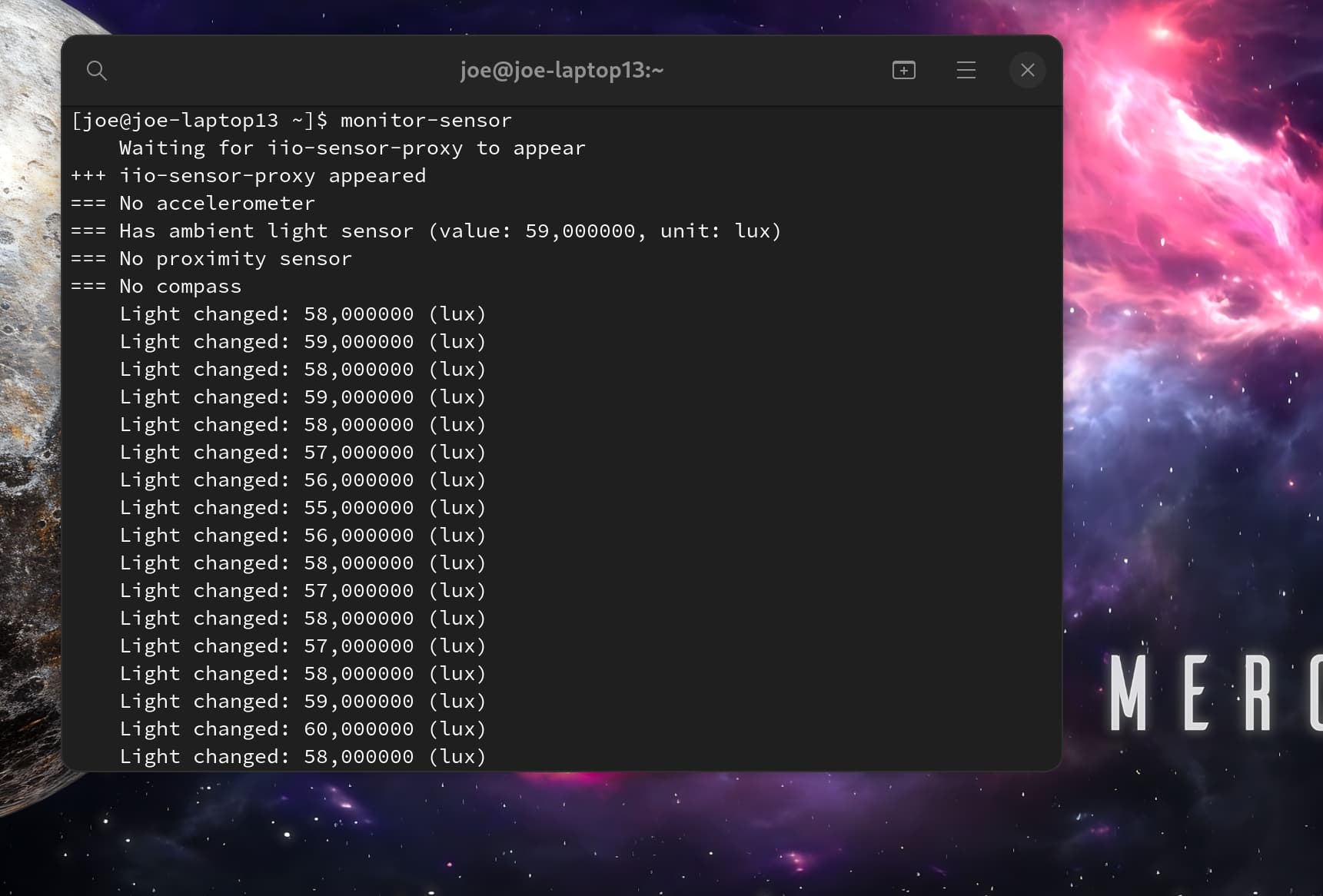
aside from Tuxedo system76 SlimBook Clevo TongFang Dell :wink:

1 Like

Ooooh my bad! And yes, of course system76, how could I forget them!

Sorry for not fact-checking :sweat_smile:

1 Like

2 Likes

btw.. just checked and hibernation is now working too when i set lid close to hibernate .. new kernel :wink:

2 Likes