BTW, I would recommend to post text (instead of images) and have that text in a verbatim block. Makes it easier to find things by searching text.
3 Likes
The /sys filesystem is a virtual filesystem that reflects the current state of the kernel and its parameters. It is recreated from scratch each time the system boots.
To override this value, you can set a kernel parameter as mentioned, or add some accommodation to your startup routine to overwrite the file at each boot (a script or a systemd service, for example).
One clever implementation I have seen is to use a systemd-tmpfiles config (https://wiki.archlinux.org/title/Systemd#systemd-tmpfiles_-_temporary_files) like this:
/etc/tmpfiles.d/disable-zswap.conf
w /sys/module/zswap/parameters/enabled - - - - 0
It’s simple, works great, and no need to set a kernel parameter. I first saw this method implemented in Garuda Linux, where zram is enabled by default. https://gitlab.com/garuda-linux/themes-and-settings/settings/garuda-common-settings/-/blob/master/usr/lib/tmpfiles.d/disable-zswap.conf?ref_type=heads
1 Like
My MSI notebook refuses zram, no matter what i do it’s just not working. I did everything the same as the 13 years old notebook which i fixed today.
Can someone tell me why this keep re-enabling ? i already removed it with modprobe -r zram command but after a reboot it’s just coming back. All files i used for creating a zswap are removed.
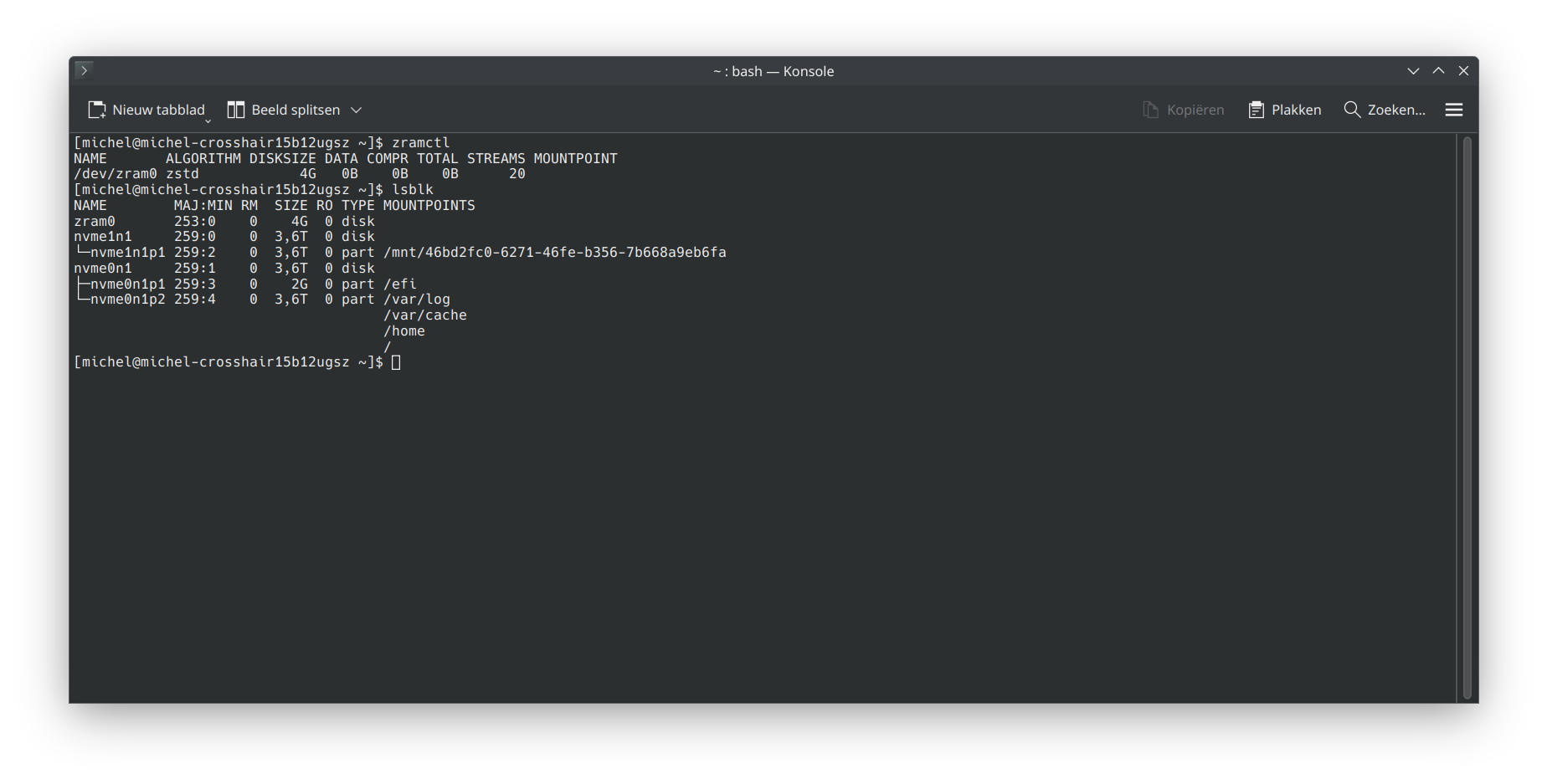
If i re-add zram i can’t even change disksize…what the hell is going on here. 
Please, post terminal output as text and format it as a code block–no more screenshots.
You are trying to remove the zram device, or disable zswap?
Thought pictures where easier ?
I want to remove the zram device. It’s not listed in fstab anymore but yet it keeps coming back. I also checked kernel parameters and it’s not listed there either.
Would you explain in a few simple words what is exactly you are trying to accomplish.
Using zram-generator on some config is pretty much set it and forget it. What is the issue here,
Also
Please take note of forum members request, when requesting help.
The issue is i can’t remove zram at all, i removed everything and yet after boot it just enables again.
it shows a disksize of 4G while i have not 1 single file with that amount.
Zram shows as device because it is exactly what it is: a swap device. No matter residing in RAM.
I know, but i removed everything so why keeps it listing as 4G ? it should be 0 if i am not wrong.
Because you configured it as such? It has 4G “allocated” but it won’t start occupying any RAM space at all before the first swappable page is pushed into it.
That file got removed and now zram is stuck with it. I can’t change it at all.
The reset ? i already did that and after reboot the 4G is back.
Can you explain to me why i can’t change this to 8GB ? or 16GB ? i am really trying to figure this out for the past few hours 
Is the zram-generator package still installed? Just remove it.
Thats what i did and it keeps sticking at 4g and readding zram on boot. No matter how i remove the zram, it keeps re-adding.
- Run
pacman -Rns zram-generator - Nothing at
cat /etc/modules-load.d/zram.confif at some point installed according to Arch wiki? - Post a
journactl -bso that people can really look at what the system is doing
It doesn’t activate itself, there must be some configuration residue somewhere.
PS: Not putting down blame, just making a technical statement … 
1 Like
Haha don’t worry, i appreciate all the help. Will post them later. I put the laptop aside because I need to clear my head  .
.
1 Like
It’s normal, it will remove the module only for the current session.
It looks like you have a script somewhere that load zram module and a config file setting the size to 4G.
It is pretty simple. You have to remove all your manual interventions in /etc. Then install zram-generator and things are easy.
Maybe check in which files there are occurences of zram.
Get yourself fire protection.
sudo -i
Then
find /etc/ -type f -print0 | xargs -0 grep -i zram