Look at the right top bar icon, it’s not changed
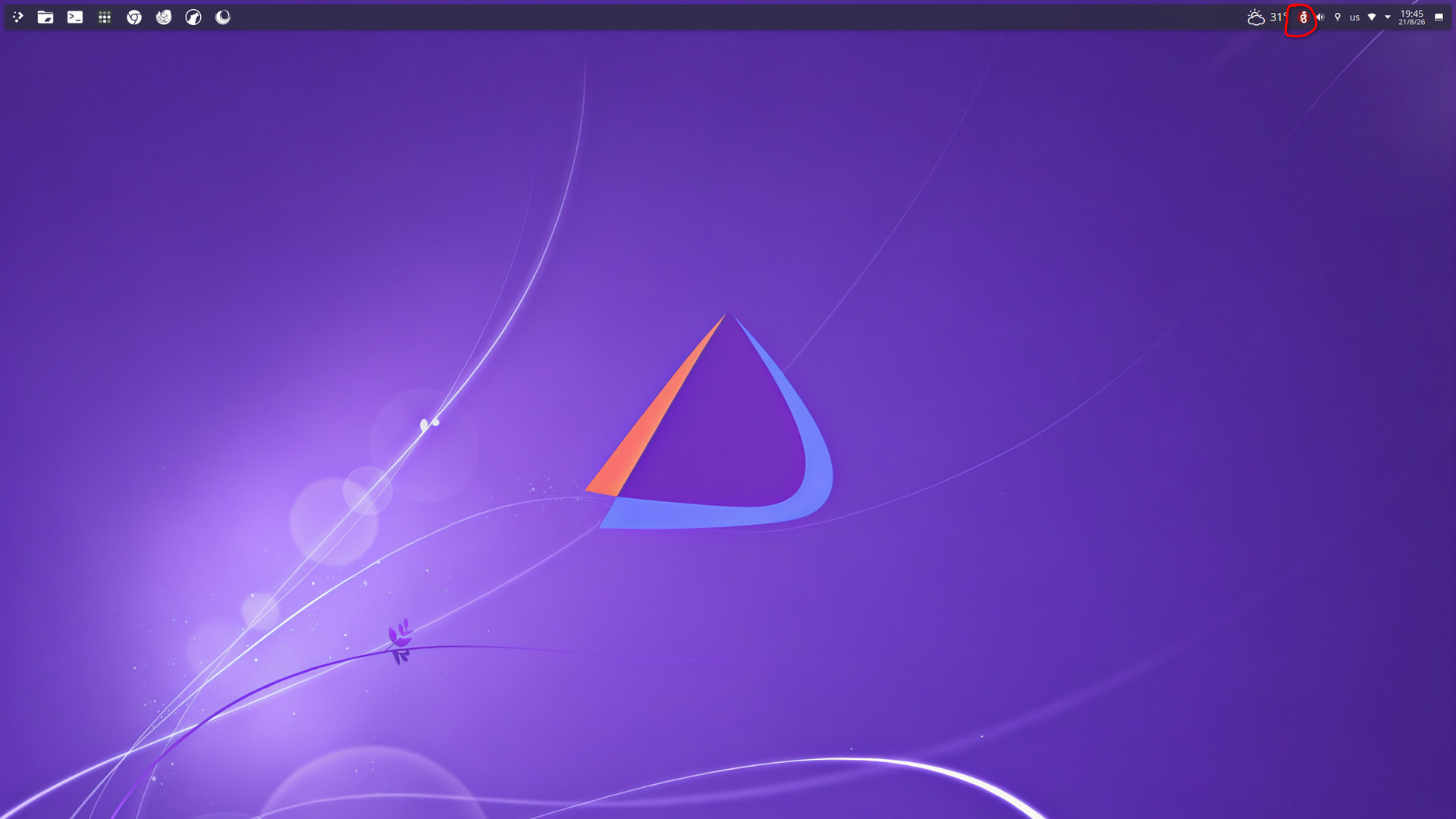
Oh! You’re referring to the system tray icon. For a quick solution, I suggest using Panel Colorizer.
I’m sorry, but there are a couple of challenges with handling system tray icons:
- Identifying the actual icon name: It’s difficult to determine the exact icon name used by each application in the system tray. Honestly, I don’t have enough reverse-engineering experience to reliably identify this part.
- Embedded icons: Some applications embed their icons directly into the binary. In those cases, it’s impossible to replace them using icons from the system theme.
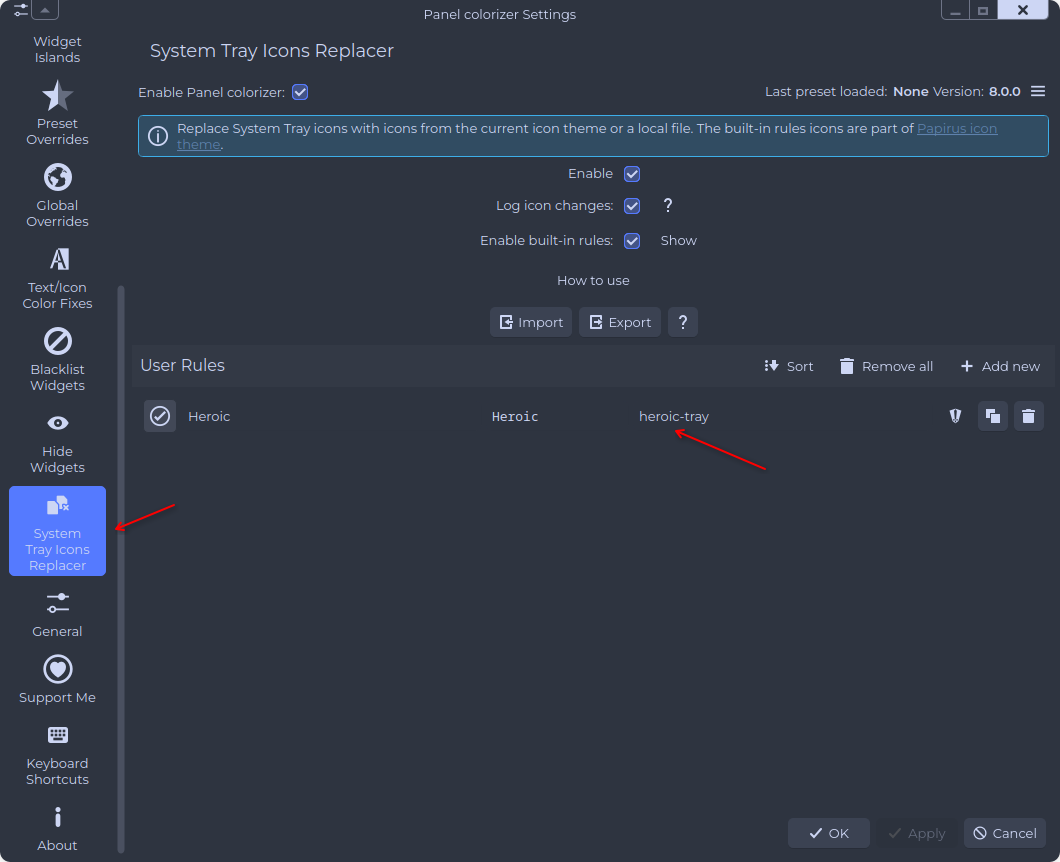
Do you remember how we solved the issue with tuta desktop? That was exactly the same
For this one, we’re not using Panel Colorizer?

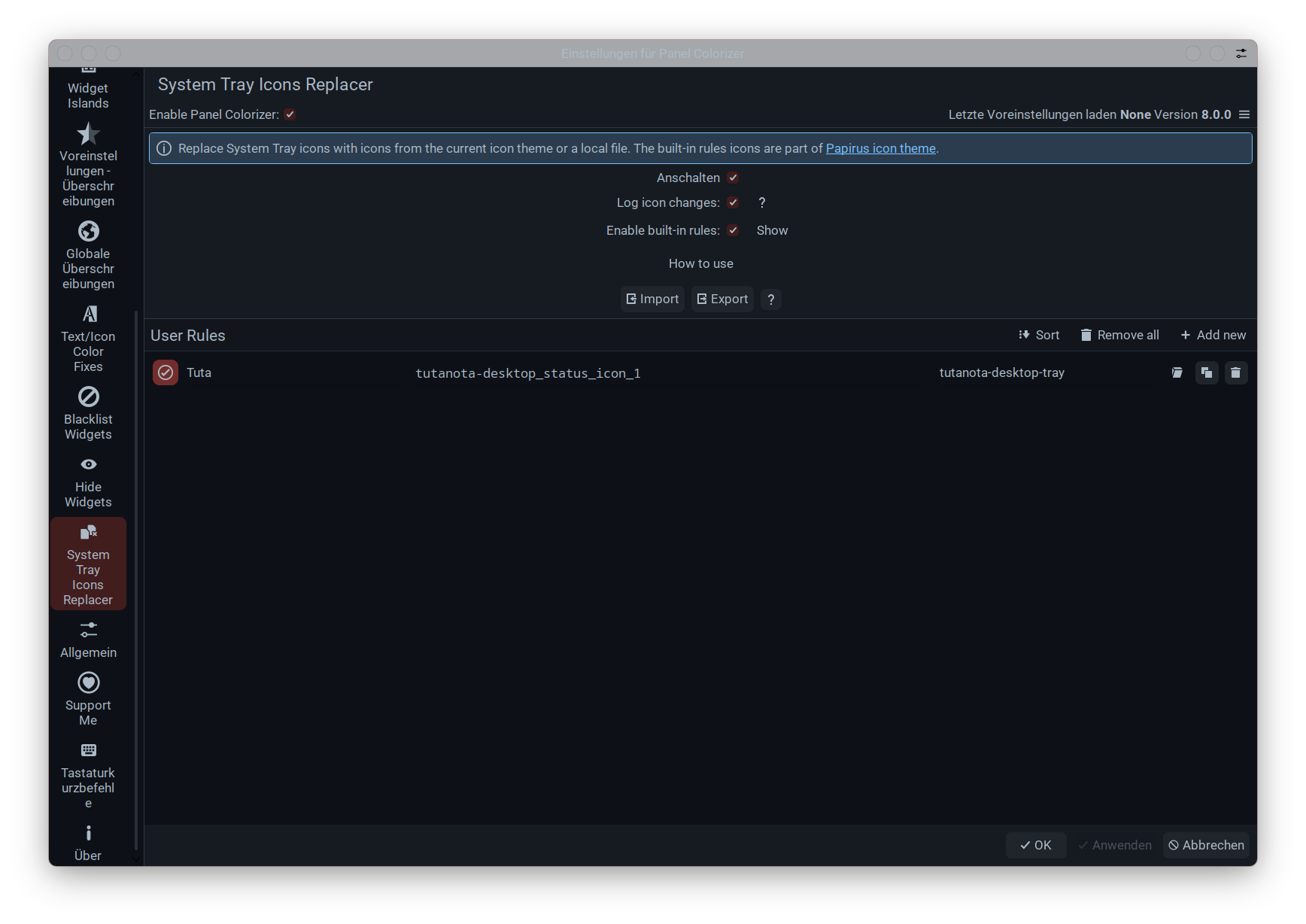
Got it! Sorry, my brain is a bit slow tonight and it’s taking me a little longer to digest everything. 


Yeah, Plasma Colorizer really helps out with correcting the system tray.
- Before

- After

Yeah, Plasma Colorizer did really some magic things. It is so highly customizable. Really love it. Whether it’s the island settings in the system tray or that feature that changes the icons in the system tray. I love it.
I hope luisbocanegra will catch up once Plasma 7 is released.
Honestly, I’m a little nervous about Plasma 7 and worried that they might change the underlying design of the adaptive CSS injector for .svg icons.
I don’t have enough knowledge to say anything about that. But I think luisbocanegra is involved enough that he’ll know what to do as soon as Plasma 7 is released.
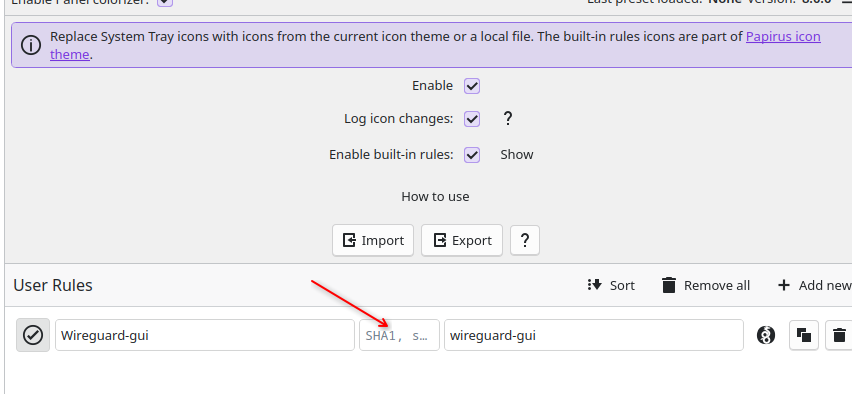
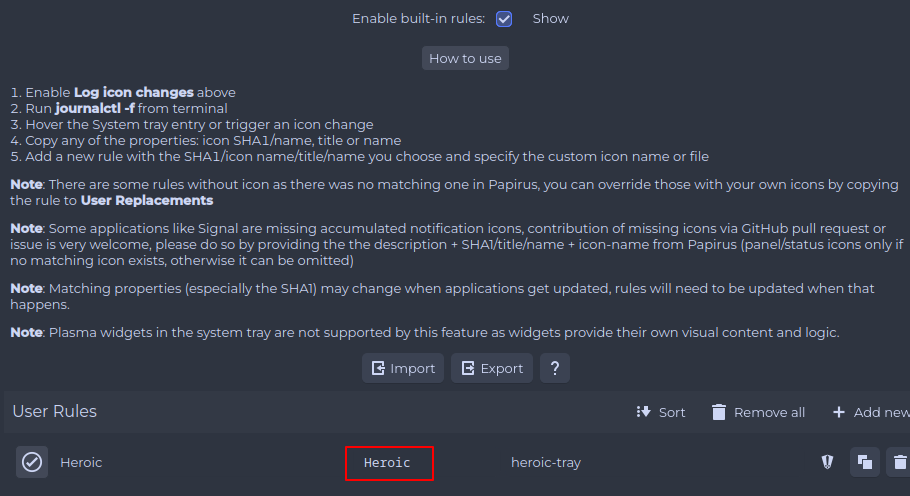

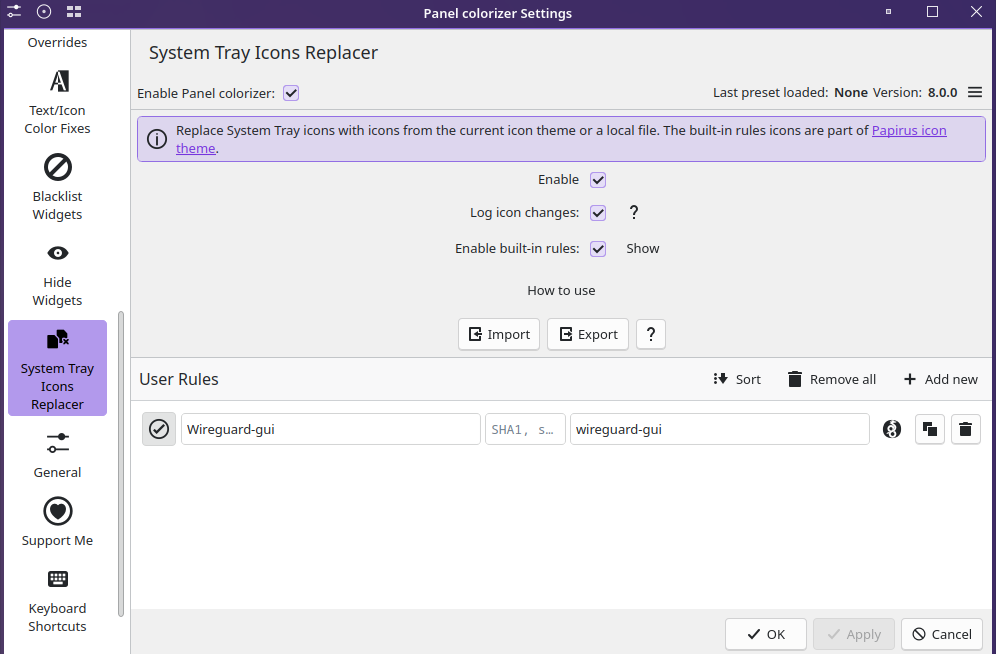
I spoke too soon, i forget that the tray icon changes to green when connected to vpn server, how do you handle this one with monochrome icons?!
I guess you’ll have to repeat the whole process with the green icon. See if you can figure out how to enter that in Panel Colorizer.
I believe each state has its own SHA-1 string. If I understand the feature correctly, you may end up with more than one entry.
ok, i duplicate the rule and i set the new sha1 string when it’s connected, now both idle+connected status have the same monochrome icon,
Perhaps you could add two more copies of wireguard-gui for the systray icons and map them in Panel Colorizer for both states. 
- wireguard-tray-connected - fully opaque
- wireguard-tray-disconnected - 35% opaque
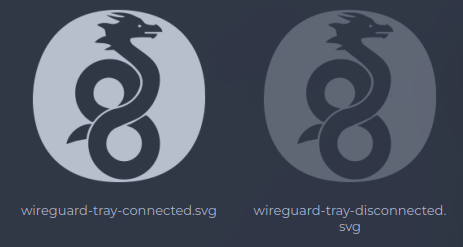
Edit:
I’ve added the 40px wireguard tray icons to the status folder. I’ll include them in the upcoming release.
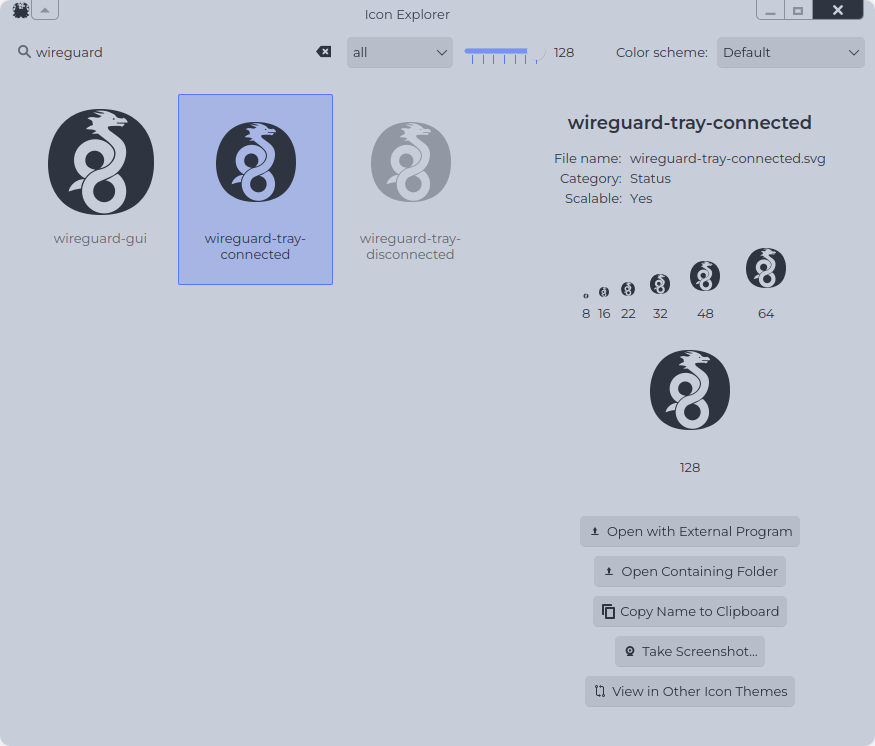
Hello, can you add this two icon with the next update?
TickTick
[Desktop Entry]
Name=TickTick
Exec=/usr/bin/flatpak run --branch=stable --arch=x86_64 --command=ticktick --file-forwarding com.ticktick.TickTick @@u %U @@
Terminal=false
Type=Application
Icon=com.ticktick.TickTick
StartupWMClass=ticktick
Categories=Office;
X-Flatpak-Tags=proprietary;
X-Flatpak=com.ticktick.TickTick
Hytale Launcher
[Desktop Entry]
Name=Hytale Launcher
Comment=Official launcher for Hytale
Exec=/usr/bin/flatpak run --branch=master --arch=x86_64 --command=hytale-launcher-wrapper com.hypixel.HytaleLauncher
Icon=com.hypixel.HytaleLauncher
Terminal=false
Type=Application
Categories=Game;
Keywords=hytale;game;launcher;hypixel;
StartupWMClass=com.hypixel.HytaleLauncher
X-Flatpak=com.hypixel.HytaleLauncher
Thank you!