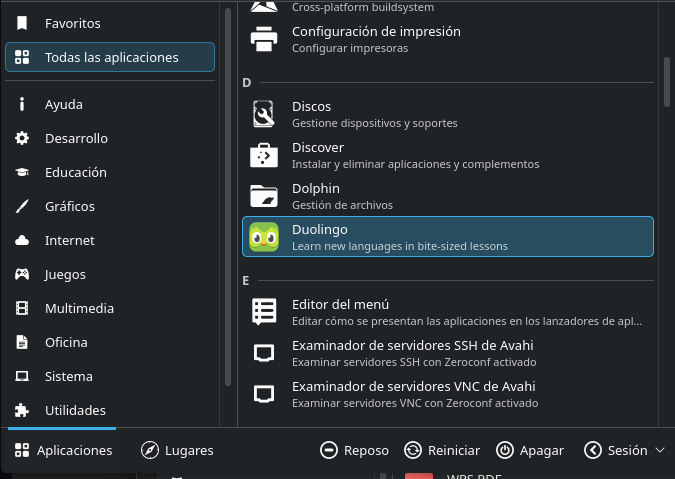
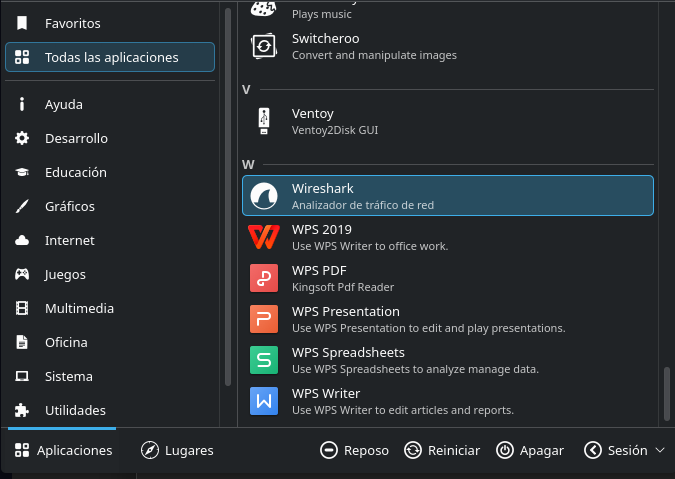
Hi! Would it be possible to add icons for the following applications in a future update?
Duolingo — ro.go.hmlendea.DL-Desktop.desktop
gMTP — gmtp.desktop
Impression — io.gitlab.adhami3310.Impression.desktop
LSHW — gtk-lshw.desktop
Mecalin — io.github.nacho.mecalin.desktop
Solanum — org.gnome.Solanum.desktop
OBS Studio — com.obsproject.Studio.desktop
WPS Writer — wps-office-wps.desktop
WPS Presentation — wps-office-wpp.desktop
WPS Spreadsheets — wps-office-et.desktop
WPS PDF — wps-office-pdf.desktop
These applications are not all installed from the same repository or distribution format; some are Flatpaks, while others are installed as system packages. The names above are the exact .desktop filenames from my installation.
Thank you very much for maintaining this fantastic monochrome icon theme!
dirn
August 17, 2026, 4:46am
1227
Welcome to the forum @JoseDavid
Regarding your icon request, I actually need the icon filenames specified inside the .desktop files, rather than the .desktop filenames themselves.
You can find this by opening the .desktop file and looking for the Icon= entry.
Just a heads-up:
New request: Poedit
icon name: net.poedit.Poedit
current program icon:
alternative icon variant, used on Poedit website, but not in the program itself:
First of all: I am using your Iconset since it was recommended here in the forum. Astonishing work . thank you very much!!
After reading along silently for a while, I want to request some icons, too.
Thanks in advance if any of them make it into a future release and no problem at all if not.
Are there Game-Icons possible, too?
Star Citizen/RSI-Launcher , Icon=rsi-launcher LUG-Helper ,
not sure how to work from here:
[Desktop Entry]
and another complicated:
it’s installed as flatpak, no idea how to get the desired name. Haven’t found it by searching.
No problem if these are to special. Thx for your hard work.
Hello @dirn !
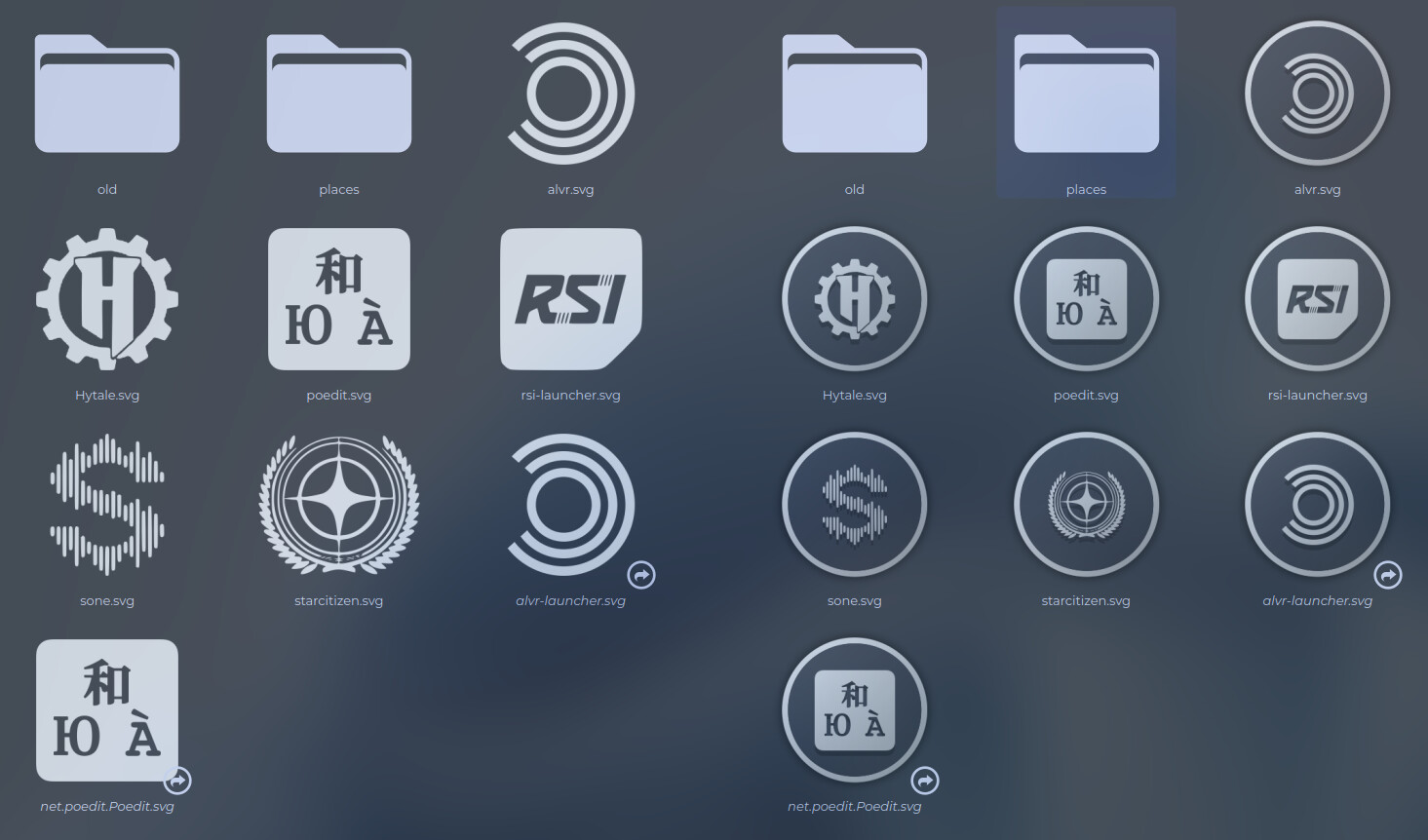
Can you please add in the next update icon for ALVR?
Icon name: alvr-launcher
dirn
August 18, 2026, 11:42pm
1231
Sure, will add these icons when I’m free.
dirn
August 19, 2026, 3:16pm
1232
@khagaroth , @Eulenspiegel and @Werameli , I managed to quickly make the easy one.
Sorry, @Eulenspiegel . The lug-logo is difficult to convert to .svg, and I don’t have much time to do the manual tracing.
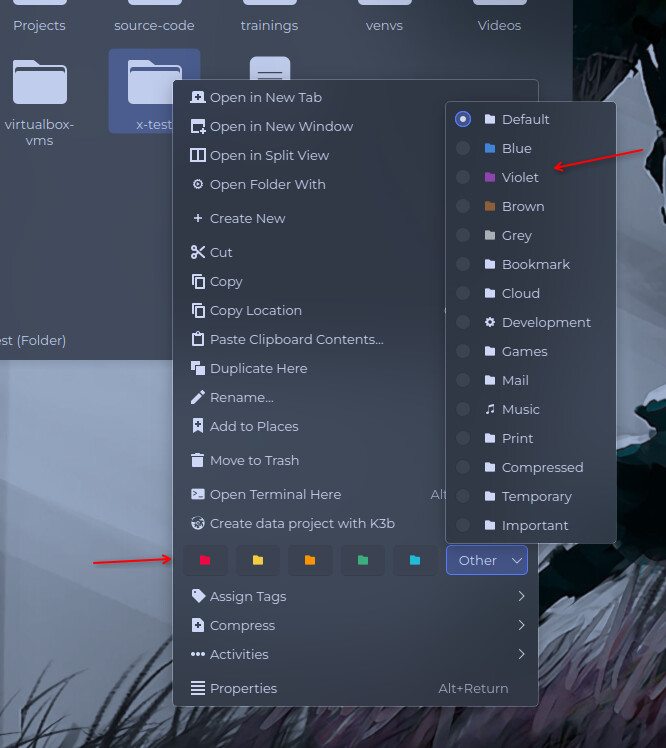
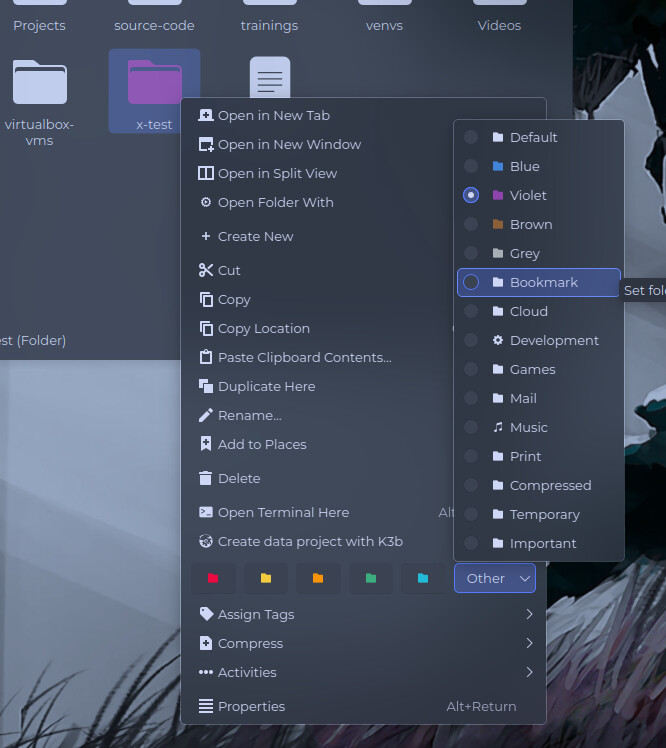
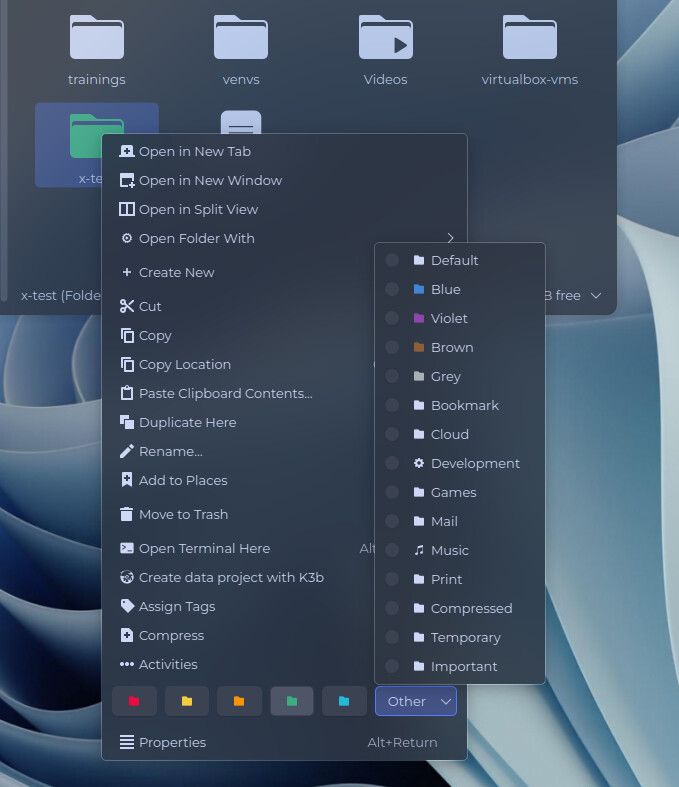
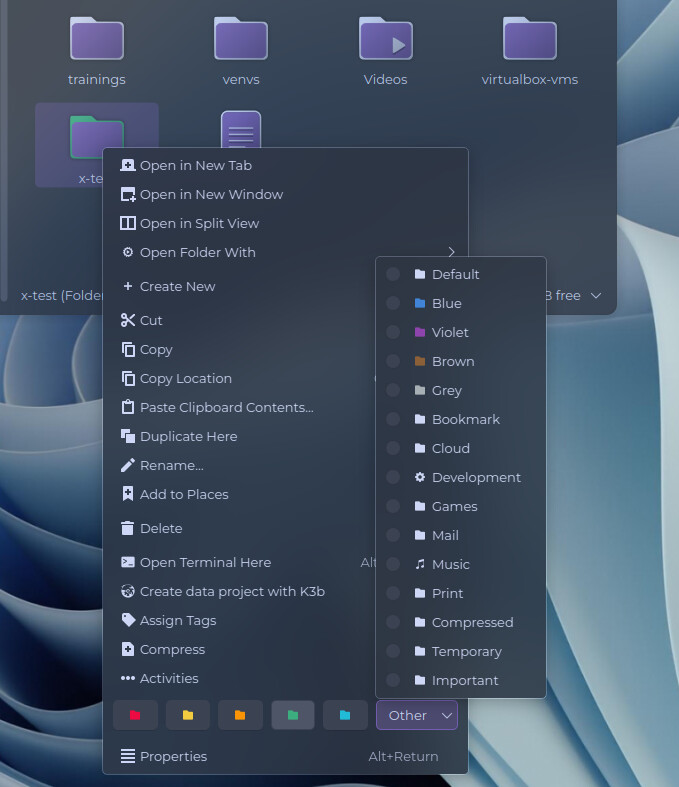
Another update for the upcoming release is support for Dolphin’s colored folder tags. I don’t personally use this feature, but since someone requested it in the OpenDesktop comments, and given that Dolphin supports it, I think it makes sense to include it. I’ve added support for it to both YAMIS and Plasma Monochrome.
This only applies to standard folders. I don’t plan to add colored variants for special folders such as Home, Videos, etc.
Don’t worry it’s fine.
*edit: the StarCitizen and Sone logos are incredible.
Hi, could you do the Wireguard-gui app icon?!
[Desktop Entry]
Type=Application
Name=WireGuard GUI
GenericName=VPN Client
Comment=Graphical interface for managing WireGuard VPN connections
Exec=wireguard-gui
Icon=wireguard-gui
Terminal=false
Categories=Network;
Keywords=wireguard;vpn;tunnel;network;
StartupWMClass=wireguard-gui
dirn
August 21, 2026, 2:59pm
1236
@khagaroth @Eulenspiegel @Werameli and @HuskerDu ,
    - added
        - apps/alvr-launcher
        - apps/alvr
        - apps/Hytale
        - apps/net.poedit.Poedit
        - apps/poedit
        - apps/rsi-launcher
        - apps/sone
        - apps/starcitizen
        - apps/webcord
        - apps/wireguard-gui
        - places/16/folder-blue
        - places/16/folder-blue-symbolic
        - places/16/folder-brown
        - places/16/folder-brown-symbolic
        - places/16/folder-cyan
        - places/16/folder-cyan-symbolic
        - places/16/folder-green
        - places/16/folder-green-symbolic
        - places/16/folder-grey
        - places/16/folder-grey-symbolic
        - places/16/folder-orange
        - places/16/folder-orange-symbolic
        - places/16/folder-red
        - places/16/folder-red-symbolic
        - places/16/folder-violet
        - places/16/folder-violet-symbolic
        - places/16/folder-yellow
        - places/16/folder-yellow-symbolic
        - places/scalable/folder-blue
        - places/scalable/folder-brown
        - places/scalable/folder-cyan
        - places/scalable/folder-green
        - places/scalable/folder-grey
        - places/scalable/folder-orange
        - places/scalable/folder-red
        - places/scalable/folder-violet
        - places/scalable/folder-yellow
        - places/scalable-outlined/folder-blue
        - places/scalable-outlined/folder-brown
        - places/scalable-outlined/folder-cyan
        - places/scalable-outlined/folder-green
        - places/scalable-outlined/folder-grey
        - places/scalable-outlined/folder-orange
        - places/scalable-outlined/folder-red
        - places/scalable-outlined/folder-violet
        - places/scalable-outlined/folder-yellow
swh
August 21, 2026, 3:11pm
1237
What the heck
dirn
August 21, 2026, 3:14pm
1238
Coincidentally, just by luck
i got a few more for the next update, still at work now, thanks!
dirn
August 21, 2026, 3:20pm
1240
Sure, I’ll add it to the upcoming release when I have some free time.
swh
August 21, 2026, 3:23pm
1241
Mmmmh, how do I get the colored folder? Is this related to Papyrus Folders?
dirn
August 21, 2026, 3:28pm
1242
When you right-click a folder, there’s an option to tag it with a colored folder icon.
Please share a screenshot of what you’re seeing.
swh
August 21, 2026, 3:34pm
1243
Ahh got it. Thank you, mate. For me, it’s in the submenu Actions
dirn
August 21, 2026, 3:37pm
1244
Oh! This is new to me. I mean, the menu can change depending on your personal settings somewhere. I thought it would be the same for everyone.
swh
August 21, 2026, 3:39pm
1245
I must have turned it off or unplugged it. These things happen
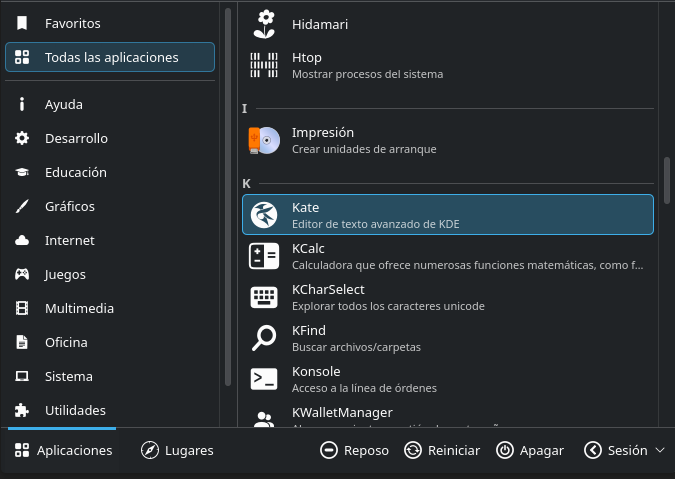
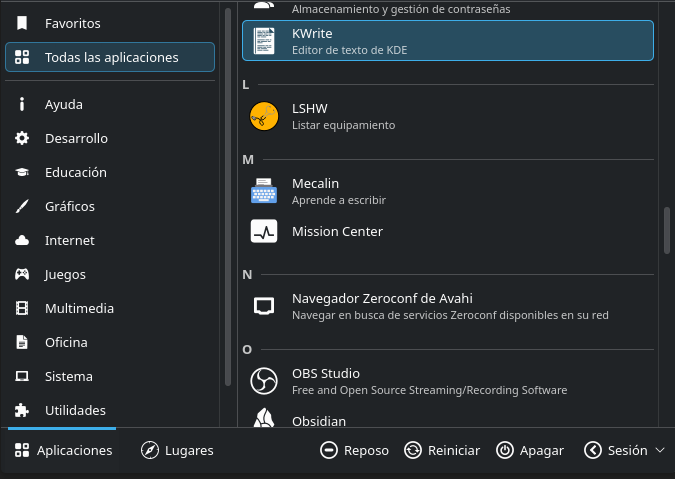
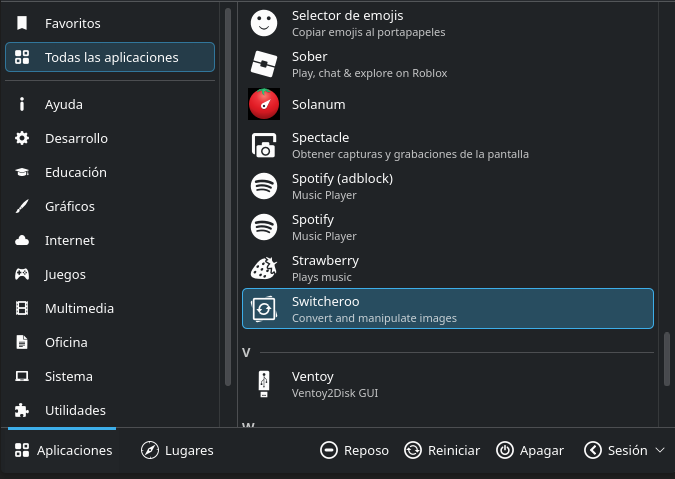





 THX for your hard work.

 KDE Gear update, YAMIS update. Update all night long