OMG this was the final bit for me. Thank you! 
Thanks, I’m just finishing it today and I’ll post in the “Show Your Desktop” thread. 
Careful — don’t get addicted like I did 
LOL too late for that, I’m beyond hope. 
Welcome to the forum @wavewithme 
Damn you, i downloaded it and spent way too much time tinkering with it already 
Inkscape — it all started with that one innocent little SVG icon

2 Likes
Huge thanks to @swh for the motivation! I’m starting to get the hang of Kvantum theme elements.
I finally managed to customize everything to my liking:
- Window background color
- Selected background color for menu and view items
- Button border color (brightened it up a bit)
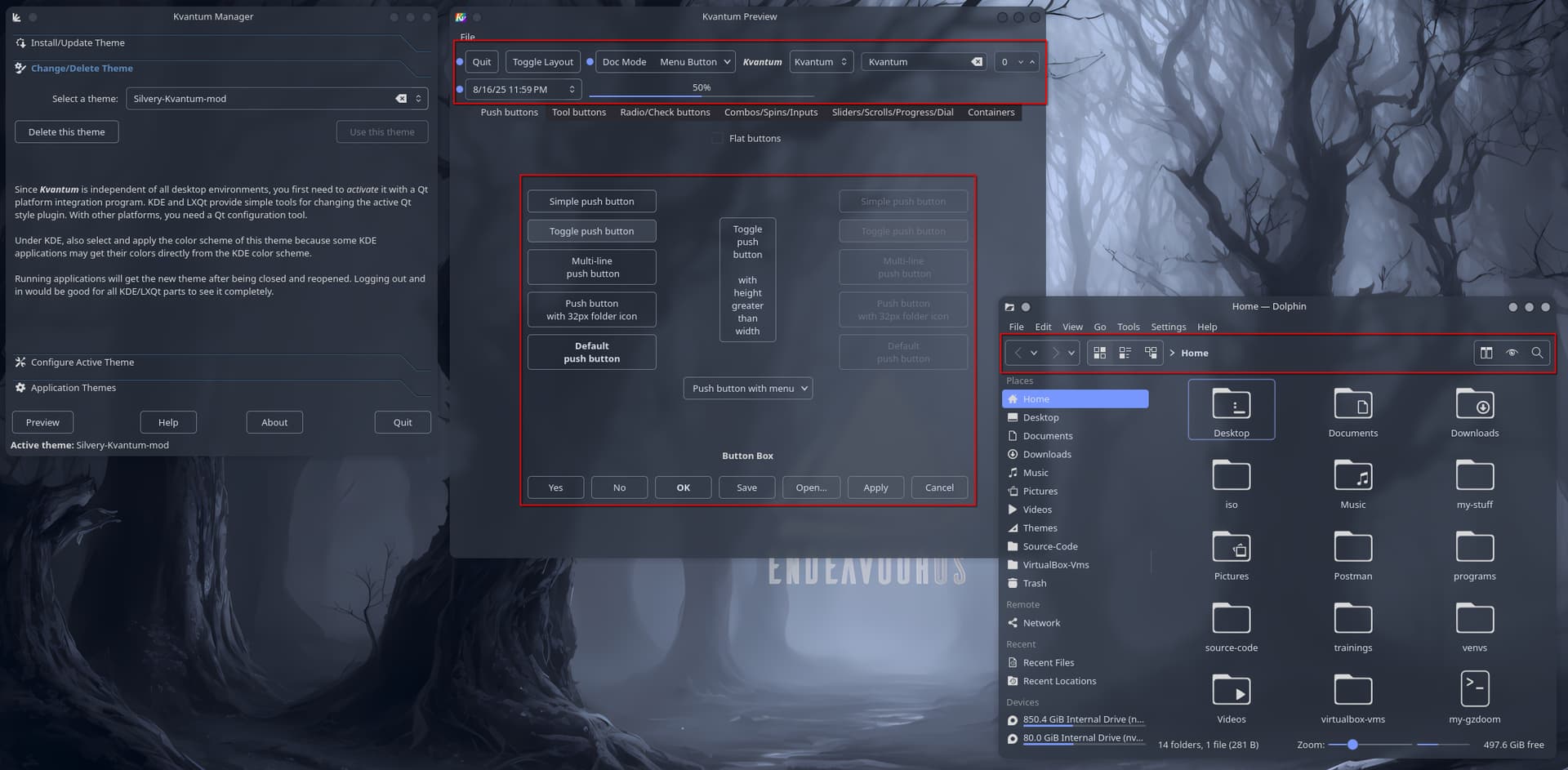
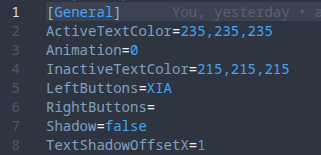
I also managed to tweak my favorite window decoration so its background now matches the Kvantum theme. It follows the system color scheme — though unfortunately, the text color is defined using RGB values in the rc file, so it doesn’t adapt with the system colors.
This has been a fun weekend modding project — big thanks to both @swh and @Noodly for the collaboration! I’ve learned a lot from this 
We might’ve drifted a bit from the original icon set topic, but since everything’s still tied to .SVGs (Kvantum, Inkscape, Aurorae), I’d say it’s not too far off 
Always a pleasure mate. Love that theming!
This is what happens when the background colors don’t match the theme 
I simply had to find out how it all fits together. But @dirn, without you, I wouldn’t have understood a lot of things either 
I just wished i knew all that before doing my old transparent theme
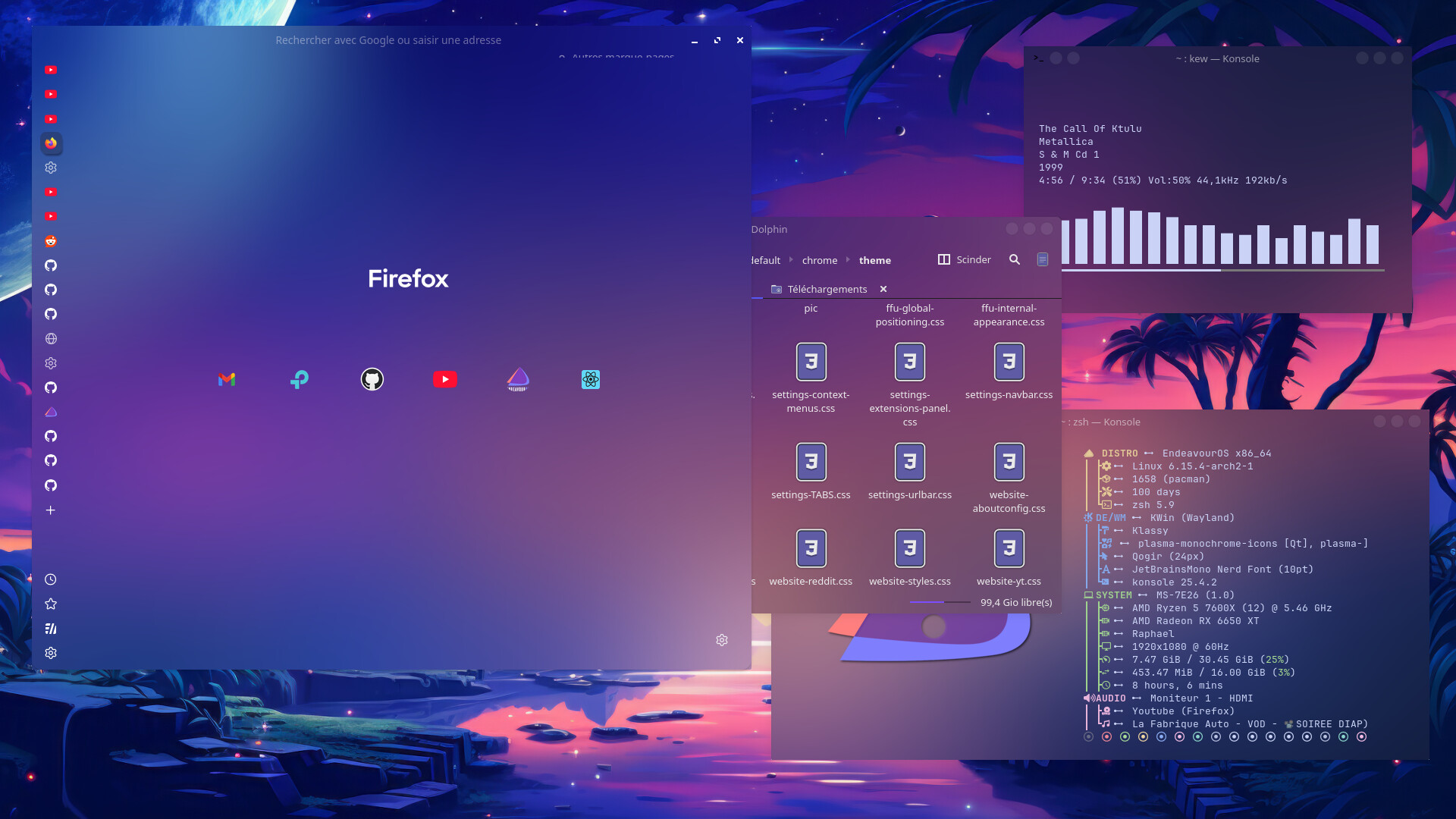
at the time i edited svg’s with kate which was a nightmare and having everything match was …. challenging, specially since i’m a masochist who had a wallpaper changing every 5 min and an accent color tied to the wallpaper, quite hard to keep it consistent. Now i kinda want to go back fiddling with it and try to make it better …
Your Firefox looks great. I’m holding my self from asking “How the hell did you do that to your Firefox?”
On this screenshot i was using FF Ultima Theme
This theme is not perfect, i had to adjust quite a lot of settings but it has a LOT of options for customization (like different integrated themes, including a transparent one). If you have any questions about it feel free to ask, i’ll try to answer to the best i can (and remember)
Edit : Short version, after installing the theme, go to about:settings and search for user.theme settings to chose the theme you want and then ultima. for the rest of the options
I must warn you tho, basic firefox is a nightmare for handling transparency… but again you probably have more talent for these kind of things than i do so i’m sure you’ll do well
If i remember correctly you will also have to use Forceblur, since firefox doesn’t handle blur from KDE very well on it’s own
I think I’ll leave my firefox as it is 
I do augment firefox with some icons though …
Cool! Thanks for sharing 
@swh @Noodly @perletero
Sorry for the off-topic post.
I just found out that if you want to set the translucency or transparency level in Kvantum to match your window decoration and Plasma style, you need to do it through the Kvantum Manager or by editing the kvconfig file. No wonder I couldn’t change it through the Kvantum .SVG file!
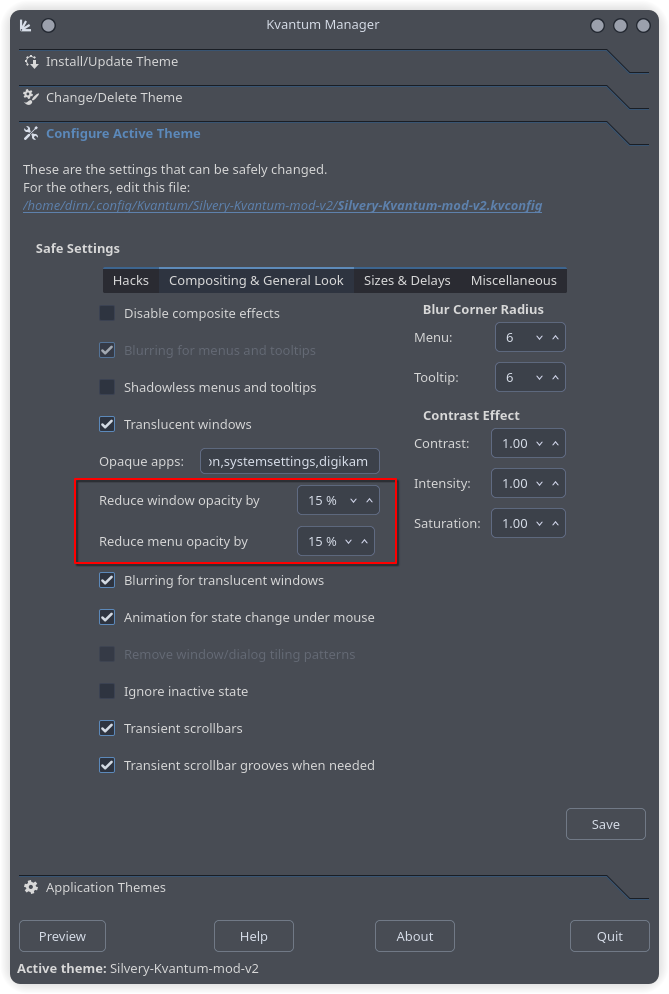
Thank you @dirn , I’m familiar with that. These are the first settings I make as soon as I set up and in the Hacks tab, transparent Dolphin
That’s right! And in the opaque apps, I remove almost everything. That way, I have very nice system settings and akregator.