Yes, I’ll try again right now to confirm that it hasn’t worked.
Edit: yup, still doesn’t work unfortunately
Yes, I’ll try again right now to confirm that it hasn’t worked.
Edit: yup, still doesn’t work unfortunately
Also when you click on disconnect does it do anything?
How did you install endeavouros? Did you create an empty partition on Windows first or did you use install alongside in the installer and also is it systemd-boot or grub bootloader?
This is weird. I’m not sure what the issue is on Windows. Is it Windows 11?
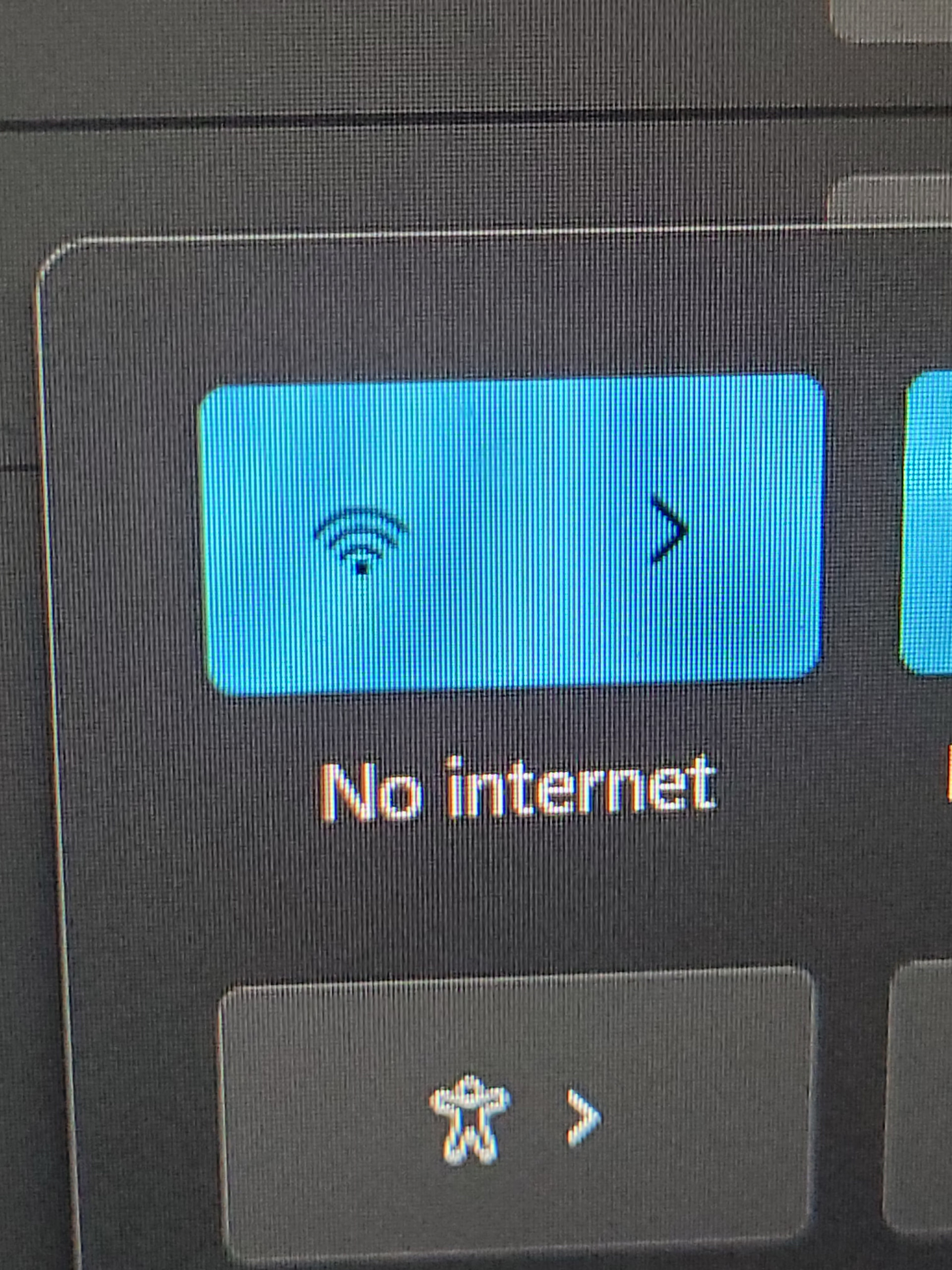
Edit: It seems like it is connected but no internet?
I created a 50GB partition. I had a friend help me go through the full process to install endeavorOS and we made sure it installed correctly
It is windows 11. I’m pretty sure it is connected just no internet, yeah. I really am clueless as well because nothing we’ve done so far has fixed this
I was asking if you installed it with systemd-boot because if you decide to uninstall it then most likely you would just use Windows and go into disc management and reclaim the space of the partition used for endeavouros. But then when you reboot you probably won’t get back into windows without fixing the Windows bootloader. Even if it is grub you will have the same issue.
Edit: I’m not so sure this will fix the issue anyway. I’m at a loss as to what the issue could be. Have you tried rebooting your router?
Oh my bad, we installed by creating the partition in disk management and booted VIA USB and used GRUB. Does that make more sense?
I have rebooted my router and even then no other electronic is having any issue, plus my laptop works in EOS. There’s no way it’s a router issue I doubt it.
I don’t blame you for not knowing, this is a very weird issue. I’m notorious for somehow having the worst luck when it comes to rare/weird issues with laptops lol
Yes…. it doesn’t matter. You would still have to fix the Windows bootloader, But before you decide to take endeavour out lets try some more things. Try restarting your router. Turn it off for a minute or so and then turn it back on and let it take the time to start on its own.
Also
When your Windows 11 WiFi shows “Connected, secured” but has no internet,
it usually means your device gets a local signal but can’t reach the web due to IP/DNS issues, driver problems, router glitches, or conflicts; try restarting everything, running the troubleshooter, forgetting and rejoining the network, resetting network settings, flushing DNS, or updating drivers as key fixes.
Alright, I’ll update you when I can. I have tried some of those things but not all of them, and it wouldn’t hurt to try again. I appreciate you being really patient with this, thank you
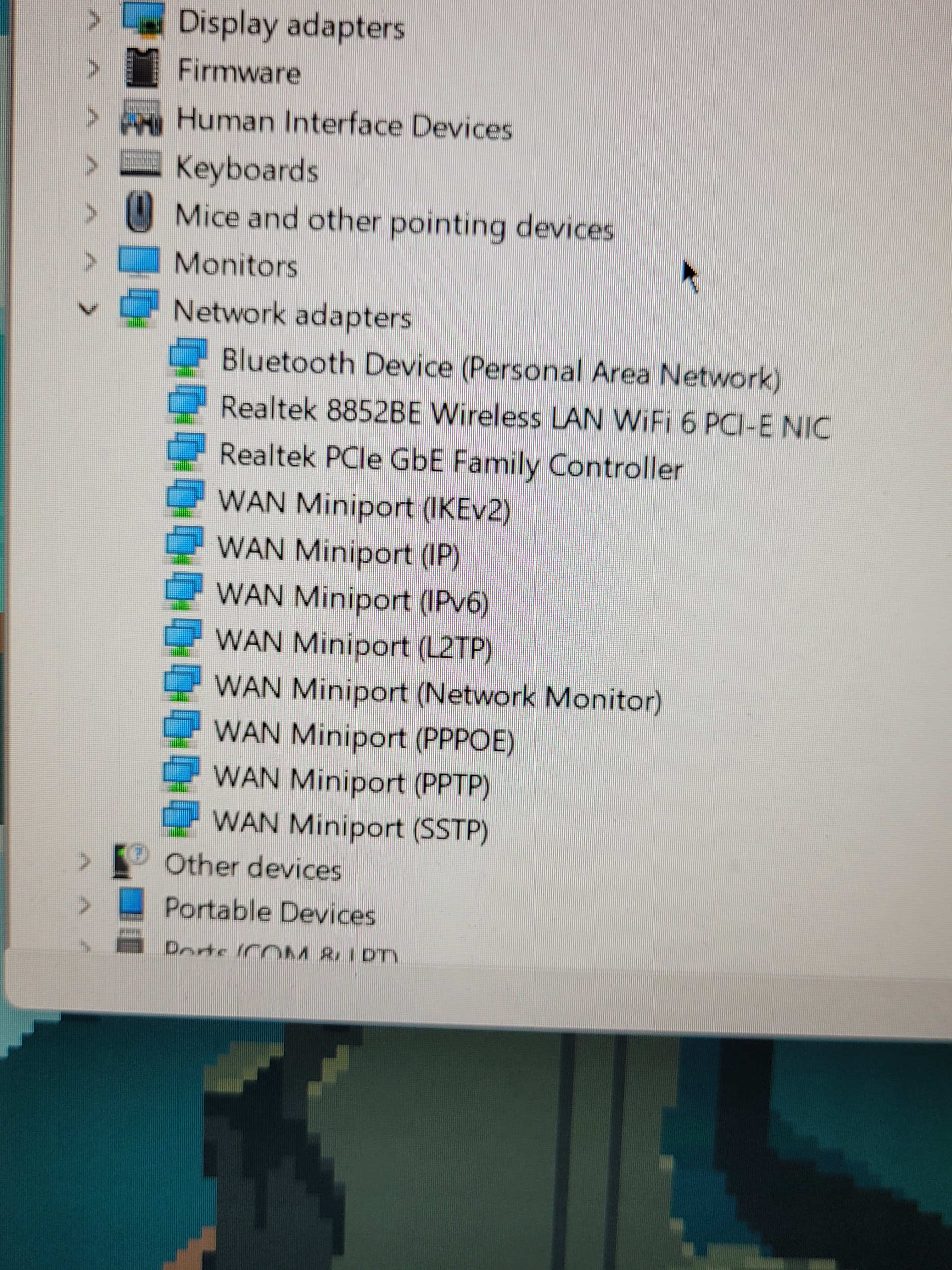
Thanks for the patience, I just did everything including a manual reinstall of the network adapters, and unfortunately it hasn’t helped. I made sure the adapters I downloaded were for my exact laptop model as well so I know there isn’t conflict there.
Very strange indeed and there are no exclamation marks in device manager under networks/wifi?
Edit: I’ve never had this issue under Windows. I have lots of hardware with endeavouros and Windows installed. Some on the same drives others on different drives.
Well it’s definitely connected but is not getting out on the WAN to access the Internet.
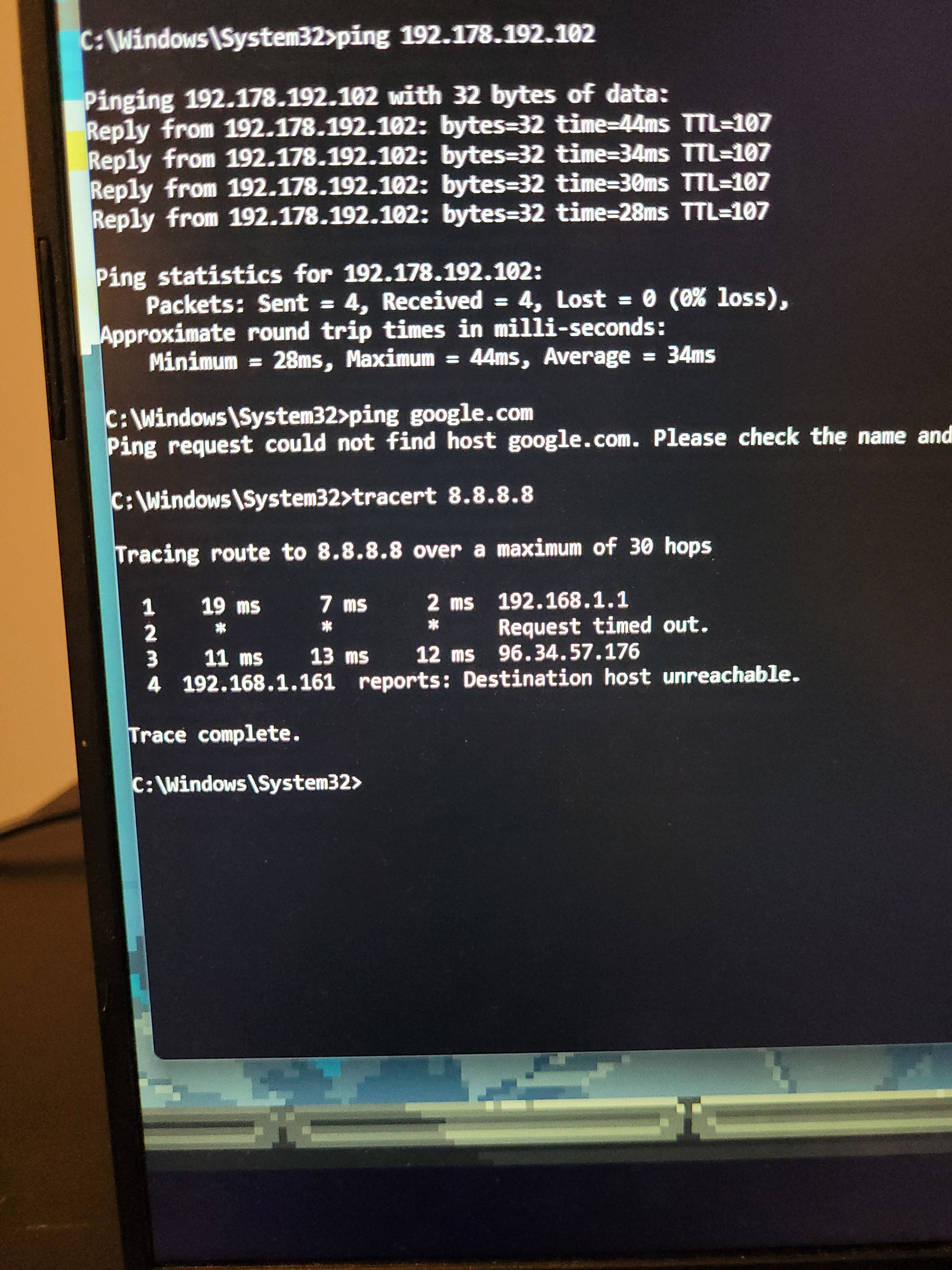
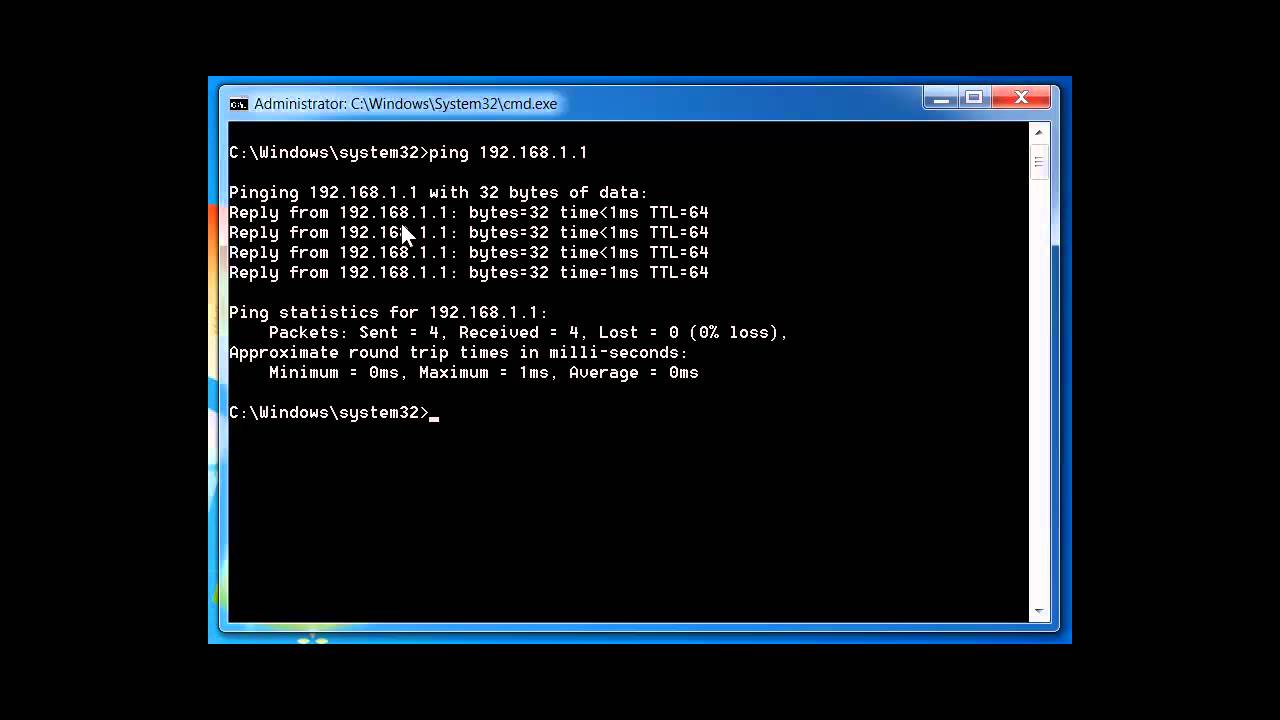
Edit: You could try the command prompt and use ping command to see if it’s getting out.
ping 192.178.192.102
ping google.com
tracert 8.8.8.8
I just tried editing my DNS server assignment to Google’s 8.8.8.8, but looks like nothing happened.
I was able to ping the IP address and got the stats for it, but weirdly enough I couldn’t reach Google.com. it says “ping request could not find host google.com. please check the name and try again”
Edit: here’s a photo of what everything looks like
That tells me dns is not working as it can’t resolve the name to the IP address. You could also ping 127.0.0.1 which is the your loopback address.