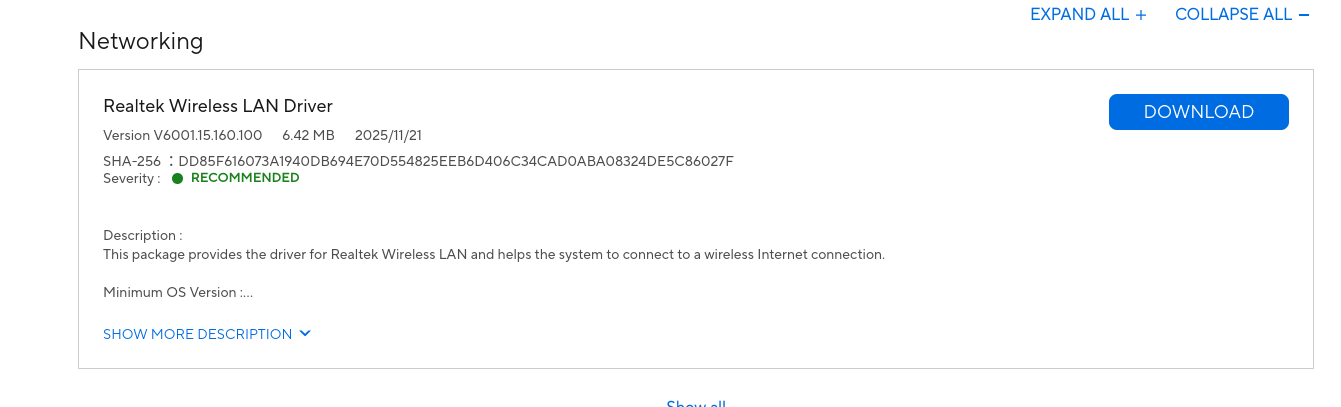
I’ve tried completely uninstalling and removing it, then manually downloading the wifi adapters then rebooting. It hasn’t helped me unfortunately. Maybe I downloaded the wrong adapters, but I dont think so.
edit: I went into EndeavorOS and installed the wifi adapters onto a USB, rebooted into windows and installed them there. Did not fix the issue unfortunately
Sorry I misunderstood you from the beginning. I didn’t realize it wasn’t working only on Windows. I assumed it was a problem on endeavouros afterwards.
Perfectly okay! I probably should’ve been more clear, that’s all. I appreciate the help regardless!
Unfortunately the video you sent earlier are things I’ve already tried
I’m really stuck im not sure what to do. The only thing that I can maybe think of is updating my BIOS, since I’m not sure if I did that part correctly when I first attempted it. Other than that im lost
I think I actually didn’t update BIOS at all, I was going to but got caught up with other things and left my computer for a bit. My bad for the misconception! I’ll try it right now, fingers crossed it works!
Edit: managed to download the BIOS file, pretty sure I need to format my USB to FAT32. I’ll update you when I can
I genuinely am not sure what to do. Do you think, by any chance, if I uninstalled EndeavorOS it would fix? I’ll most likely reinstall it later once I can, and this time I’ll make sure it’s on a different drive
It’s so weird right? I tried clicking the disconnect, forget network, etc. I’ve done all those fixes to see if it ended up being something small, but still hasn’t worked.