Firefox & Google-Chrome, both with uBlock, each associated with a different email address for syncing purposes across multiple machines (Win10, Arco (6), and of course, EndeavourOS).
I use a combination of Librewolf and Iridium. Been smooth for the past 3 years. If something is broken on one, I always have an alternative.
I use LibreWolf. It’s a Firefox fork with a lot of bloated crap disabled (like Pocket and a built-in password manager which is rubbish) and much better defaults for many settings, to improve security. It also comes with uBlockOrigin included.
I use the following addons:
- Temporary Containers
- Google Container
- Open external links in a container
Be very cautious with Iridium. It isn’t updated very frequently and often has unpatched security vulnerabilities as a result.
To be clear, we are not talking about something like Librewolf where there is a few days delay, we are talking about being months behind on patches.
Thanks for the heads up!
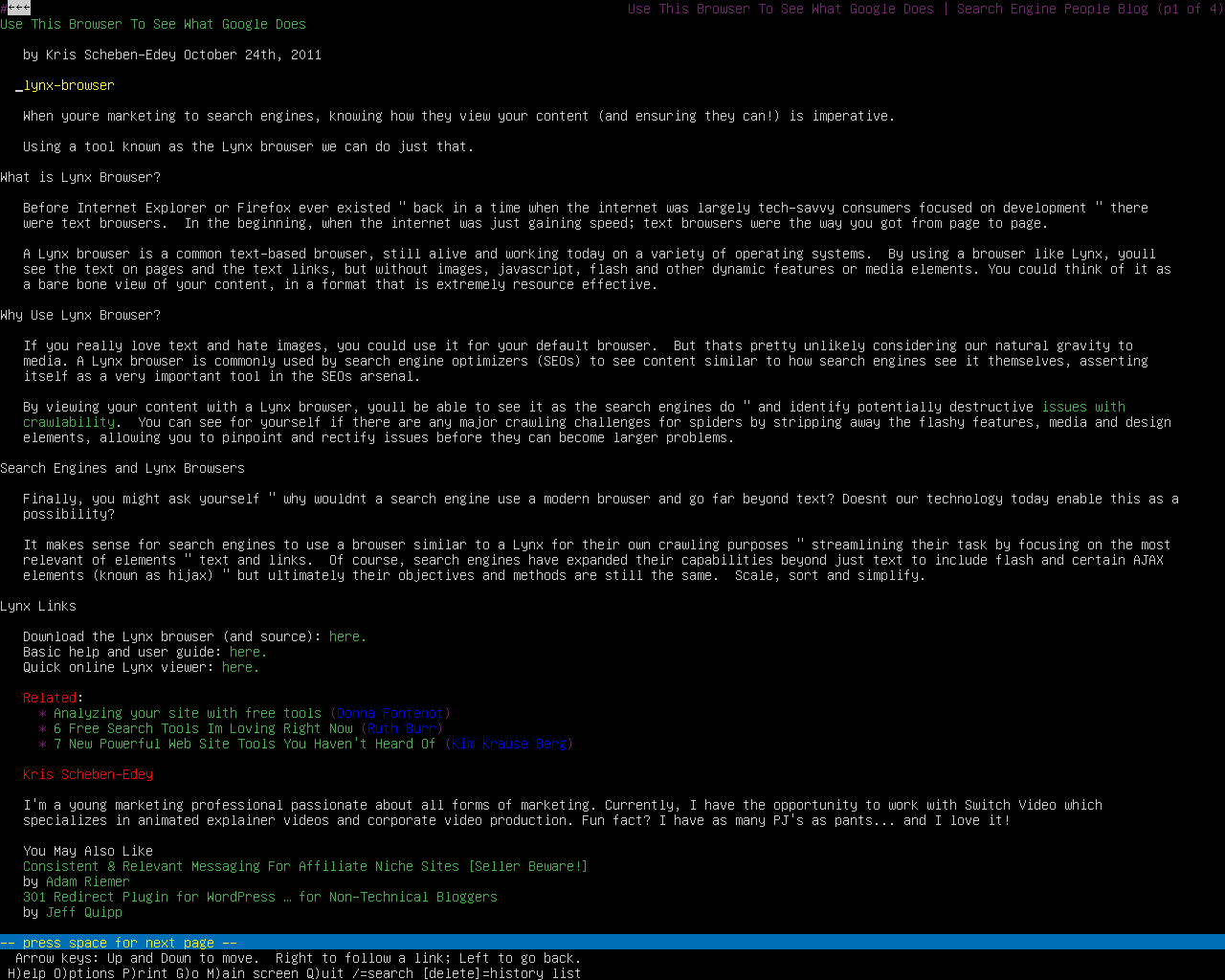
Lynx

I used Vivialdi for a long time because it really does have the most robust feature set out of any browser I have tried. I especially find the ability to assign keyboard shortcuts to basically any feature, and change keyboard shortcuts to be anything I wanted, to be especially useful.
However, like a lot of folks in this thread I was compelled to move away from using a Chromium-based browser for a number of reasons. For the better part of a year I’ve been running Librewolf instead. It took some getting used to because I had grown accustomed to my customized settings in Vivaldi, but honestly it was no great hardship to get used to a different workflow. I haven’t given up anything I can’t live without.
I use Librewolf because it does not push me any useless bs from Mozilla.
I use Librewolf as my primary browser and Brave for websites that do not load well on Librewolf.
Yea I was just saying the same thing the other day when someone brought up webRequest in the Vivaldi forums, and that was Google isn’t going to get very far with it. I do not see vary many sites signing on.
Like many have mentioned, I primarily use hardened Firefox and/or Librewolf. However, lately I’ve been very much enjoying my testing of qutebrowser with the qute-containers script. Even with that I still feel dirty using it, so I’ll likely just keep using Firefox.
I read a recent peer-reviewed study that said compartmentalization of browsers was useless since 92% of these configurations are fully track-able. I.E. they know it’s you on all three browsers. Depressing.
So if you do banking/ebay and all commerce=Browser A
All employment-related=Browser B
research of any kind=Browser C
In light of that academic study showing compartmentalization is a joke I still compartmentalize.
I’ve tried a sh*t-load of browsers but I use 3 regularly: ungoogled, librewolf, and a mucho-hardened FF.
In those 3 I trust.
‘Privacy’ too general in a way. Most browsers have different missions:
FF: is a porous sieve with no mission toward privacy that you have to roll up your sleeves to ratchet down–so far they still let you lift the hood and tweak everything.
Ungoogled’s mission is unbake all google. In wireshark tests it doesn’t make any calls home on boot. It’s brilliant for that. It’s a chromium knockoff that is divorced completely from the mothership. Nothing more.
LibreWolf walks a razor blade: it’s self-stated mission is to have you blend in while offering superior protection. I don’t know how they can reconcile both.
Brave is cute. Another study showed it the best ‘privacy’ OOTB the box but the insane amount of crypto and other revenue programs baked into it–easily disabled–have always given me pause.
Icecat is also cute. Breaks a lot of stuff but I like it.
Vivaldi and Edge and Opera shouldn’t even be considered imho and it should be apparent why.
Containers is next for me, I just hate the learning curves sometimes, I don’t fear The Man, per se, I just loathe all the corporate tracking and dossier profiles and just want to give them the least possible of my life.
Lynx is a great idea but takes a wizard and that is not me 
**edit: I have the two peer reviewed documents saved as pdf, and their urls.
If you really want to bake in you have to use TOR or freenet. Everything else is trackable.
But take this with a grain of salt, because what much (all?) of these “tests” do is: take a basic network, use the testbrowser, and compare the results. They do not test a real scenario of someone who really wants to bake in. And this is no choice of software, this is a choice of behavior, processes, network architecture and software. And yes, this order was priority-based! If you behave wrong, you can’t bake in. If your processes don’t align with the goal of baking in - you can’t! You need to make your network as secure as possible, and then you need software to make you happy. Or at least a bit less unhappy. Thats why all of these “tests” give no real clue what is safer than the other…
Behaviour: Well, the ordinary stuff. Use an adblocker for stuff that comes through, use FLOSS that has no tracking issues, use security fixes, update your software regularly (well… rolling release anyone?), avoid malicous third party services provided by FB, MS, Goolag,… Avoid “shady” providers of software, even if its FLOSS (speaking of brave…).
Processes: If you rely on some of these processes, mitigate the risk! Use a containerized browser only for facebook - as an example. Use different browsers. Kill cookies. Block all cookies.
Network: The third part, and an important one: Kill all possible leechers, trackers and so on on a network based level - use for example a firewall like opnsense, put different parts (example: “Smart” TVs) in different networks, isolate the networks from each other. Be your own DNS server (unbound). Use a DNS-based tracker-killer (like Adguard, or blacklisting in unbound, or pihole, or…). If you have know malicious devices (Fire-TV anyone?) whitelist for them. Tideous, but effective!
Software: Use something Firefox. Make it as secure as possible via user.js. Or take a security oriented but fast fork like Librewolf.
I primarily use a hardened Firefox. Since there seem to be quite a few privacy-conscious users here, I’m wondering what you all think of Mullvad’s browser.
I’m using Firefox. But, I kinda got the itch to try out LibreWolf. Might try it this weekend.
I use brave
I wonder if using Safing Portmaster with the SPN enabled can help you here? It’s a firewall with a VPN built in - except the the VPN operates more akin to Tor. So let’s say I visit a website hosted in the France, I get a French IP address. For a Netherlands-hosted website, I get a Dutch IP address. Etc. Safing Portmaster also blocks trackers at the firewall level. I wonder if this is helpful in preventing fingerprinting?
What advantages does it offer over Librewolf (i.e. hardened Firefox but pre-configured)? They seem to be using it to sell you a VPN service.
I wonder if a talented team or individual could rebuild a new one from the software code from the W3 consortium Amaya’s …
Or maybe I should just continue to drink my coffee and forget about that thought … 
Have a great day everyone 
mainly Vivaldi and firefox, occasionally chromium.
Sorry, I don’t have the best understanding of these things. It was just a browser that came to my attention during it’s release and I was wondering if some of the more savvy folks here could offer insight.