KDE KFind does something similar. KFind is very close to the old Windows Search box which was dropped for the god awfull Windows explorer search box.
I’ve used both, and can say that I find FSearch to be faster at cataloging filenames and locations and lighter on both system resources and caching. The main two drawbacks are that it isn’t integrated into your system and cataloging is only done when the app is launched or when manually run. Oh, and it doesn’t have file content search — meaning it cannot search for text within a file’s contents.
This is Linux, however, so you could have it catalog at intervals every hour using a cron job or bash script. This will get you something close to “real-time” cataloging like what you get with Baloo on KDE, which is what KFind uses, IIRC.
Also, FSearch is a bit more straight-forward when it comes to filtering and searching. Just one search box that can use basic Regex, a filter drop-down for file types, and the option to sort the list as you please.
I’d say test them both if you use KDE and see which one suits your workflow best.
Example of basic Regex:
(?=.*official)(?=.*video) = Find files with the word "official" and "video"
or
(?-i)\.clip$ = Find any file with ".clip" extension
You can update the database with the fsearch - u command, when I was using it, I created a service with this command, run by a timer.
In a terminal, I use a function using fd and fzf, it’s still not slow for a non indexed search.
fzopen() {
fz=$(fd -ui -tf -td --search-path / | fzf --border=bold --delimiter / --with-nth -4..-1 -e -q $1)
	    xdg-open "$fz" &> /dev/null
}
I did a quick and dirty, not a comprehensive, test. Apparently KDE KFind out of the box does search for text inside Open Office document formats like ODT, ODS, FODS, etc. But cannot do it for Microsoft Office native formats, like DOC, DOCX, XLS, XLSX. Even with the option “Include binary files” enabled. Maybe because these Microsoft native formats are not text formats but rather binary and zip formats.
It even gives results for .MD files, i.e. markdown text files.
A whole eco system of terminal applications based on Rust
i bet someone had already referred this. if not, its my lucky day
Yeah, this is what I meant by “manually run”… in a terminal (and/or if the UI is already open). I’ve considered adding a bash script for a while, but because I’m never searching for new files, I’ve never really needed it to be up-to-date all the time. So it updates whenever I use it, which is like once a week.
In any case, when it’s open, it sits at between 300-700 MB in memory, and I have no idea why it varies that much, but it’s low enough to play AAA games with it open.
Actually, I believe kfind uses mlocate and not baloo. It is an older tool.
 so there are people who respects their privacy and believe in Free software and ready to pay for it.
Isnt mlocate an optional dependency for KFind?
You are correct I believe. Well not sure what it is using then. I know it doesn’t use baloo. I know it doesn’t do indexing. I see KDE’s kio library listed as a dependency, so maybe its just the same as the dolphin non indexed search?
Yeah maybe. Thought it is surprising that it lists karchive as a dependency but still cannot search inside Microsoft native formats like DOCX, XLSX, PPTX, etc.
New-to-me: fresh terminal text editor. Has mouse support, so random access, and thus, a lot less typing.
yay -S fresh-editor-bin
A terminal text editor ? Does this mean that fresh-editor-bin is a direct competitor to vi/vim and others?
That is cool. Thanks for sharing. I was moving away from vi/vim to micro as my main terminal editor. But fresh is really cool as it seems for my first try. I will test it the next couple of weeks.
Yep, at least for a casual user like me. Not sure how customizable it is, but there is plugin support. The only thing I miss from mousepad so far is the search/replace/replace-all functionality.
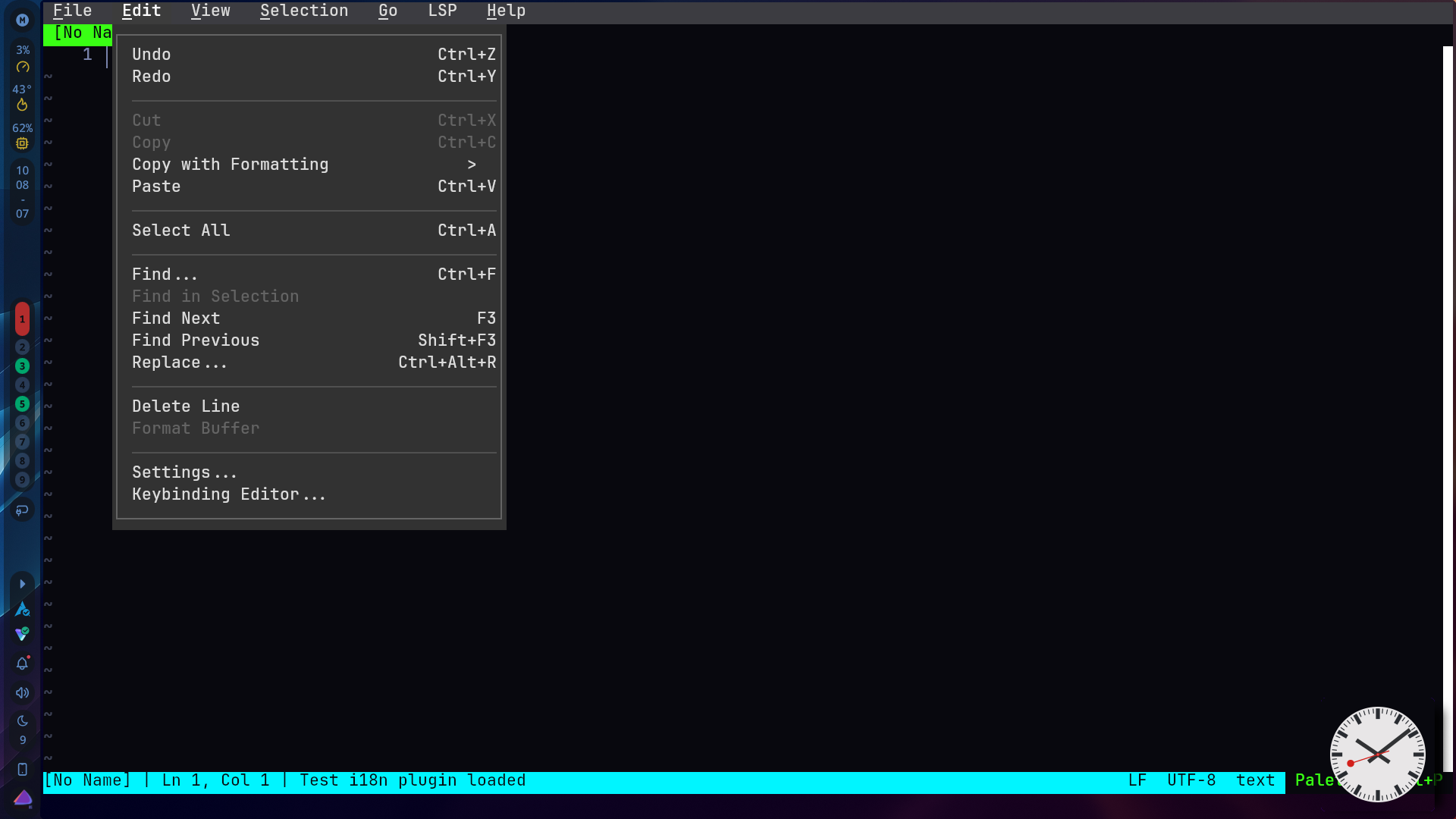
I missed that replace all was in the dialog…
Midnight Commander always gave me more than I needed 
Midnight Commander was there before all those file managers, I always installed it on my system with Elinks.