Hello @sempterobit!
I only use the program to cut the end or the beginning or both parts of a video. So what I do with it is not very complex. So far, I haven’t had any problems with losslesscut.
Hello @sempterobit!
I only use the program to cut the end or the beginning or both parts of a video. So what I do with it is not very complex. So far, I haven’t had any problems with losslesscut.
It has so called “frame-accurate mode” though they warn you that it isn’t too reliable.
Avidemux is very accurate, it’s lossless if the video and audio encoding are set to “Copy”, the only downside is you can cut only one part of the video.
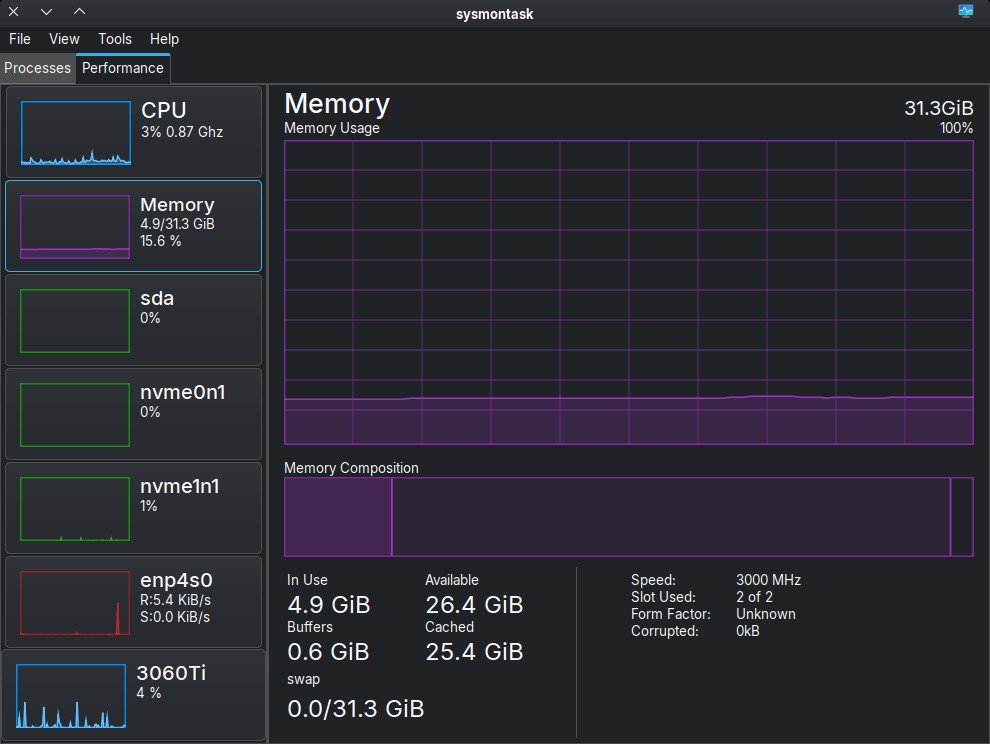
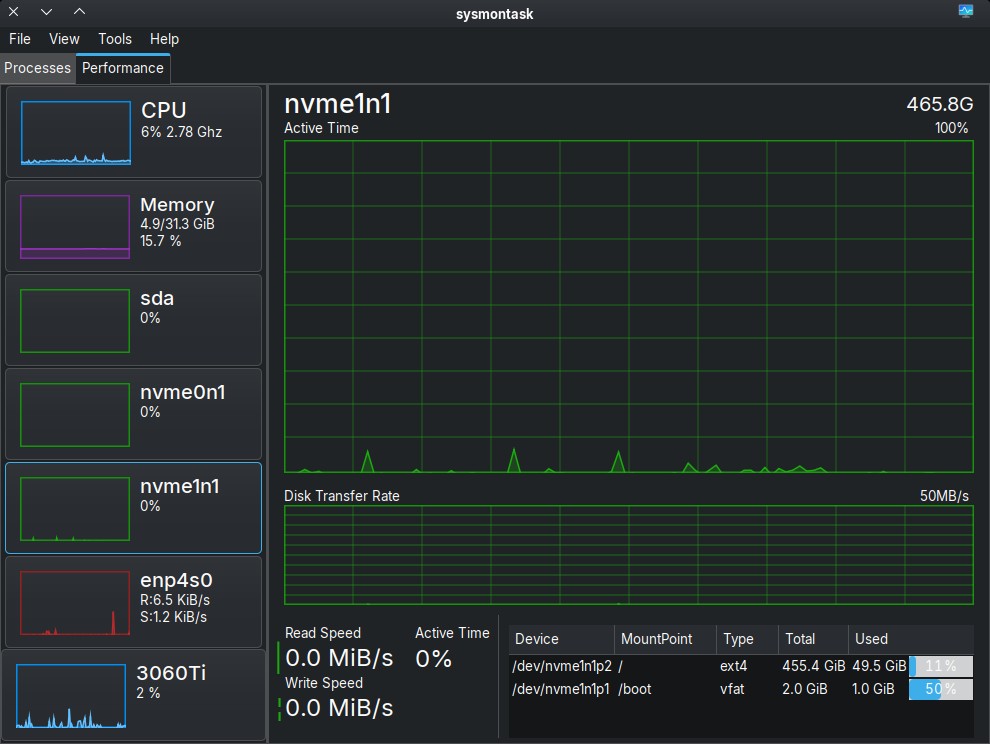
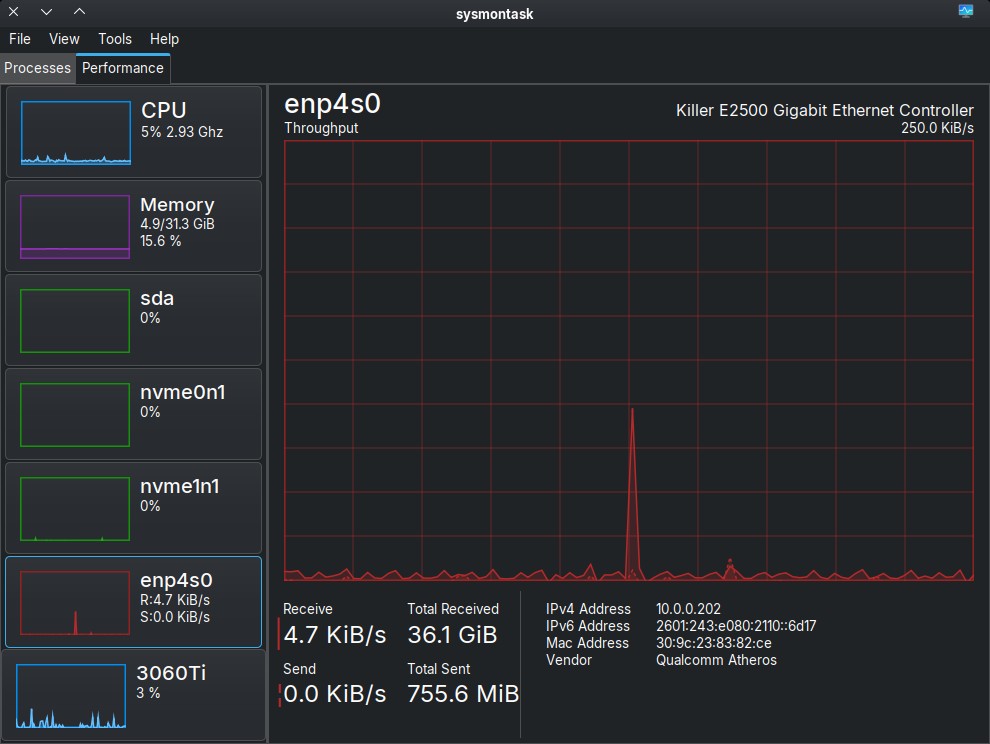
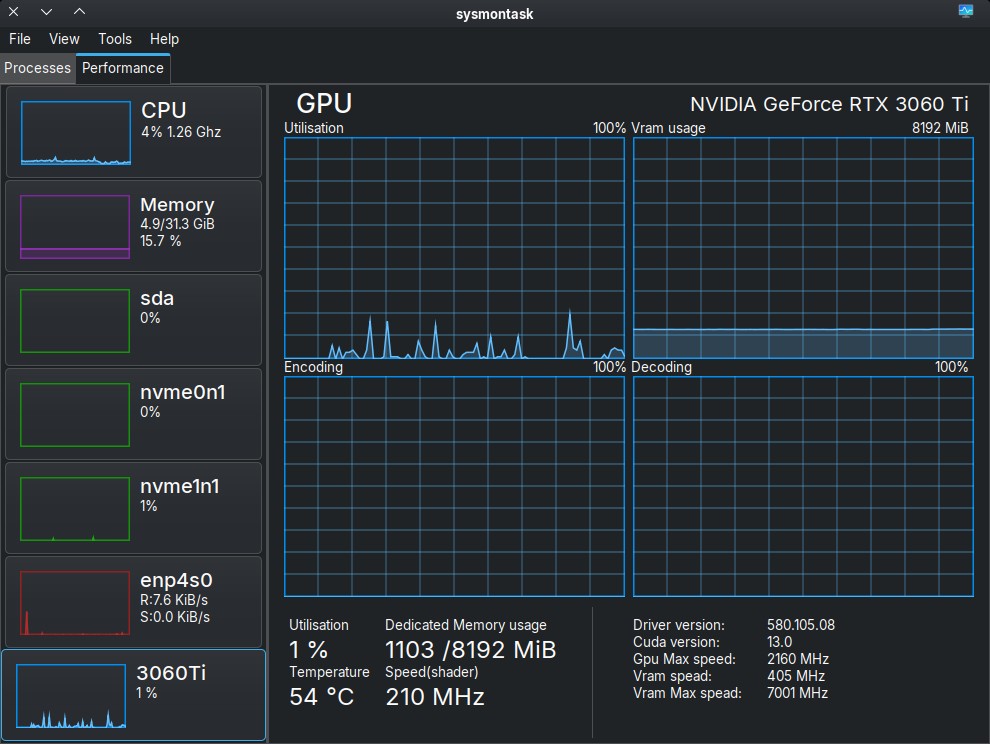
Mission-Center 1.1.0-1 has found his way into extra
NICE! About time!
I was watching it nearly one week in testing.
like it. thanks for the info!
Terminal file browser Yazi. It’s nice and simple, but Dolphin is much better. 
completely off topic:
It’s not an app but a site.
It’s not new to me (I use it about 10 years) but I want to share it.
You can browse “famous” old colors chemes, see them live, change them as you want, export themes for a number of terminals or import (not many formats) from your own terminal theme and convert it for another.
It is mentioned a few posts above this one: What application have you recently discovered? - #1339 by MrSmartepants
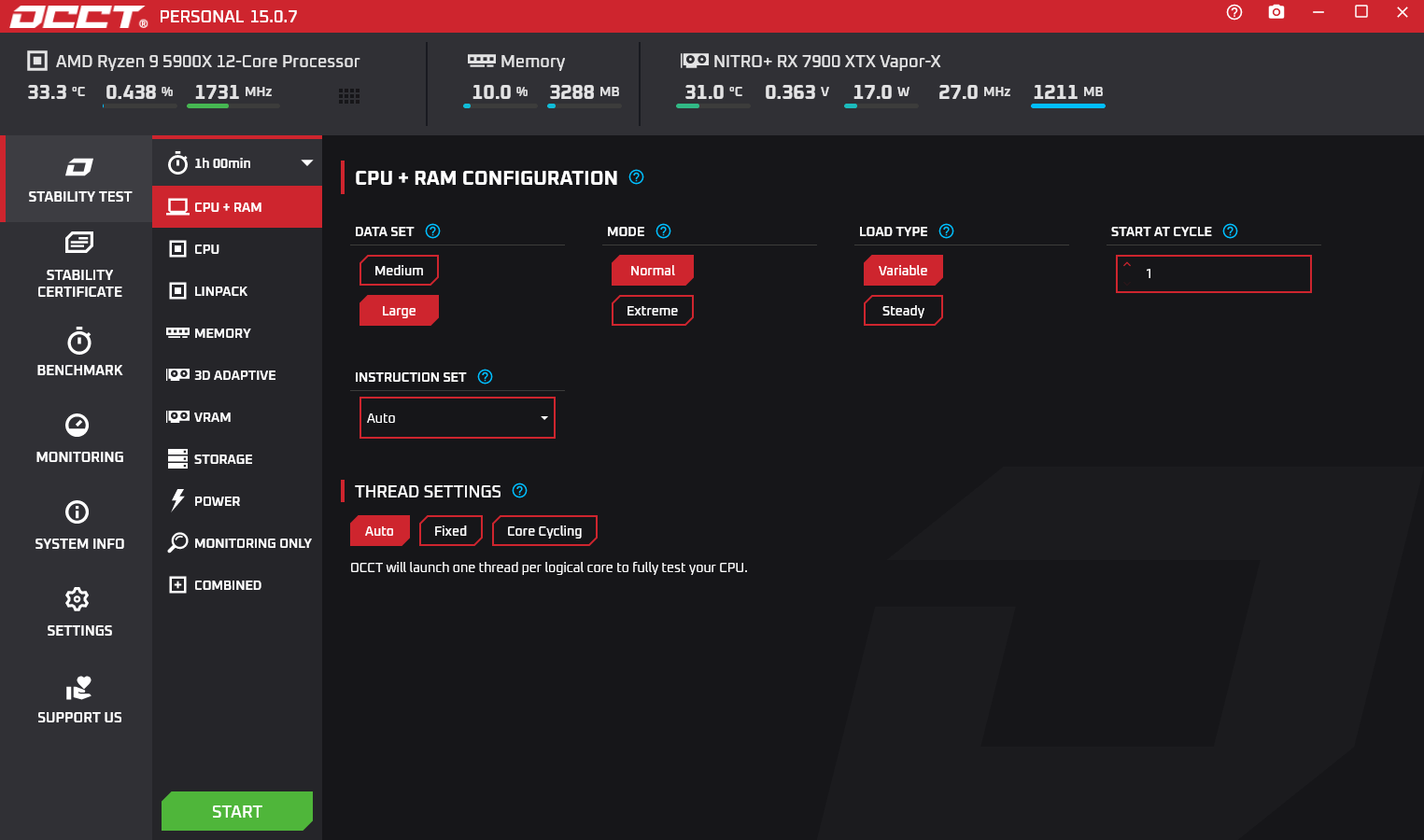
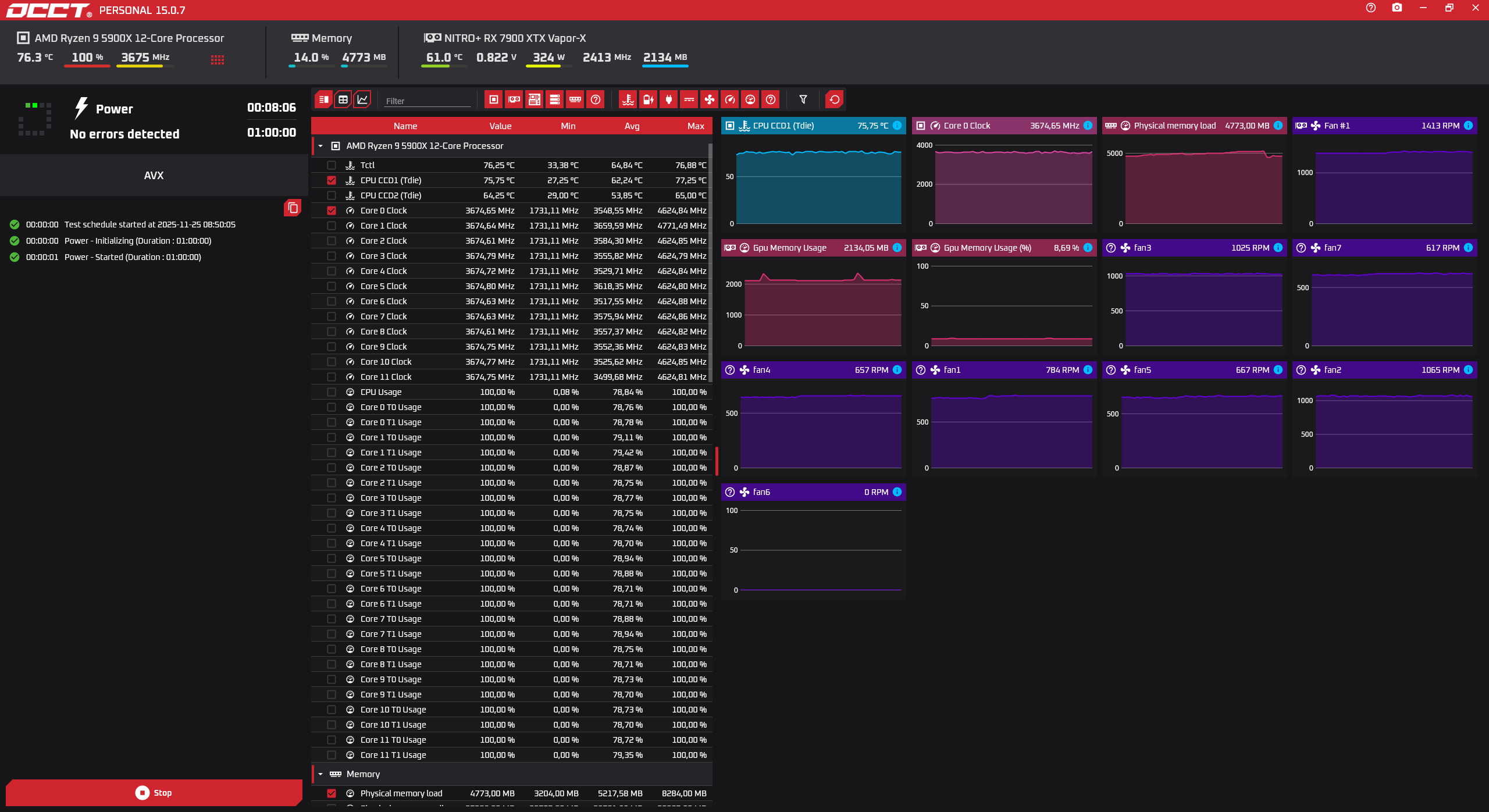
Some of you may remember OCCT from when you used Windows. OCCT is a stress test tool that can test the CPU, GPU, RAM, and even the power supply (putting the system under full load).You can also use it to monitor your system. It is in the Arch Linux extra repository.
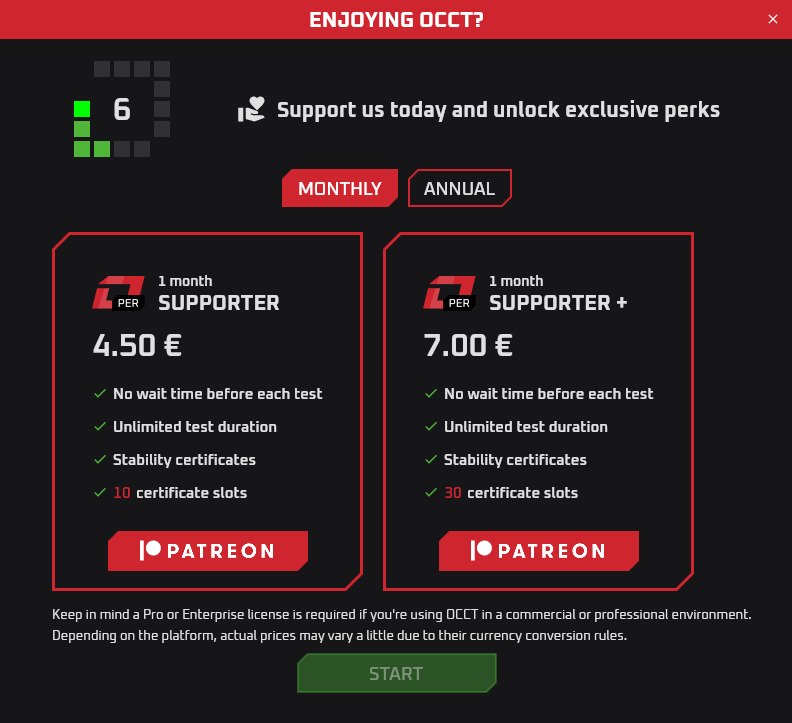
Unfortunately, there are limitations in the free version. Before each test, you have to wait 10 seconds before you can press Start, and the tests are limited to 1 hour.
I don’t like the restrictions either, but I wanted to show it to you.
Here are a few screenshots I took:
OCCT Website:
Sober.
Technically, my daughter was the one who discovered it. She wants to play Roblox on Linux, and it’s been working perfectly on her laptop.
After searching the forum, I found that someone else had brought it up before.
It won’t be a recent discovery for many, but I’ve finally taken the plunge with digiKam. The features & options are a bit overwhelming, but I’m going to learn and stick with it.
Ever had a folder full of PDF files, where you knew, somewhere in there, is what you’re looking for. But you did not know in which file. So you had to search each of them at a time…
With Clapgrep this is no longer necessary! Simply open the folder with Clapgrep, enter the search term, and Clapgrep will do all the hard work of finding out on which page / line in which file the information is that you are looking for!
Clapgrep can currently search all sorts of text files, PDFs and Office documents, with more to come.
The Qt version of the GUI frontend for Borg would be Vorta, which is also very intuitive to use. I’ve been using it for years.
As a Ulauncher user, I’m always interested in other alternatives. Here’s a QT based launcher with lots of nice features like indexed file search, themes, dmenu compatible, use of extensions, and it has a neat documentation. It’s called Vicinae and is available in the AUR..