Terminal UI for ufw
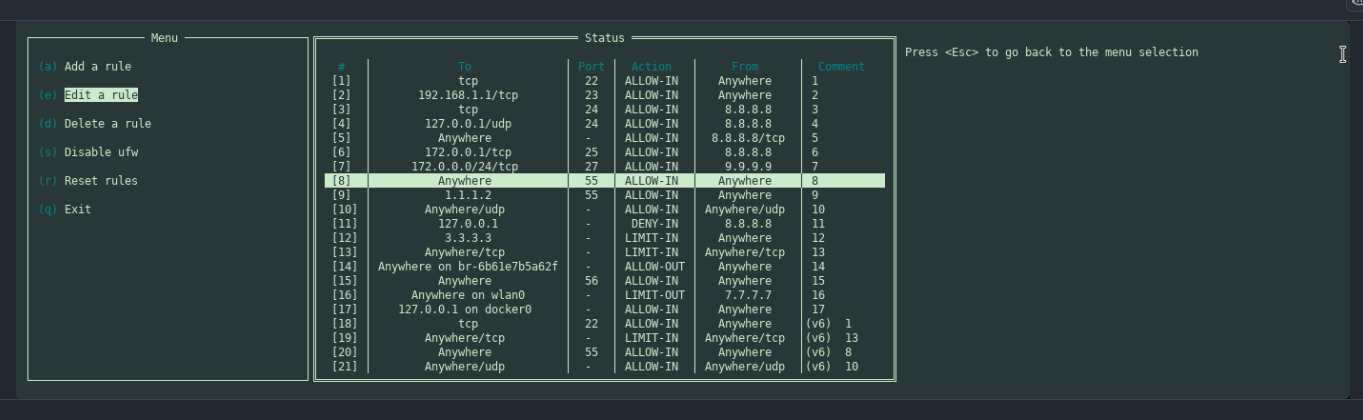
Interesting. Will try it.
bluetui, to manage bluetooth in the terminal
Nice one.
I have been using the https://github.com/bluetuith-org/bluetuith but will give the the bluetui a try. Thanks!
davfs2…makes connection to WebDAV resources easy.
I guess you like terminal apps. I like the GUI app Disk Usage Analyzer to view disk usage.
Twitch Chat Client
Simple and handy little app.
Nice! I always find myself using ‘Mintstick’ but this is in Extra so no need to use AUR.
There’s some other good stuff in KDE apps / Kde Invent. I’ve never really looked until now even though I use KDE. I’m now using “Kasts” podcast app.
AutopanoGiga in AUR .
PASSWORD: KAPG7-K3A9X-IZJHX-FIIT7-C5IM8-MQF2N
USER: freecopy@kolor.com
Great photo stitching panorama picture maker. . . . like ‘Hugin’ , ‘Ptgui’. I have a licensed version of ‘AutopanoPro’ ~ 12 years old and it was a ‘Windows’ version which works in ‘Wine’. The only difference between the Pro and Giga version is the size and scope of the number of pictures being stitched together to form a Panorama mosaic. Giga works like the Pro version. AutopanoPro went out of business and GoPro Camera bought them out, never worked the software so it is now available ‘free’ at no cost. (I paid $100 for my version of Pro many years ago). Just copy and paste the User and Password into the program to activate it and it will work normally with no hitches. Surprised to see it in AUR.
Rich;)
Recently I captured some truly idiotic driving on my dashcam and needed to cut the segment from the main reel to upload to a popular youtube channel. I didn’t have anything in EnOS that would do it so I did a quick google search and found KDEnlive
Source: https://archlinux.org/packages/extra/x86_64/kdenlive/
Easy and intuitive to use and did exactly what I needed with no problems. I was surprised that as a KDE Plasma user it wasn’t already included. Well it I have it now.
Last I looked, I found KDEnlive would re-encode the video, thus losing quality.
Probably not important for reckless driving footage, but…
If preserving quality is important and cutting segments is all that’s needed, lossless-cut does that perfectly (and not much else). AUR: losslesscut-bin. That’s what I use – I have no need for editing beyond cutting. Also works on audio files.
(Lossless cutting can also be done in CLI with ffmpeg, of course, which is what losslesscut does internally.)
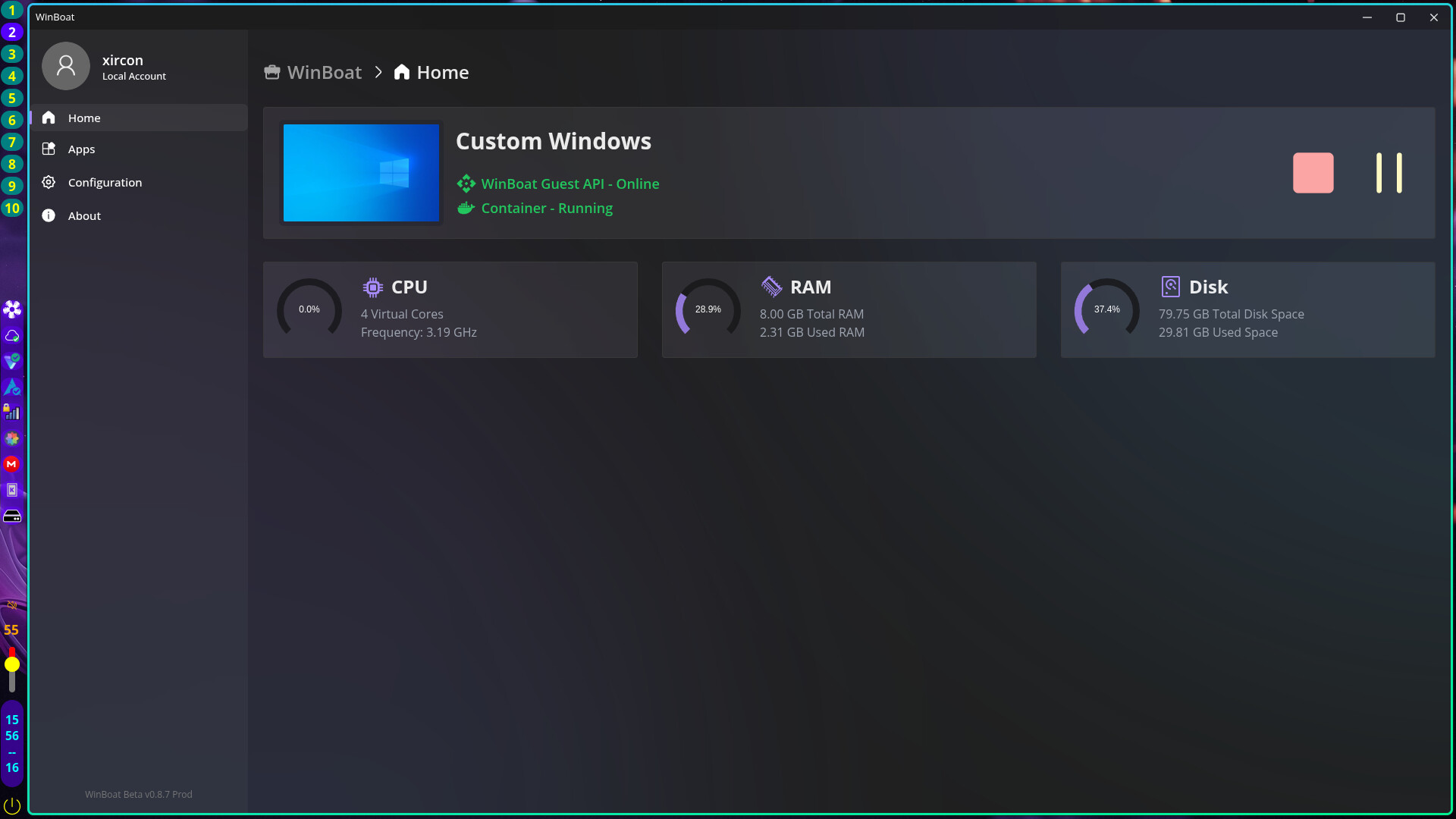
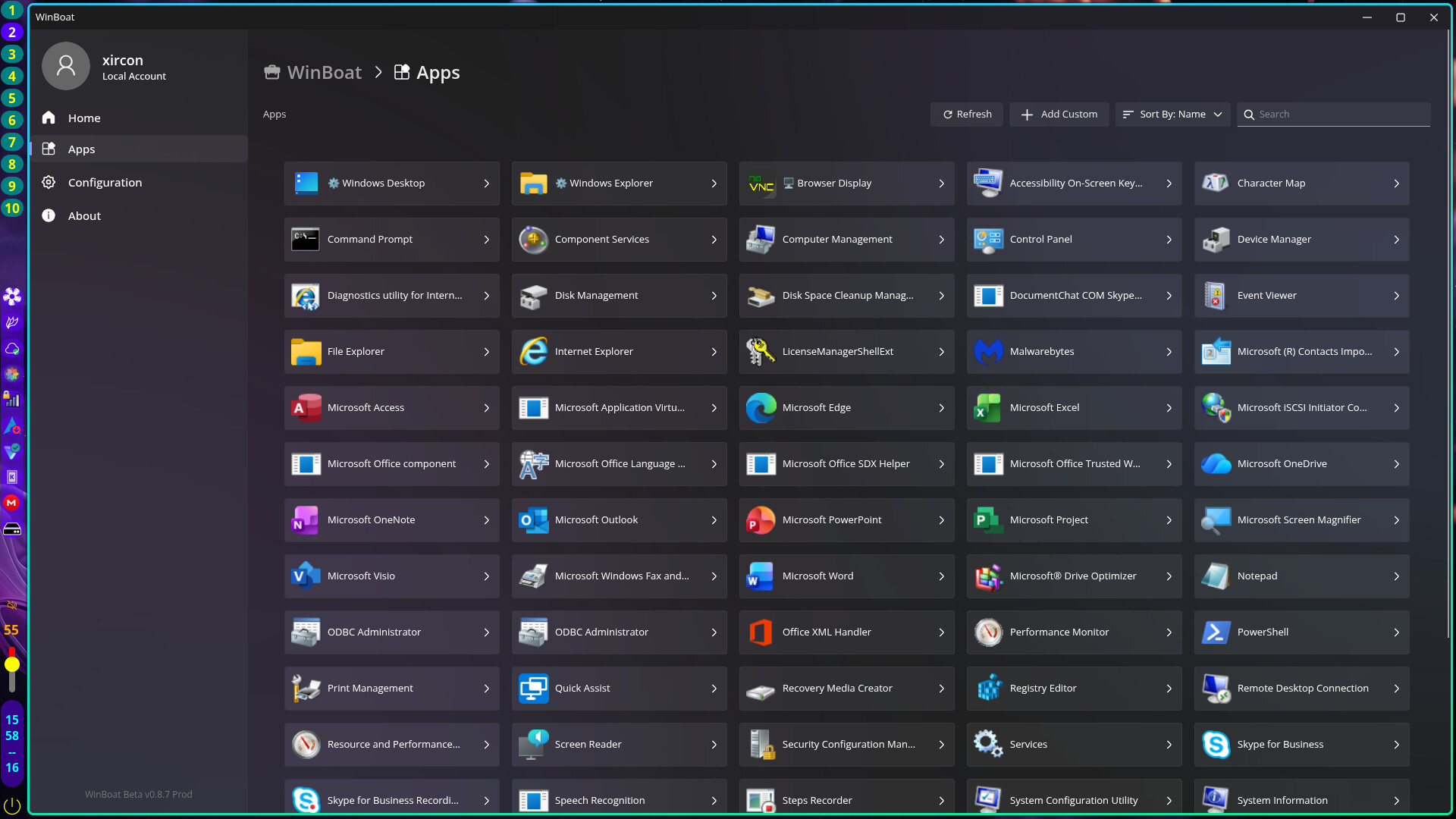
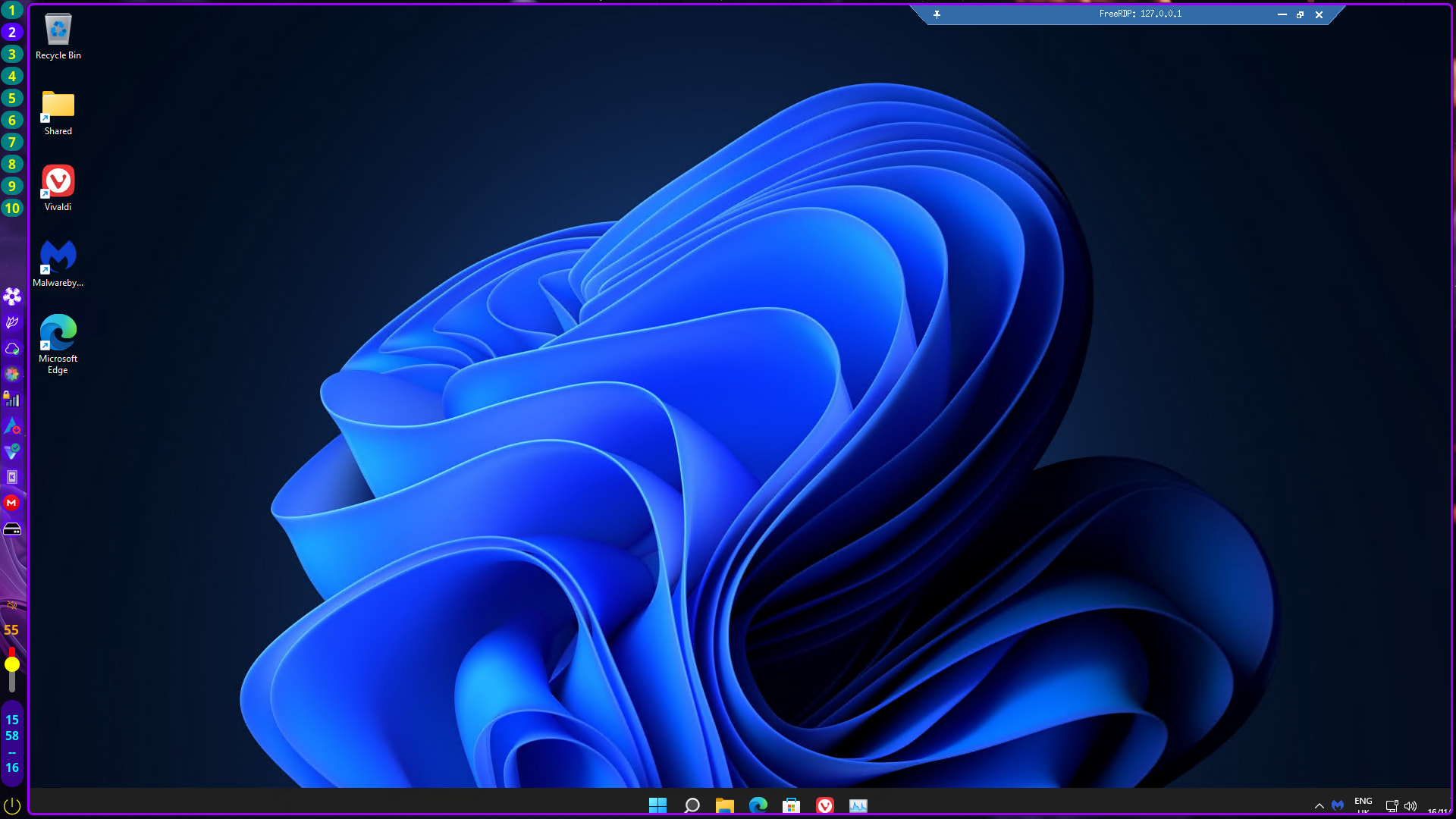
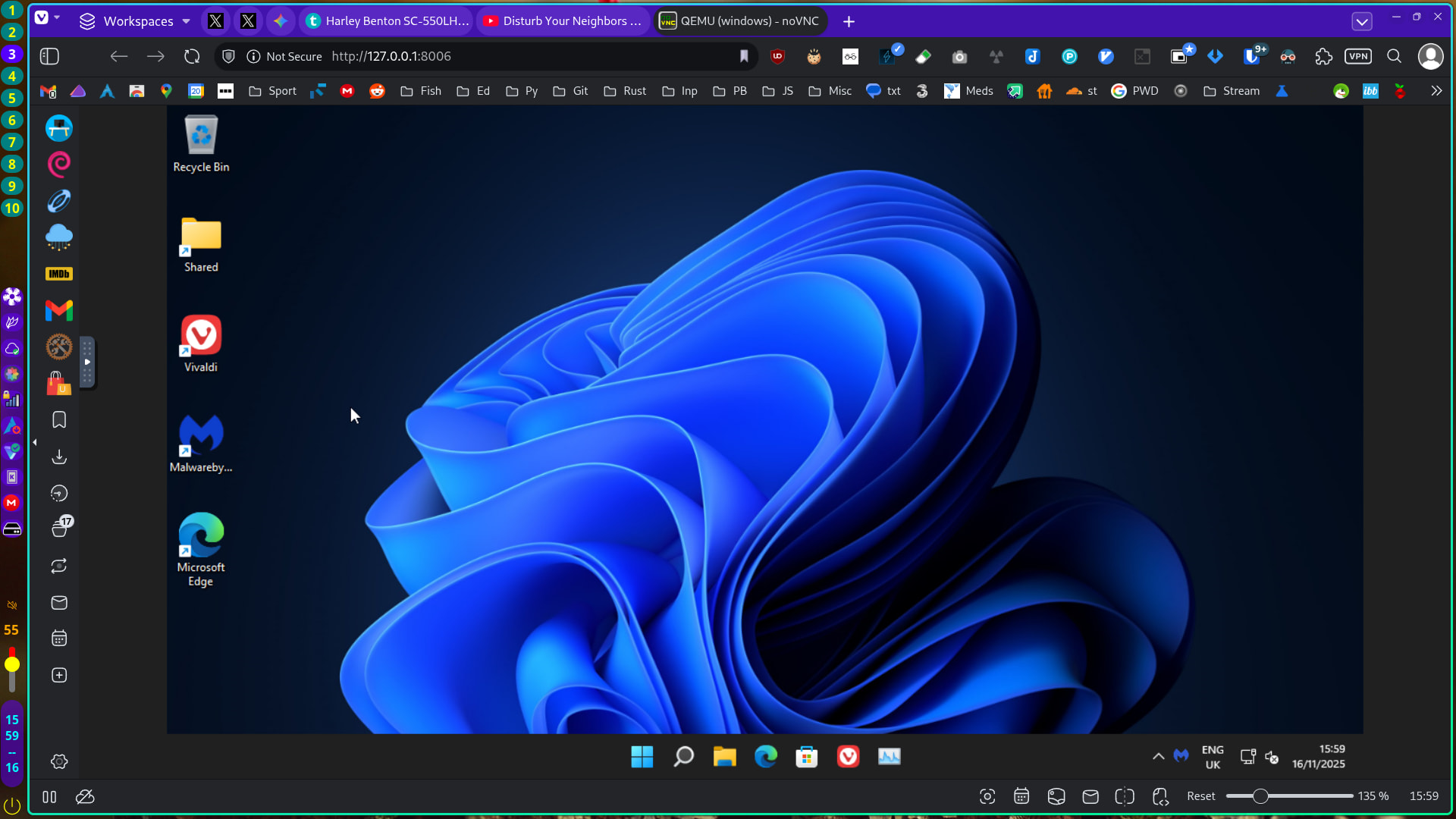
 ).
).If USB peripherals are detected out of the box, that would be super nice. I still find myself in very occasional need for a Windows system (for unlocking Xiaomi phones, and for updating a driver on a NVME USB enclosure).
Winboat has been on my radar. I have a couple of apps that keep me tethered to dual-boot Win11. If this works out, I can ditch the dual-boot setup.
On the one hand, I can’t imagine using anything that creates a container, runs a VM inside of it and then provides a user interface built in electron to access it.
But…I guess a lot of people would probably love something like that.
If I don’t have to install windows, win win.
I mean…you are installing Windoww in a VM, in a container. Then accessing it via RDP from within Electron.
It seems like simply installing Windows in a VM would be a cleaner and higher performing option. It just isn’t all automated for you.
Again, I get that some people will prefer the Winboat approach and it has a target audience that is probably quite large. I am not saying it is bad or you shouldn’t use it, it just isn’t for me.
And, now this is at least for me the important part, you have still fight the uphill battle called passthrough. I use windows for a plotter without linux drivers. Like every two years I attack the windows laptop I use to control it with some linux thingys… to no avail. Will try Winboat on it, but I have VERY little hope…
Sure, it is not the lightest option… But the USB pass-through works! (in Experimental features) I could not make it work with AQEMU. Let’s see I it can serve for something actually useful.
EDIT: although USB flash drives are recognized, I cannot update the firmware of a NVME-USB enclosure (not recognized)…