Stream PS4/5 to PC with chiaki-ng
Helium Browser
Another Chromium based but this comes with extra hardening (patches from GrapheneOS’ Vanadium) and is geared toward security.
At the start, it connects to a lot of Google domains but now I think I have succeeded to lock it down so that it only connects to a few domains necessary for installing and updating extensions. It took a little while to tweak OpenSnitch but now Trivalent seems to be quite quiet.
I have not used this so I cannot vouch for it.
Feature Article Here
github here
this is a front end program for yt-dlp so it will have the same issue’s as yt-dlp but for those who fancy the graphical side this may be something of interest.
There is also yt-dlp-gui. It may not look great, but it works very well. It is available in Arch Linux AUR as ytdlp-gui or ytdlp-gui-bin.
FreeTube has also a download button.
last time I used that it downloaded a really small video (320) even though I have everything set for 1080.
I see. Honestly, I have never used it.  I have only seen the button is there. I use yt-dlp on the command line.
I use the program i posted often to download Anime “songs” and other things.
Edit:
Last Anime song/opening:

Here’s a website for a Photosh*p replacement https://www.photopea.com/, I’m not sure if they store your data?, but the way it works, that’s a maybe, Also a nice retro feeling system monitor called “Btop” Image bellow,
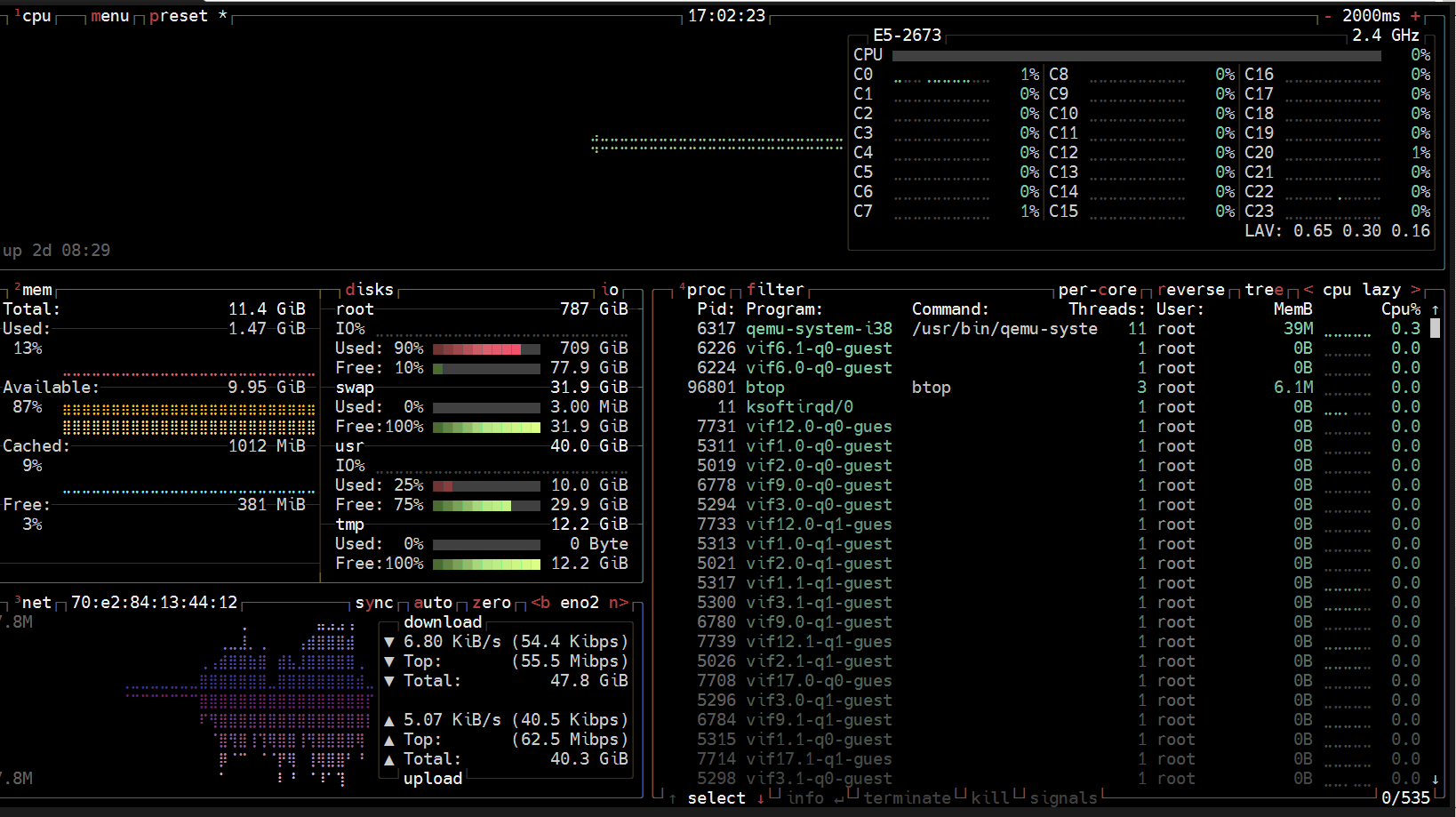
Somthing I like to use :).
They say this:
Files, which you open in Photopea, are never sent anywhere, they never leave your device. They are processed completely inside your device, by your own hardware. Because of this, if you close Photopea without saving your work, your work will be lost.
in their: https://www.photopea.com/privacy.html
So go figure… 
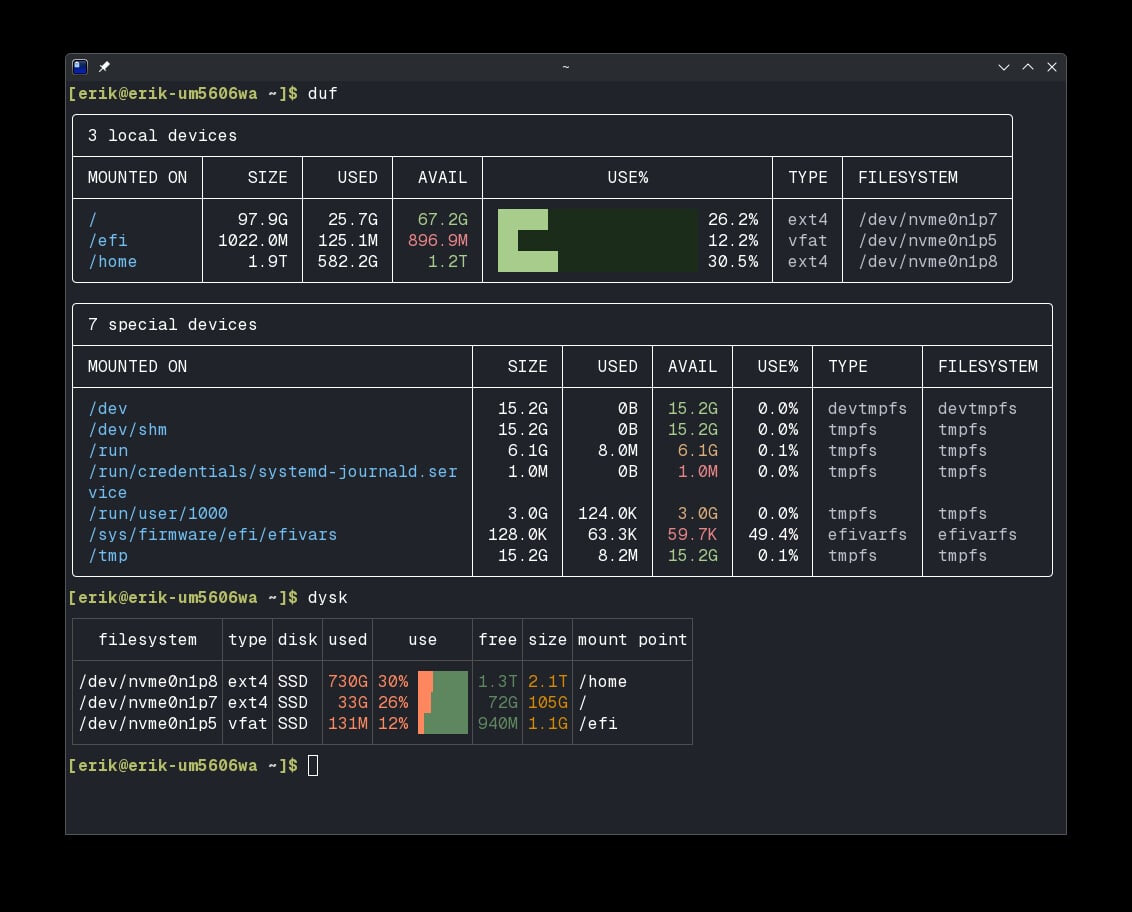
dysk -u binary gives basically the same sizes as duf.
duf seems better than df -Th which give next rounded Ti/Gi/Mi value
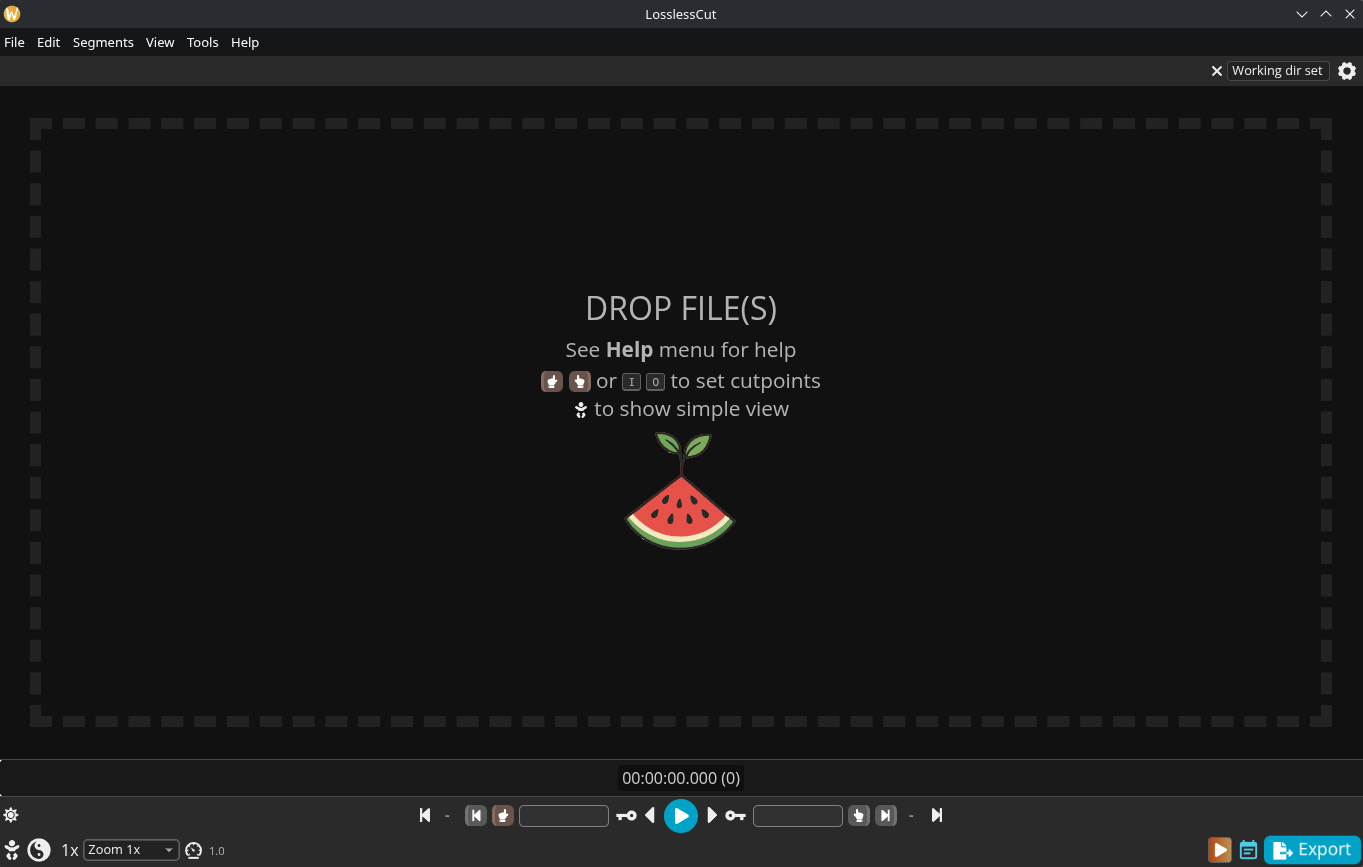
I was searching for a video editing tool that was easy to use and came across Losslesscut, which I am really excited about so far. The program is available in the AUR as losslesscut-git or as losslesscut-bin (which is what I use).
That looks great!. I’m going to give it a test run. Thanks for sharing!
More detailed info here:
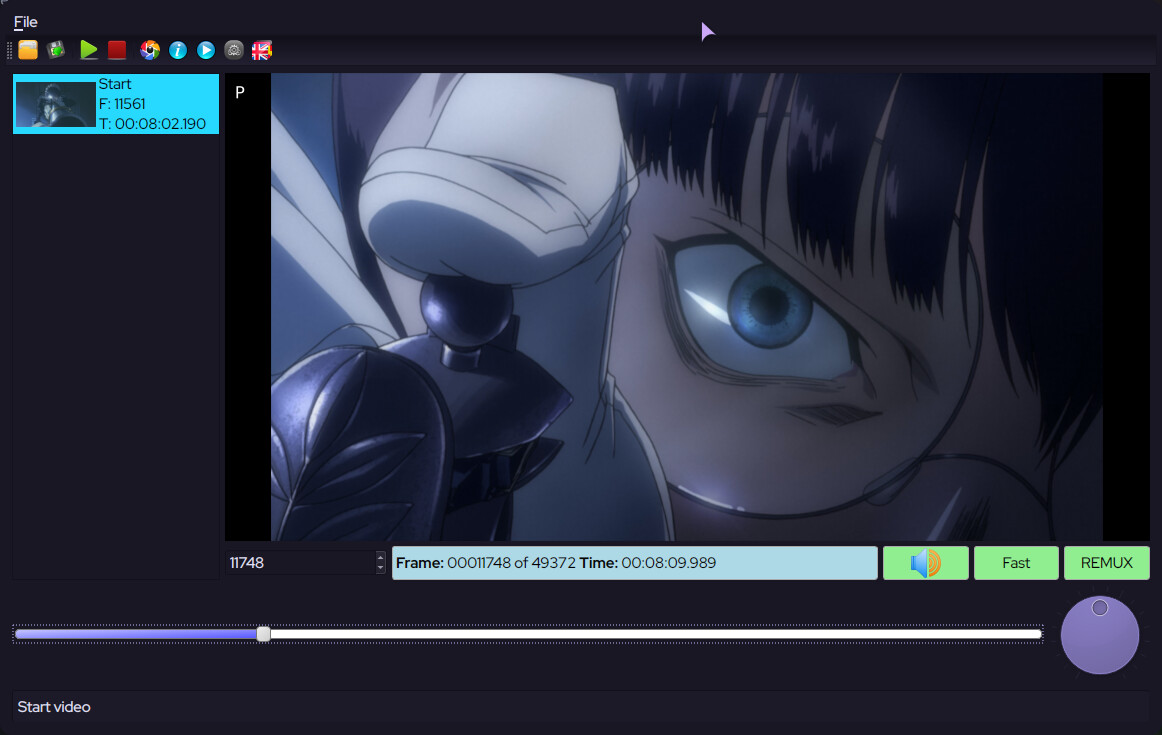
I tried it once, it’s a nice tool, if you’re looking for something a bit more simple, you have VideoCut (it’s in the AUR) :
Hello @vazicebon!
I’m actually quite comfortable using Losslesscut, but I’ll take a look at it. Thank you!
Edit:
At least for me, Videocut cannot be installed; the installation keeps crashing with “exit status 4”. I tried the installation several times.
Actually, I don’t need any other editing program at the moment, as I get on very well with Losslesscut and it does what I want it to do.
Please don’t take this negatively.
I use LosslessCut for relatively simple things like splitting movies by scene or marking key points in the movie; good tool.