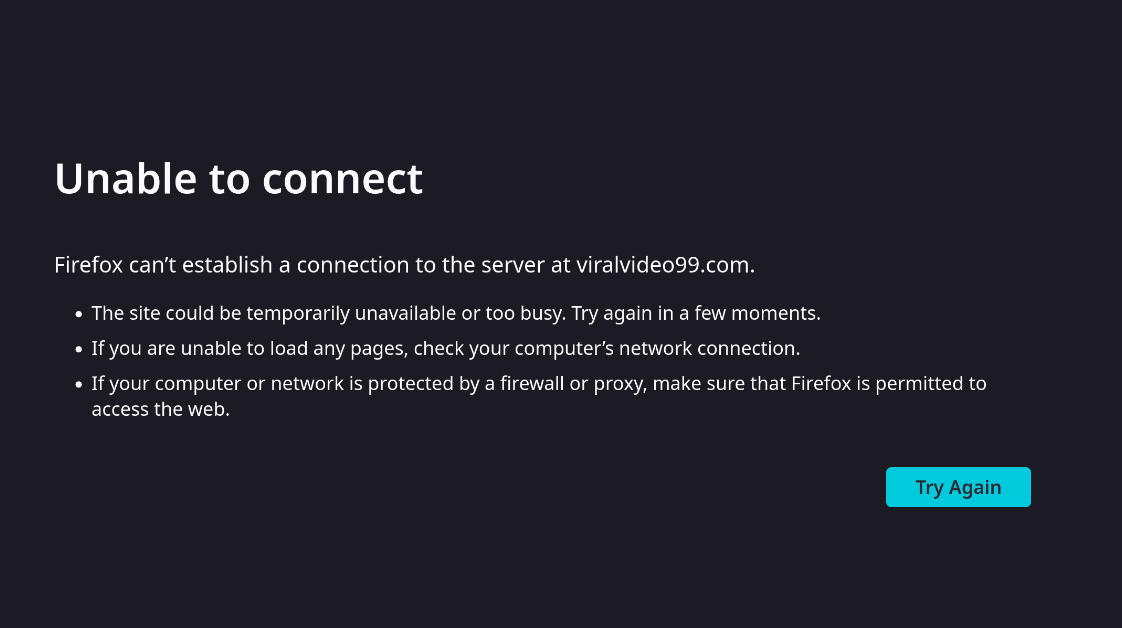
The problem is serious and can’t be ignored , in the recent few days my firefox starting acting weird whenever i clicked on a link on a website or whenever i tried to type in url of some website it just fails and displayed this error. (attached screenshot) it says unable to connect , so i thought it was my wifi connection’s issue or firefox’s issue , but later on the problem persisted , And the most weird thing is that if you spam click on try again for 6-7 times after it shows this message then and only the websites loads , and sometimes if the websites loads on first time i press enter after entering url , they don’t load properly like some parts of websites will be unloaded and improper , please tell me how to fix this asap. thanks
Try booting into the LTS kernel.
If you don’t already have it installed you can do so with:
sudo pacman -S linux-lts linux-lts-headers
welcome to the forum 

Could it have anything to do with the problems mentioned in this topic ?
what will it do ? how do you know it’s a kernel issue ?
i asked chad gbt and it said that there could be a problem with systemd-resolved , asked me to check if it’s active or not , i checked it was inactive and then i followed chad gbt’s instructions to turn it on , but the problem still persists. @keescase
TLDR: Update to the latest kernel.

Yes. 6.16.5 fixes it.
okay , how do i upgrade now , is there a tutorial page you can share ?
sudo pacman -Syu
The kernel is updated along with the rest of the system through normal updates.
sudo pacman -Syu
@swh
ran that command right now , let’s hope that it works out.
Don’t forget to reboot to pick up the new kernel
@MyNameIsRichard @swh @keescase @dalto
thank you guys/girls it worked , i almost cried .
btw to be honest , never seen and experienced any other forum this fast.