I updated my system yesterday, 2025-12-21 EST/EDT, and now my resolution is wrong, as if everything is zoomed in and squished vertically. This has happened to me once before, but I forget how it got resolved.
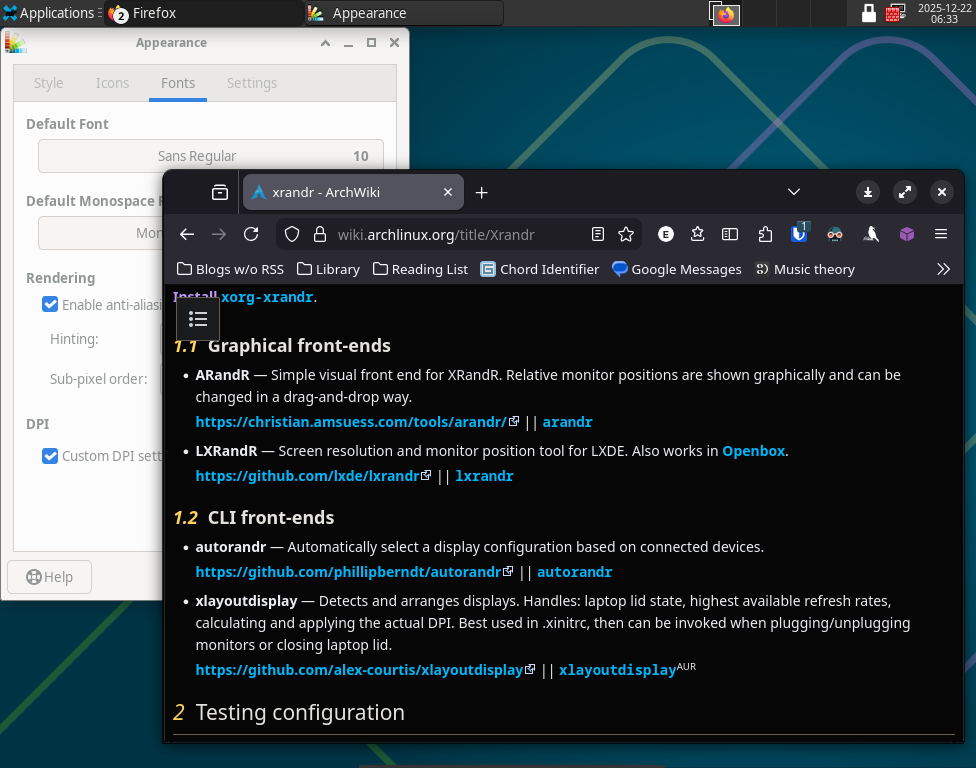
I’m using nvidia-open-dkms 590.48.01-1 and GNOME, but I also tried xfce4. On xfce the Appearance > Fonts > DPI is set to 96, which seemed to resolve similar issues for other users, but not me.
$ inxi -G

Graphics:
  Device-1: NVIDIA GP106 [GeForce GTX 1060 3GB] driver: N/A
  Display: x11 server: X.Org v: 21.1.21 with: Xwayland v: 24.1.9 driver: X:
    loaded: modesetting gpu: N/A resolution: 1024x768~60Hz
  API: EGL Message: No EGL data available.
  API: OpenGL v: 4.5 vendor: mesa v: 25.3.2-arch1.1 renderer: llvmpipe
    (LLVM 21.1.6 256 bits)
  Info: Tools: api: eglinfo,glxinfo de: xfce4-display-settings
    gpu: nvidia-settings,nvidia-smi x11: xdpyinfo, xprop, xrandr
$ xrandr

Screen 0: minimum 320 x 200, current 1024 x 768, maximum 4096 x 4096
None-1 connected 1024x768+0+0 (normal left inverted right x axis y axis) 0mm x 0mm
   1024x768      60.00*+
LXRandR says my only available resolution settings are Auto and 2014x768 (4:3).
$ nvidia-inst

nvidia-inst --open
2025-12-22 06:30:08: Warning: Option --open used, but Nvidia recommends the closed source driver!
2025-12-22 06:30:09: Info: nvidia-inst version 25.11-1
2025-12-22 06:30:09: Info: Command line: nvidia-inst --open
2025-12-22 06:30:09: Info: Selected mode: nvidia (Nvidia's open source)
~~~~~~~~~~~~~~~~~~~~~~~~~~~~~~~~~~~~~~~~~~~~~~~~~~
COMMANDS TO RUN:
    ==> Looks like all requested packages and settings are already OK!
What it looks like: