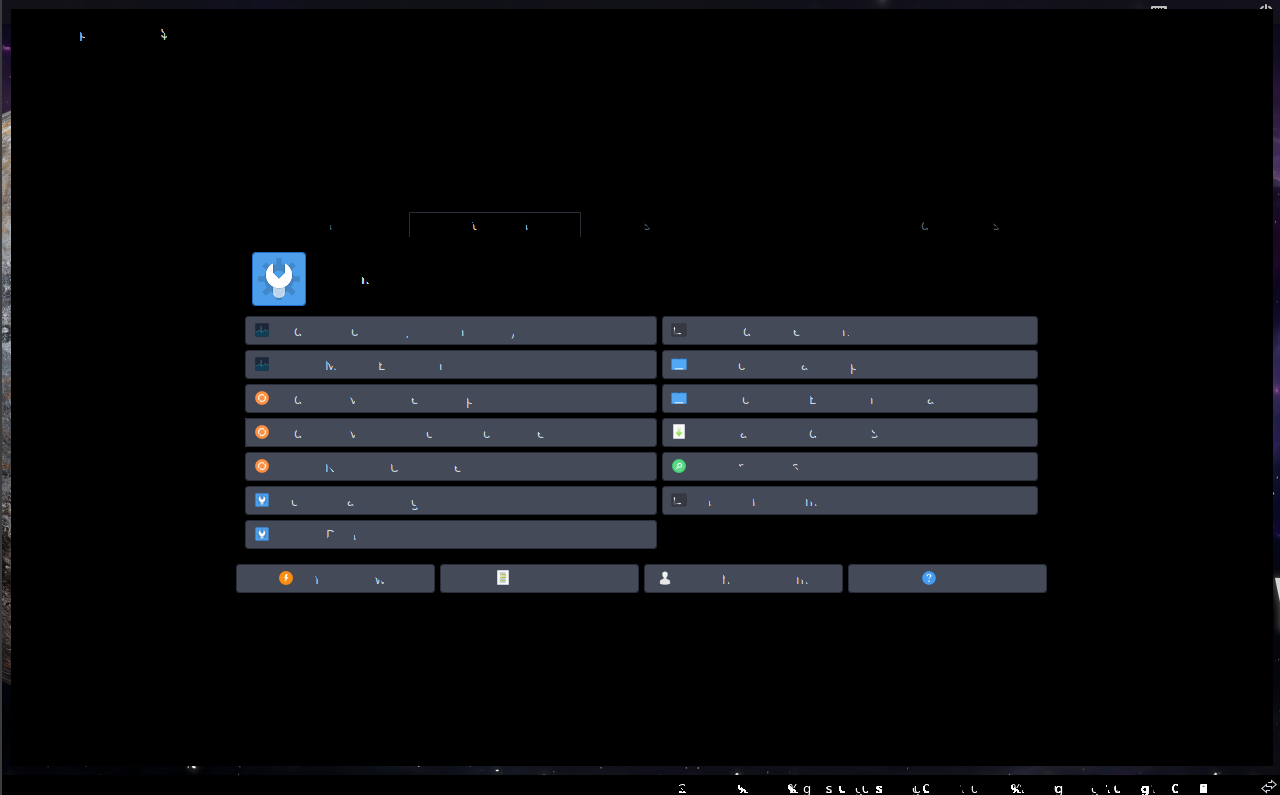
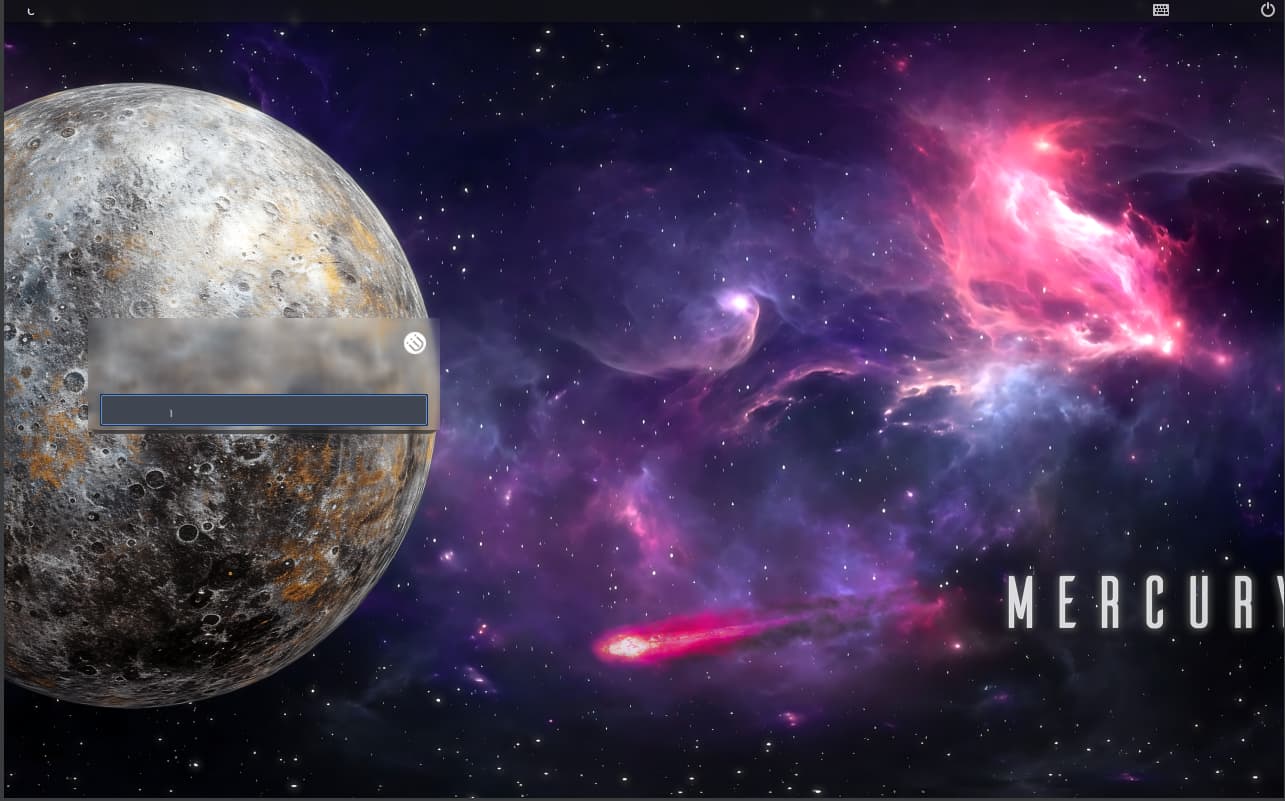
Hello, quick question regarding EndeavourOS in VirtualBox (runs great on my personal machine bare metal), since a few months ago, when I try to upgrade my current system or make a new install, the display of EndeavourOS breaks on VirtualBox using VMSVGA with 3D Acceleration.
From what I understand this is because Arch stopped shipping the xf86-video-vmware, I have found other threads like this EOS in Virtualbox - not booting after update - vmclient change - #4 by manuel marking they can fix it by removing the xf86-video-vmware or pin it to a specific version, both did not work for me. (The new install doesn’t ship with it anyway, and when trying to pin it to the specific version 13.4.0-3 after upgrade my old it still remains). And the way to fix it would be not to use VMSVGA with 3d acceleration.
So is there currently no way of having 3D Acceleration working in Arch based VMs or am I missing some fix?
Thanks.
TTY still works.
Video memory is maxed out at 256MB.
I have tried pinning xf86-video-vmware to 13.4.0-3 as was suggested in other threads via the tty, but not removing it, since it also is broken on new installs and those ship without the xf86-video-vmware driver.
I can try removing the xf86-video-vmware and upgrading after that (I currently have my rather out of date install still working, by reverting to a snapshot).
I removed the package with pacman -R and ran a system upgrade (had to exclude linux-firmware from the upgrade process, upgradign linux-firmware tried to install a bunch of new linux-firmware-x things, one of them linux-firmware-nvidia which cancelled the upgrade process with four errors like this: firmware-nvidia: /usr/lib/firmware/nvidia/ad103 exists in filesystem, not sure if that is related.)
Sadly the same issue occured.
When installing a new system, the xf86-video-vmware driver seems to be present in the live medium, which works fine. But not in the freshly installed system, which shows the above issues.