You can do this, I have a silly Toshiba laptop which only accepts the r8168 for Wifi and r8169 for ethernet, on the same machine! So I have a bash script which changes it depending on where it is.
1 Like
Nice notlooked deeep intootry tofind one
This should help:
https://discovery.endeavouros.com/network/r8168-workaround
I know this is an old topic, but i dont see this button in the welcome screen!!!
AFAIK - the button only shows if you have a problem with it! Welcome checks access on startup - and if not found, presents the button for your consideration. I actually used it once this week - successfully too!
2 Likes
Hi, i have the question"
How return Ethernet settings AFTER click to button in eos-welcome window “Toggle wired driver.” Since this button no exist.((
This naming was here
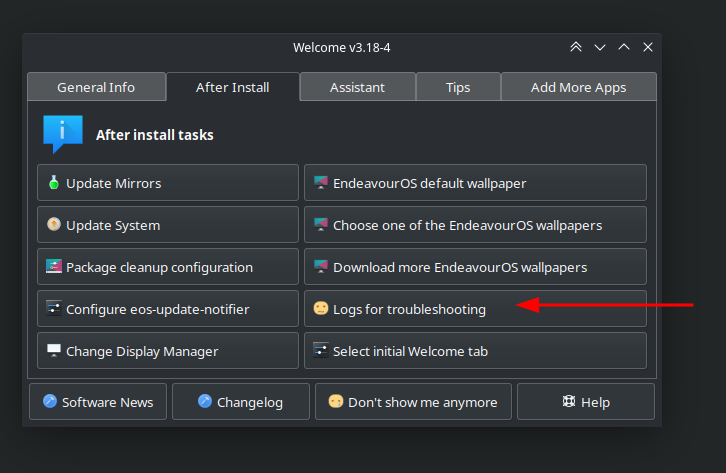
Please start a new thread, this one was already handled long time ago.
To give you a quick answer, you can toggle the driver with commands
sudo pacman -Syu r8168  # install r8168
sudo pacman -R r8168    # uninstall r8168
and reboot after running either one.
1 Like
12 months later

–closing–
but anyway welcome here @Piven open a new post and we will try our best to help you!
1 Like