 i no explain good
  we get there
  i only think of new user ! long time user can change or know keyboard terminal copy+paste shortcuts … that my point
Try terminator that work on arm … see if it work for you
edit … that my main on PBP . i no think about it on sway 
1 Like
After much though…I’m up for using XFCE4-terminal as our main terminal for ARM. With termite as a choice.
Same for x86
Does that make sense? Basically I think it’d be nice to have both xfce-terminal and temite - because of the different things they offer. @Pudge you said you could offer that choice in the ARM installer? For x64 we’ll just install both. @joekamprad is that ok? Neither too large. XFCE-Teminal shall be focused on in one workspace while termite shall act as the floating one…
1 Like
just idea ! might add in default …
# Your preferred terminal emulator . alt terminal  is termite change below + line 1 in application_defaults
set $term xfce4-terminal
I’m gonna tidy up the config in a bit…remove alacritty stuff too. Thank you!
1 Like
ok clean sd card … so @Pudge if you need test for arm install i ready if you need …
Update
Haven’t done this for ages cause they weren’t too many big changes but now there is!
What’s Changed/Added
- Default terminals are now xfce4 and termite. xfce4 is the default on both - with termite possible offered as a choice in ARM. Termite will act as the floating terminal
- Some general fixes with fonts
- Network#VPN mode added in waybar (courtesy of @Shjim)
- Welcome sets wallpaper(courtesy of @manuel)
- ARM is going well (courtesy of @Shjim and @Pudge)
- Steam works and pipewire too -(courtesy of @Elloquin) (I’m hoping that after a while and pipewire becomes more stable will switch to it - that’ll be a while but meanwhile I put some imfomation on the wiki page)
Things To Do
- That reminds me - write WIKI
- Welcome doesn’t like to be instant
- Center screenshot menu (Shift+Print)
- Possibly create similar thing for screen recorder (wf-recorder)
Other than that - life is going well!
3 Likes
For information, the current list of terminals supported by EOS apps is:
        konsole
        gnome-terminal
        mate-terminal
        lxterminal
        deepin-terminal
        terminator
        qterminal
        alacritty
        tilix
        termite
        xterm
        kitty
        terminology
        sakura
This list means they are tested as working on the x86_64 platform.
Currently I don’t know which are supported by ARM. But if someone could make a similar list for ARM, then I could add that information visible to the EOS tools.
2 Likes
No know if you add or default … I soooo happy it have scratchpad ( mod+shift+ - … open mod+ - and then mod+shift+space to return full ) @OdiousImp i use it for cmus + other thing …
1 Like
Yes It appears system volume and firefox volume are on separate streams. This is seen on both test systems. They are both fully amd if that matters.

1 Like
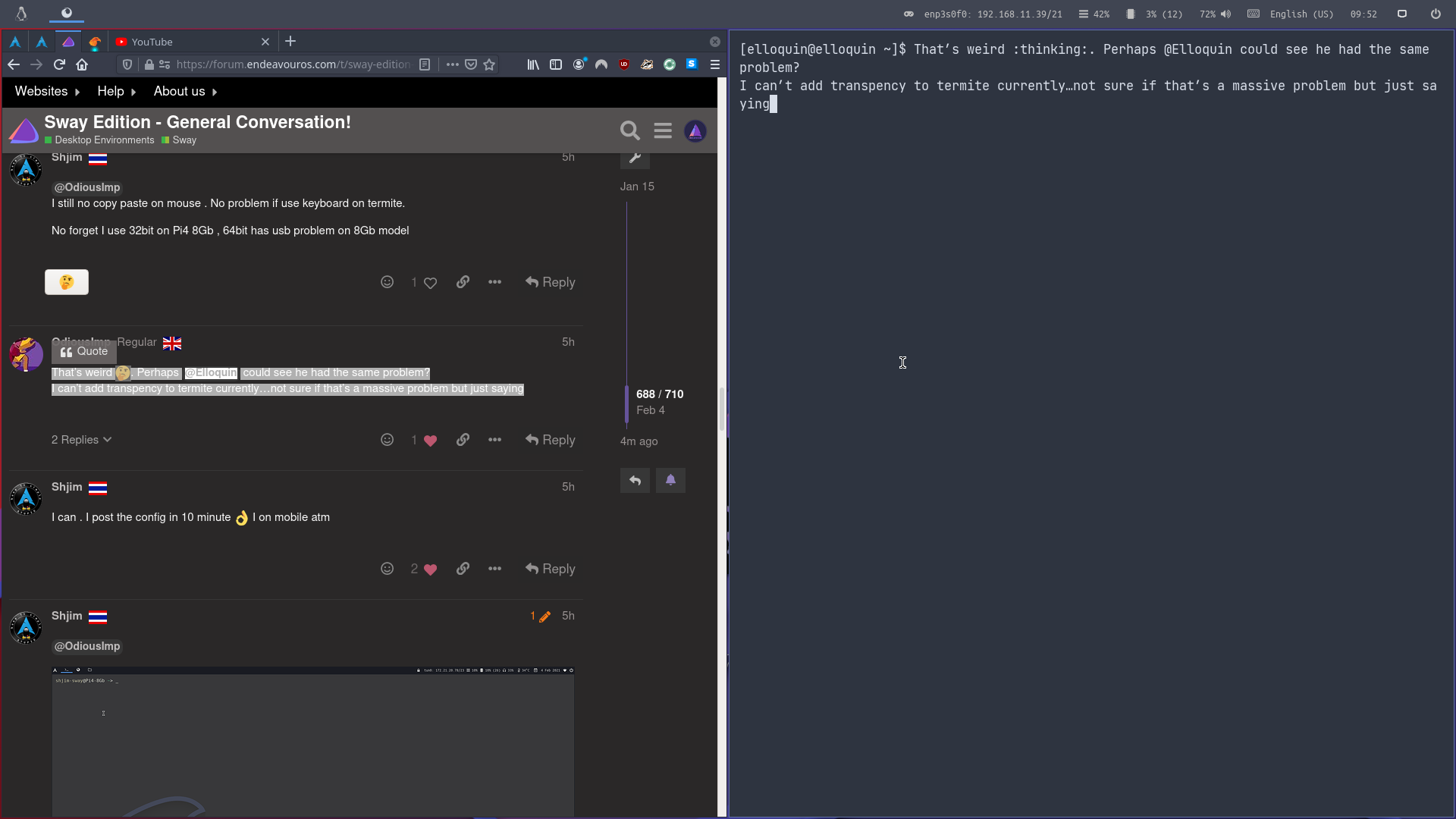
There is no copy paste function with mouse within Termite. You can copy and paste text from another location with mouse and then paste it into Termite with mousebutton3 (scroll wheel click).
2 Likes
`that work! i understand
select with mouse click wheel copy then click wheel for paste … right
@Elloquin wonder if work "middle-tap " on trackpad ?
2 Likes
Select text. Right click mouse. Select copy. Go to Teminal. Mousewheelclick and it will paste automatically.
1 Like
it work the the way i say as well
2 Likes
Well we all learned something new today 
2 Likes
so far on pi4 run 32bit kitty,alacritty,xterm no work for me
lxterminal,terminator,termite ,xfce4-terminal do
system that run 64bit may diff ( sad 64bit on 8G pi4 have problems so i no use )
edit… confirm your wallpaper fix in welcome work on my pi4 32bit … same as below it no open on startup
2 Likes
I can confirm Alacritty is working well with welcome app items. Although i do not see welcome autostarting on startup. I’ll have a look into the config. It might need to be bound to a workspace. Non ARM system.
2 Likes
It might be something to do with this. I know welcome isn’t written in GTK but perhaps same principles
GTK+ applications take 20 seconds to start
This is due to GTK+ waiting for xdg-desktop-portal to start via D-Bus. This times out because the D-Bus activated service doesn’t know what WAYLAND_DISPLAY to connect to.
This can be fixed by adding the following to your configuration file:
exec systemctl --user import-environment DISPLAY WAYLAND_DISPLAY SWAYSOCK exec hash dbus-update-activation-environment 2>/dev/null && \ dbus-update-activation-environment --systemd DISPLAY WAYLAND_DISPLAY SWAYSOCK
1 Like
Running eos-welcome --enable just opens up welcome for me. Is this the wrong command.
And @OdiousImp
Welcome starts up “automagically” with using /etc/xdg/autostart/welcome.desktop (i.e. the autostart feature that many desktop envs support).
So Sway does not support that?
Unless you have Welcome disabled. If so, you can enable it with
eos-welcome --enable or by clicking its launcher icon (do you have that in Sway?).
Normally Welcome can be started from the terminal by eos-welcome.