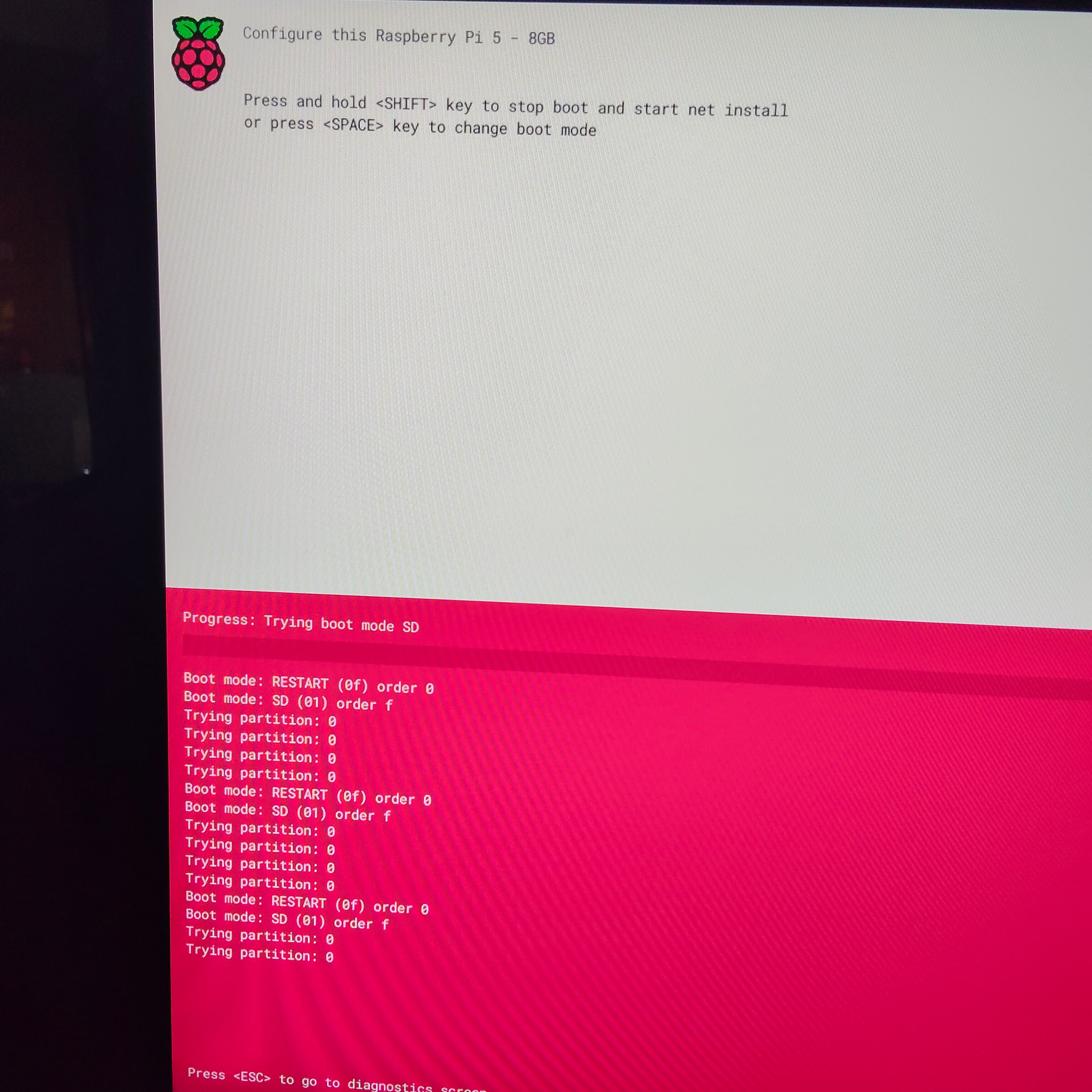
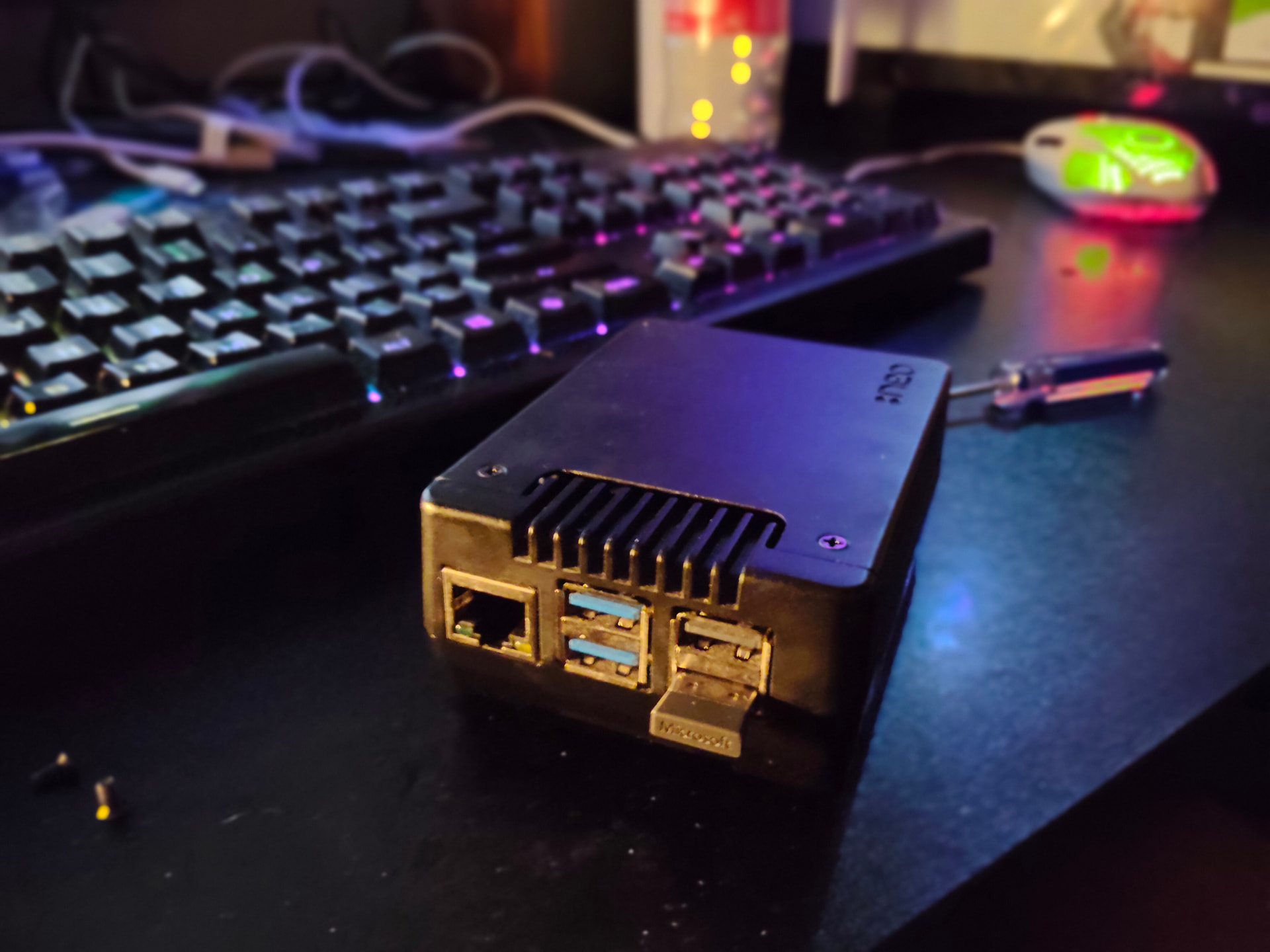
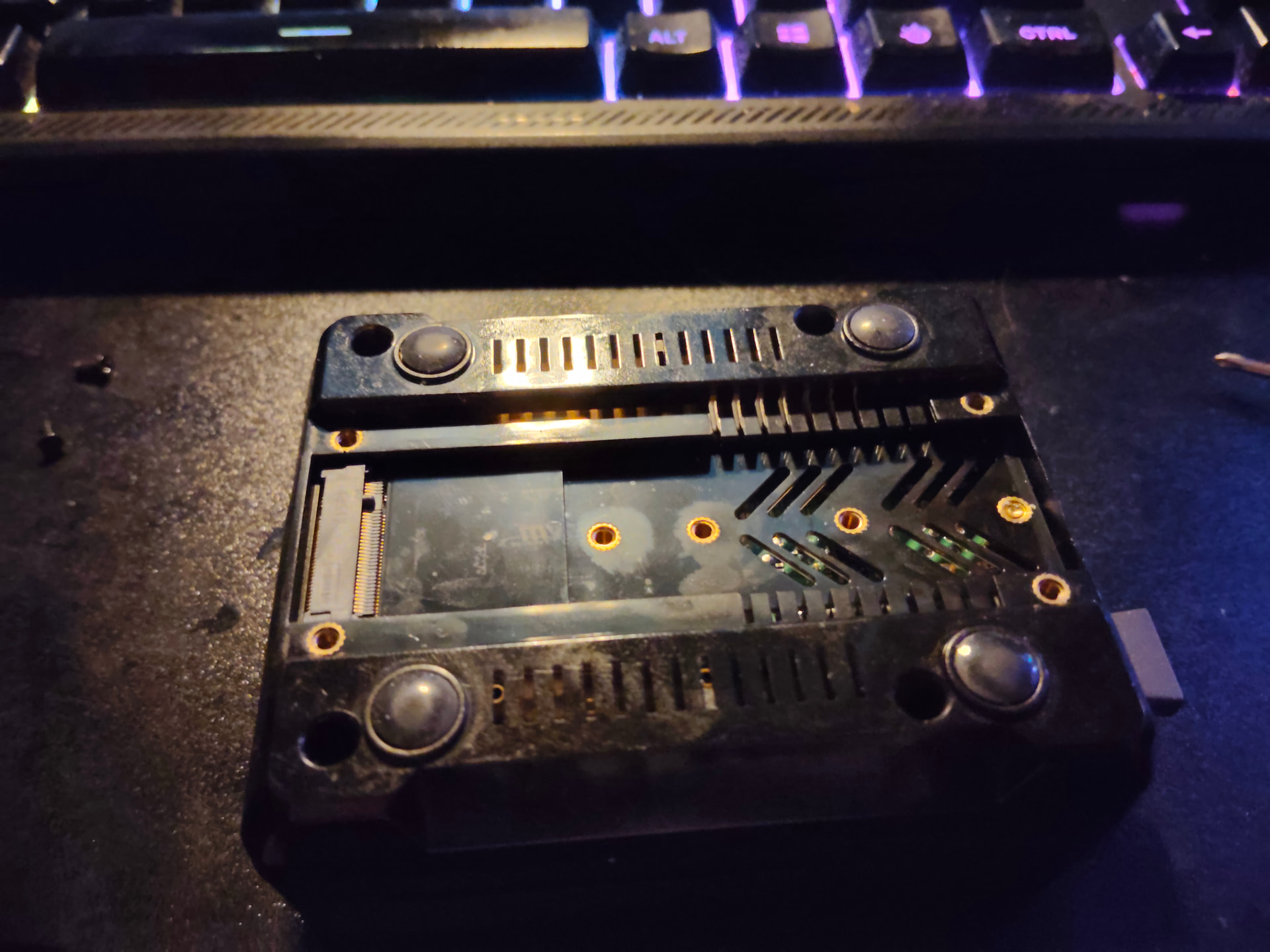
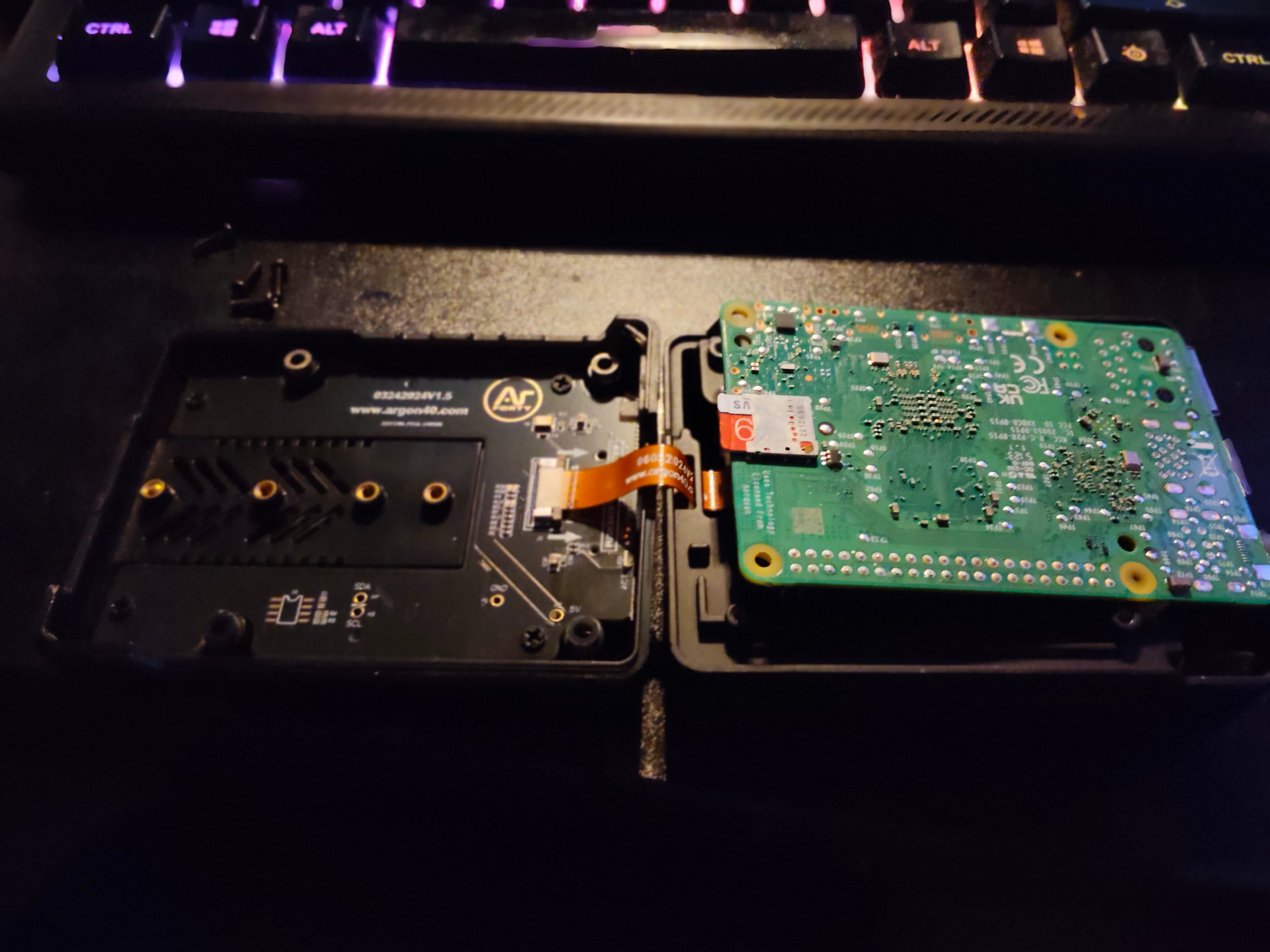
Hi there guys I am having a issue booting up the EndevourOS Raspberry pi 5 image on my raspberry pi 5 on the first time boot, I am using the Neo case with a NVME drive and it gets stuck on the kernel boot up screen
I was previously on Manjaro Arm64 using the unstable branch but sadly due to not getting updates for multiple months, not hearing back officially on what is going on and reading this post I was lead here to try out EndevourOS
Try the solution given here, the installs to nvme need some tinkering with:
I don’t have a RPi 5 so I can’t reproduce the issue but as far as i know @Pudge tested the latest image and it worked. Maybe he can add any suggestions if he has any.
Hey thanks for the reply but I was already using Gnome Disk and a NVME to USB encloser on my x64 machine but I can’t get any further then the kernel boot screen when I turn it on
So I put manjaro on a SD card but the issue with Manjaro Arm64 is they only have a pi4 image not a pi 5 image so I had to put it into a Pi4 install the pi 5 kernel but for the life of me couldn’t remember what I did other then use the manjaro-arm-installer tui tool (pretty sure that is all I used to make it work on the NVME) and even tried raspberrypis image tool for EndevourOS arm64 pi5 image using the custom iso optino but that failed.
What did work out of the box hassle free and simply was Rasberry pi OS, I used the raspberry pi image tool to flash to the NVME drive with my NVME drive enclosure, put it in the Pi 5 NVME slot and it just booted. Obviously I don’t want to use RPI OS but I did try it to see what the out of the box experience with a NVME drive was like.
Whatever raspberry PI OS is doing I would defiantly recommend doing the same because this was one massive hassle
That said this is defiantly something to be improved on and I am always happy to help with a project and do some testing and reports to make the OS experience better whenever I can
You got further on the NVME booting off the boot partition. Looks like your boot partition on your sdcard is blank or corrupted. Also I have seen that page on my pi5 in the past occasionally on a new install and I would unplug the power for a while and power it back up and it would boot. Some times drivers get hung in memory from a previous boot that are incompatible..
Did you unplug your NVME before trying to boot off the sdcard? At this point you meed to figure out why the regression of booting of your sdcard when you did on your NVME.
Are you plugged into usb 3.0 with the usb to nvme adapter? You could try also
adding usb_max_current_enable=1 to your /boot/cmdline.txt to increase power output to USB ports.
Edit:
NVMe drives can draw significant power, exceeding the combined 1.6A limit of the Pi 5’s USB 3.0 ports.
Hey, first time was from the NVME drive and the second time with the screenshot was just booting off the SD card, it didn’t boot for me on a SD card, I did put Manjaro onto a different SD card and get that installed just as a test. I used the manjaro-arm-installer cli tool and got it installed on the NVME drive but trying to put EndeavourOS even on a SD card or NVME on the pi 5 hasn’t worked for me and resulted in boot issues that go to the boot menu for me
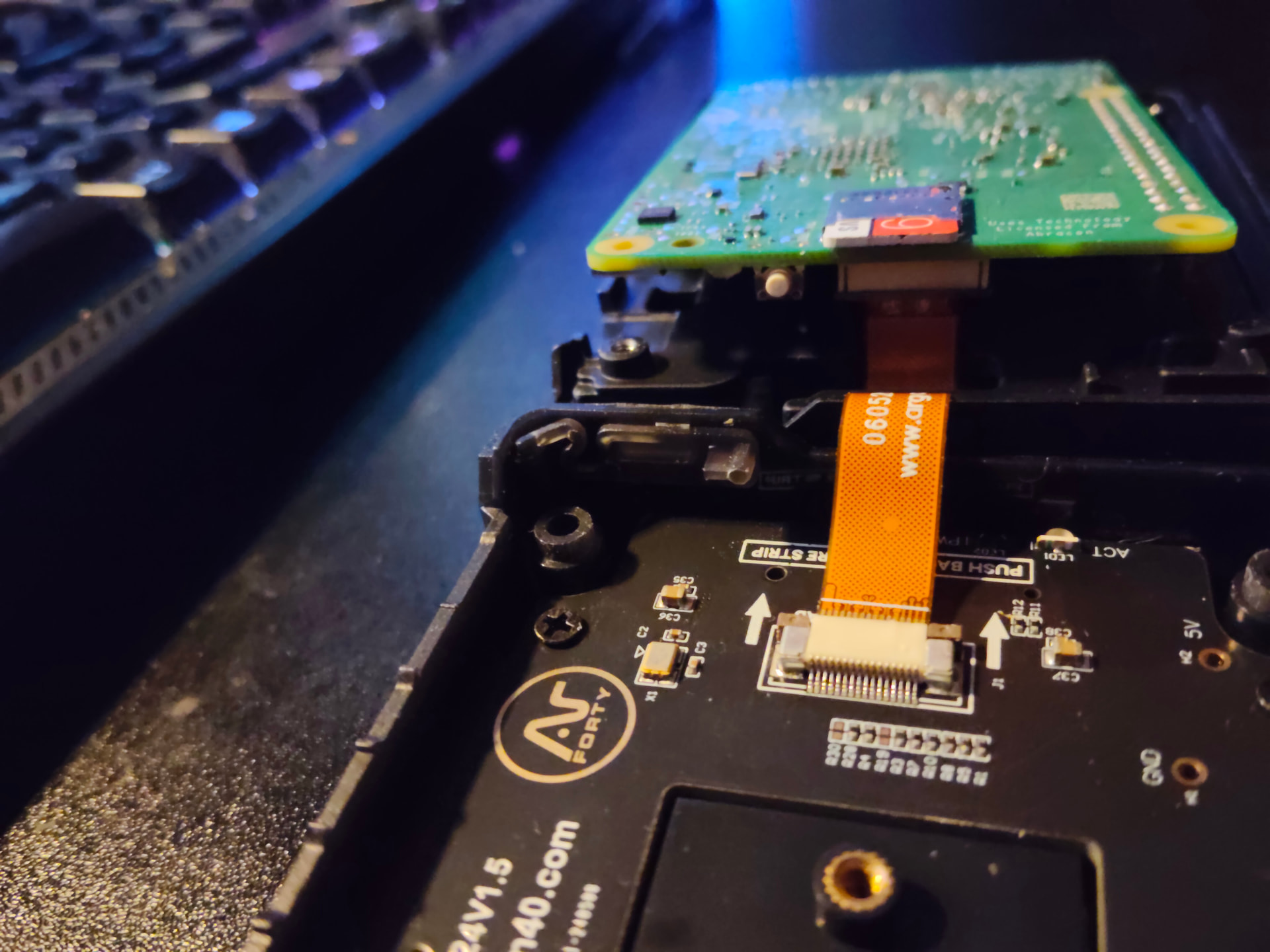
Hey thanks for the reply, no I am using the build in NVME drive that’s part of the case that uses the Pi 5 PCI blug on the board with the ribbon cord to use it. Raspberry pi OS works out of the box simply flashing with it and Manjaro Arm64 works but you got to use the manjaro-arm-installer cli tool to flash it to the NVME drive
Sadly right now I can’t get EndeavourOS to work at all on it
Ok must have been the SD card I was using and was faulty, I replaced the faulty SD card with the one I used for manjaro and put EndevnourOS on it and it works, going through the setup. Also how come when going through the setup only a small selection of mirrors show up?
Here is the Neo case for the pi 5, it’s a very nice case with a built in fan that uses the built in plug for it to properly control it on a hardware level instead of needing a driver like you would need for a pi4
But back to the main issue, I still can’t install EndeavourOS onto the NVME drive like I can with Manjaro or Raspberry pi OS
this is the installer tool Manjaro has for flashing that I use to put it onto a NVME drive
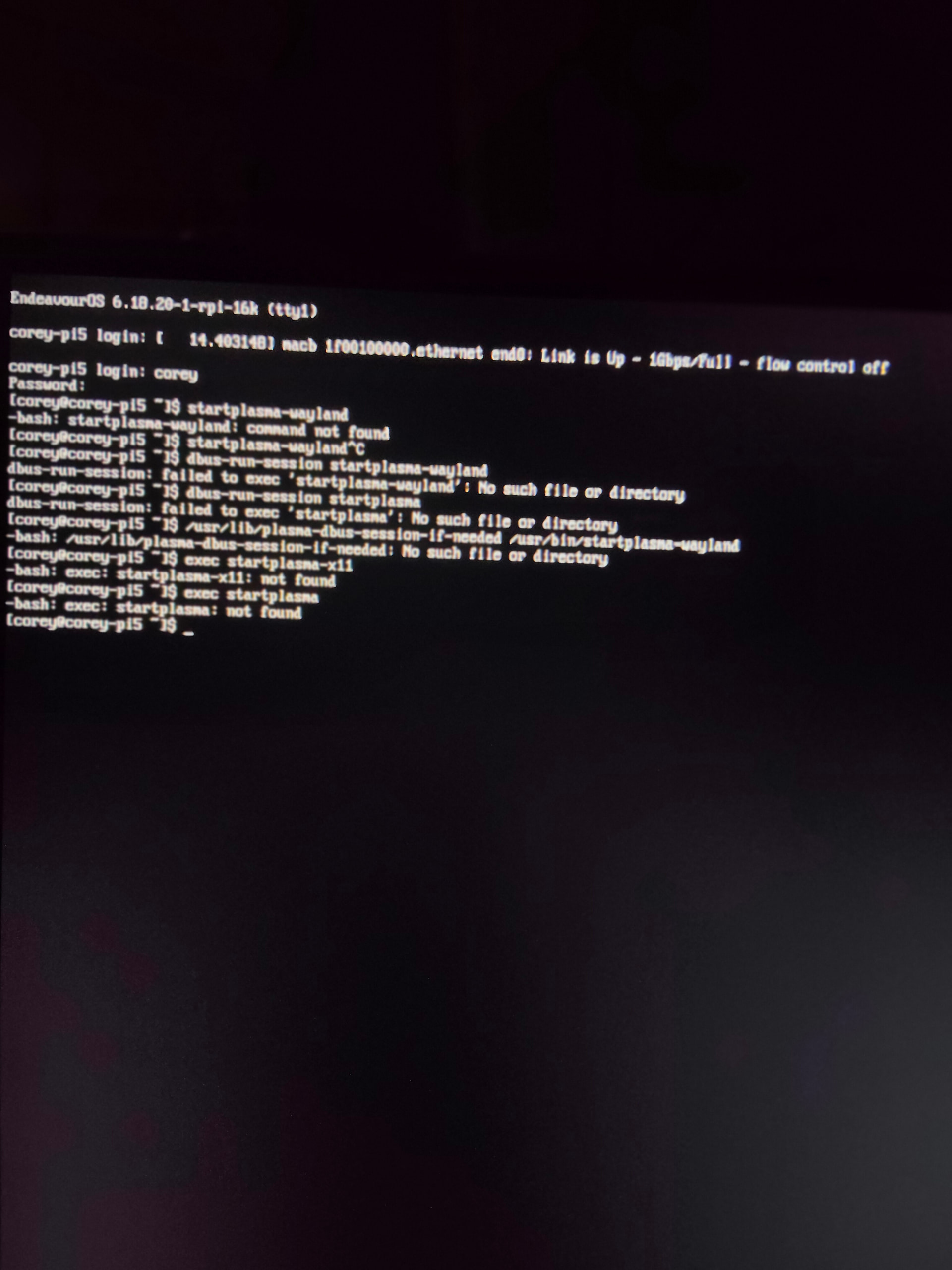
also I chose KDE and I pressed enter to restart, when it restarted it dropped me into the terminal instead of auto starting the KDE deksop so I tried to run the KDE session but didn’t work. I even tried what was on the arch wiki and it didn’t work for me. I assume since it would be the latest KDE it will only be wayland also with the changes that have happened separating x11
Call me old school but I hate KDE Plasma. It is a flashy looking DE but it every major upgrade comes with it’s own new set of problems to be worked out. I like simplicity. When I first started out X was still in development and would crash just looking at the screen so I used command line exclusively until Gnome was working pretty good then had to switch to Gnome2 then Mate as the DE’s progressed. Mate seemed to be backing off keeping up so now I am on xfce.
With all of your test results up to now I have these observations:
Your NVME boots with PiOS and manjaro-arm but not EOS but Boots on sdcard. Your NVM seems to boot to a certain point with your EOS install.
Can’t find a missing executable to start plasma-wayland is disturbing
I have never used manjaro-arm installer so do not know much about it but in the past I have run into issues sometimes with various installers so for a long time I have used dd and never had an issue with it. It might be that everything just did not get written to the disk.
Decompress the downloaded compressed image with xzcat and pipe it to dd to writed to drive (replace the /dev/sdx wit the drive you writing to):
Completely wipe clean your NVME removing all partitions and for mat it wih a new file system like ext4.
Then I always flush the memory with sudo sync just as precaution.
One thing also to notice is all of the kernels are on 6.12 except the EOS one is on 6.18. They are all built with PiOS kernels default .config but arc-arm and manjaro just enable some extra modules that their users want. PiOS is still on 6.12 as their default kernel and will not switch until they deem 6.18 to be stable. Could possibly an issue with the NVME modules.
I run 6.12 here because of 6.18 locking up after a couple of days of heavy use. The less memory it has the faster it locks up. I never shut down my device.
Yeah that’s exactly what I did using Gnome disk and with a similar NVME enclosure then I would plug it into the NVMe slot in my Pi 5 case, technically it is a hat that sits on the bottom of the case but it doesn’t use USB but that PCI slot with the ribbon cable
The EndeavourOS repos, I noticed it automatically picked Australia when iI assume it did pacman reflector but doing the setup I only has a small selection of repos which his fine, it’s just something I noticed and wanted to ask about
with Raspberry pi’s I usually just go with XFCE4 but I wanted to give KDE a try
usually I just use Gnome disk to flash them but with the NVME drive for manjaro I’ve had to use the manjaro-arm-installer tui tool but I’ll give the dd command a try and see how it goes
Sounds like 6.18 is a little problematic at the moment then haha, is there a way to use 6.12 on installation?
My pi5 died so I am a little handicapped. I have dissected my pi4 initrd and the one in the pi4 image and found they are loading @20 more modules in their initrd. I have a fix but figuring out how to get an initrd on your NVME is problematic. The kernels have to be exact so you would have to have a fresh kernel that was updated on your sdcard. Then you can boot to your sdcard and create an initrd then transfer it to your NVME.
The PiOS does not come withthe 16k kernel and assuming EOS image is the same or it wouls not boot other pi’s. Point is the kernel directory will be named differently with 16k kernel.
Download extra-mods.conf from link below and copy it to your sdcard under /etc/mkinitcpio.conf.d/
run sudo mkinitcpio -P while booted on your sdcard
Then copy over the new /boot/initramfs-linux.img from your sdcard to the /boot partition on your NVME
Right now there a lot of modules that does not need to be that are already being built in the initrd but it would take some time to weed them out if your NVME boots. The system will not load duplicate modules anyway.
Oh no that’s horrible news that your pi died, how did that happen?
sudo cp /home/corey/extra-mods.conf /etc/mkinitcpio.conf.d
[corey@corey-pi5 ~]$ cd /etc/mkinitcpio.conf.d
[corey@corey-pi5 mkinitcpio.conf.d]$ ls
extra-mods.conf
[corey@corey-pi5 mkinitcpio.conf.d]$ sudo mkinitcpio -P ==>Building image from preset: /etc/mkinitcpio.d/linux-rpi-16k.preset: ‘default’ ==>Using default configuration file: ‘/etc/mkinitcpio.conf’ →-k 6.18.20-1-rpi-16k -g /boot/initramfs-linux.img ==>Using drop-in configuration file: ‘extra-mods.conf’ ==>Starting build: ‘6.18.20-1-rpi-16k’ →Running build hook: [base] →Running build hook: [systemd] →Running build hook: [autodetect] →Running build hook: [microcode] ==> WARNING:architecture ‘aarch64’ not supported, skipping hook →Running build hook: [modconf] →Running build hook: [kms] ==> WARNING:No module containing the symbol ‘drm_privacy_screen_register’ found in: ‘drivers/platform’ →Running build hook: [keyboard] →Running build hook: [keymap] →Running build hook: [sd-vconsole] →Running build hook: [block] →Running build hook: [filesystems] →Running build hook: [fsck] ==> ERROR:module not found: ‘drm_ttm_helper’ ==> ERROR:module not found: ‘drm_vram_helper’ ==> ERROR:module not found: ‘st7586’ ==> ERROR:module not found: ‘st7735r’ ==> ERROR:module not found: ‘ttm’ ==> ERROR:module not found: ‘tca6416_keypad’ ==> WARNING:Possibly missing firmware for module: ‘r8169’ ==> WARNING:Possibly missing firmware for module: ‘kaweth’ ==> WARNING:Possibly missing firmware for module: ‘r8152’ ==> ERROR:module not found: ‘rpi_fw_uart’ ==> ERROR:module not found: ‘reiserfs’ ==>Generating module dependencies ==>Creating gzip-compressed initcpio image: ‘/boot/initramfs-linux.img’ ==> WARNING:errors were encountered during the build. The image may not be complete.
I haven’t tested it yet but does this look okay? I noticed my NVME drive is coming up as unknown signalling that dd didn’t work properly also why the heck is Endeavour OS is using 98.2% of my 64GB SD card? man this is pretty bloated also why do I have a bunch of /dev/nbd block devices on my SD card installation? I have a feeling something isn’t right with this installation lol
Surely you do not have your SDCARD with the NVME plugged in at the same time both with EOS on it. The UUID’s and boot labels will be the same if you did not change them. It will result in a mess.
What is most concerning is “WARNING:architecture ‘aarch64’ not supported, skipping hook“ but it shows up in mine also so what it is check for I have no clue. It boots here just fine.
 I hope you enjoy your time here.