Yeah well I didn’t know having both plugged in would be an issue, it still boots from the SD card 
Oh I see I did think something didn’t look right in that log when I did mkinitcpio
Yeah well I didn’t know having both plugged in would be an issue, it still boots from the SD card
Oh I see I did think something didn’t look right in that log when I did mkinitcpio
I just installed the 6.18 kernel here and get the same errors as you but booted just fine. Those modules are not built in the 6.18 kernel. The missing module errors can be ignored. The missing firmware errors should not be there. Something is amiss with your install. Maybe one of the linux-firmware packages need installing.
[ray@rpi ~]$ sudo mkinitcpio -P
==> Building image from preset: /etc/mkinitcpio.d/linux-rpi.preset: ‘default’
==> Using default configuration file: ‘/etc/mkinitcpio.conf’
→ -k 6.18.20-1-rpi -g /boot/initramfs-linux.img
==> Using drop-in configuration file: ‘extra-mods.conf’
==> Starting build: ‘6.18.20-1-rpi’
→ Running build hook: [base]
→ Running build hook: [systemd]
→ Running build hook: [autodetect]
→ Running build hook: [microcode]
==> WARNING: architecture ‘aarch64’ not supported, skipping hook
→ Running build hook: [modconf]
→ Running build hook: [kms]
==> WARNING: No module containing the symbol ‘drm_privacy_screen_register’ found in: ‘drivers/platform’
→ Running build hook: [keyboard]
→ Running build hook: [keymap]
→ Running build hook: [sd-vconsole]
→ Running build hook: [block]
→ Running build hook: [filesystems]
→ Running build hook: [fsck]
==> ERROR: module not found: ‘drm_ttm_helper’
==> ERROR: module not found: ‘drm_vram_helper’
==> ERROR: module not found: ‘st7586’
==> ERROR: module not found: ‘st7735r’
==> ERROR: module not found: ‘ttm’
==> ERROR: module not found: ‘tca6416_keypad’
==> ERROR: module not found: ‘reiserfs’
==> Generating module dependencies
==> Creating gzip-compressed initcpio image: ‘/boot/initramfs-linux.img’
==> WARNING: errors were encountered during the build. The image may not be complete.
I really appreciate everyone’s replies! sorry for the long delayed reply,I have been busy with some other projects. I can confirm after doing all that which was a bit of a mission and a pain to do I can now boot from my NVME drive
A couple things I noticed, when flashing with dd I needed to expand the 2nd partition otherwise it would 8gb also now that the installation is properly setup things are working properly and automatically installed the desktop and pre set ups the themes
Do I need to provide anything to help you guys fix this so the drivers are built with EOS?
you saw this one ?
only into investigating there is a user on telegram unable to boot from such connected drive:
So not usb connected.. was working before after an update its stopped working giving ahci driver errors.
Everything in that article is based on the Raspberry Pi OS on a Radxa device.
A Radxa Penta SATA HAT is not made for Raspberry Pi. It is made for Radxa devices.
I have a Radxa ROCK 5B. Radxa Debian support is OK, but has terrible support for Archlinux ARM and Radxa devices.
Then along comes Mr. geerlingguy who makes all these crazy videos about ridiculous hardware hacks that he has made. As an example of his crazy projects, I offer this.
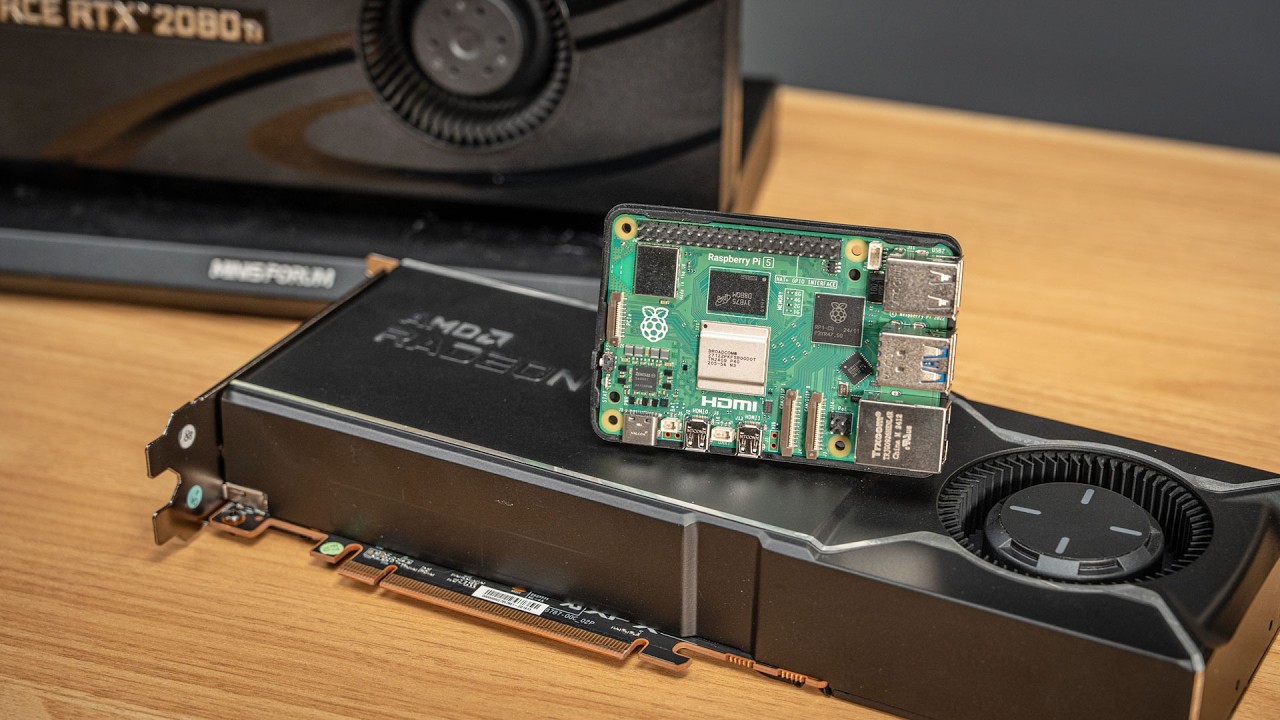
So if someone wants to take a Radxa Penta HAT and try hacking it to make it run on Raspberry Pi, then they are on their own.
HTH
Pudge
i see 
Radxa has good hardware but the software support is not that great. I had high expectations a few years ago but not anymore