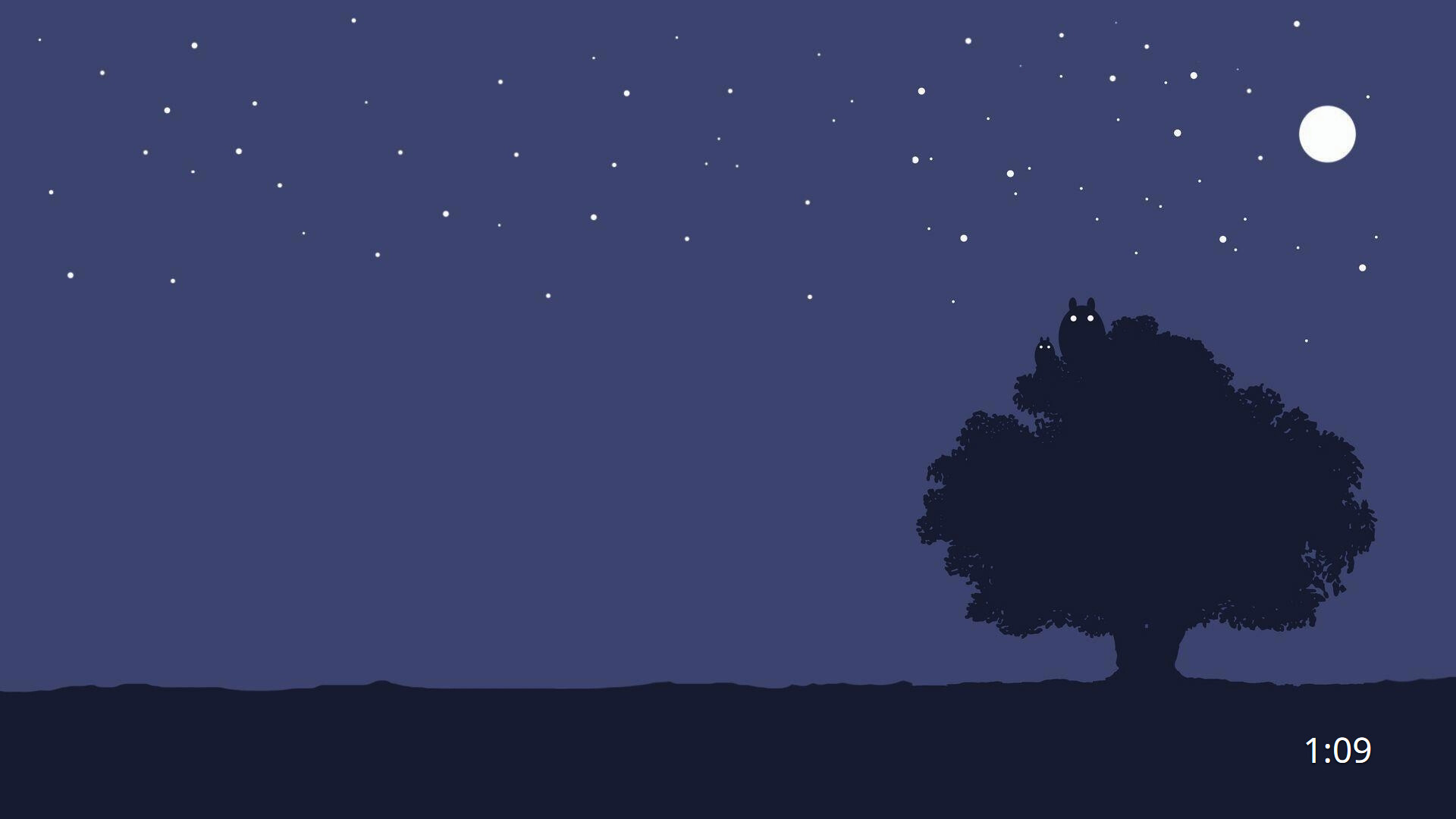
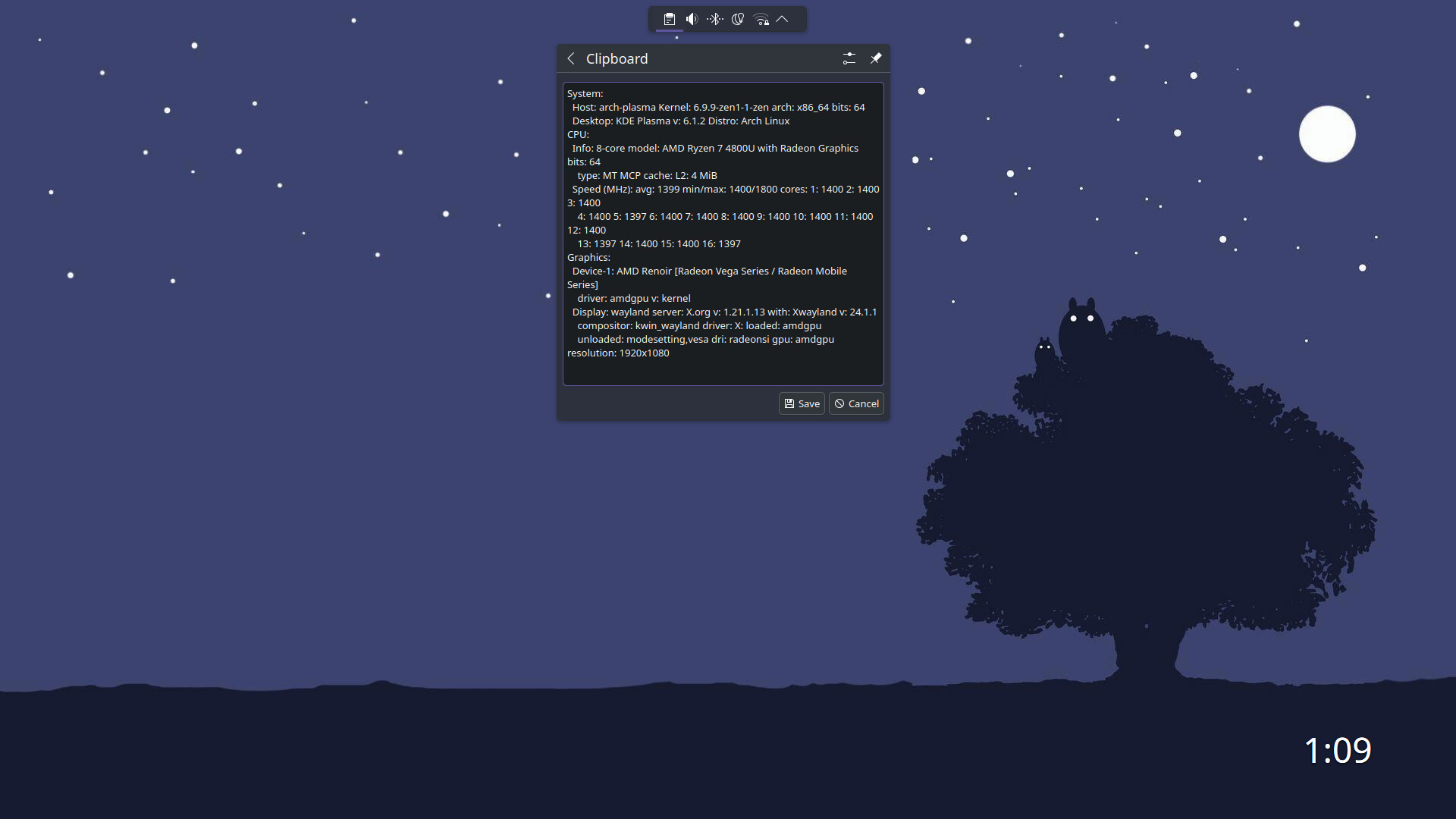
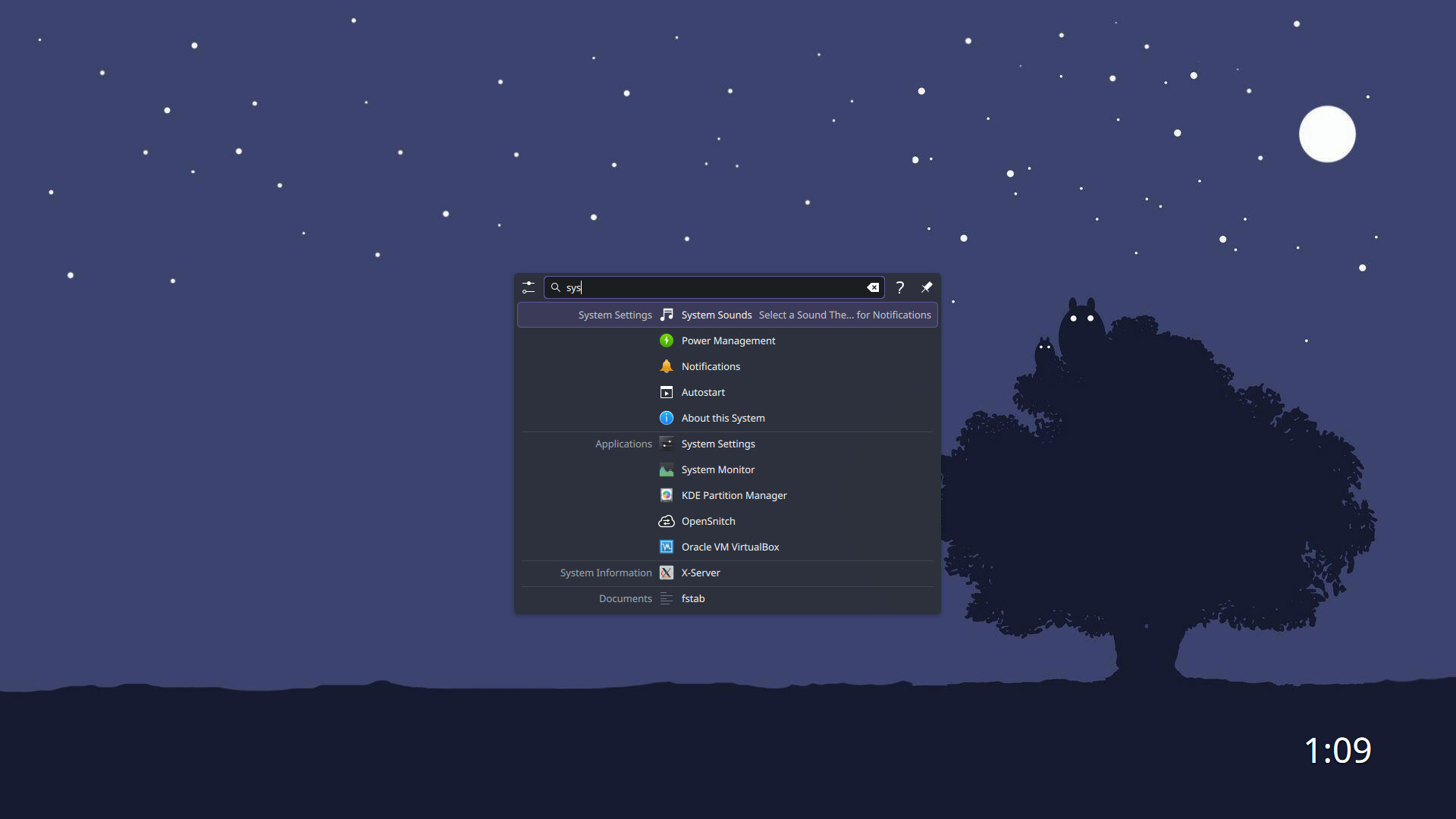
I really like how this looks
Thanks!
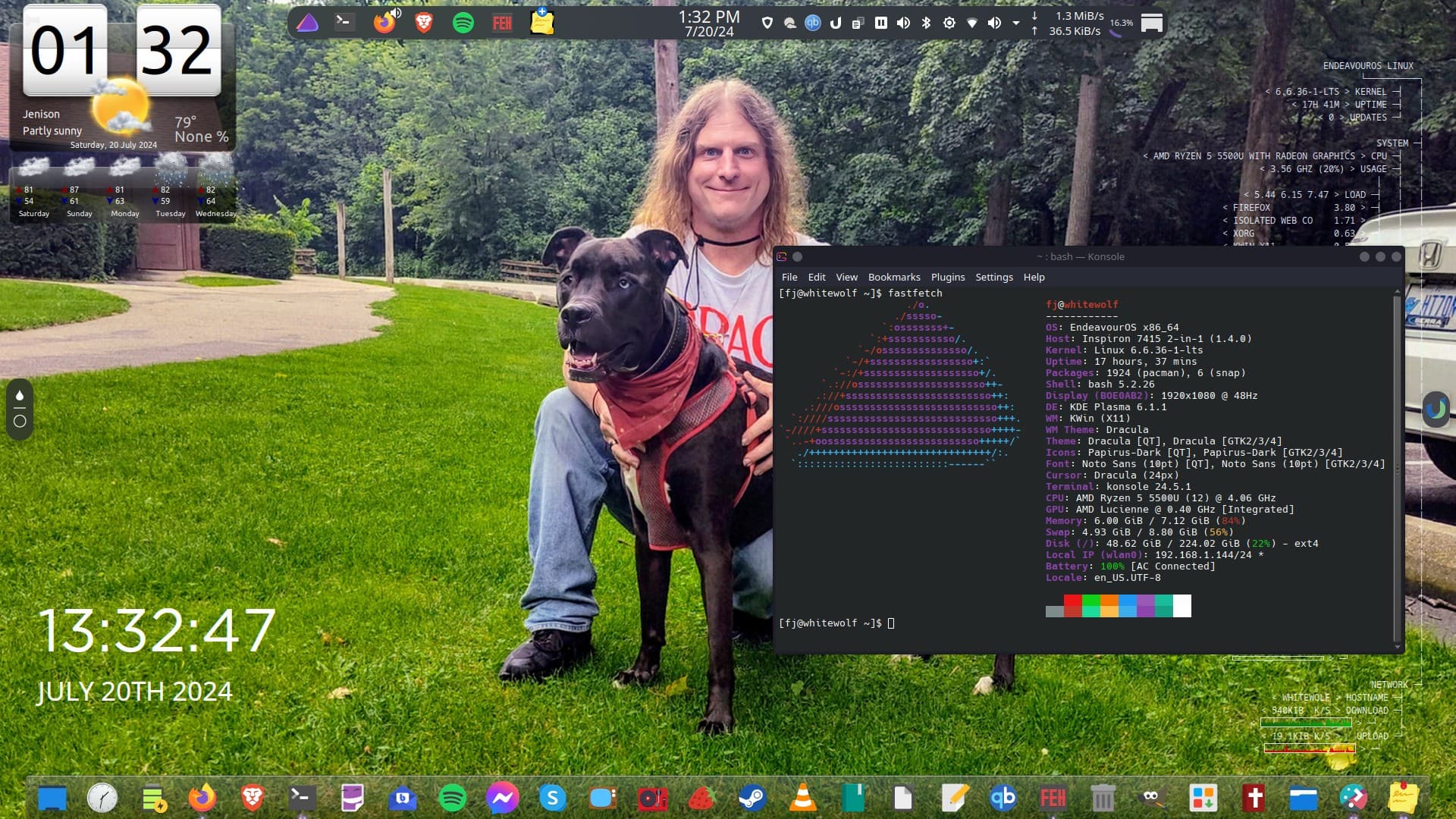
I really enjoy minimal, uncluttered desktops. So no app -menus / -launchers, no icons on the screen or on the panel. Just a minimal panel with the systray and a few applets. Krunner is in charge of searching and launching everything.
Yes as you might have seen from my screenshots I like to keep things pretty simple relying on krunner and a few shortcuts to launch most things.
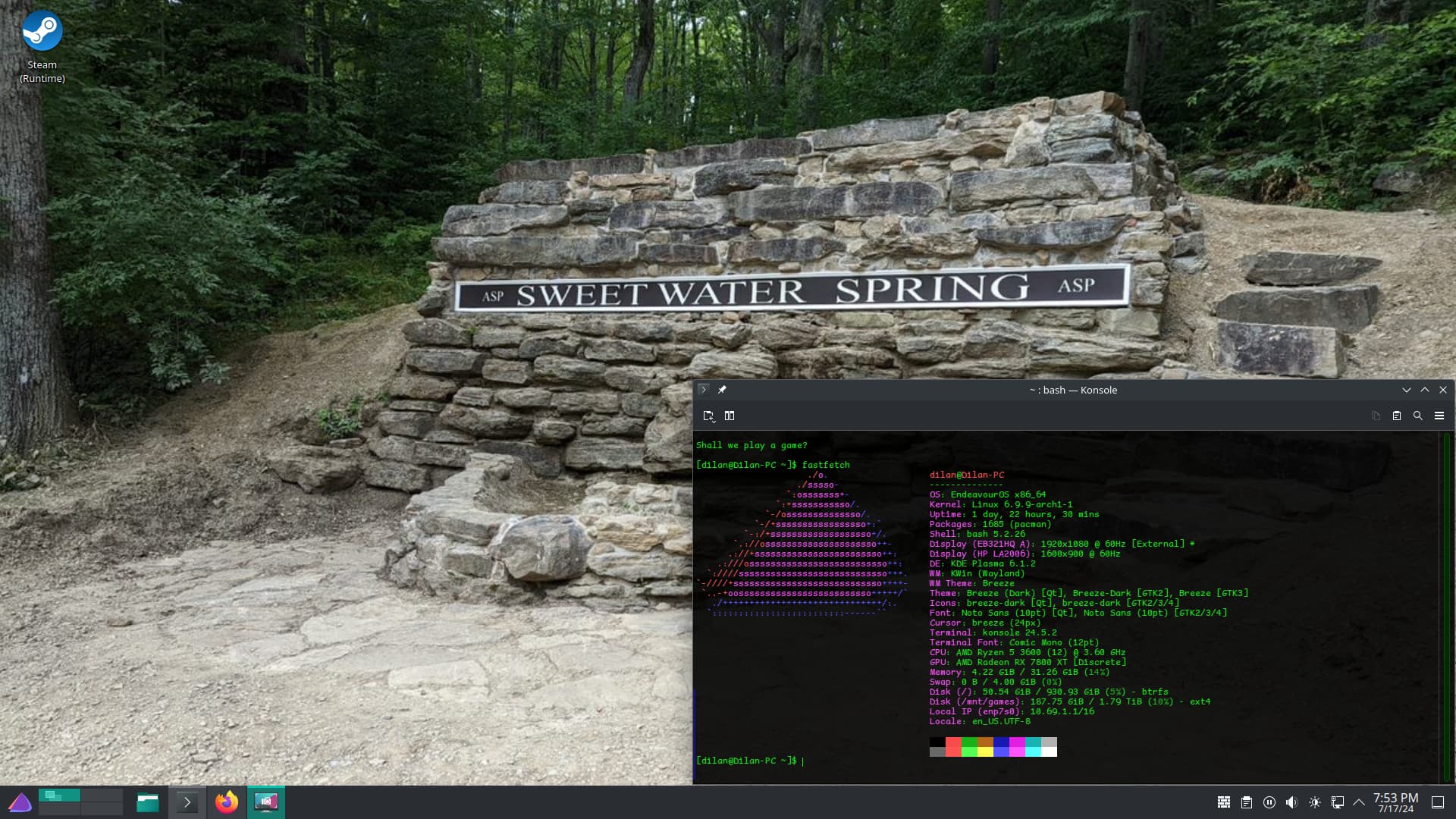
what widget is the desktop clock? your setup looks amazing btw
that zsh theme looks wonderful. mind sharing the fast fetch config?
Thanks  No problem at all, I’ll zap it to you this evening when I get home from work.
A few comments related to politics have been removed. Please try to keep the thread on-topic.
Please keep the political stuff out of this forum; there are plenty of other places on the internet for that kind of thing.
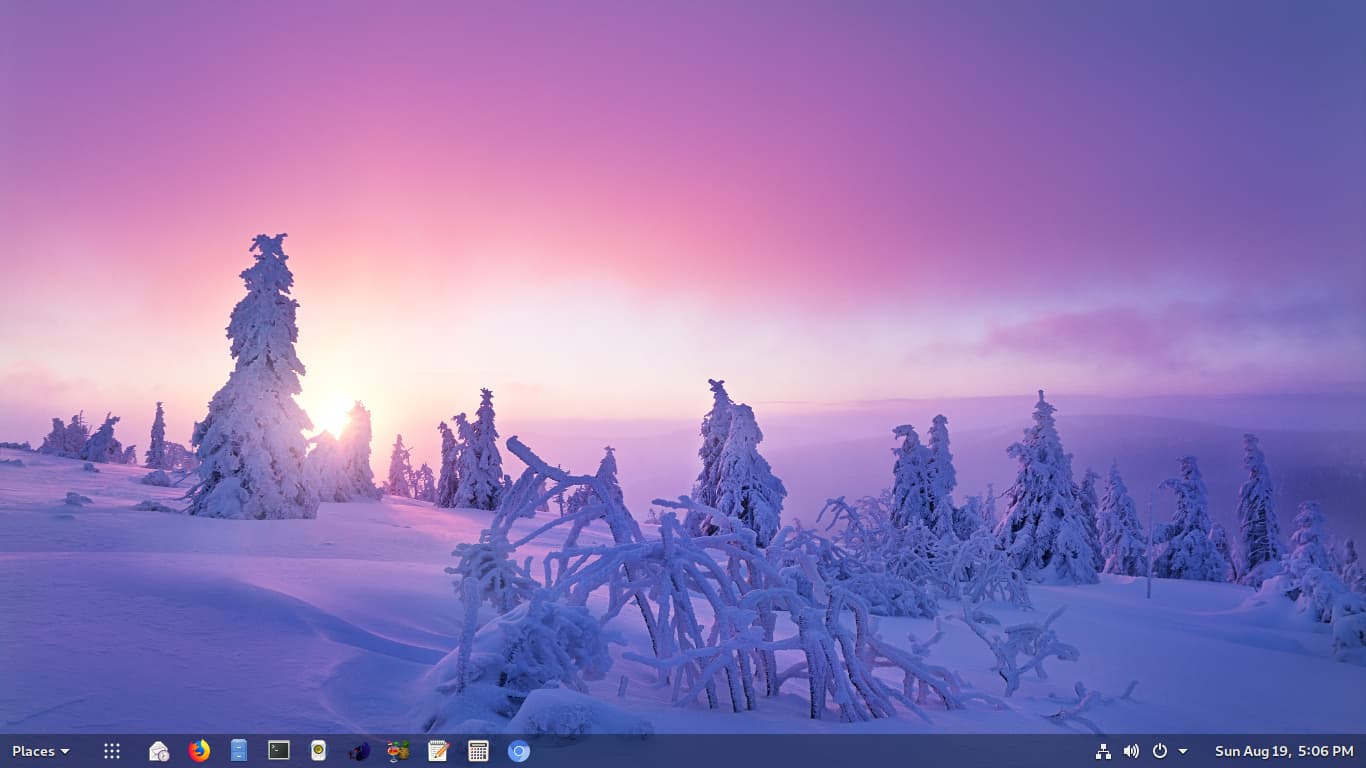
 ?
?
Looks like GNOME with dash-to-panel installed.
Hey, thanks! That’s the ClearClock widget.
So, a newbie to EOS says hello to the community here.
First, big thanks to all the helpfull topics and answers here. Made the switch from Windows a lot easier. But, the journey is not over now. It takes some time to get familiar with Linux and EOS.
Just want to share my (simple) desktop (KDE). Maybe I will change something in the future.
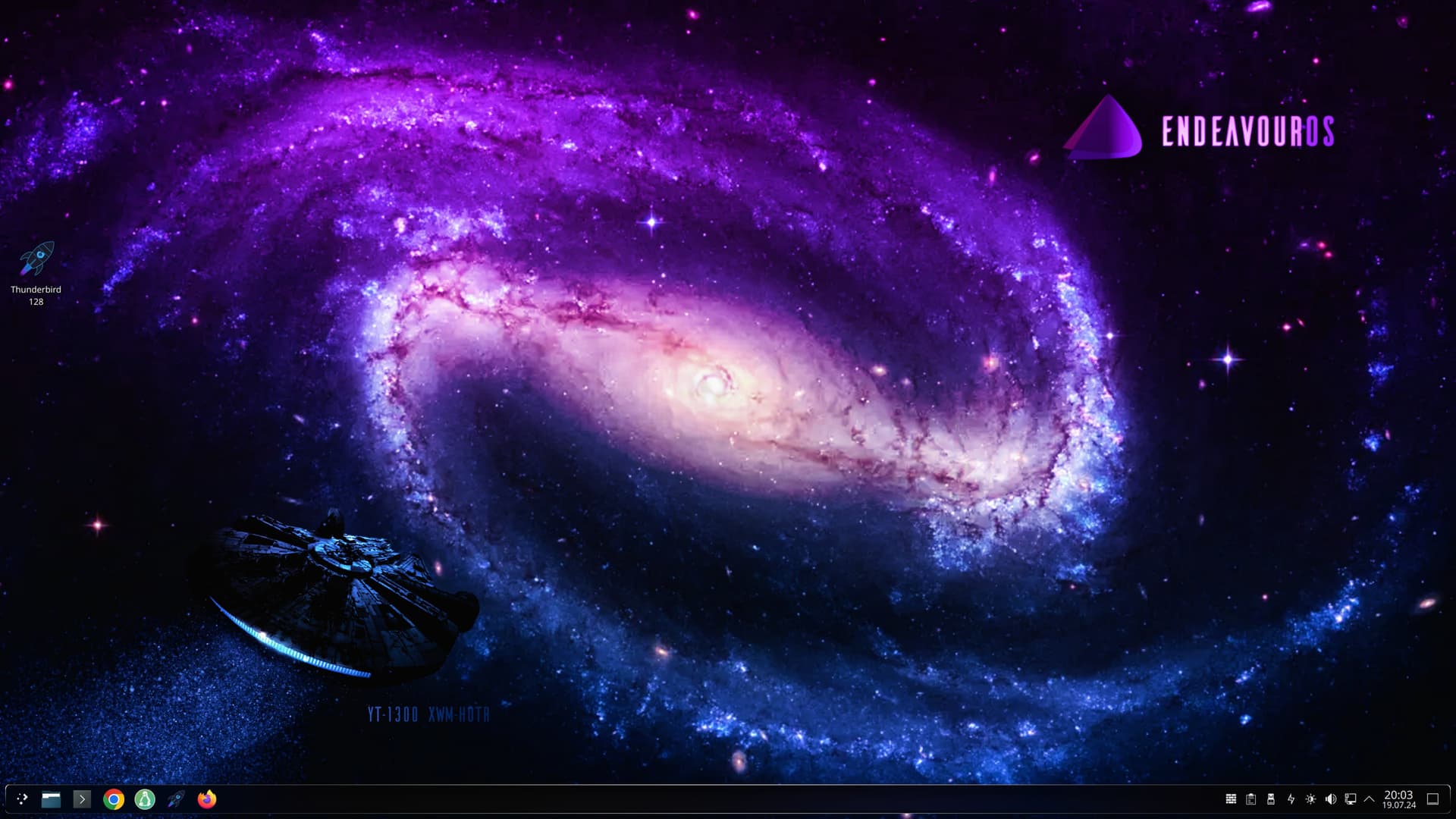
Have a nice weekend
Simple but Endeavour 
Welcome to the -Forum @DevilsBastard
Thanks.
Is there anywhere a good manual to customize a desktop. I know there is a ton, but if anybody knows some outstanding, please let me know.
Having just done a bunch of fiddling with KDE, I honestly found the best way to do it was just to do it. The menus are pretty extensively detailed with explanatory text and you can always go back to ‘Fresh’ by just re-applying one of the existing themes if you go too far.
Simple stuff like colours for everything are very straightforward, all the submenus in the “Edit colour scheme” menu are pretty clearly labelled.
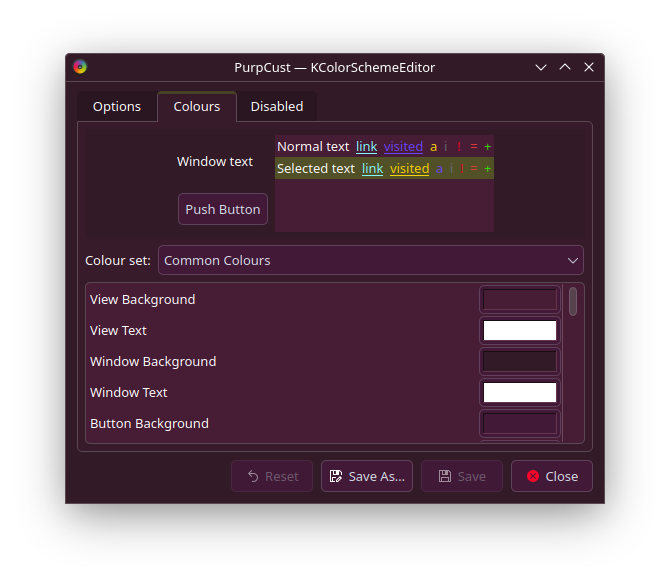
Yeah theres a lot of. Personally i use mostly
Share Your Desktop
Nicco Loves Linux
https://www.youtube.com/channel/UCONH73CdRXUjlh3-DdLGCPw
Linux Scoop
https://www.youtube.com/channel/UCNnUnr4gwyNmzx_Bbzvt29g
or simply reddit unixporn
In my opinion, this is completely sufficient
Keep it as simple as possible. Dont use kvantum. Take the clean Plasma theme and modifie it by yourself as @z580c described
I wish you a pleasant flight with EndeavorOS