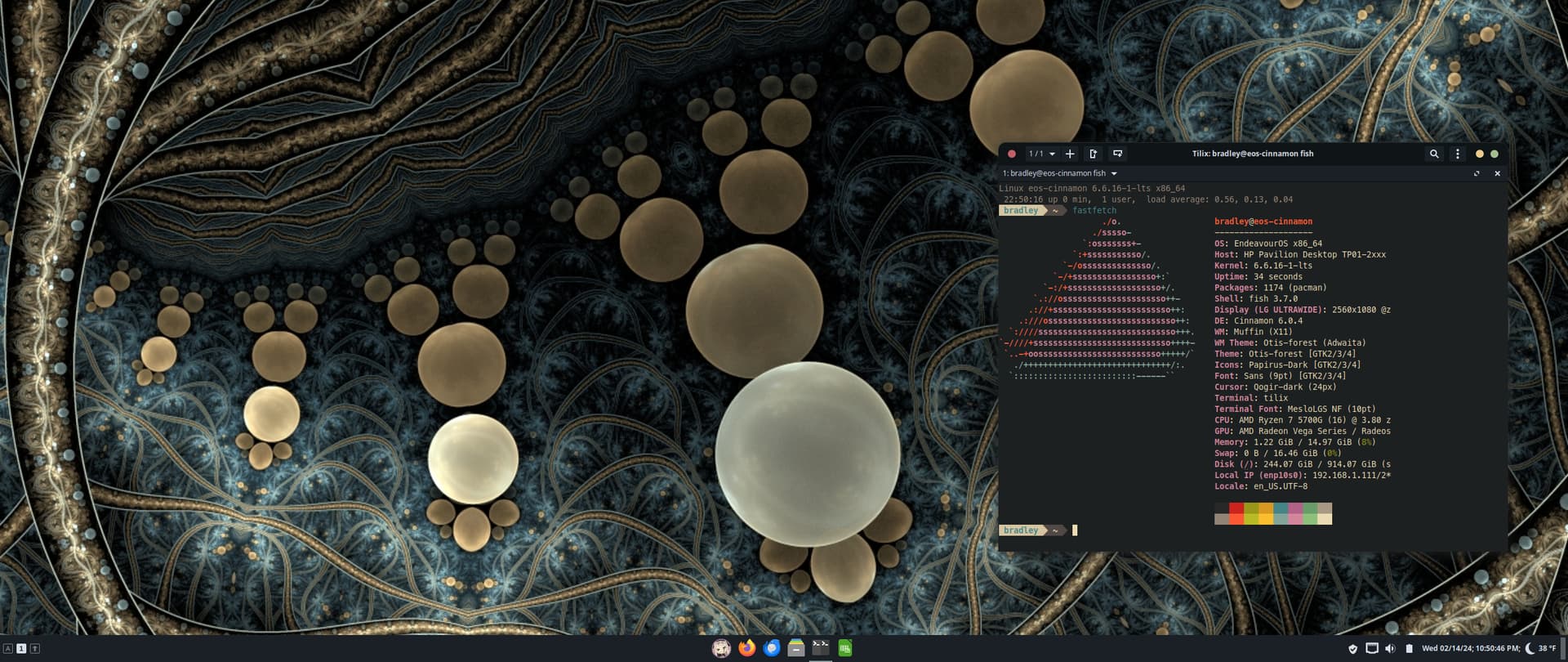
Those colours 


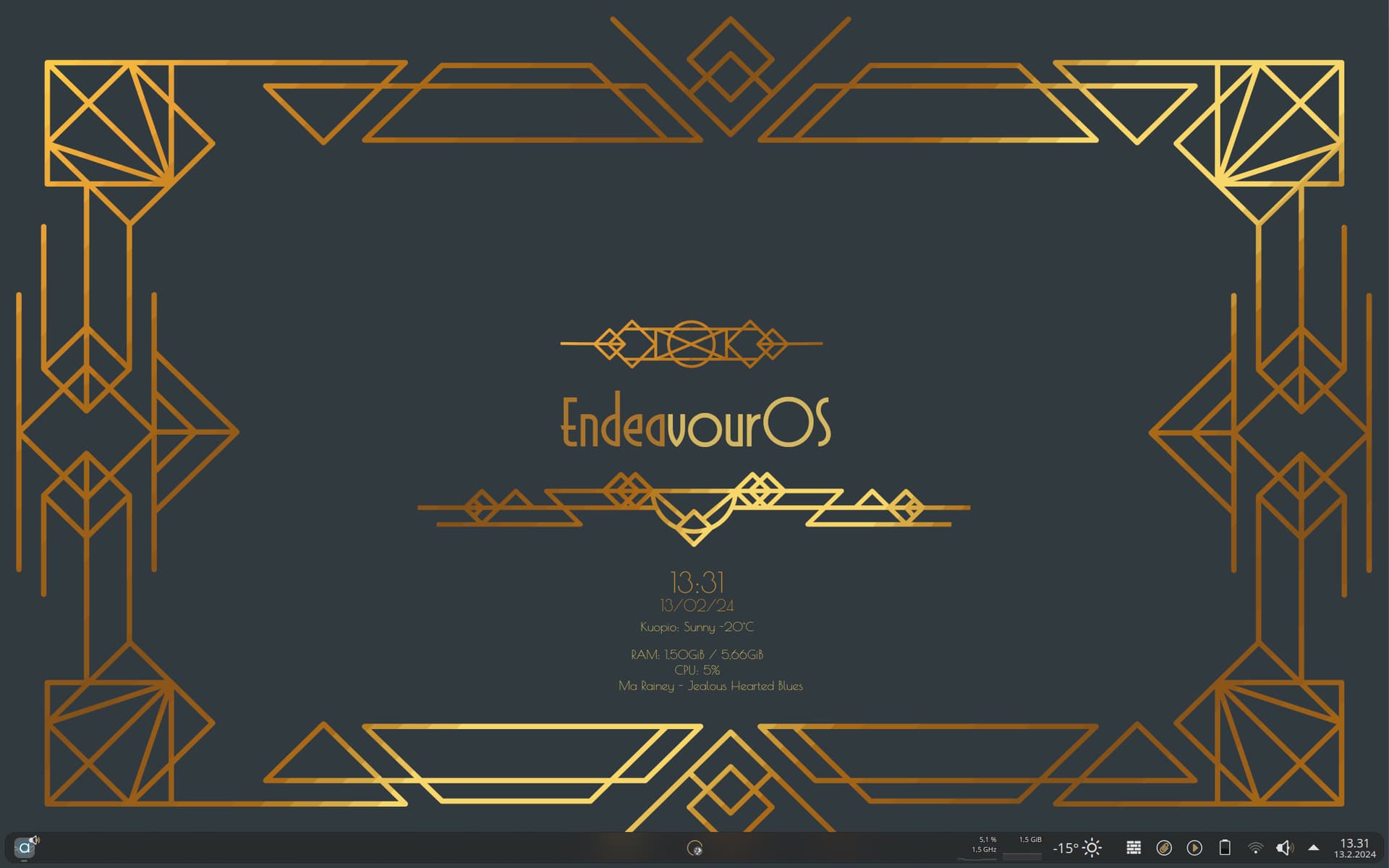
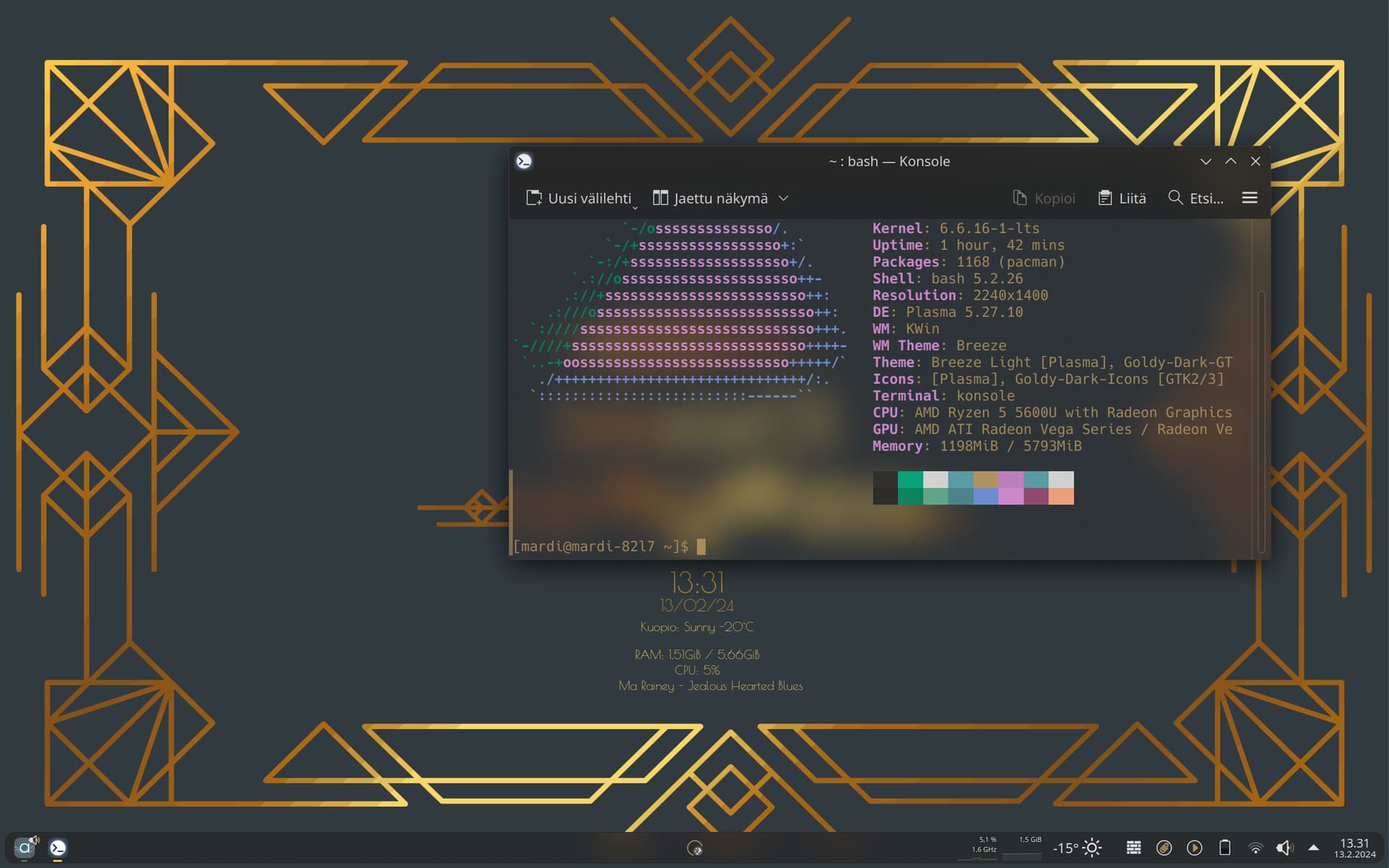
next: create art-deco panmel style 
Thanks, thought it was soothing and fun.
He’s called ninja cat, but is really an outdoor being ! 
A little Art Deco.
How do you show actual logo in neofetch?
Do you mind sharing .png file and instructions?
It looks awesome 
Do you remember the deviantart link to that background?
Hi mate, I’ll be home later and will send you the info. then.
In the meantime install fastfetch. It’s what a lot of us are using instead on Neofetch. 
Awesome 
I’ll check it out in the meantime. I had custom config file in neofetch. It’ll be interesting to see if I can port some of that info
From memory you just need to install fastfetch then run it like this
fastfetch --logo path-to-image
Hi mate, here’s the png and the fastfetch config.conf file.
I just put the config in a folder named “fastfetch” which I created in the home/user/.config folder.
The png can go anywhere and like Smokey said you just edit the path to it in the fastfetch config.conf file.
fastfetch stuff 
Edit, to get the emojis in the fetch you’ll need to install a nerd font. I use martian mono nerd from extra repo and set it as default in Konsole.
Awesome. Thanks, I’ll try it out and post the results

You’re very welcome. at last I am sharing some knowledge which was very kindly shared to me by @swh

This is also super handy https://www.nerdfonts.com/#home
Ye I’ve been using caskadiya mono nerd fonts for terminal. My favourite and ibm-plex for gnome and everything else
Oh nice, I’ll have to check them out.
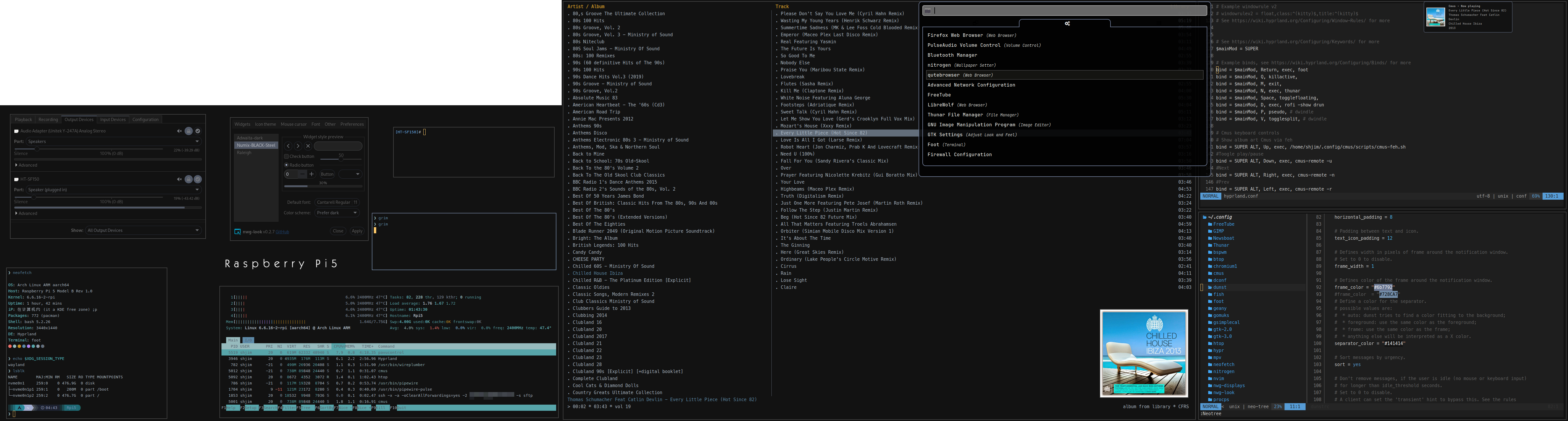
Thanks. This inspired a search where I ended up using this: https://www.deviantart.com/akurapare/art/Bubble-Surprise-409194890