That kitty looks as happy - and as sleepy - as I do after a few drinks.
I’m pretty much happy and sleepy all the time.
That kitty looks as happy - and as sleepy - as I do after a few drinks.
I’m pretty much happy and sleepy all the time.
Wait till the kitty finds the new ( bed ) laptop.
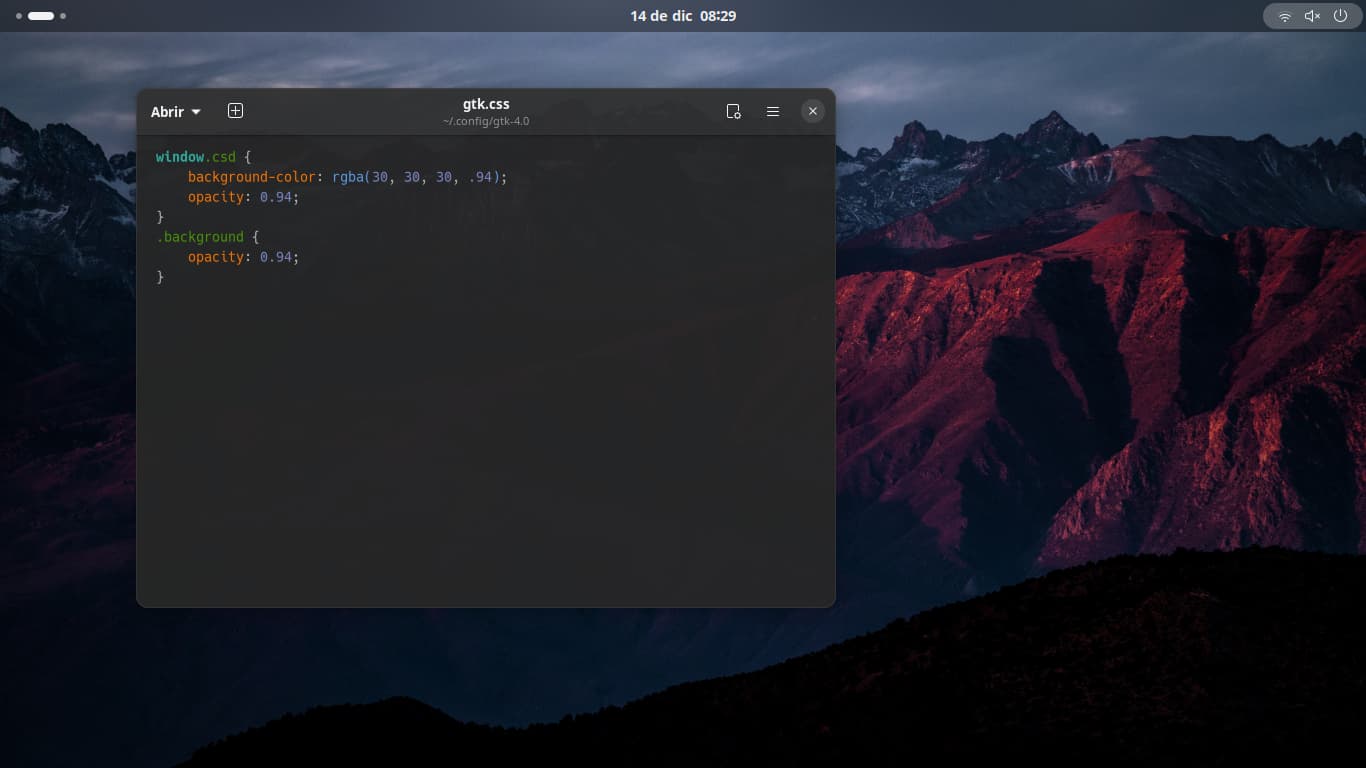
How did you get the blur effect on nautilus?
Create a gtk.css file and placing it in ~/.config/gtk-4.0.
Inside that file, put:
window.csd {
background-color: rgba(30, 30, 30, .94);
opacity: 0.94;
}
.background {
opacity: 0.94;
}
Reload the desktop to see the changes.
For light style, use:
background-color: rgba(225, 225, 225, .94);
I based on: https://forum.zorin.com/t/transparent-windows-on-zorin-os/27726/8
This is my gtk.css file:
Wow!
Ok, the “known issue” for Firefox not going fully opaque was that there was a specific window rule telling it not to (just started poking around those settings). That was easy enough to fix 
Didn’t I tell you to cut it off allready? Maaaaan your set ups…
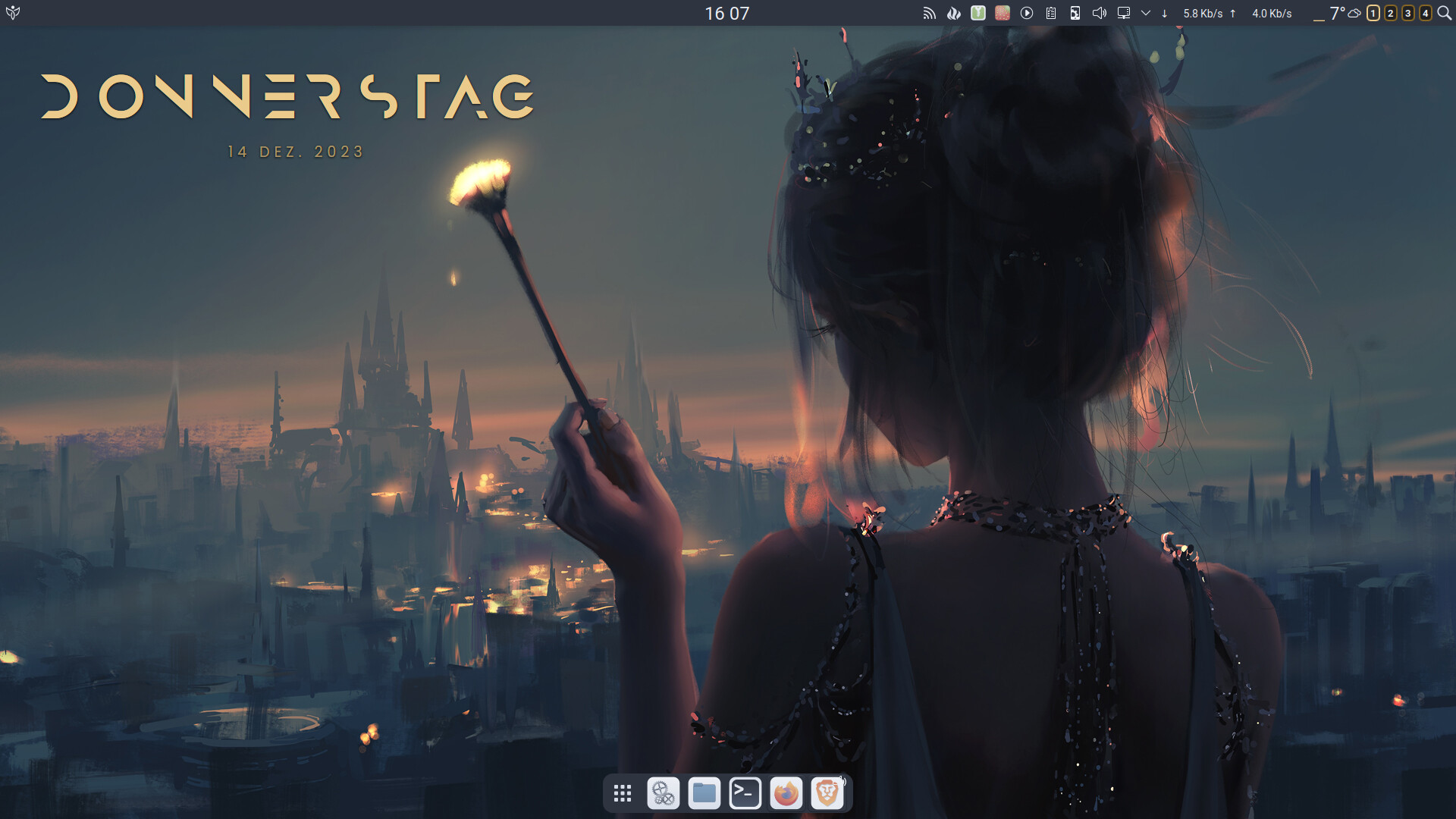
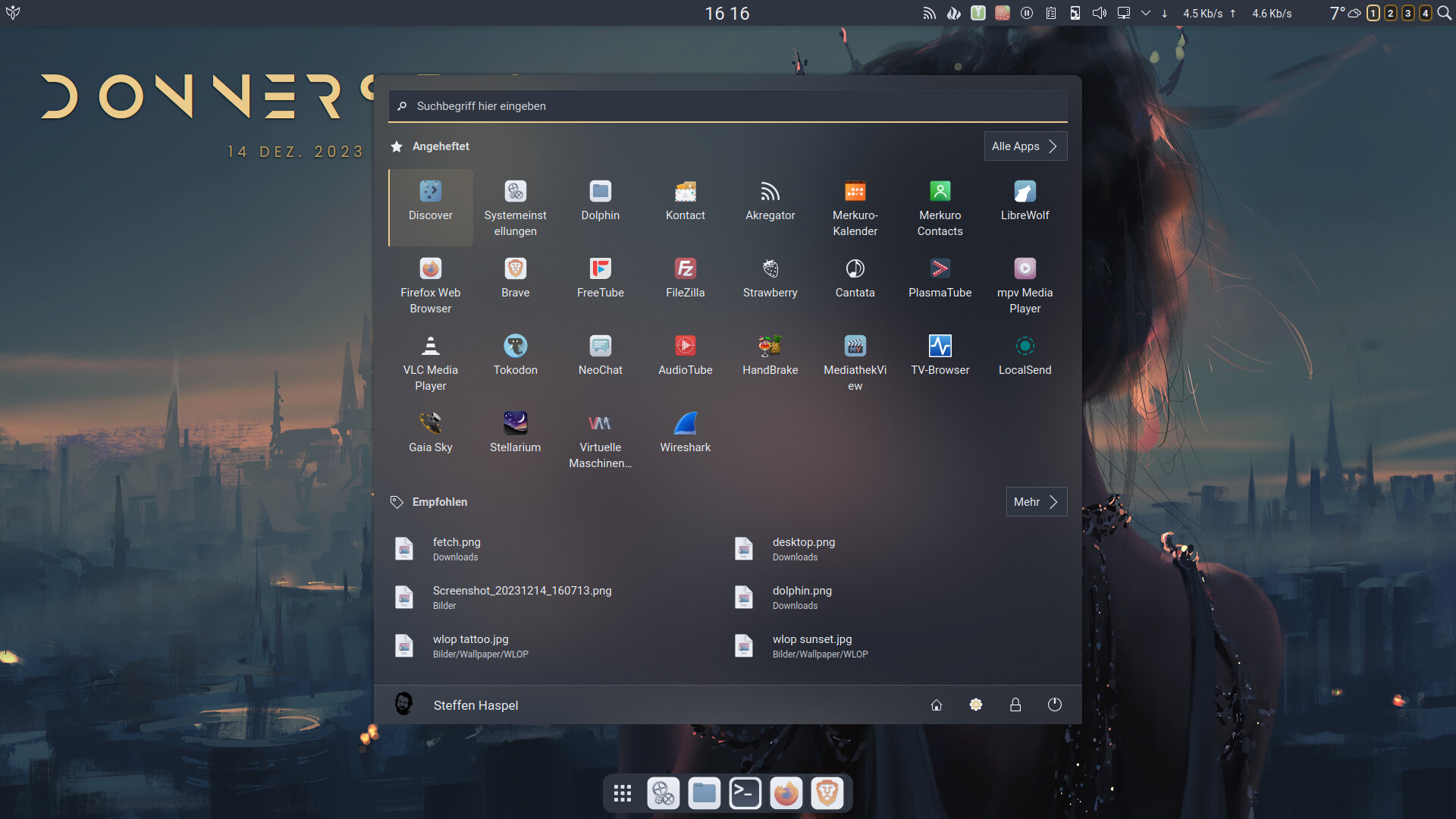
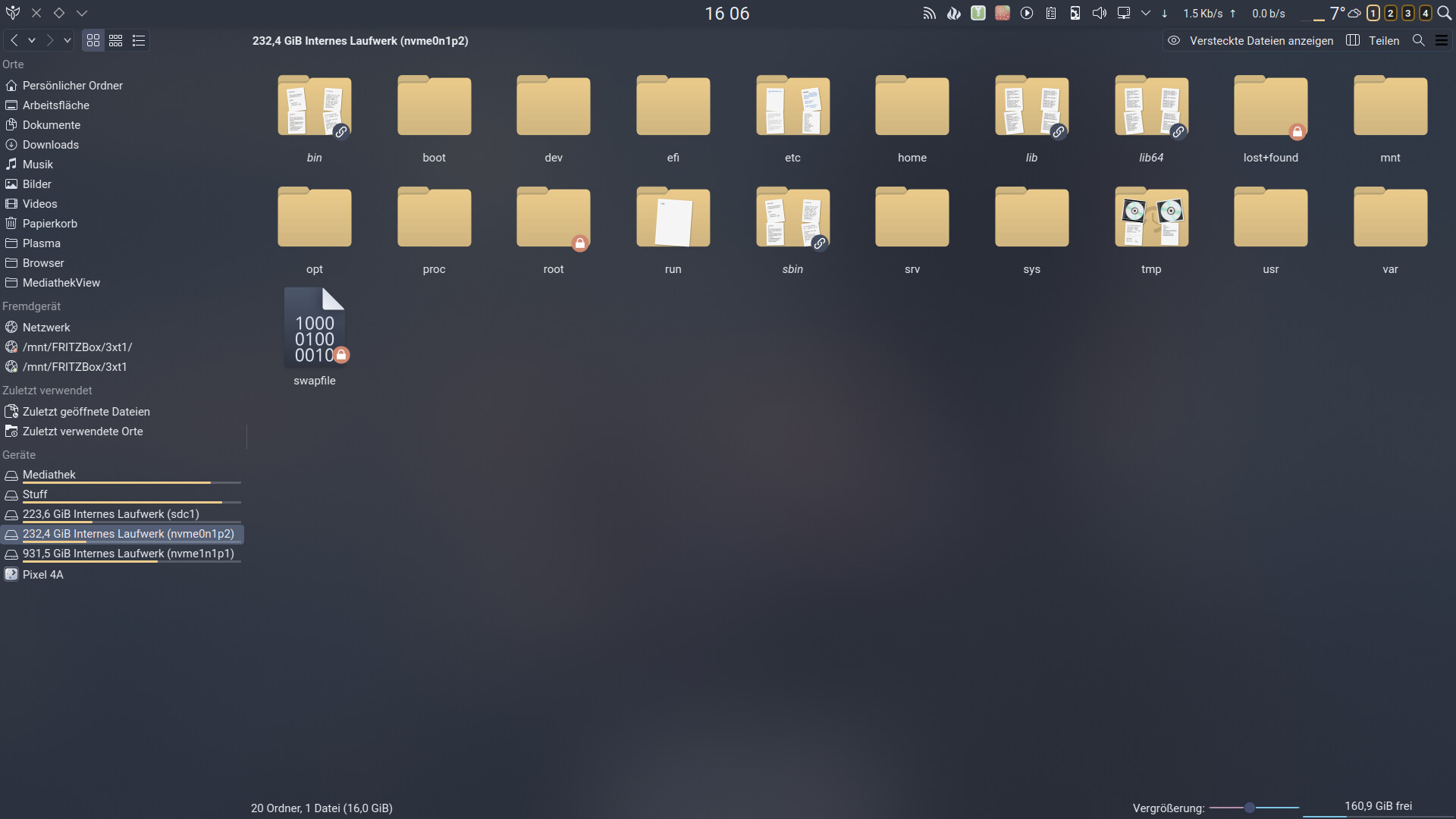
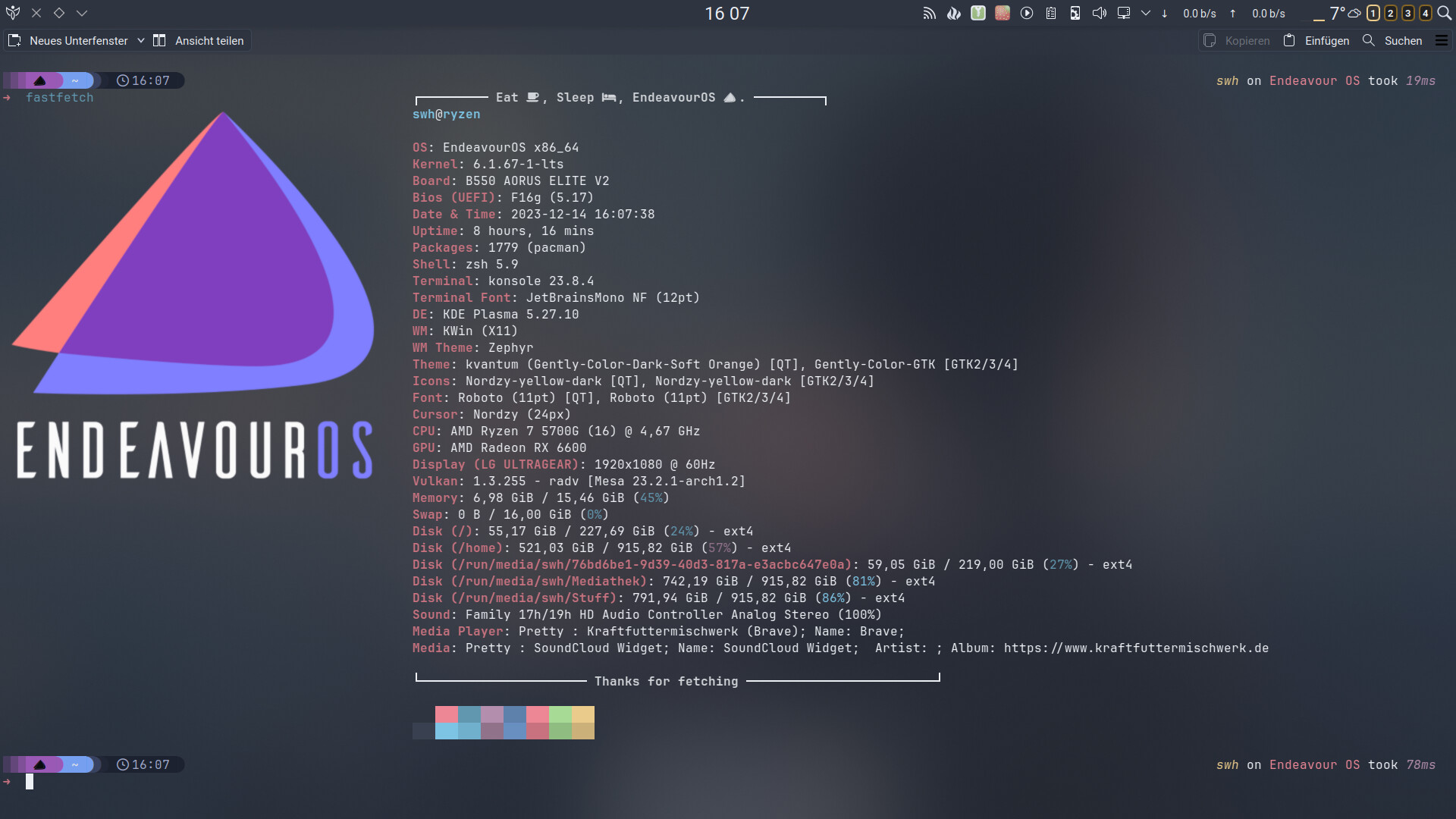
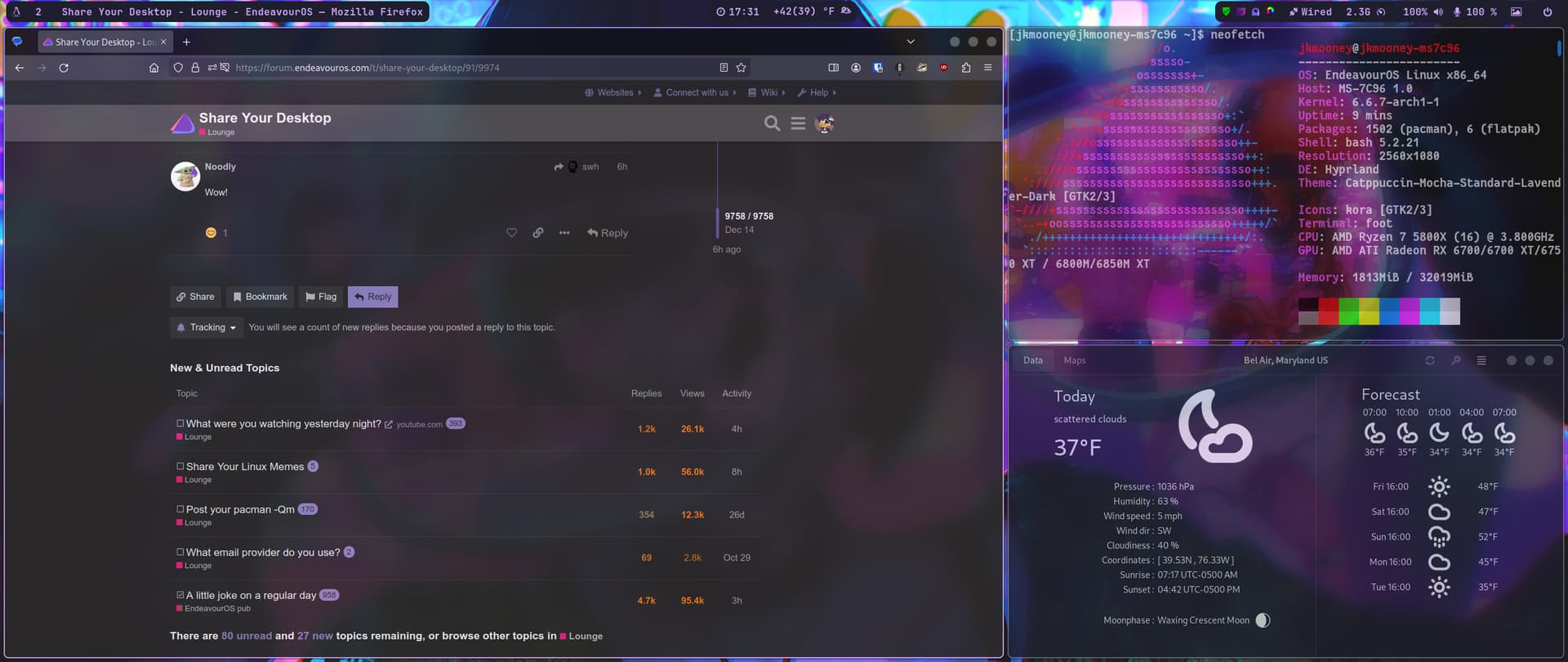
only two plasmoids changed this time…it’s really unbelievable how much time you can lose in it 
Hey guys,
Been spending a lot of time in nano and I just need a better text editor that’ll help me feel a little more at home in my workspace. Any suggestions for programs and themes/dotfiles?
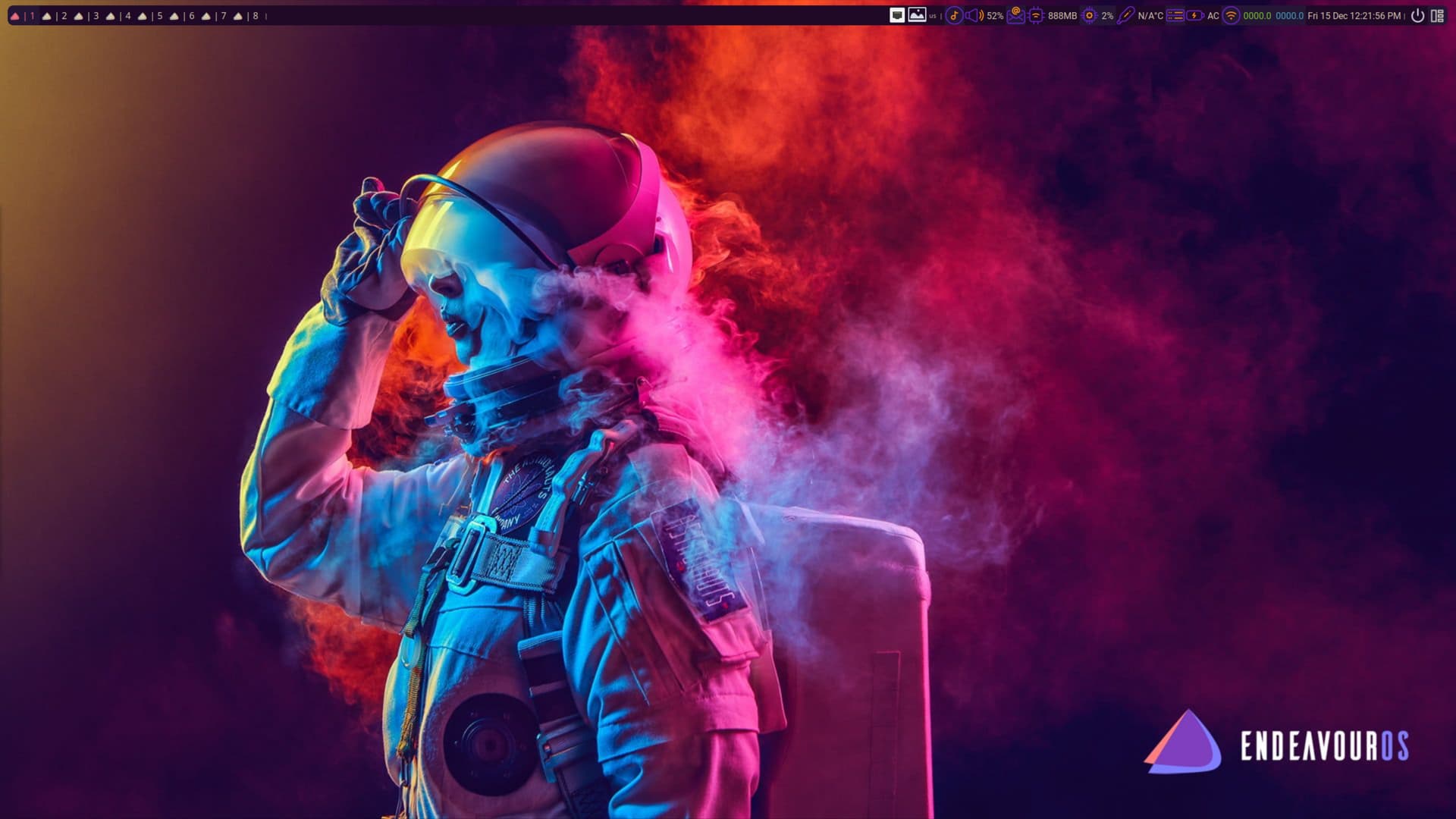
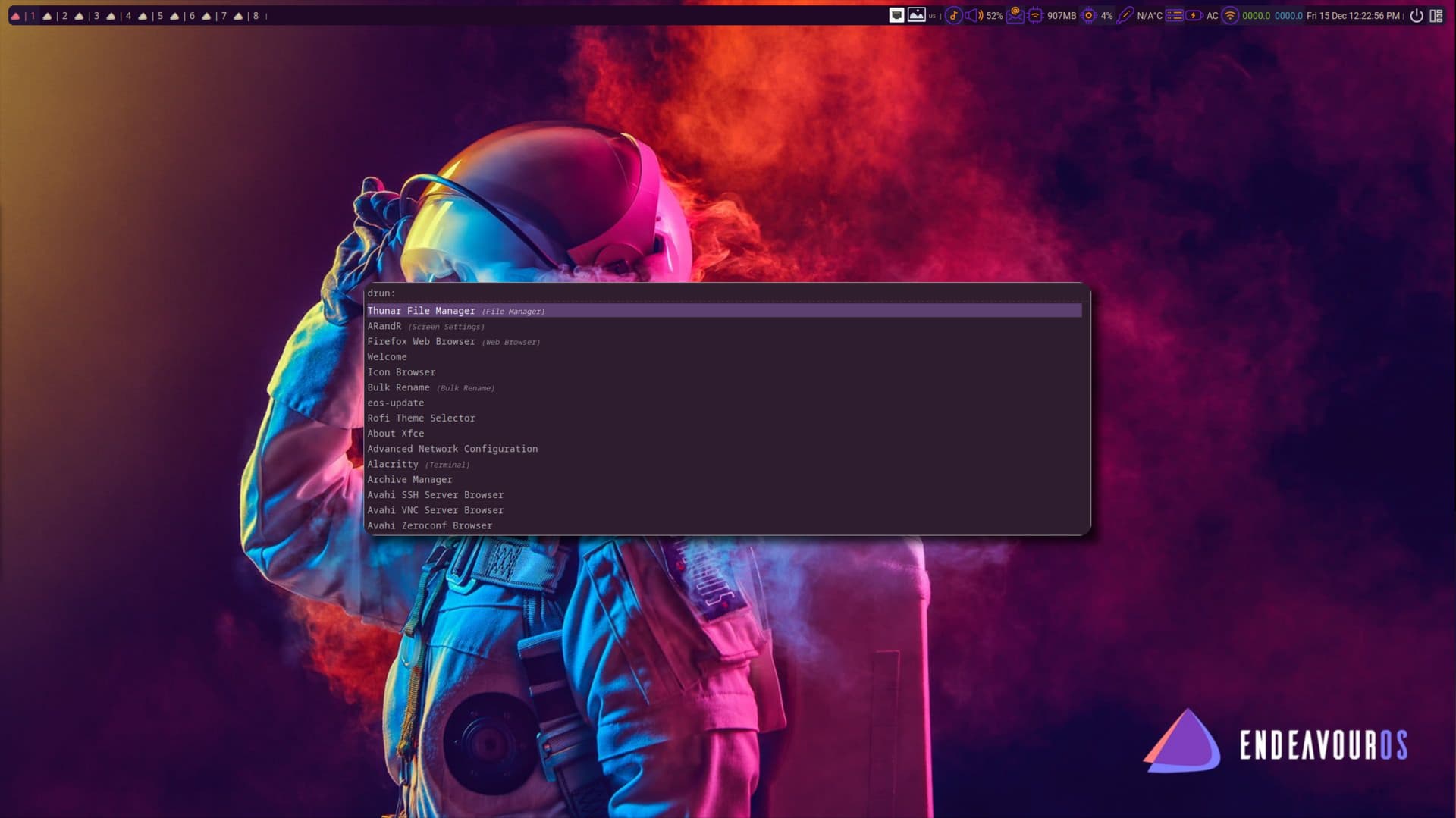
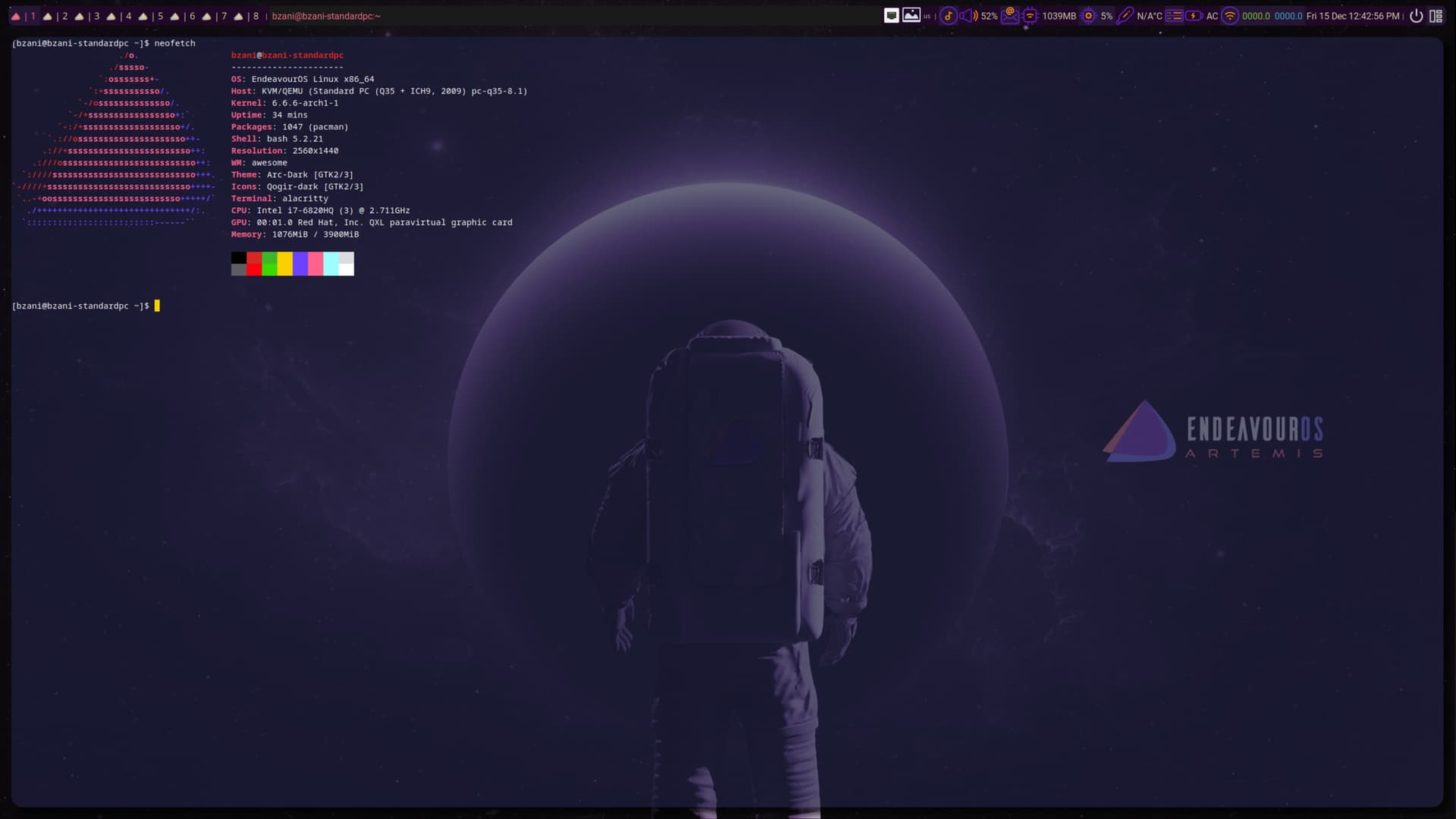
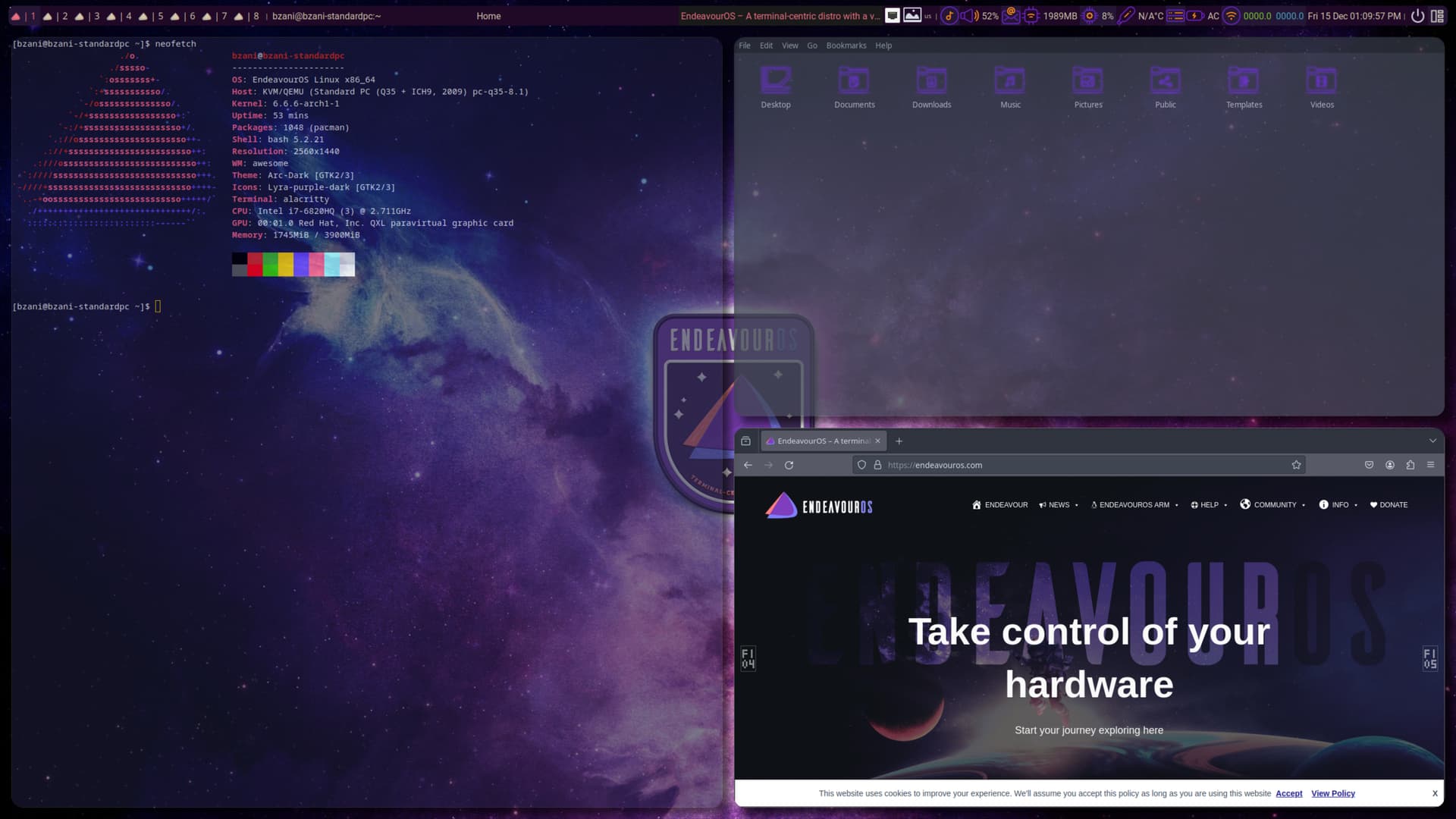
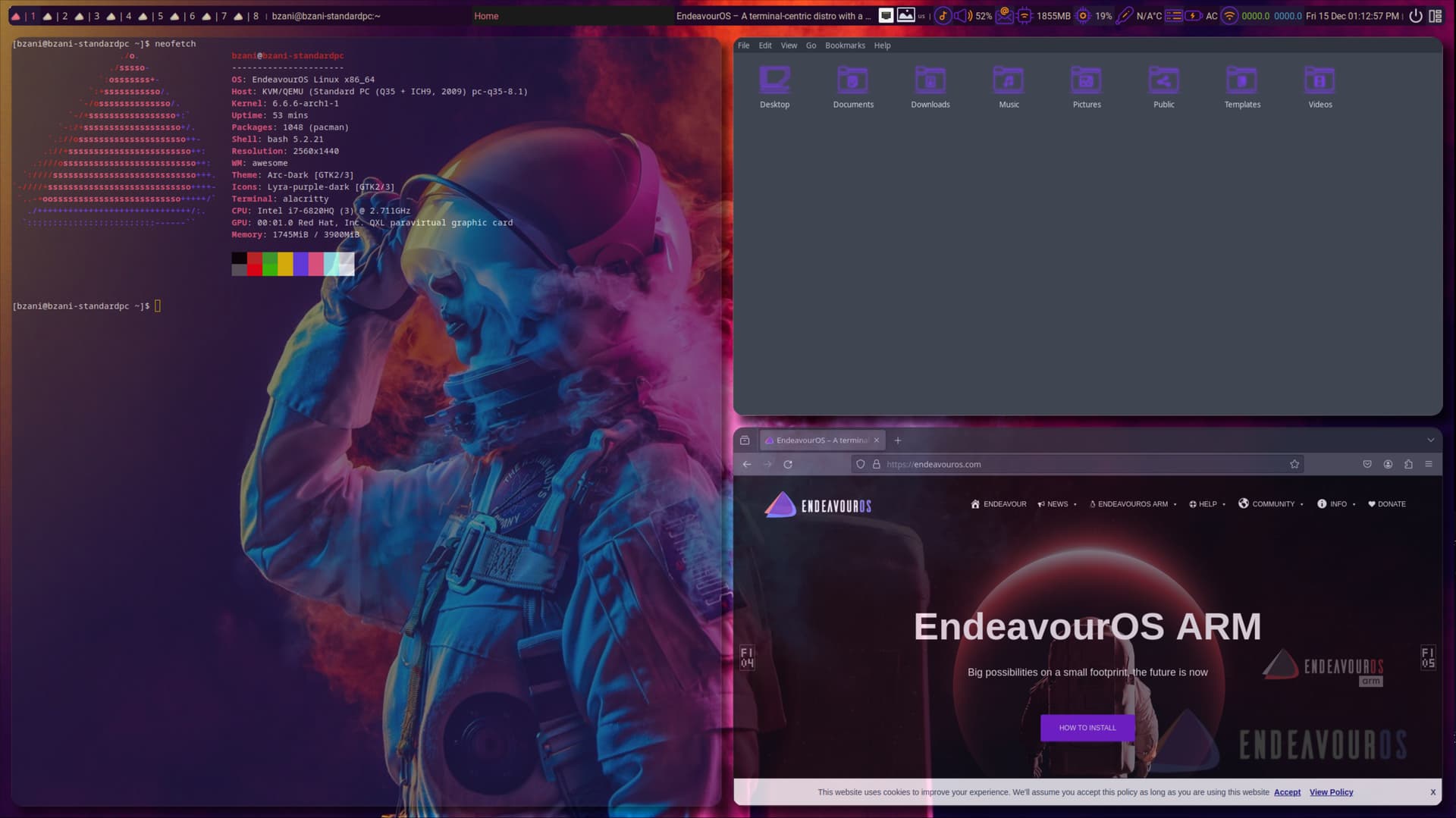
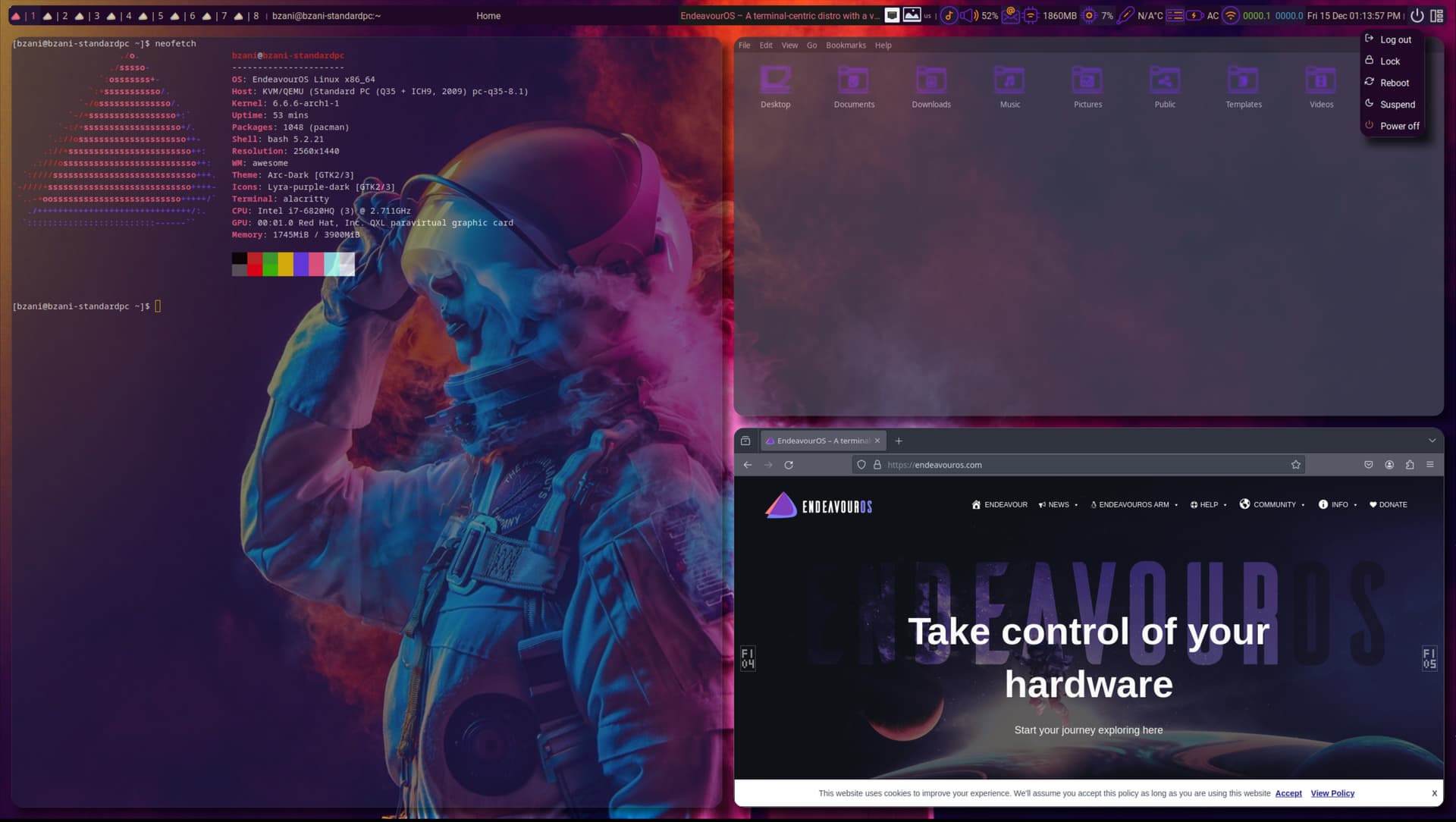
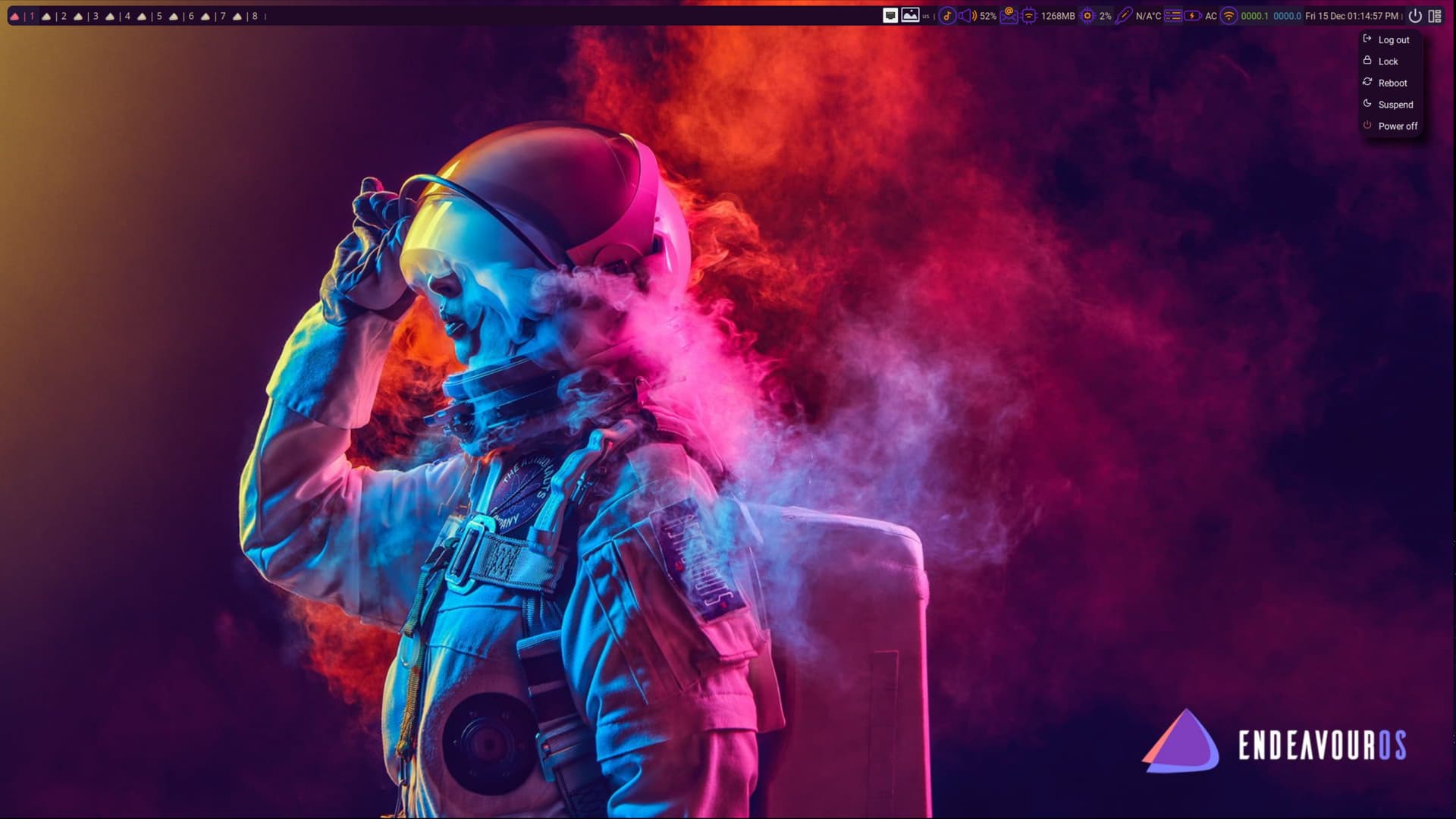
This is my first forum post! Yay! I have been with EOS for just over a year, making the exodus from LM. I have to say that this distro is freaking awesome! It is a tinkerer’s dream!  Having come from LM I have been using Cinnamon DE on EOS making my transition and workflow easy. However, as of late, I have become bored with the look and feel of my DE and decided to tinker with AwesomeWM on EOS in a VM, creating an EOS-centric theme, before committing the changes to my PC. Here’s a look at what I have done so far with AwesomeWM! Its been awesome messing with Awesome!
Credits go out to:
theme base: https://github.com/lcpz/awesome-copycats
power button: https://github.com/streetturtle/awesome-wm-widgets/tree/master/logout-menu-widget
wibar icons: https://www.flaticon.com/authors/rikas-dzihab
EOS community wallpapers
and all the Reddit forum posts on AwesomeWM.
@Bukabuka Welcome - looks awesome indeed.
Welcome to the dark side. 
It will be my first full year of daily driving Linux in like a week or ten days  I’ve had an overall pleasant experience with Linux so far. I did face several harsh months of freezes, segfaults and everything in between, but that was due to a bad RAM stick! Errors and bugs I’ve been able to either solve or live through (or well, roll back
  ).
).
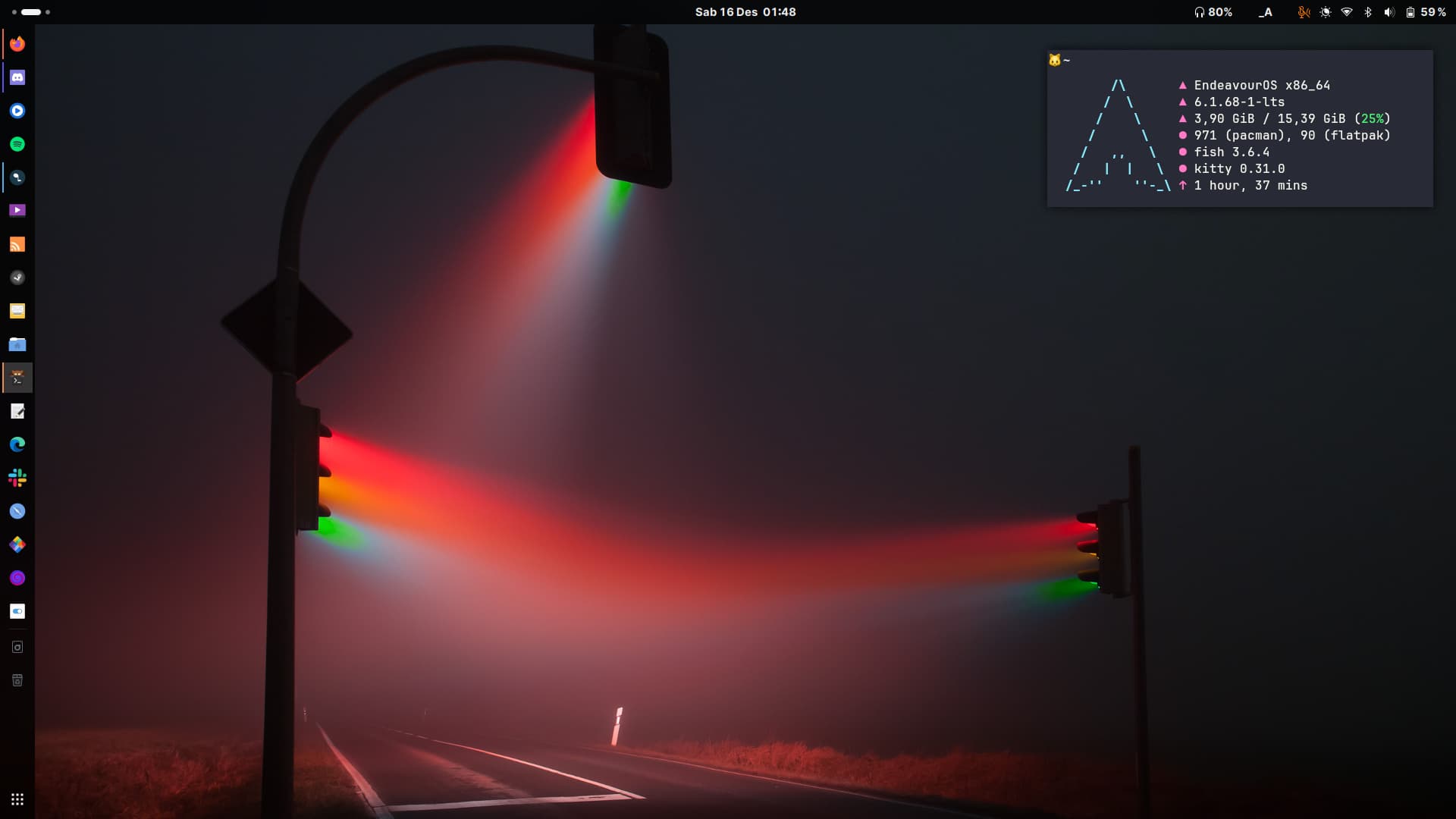
I’m now extremely comfortable with this look and feel. Stock Adwaita color scheme with wallpaper changes every few weeks - everything I usually need are on the left dock, if I’m too lazy to grab my mouse I’ll just hit Super key and type the first two-three letters of what I need and they’re right there; Fn+F11/F12 for kitty depending on my keyboard; when I’m not using it on my lap it’s plugged in to a dock (battery set to charge under 55 and stop at 60). I’ve also configured VPN so I can easily click on the VPN toggle from the GNOME Control Center whenever I need to start it. Easy! 
Depends on what you prefer:
I don’t get on with modal editors, steam comes out of my ears and the computer gets thrown across the room 
Emacs FTW.
This looks awesome! Love the wallpaper!
Found on wallhaven.cc