bit more Gimp fun on ARM.
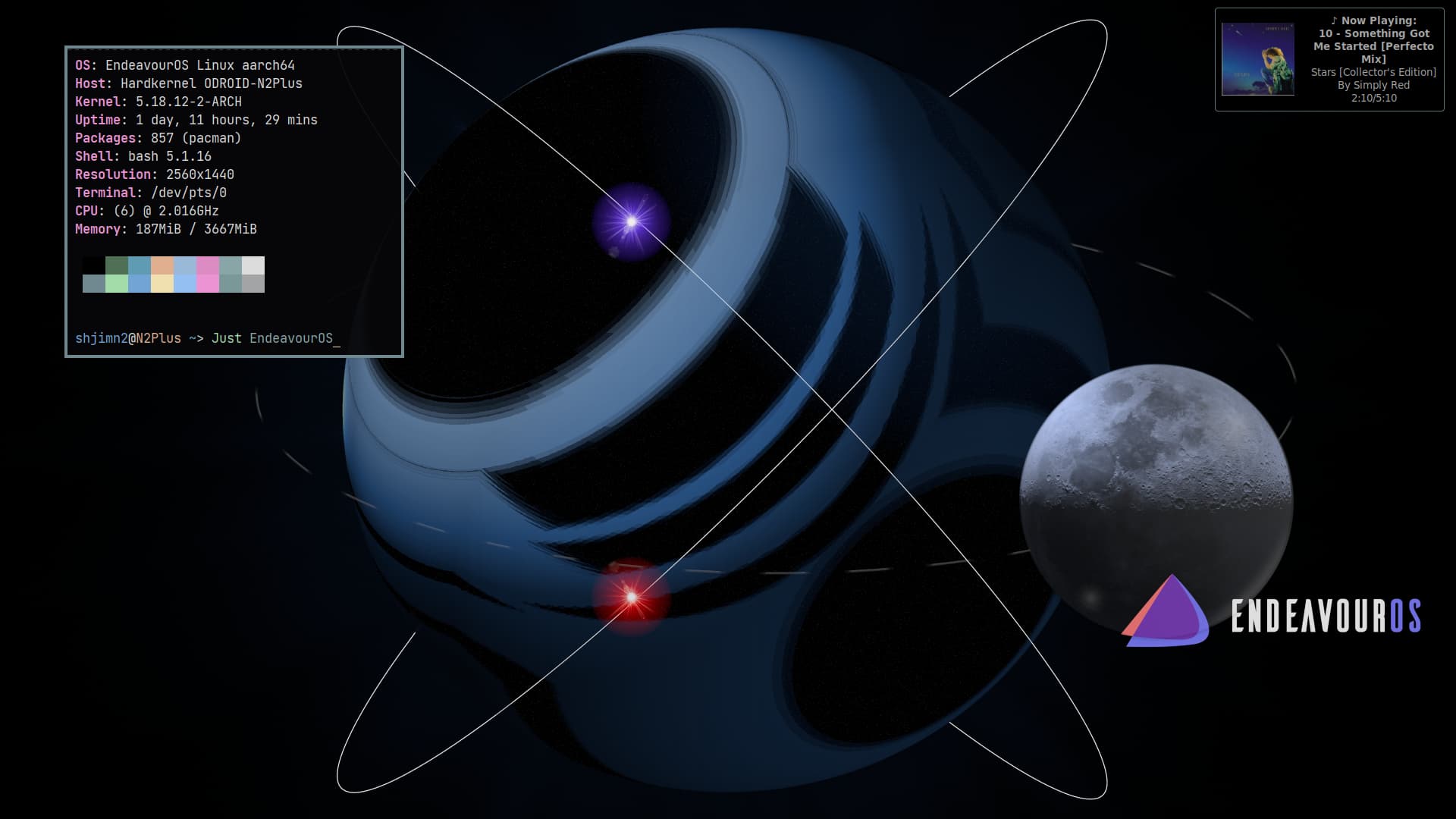
bit more Gimp fun on ARM.
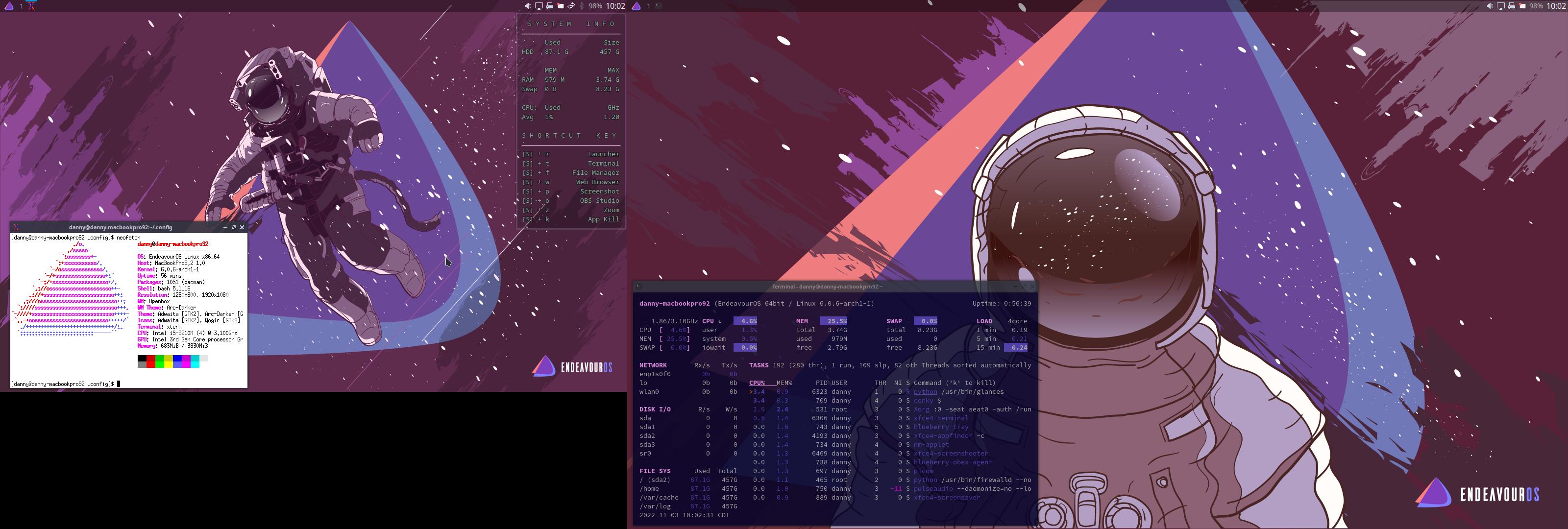
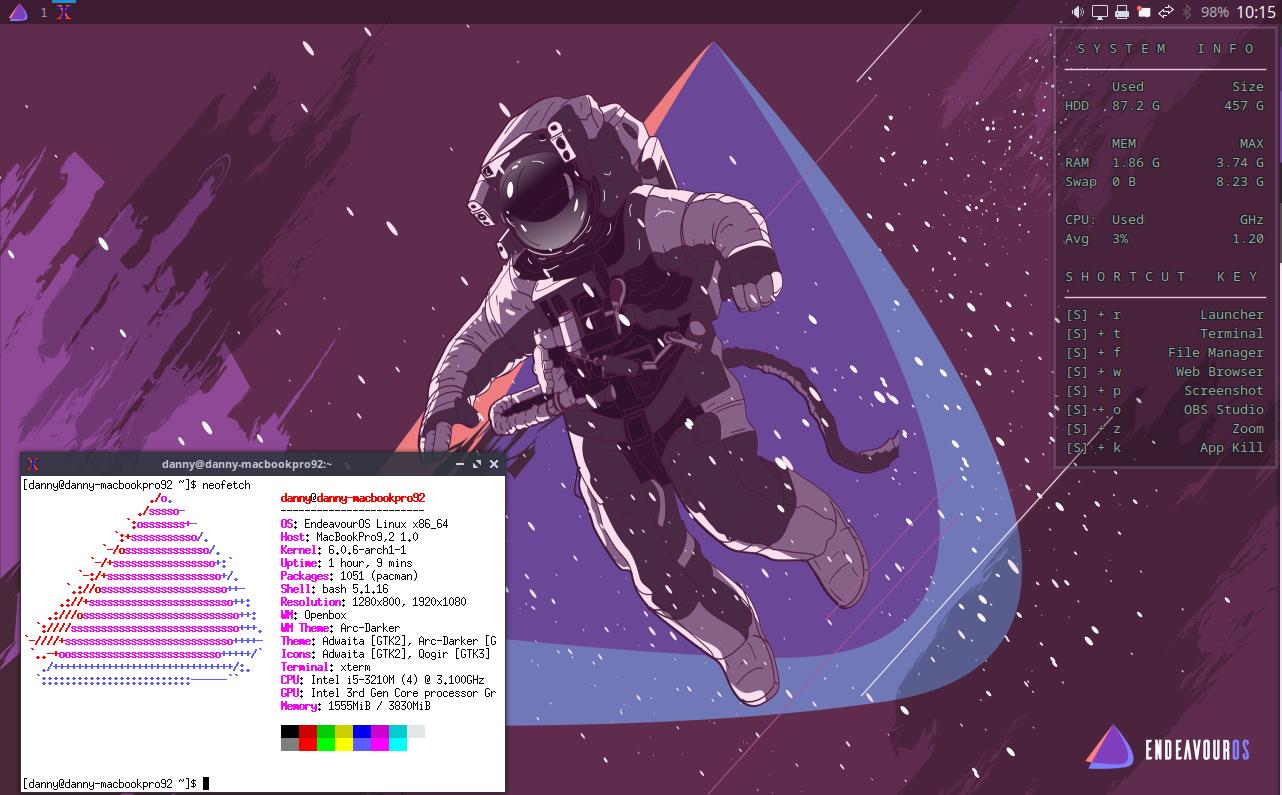
Finally made some more tweaks to my Openbox only session. I finally got the panel how I think I want it, for now lol. I also cleaned up my conky and actually created some key bindings. But the big accomplishment was getting the dual screens working on start up now. I still have some more things to play around with, but it is now very usable
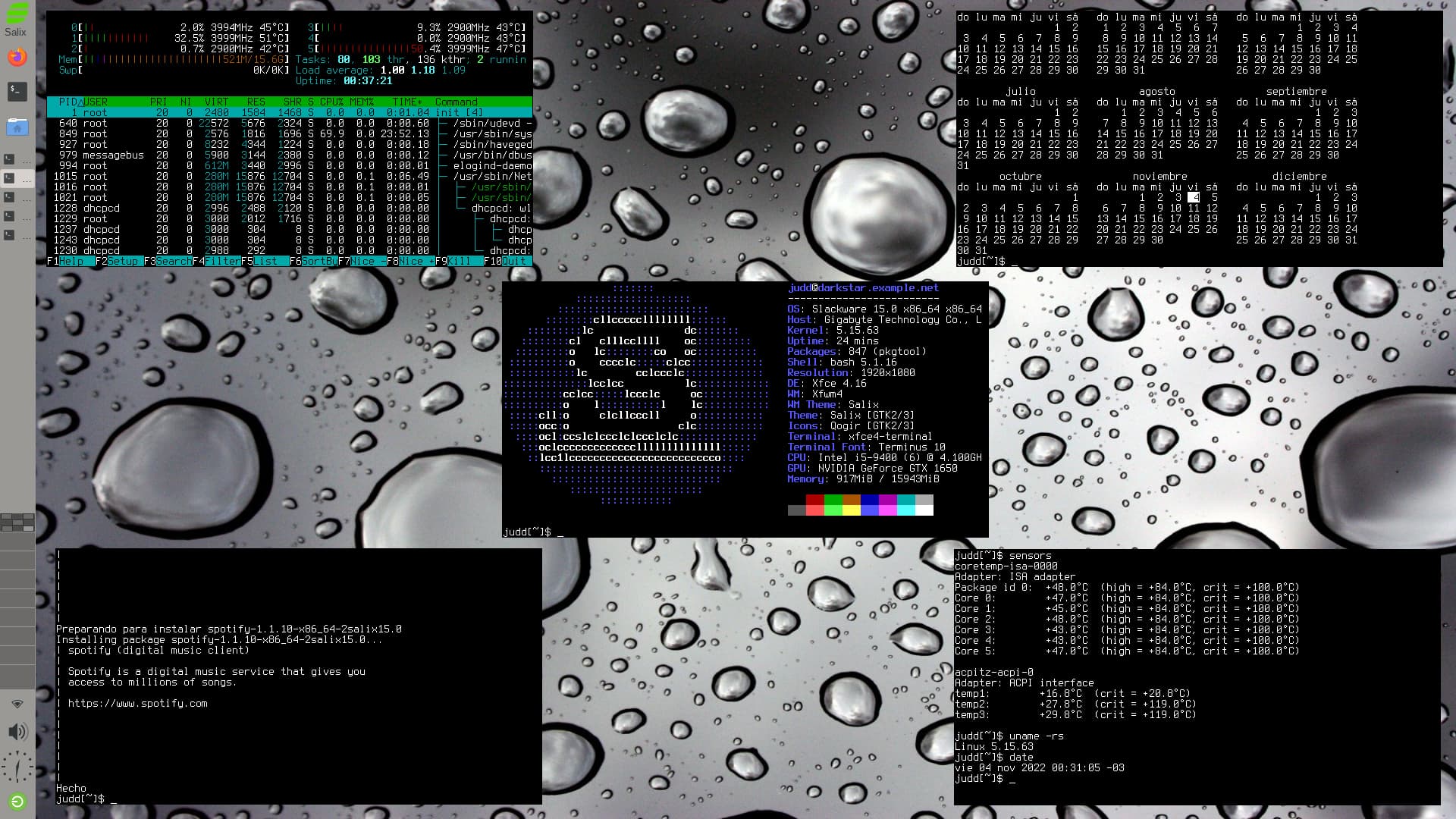
Good looking !!! Here is my Xfce Desktop
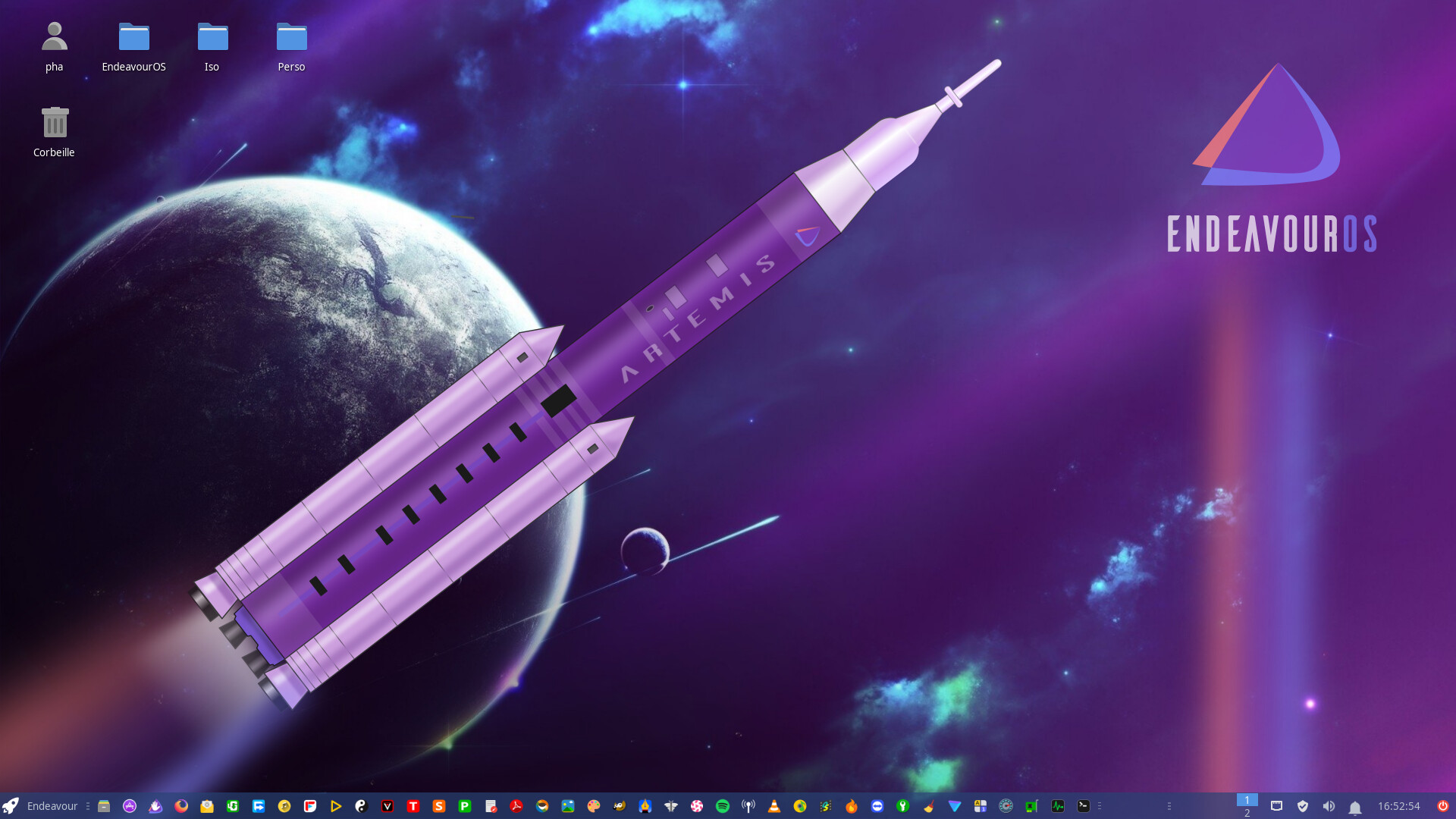
very clean
Thank you danny … 
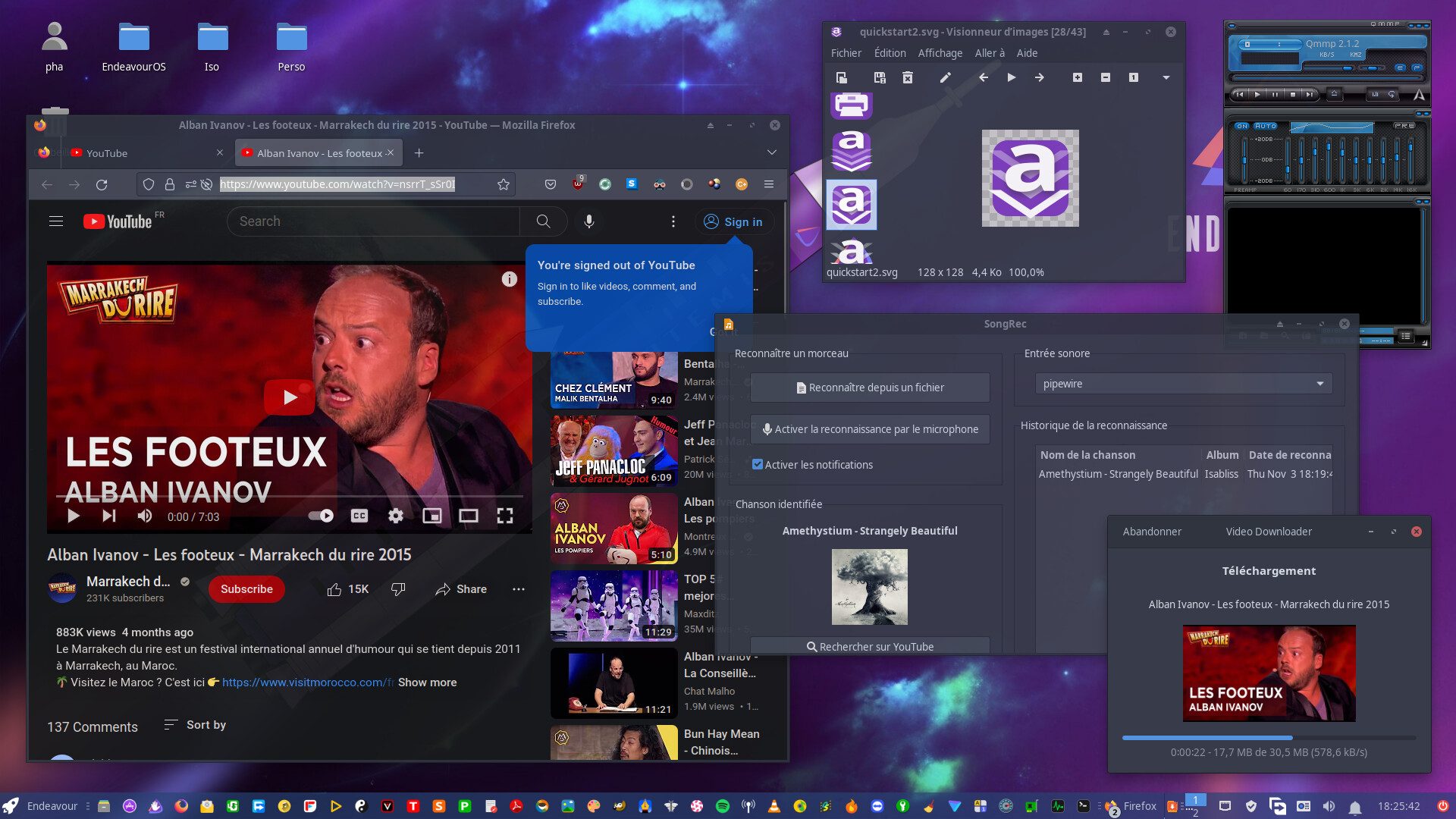
I didn’t know QMMP, looks like their devs are Xmms nostalgic. 
if you are nostalgic too you will like Qmmp, Xmms and Audacious …
Nice wallpaper
indeed these… colors and stardust
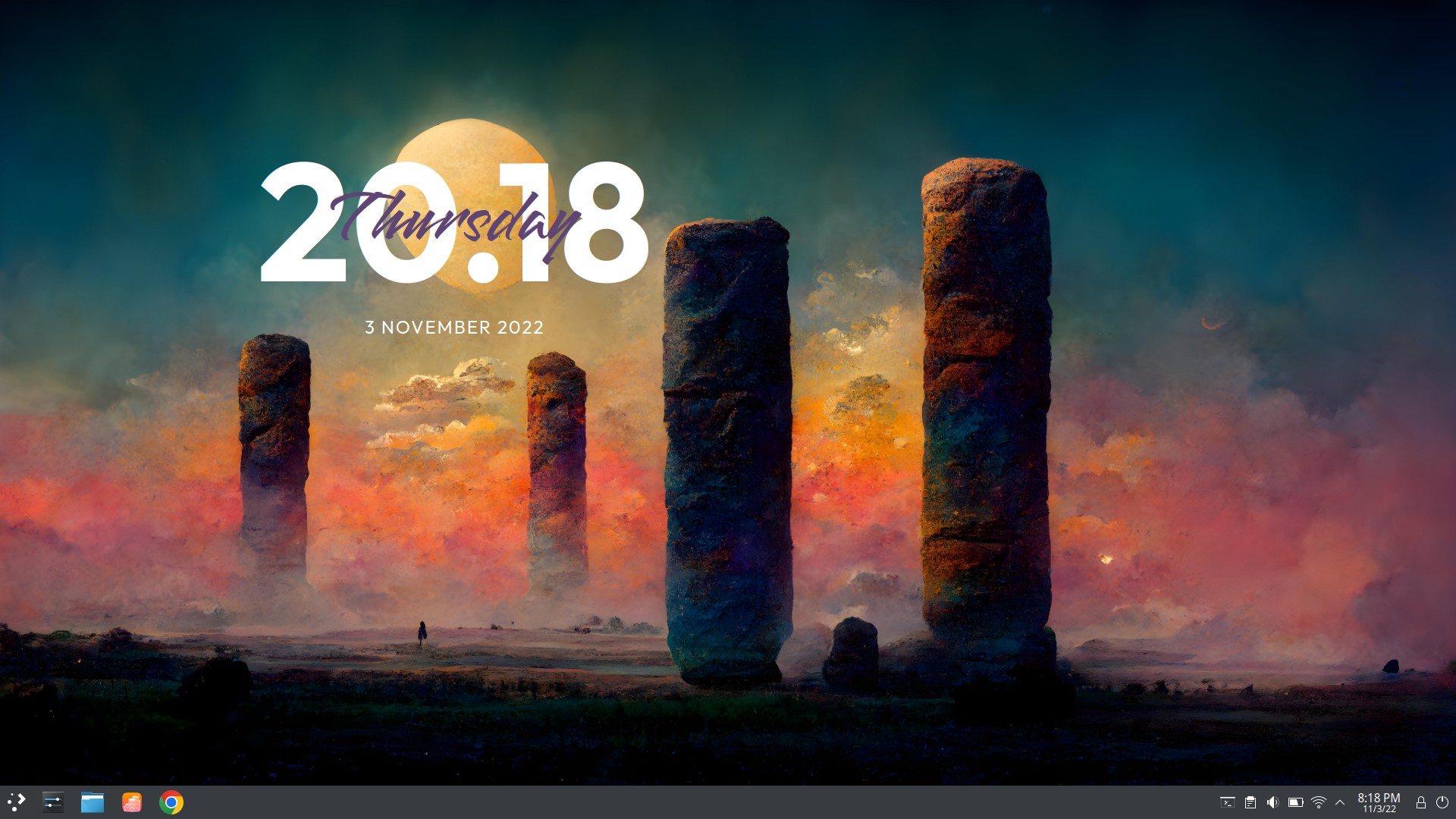
A little color for the fall
Yes, exactly. I have recognized the value of the “root” and the password tied to it. Which is the reason why I no longer like the Ubuntu way of working with the terminal.
Must add a file into “/etc/sudoers.d” to give the regular user permission to use “sudo”. That’s what I did.
Since we’re talking about Debian here, there’s an even simpler way - just add the user to the sudo group (after installing the sudo package).
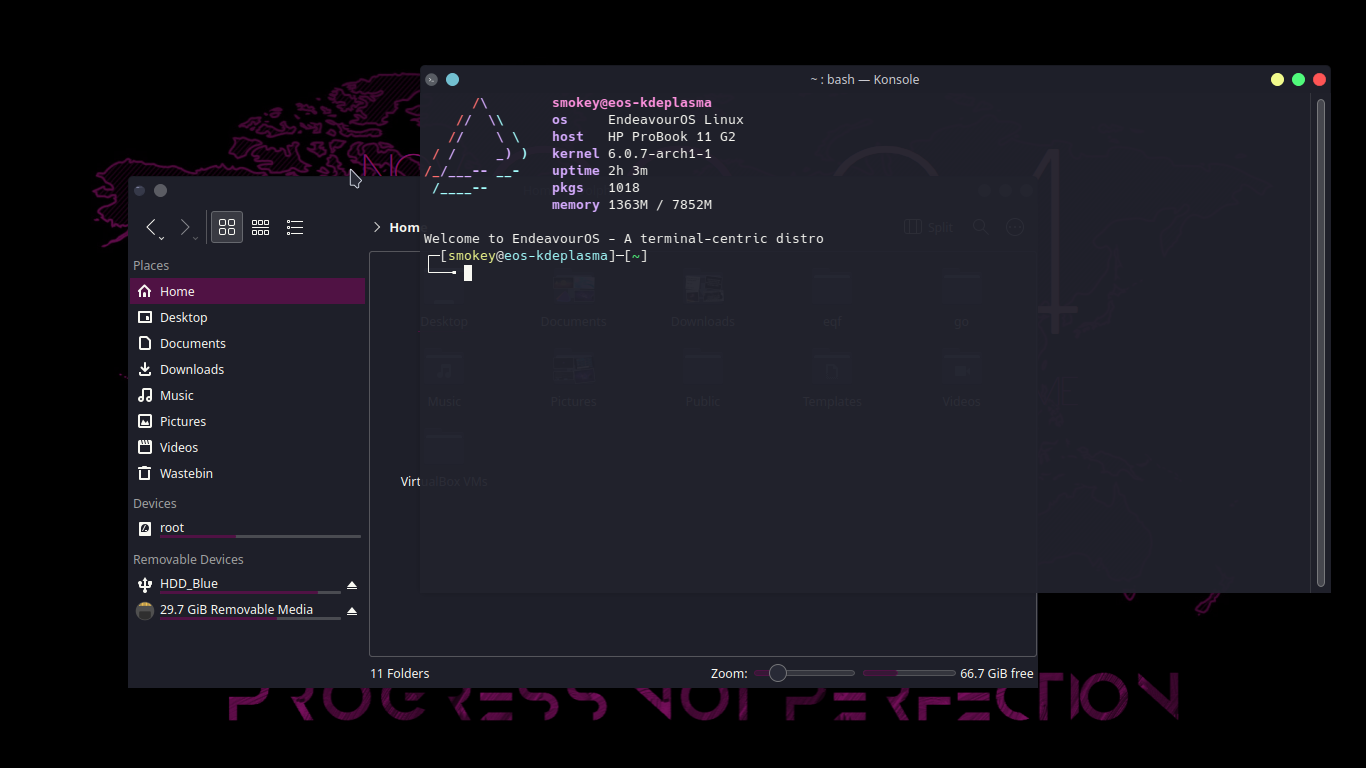
Made a few slight changes to the Dracula color scheme & changed the application style to breeze instead of using the Dracula kvantum theme to make it a bit more aesthetically pleasing to my eyes.
My Current Desktop. Simply out of this world.

From my experience sudo is not preinstalled. Only after I installed sudo did the /etc/sudoers.d directory appear.
It’s been a while since I’ve installed debian but the last time I had to install sudo
I am pretty sure this only happens if you set a root password at install. It also says so in the link posted above by @Stagger_Lee
Will have to try again. Used Debian last summer.
Notes for new Debian users
Some new Debian users, usually coming from Ubuntu, are shocked by problems like “sudo not working in Debian”. However, this situation only happens if you have set a root password during your Debian installation.