Nice! But which widget is that for the clock and calendar?
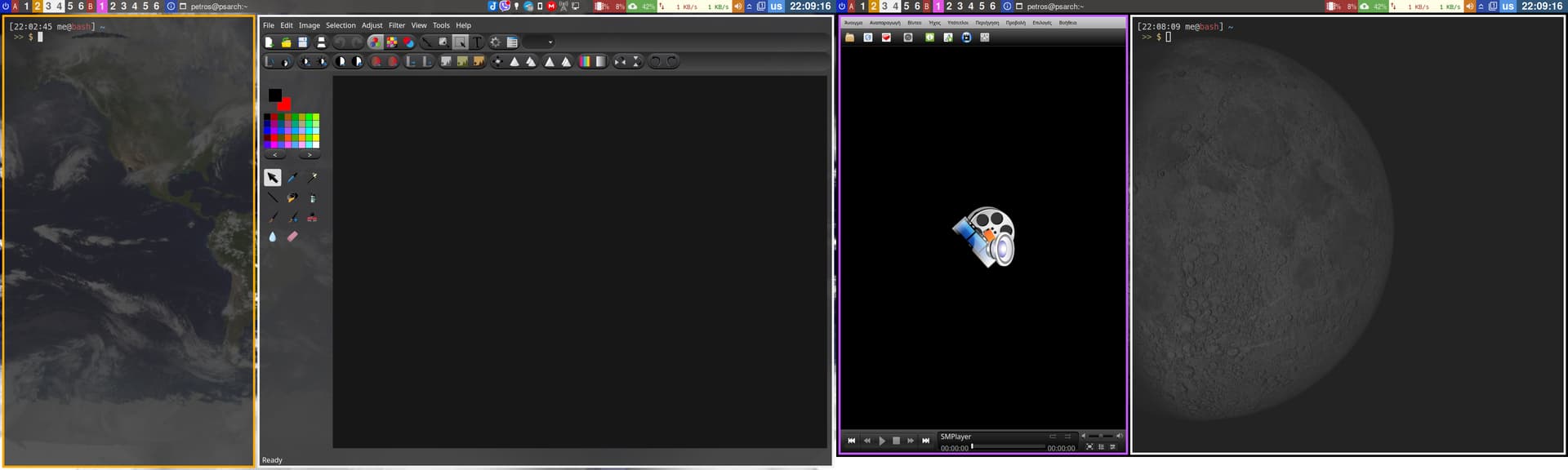
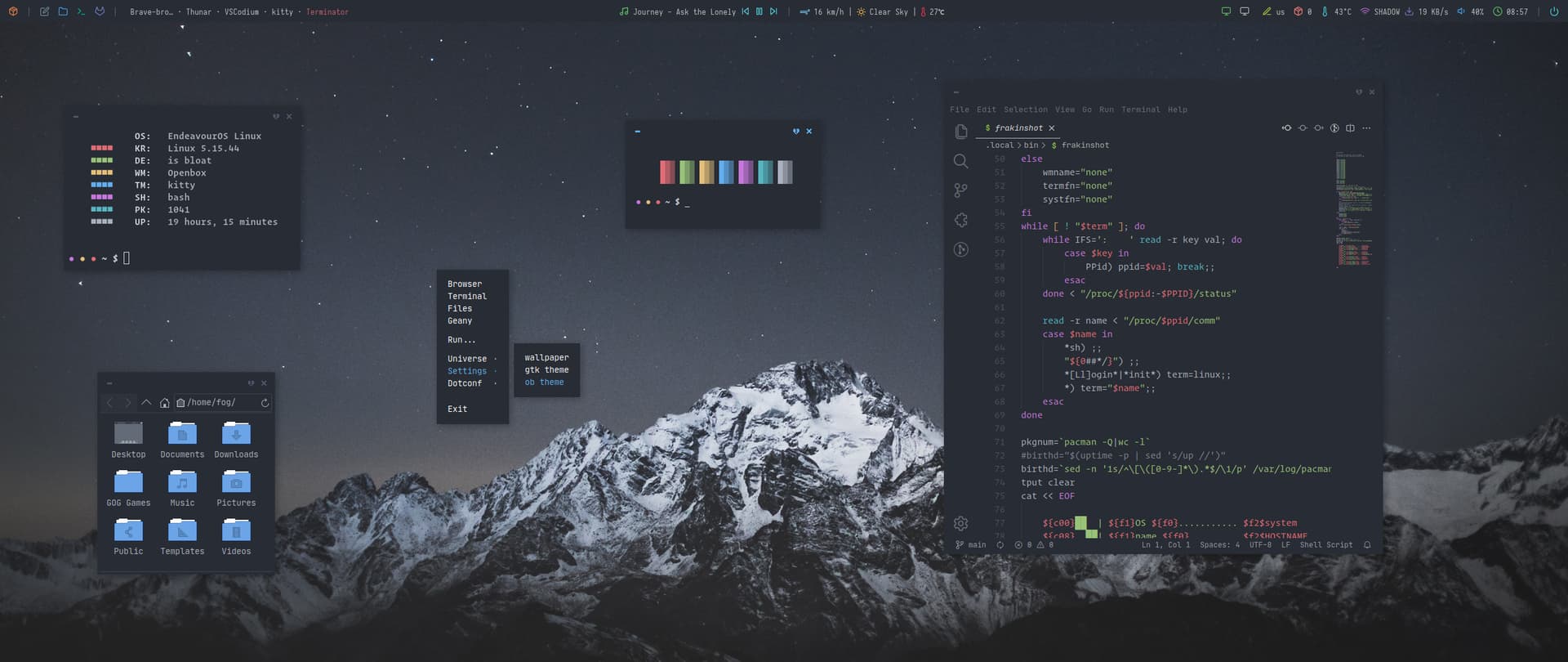
Not really special aesthetically, but it’s BSPWM with polybar with dual monitors and this is enough to be interesting… Colors at polybar have a usability reason, not just random.

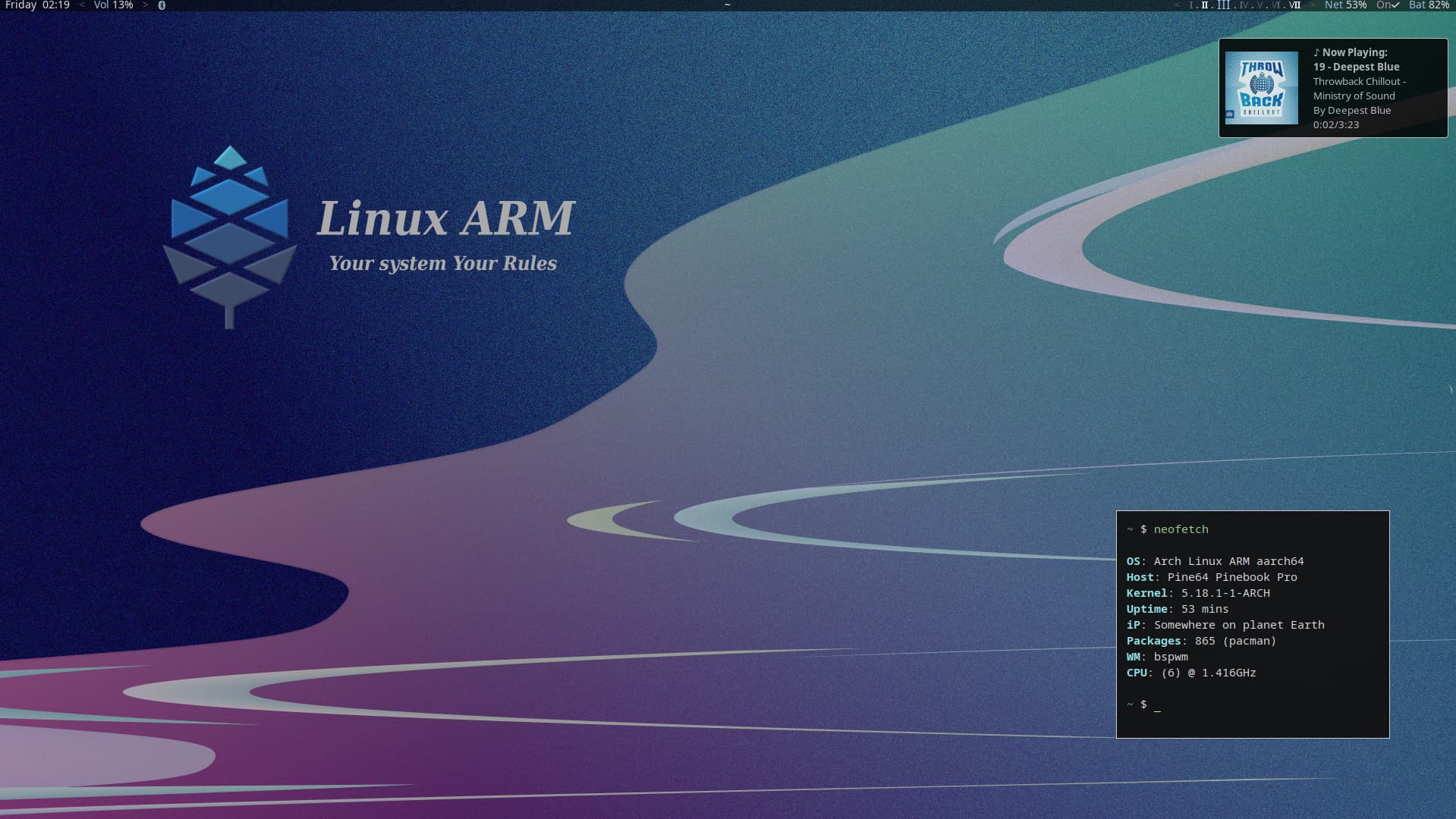
some ARM love . 
or Dark ( what tickle me at time )
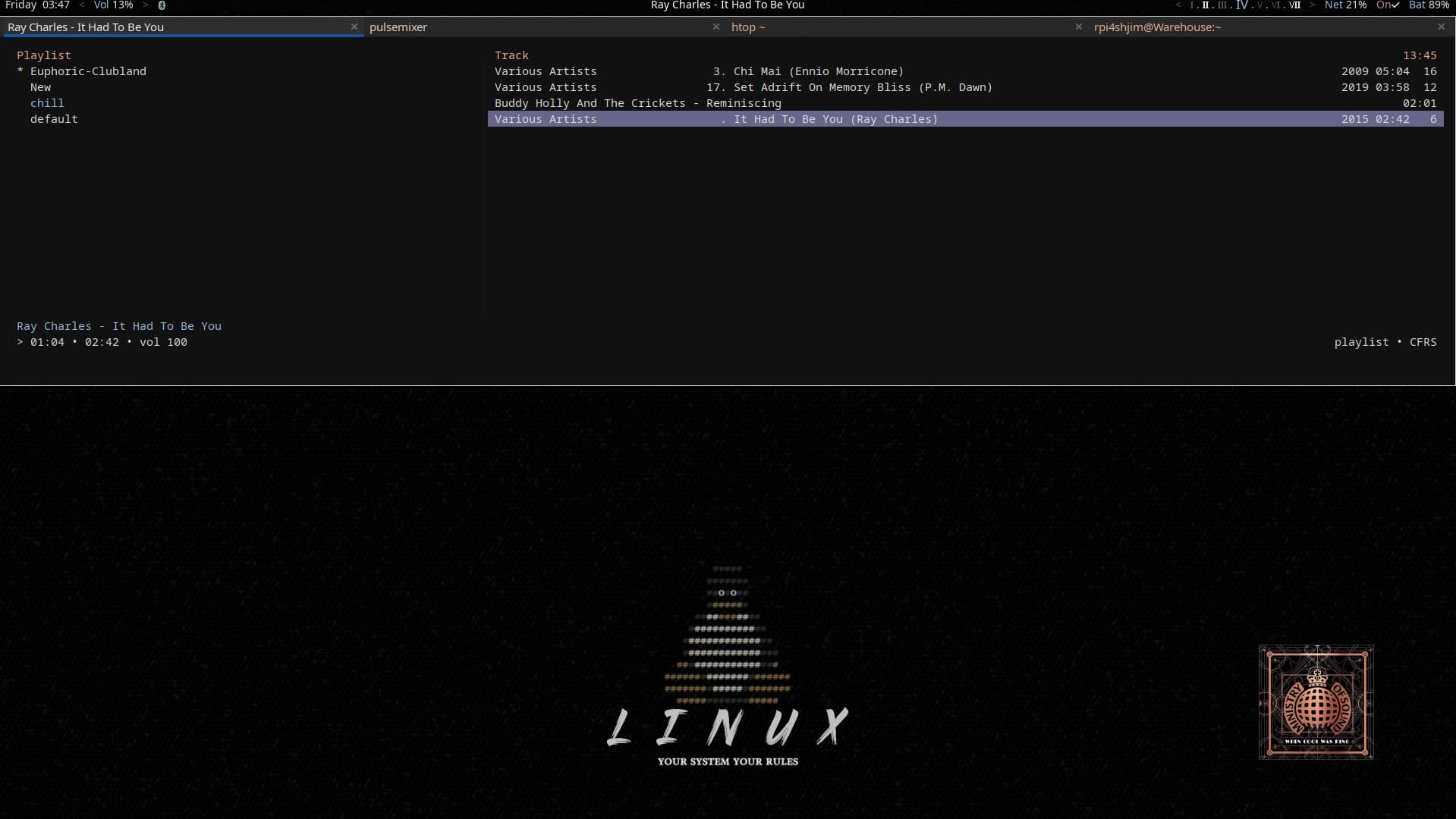
(drop terminal /scratch pad ) that tdrop ( it can be top,bottom, side, middle or where you like+ you pick size)
This is the closest I’m getting to the beach this year, unfortunately. Also switched up the icons.
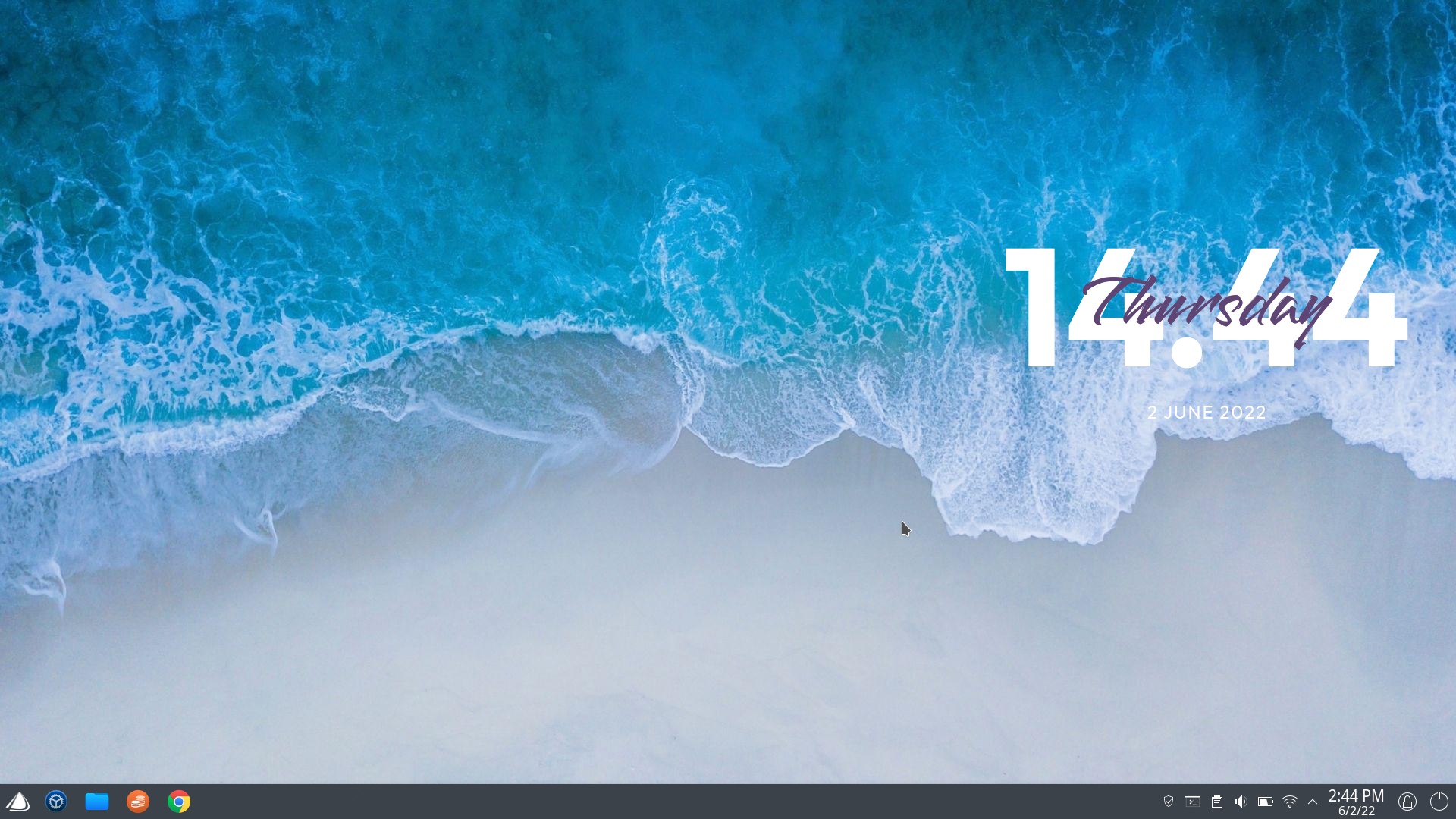
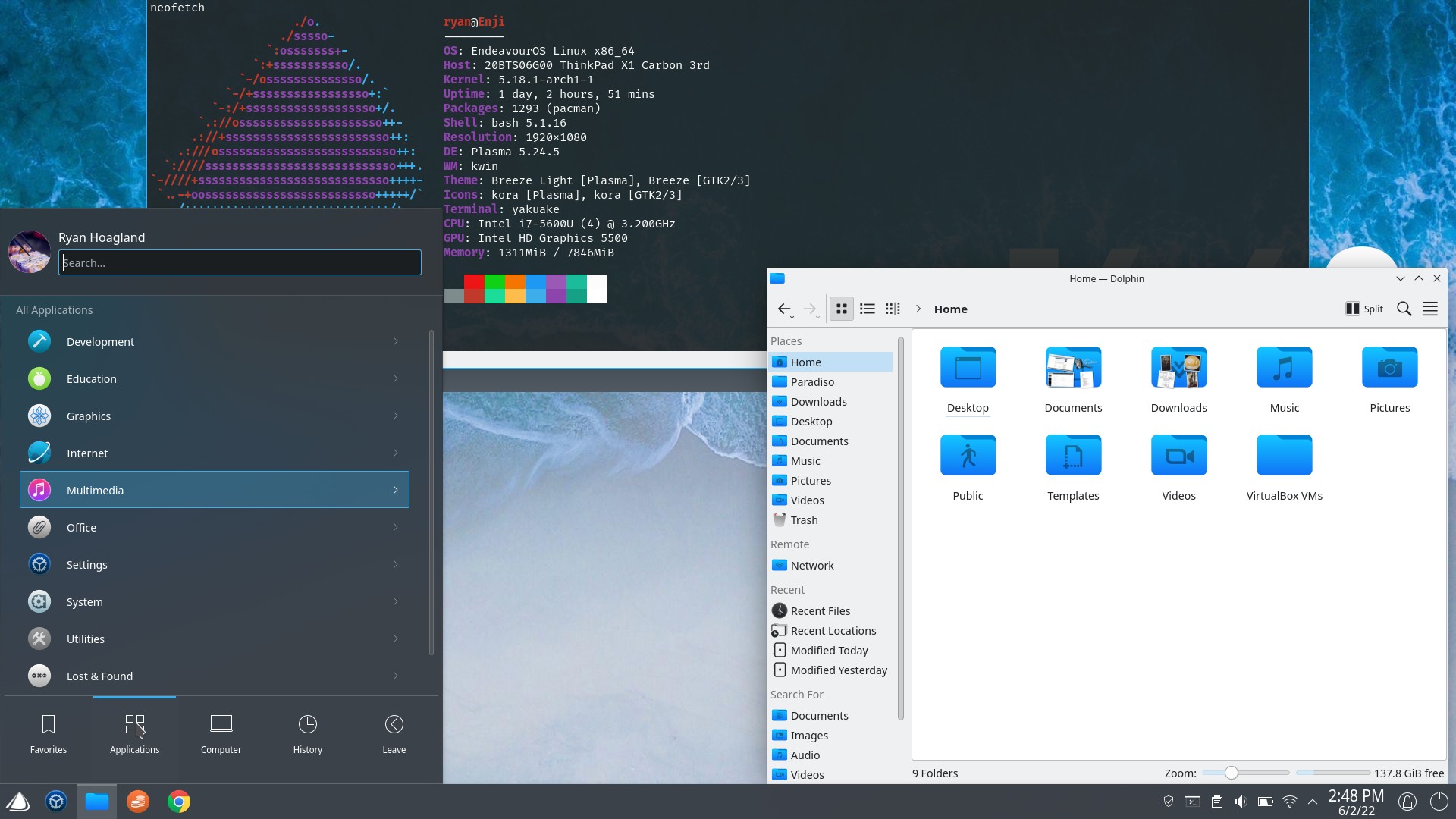
It’s called Asthetic Clock - has a clock/date, media player information and a system monitor
This is my new LXQT RPI400 build:
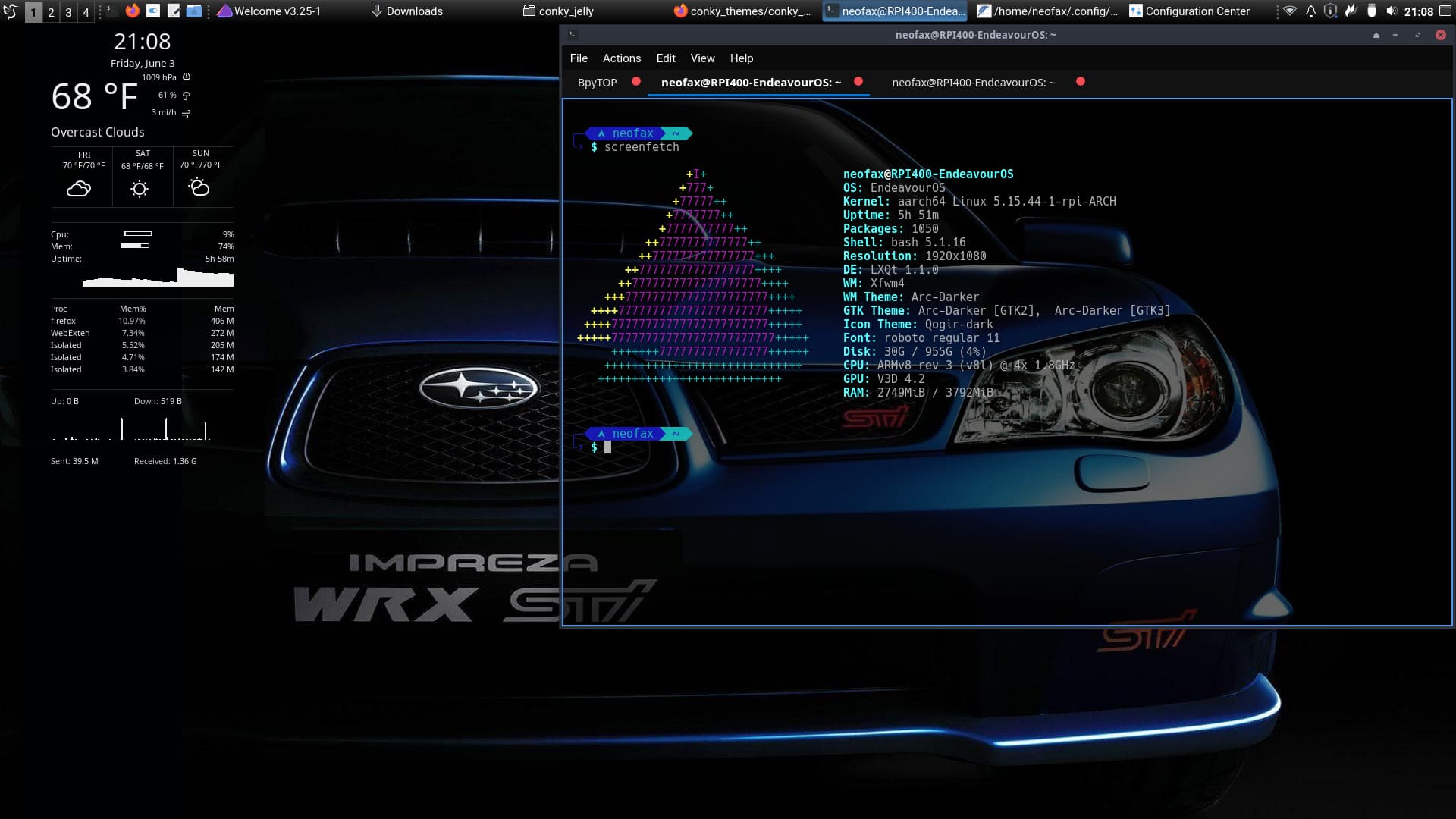
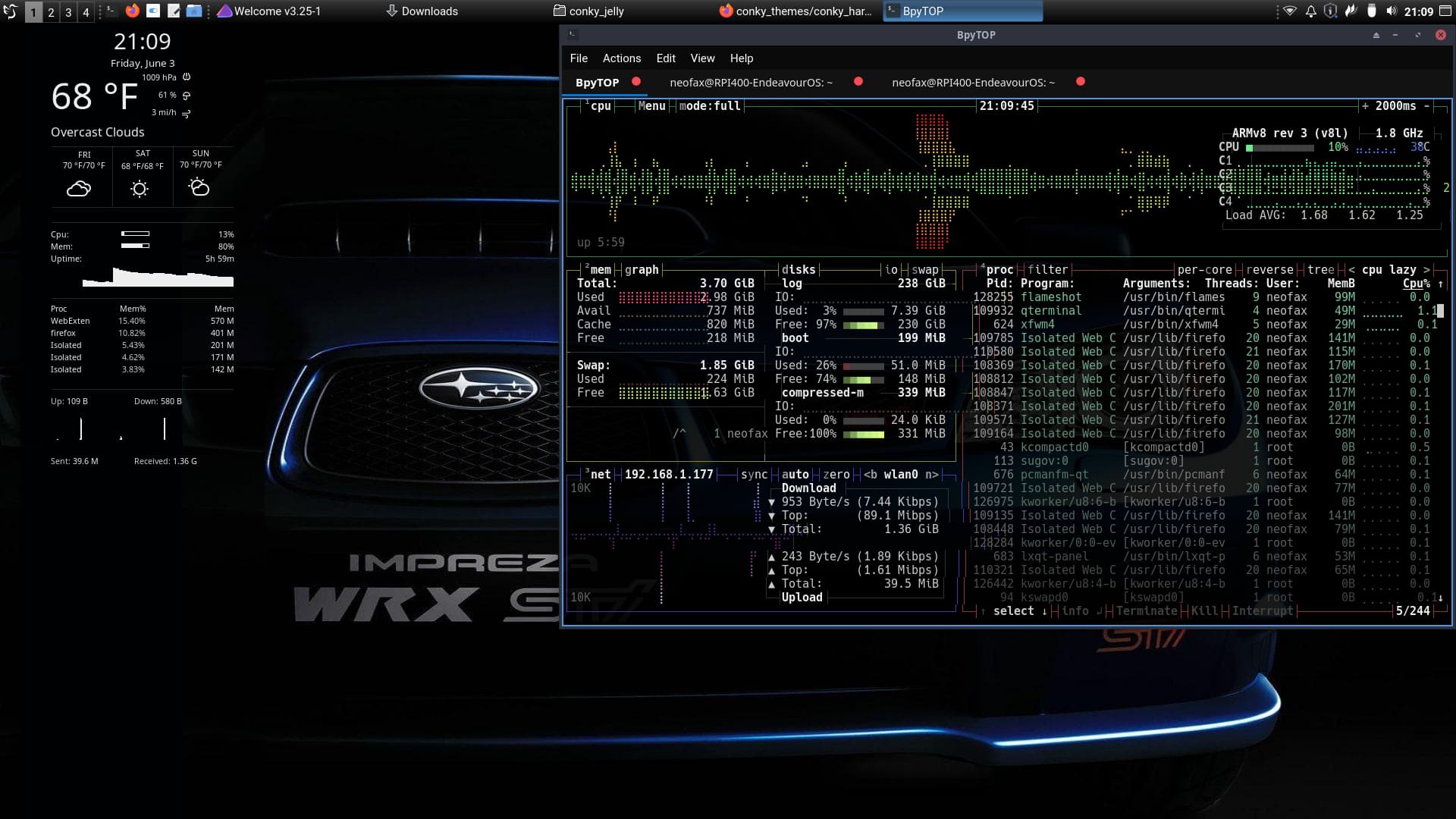
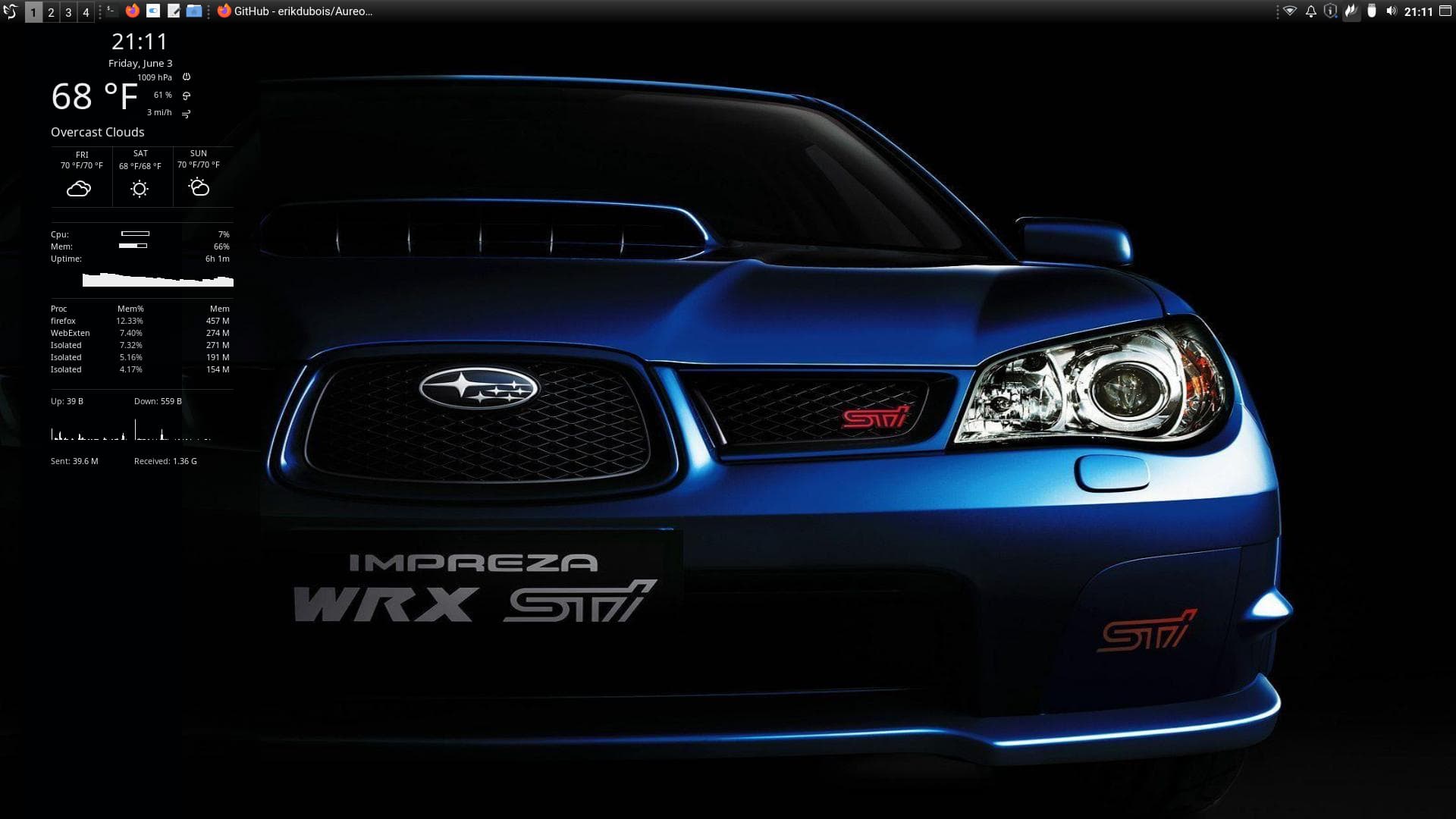
I need to fix the bpytop colors and (assuming) font so it lines up better. I need to spend sometime working on getting a theme that I like better that supports rounded corners and blur/shadows and some more colorscheme updates. Other than that it will do for now. I probably will swap out XFWM for KDE as the WM as I enjoy the desktop effects built into KDE.
Just thought I’d mention that compiz works well with xfce - and was the source for the effects that kwin picked up…
And - I like turbo boxer power!

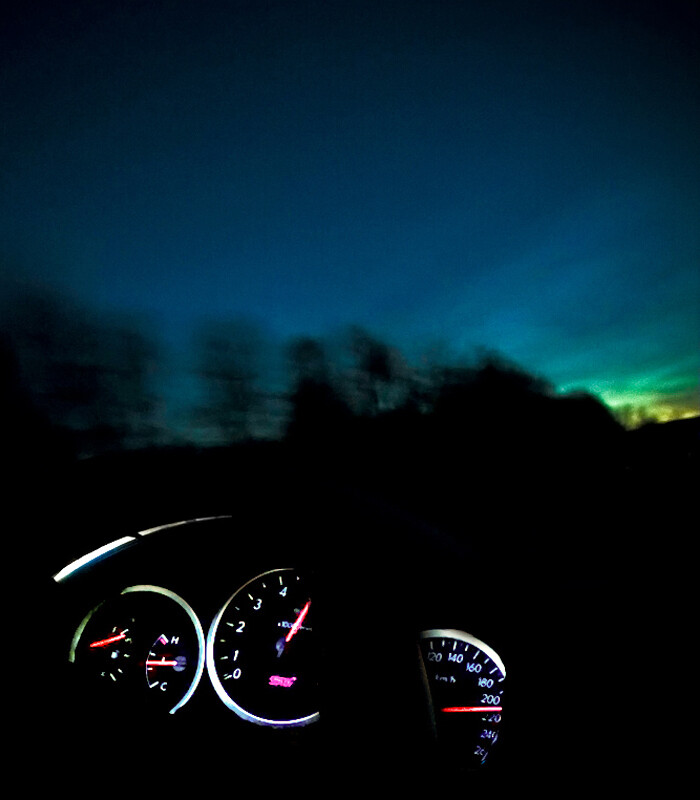
Gee - my 2.5GT Legacy won’t do much better… 
Funny how it seems to happen at night - or maybe real early morning?
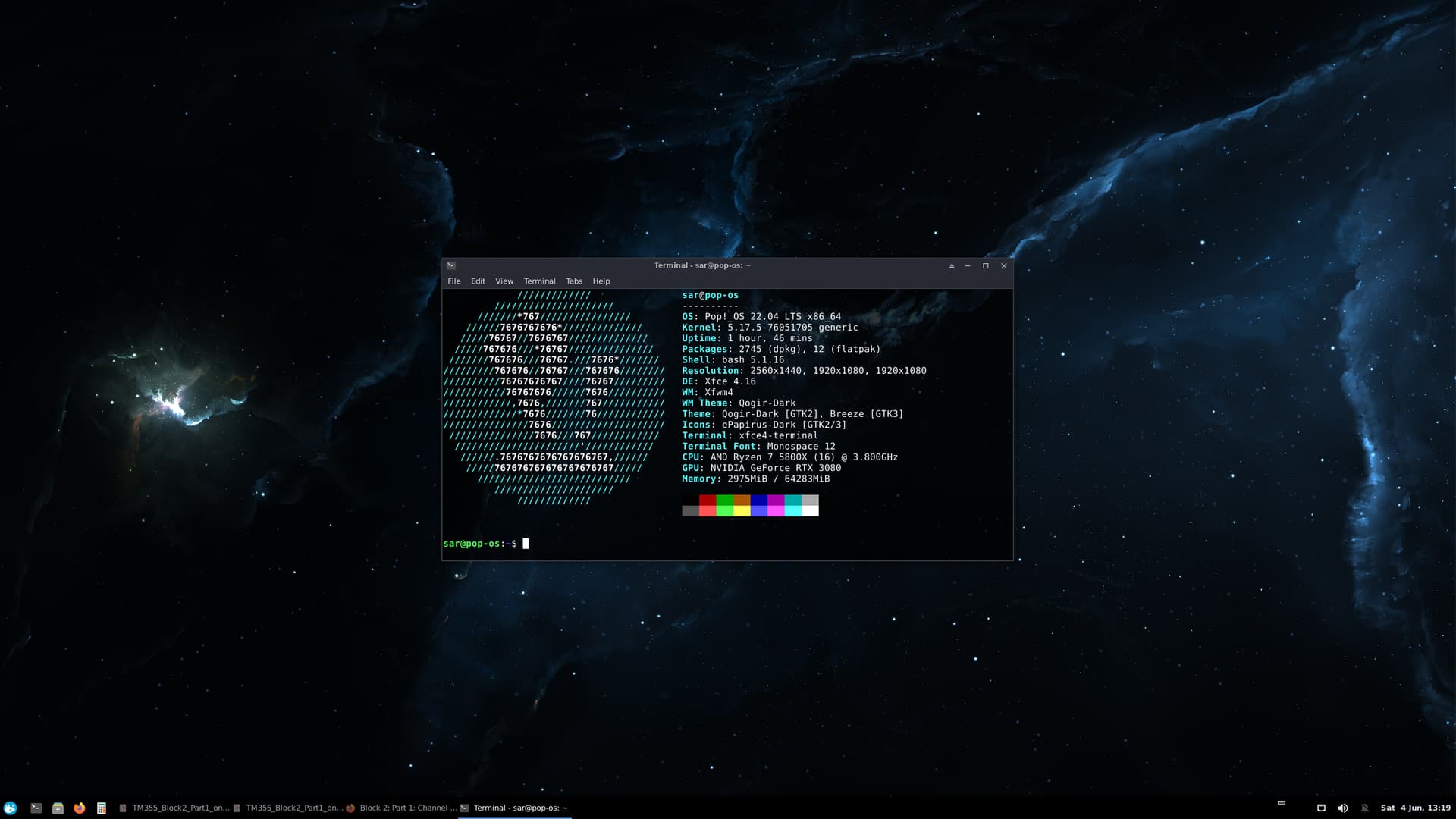
Switched Pop over to XFCE, as I like to theme my desktop, and have different wallpapers per monitor & workspaces…
Currently in revision mode for an exam next week for my Open University degree, so cramming atm 
Enjoy 
panel looks nice… not one of the defaults ?

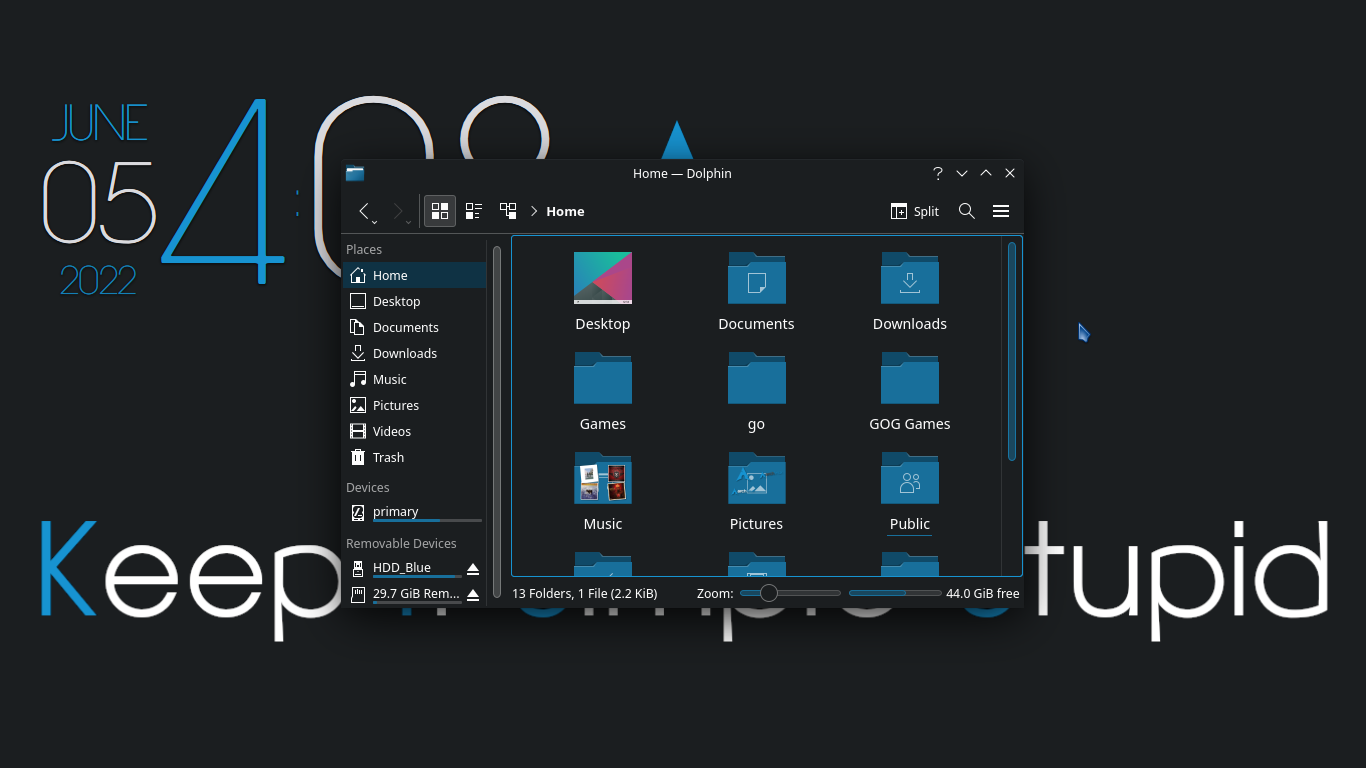
Made a few slight changes to both the Breeze Dark theme and the wallpaper I made the other day to make the all the colours on the desktop appear more consistent. Also got rid of the panel on the second screen and added a shortcut to the mouse on the desktop to open an application menu. Panel on the main screen is set to auto-hide
I don’t want to have the word stupid on my wallpaper 
It is the standard Kvantum panel in lxqt.
Same here!
I always tend to read it:
Keep it simple, stupid!

How else am I supposed to be sure that it’s my computer?
Good catch, I forgot the comma, going to have to add it

I have made up a whole collection, just have to wait another few days to get some more data so I can upload the lot

There we go