I was looking a way to auto hide the polybar. Maybe i will try this one, found it yesterday.
2 Likes
Maybe I can try this, too. Thanks!
2 Likes
nice but way too bright for me
3 Likes
yes i thought of using a darker wallpaper but i cound’t find the one i wanted, i might replace it right away if i find it!
2 Likes
with a bit of transparency (if possible) that would look really awesome, this is just my opinion though
(still lovr it0
1 Like
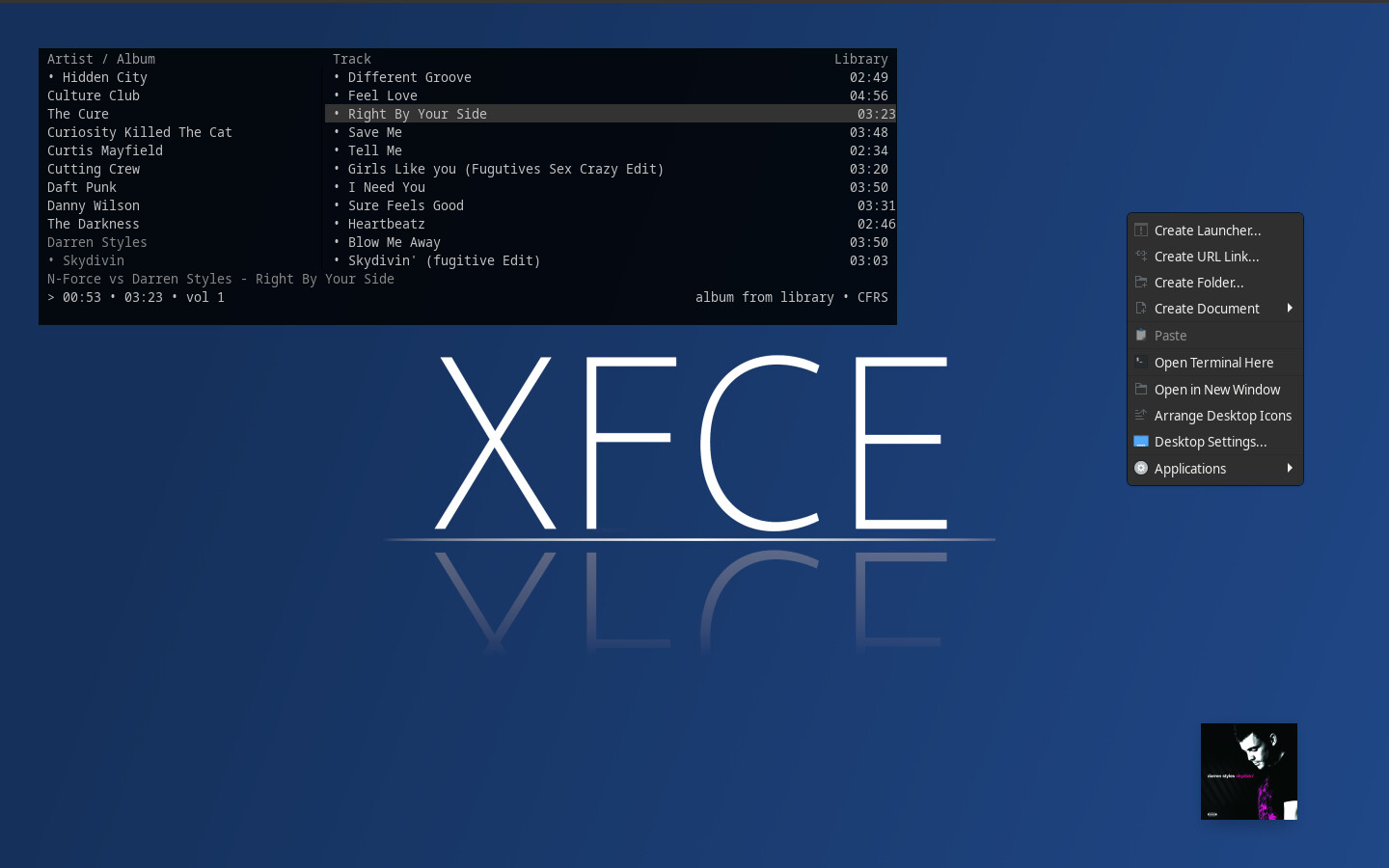
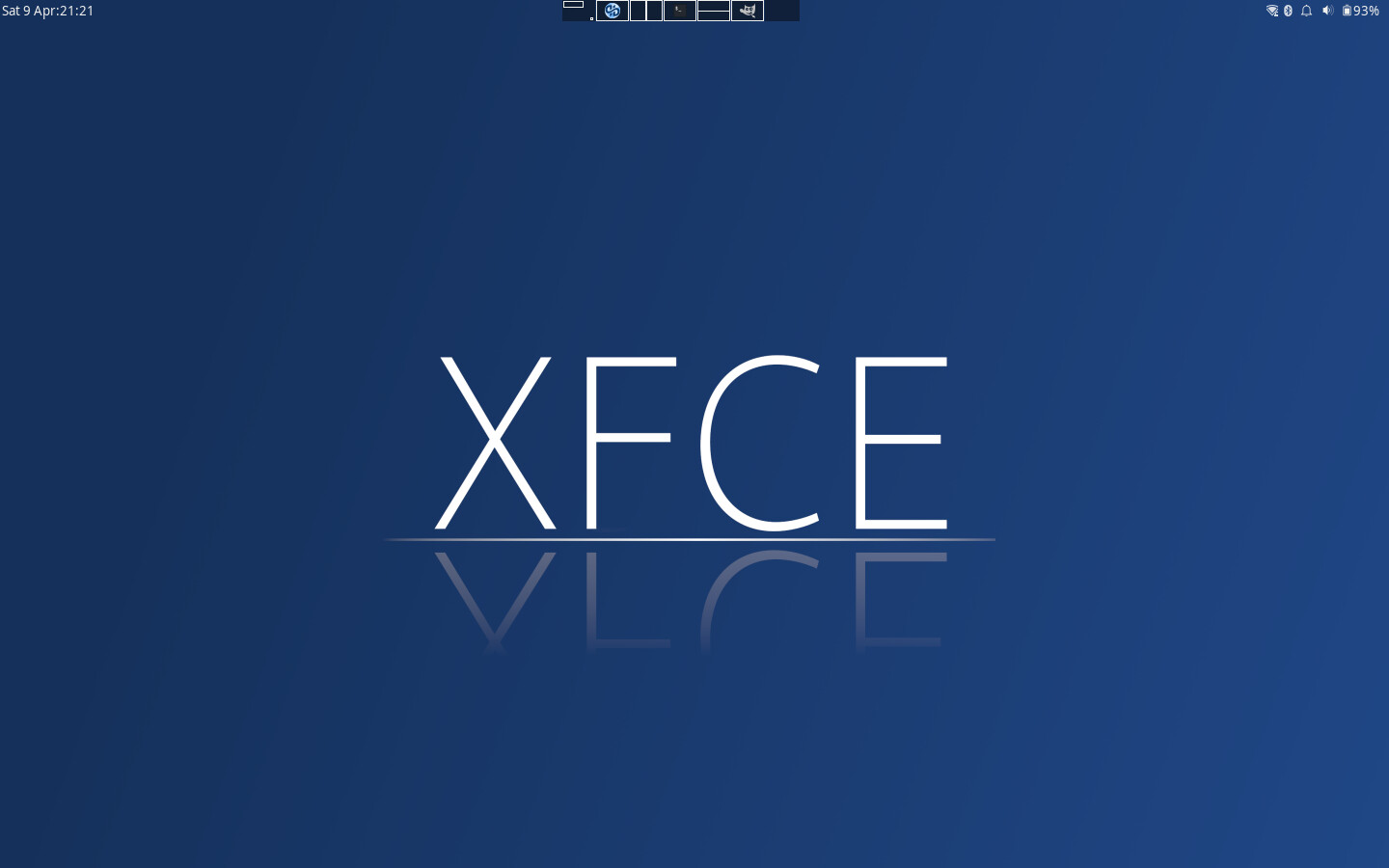
i keep thing simple (X86 on 2015 Macbook Air )
( i recreated old wallpaper i see on web )
11 Likes
Been trying to reproduce this look for ages… share your secrets!
1 Like
Take a look here:
3 Likes
I did see that (cool that you made it!) but I wasn’t able to get the widget style or the bar to look as nice. I definitely will try again though.
1 Like
you need to create a folder named “dsp” in home > .config and place the “dsp.conf” text file there
2 Likes
Style project is alive?! Used to work on it with TheRealRob (very small help by me, he made all of it) something like 10y ago. I was under the impression that it was dead but seems that I’m wrong (gladly I must add, it’s a very wonderful protect)
here something very old!
Man my english was very bad at the time! 
3 Likes
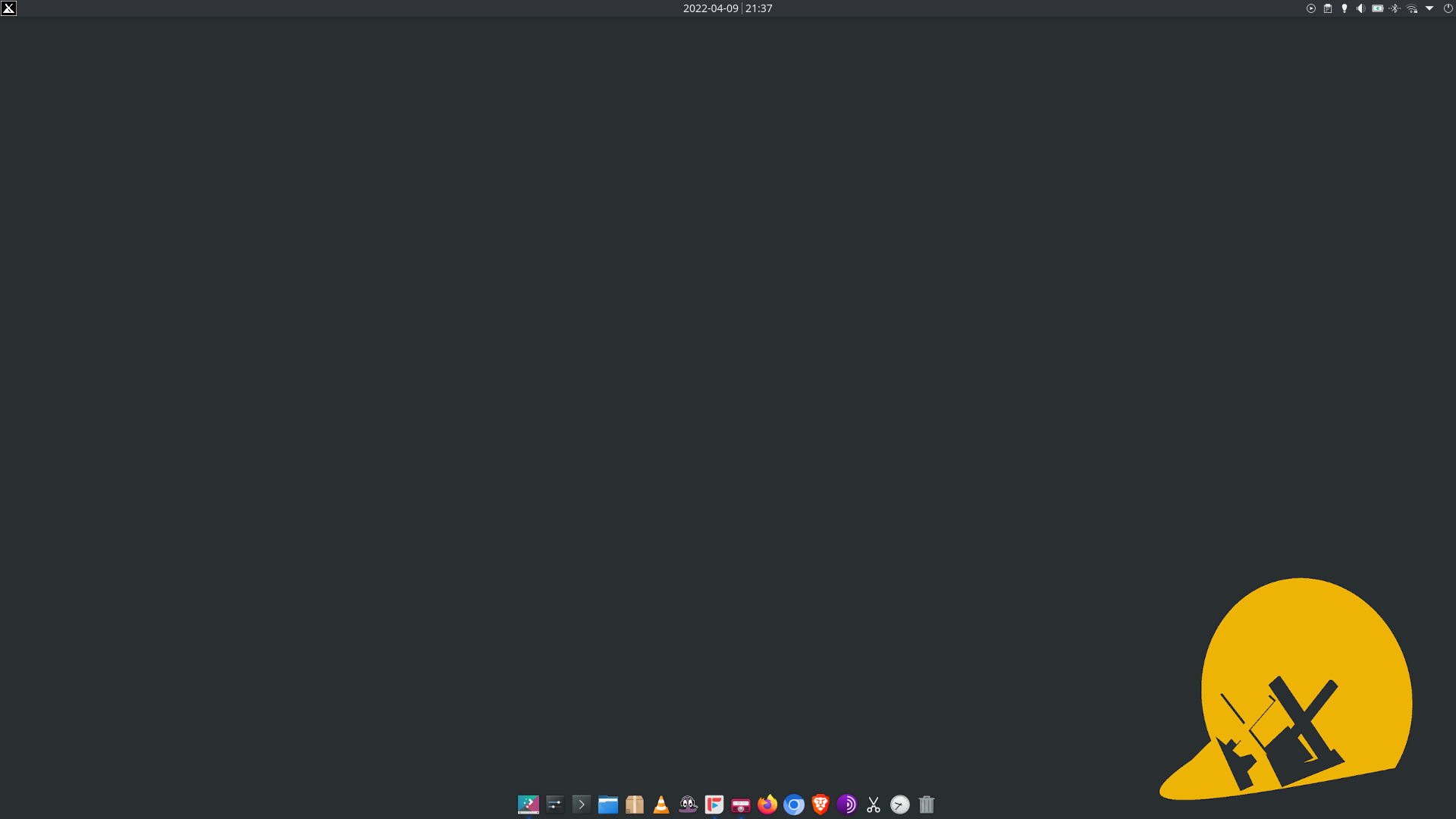
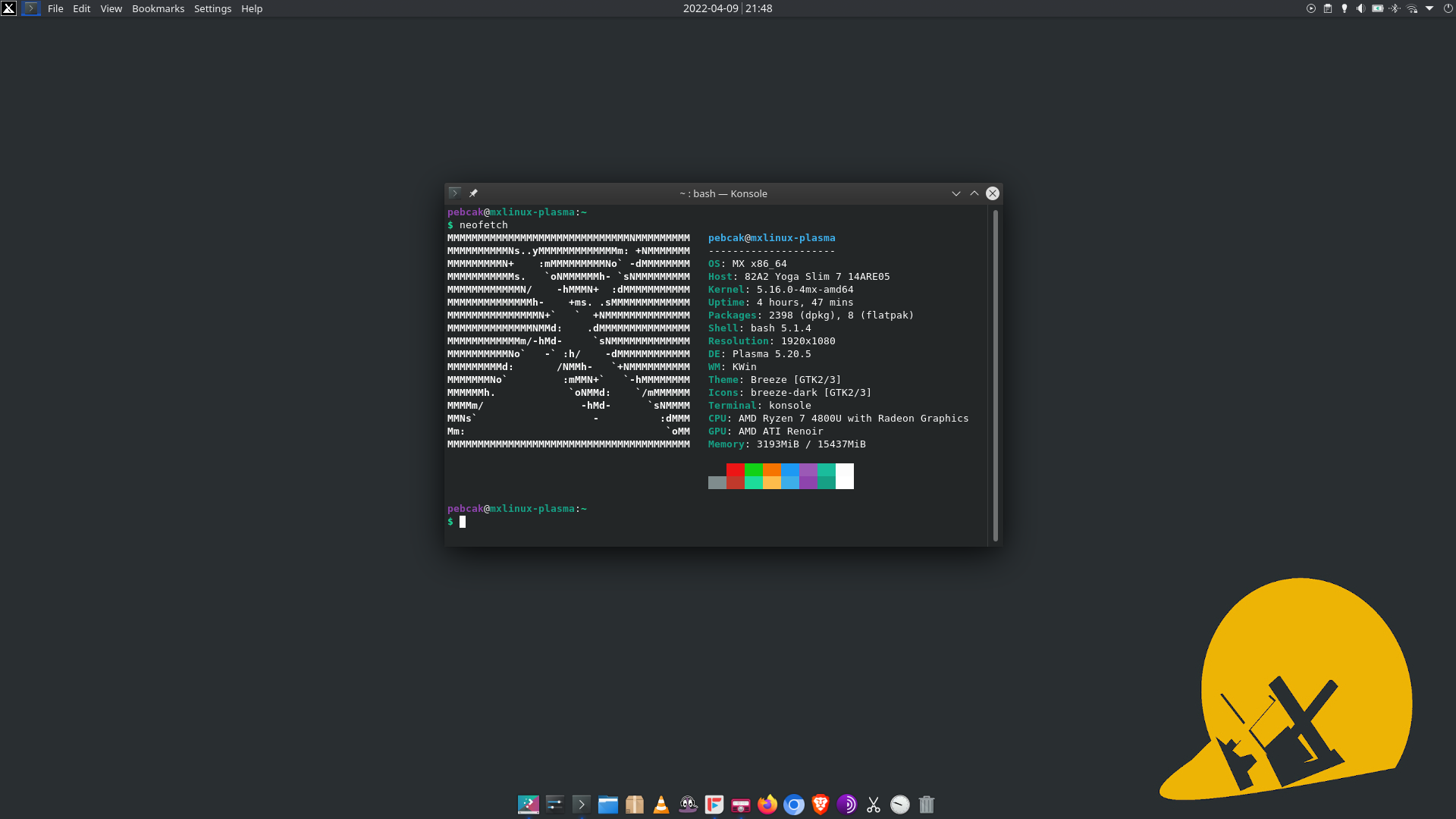
MX Linux 21 with KDE Plasma
13 Likes
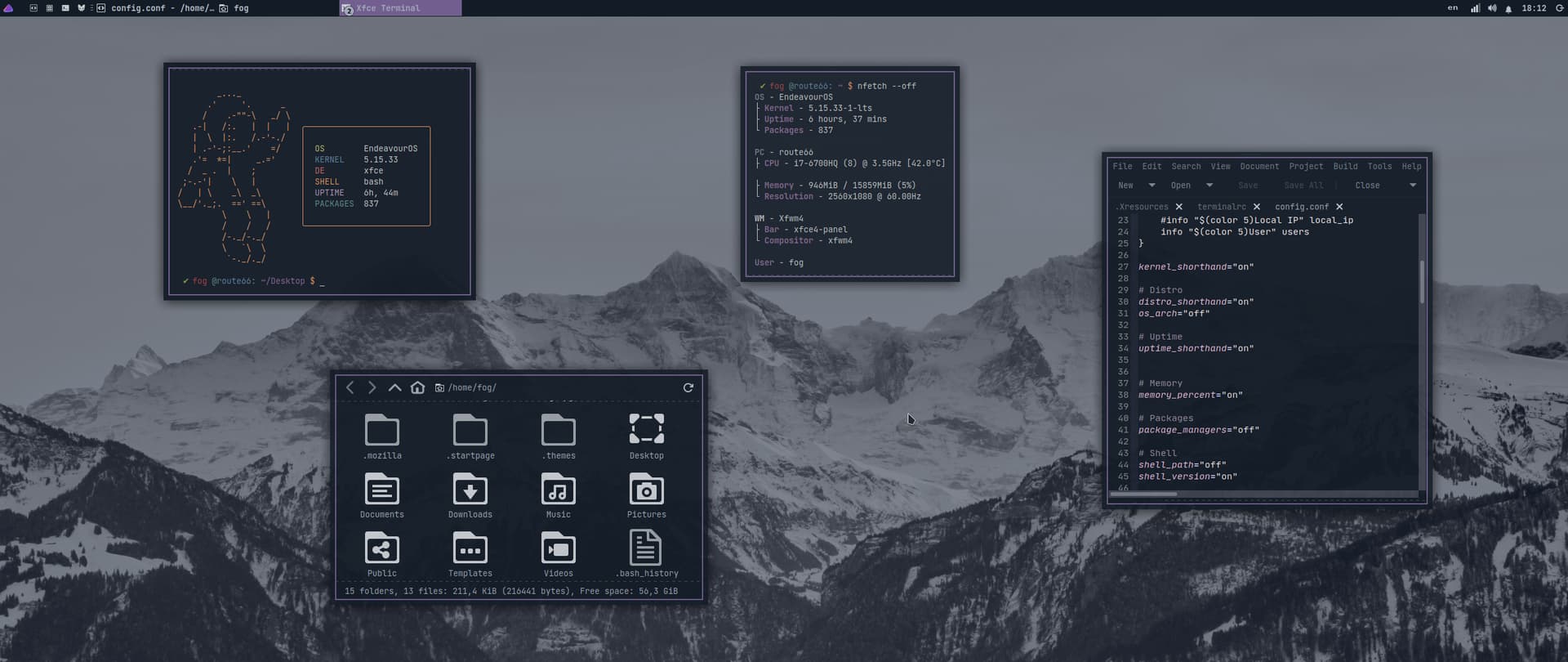
Fresh installation with xfce. I played a little bit, I made a theme to remember the old days, and now back to openbox.
20 Likes
Openbox had “open”-ed vivid possibilities out of the “box” for you. 
2 Likes
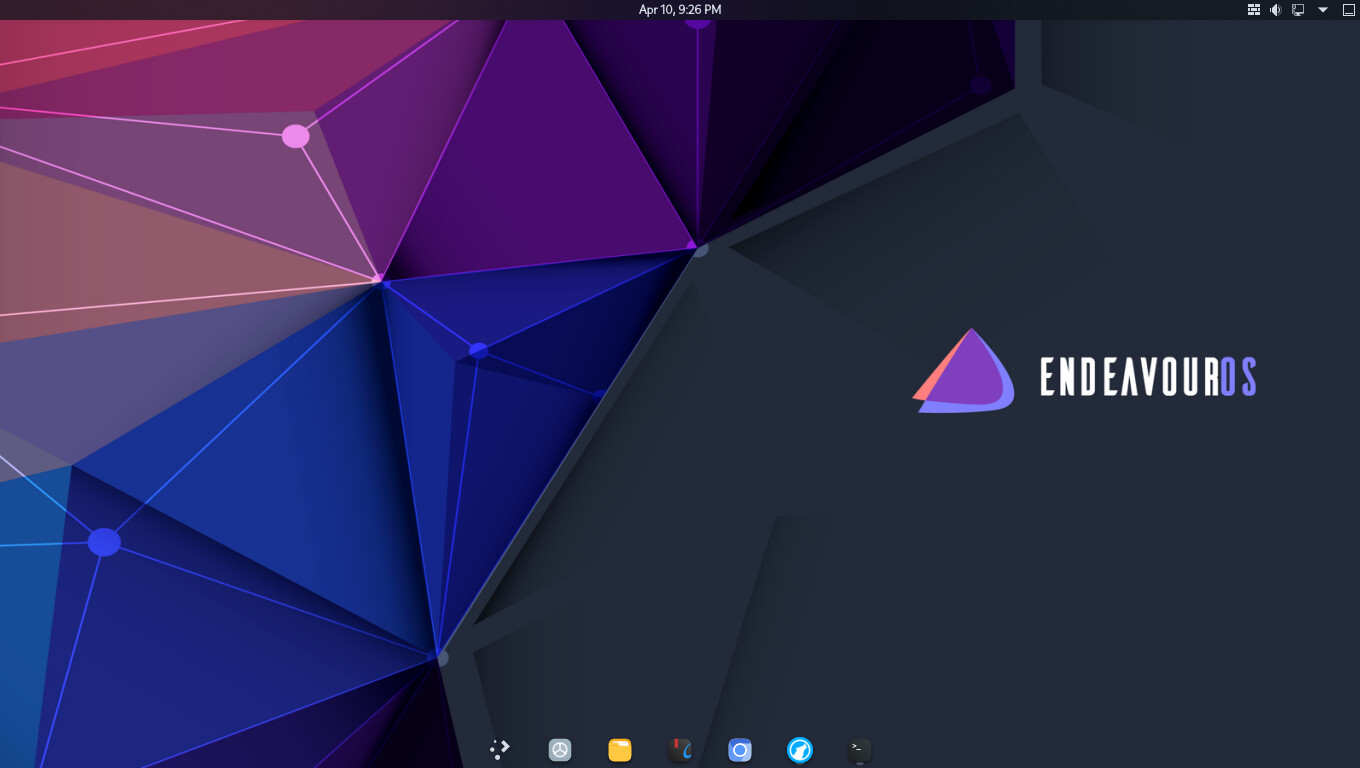
Using Krimkerre’s made polygonized wallpaper.
.
12 Likes
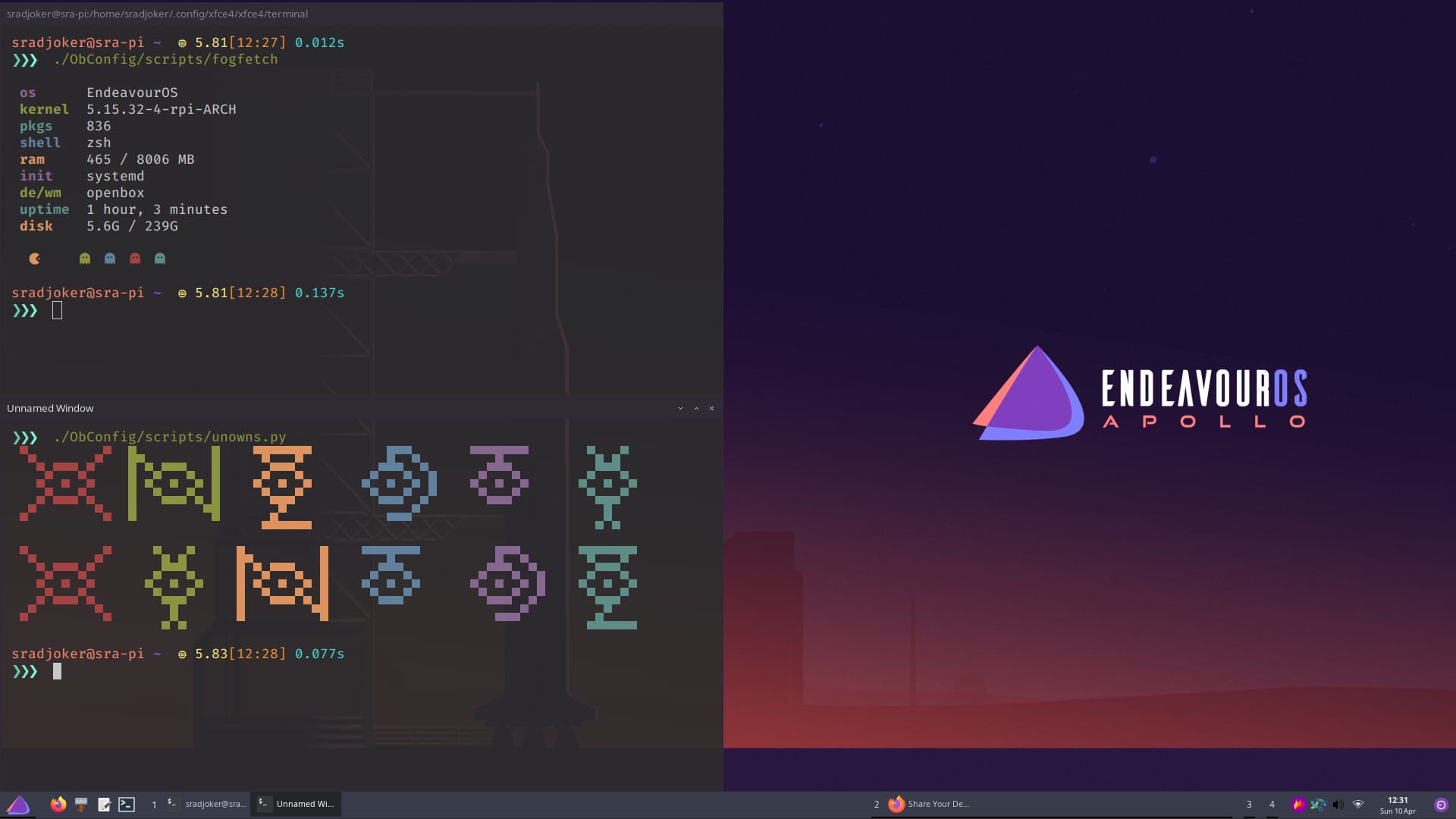
Openbox on the Raspberry Pi with the new wallpapers (which look awesome) and a custom theme from @fog for me (thanks a lot!!).
16 Likes
Do you watch Pokémon ? Since you are using Unowns there…

2 Likes
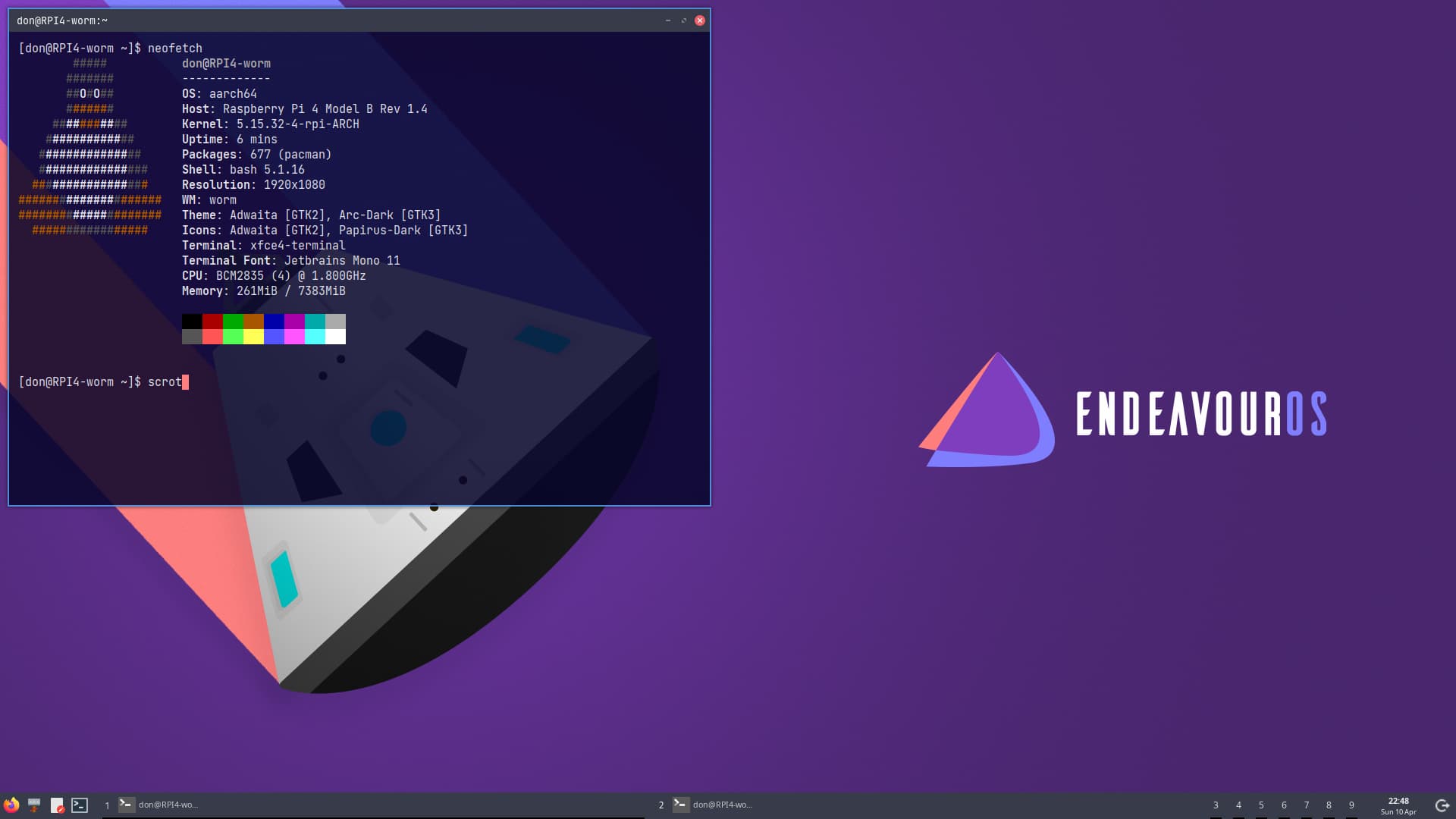
worm on RPi 4b with default background.
Pudge
15 Likes
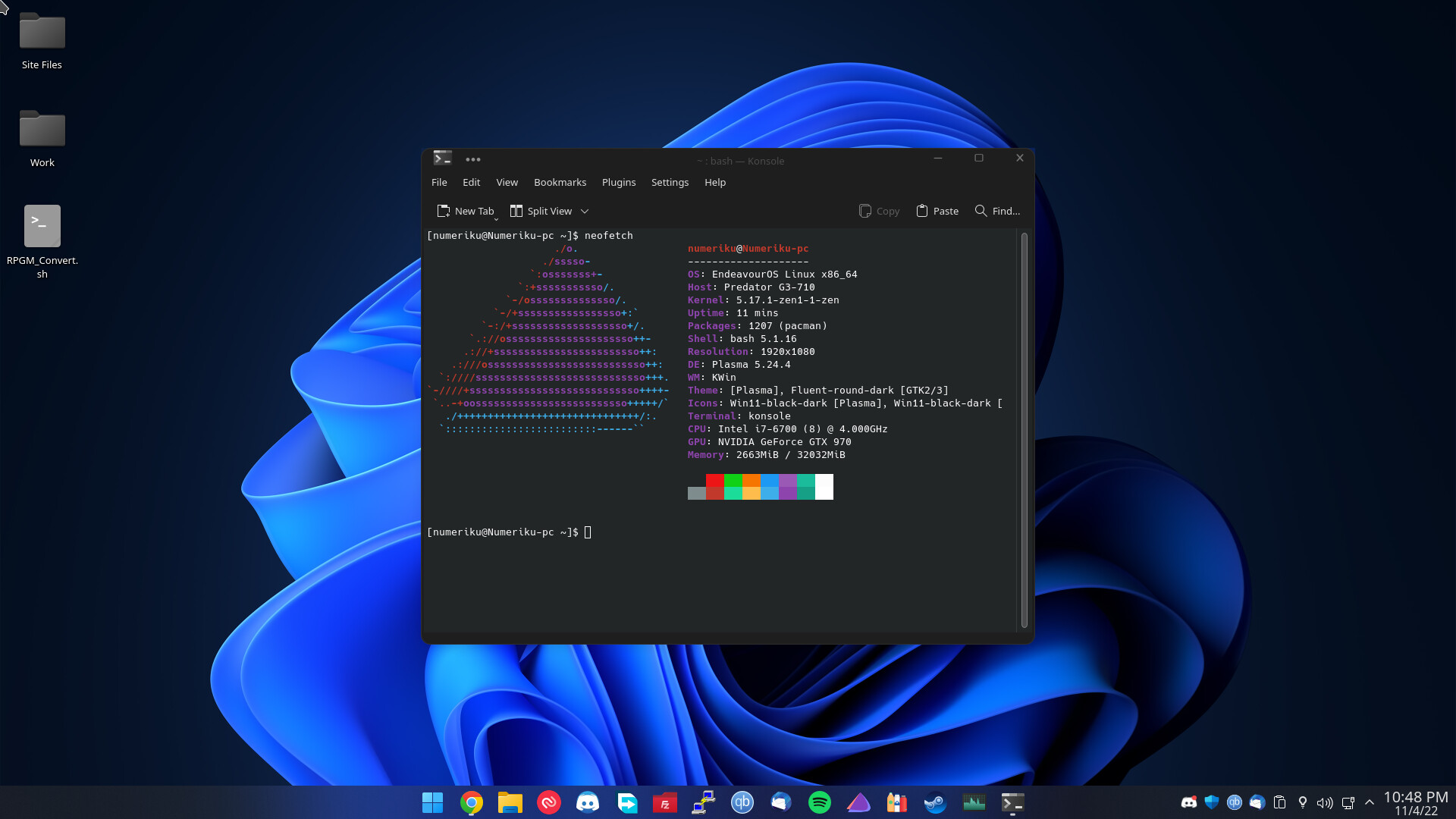
Windows 11 is full of telemetry so here i am.
15 Likes
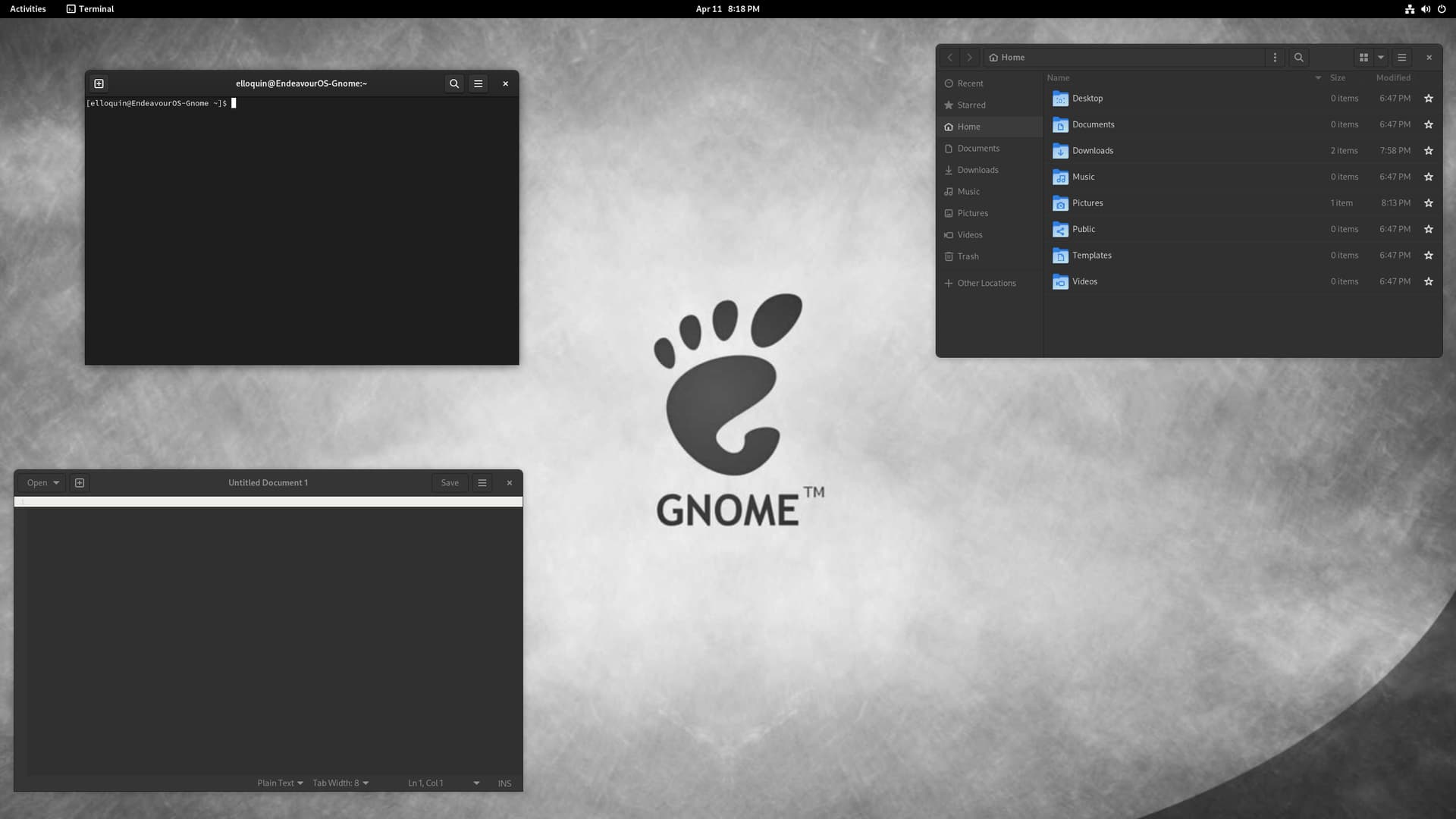
13 Likes