Bashtop is gloriously modern and retro at the same time, love it!
1 Like
Eos mod of wallpaper + EOS sway Edition (ARM)
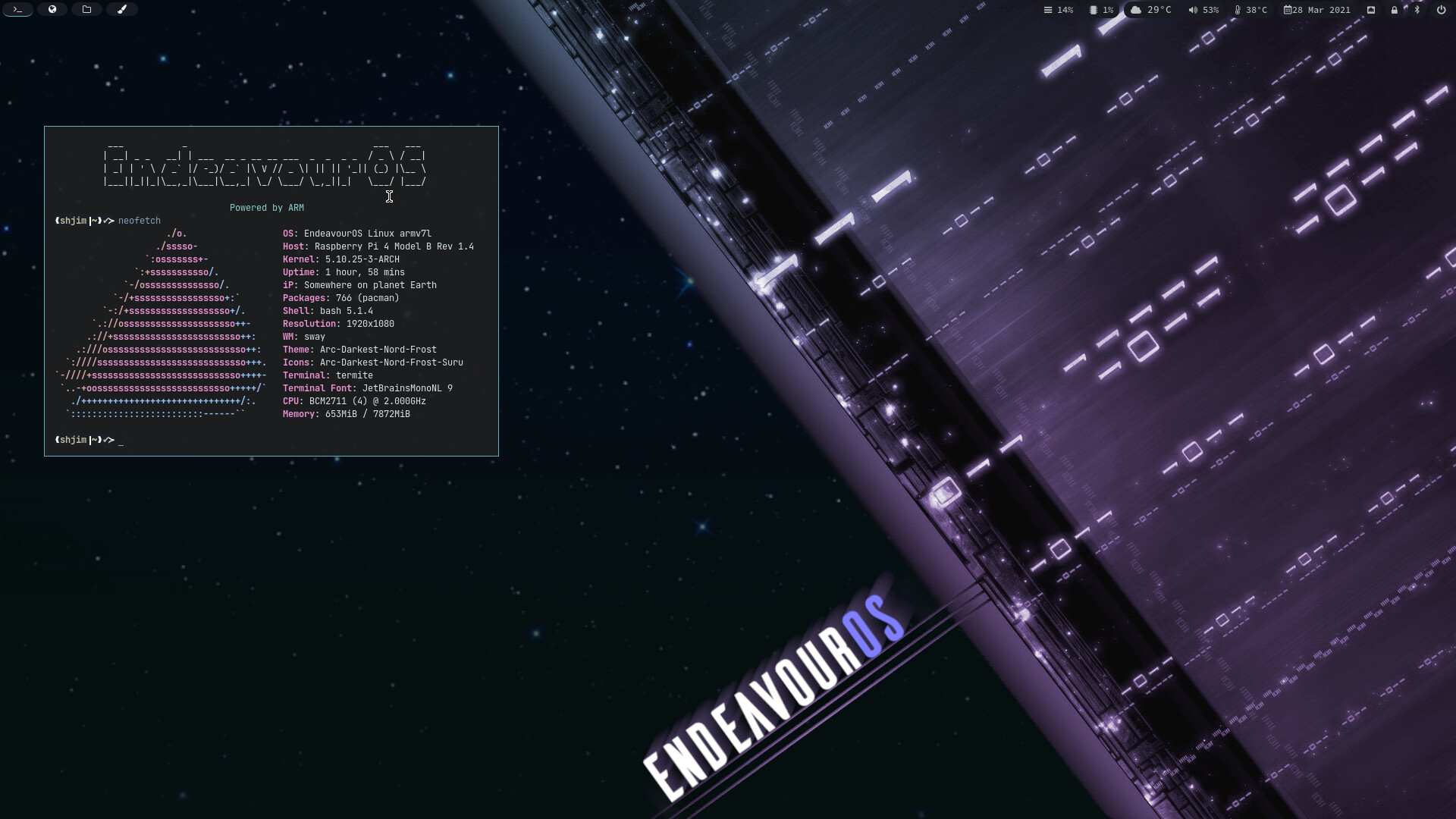
" https://raw.githubusercontent.com/Shjim-Arch/Files/main/Arm_Sway-EOS_code.png "

12 Likes
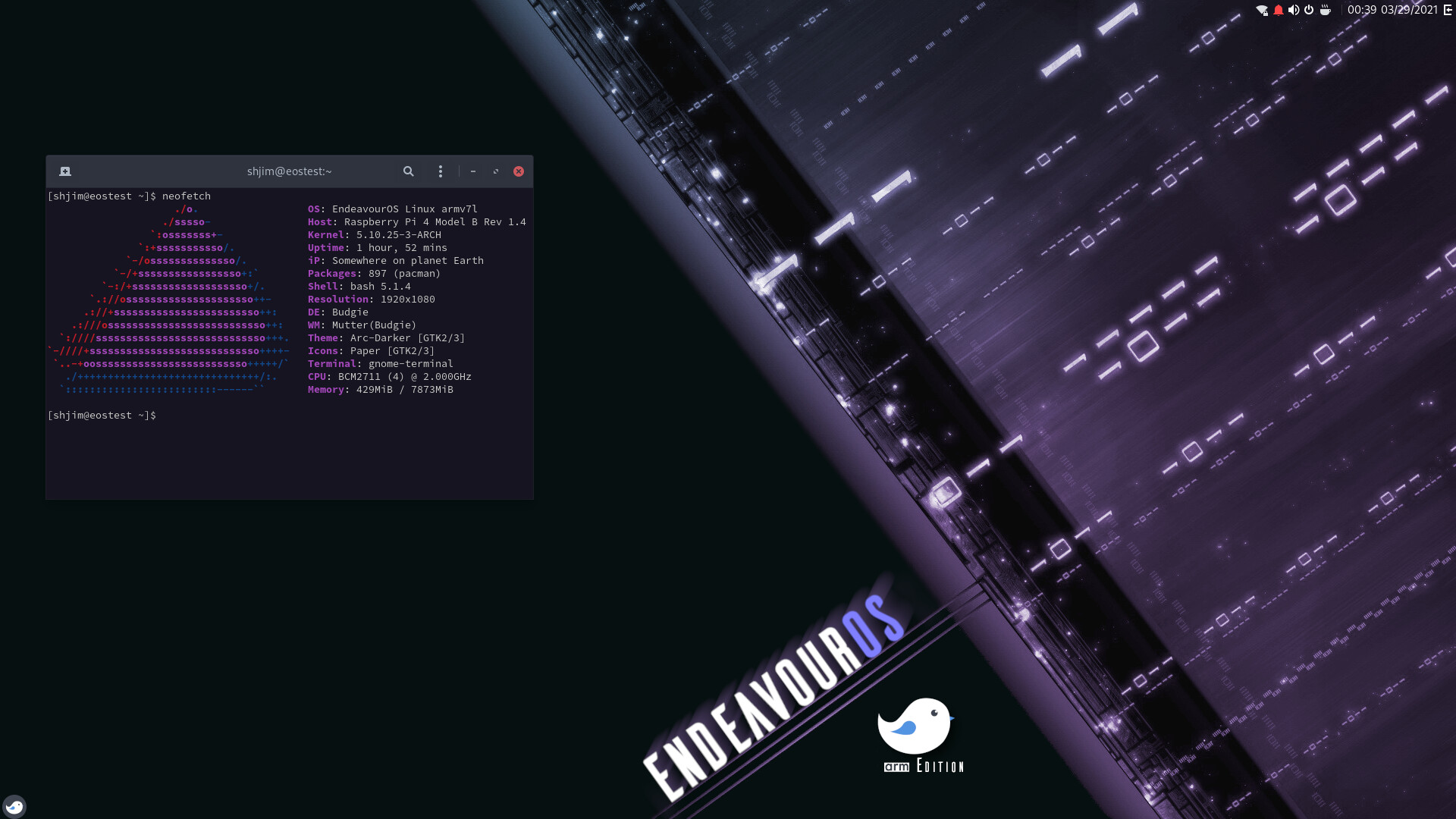
also still play with EOS Budgie on arm 
9 Likes
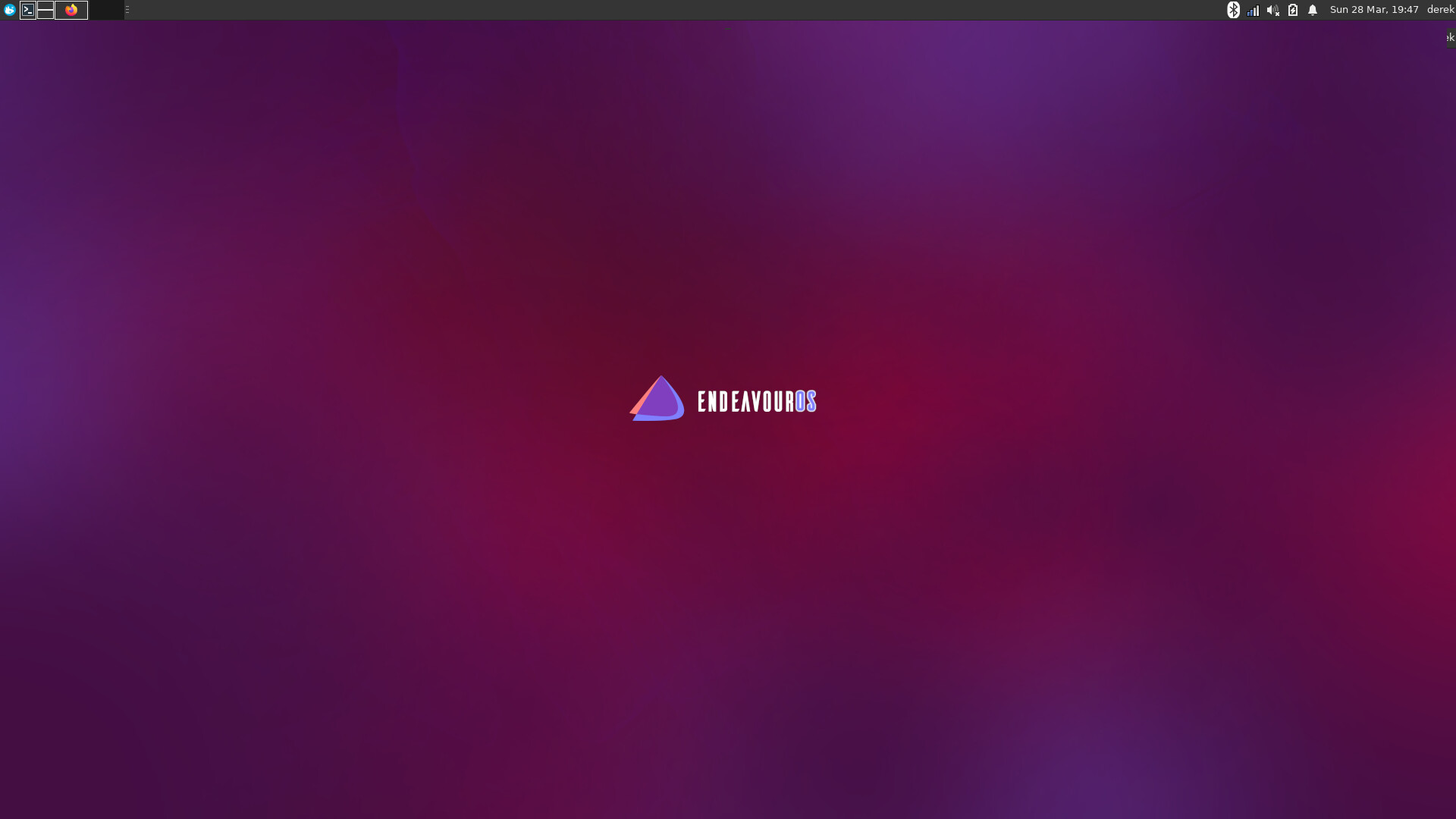
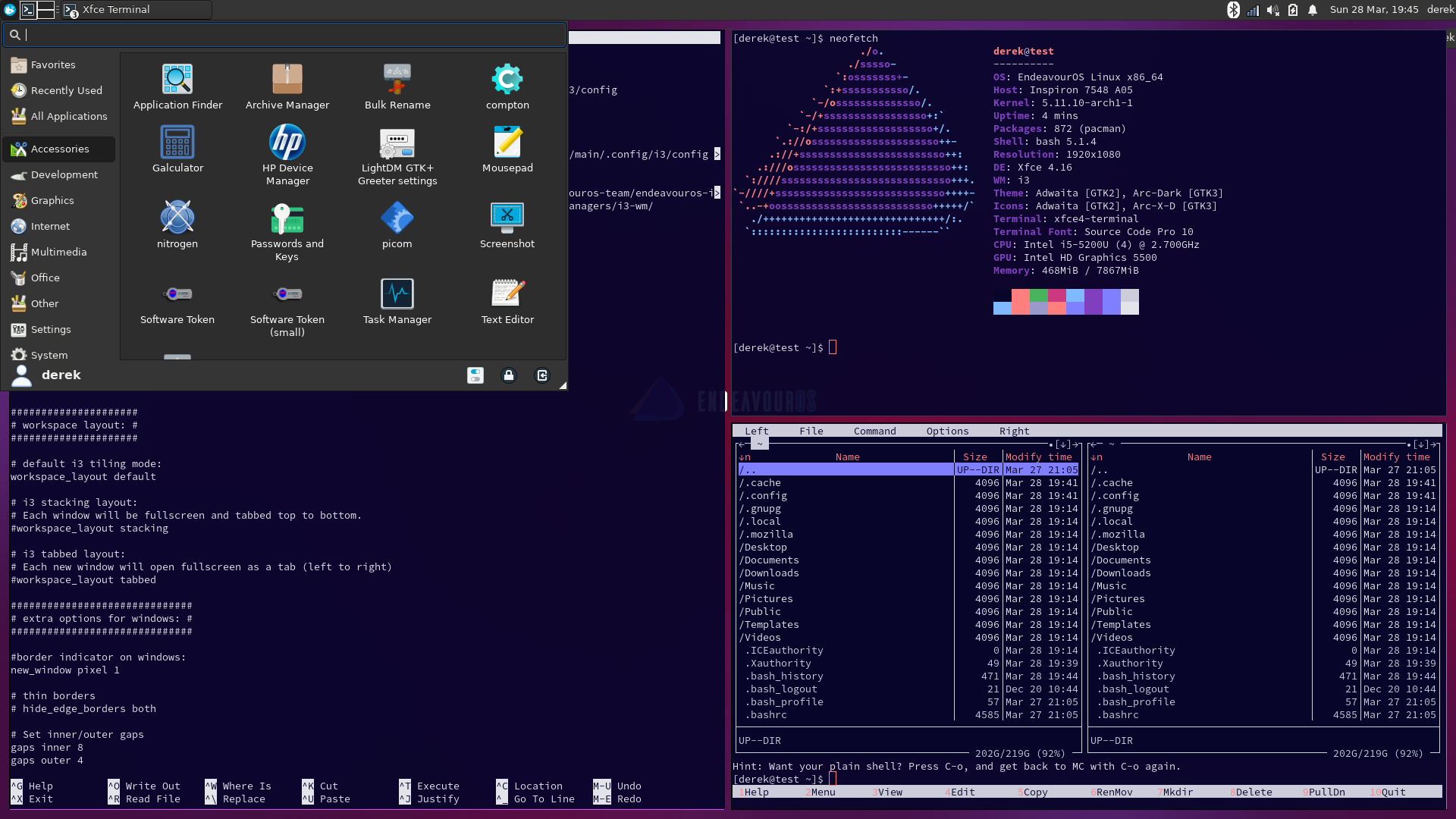
You guys make this too easy. Setup my beloved xfce+i3 in less than 30 min. Added in some autotiling, and it’s on par with how much I like KDE. @Pudge Tiles are great  I love having the whisker menu, xfce4-panel and yet, all of the luxuries of i3 and key bindings. If enough folks are interested I can gladly do a walkthrough on how to set this up. It’s absurdly easy with the way our online installer works. @anon31549144 if zentile doesn’t do it for you, maybe this could scratch the tiling itch you have within xfce.
7 Likes
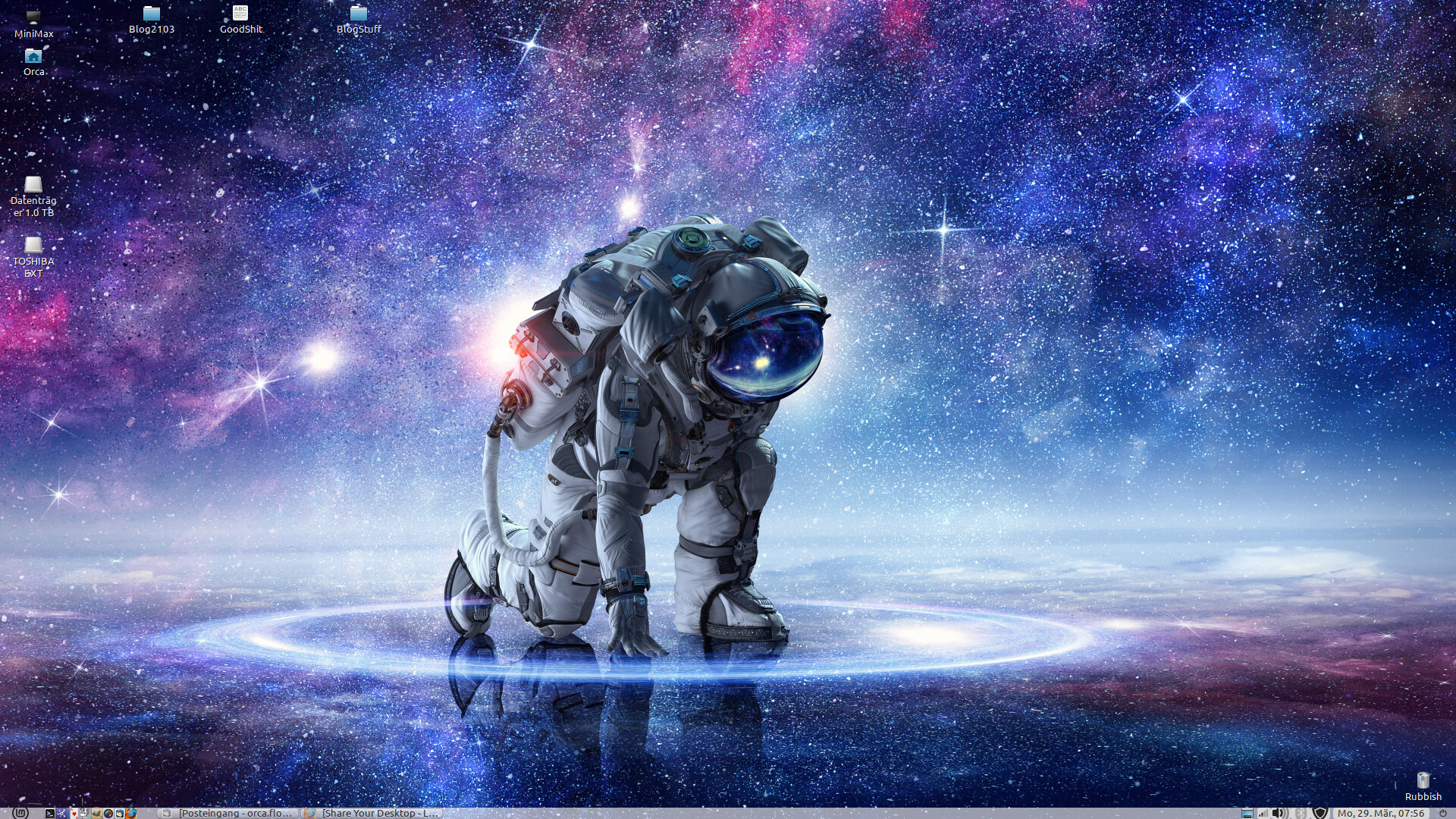
Not a new desktop, more like a new wallpaper … that I just stole from the Endeavour website. 
Anyone please add the Endeavour logo? Pretty pleez. ^.^
8 Likes
Perhaps an easier task is to run a conky for the purpose  That way you place it and size how you feel like that day…
conky-logorc
conky.config = {
--   Window basics
    double_buffer    = true,
	no_buffers       = true,
	imlib_cache_size = 0,
    own_window_type = 'normal',
    own_window_hints = 'below,sticky,undecorated,skip_taskbar,skip_pager',
	own_window_class = 'Conky',
    own_window = true,
    own_window_transparent = true,
    own_window_argb_visual = true,
	own_window_argb_value = 255,

-- -- Graphics settings -- #
	draw_shades        = false,
	draw_outline       = false,
	draw_borders       = false,
	draw_graph_borders = false,

	use_xft = true,

    --# My colors (suit yourself)
	color0 = 'White',         --FFFFFF
	color1 = '668fe9',
	color2 = 'Ivory2',        --EEEEE0
	color3 = 'yellow',        --CDCDC1
	color4 = 'Tan1',          --FFA54F
	color5 = 'cyan',          --EE9A49
	color6 = 'Gray',          --7E7E7E
    color7 = 'Green',         --00FF45
	color8 = 'DimGray',       --696969
	color9 = 'Tomato',        --FF6347

	update_interval = 10,

    alignment        = 'top_middle',
--  position and sizing (example for 3840x2160 screen)
    minimum_width  = 600,
	maximum_width  = 600,
	minimum_height = 700,
	gap_x = 0,
	gap_y = 700,

};

conky.text = [[
${image /usr/share/endeavouros/EndeavourOS-icon.png -p 20,1 -s 500x450}
# add Ailerons font to your system for following text - goto cmmds are for spacing
${voffset 420}${goto 1}${font Ailerons:size=80}${color2}E${goto 47}n${goto 93}d${goto 139}e${goto 185}a${goto 231}v${goto 277}o${goto 323}u${goto 369}r${color1}${goto 418}O${goto 464}S${font}

]];
setup instructions available on request
3 Likes
You can install the community wallpapers drom the welcome app. All of them with the logo. Including that one.
2 Likes
definitely interested in a tutorial about this. does inkscape, gimp, electron apps and more pretentious GUI apps work well with this?
1 Like
Of course! It’s xfce Anything you currently have working should still work the same as it does.
1 Like
i3-gaps
i have been messing around in the polybar for a few hours now
is almost done with my setup
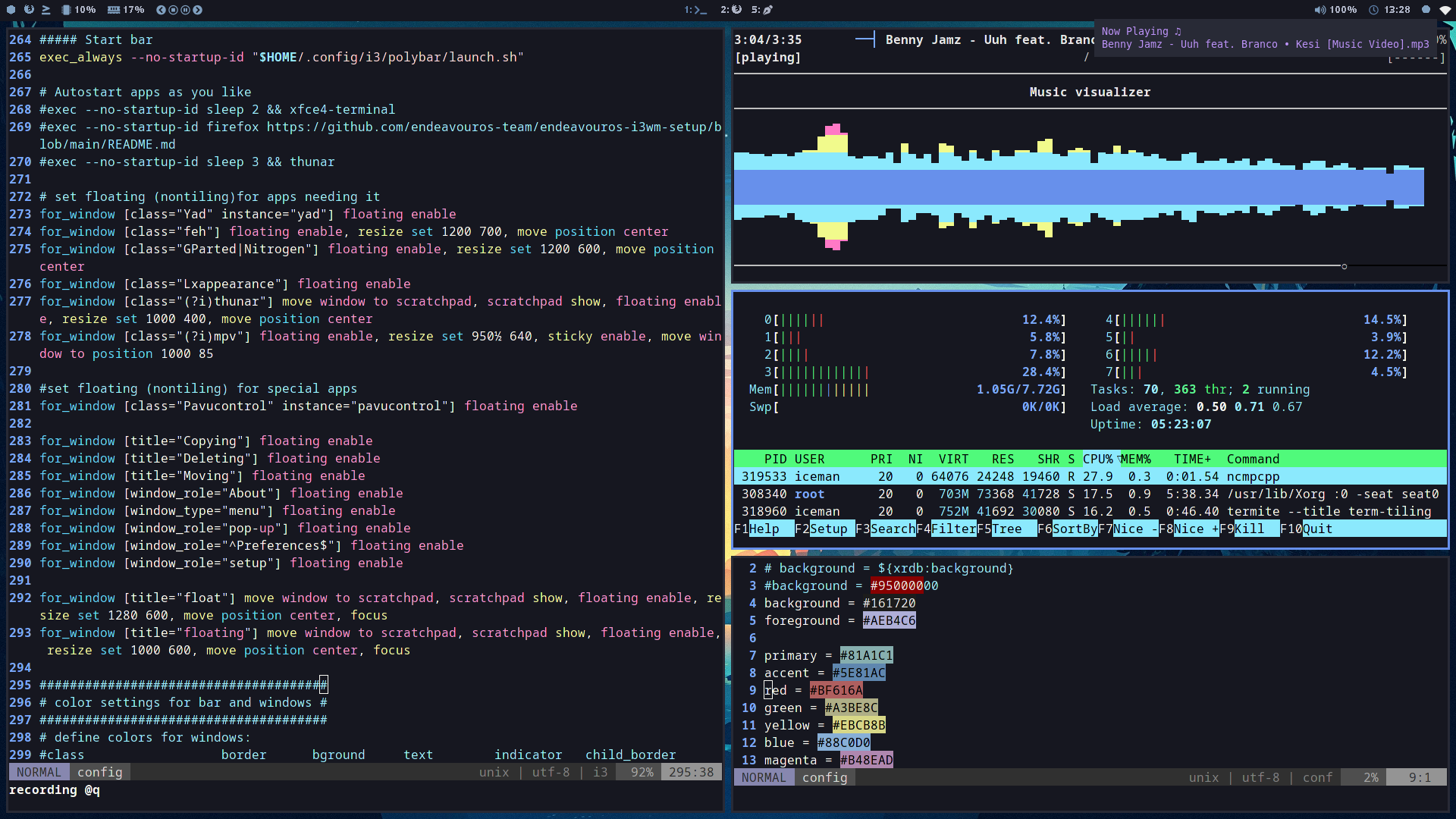
i try so many distro
endeavouros is the best i used
Many Thnaks to the endeavouros team
7 Likes
ThankYuuuuuu!
I’ll get on this as soon as the doom and destructive mesa update passes. It will be pretty tough putting out together if I can’t actually put it together. But it’s 100% on my to do list.
I guess when I get home today I suppose i could always start on my taxes? Ugh. Or clean something. . .
2 Likes
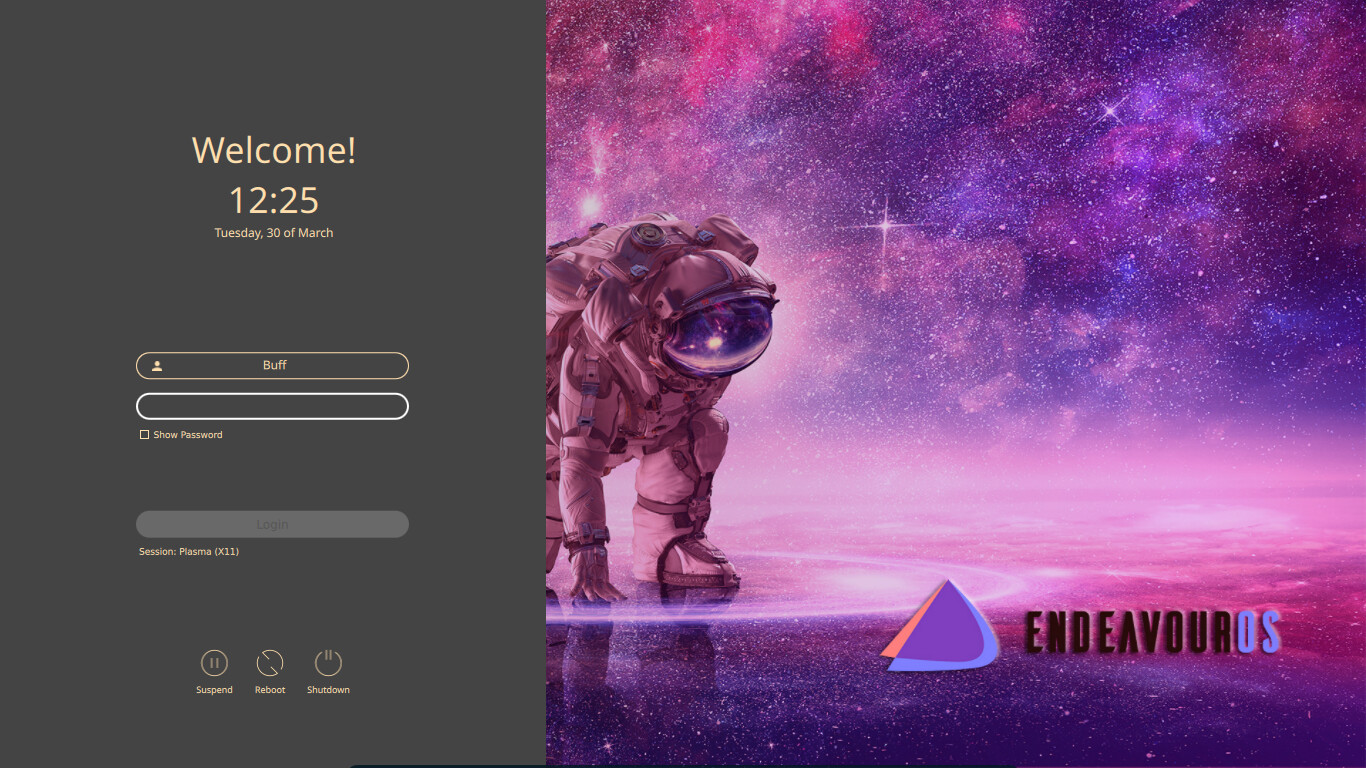
a new log in screen … looks better with the endy wallpaper with the now banned hand signal
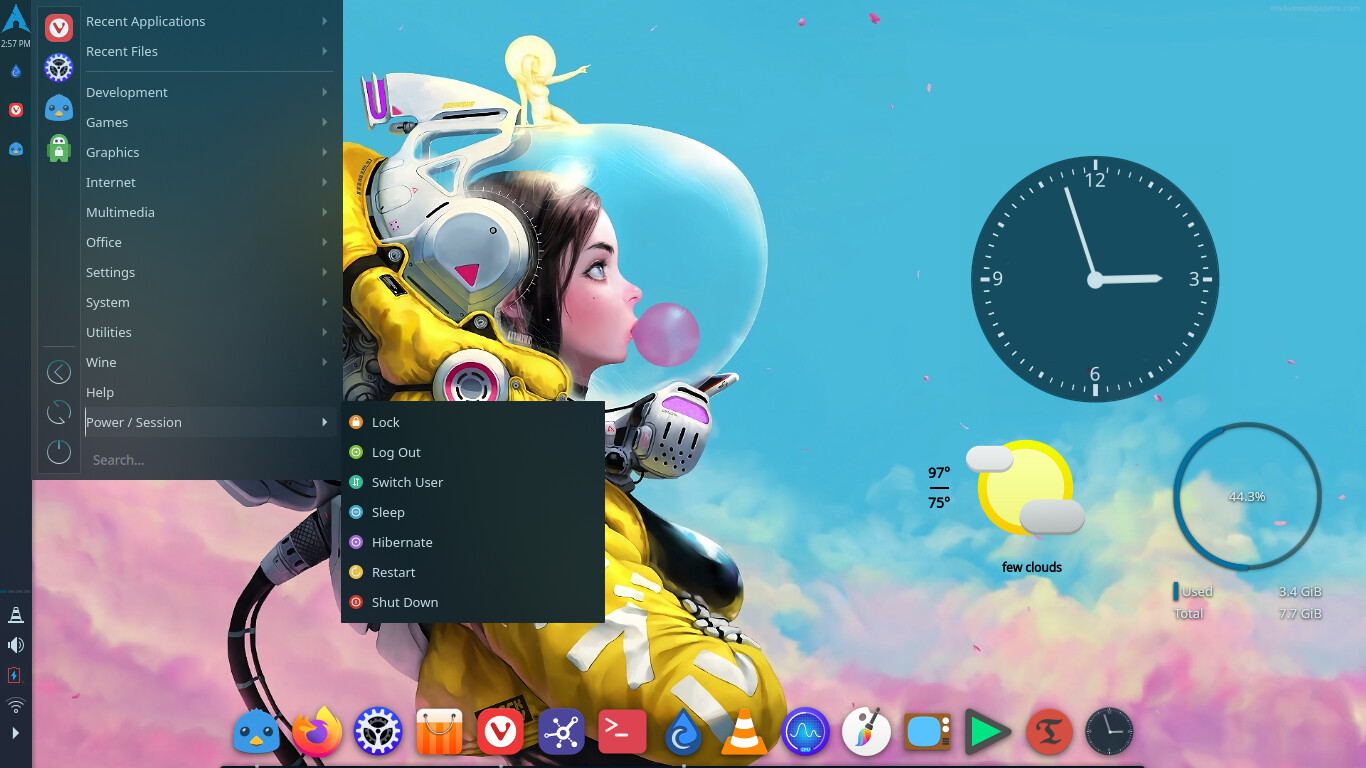
this wallpaper moves and stuff … only 97 degrees here today 
8 Likes
Did I miss something?
i slay demons in my free time
2 Likes
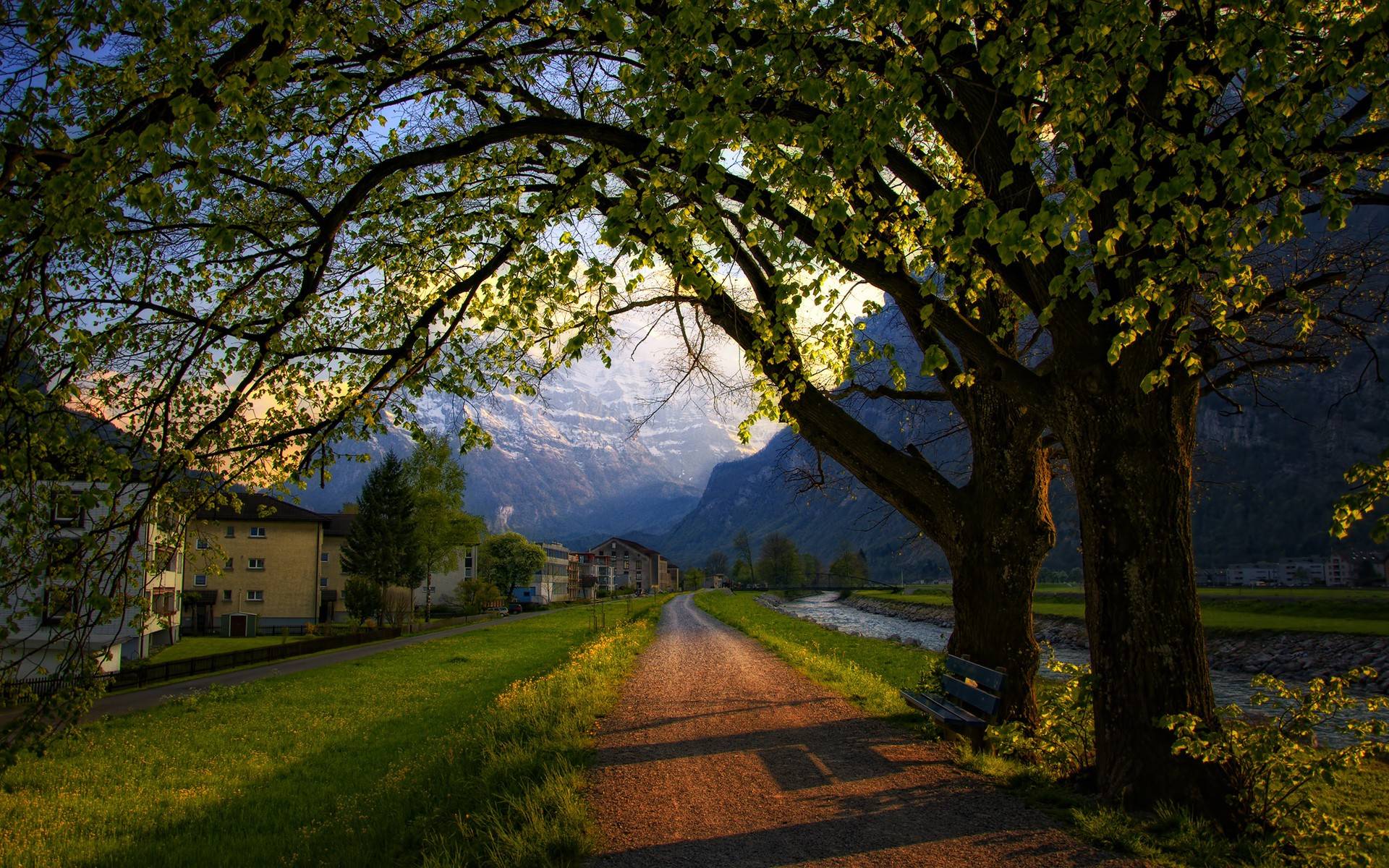
 That’s hilarious… (and a little sad that this is where we are…) To make up for it, I’m going to upload one of my favourite landscape wallpapers.
10 Likes
Very nice, did you take that picture?
I am failing to see how that can be even remotely construed as satanic. Anyway, cool login screen there.
4 Likes
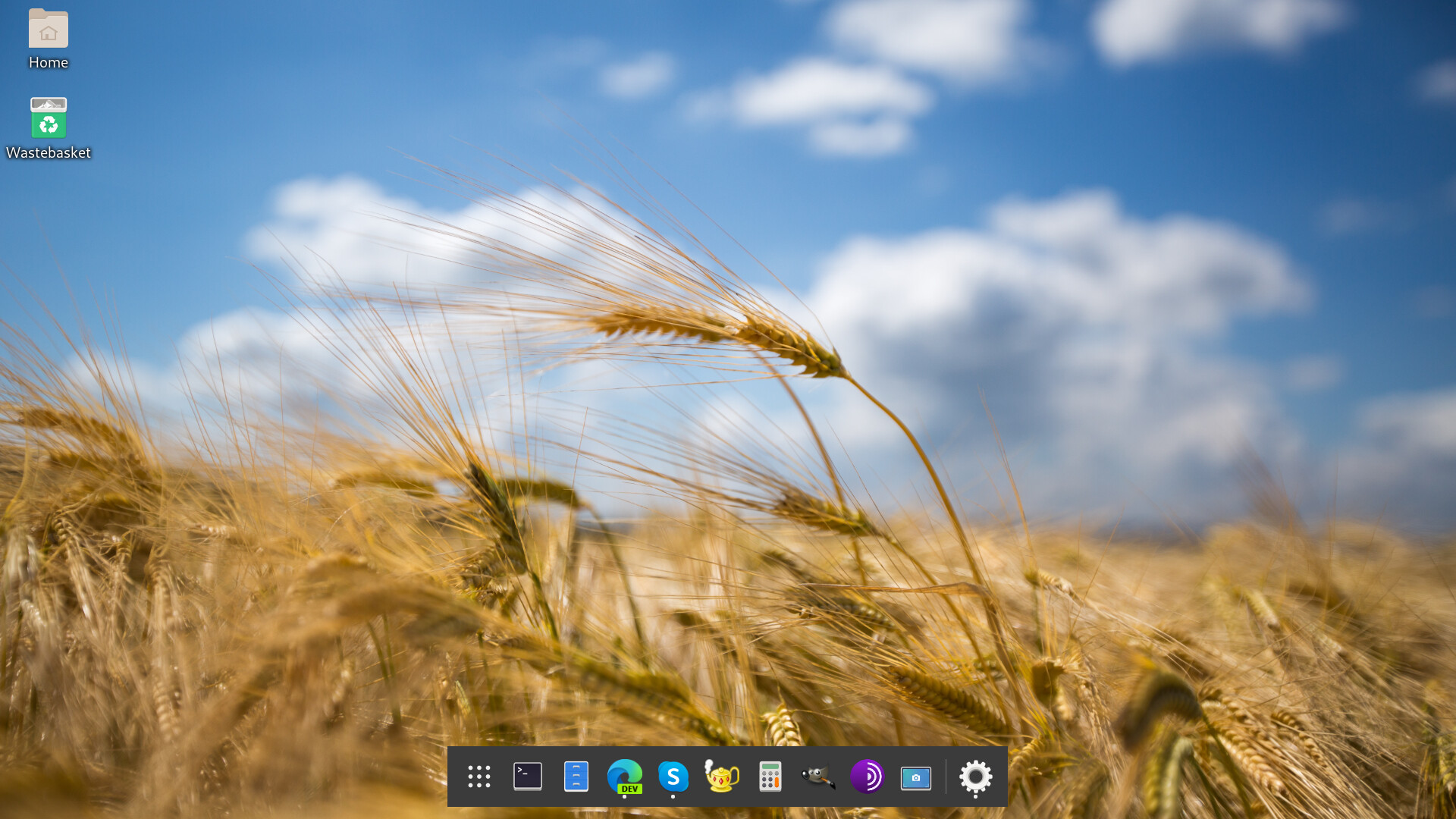
Fedora 34 beta Gnome 40 with D2D, DING
11 Likes
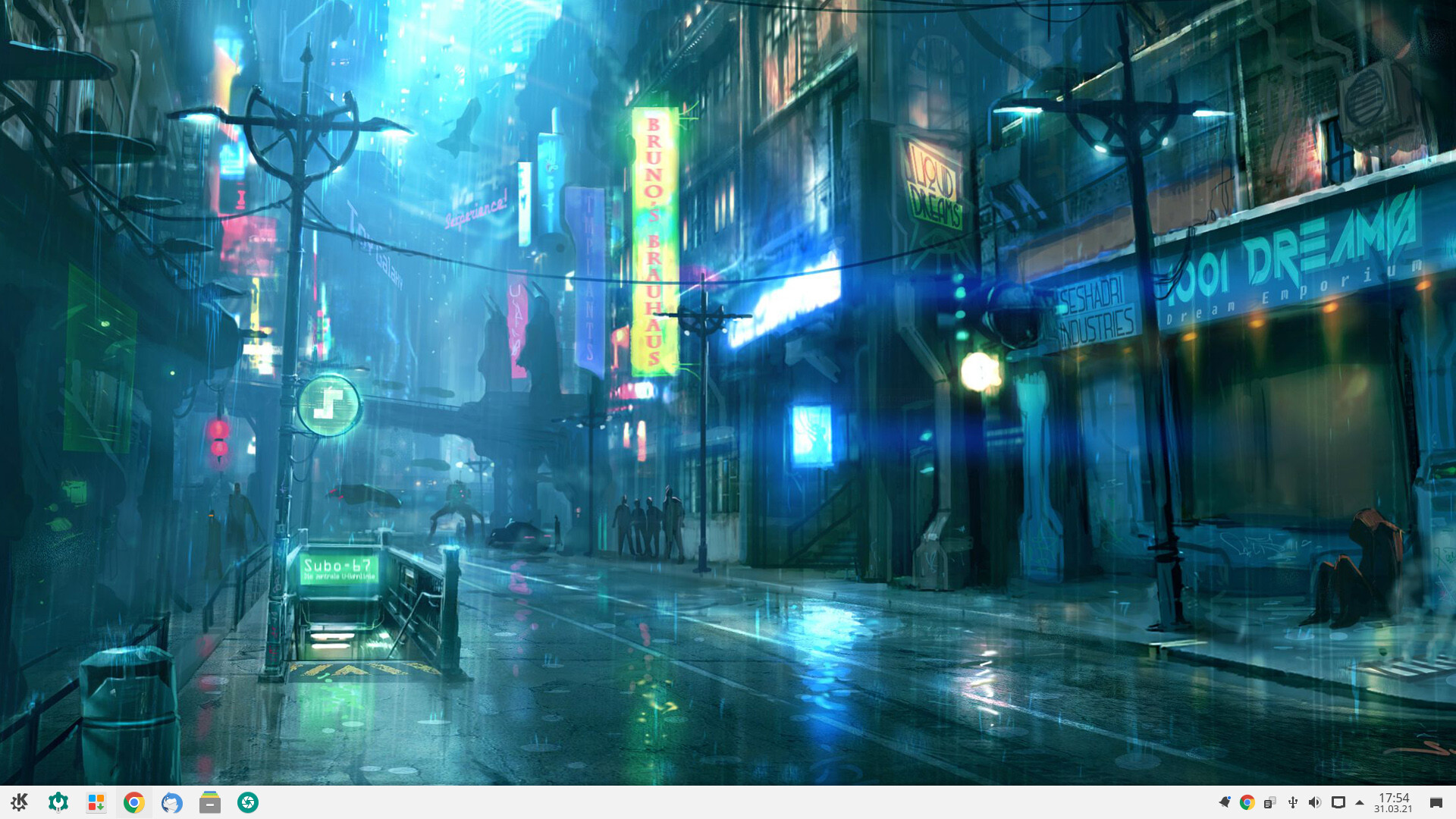
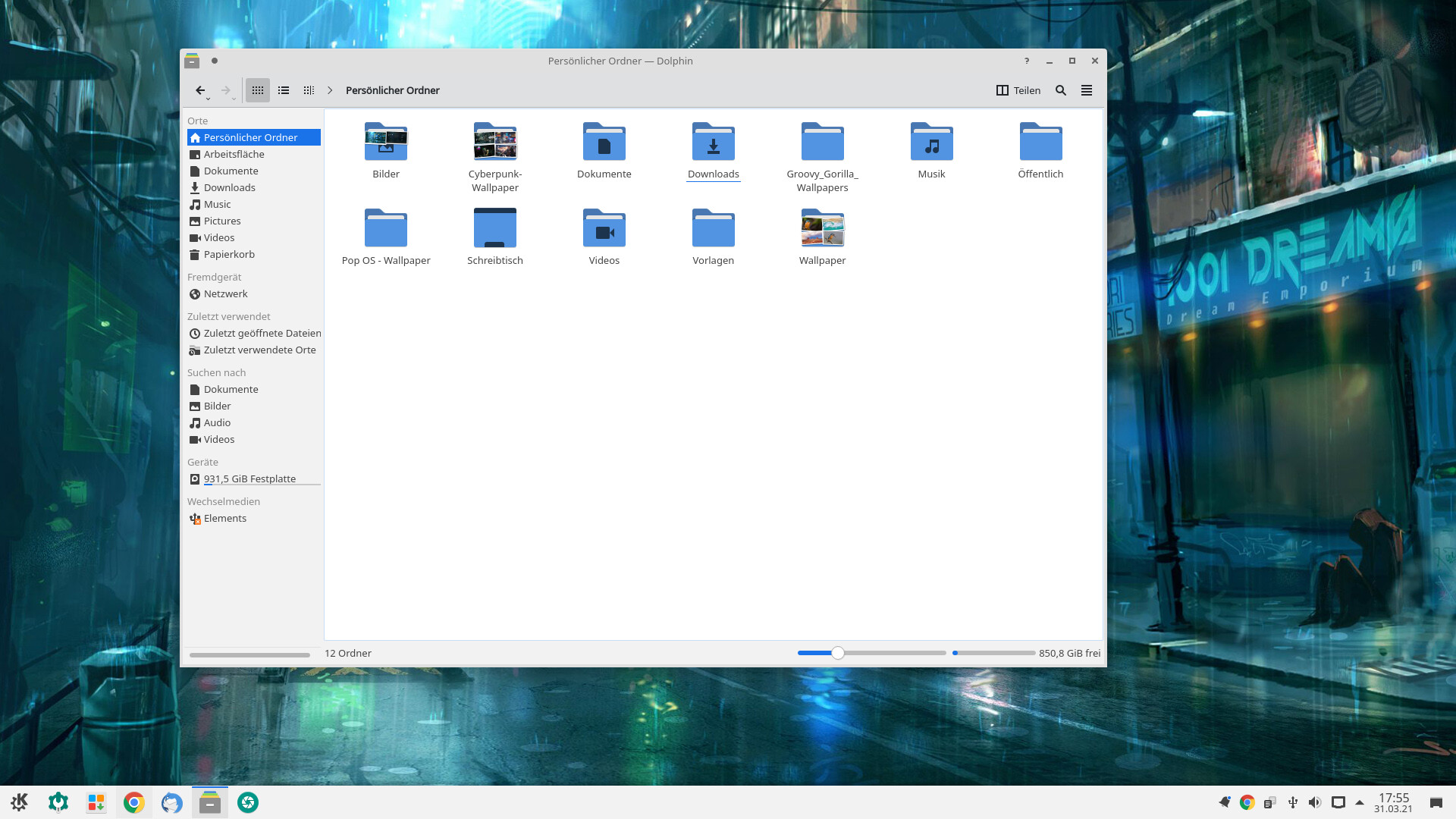
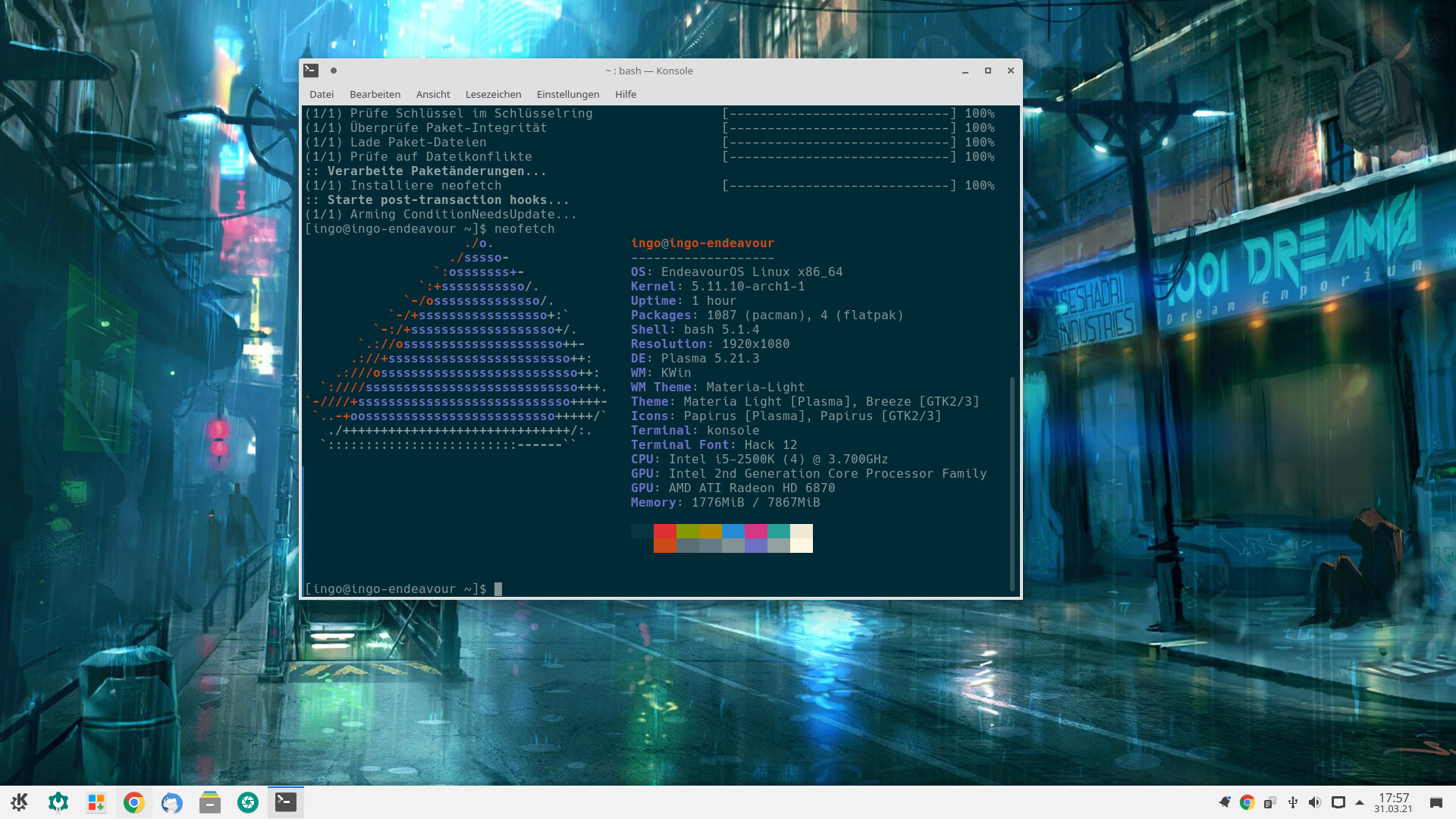
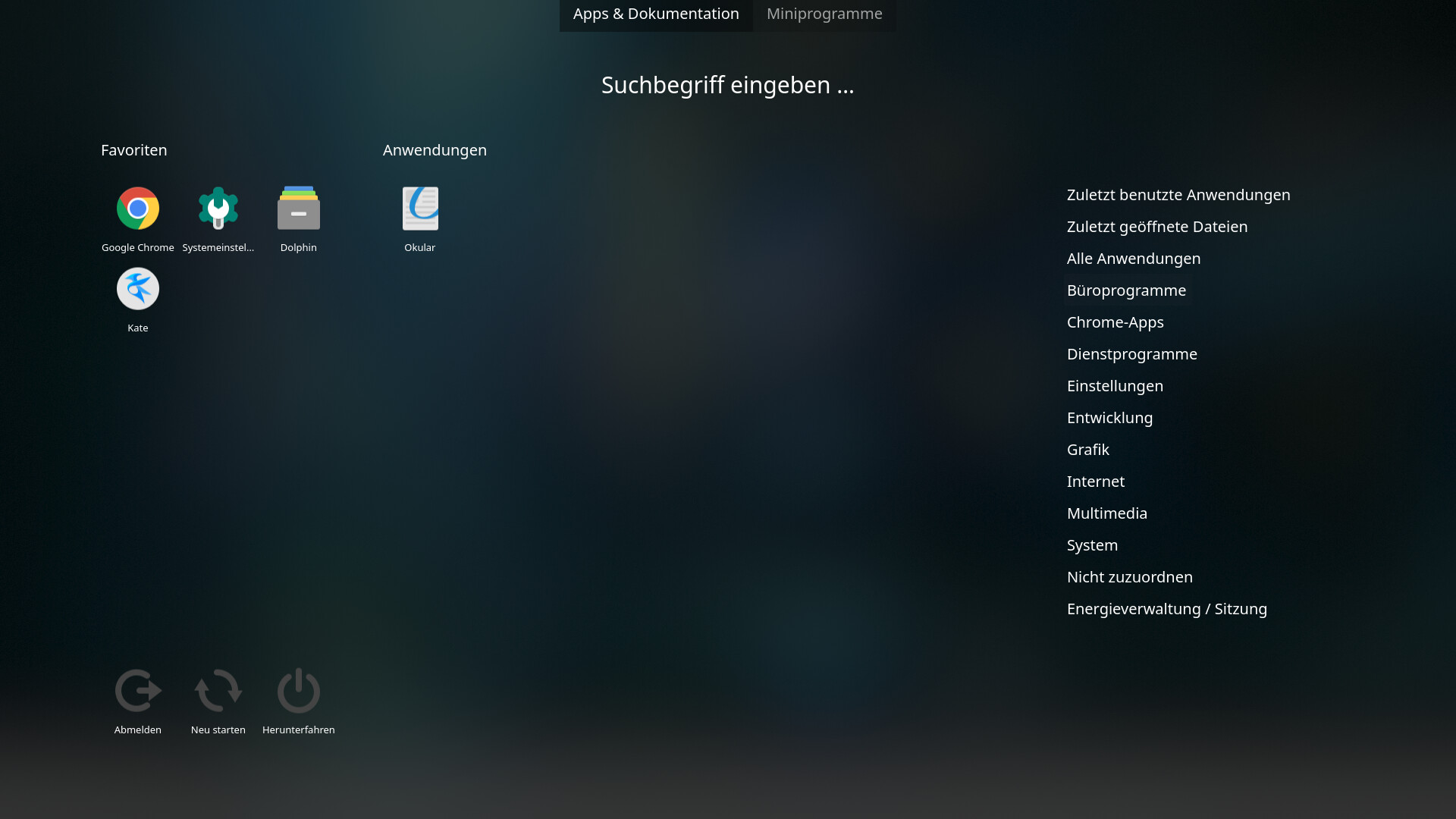
Endeavour OS KDE Plasma… 
12 Likes