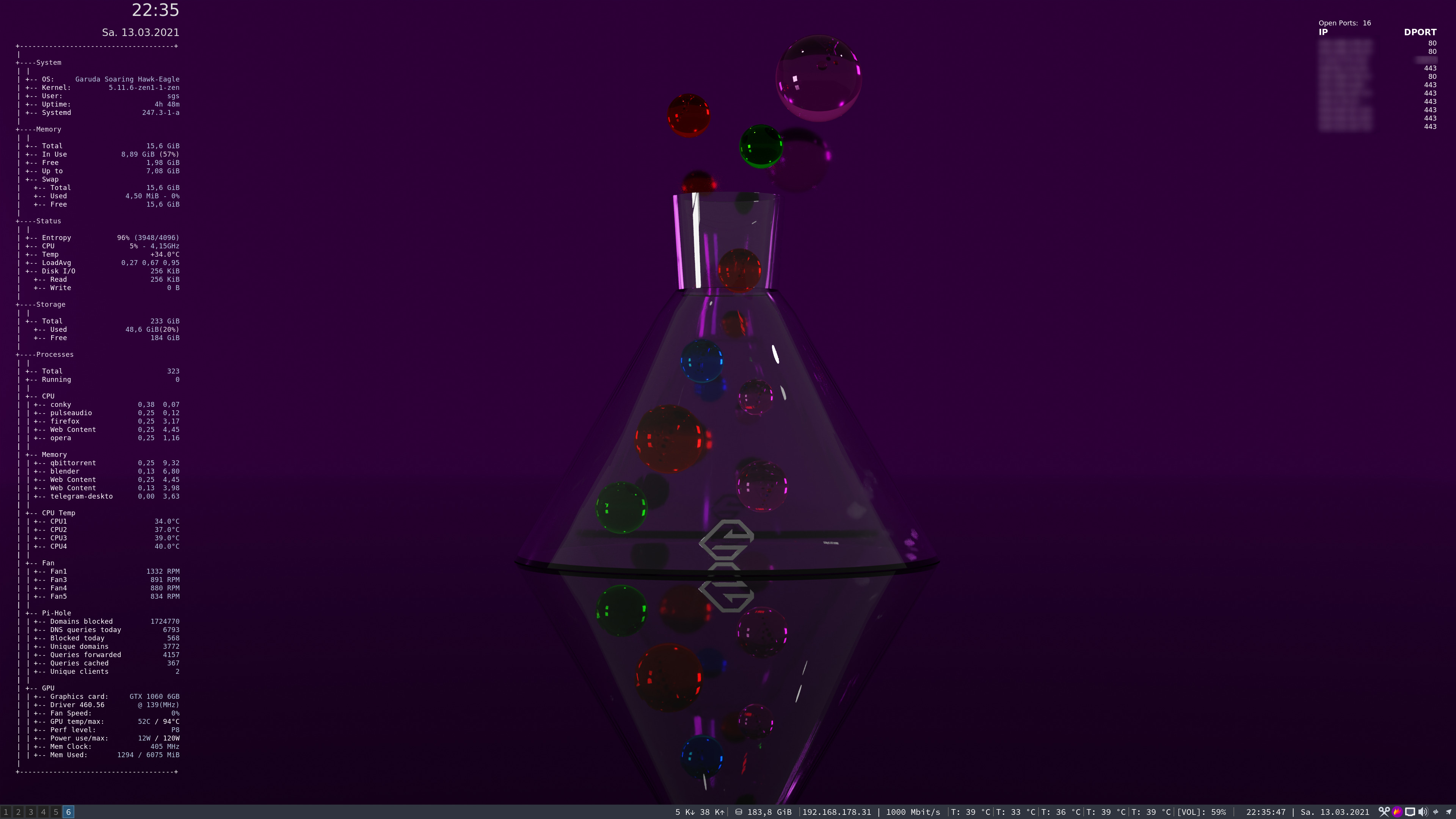
I made a conky to do that if you couldn’t get it! Glad you made it behave! 
I had to edit the files in three places to get it to work. I have never done any Conky’s. 
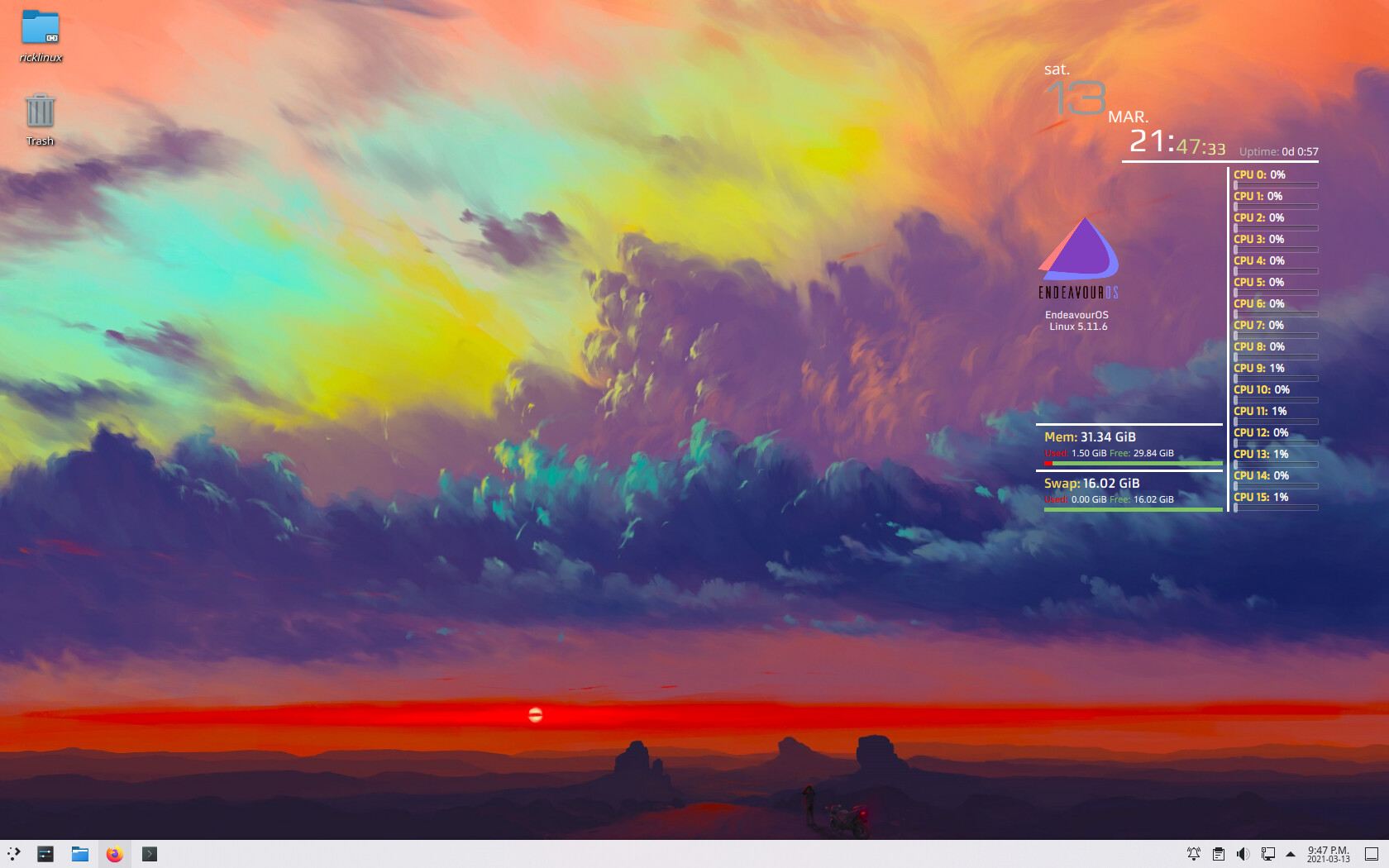
Are you running Plasma on anything? It’s gotten really good in the latest updates. Wayland is running superbly. The only package not working is simple screen recorder on Wayland.
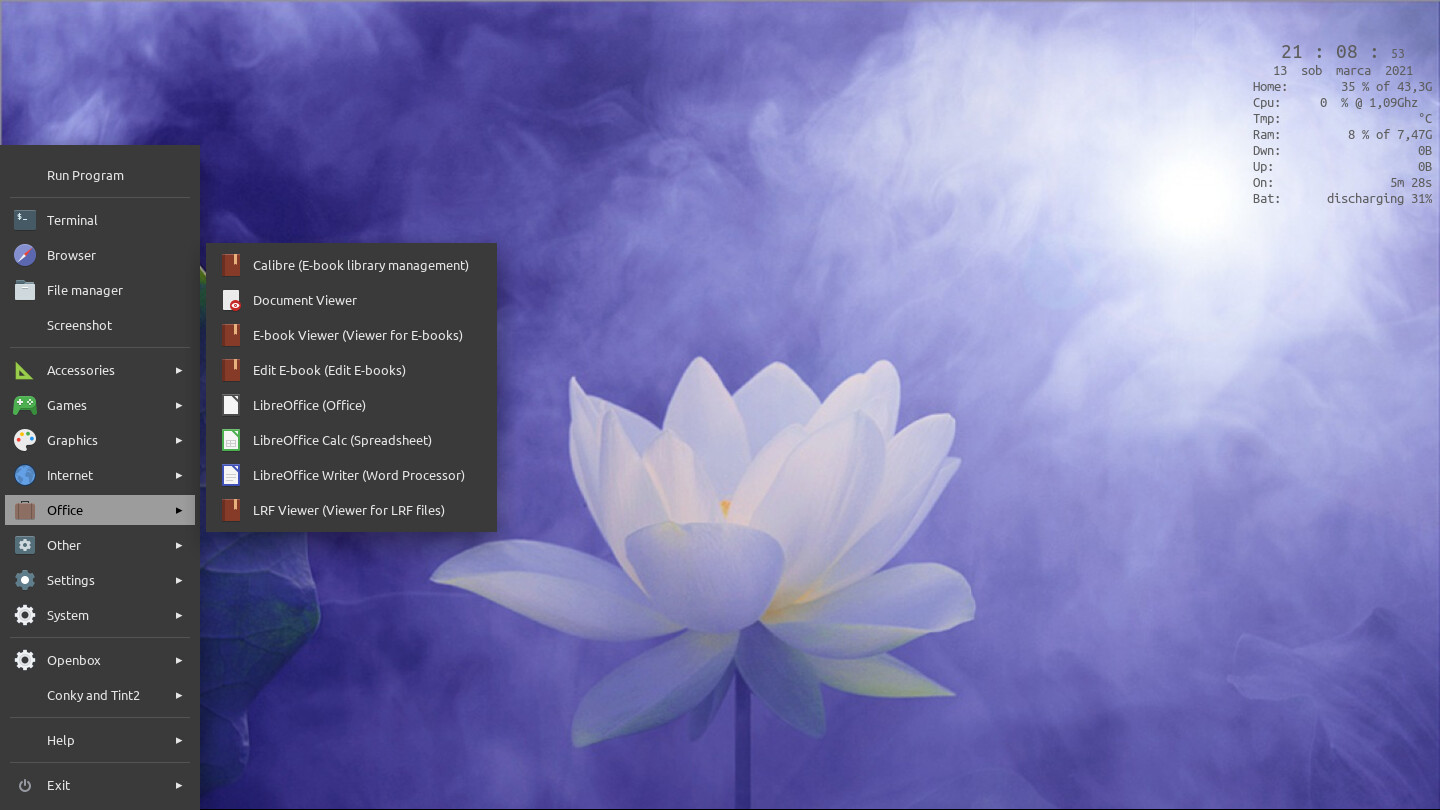
Spent the evening reading Jgmenu docs, and finally made a menu to my liking. Studied other peoples menus too to get ideas. This one searches apps without having a search box. Menu is fixed to left bottom corner, W+z brings it up, or the cursor there. Haven’t changed the wallpaper, though. Openbox is so snappy, must try with EnOS one day. 

11 Likes
just new wallpaper . Simple ARM i3 +Polybar 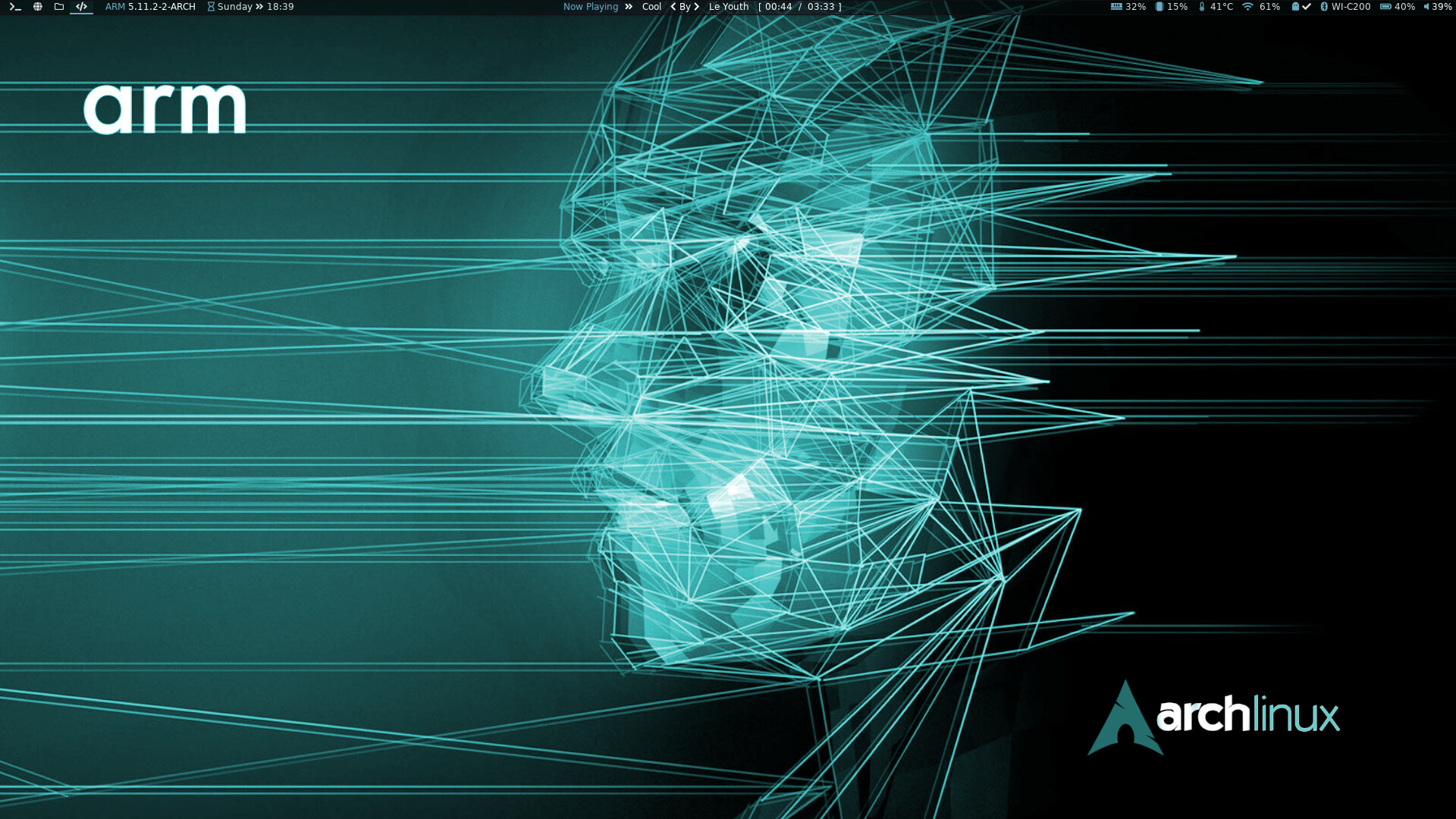
modules clickable as no use tray
we could have polybar Community Setups stored at Community Editions GitHub also …
How about some waybar?? 
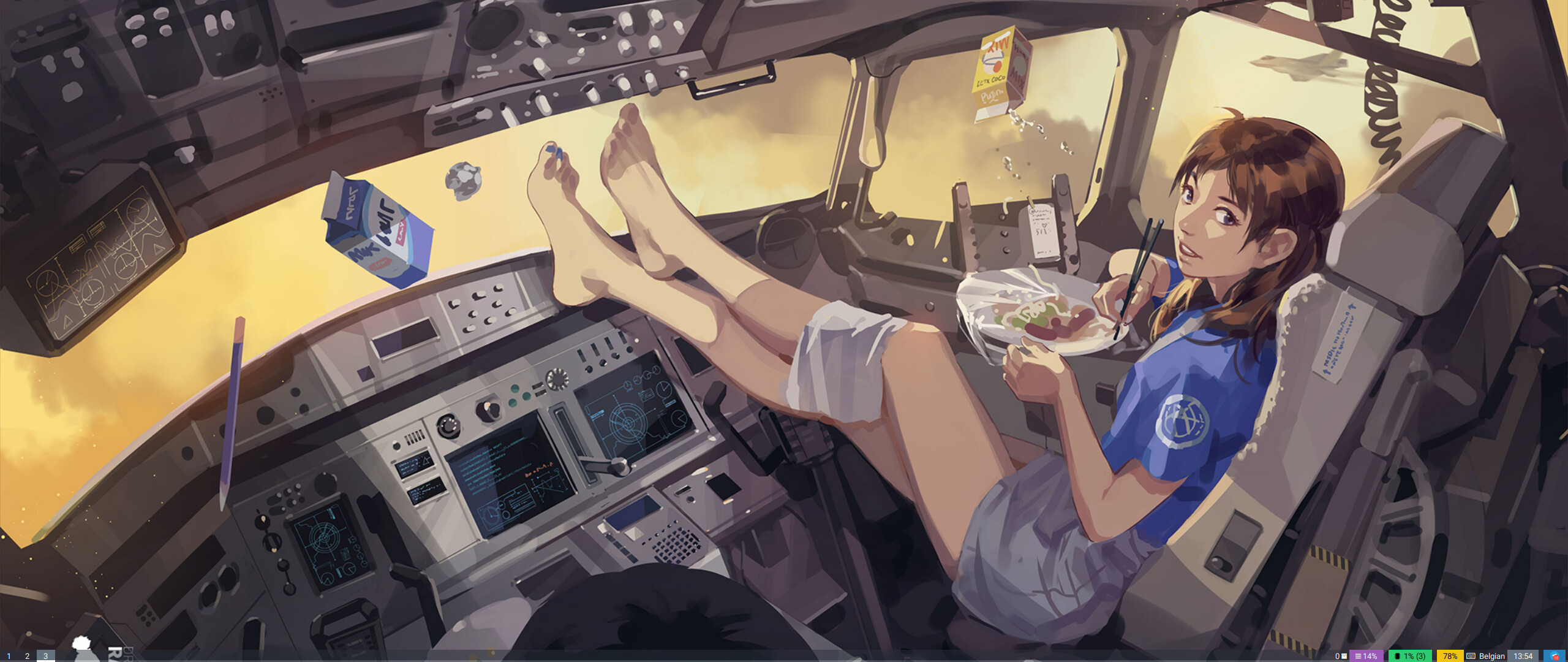
not much but changed to my preference
with gsimplecal under the clock and pacman update icon
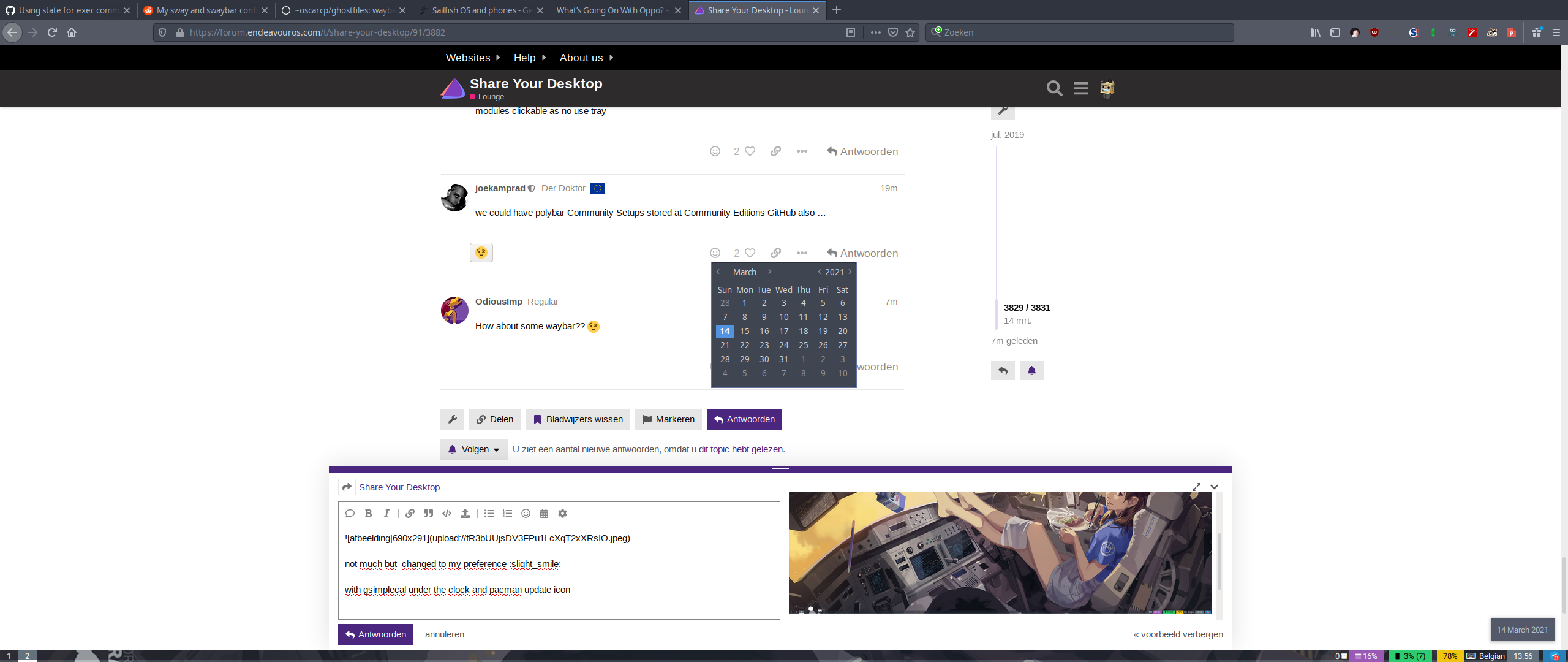
edit :and the idle button also works
edit2: sway
found something interesting if you use ranger +cmus ( know cmus no for most )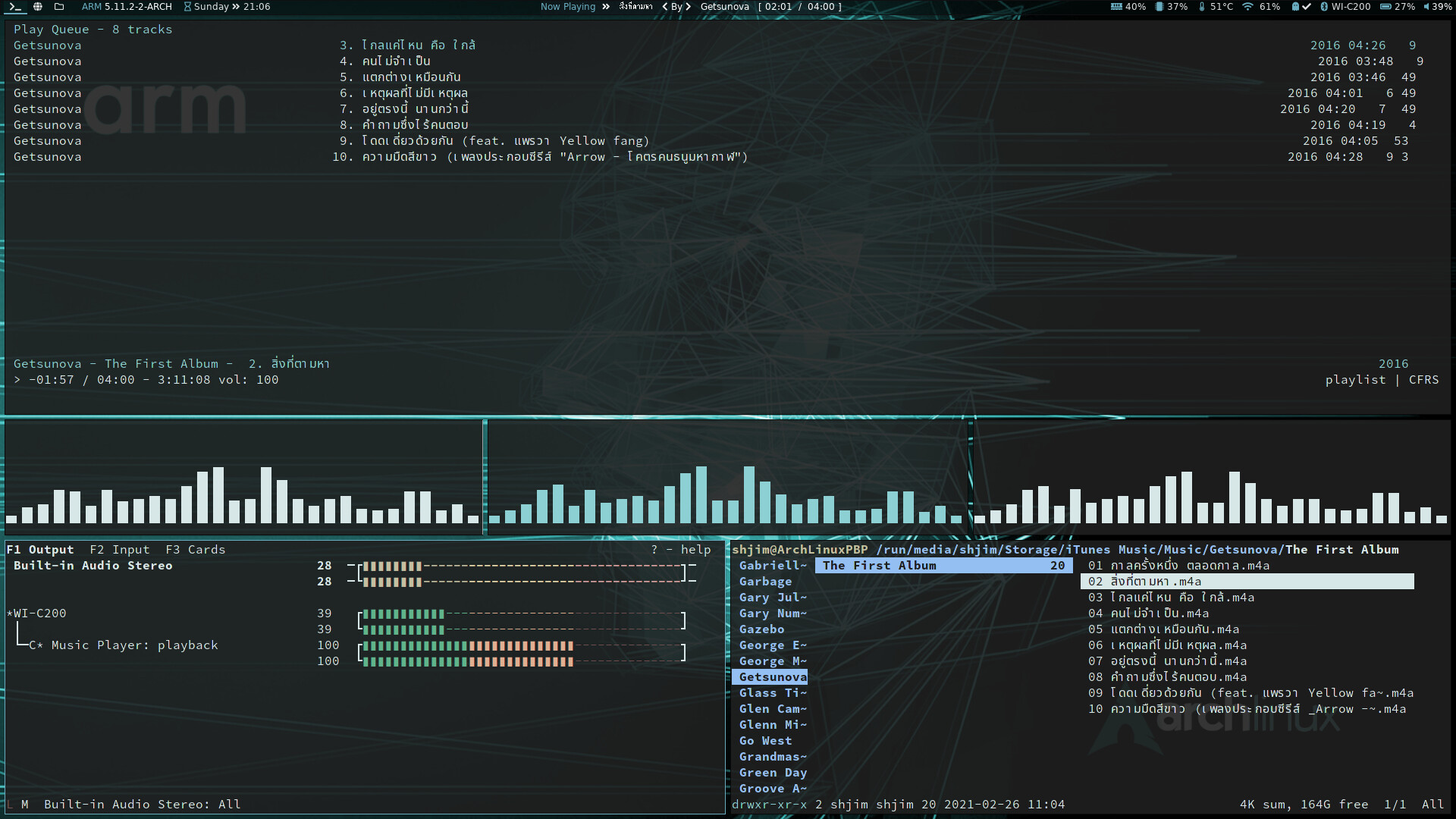
ranger-cmus

This is a plugin for ranger file manager that adds 3 custom commands for interacting with cmus audio player:

    :cmus_play: sending files/folders to playlist.
    :cmus_lib: adding files/folders to library.
    :cmus_queue: enqueuing files/folders.

Installation

Copy cmus.py file to ~/.config/ranger/plugins folder or clone this repo and run make. Then restart ranger.
Usage

Just select or mark some files/folders and enter one of the commands, e.g. :cmus_play.

You can also add these lines to ~/.config/ranger/rc.conf to use these keyboard shortcuts (ep, el, eq):

map ep cmus_play
map el cmus_lib
map eq cmus_queue
I use both so very good for me! Thank you!
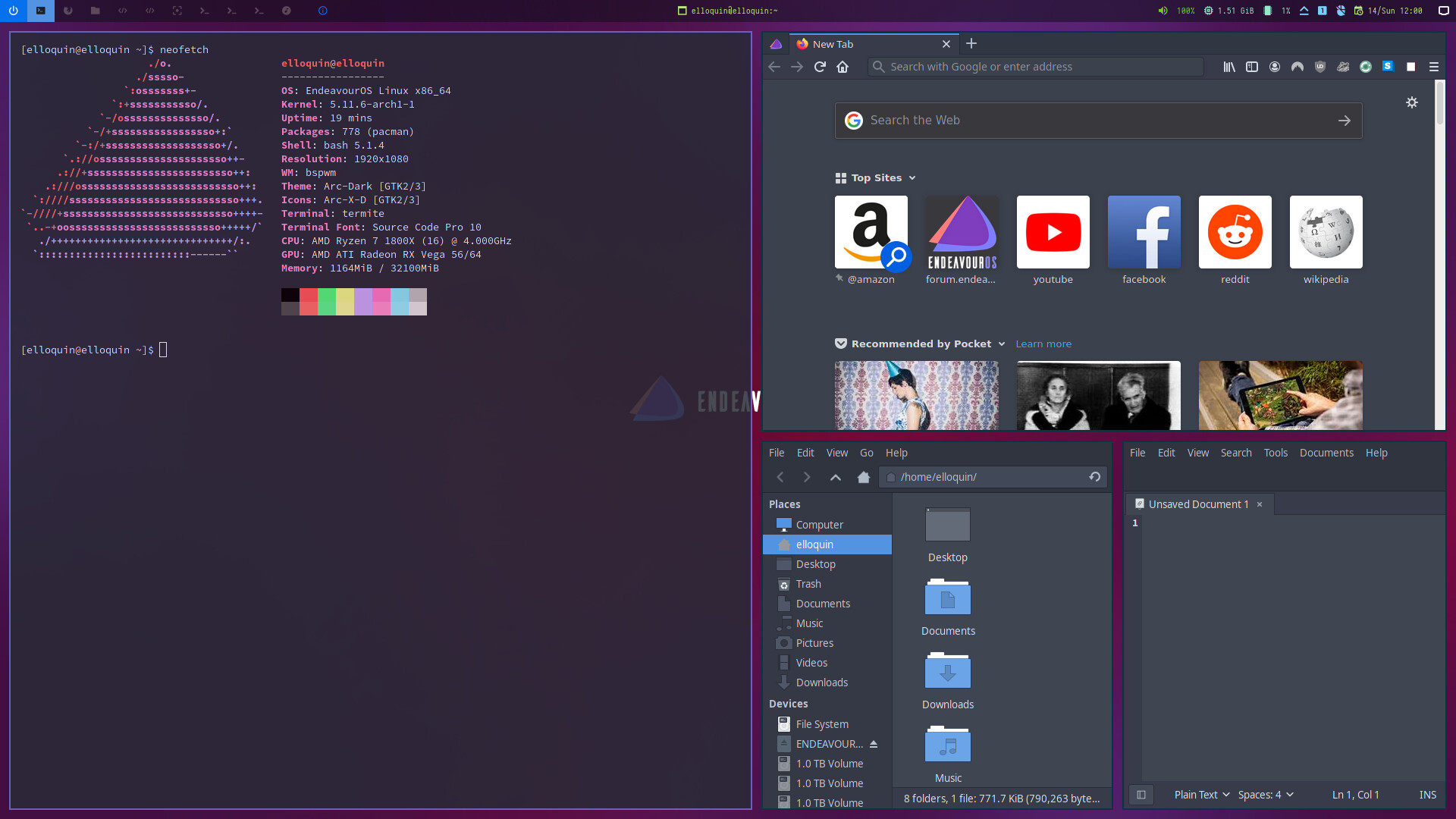
Testing BSPWM Community Edition
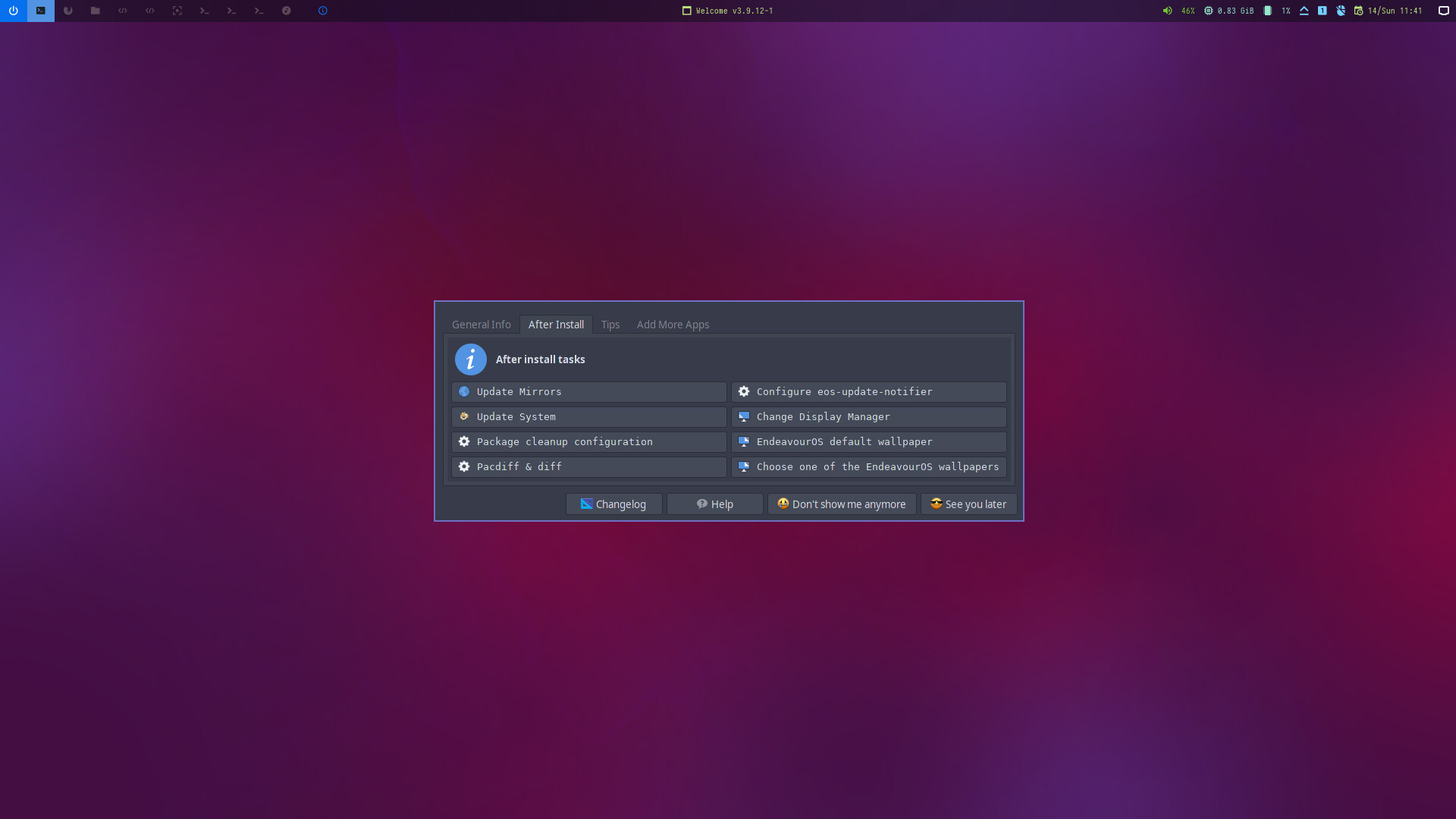
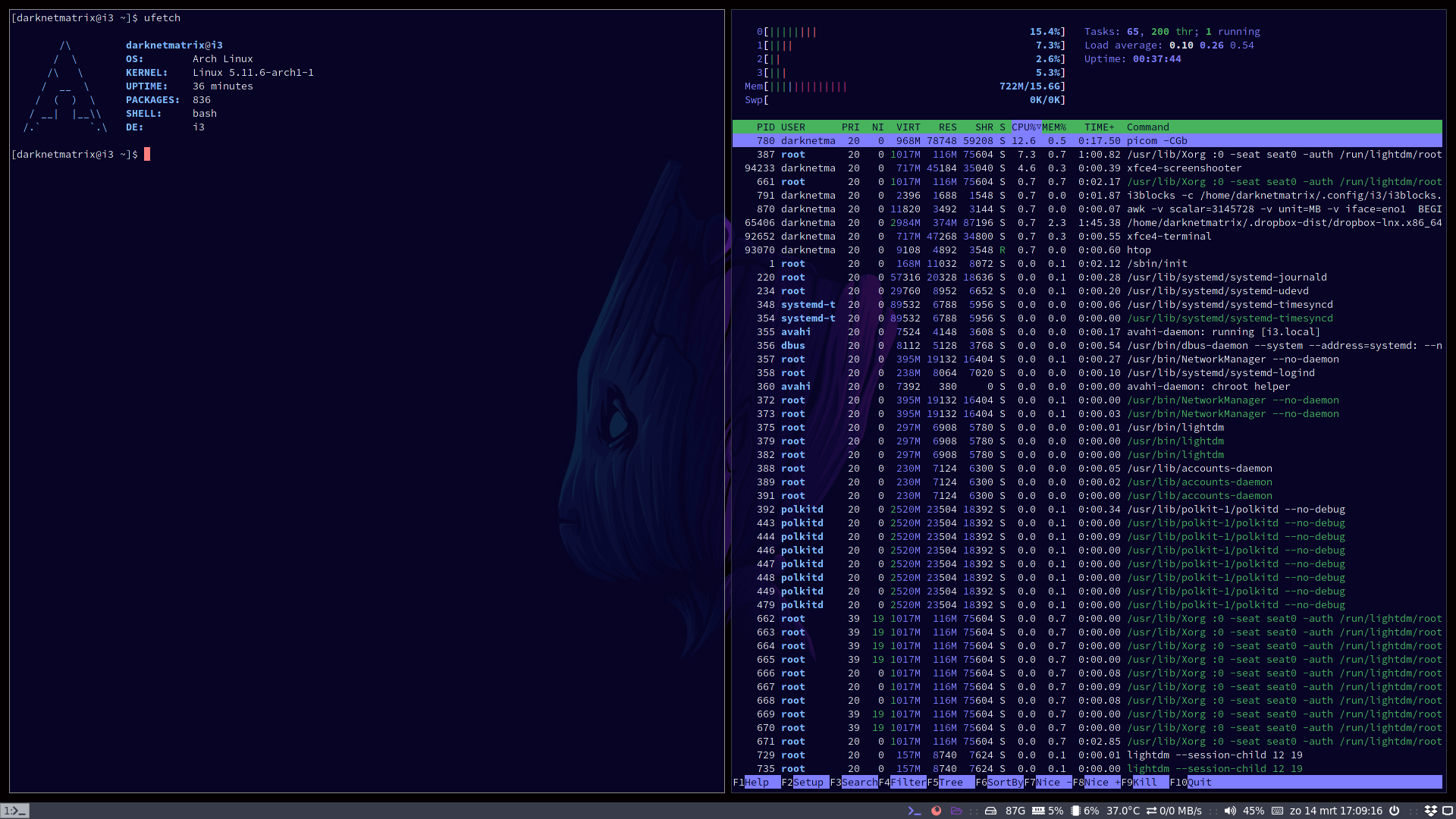
first steps on i3-wm
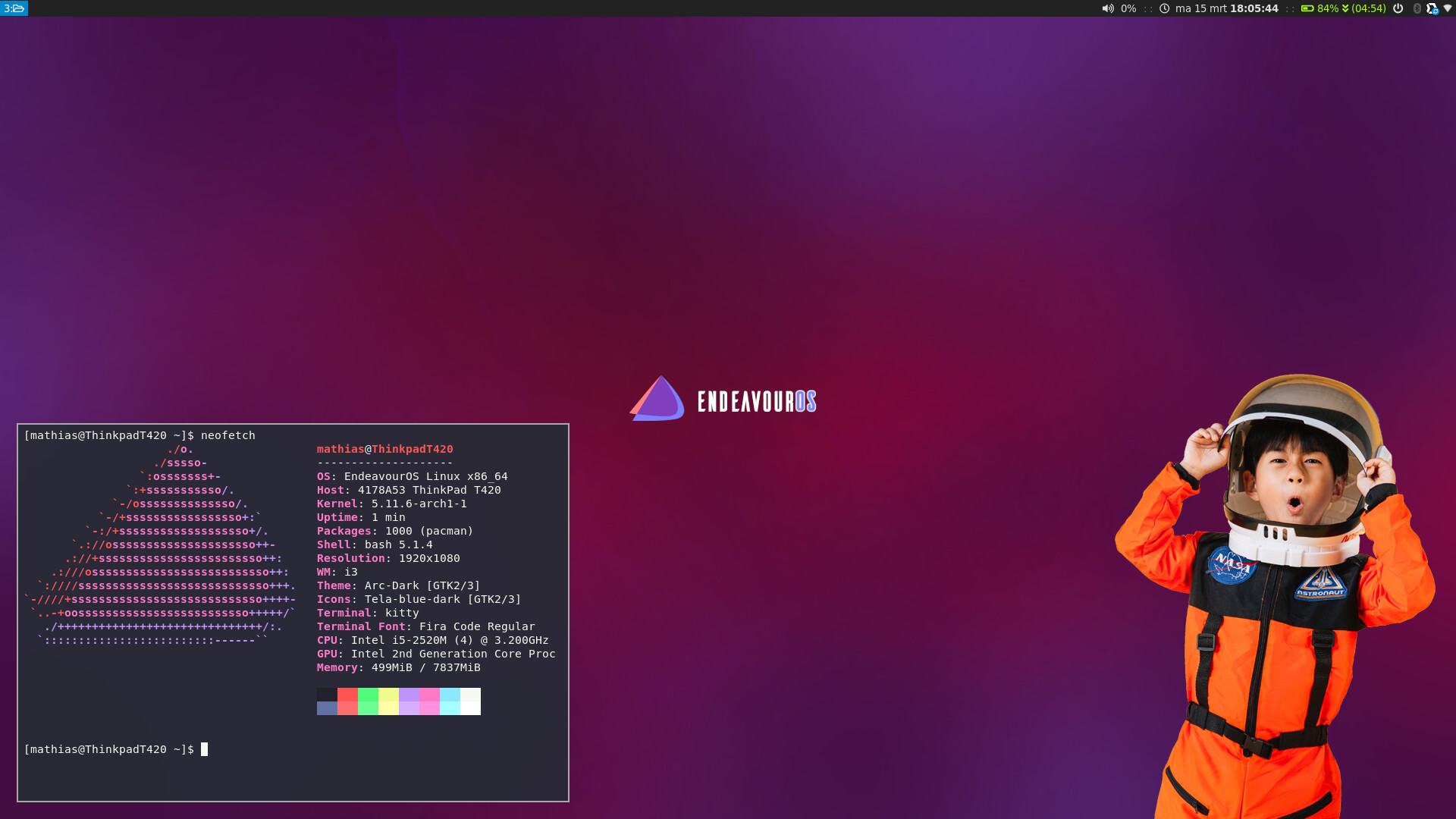
waybars too it is a known secret that users love to take dotfiles to get started so same could count fpr bars
How do you like Sparky? I’ve been meaning to test it out for a lightweight distro but haven’t gotten around to it.
playing with Sparky on a old lappie
@rjz It’s fast, i have done the minimal iso with openbox
Got to posting the dotfiles over the weekend… Includes the ‘clickable’ workspace pager (built with eww), and the Materia-Nordic GTK theme…

Have fun.
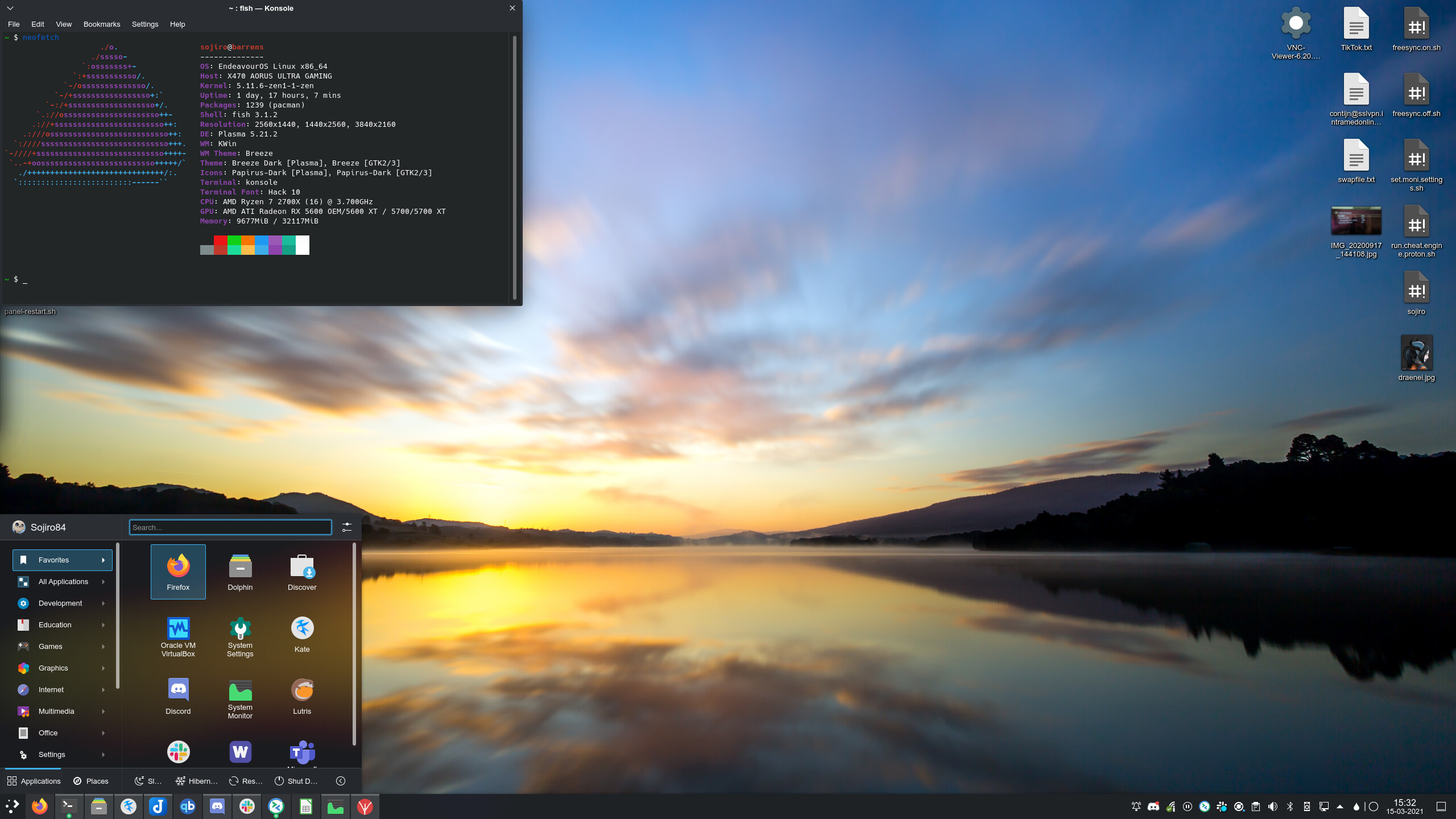
Small update on my Breeze-Dark theme. I manage to figure out how to enable blur on the default theme (but in a copy of the default off-course).
Looking much better now. Also enabled the right-click menu blur. It’s so damn sexy. I am officially in love with KDE. The grass IS greener on the other side.

9 Likes