welcome @palnik
Hi,
Pretty cold where you are!
Welcome to the warmth of EnOS forum!
Thank you all and well-being!
Cleaning up my desktop:
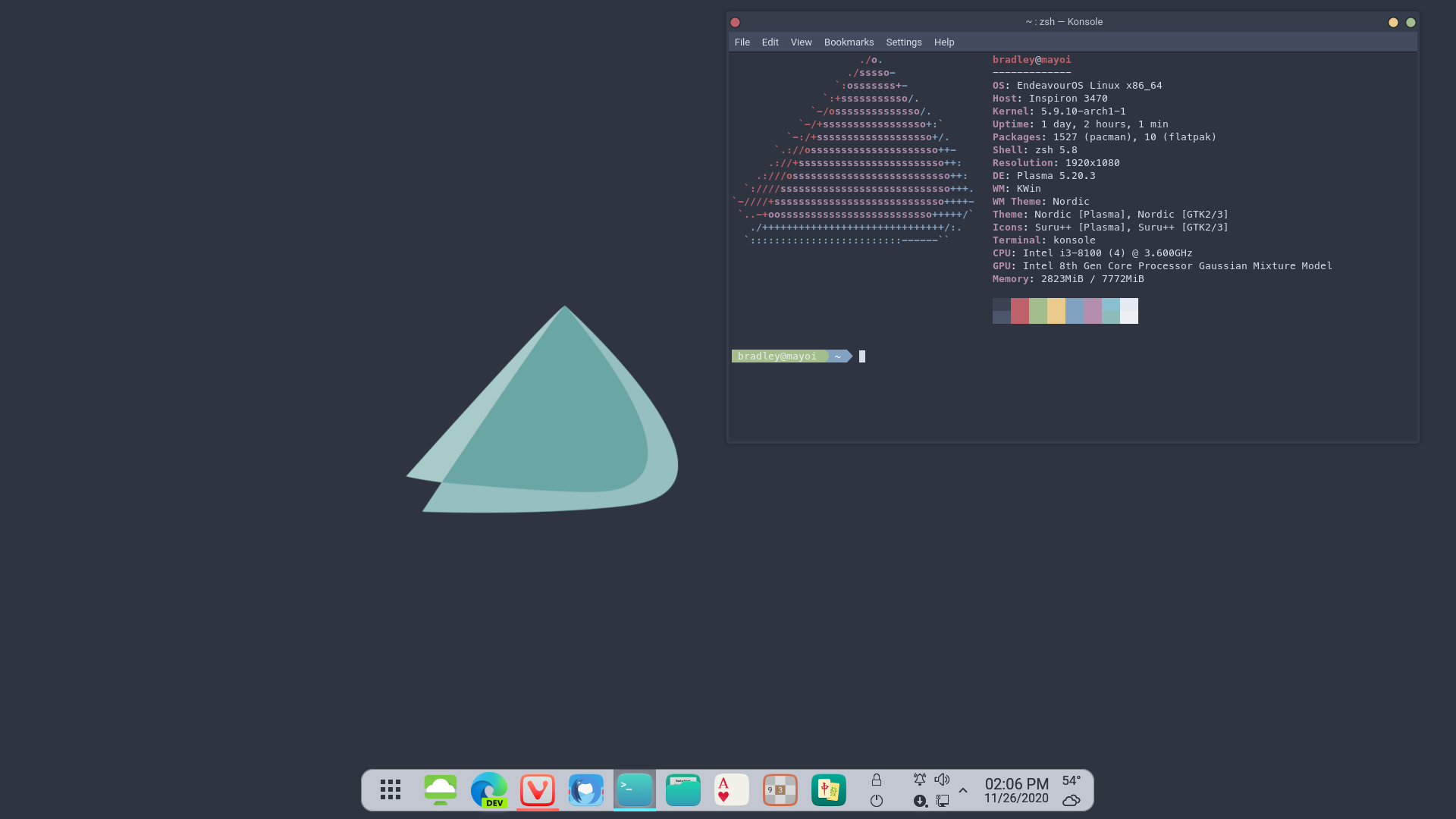
The wallpaper:

Which DE are you running, I like your dock!
Also wondering with what command do you get the terminal output everyone is showing here…?
Thanks!
Type in neofetch
If that doesn’t work,sudo pacman -Syu neofetchand then try again.
Plasma (KDE) with a customized Latte Dock.
Not a full desktop - it hasn’t changed that much from the last time - but here are a couple of alternative monitoring options with conky(wx) that I am trying to decide between:
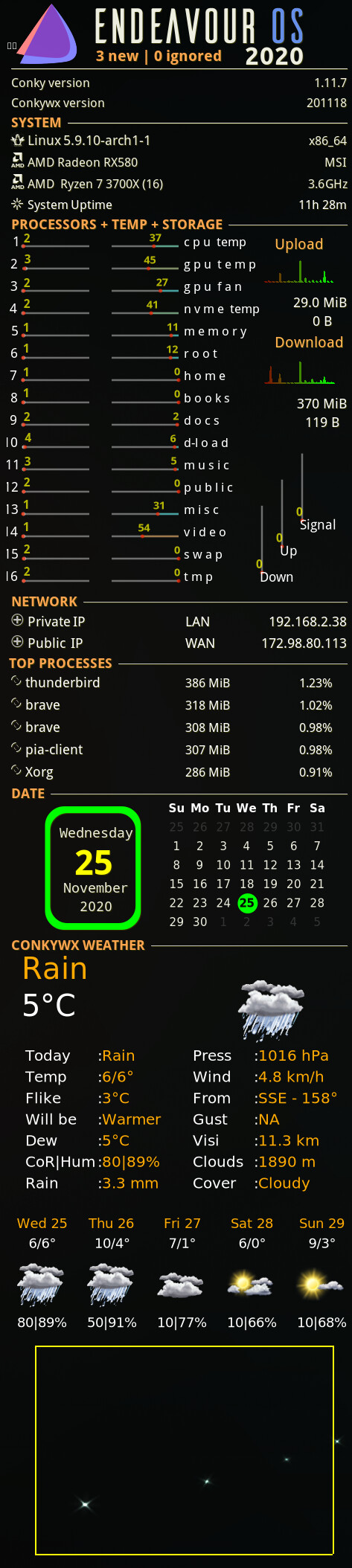
and
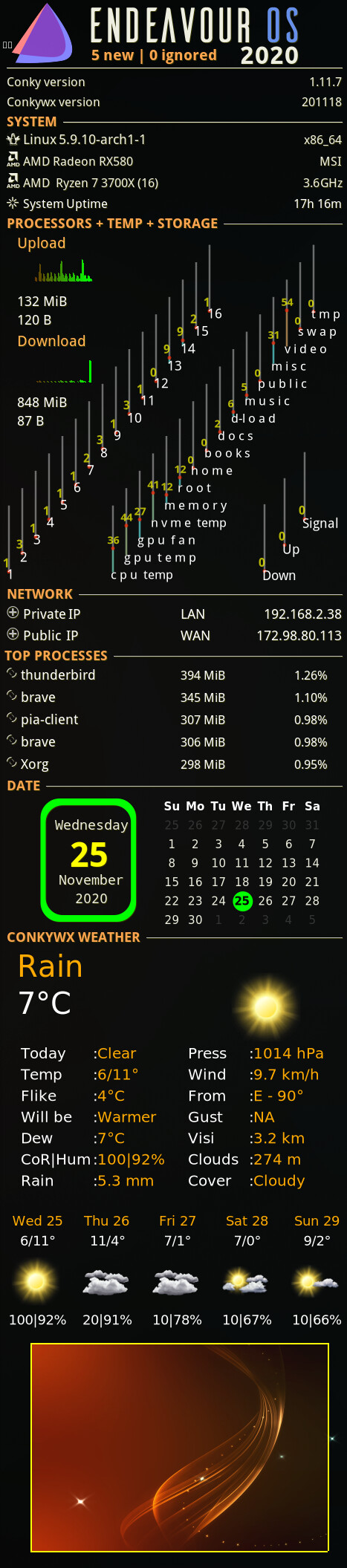
@freebird54 I really like the Conky’s. Is Conky(wx) a fork of Conky? I am thinking of adding a Conky to my desktop again, and I like the look of both of them. Would you be willing post or PM me the Conky config file you are using so I can experiment around with it?
Thanks!
Mark
Conky is what it is (and improving slowly). Conkywx is a ‘toolkit’ for conky, if you will - a widget system for use with conky - written in lua, mainly + scripting + perl. The specific monitoring setup you saw there is a new widget variation just added to conkywx - I am not sure if the the version in the AUR has it yet.
Conky requires a fair bit of setting up (or borrowing) to get what you want - and scripting of sorts to get exactly what you want. I’d be happy to help - but a lot of thiongs are rather machine hardware specific (nVidia, or not for instance - Intel or not - certain chipsets in laptops or not - you get the idea. There lots of little tutorials, and some humongous threads about it (such as on ubuntuforums, where I started) some of which comfortably exceed 20,000 posts!
Thanks for the information. I am very familiar with Conky, and have played around with Conky in the past. The first time was in 2003 on Mandrake Linux 9.1. One of the first things I did was make a “custom” version of one of the default themes. I have not done anything with it recently because I was trying to settle down to a distro. Now that I am happy with my Arch install and KDE, it is time to “scratch that Conky itch” again.
Another desert, another icon theme, another terminal. The rest still the same. That’s the way I like it.
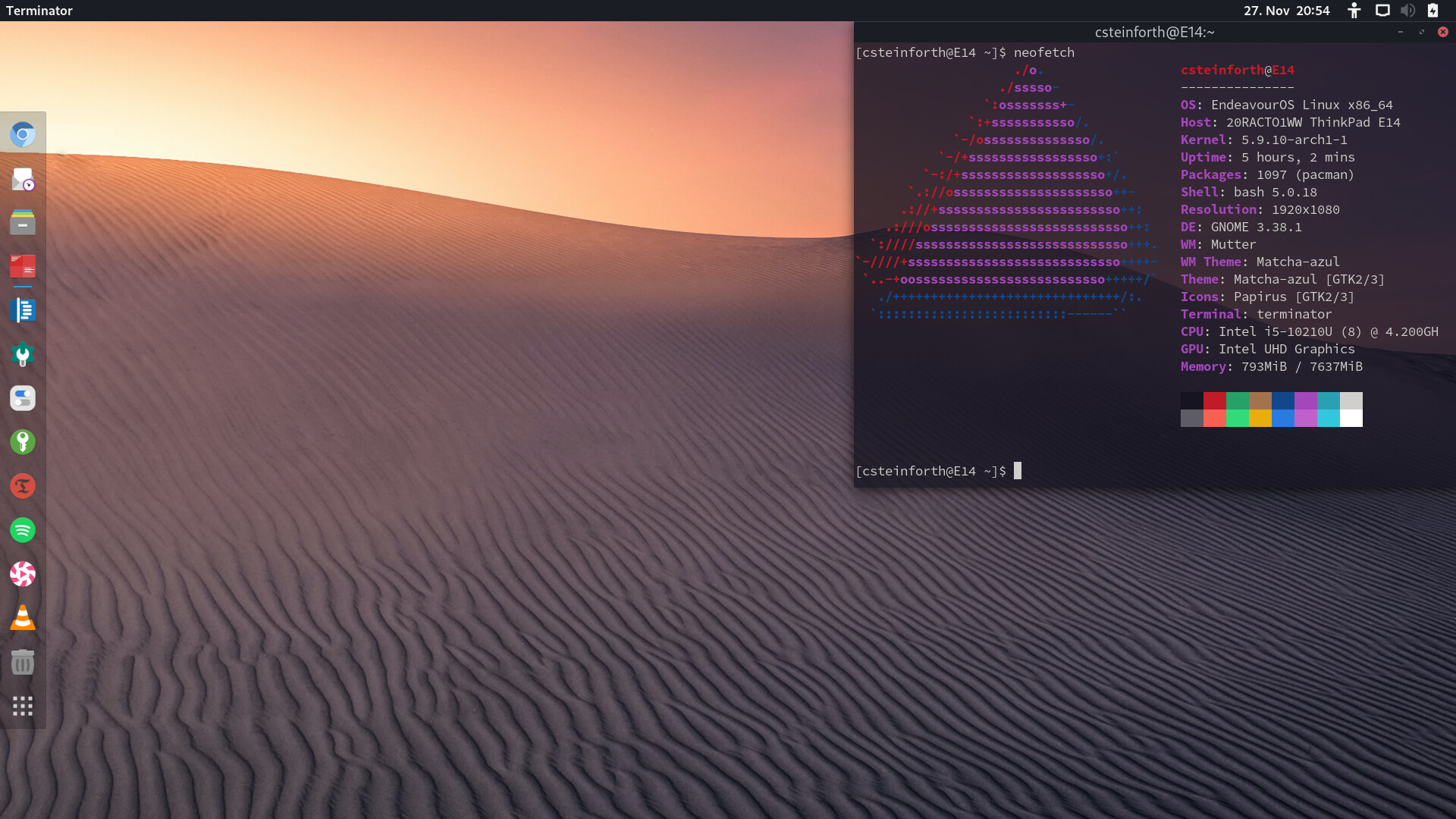
if i no use i3 / other WM’s . I would use Gnome as well  it just nice + wayland work good on Pinebook Pro
  so i will try gnome and sway
It shouldn’t at my age, but my lock screen makes me very happy!
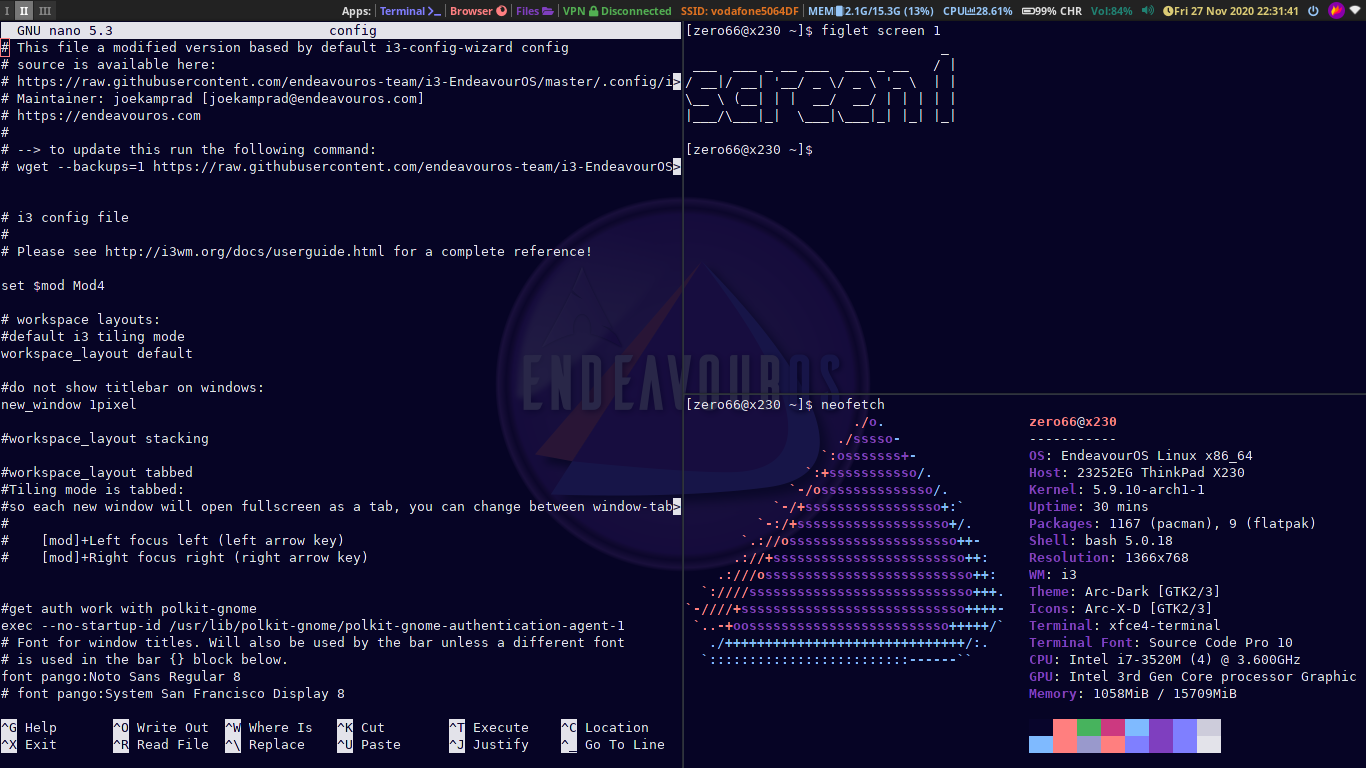
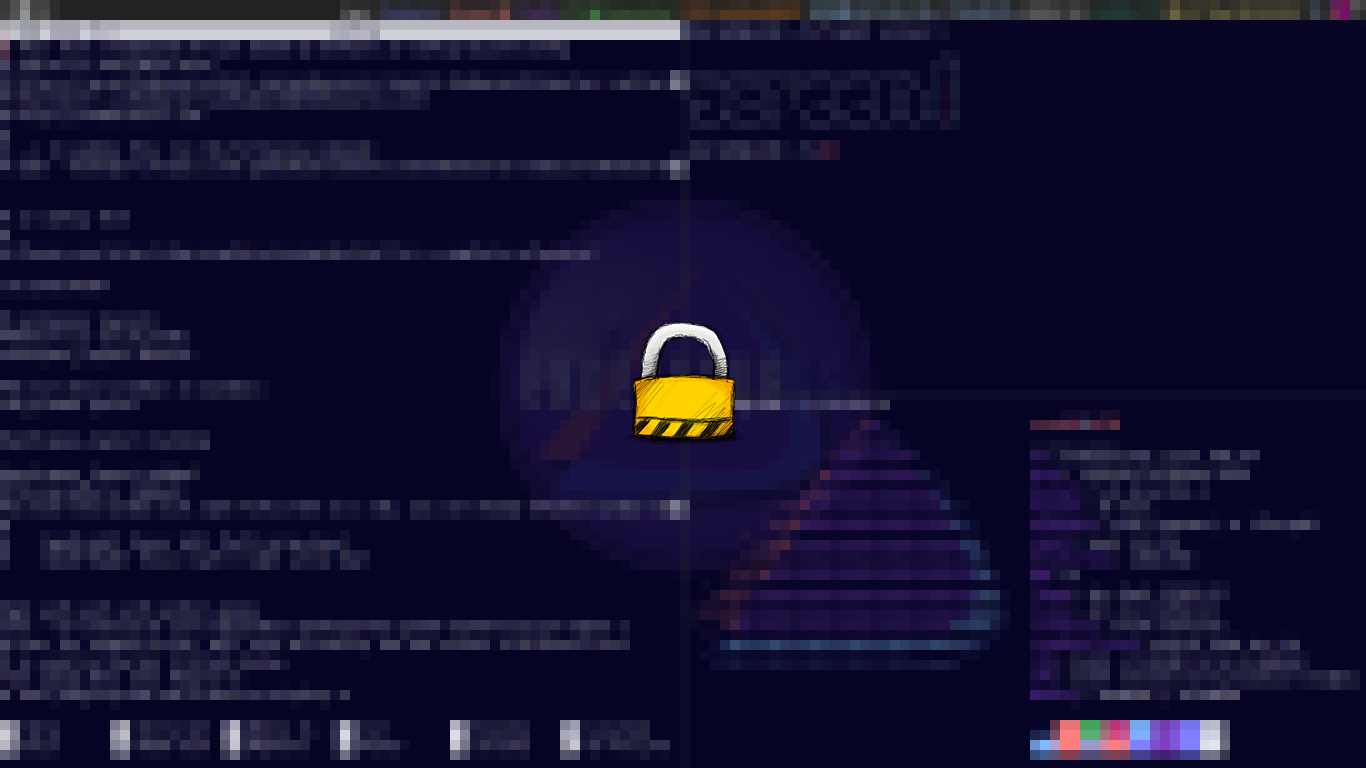
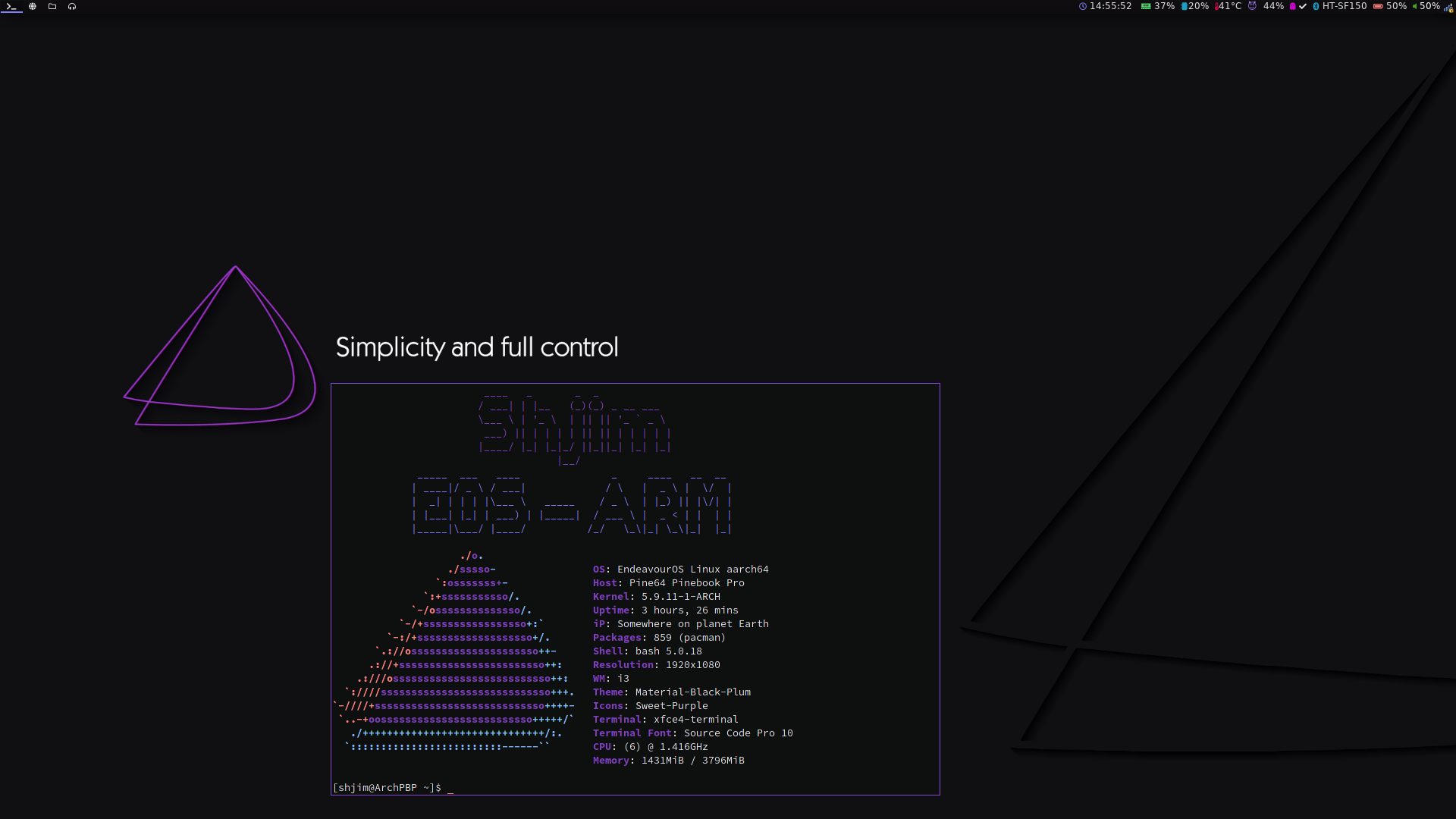
@anon75994754 I’ve seen that on youtube, and also running neofetch/screenfetch when the term launches, same as you have. I need to find out how to do that…
Shjim
# ~/.bashrc
#

# If not running interactively, don't do anything
[[ $- != *i* ]] && return

alias ls='ls --color=auto'
PS1='[\u@\h \W]\$ '

#COMMANDS CREATED INSIDE /ETC/BASH.BASHRC FILE
# USING ANSI COLORS

STOP="\e[0m"
Purple="\e[35m"
White="\e[37m"
Red="\e[31m"
Cyan="\e[36m"
LightRed="\e[91m"
printf "${LightRed}"
figlet -f small -c -k " Shjim "

printf "${Purple}"
figlet -f small -c  " -------- "
printf "${Cyan}"
figlet -f small -c -k " EOS - ARM "
printf "${STOP}"


neofetch
you can change bashrc file ( that a simple one to show you how )
so it look
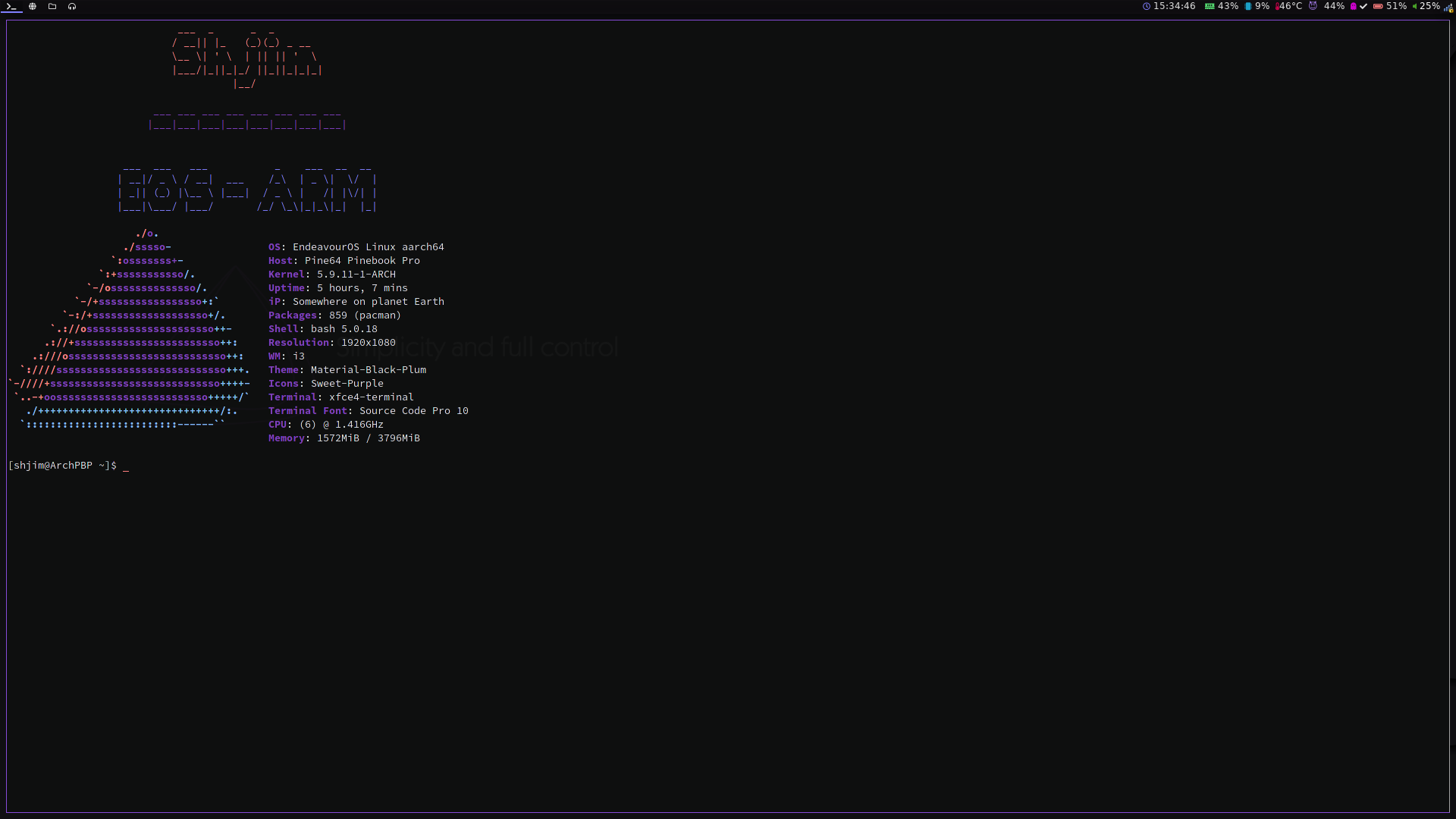
so you could say this 


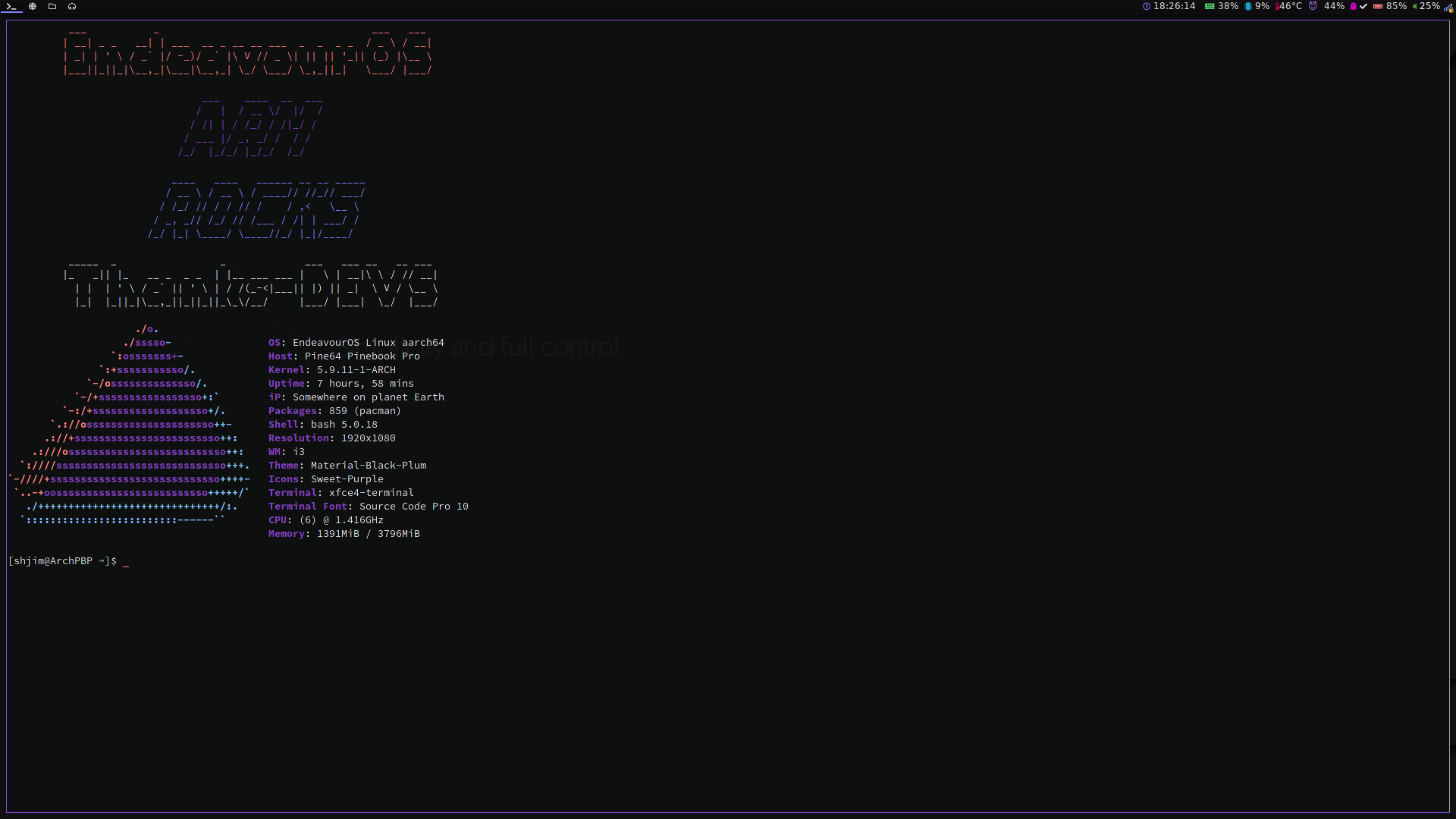
#Shjim
# ~/.bashrc
#

# If not running interactively, don't do anything
[[ $- != *i* ]] && return

alias ls='ls --color=auto'
PS1='[\u@\h \W]\$ '

#COMMANDS CREATED INSIDE /ETC/BASH.BASHRC FILE
# USING ANSI COLORS

STOP="\e[0m"
Purple="\e[35m"
White="\e[37m"
Red="\e[31m"
Cyan="\e[36m"
LightRed="\e[91m"
printf "${LightRed}"
figlet -f small -c -k " EndeavourOS "

printf "${Purple}"
figlet -f slant -c  " ARM "
printf "${Cyan}"
figlet -f slant -c -k " ROCKS"
printf "${White}"
figlet -f small -c -k " Thanks-DEVS "
printf "${STOP}"


neofetch
lot more …
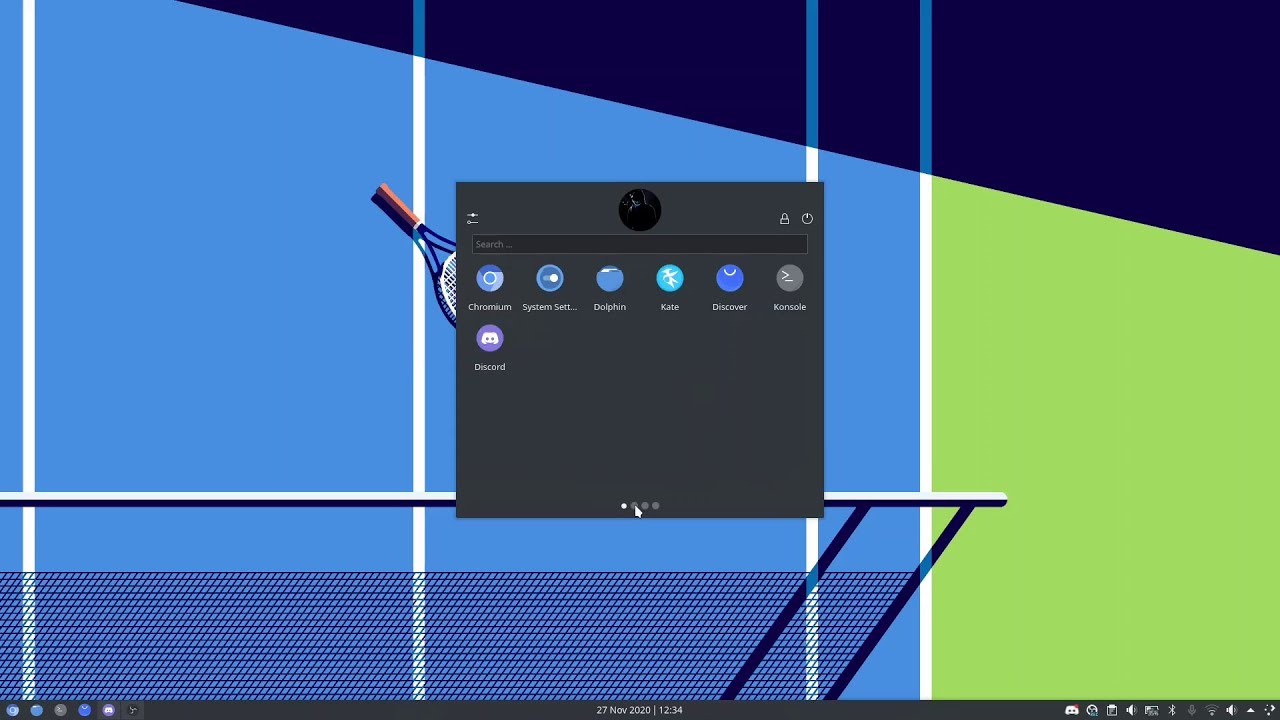
I mean, isn’t a video even cooler! KDE 