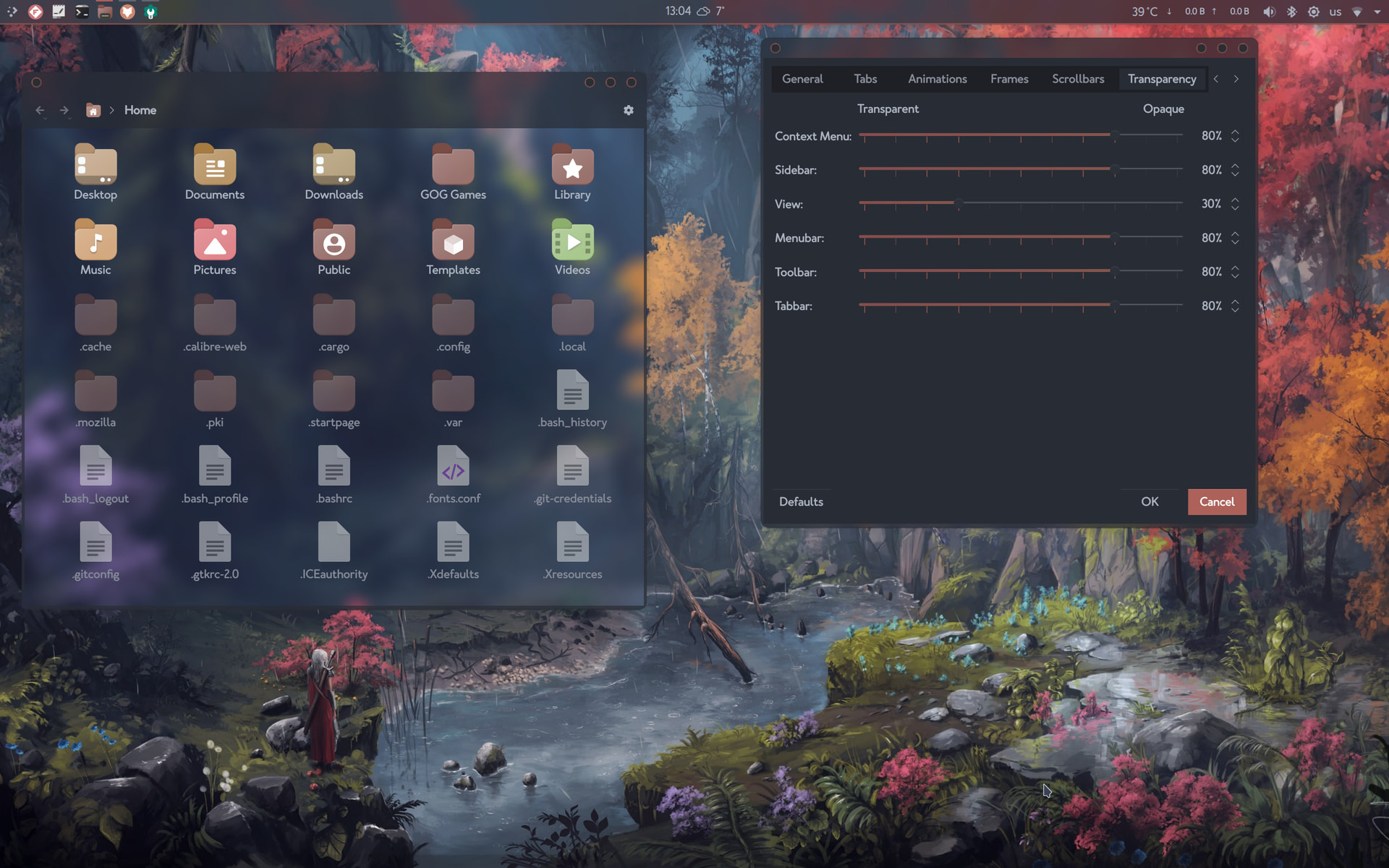
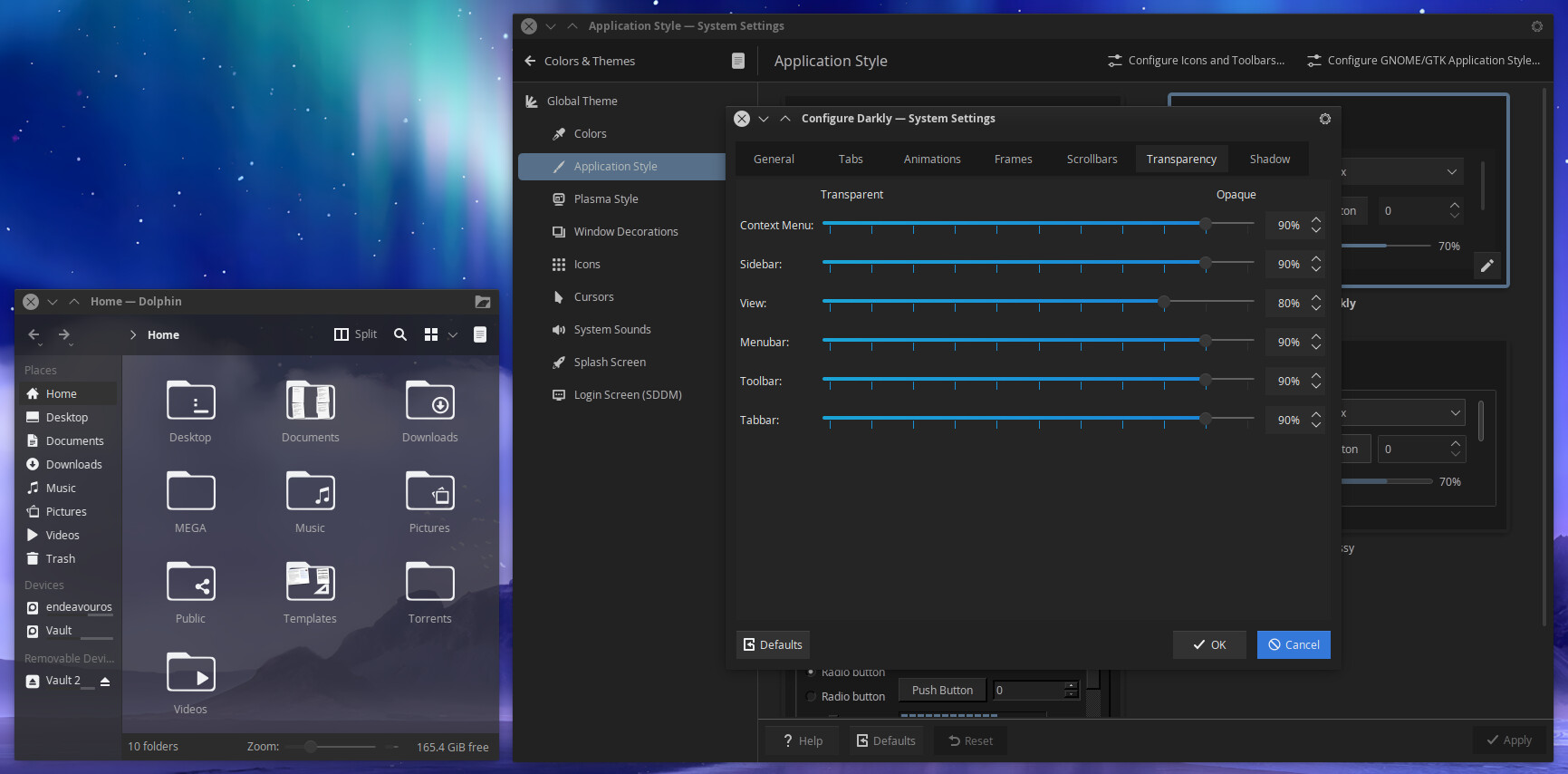
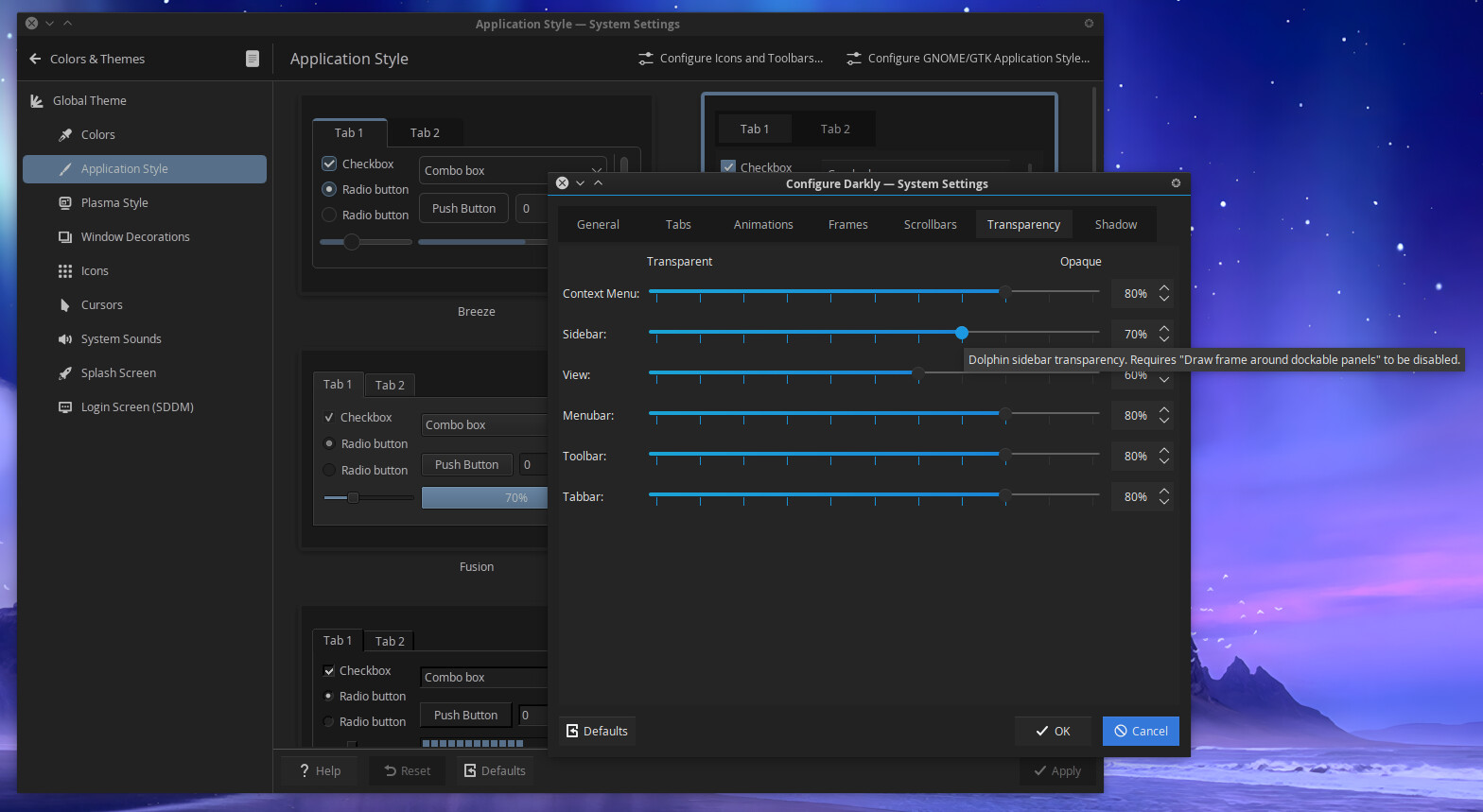
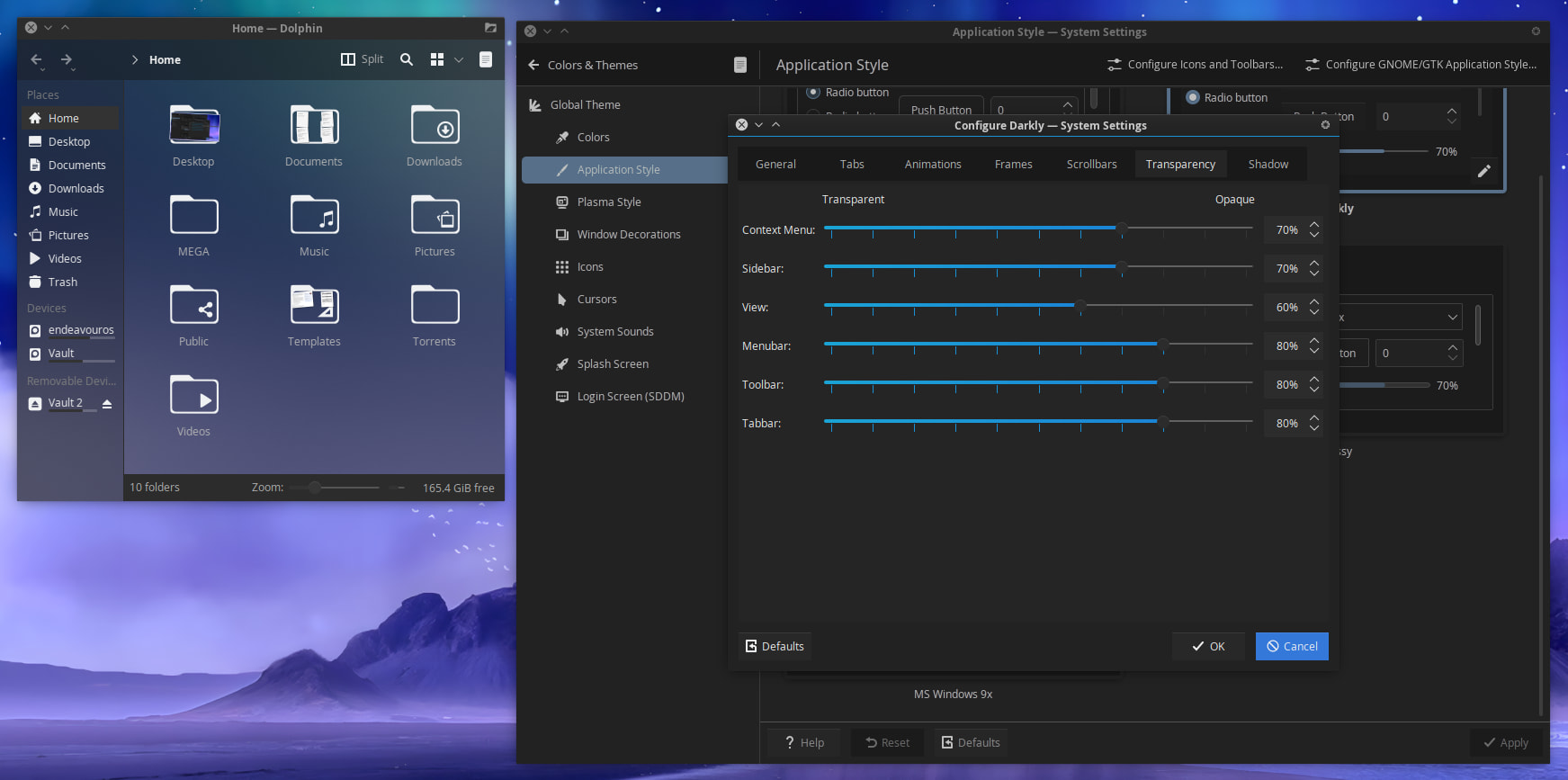
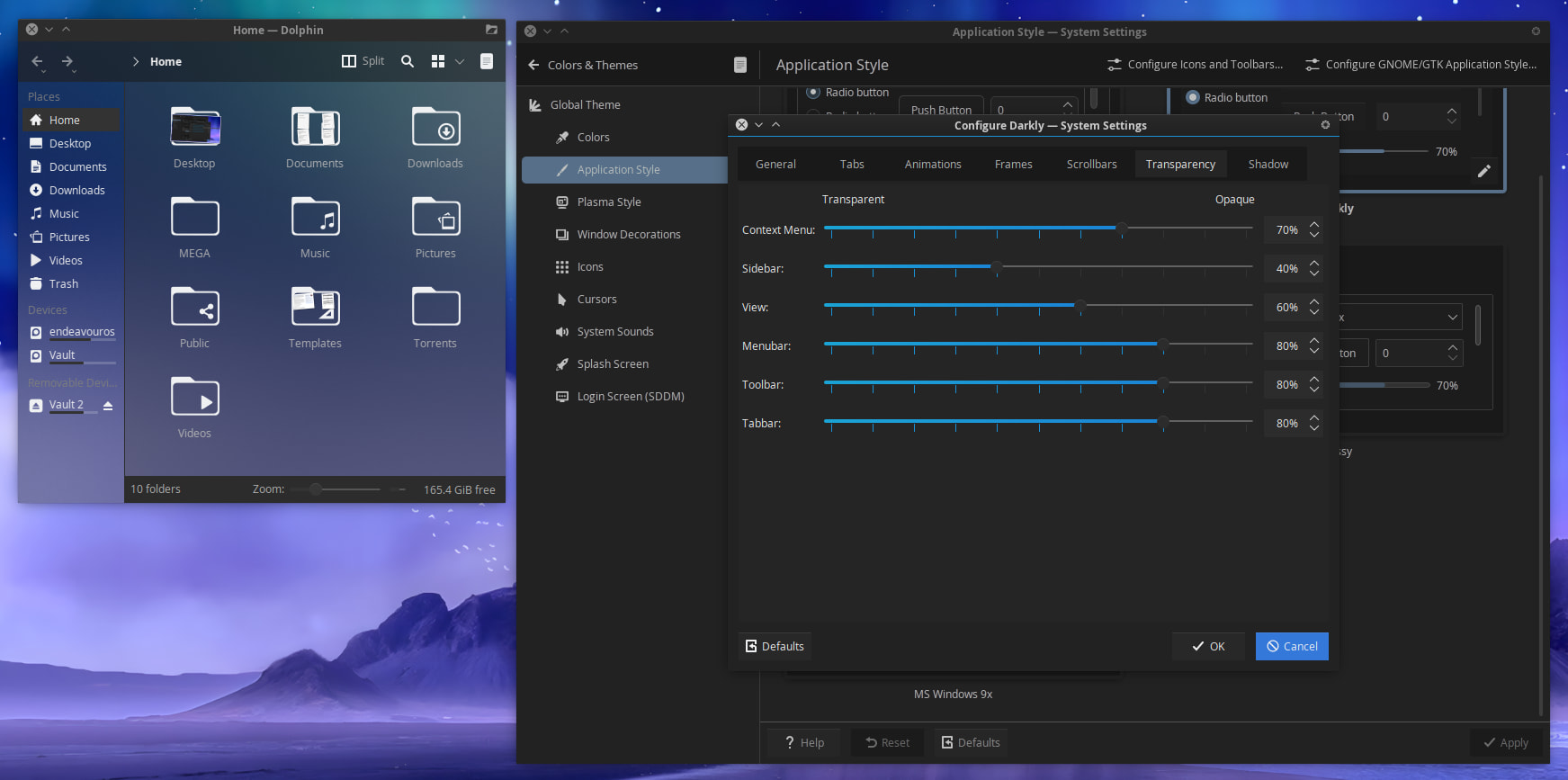
No, adjust the View slider in Transparency tab to your liking.
view=30% (my normal setting is 80%, just for the screenshot)
No, adjust the View slider in Transparency tab to your liking.
view=30% (my normal setting is 80%, just for the screenshot)
Got it, it’s a setting from Darkly. Sorry I got confused. Thought it was Dolphin setting 
Nice. I should give darkly a shot
Not your fault. My windows are nameless, not for normal people 
Running darkly. Not that bad @fog
How are you getting the frosted glass look?
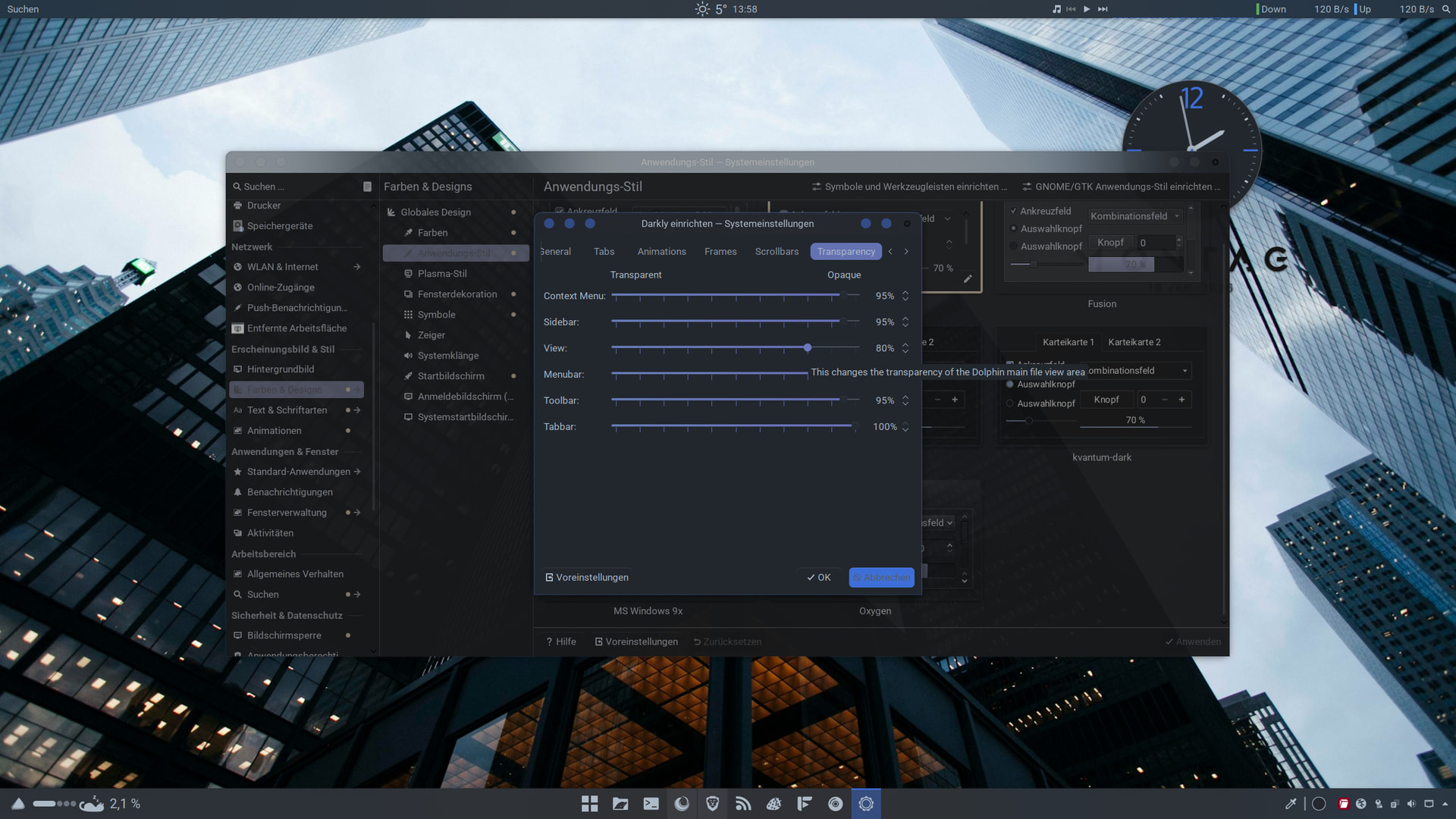
Since the update today, darkly got an seperat dolphin view slider
@fog mentioned it. Hasn’t been implemented yet
Do you have blur enabled and better blur deactivated?
That did it. I haven’t had Better Blur installed for a while now. I just enabled Blur. Thanks.
You’re welcome, as always. Glad you got it work 
Welcome back @perletero 
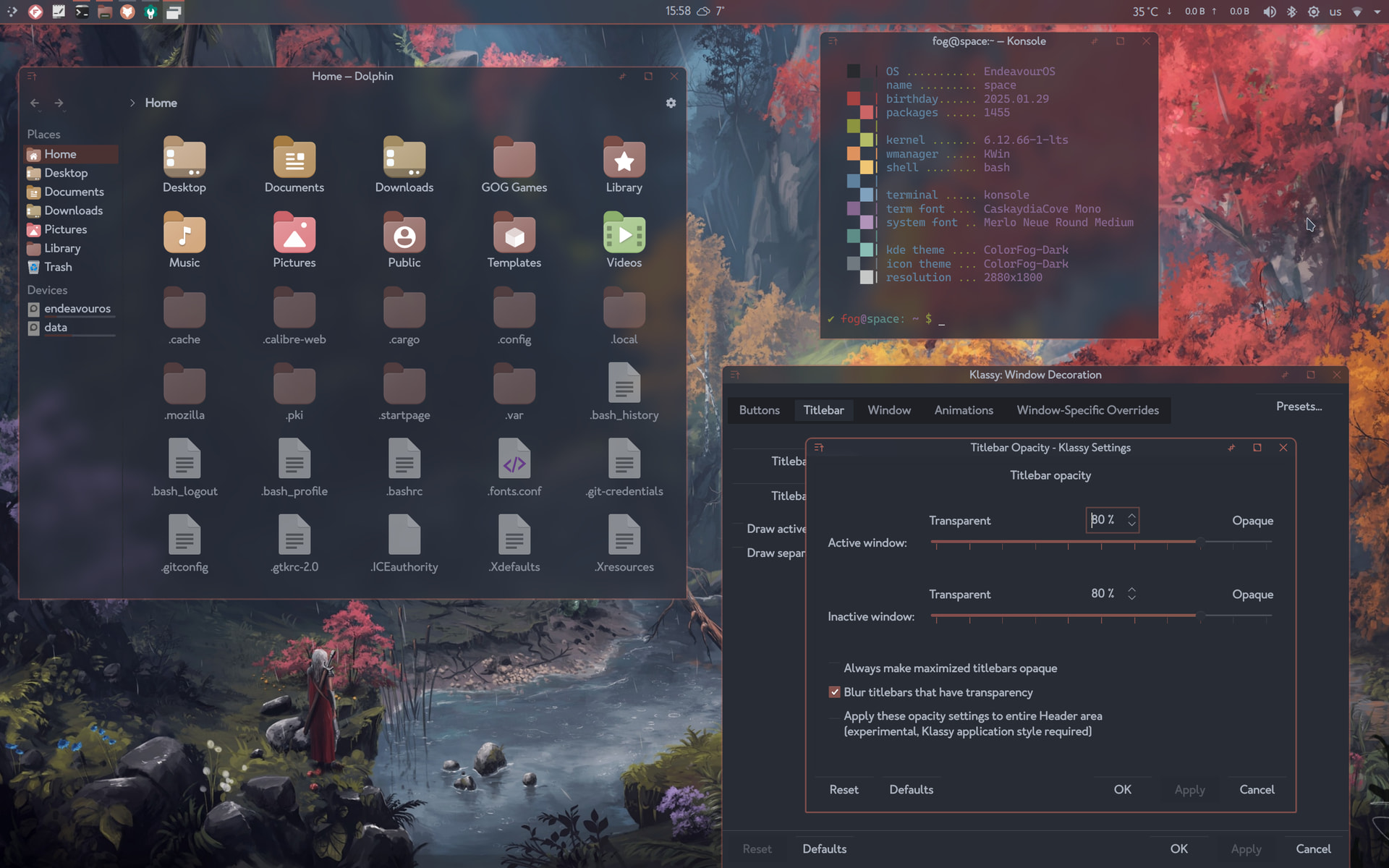
I like it because my ocd (not me  ) wants the same amount of transparency everywhere. So I’m using the same settings for all, menu, sidebar, toolbar etc.
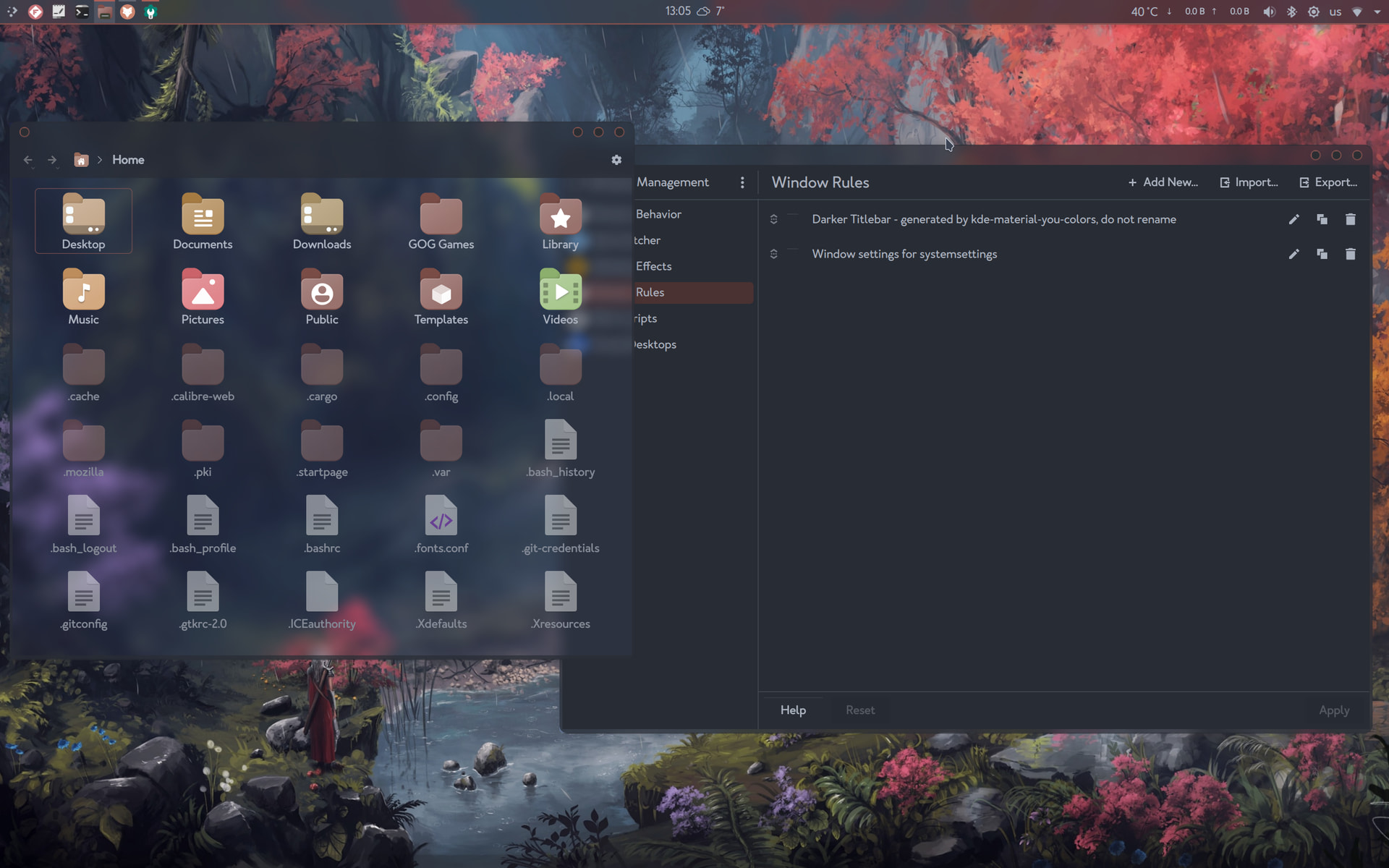
The same transparency in klassy titlebar settings too. If only I could make the window title go away 
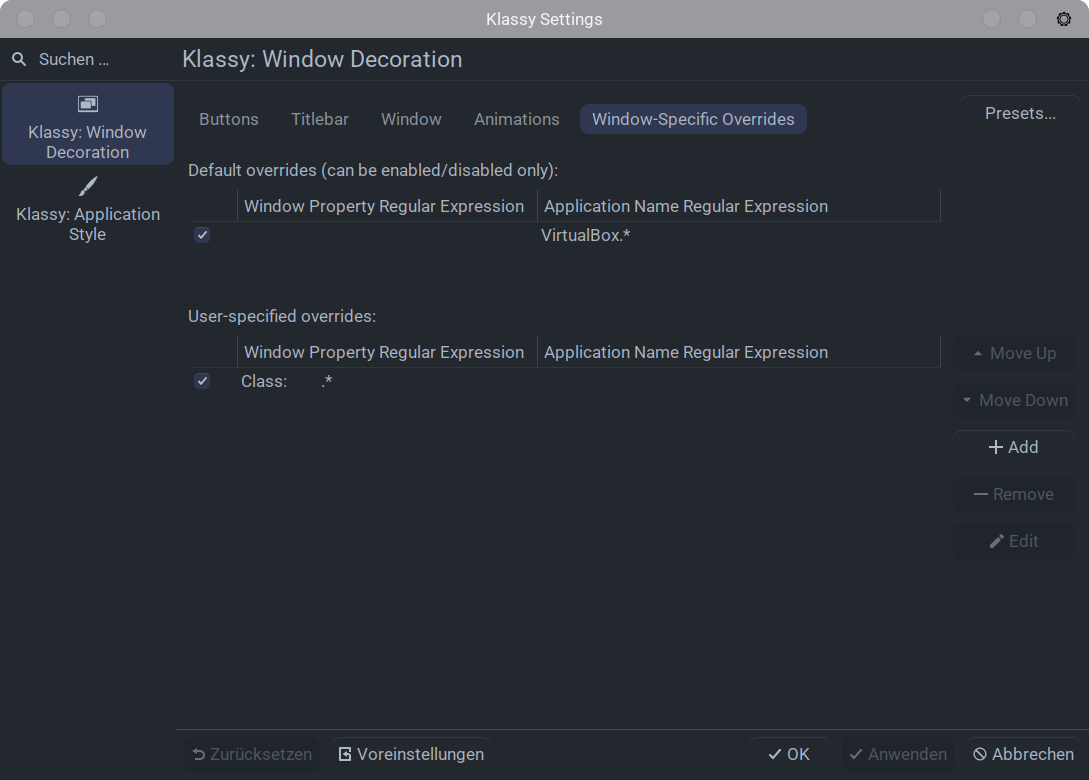
This class settings will remove the title bar completely. I have set up the buttons in the upper taskbar with application titlebar. Or you can leave it out and close with a shortcut.
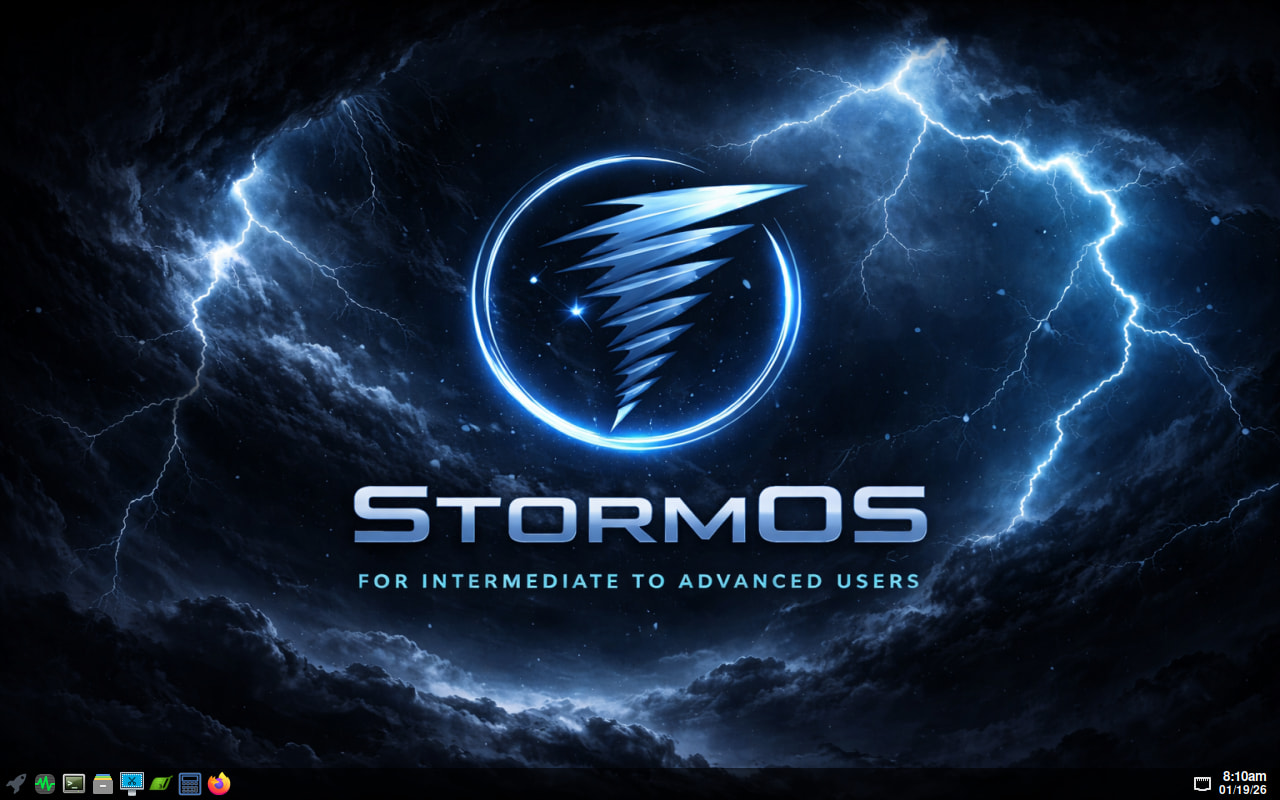
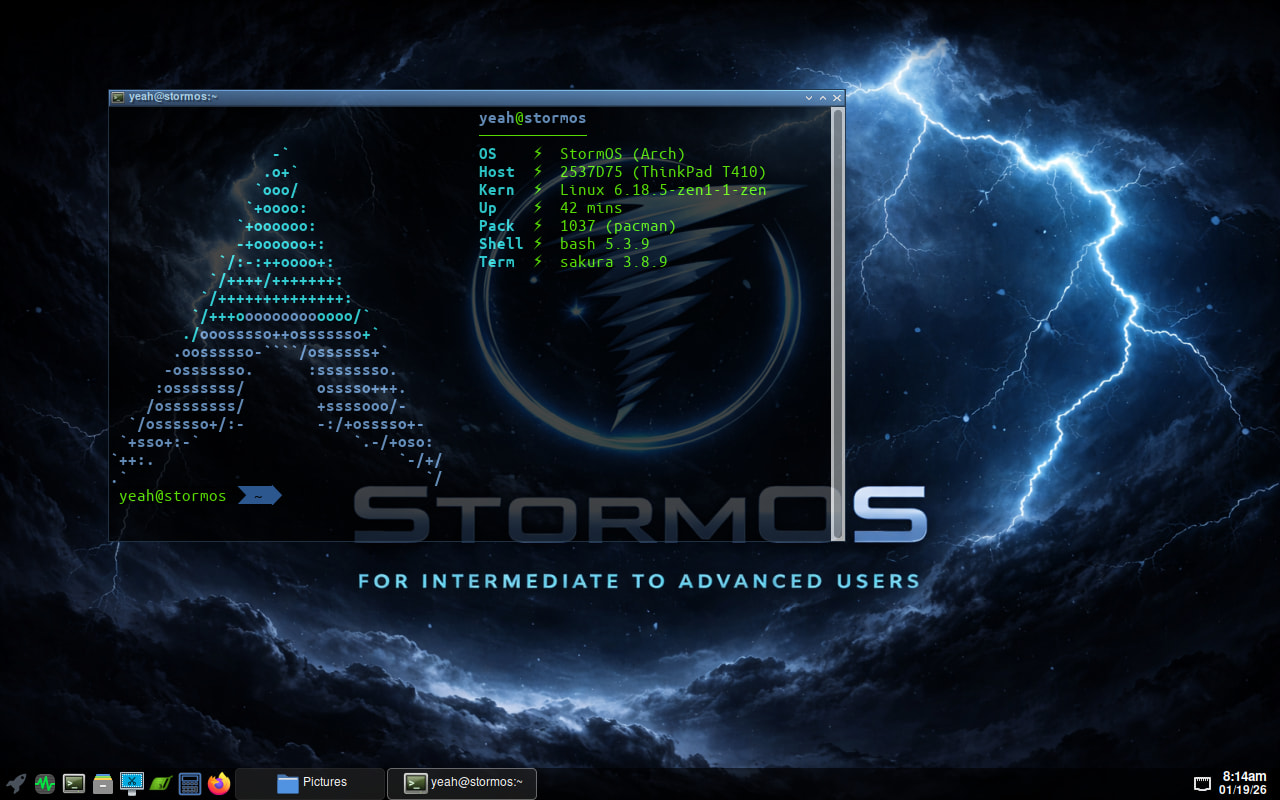
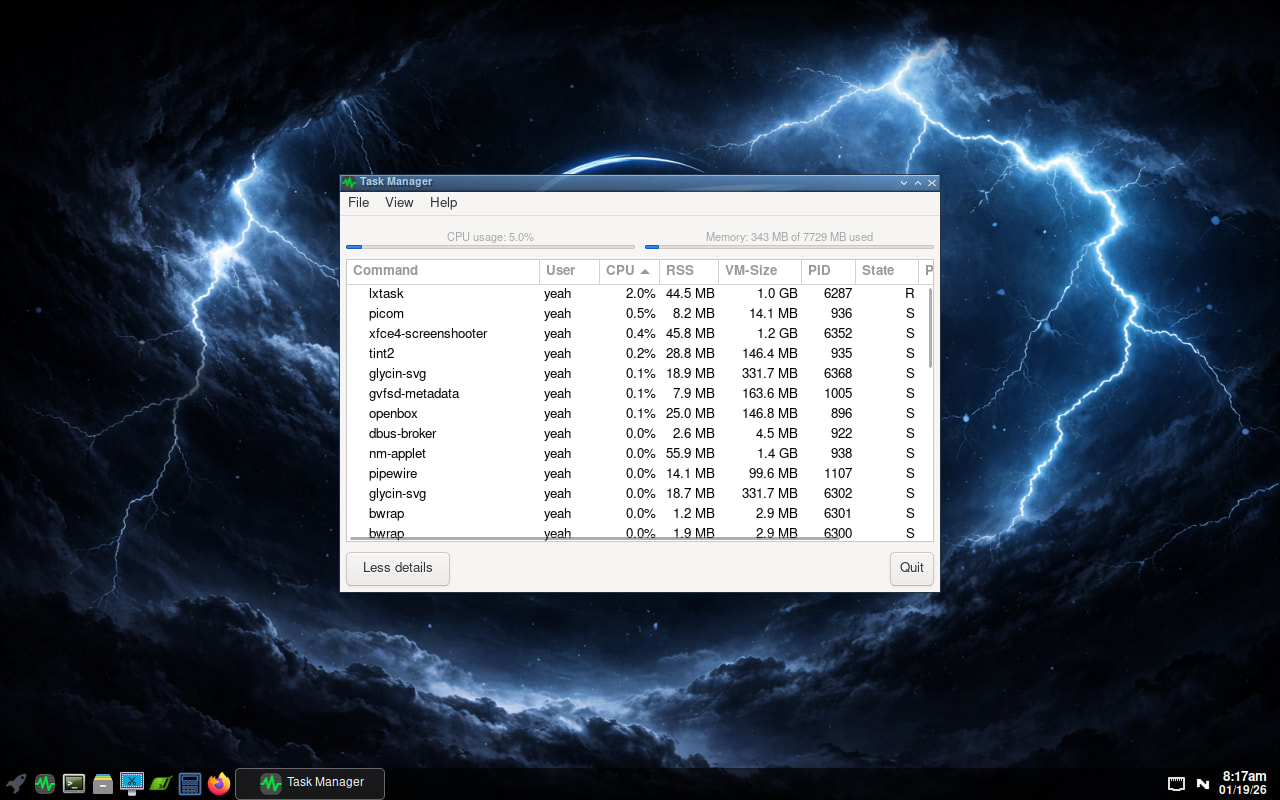
I installed StormOS running openbox wm to a usb stick to play/experiment with just for fun. StormOS is Arch based. A few screenshots of it.
Where can I find the setting to blur the Dolphin sidebar? Maybe I’m blind or stupid…or both 

I have already experimented with this regulator. Unfortunately, there has been no change. Hmmmm 
Weird. I have closed and reopened Dolphin and rebooted as well. Something wrong on my side. The betterblur plugin never worked for me either.