Odd. I have Blur activated (no Better Blur installed). No idea why it’s not working on your end. 
1 Like
Same here. Blur activated. All blur settings on 80% and klassy too. I have Betterblur plugin uninstalled a long time since it never worked on my side…strange
Running Breeze and my own color scheme based on breeze. That’s it
Ok, there is some delay because I’m trying to use the application title bar and maybe some windows closed by accident. 
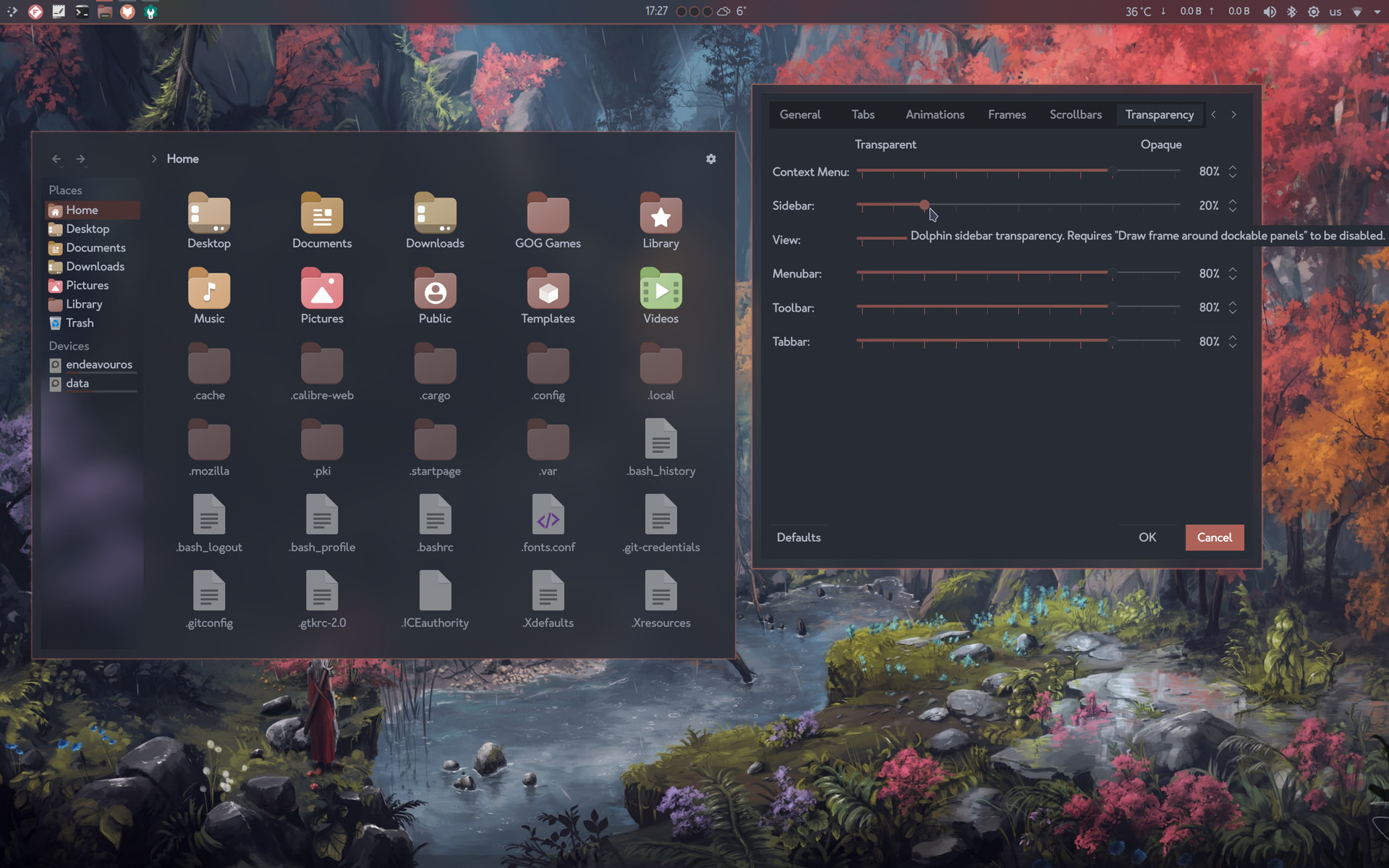
The Dolphin sidebar is the second slider. See the tip in the screenshot (btw this one is with blur), you must disable in the Frames tab the first checkbox: Draw frame around dockable panels then: Close/Open Dolphin.
3 Likes
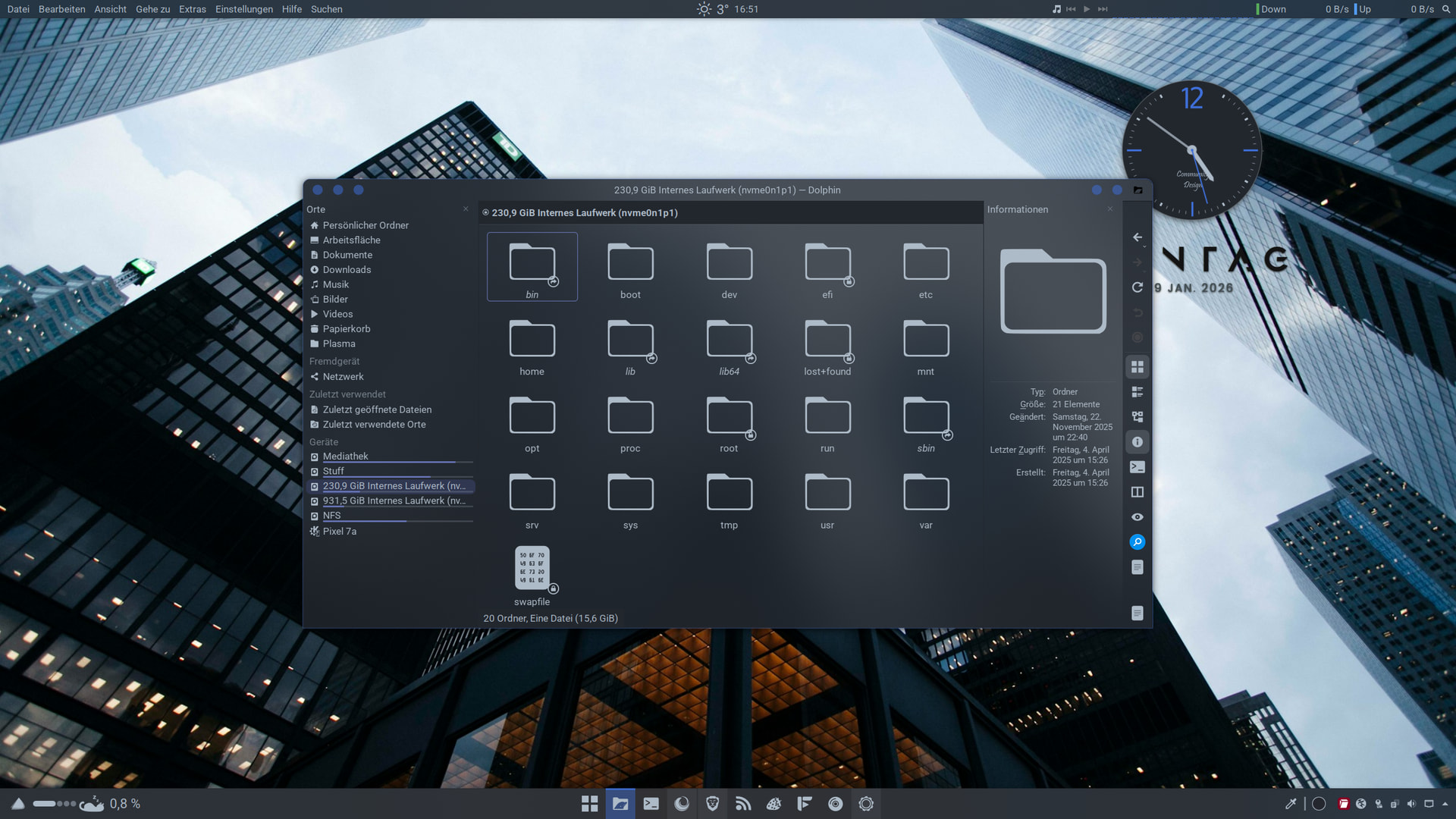
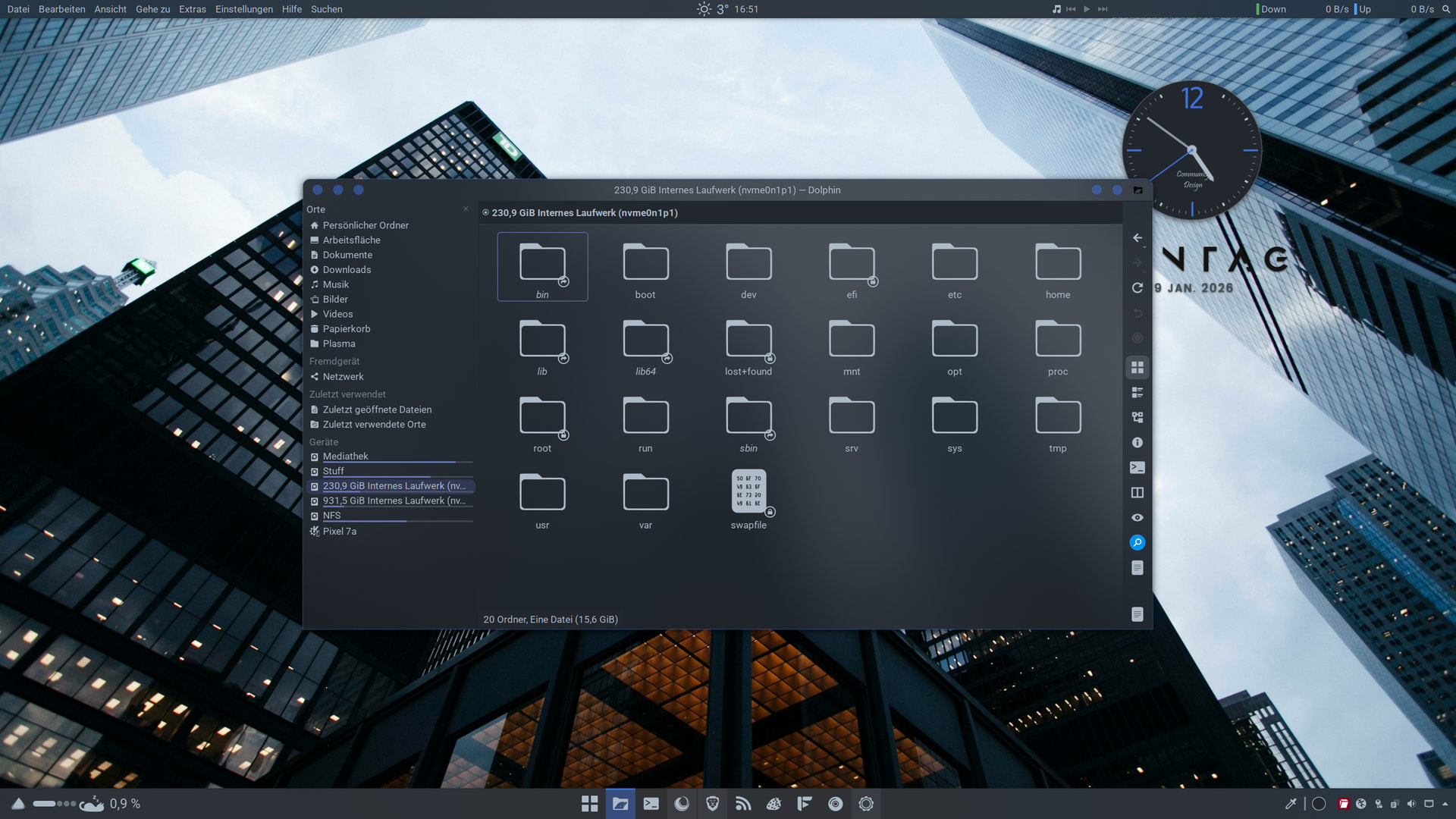
This is the cure for my ocd. Transparency and blur to die for. 
3 Likes
looks clean 
1 Like
Same here, I can’t run away from blur effect 
2 Likes
@dirn The blur effect is phenomenal. I think the problem with Better Blur never working was also due to the settings @fog described.
As @fog said: No more kvantum 
EDIT: darkly works fine with wobbling windows
2 Likes
This is great! Meaning when wobbling windows it remains blur instead of transparent?
1 Like
No, sadly just transparent. But wobbling works 
1 Like
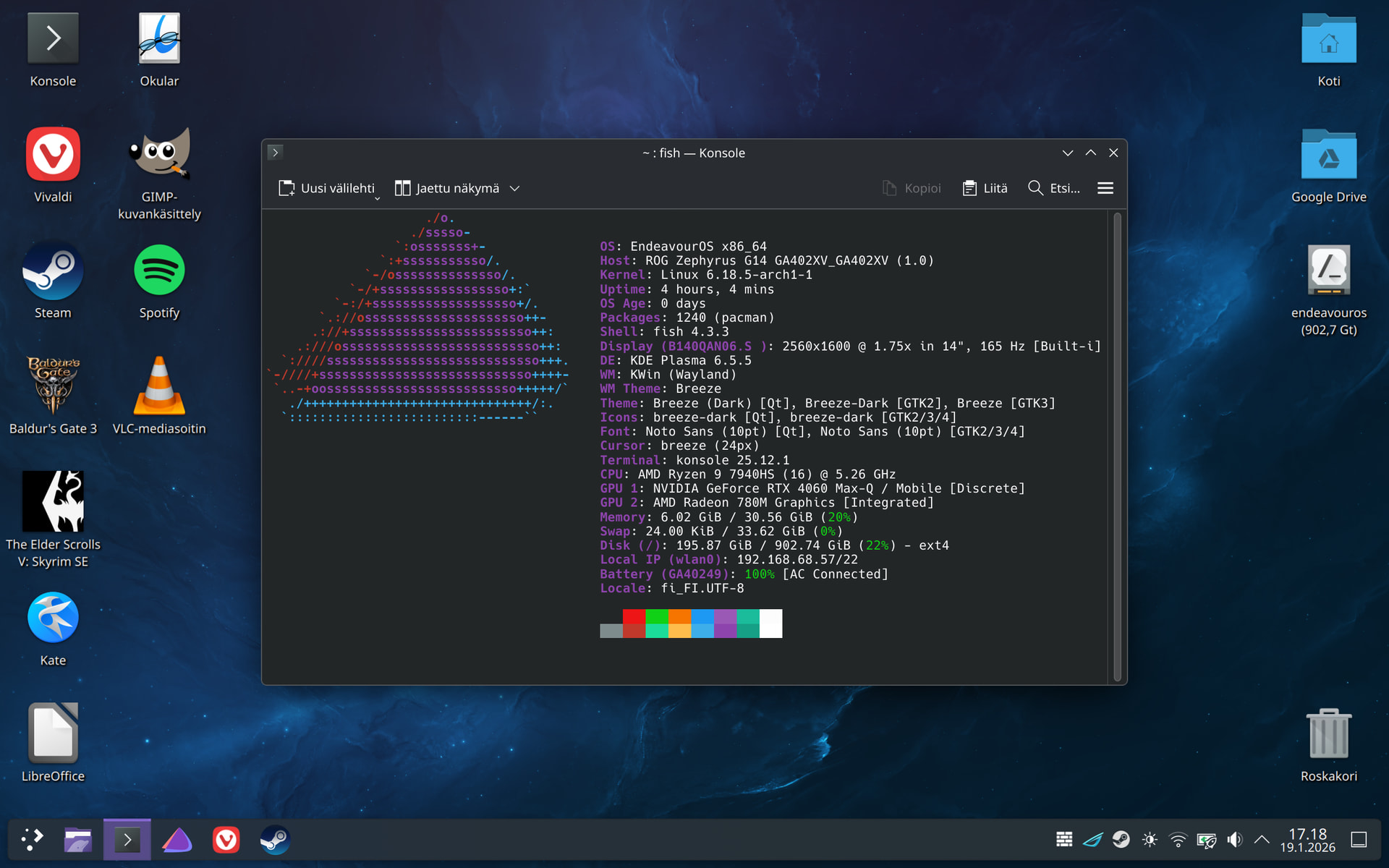
My fresh install from today.

Although it was nice to hassle with “pure” Arch, I find EOS in the end much more pleasant experience, especially configure wise. Even though EOS comes as barebone, it’s still functional system that you don’t need to immediately start configuring to get something simple done.
I think the reason that my heart beats most to EOS and Ubuntu is the fact that they both feel complete distros, even though they come from completely different ends of line of distros.
11 Likes
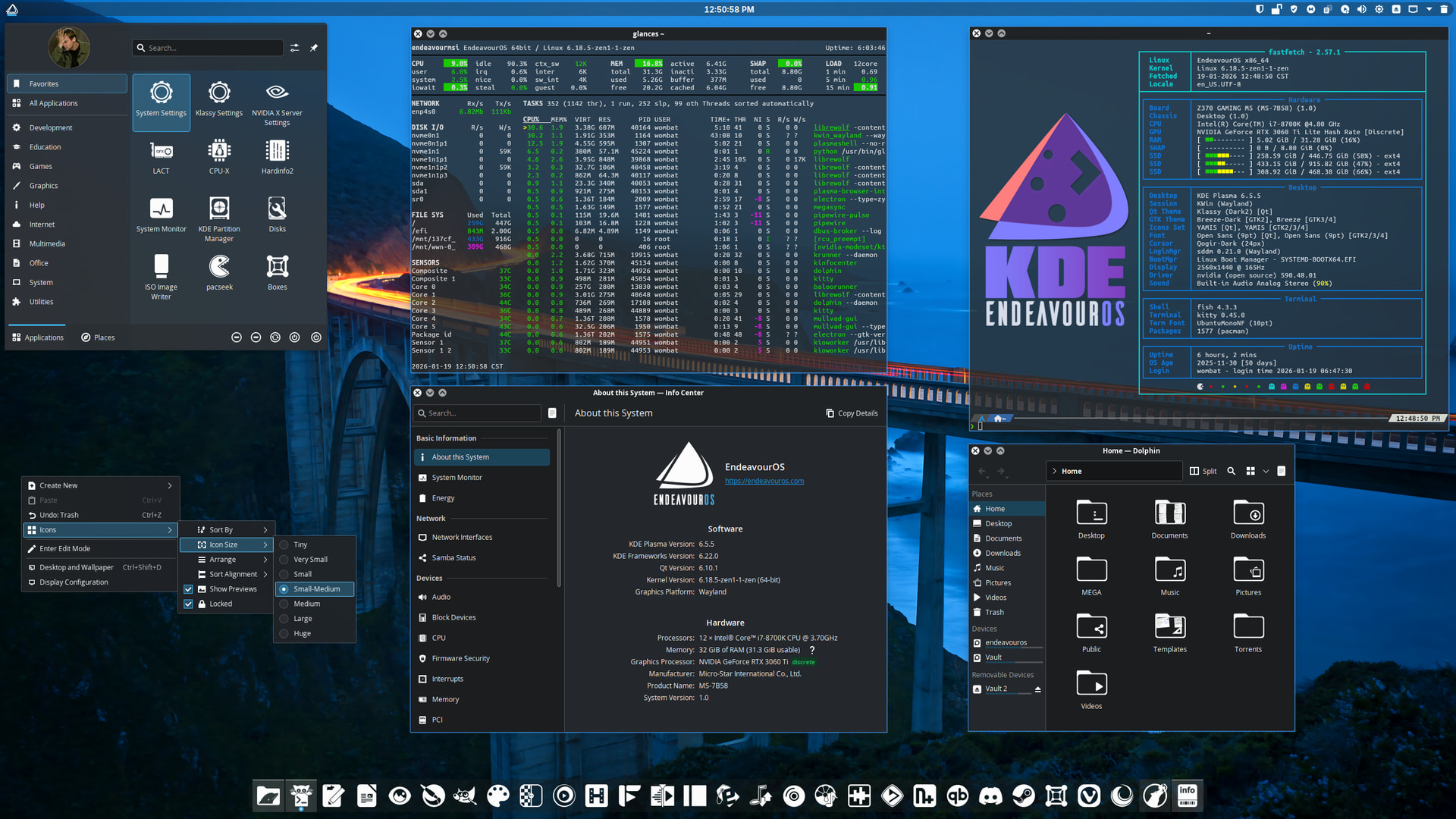
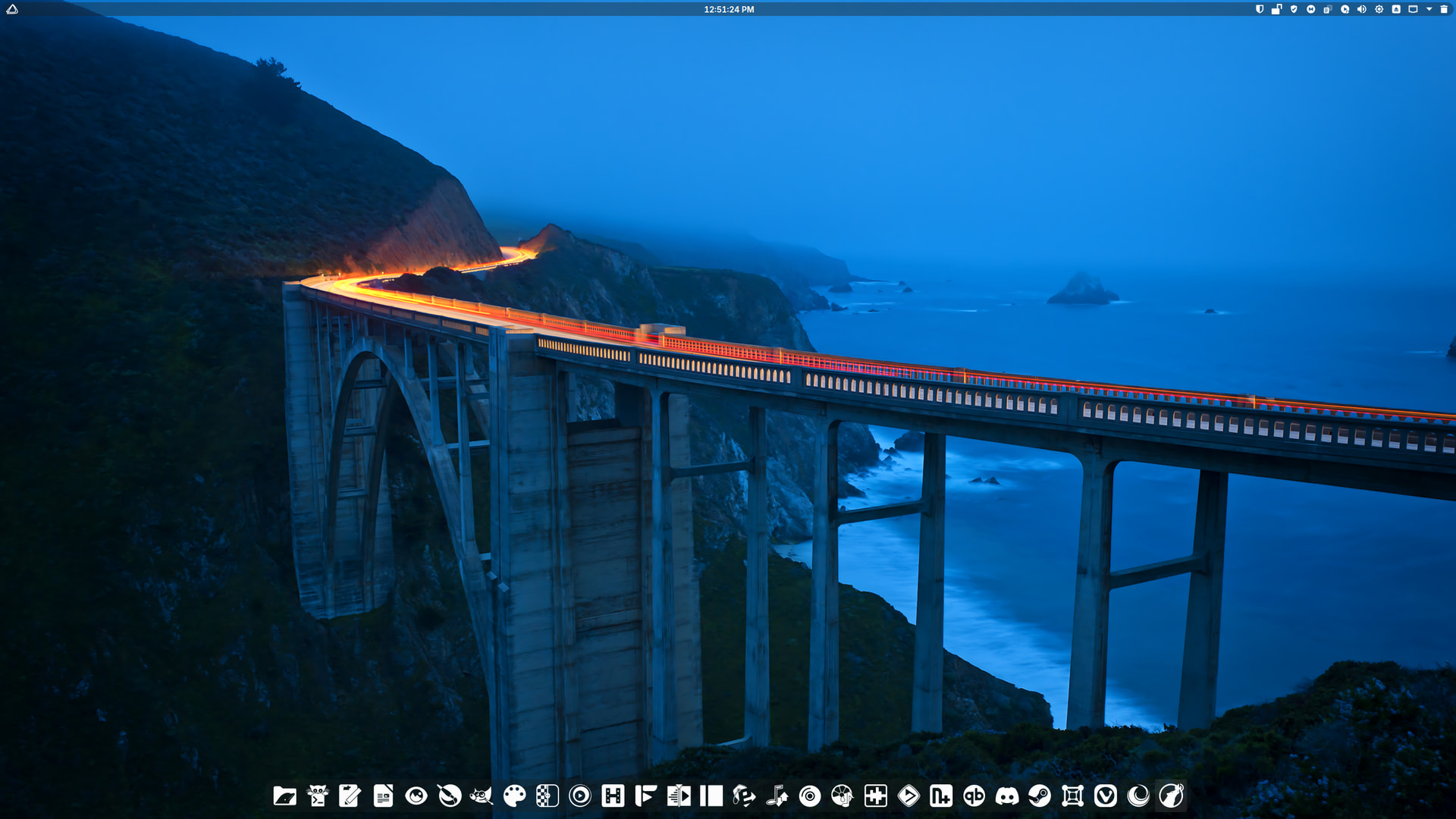
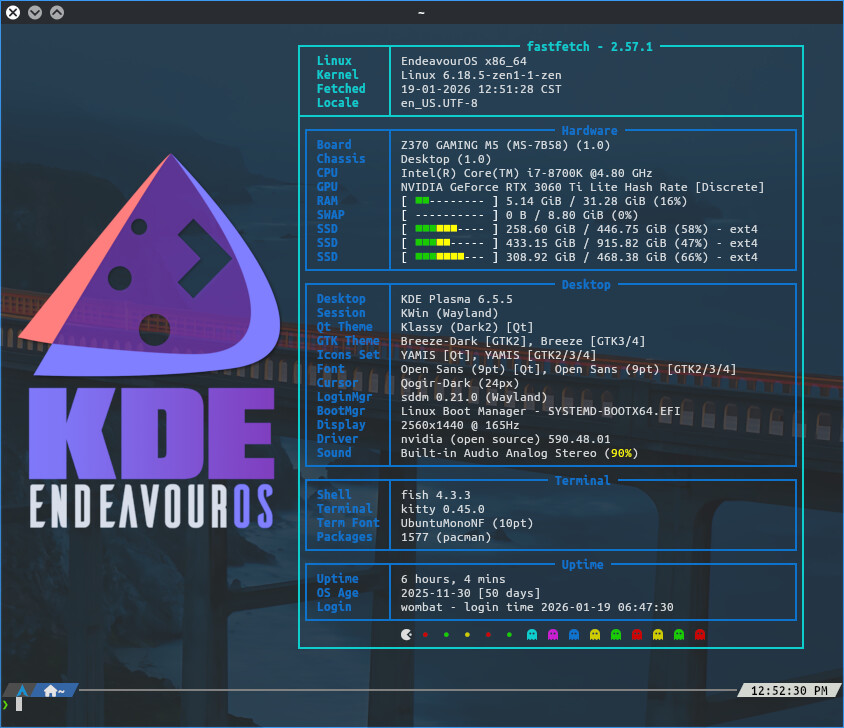
I’ve tried several themes, including Darkly the past few days. I always find myself going back to Klassy.
11 Likes
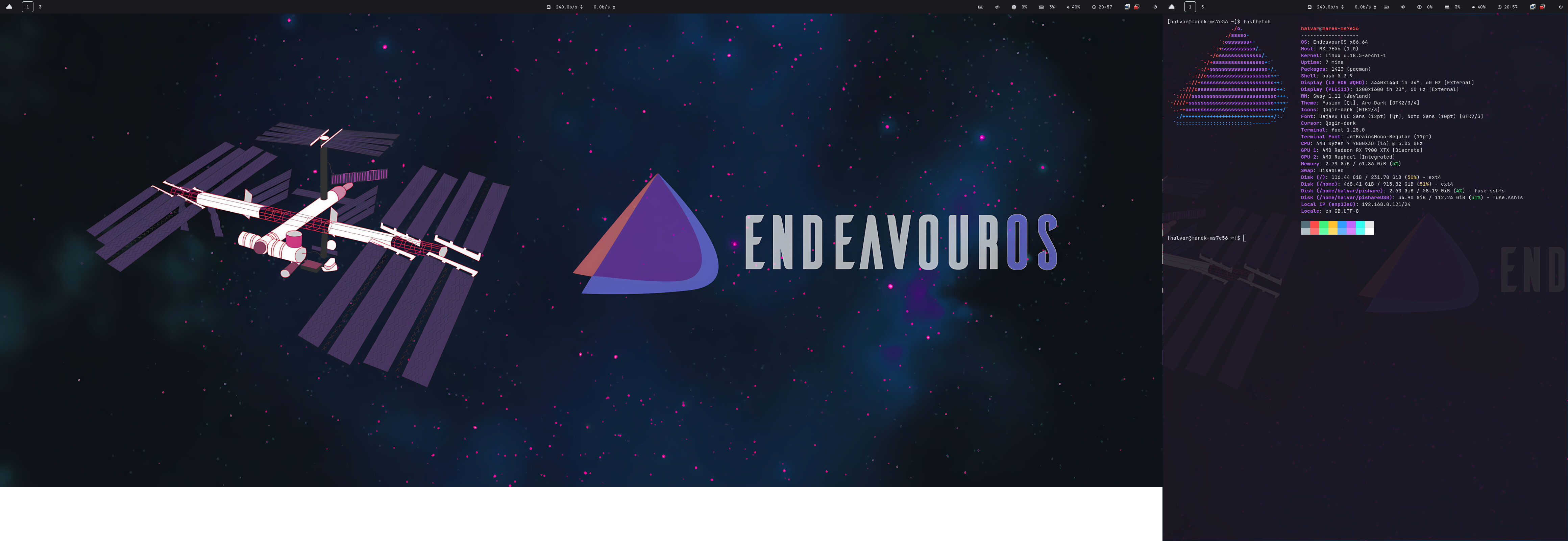
Looking amazing there!
1 Like
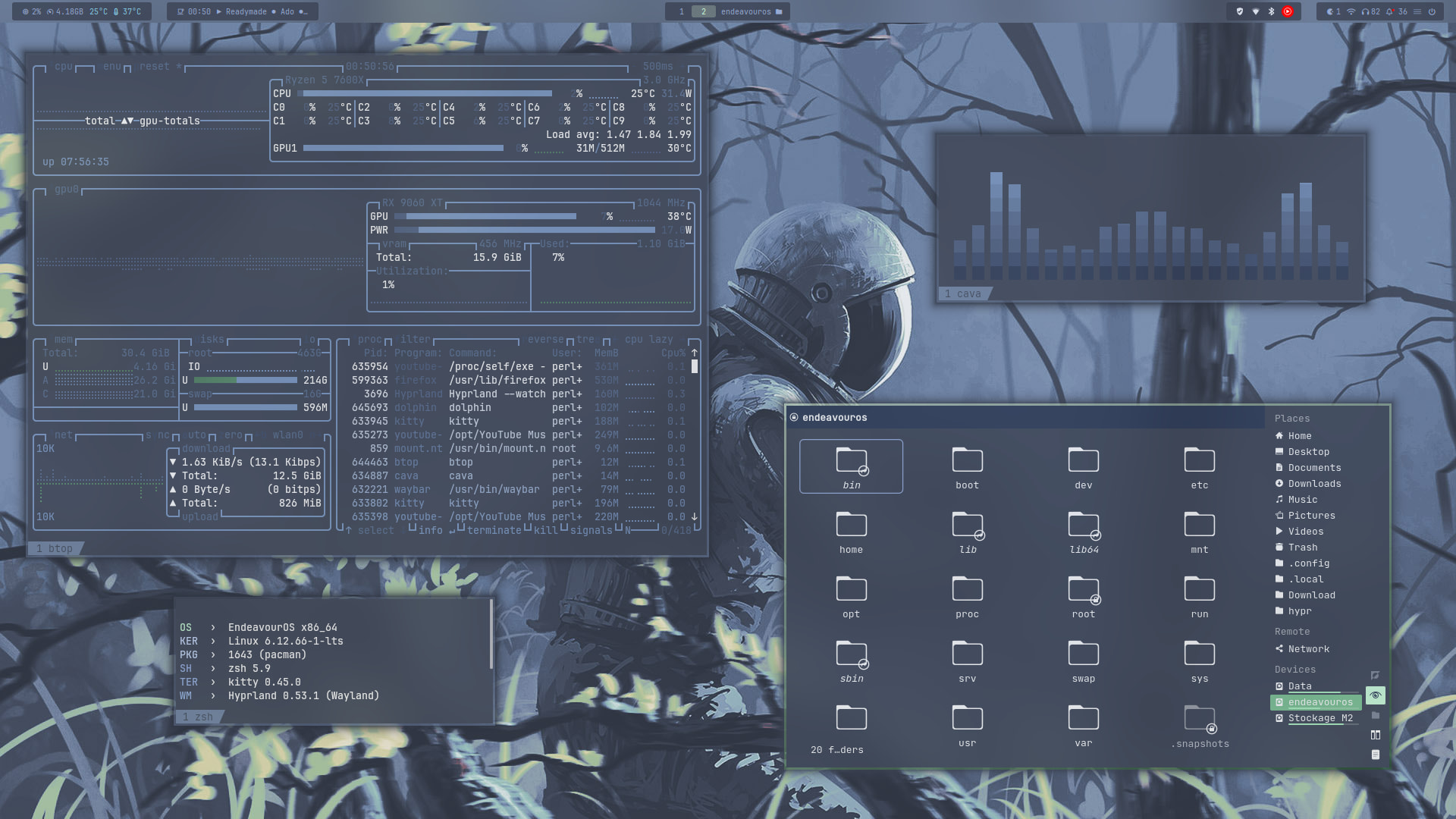
the soft simple tones here are chilling me the heck out..usually when I need to take the edge off I just go pure gray background and that’s not enough. This is the aural equivalent of listening to Royksopp.
I need to learn a simple two-color setting that mimics the wallpaper. So much talent on this thread.
1 Like
For quite a while i used catppuccin macchiatto with this collection of wallpaper :
(Scroll to bottom for preview)
They go nicely with any kind of pastel/softer colors
3 Likes
@swh In  with the application title bar widget.
I removed everything except the 3 buttons in the middle of my panel.
I made the borders bigger in the windows for easier resizing and moving and made them transparent with the same amount with the taskbar, from klassy.
I changed the outline colors of the windows (active/inactive) for focus visibility and… I feel gooood
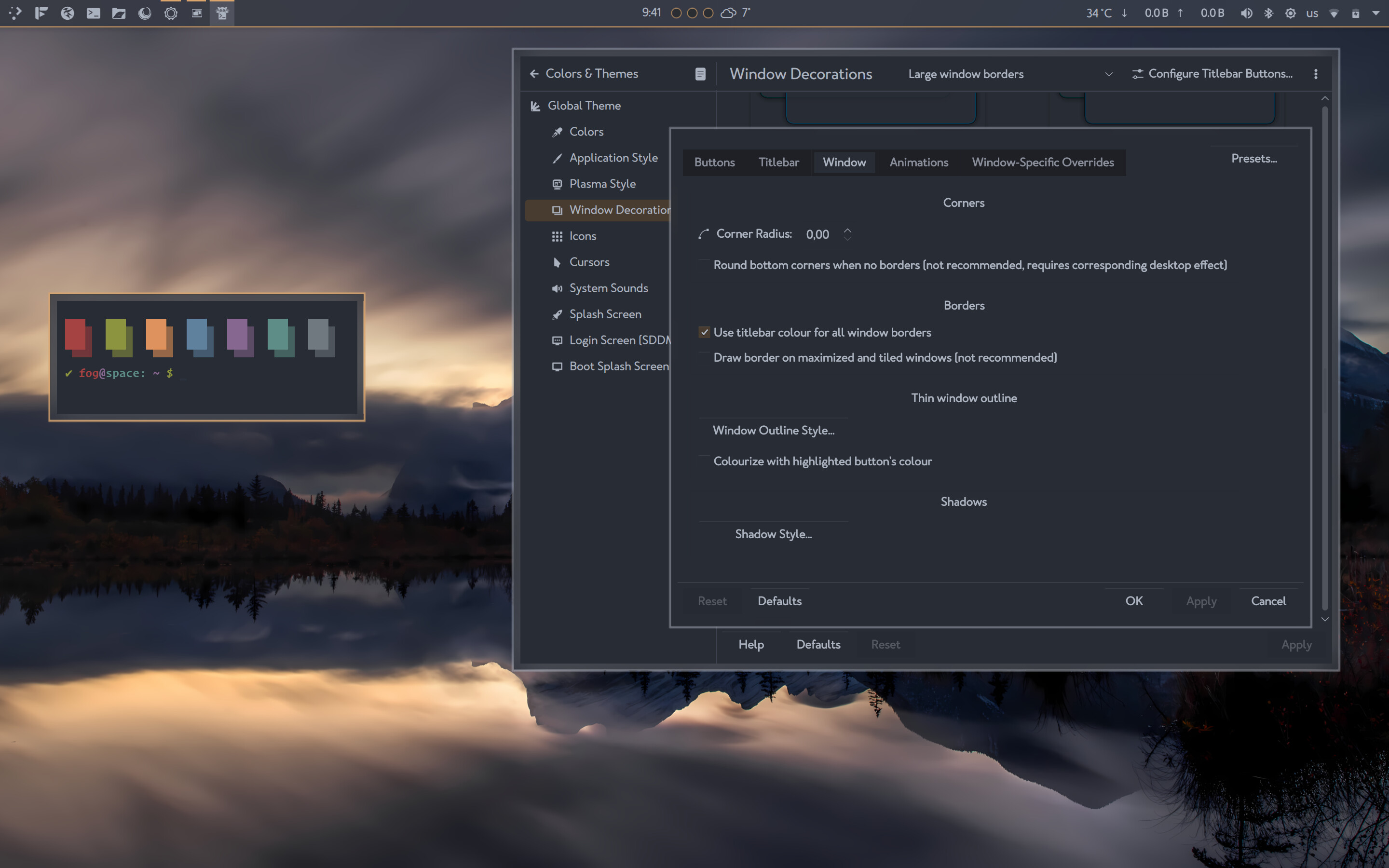
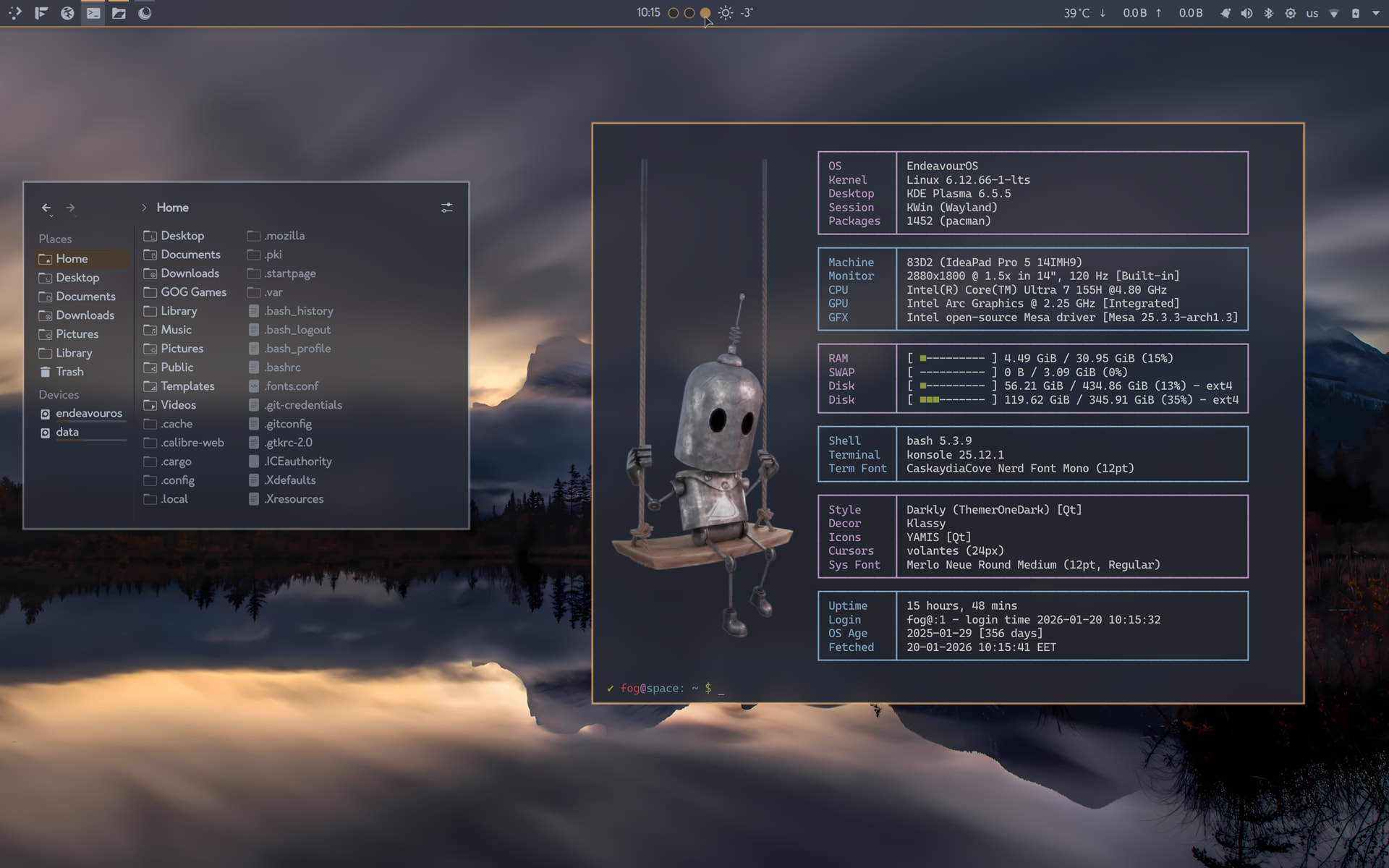
Thank you 
Edit: The weather in the second photo is from my son’s city in the north. I forgot to change it back to the tropical south 
13 Likes
Same here. Southern part of Germany. -4° 
Nice. Glad you like it 
Hurraayyy 
1 Like
Random unsolicited tip you probably already know : Press Win + drag Right click to resize any window without having to grab the edge (left click to move them)
Anyway, beautiful theme, really clean as always i love it
1 Like