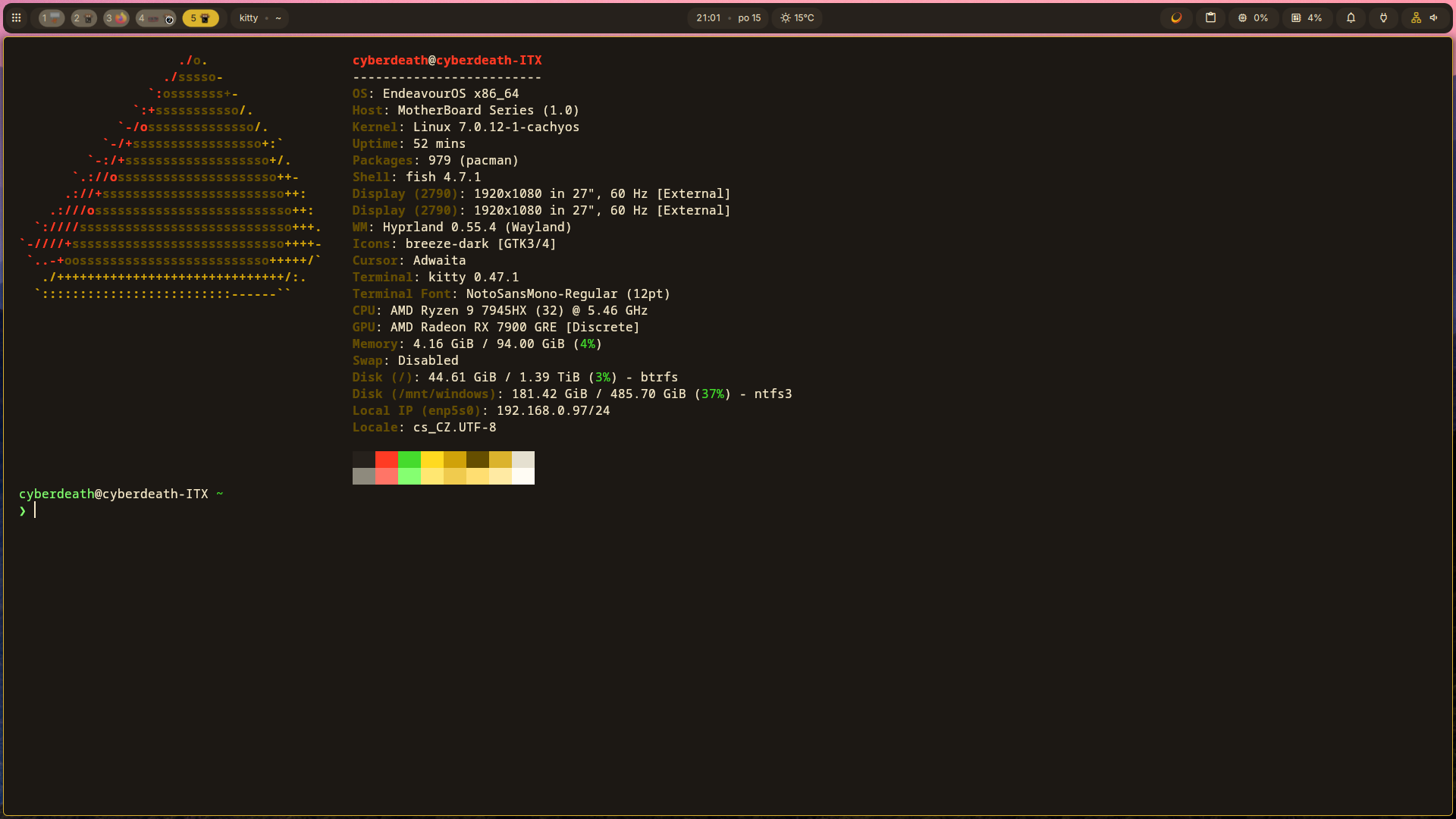
So i get really pissed of to windows → its slower and slower … even for gaming → im playing X4 now … and after 250h its realy CPU heavy , on map under 30FPS.
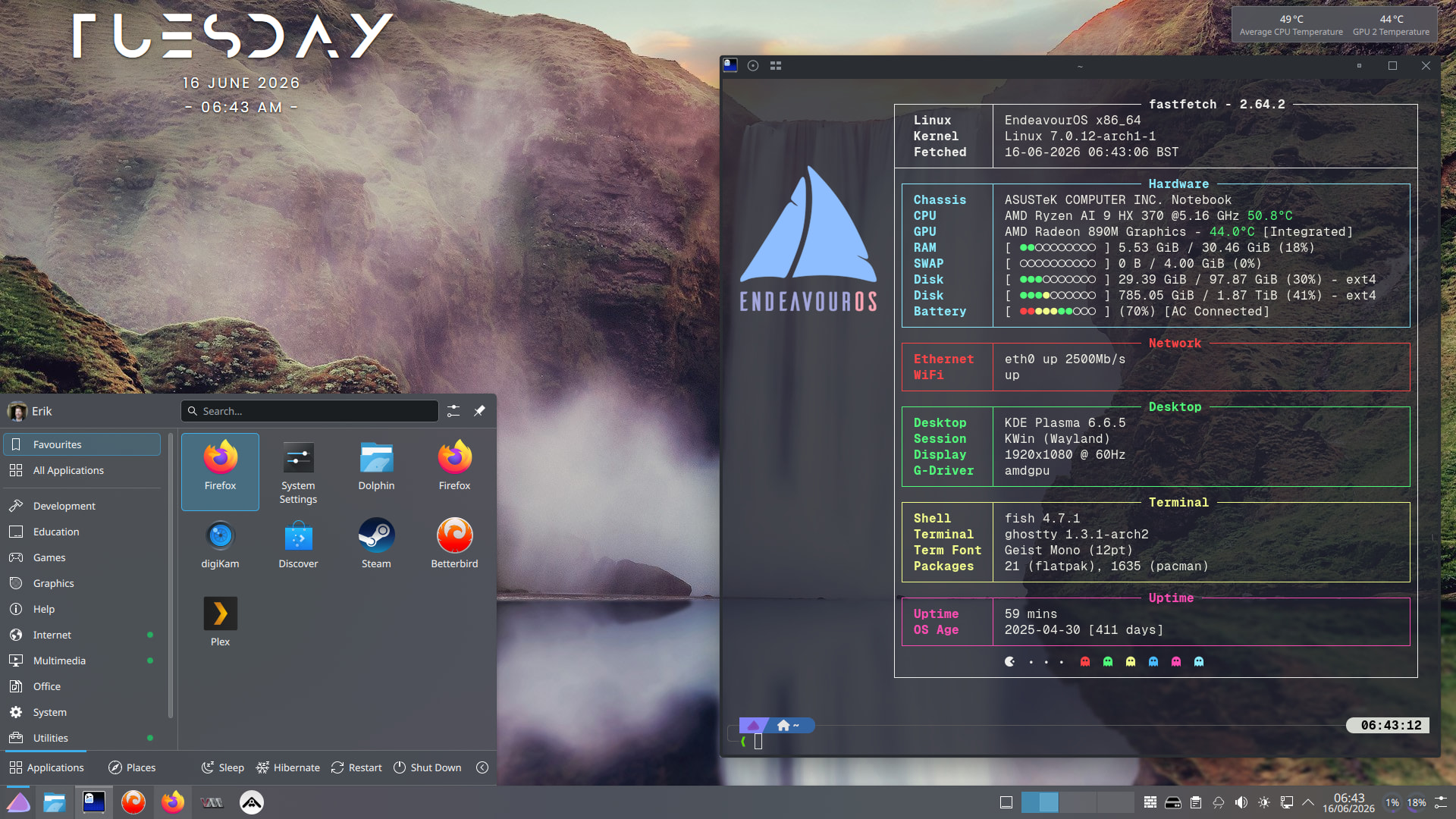
So i instaled Endeavour on my desktop → start sunshine (im playing remotely most of the times) and now the FPS in the same location holds 35FPS yes its not much but for manage my epire its OK … when i fly ower its completly OK aroud 120FPS.
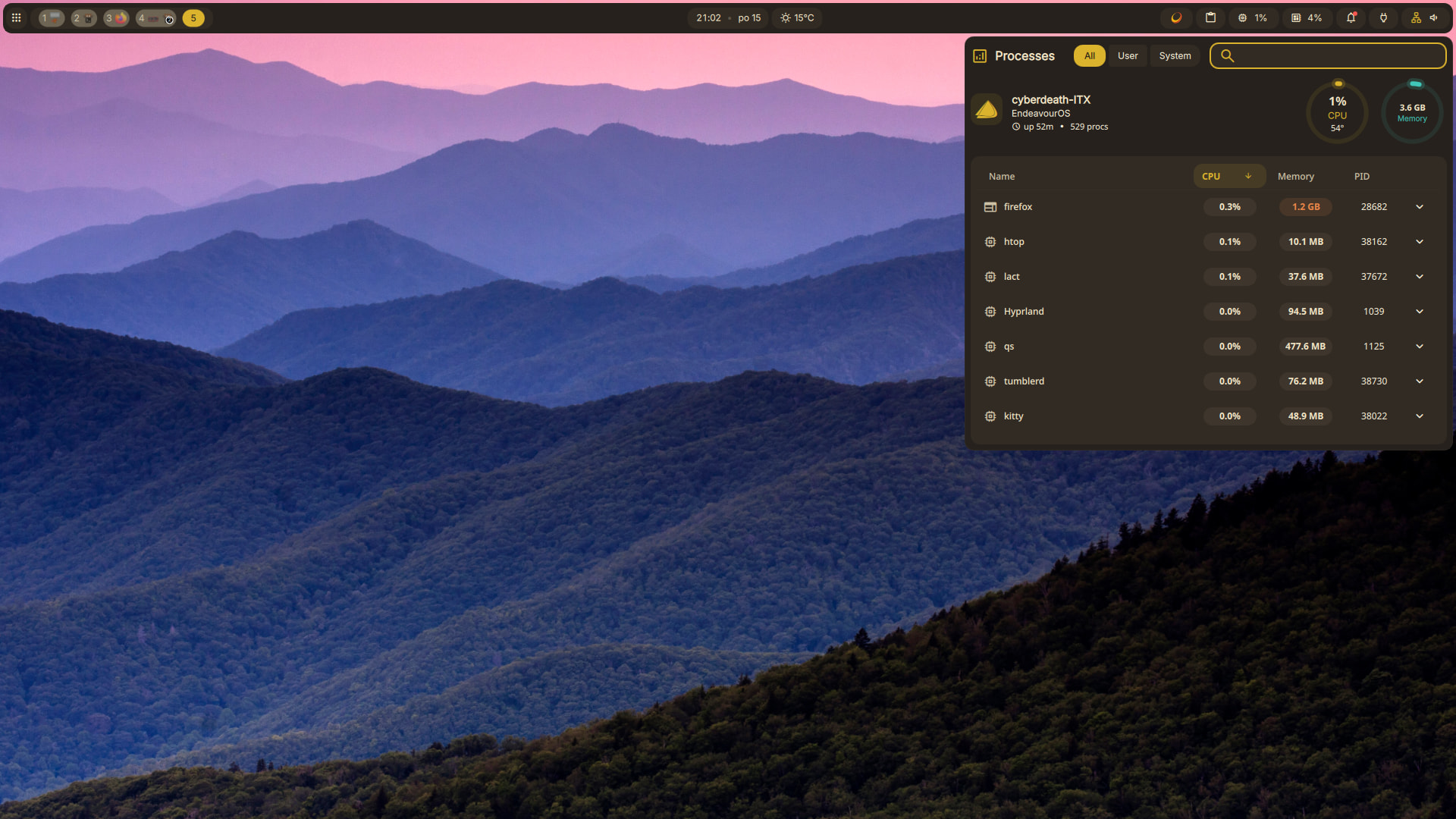
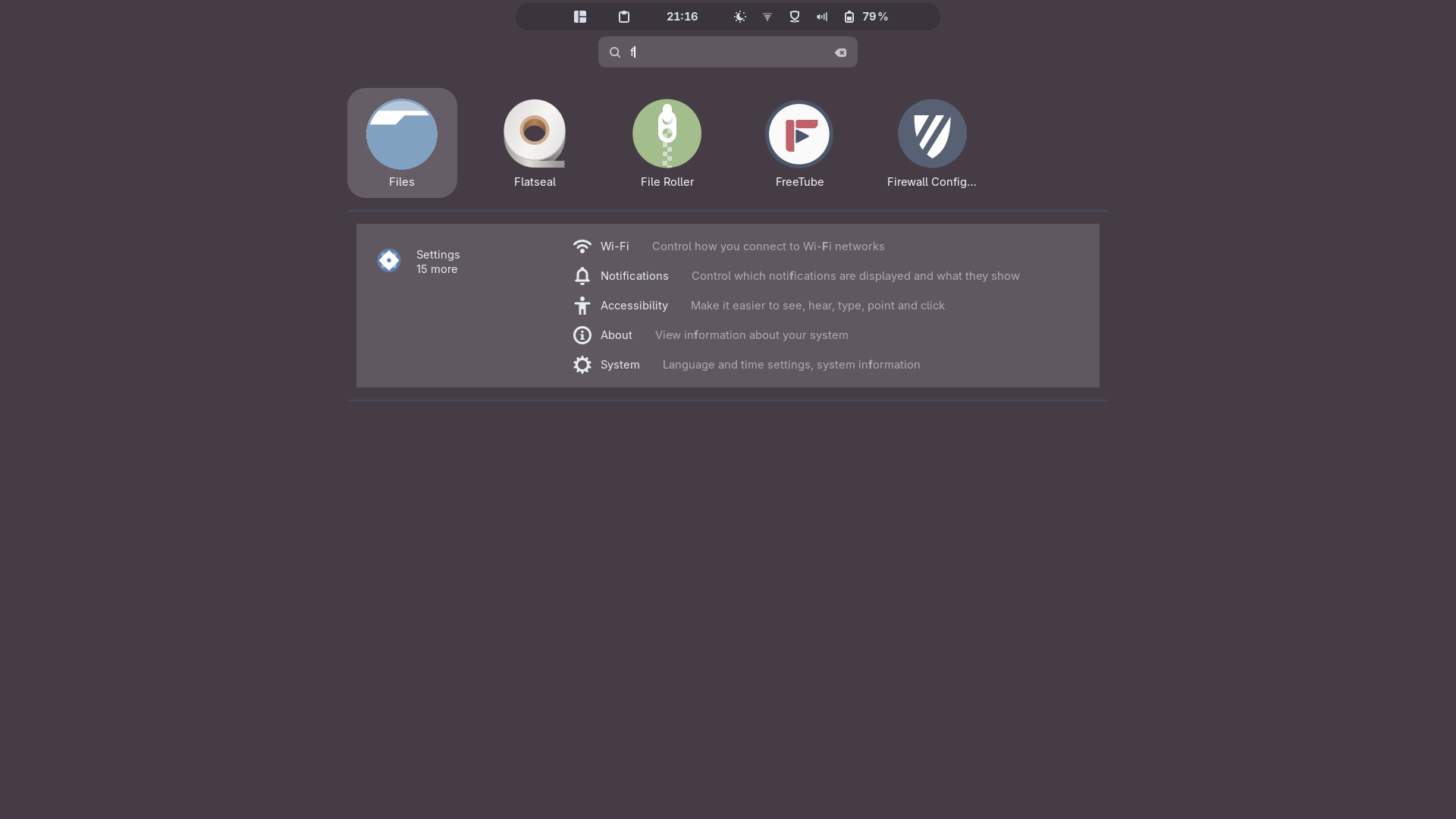
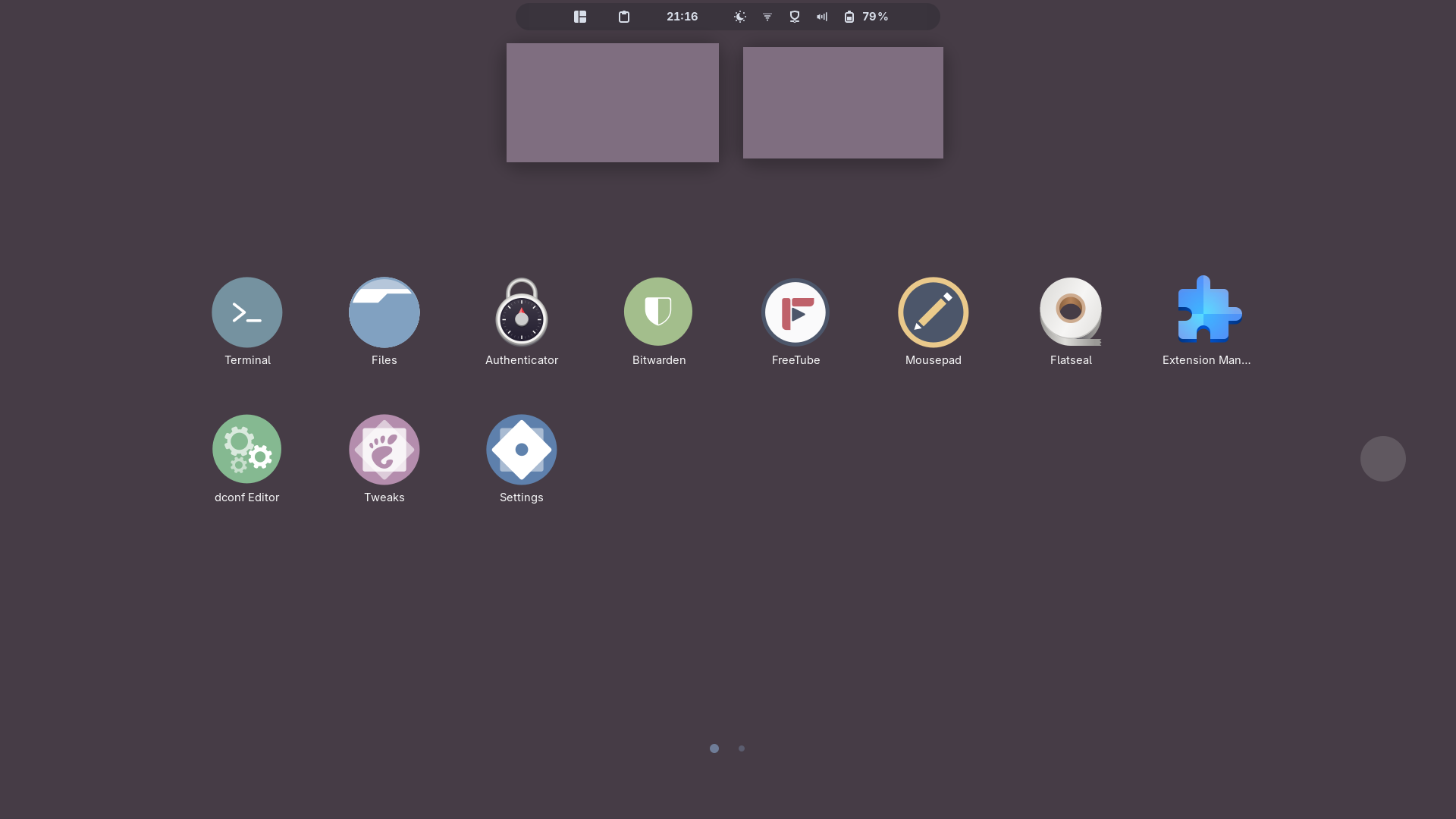
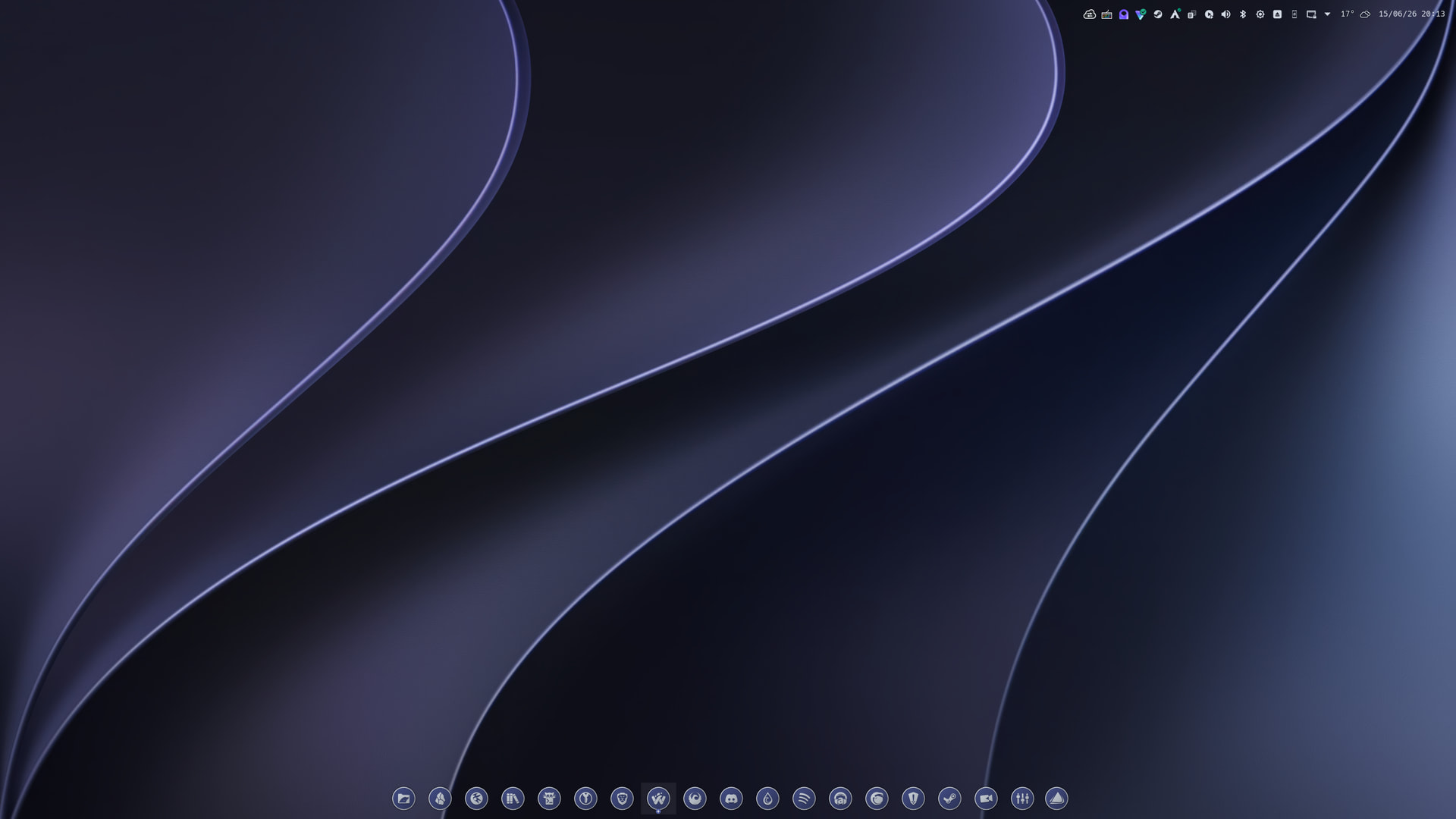
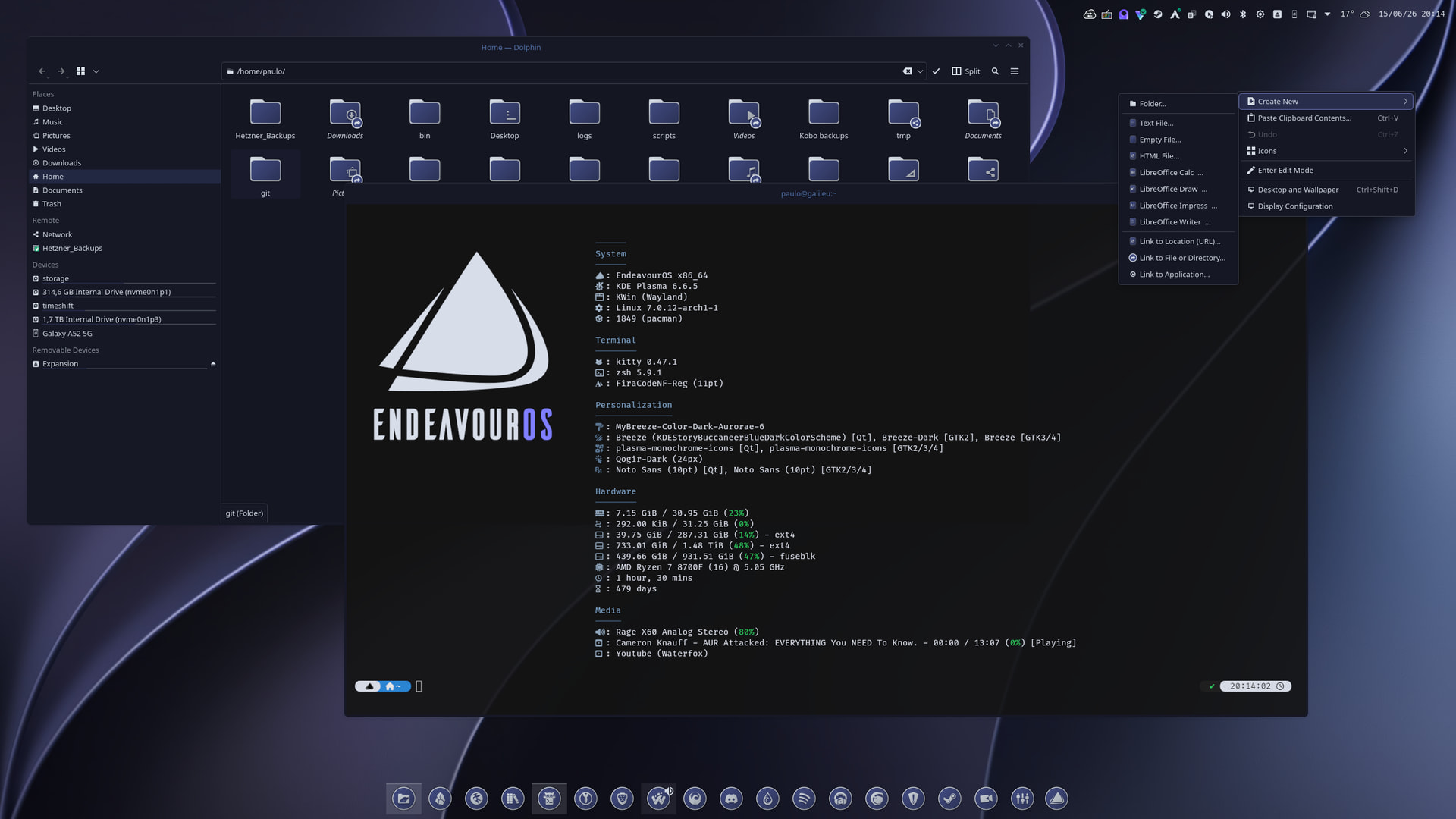
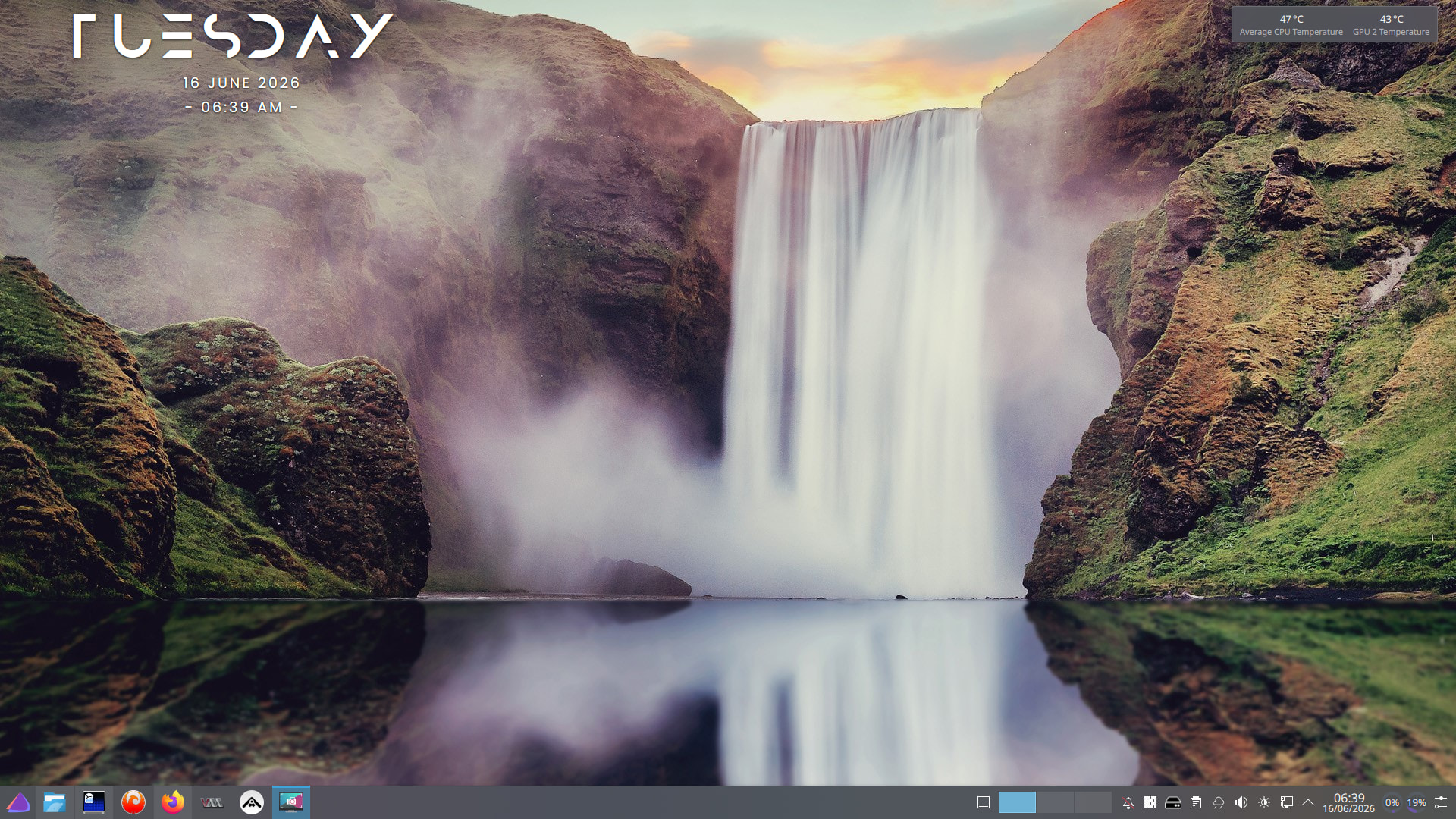
I feel HONORED to have the occasion to present YOU, yes you, another of my FABULOUSLY crafted desktops which only reflects the GRANDEUR of the creative MIND of its CREATOR.
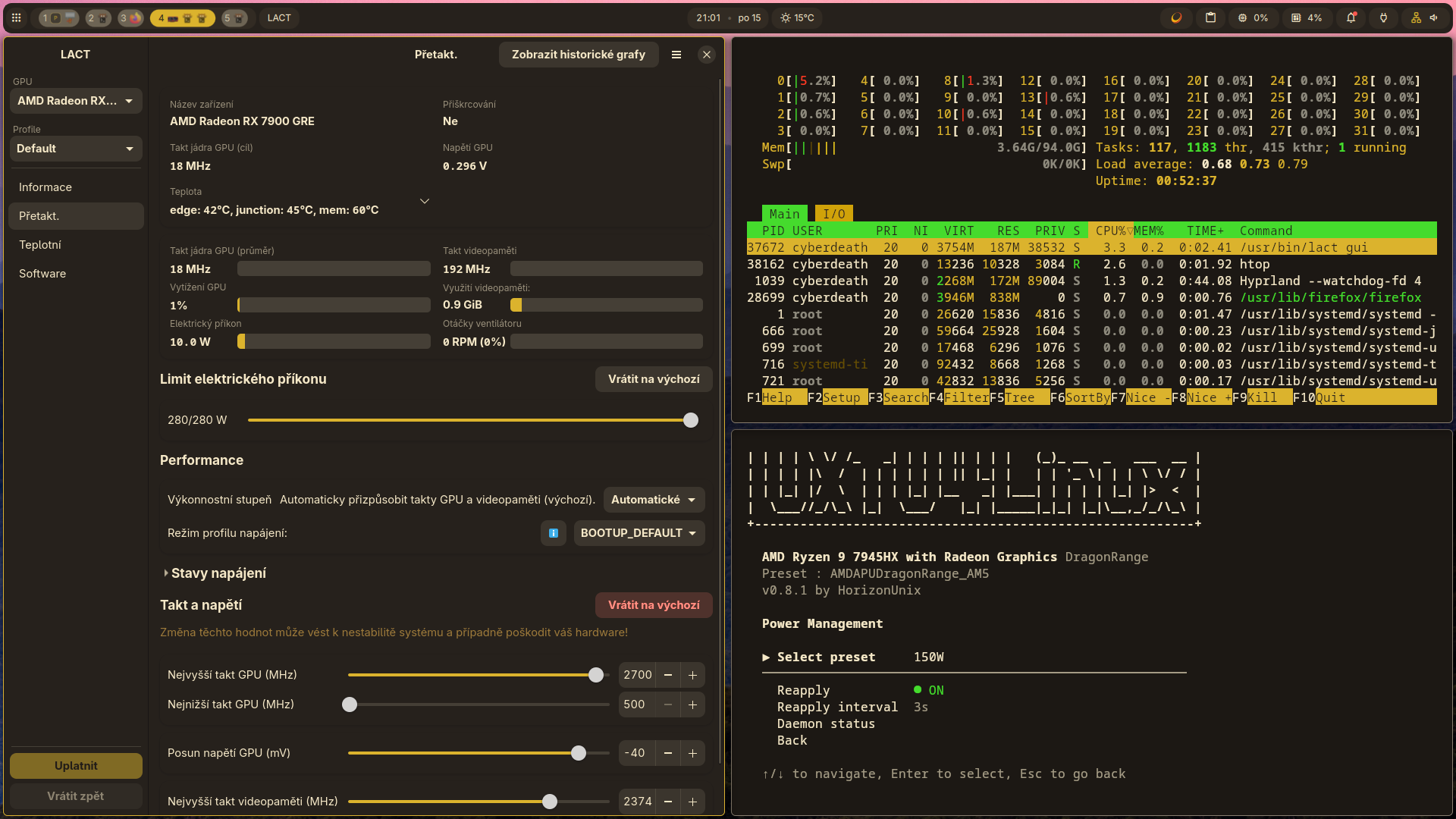
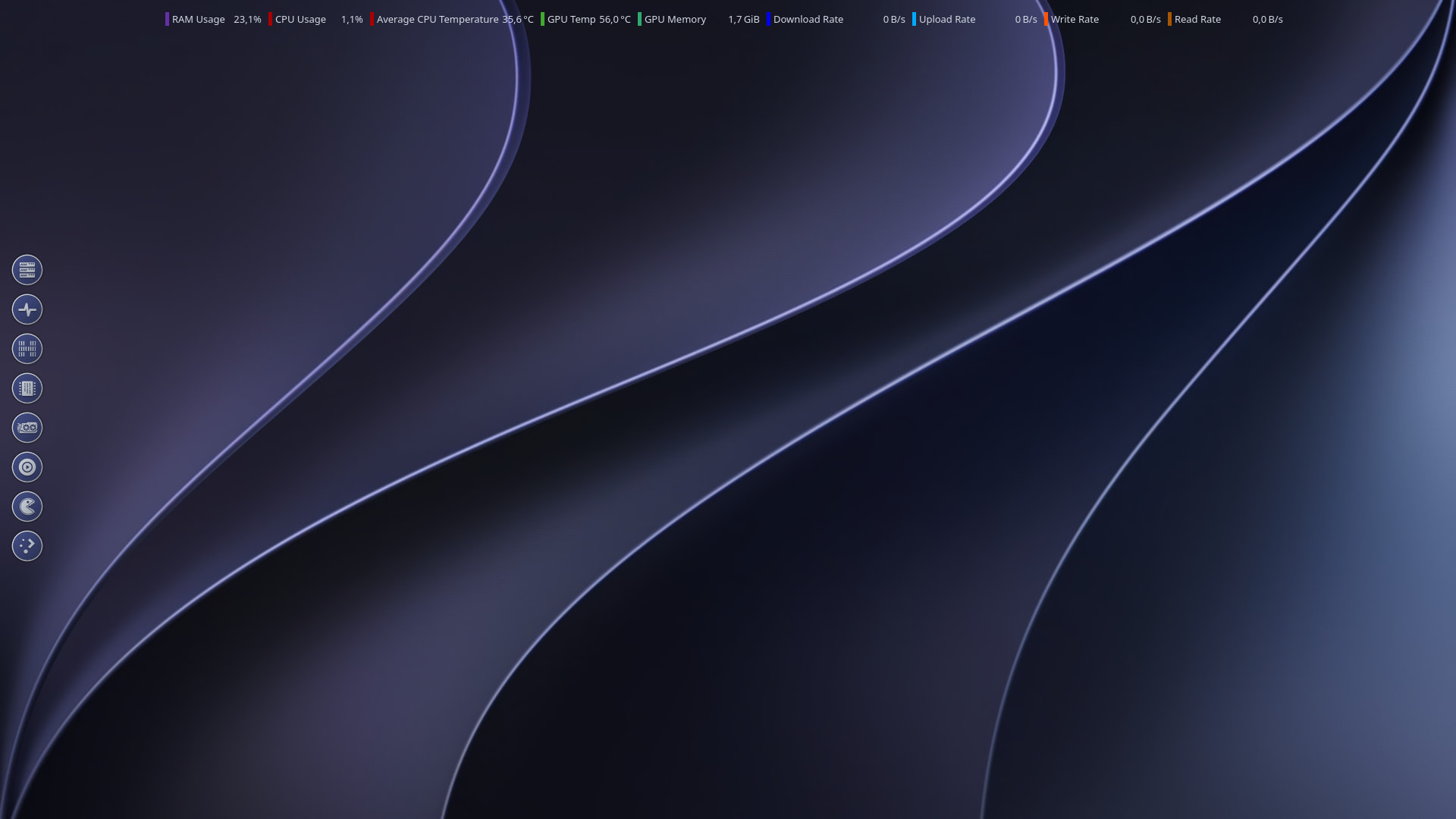
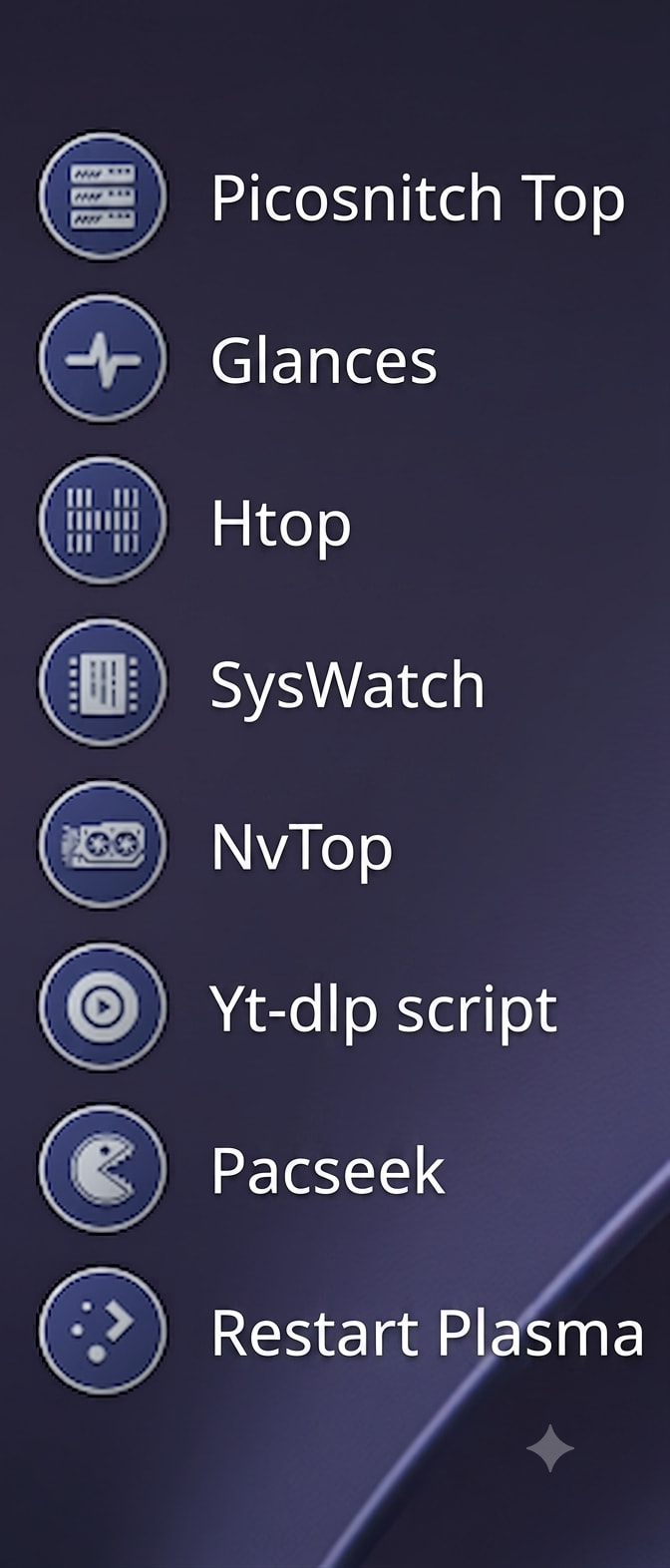
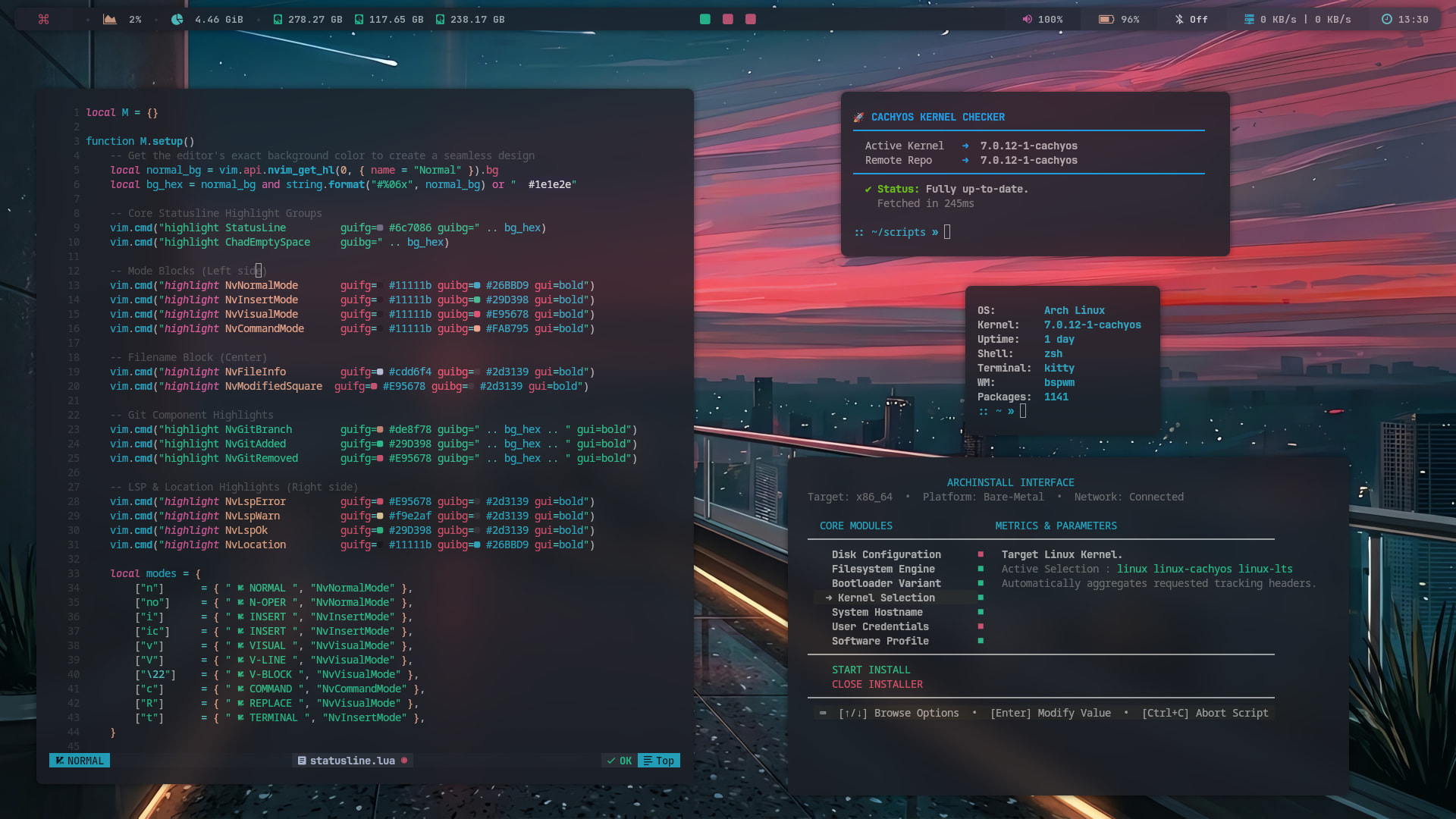
Here’s a look at my current desktop layout. I threw a side panel onto my second monitor to easily launch the terminal apps and personal scripts I use for system monitoring.
And most funny thik → X4 foundation has long loading times … on linux they are half over windows …
Its realy paintful to watch what the Hindi people doing with Windows → its like , if game have nativ version for linux it runs better , and if don exist thanks to proton it runs same way under linux , like on windws (and its emulated !!!) …
Yeah, but each one has its purpose. Glances is a great all-in-one dashboard, while htop allows me to troubleshoot issues with more detail. Lately, though, I’ve been preferring a little tool called SysWatch. Where htop shows you what is running right now, syswatch is designed to tell you what just happened and why your system feels sluggish.
nvtop is specifically for GPU/VRAM troubleshooting.
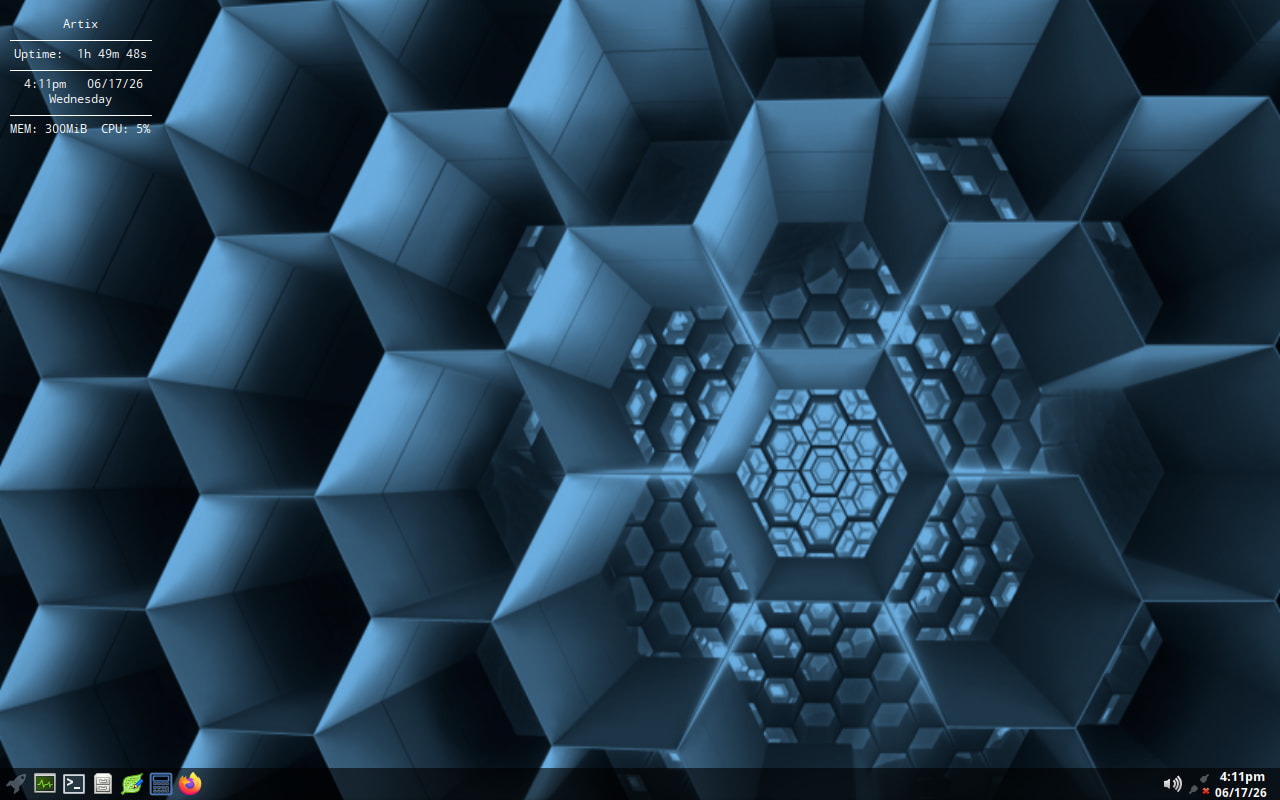
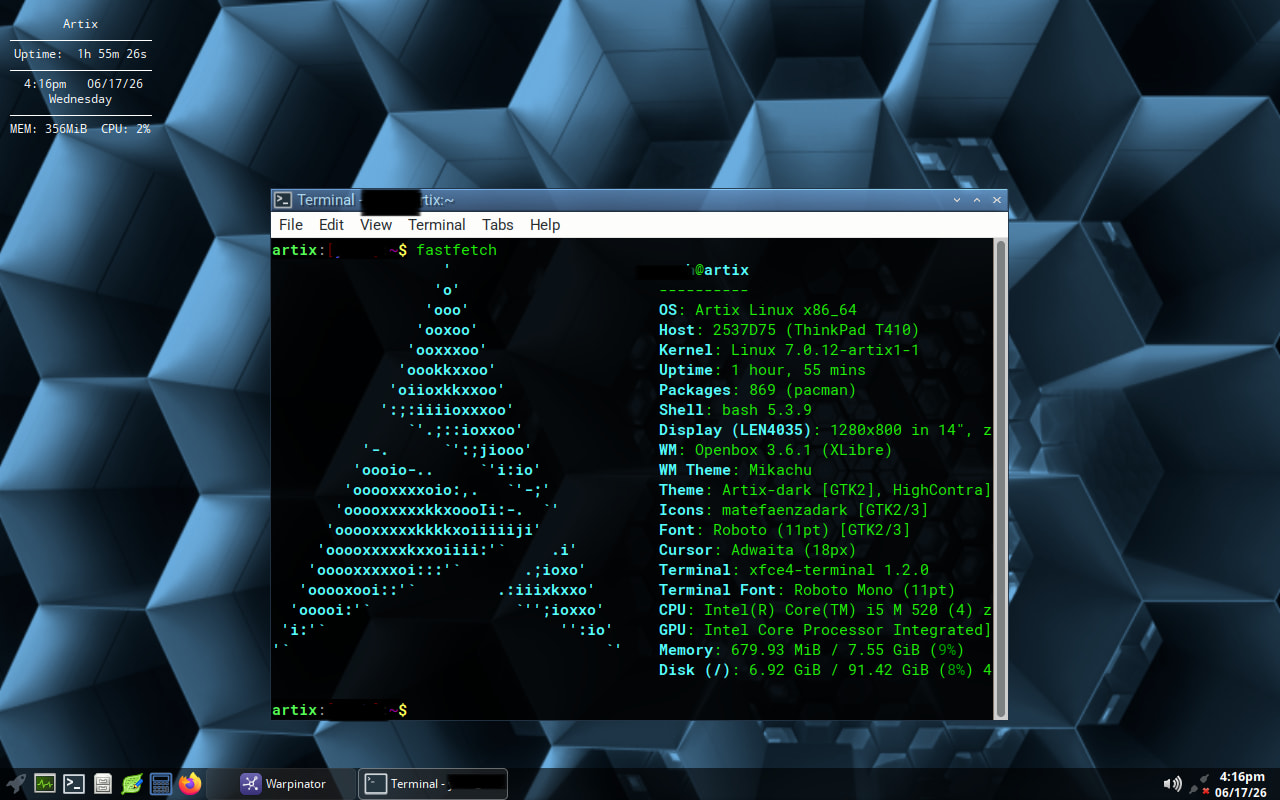
I installed Artix openrc on my “testing laptop”, with openbox wm. The wallpaper is a modified honeycomb pic to a more blueish tint. One thing I must say about Artix is that I find it fairly fast on my laptop and fairly “lean” on installed packages.
 … even for gaming → im playing X4 now … and after 250h its realy CPU heavy
  , on map under 30FPS.
 yes its not much but for manage my epire its OK … when i fly ower its completly OK aroud 120FPS.