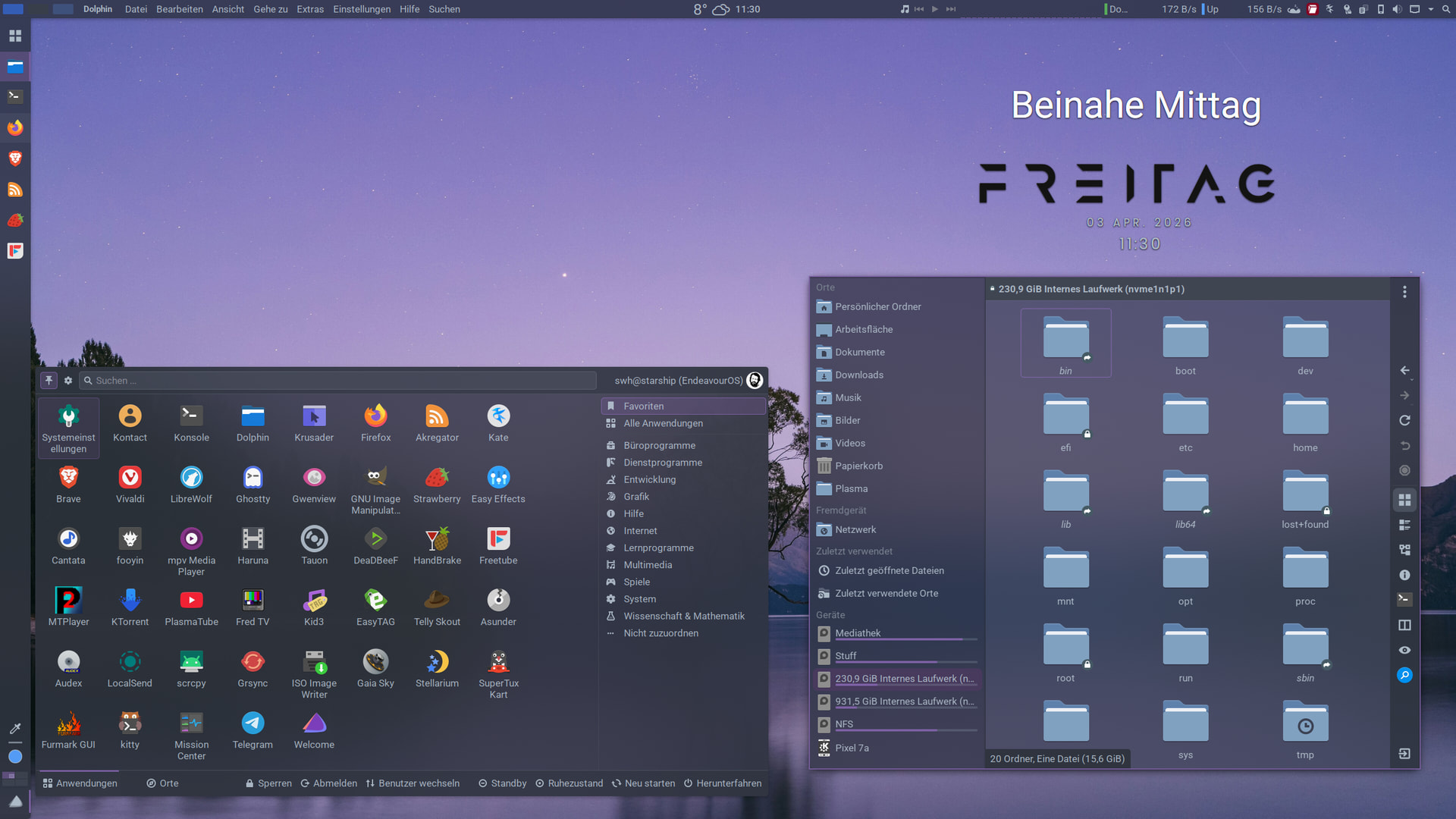
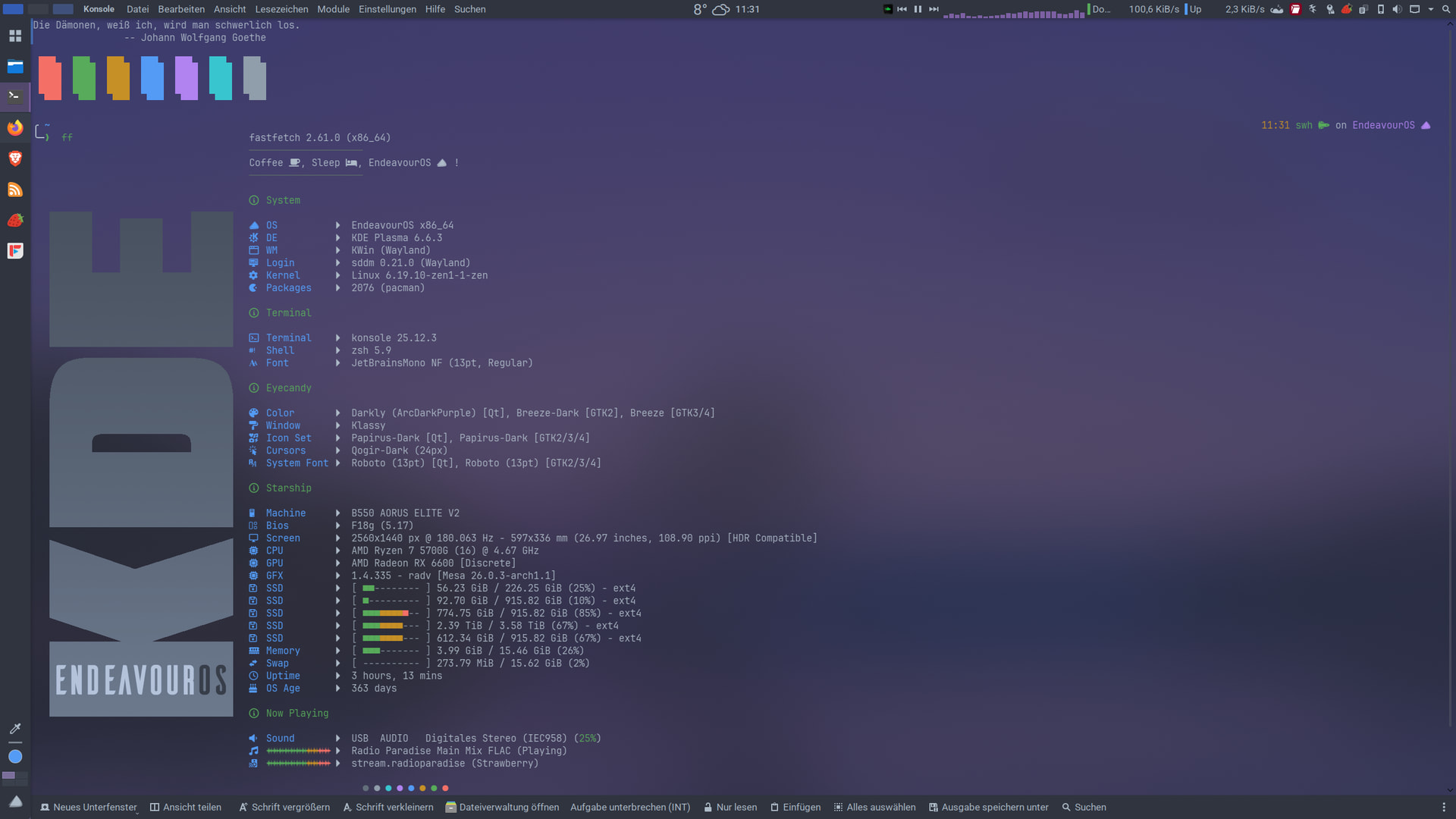
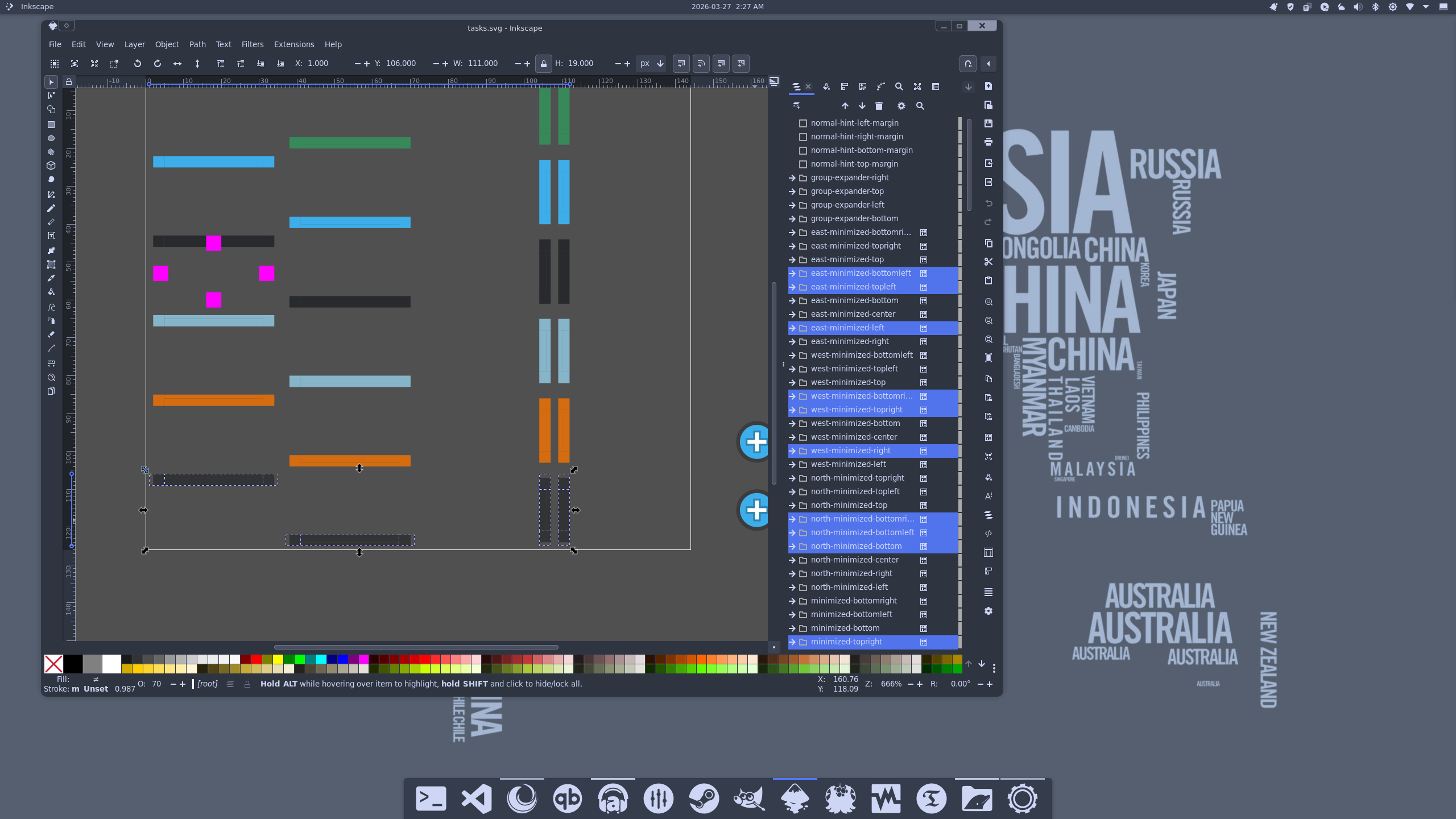
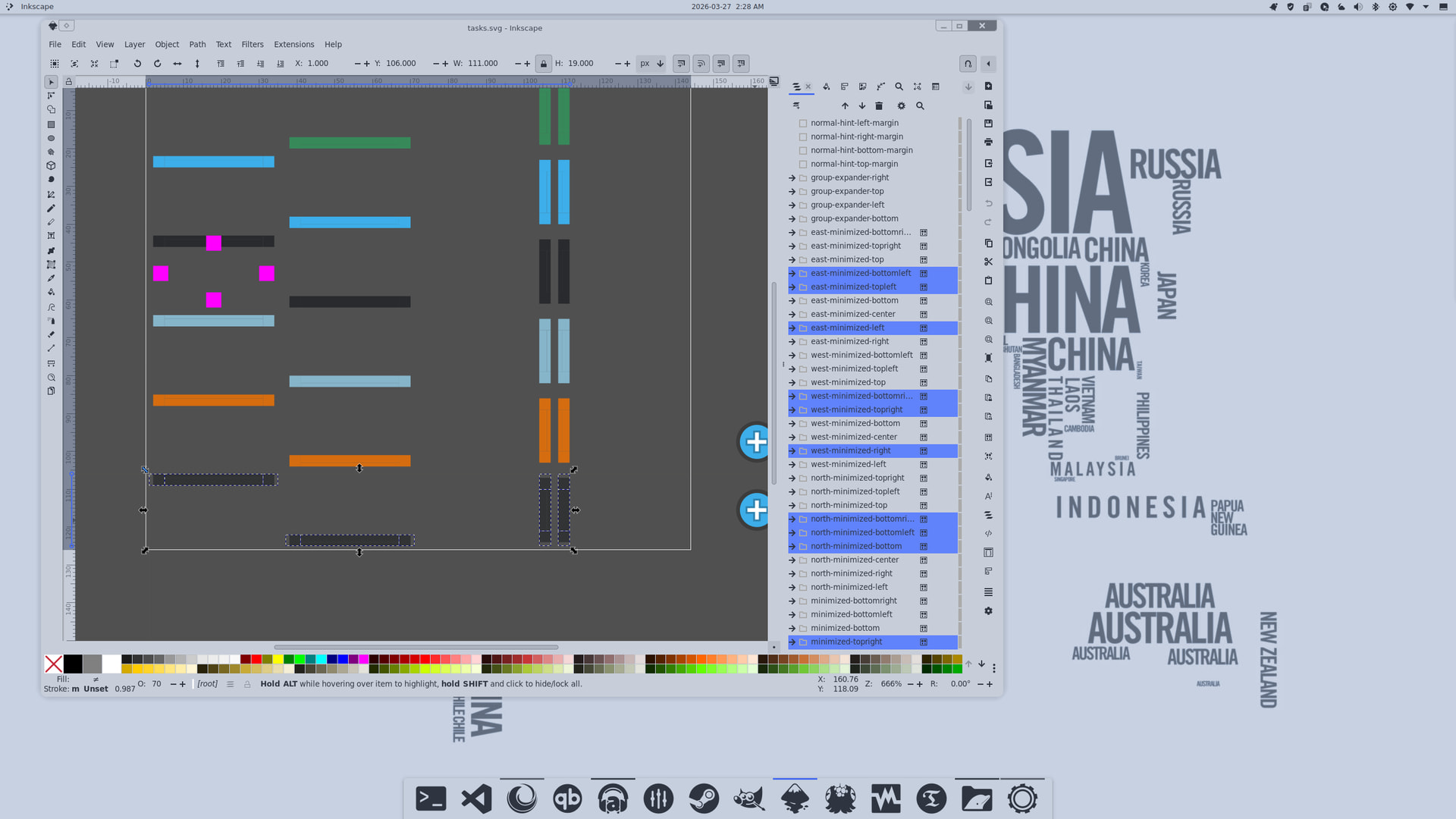
Adjusted the task line indicator’s opacity to improve clarity.
focus - 100%
normal - 90%
hover - 80%
minimized - 70%
Char-White icon set! One of my favorites until it disappeared from Pling!. In earlier versions, the icons didn’t follow ColorScheme-Text, but it looks like the developer has since updated it 
Yes, I really like that too. 
My machine gave me an unimaginable low blow.
While doing hard drive work between my main EOS drive and the spare_drive for timeshfit. in a middle of large sys update, my PC just hard froze. Booting into emergency mode, the fsck had tons lost file structure in both drives.
I had to rebuild my EOS from scratch. Still, I have to sync my offline data from onedrive cloud. Some few more packages to be installed, and do the setup for UPS smart battery.
To remind myself how hard it was, I made the following AI wallpapers for the new EOS.

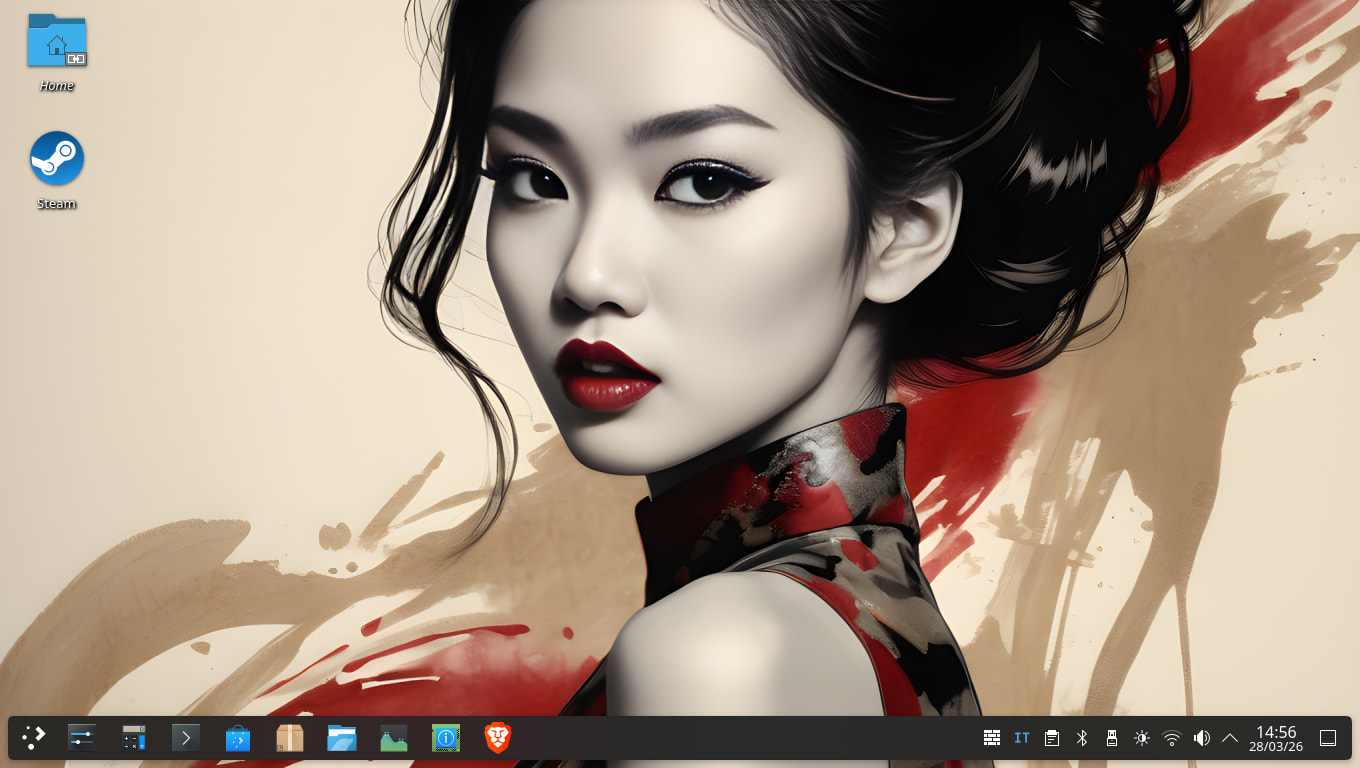
Here is the desktop of the mini PC where I recently finished installing everything I need. A few more small configurations remain to be done, but the bulk is done.
I use this mini PC on an old TV, a Sharp Aquos bought in 2008, which still works, and with Linux and the mini PC it can be used again too.
I chose Debian 13, not so much because EndeavorOS didn’t suit this mini PC, but simply because, as it isn’t a PC used much, but only occasionally, and in case of emergency, it didn’t seem like the best choice to have a rolling distro, but it was more convenient to put it on a so-called stable distro (EOS is too, but being rolling it has more frequent updates, which for the use of this PC is one more thing to manage that I wanted to avoid).
Even if the TV is old, it still has an HDMI socket, but I connected the miniPC via an HDMI-VGA cable. However, the maximum resolution would not have changed, I think. But for me, that’s fine on this TV.
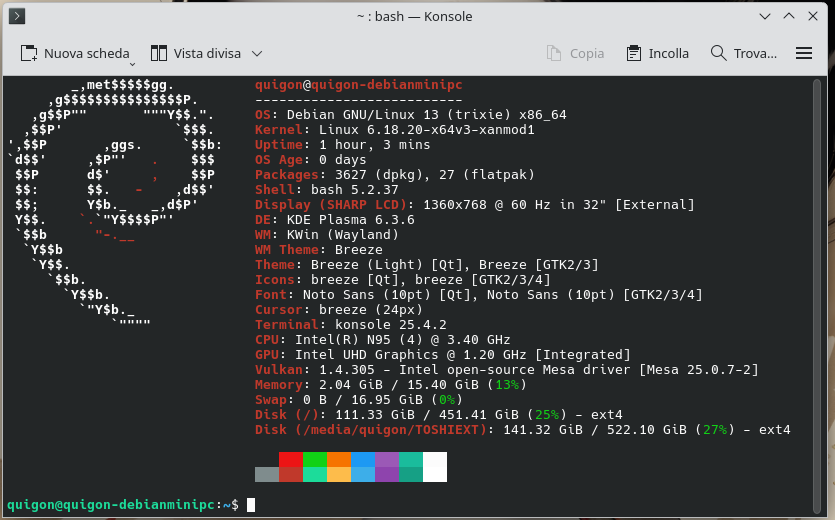
Debian is considered a “low-maintenance” distro. My desktop PC also runs it.
$ fetch

_____       OS: Debian GNU/Linux 13 (trixie) x86_64
/  __ \     Age: 1131 days
| /    |    Kernel: Linux 6.1.0-18-amd64
|  ___-     Packages: 2101 (dpkg)
-_          Shell: zsh 5.9
  –_        WM: Mutter (X11)
That’s why I put it there.
Catppuccin Mocha Lavender. Effects by Klassy, Panel Colorizer and Wallpaper Effects.
AppGrid Launcher by @xarbit 
YAMIS icons by @dirn
Peace and Love. 

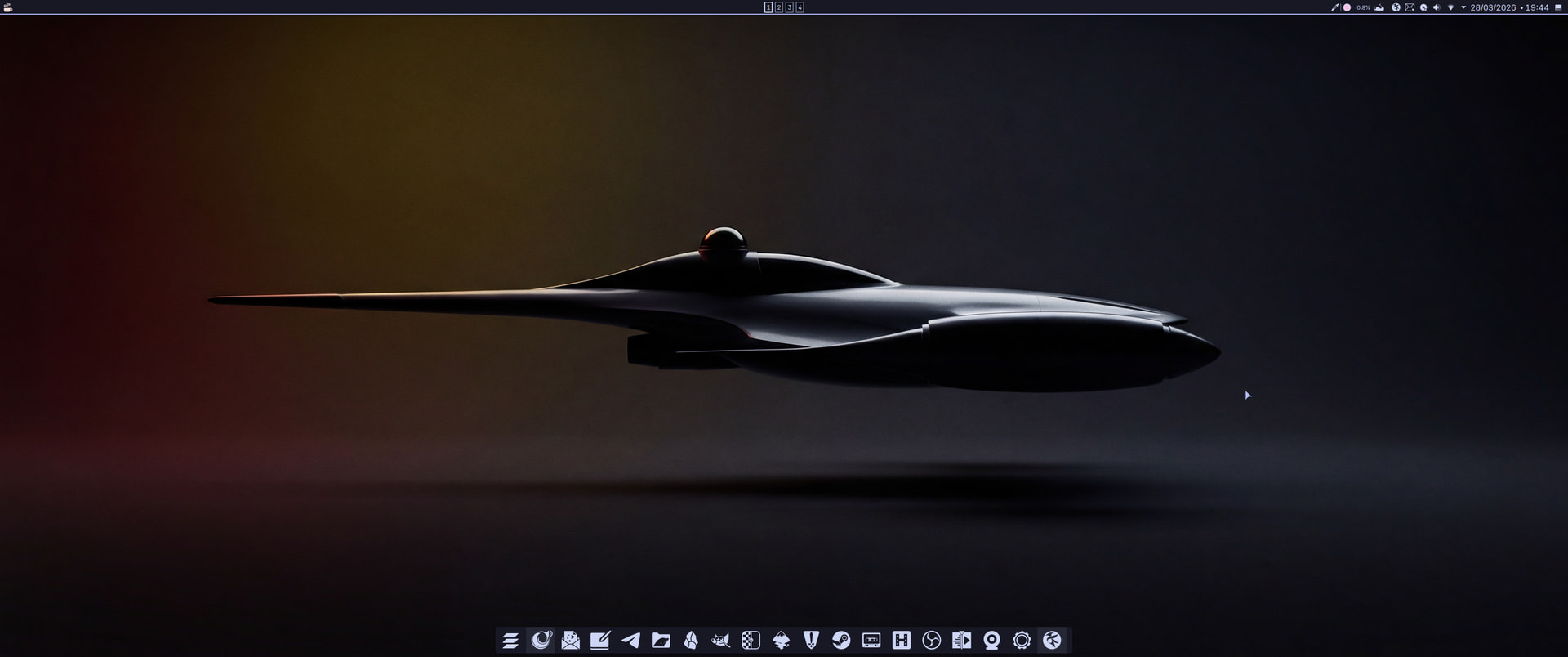
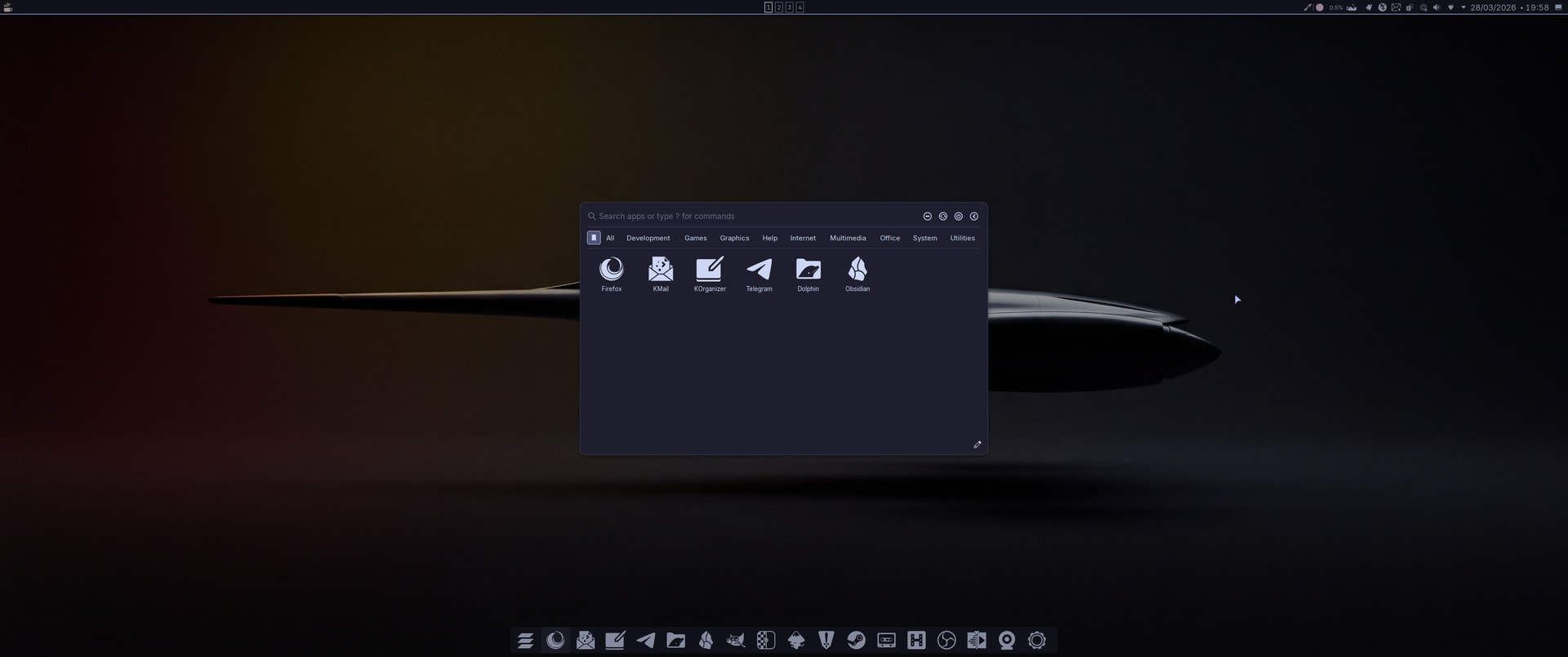
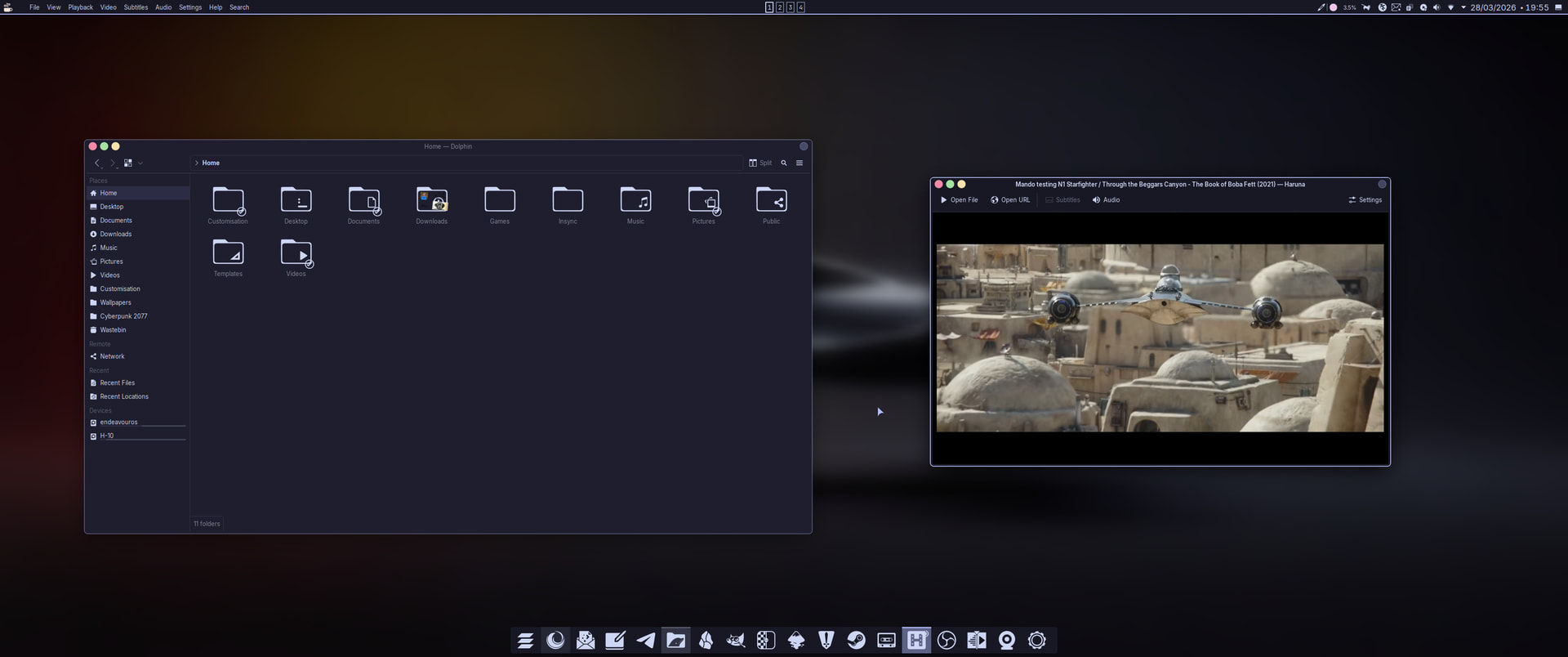

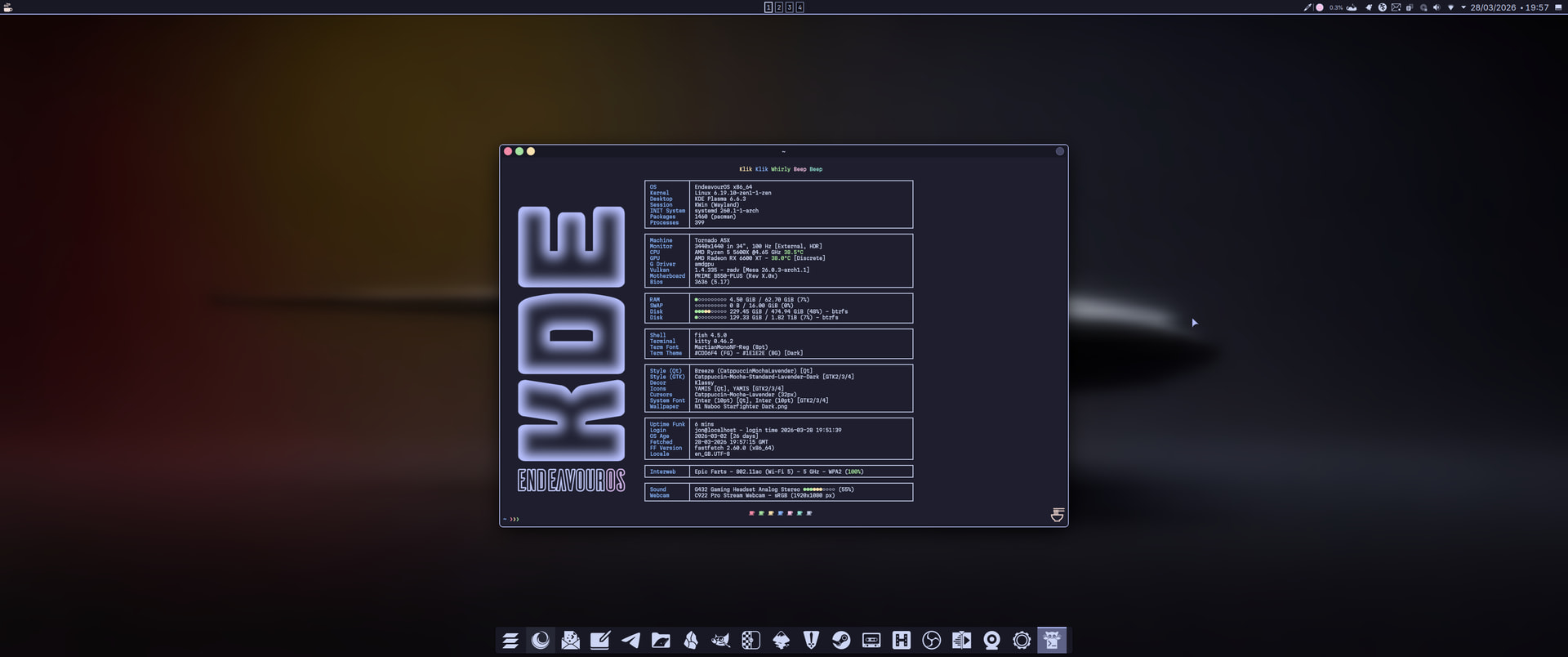
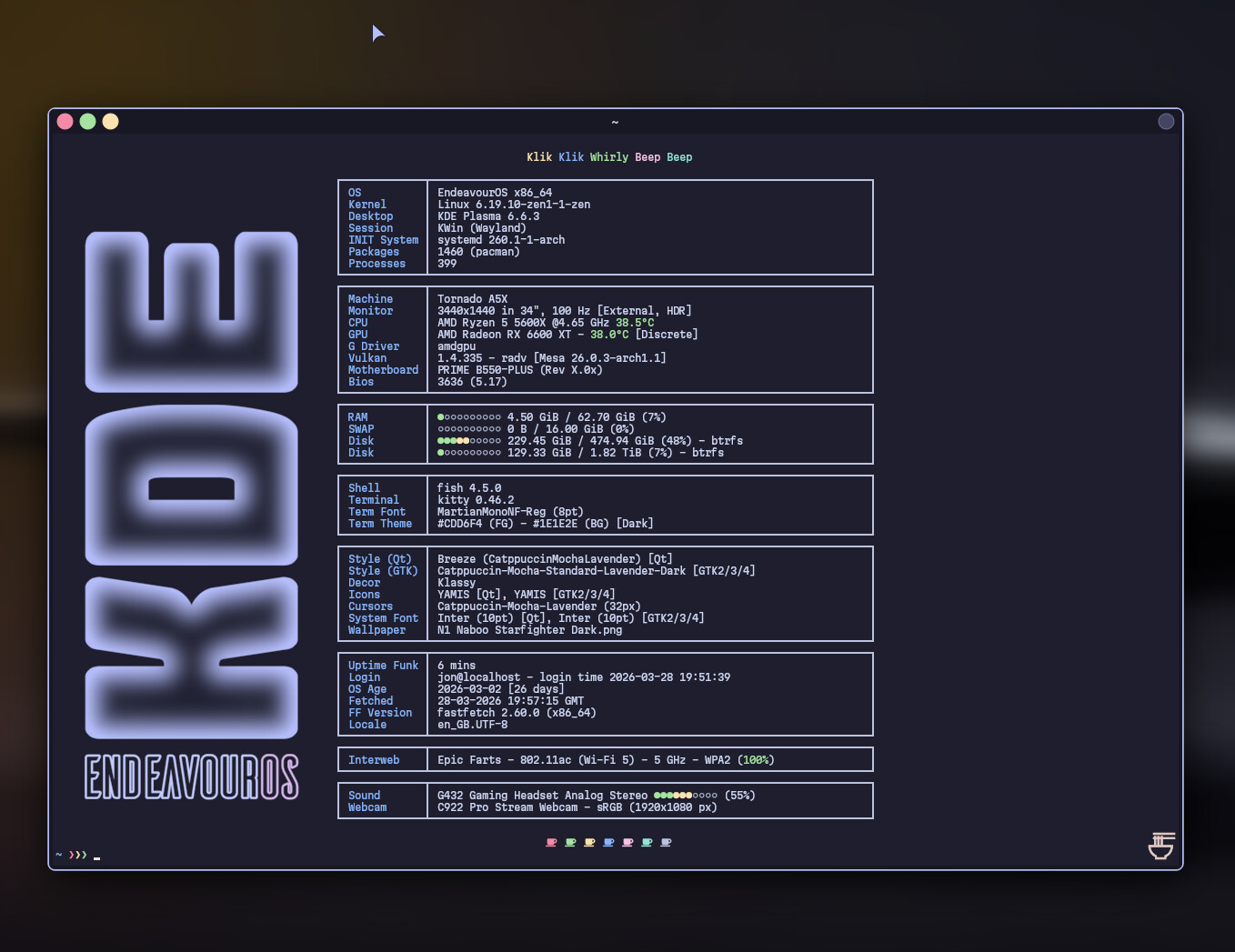
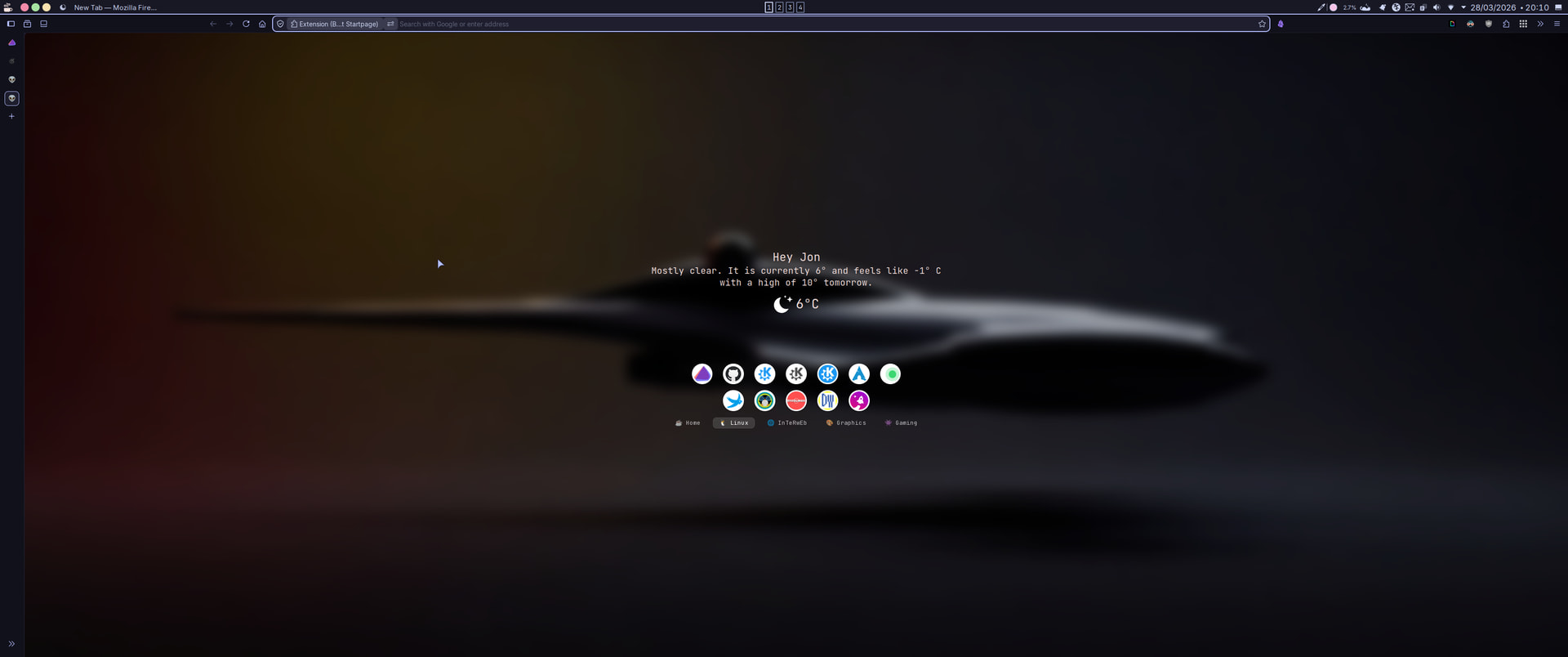
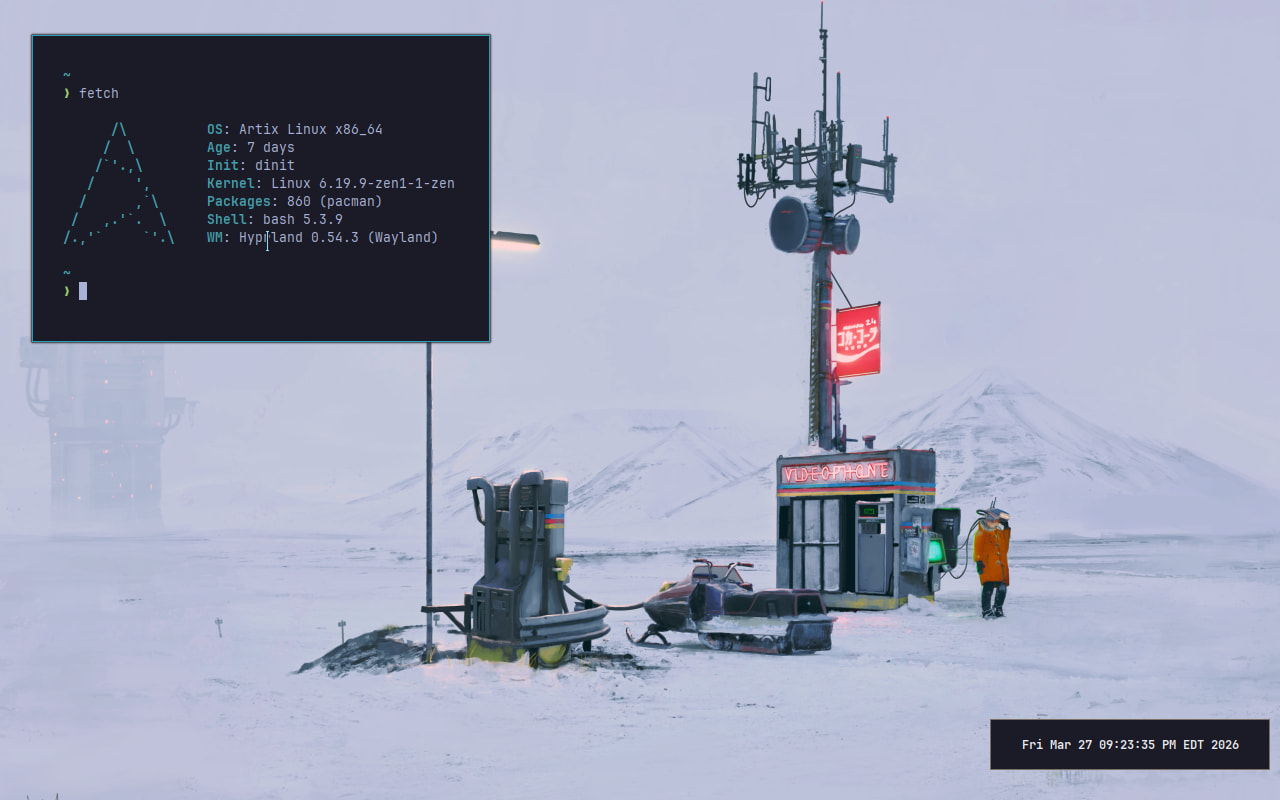
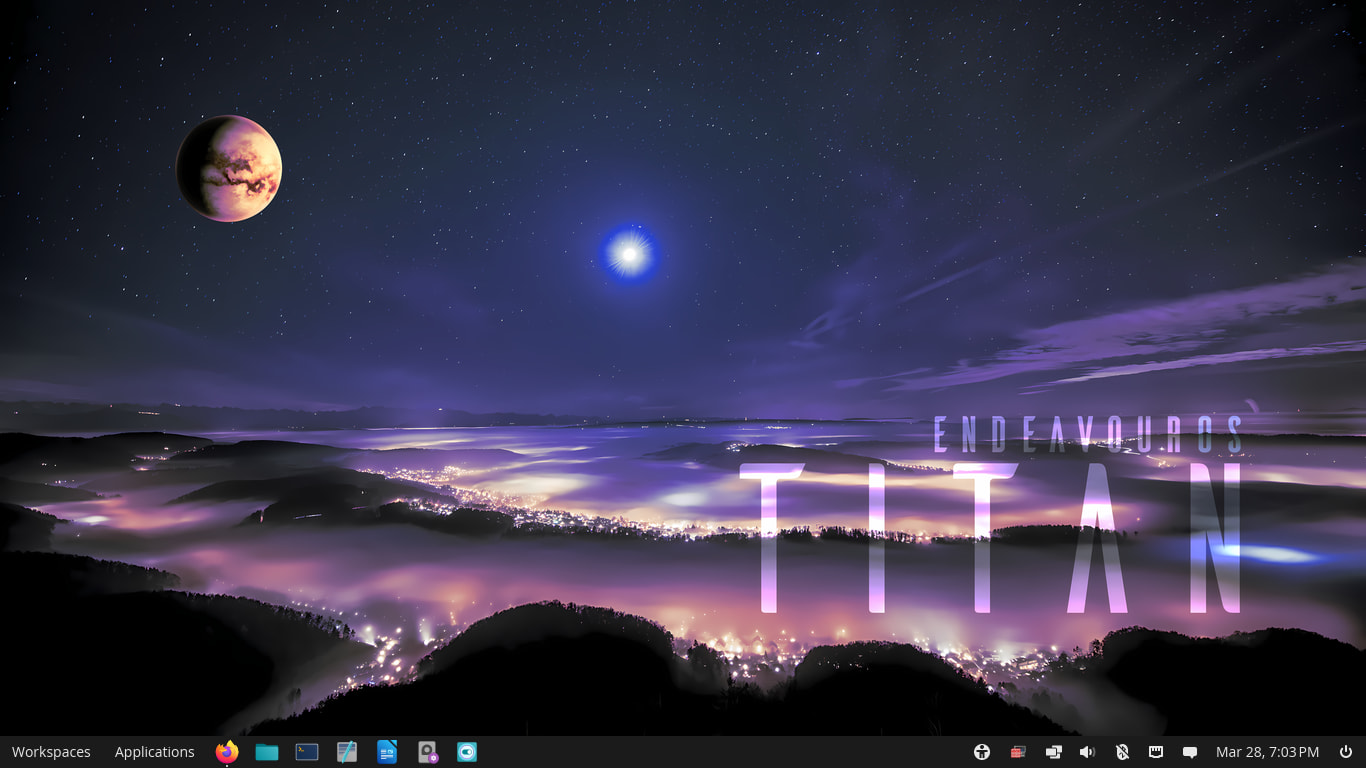
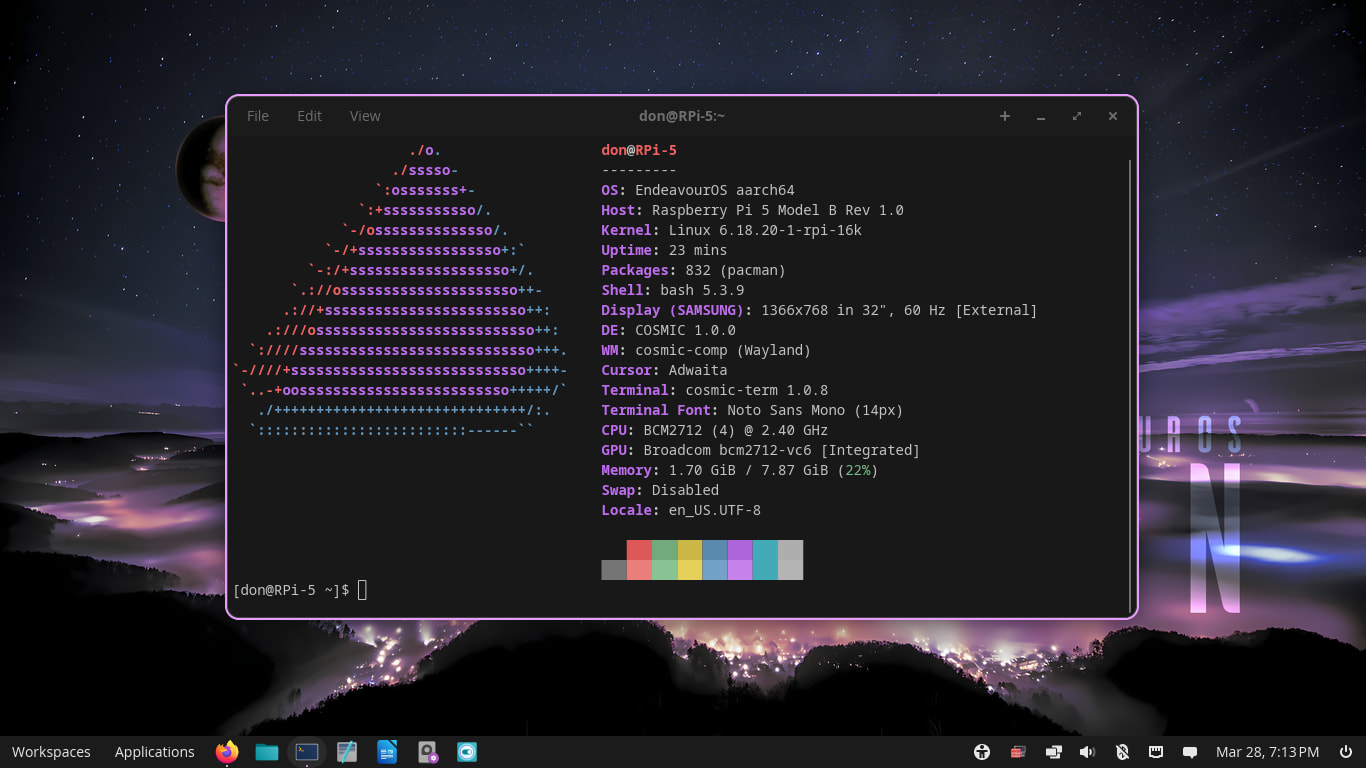
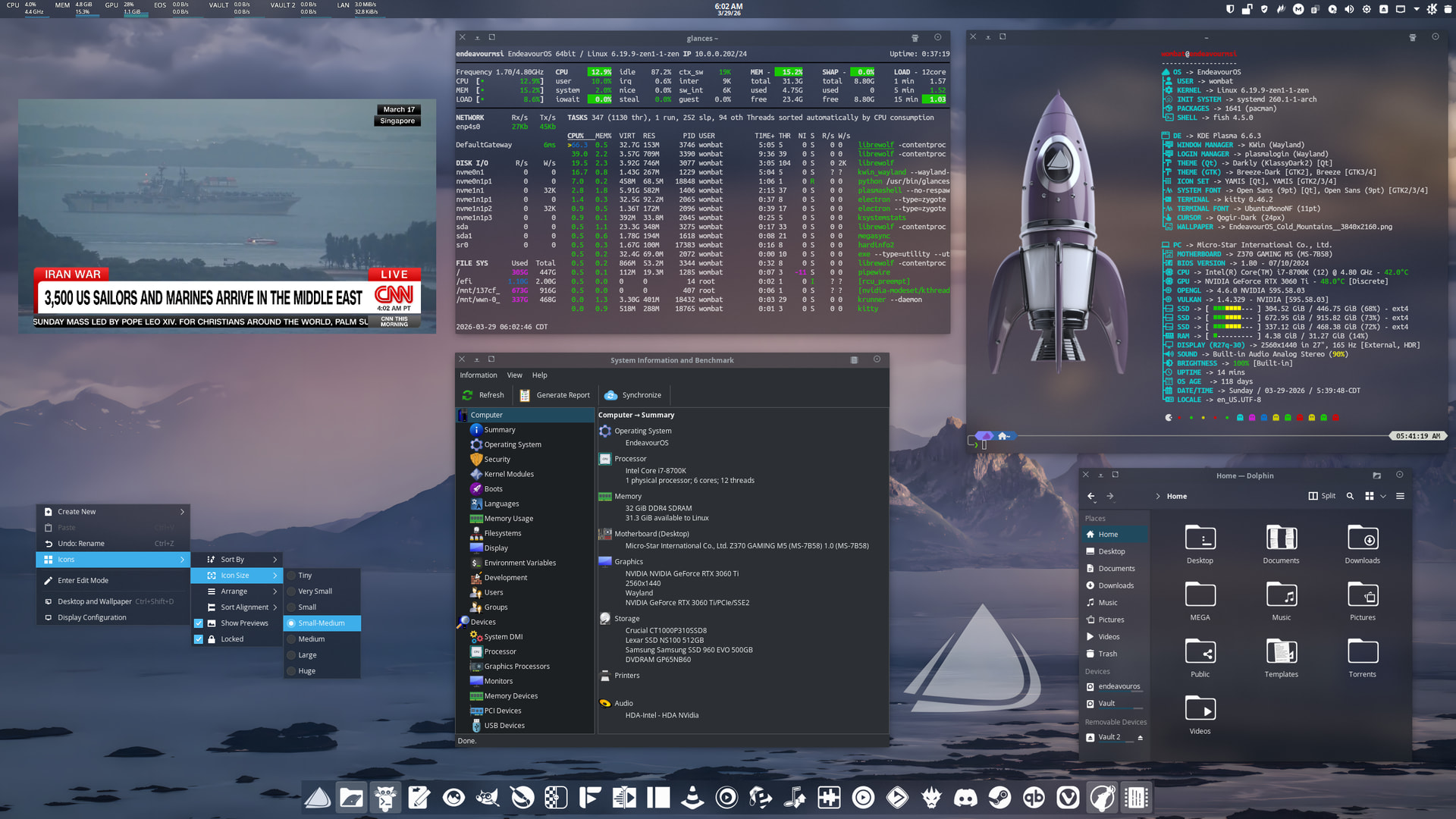
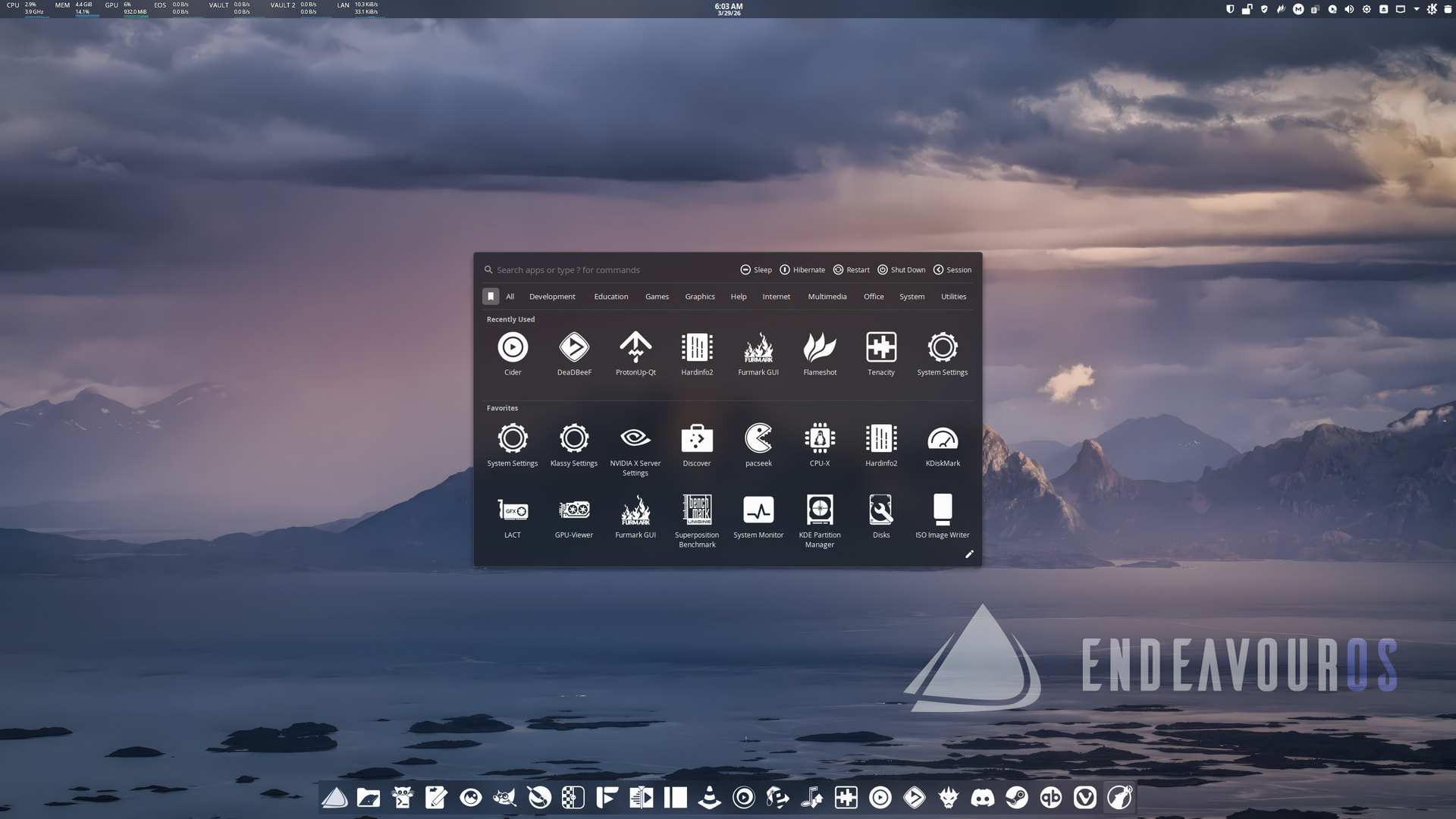
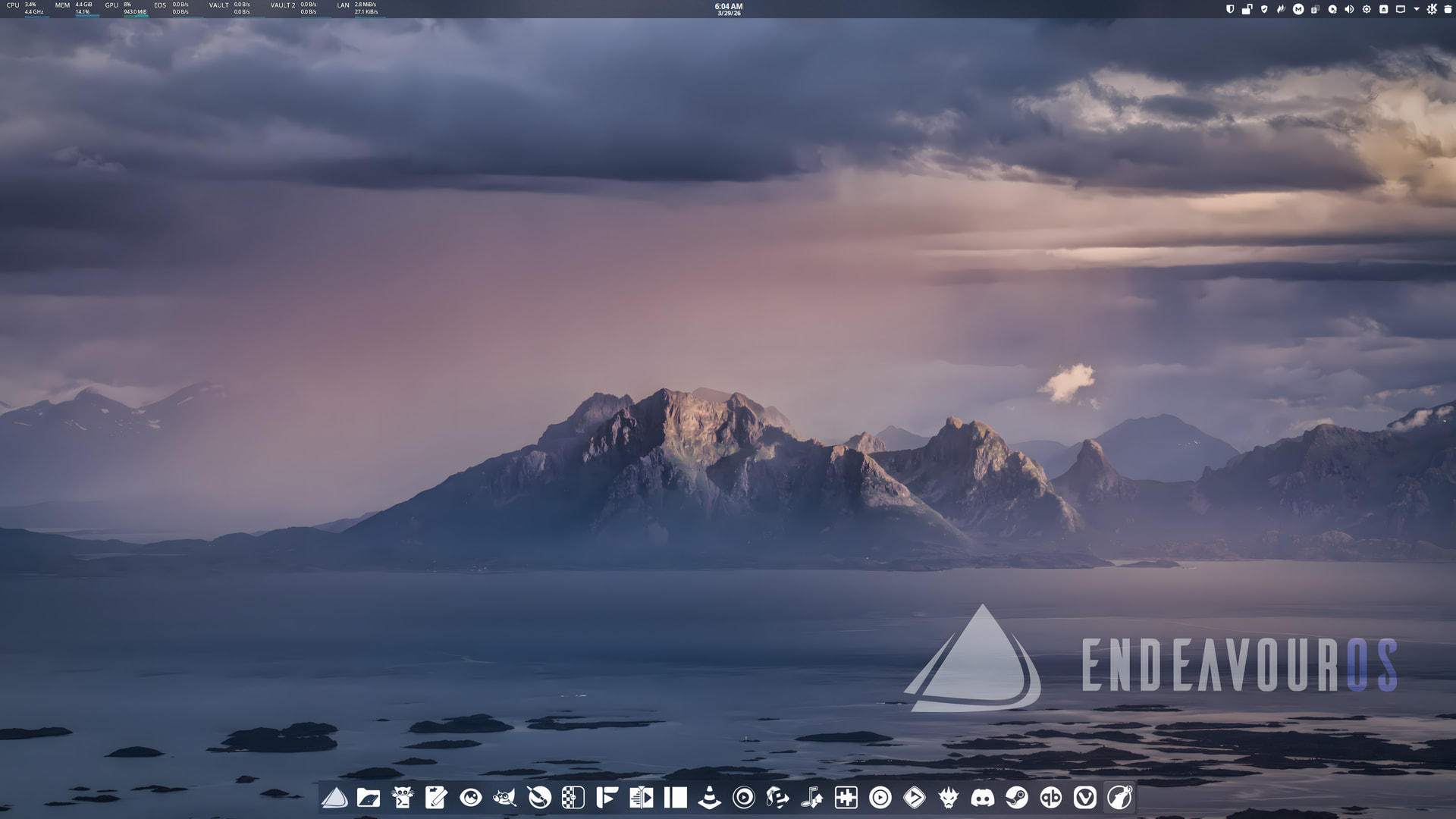
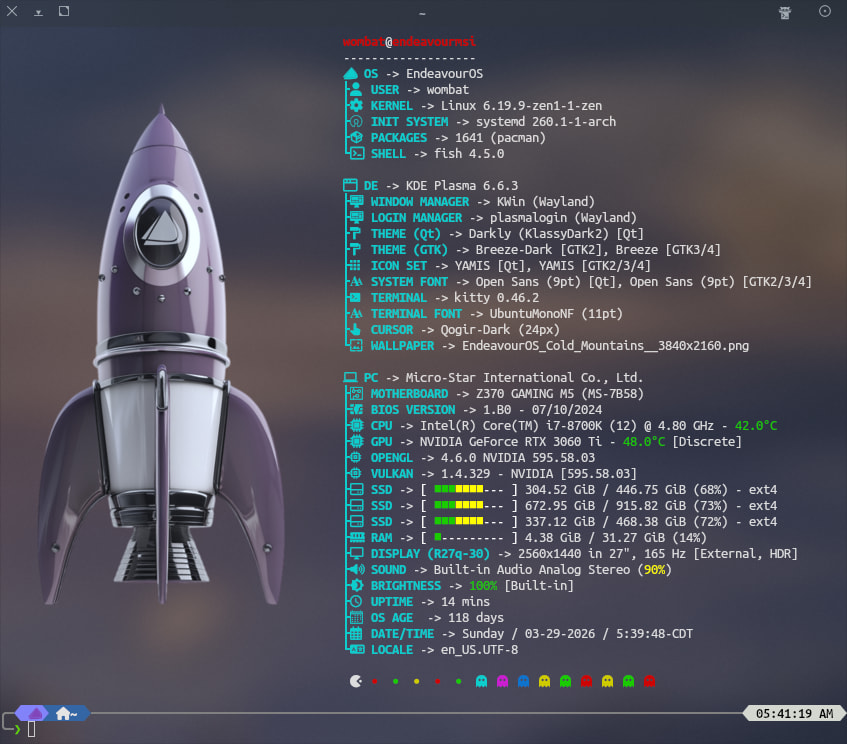
Various tweaks: Panel Colorizer, Resources Monitor Widget, and Fastfetch. Using AppGrid Launcher Center. New Wallpaper.
I like that wallpaper. is it available in your repository of wallpapers?
@Pudge, I just added it…
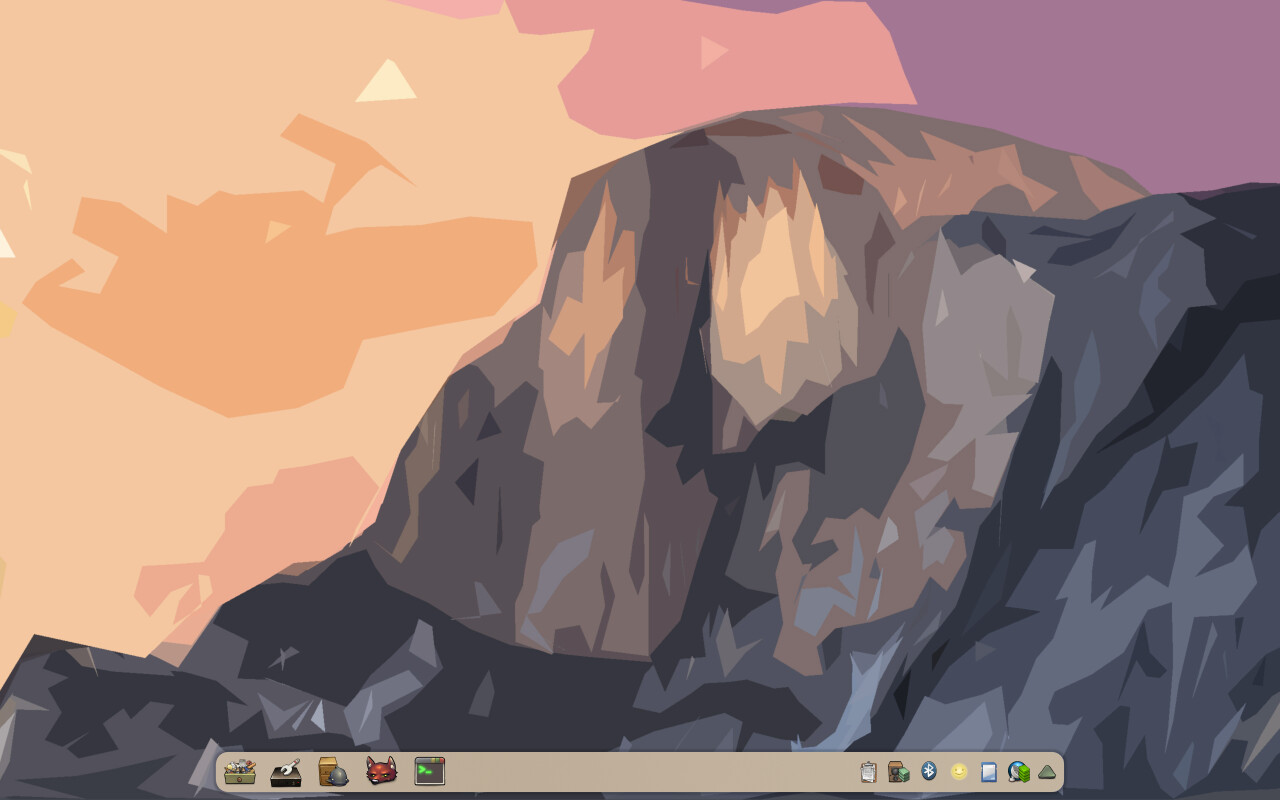
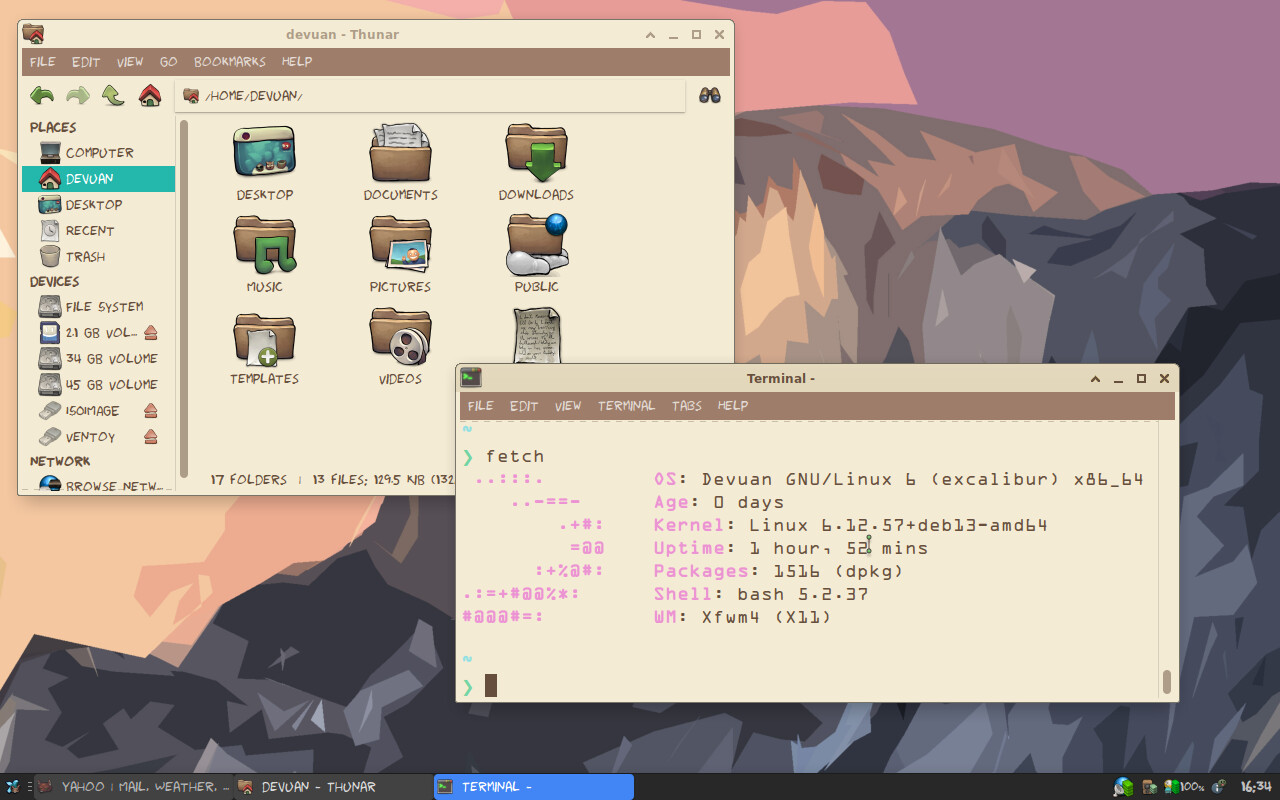
Those colours are beautiful. 
I’d love to ~plagiarize~ replicate this. I think the icons are Buuf, on plasma maybe the colors are Honeyed Oak? And wpuld you mind sharing what the fonts are?
The icons are Buuf. I don’t remember the color theme used, just randomly picked it from kde store. Honeyed Oak would match it perfectly. Good choice!
The font is OCR A.
Thank you! And how about the GTK theme font (e.g. the menu bar and bookmarks in Thunar)? Sorry, I will stop pestering now…
It’s Sans Regular. I forgot to change it to OCR-A-Bold.