Proton VPN’s free version isn’t all that bad. But as the old saying goes… “You get what you pay for.” Mullvad is full-featured and very inexpensive. At a mere €5/month, you can’t go wrong.
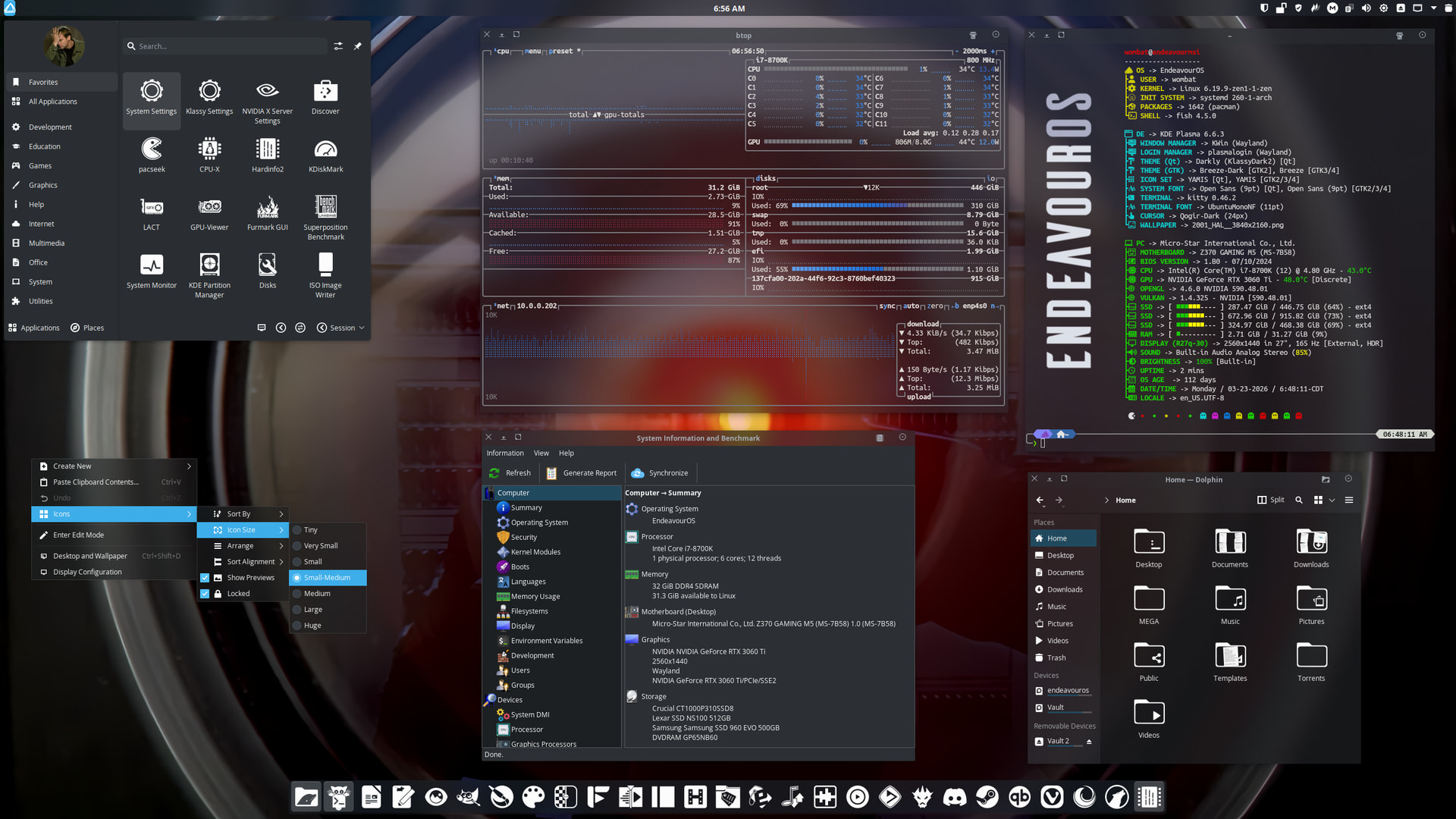
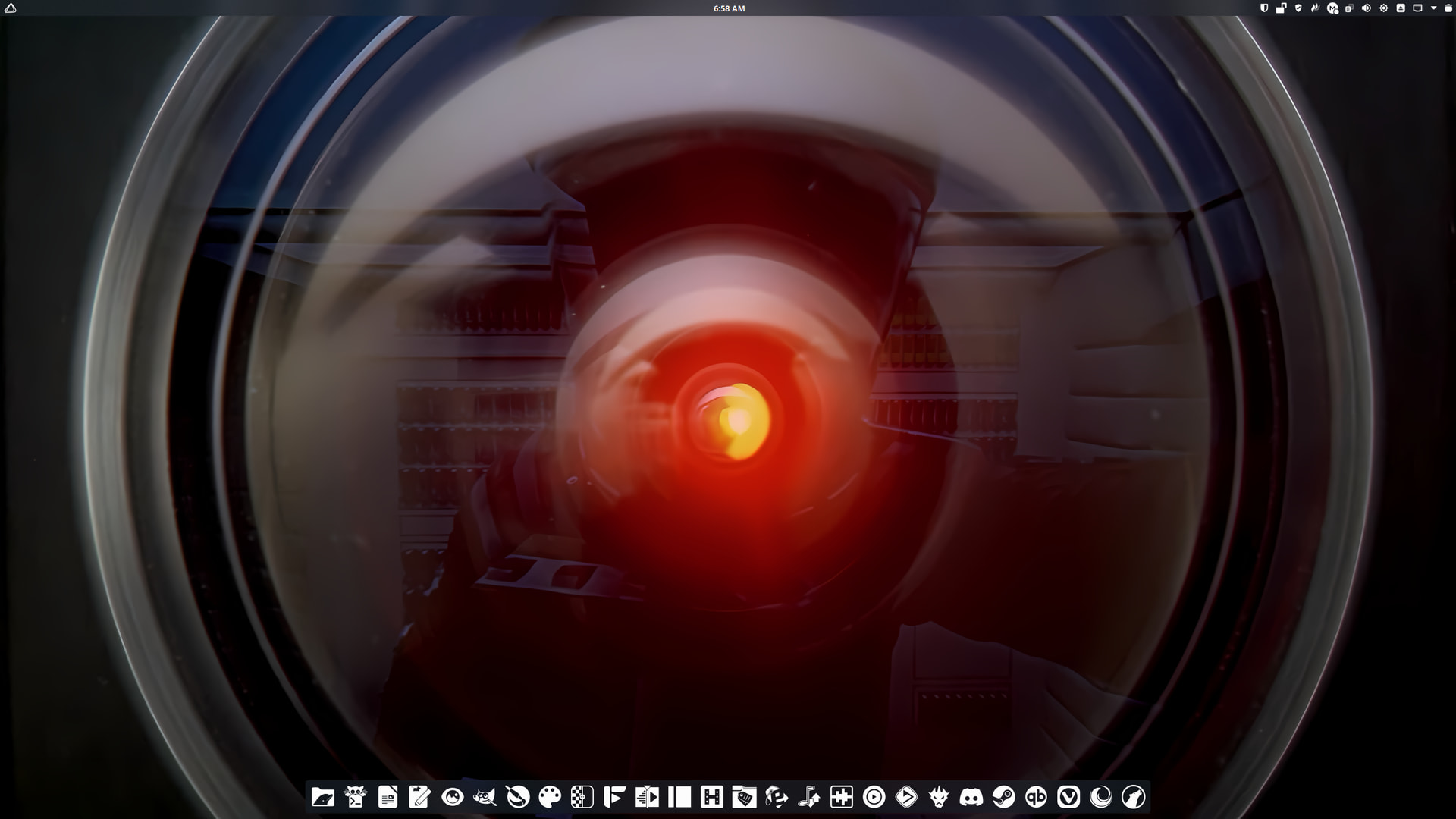
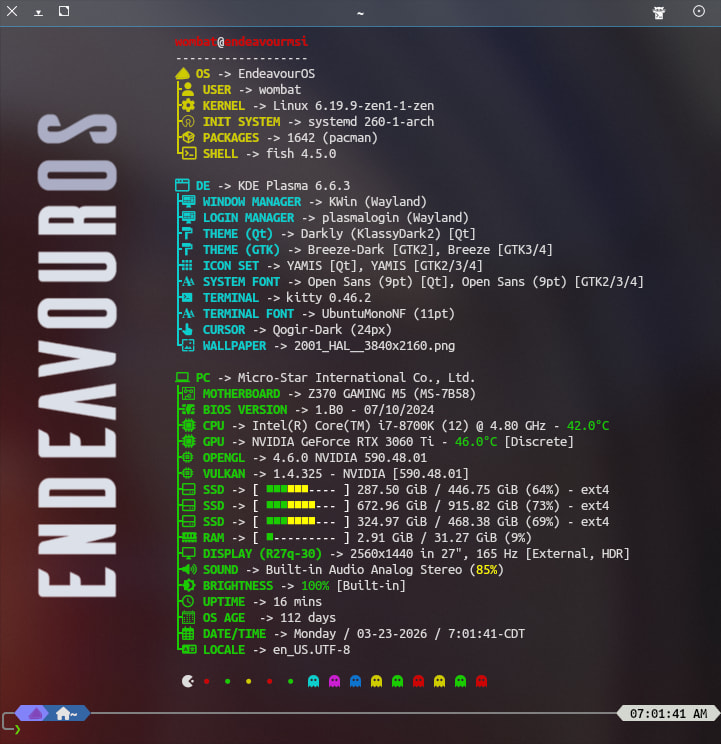
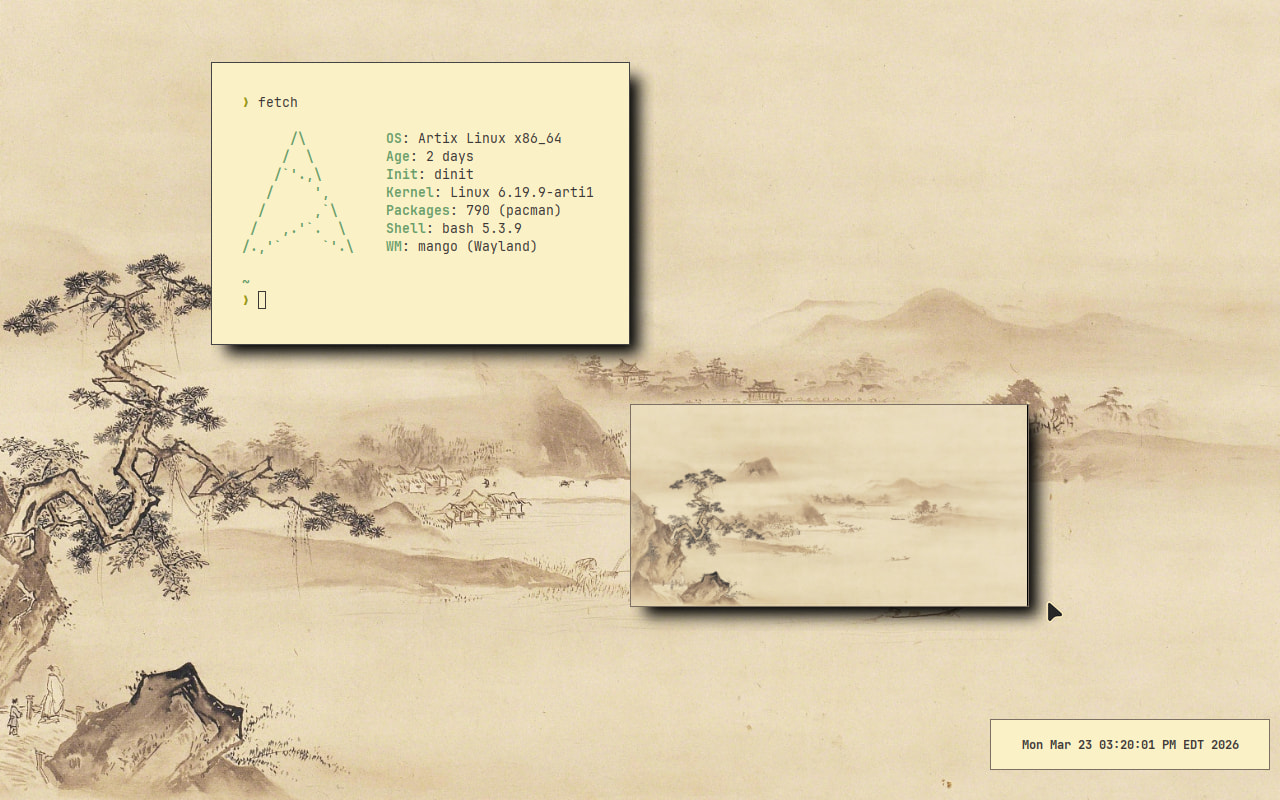
I got myself a new monitor and my EOS Sway setup REALLY didn’t like it. I had to reinstall. I tried Artix, but that resulted in a system unable to boot (kernel panic every boot), so here I am with EOS Plasma.
(This reinstall wasn’t that bad - I finally had an excuse to switch my system to BTRFS and be able to use snapshots)
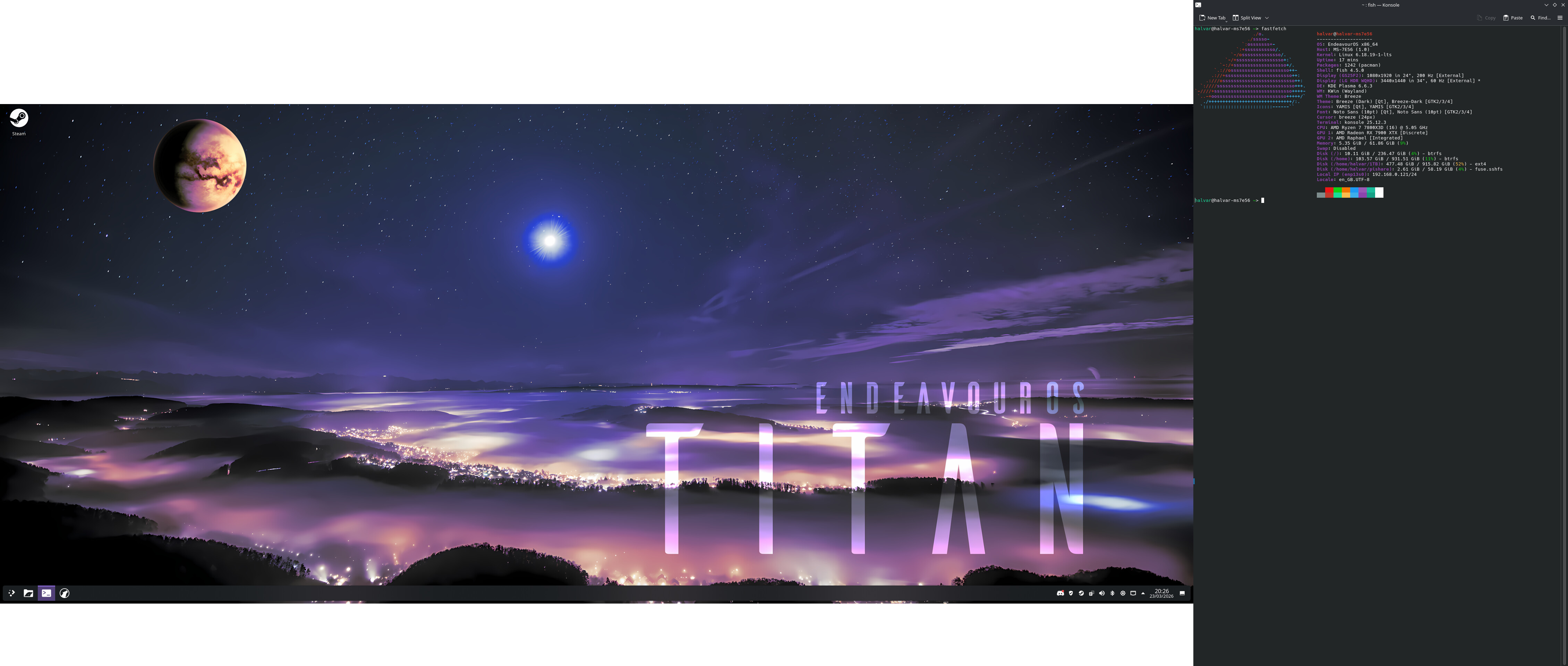
and as always, my system is boring, I’m not into eyecandy, so default EOS wallpaper (it’s nice)
Amendment to my post above…
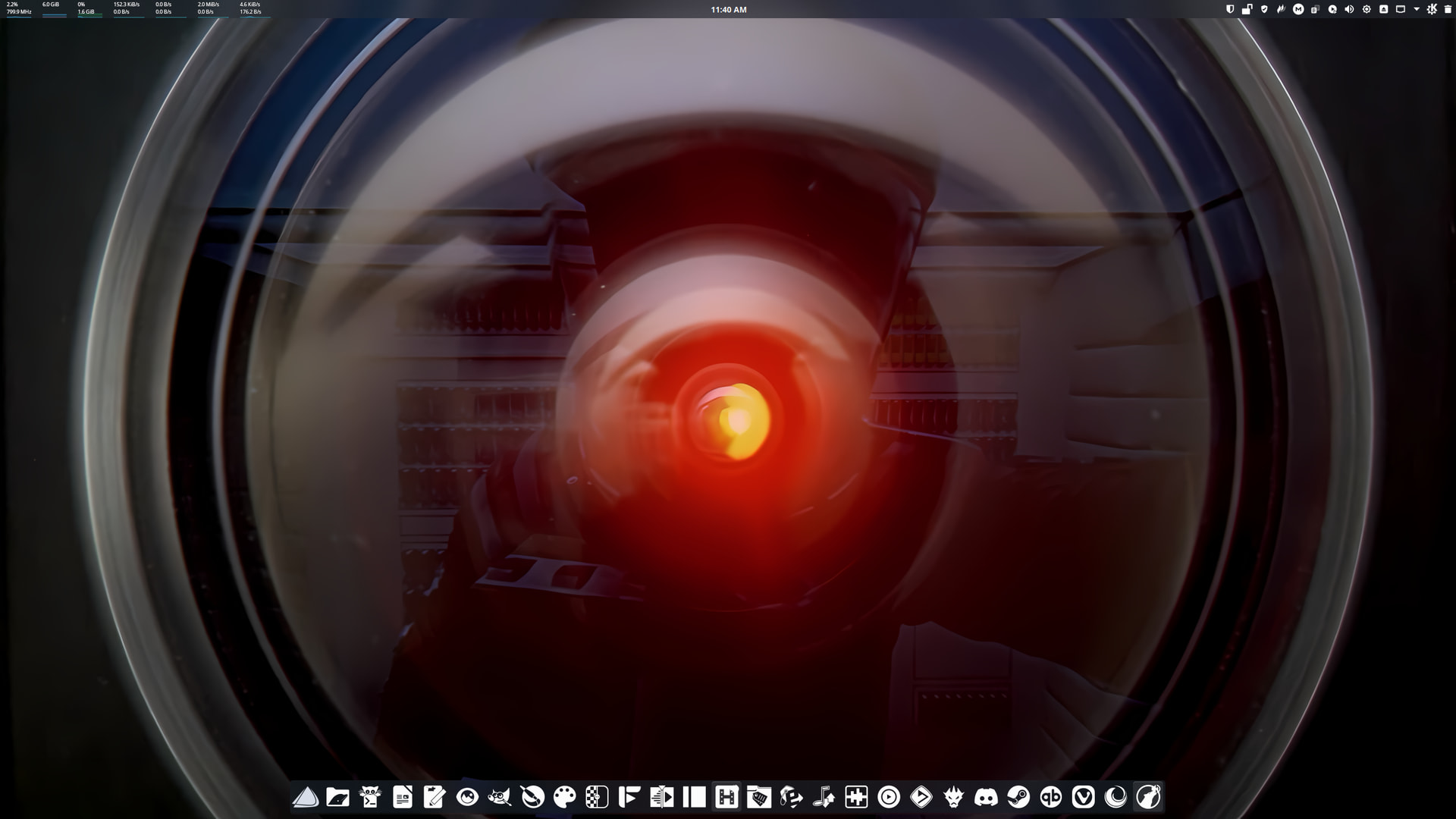
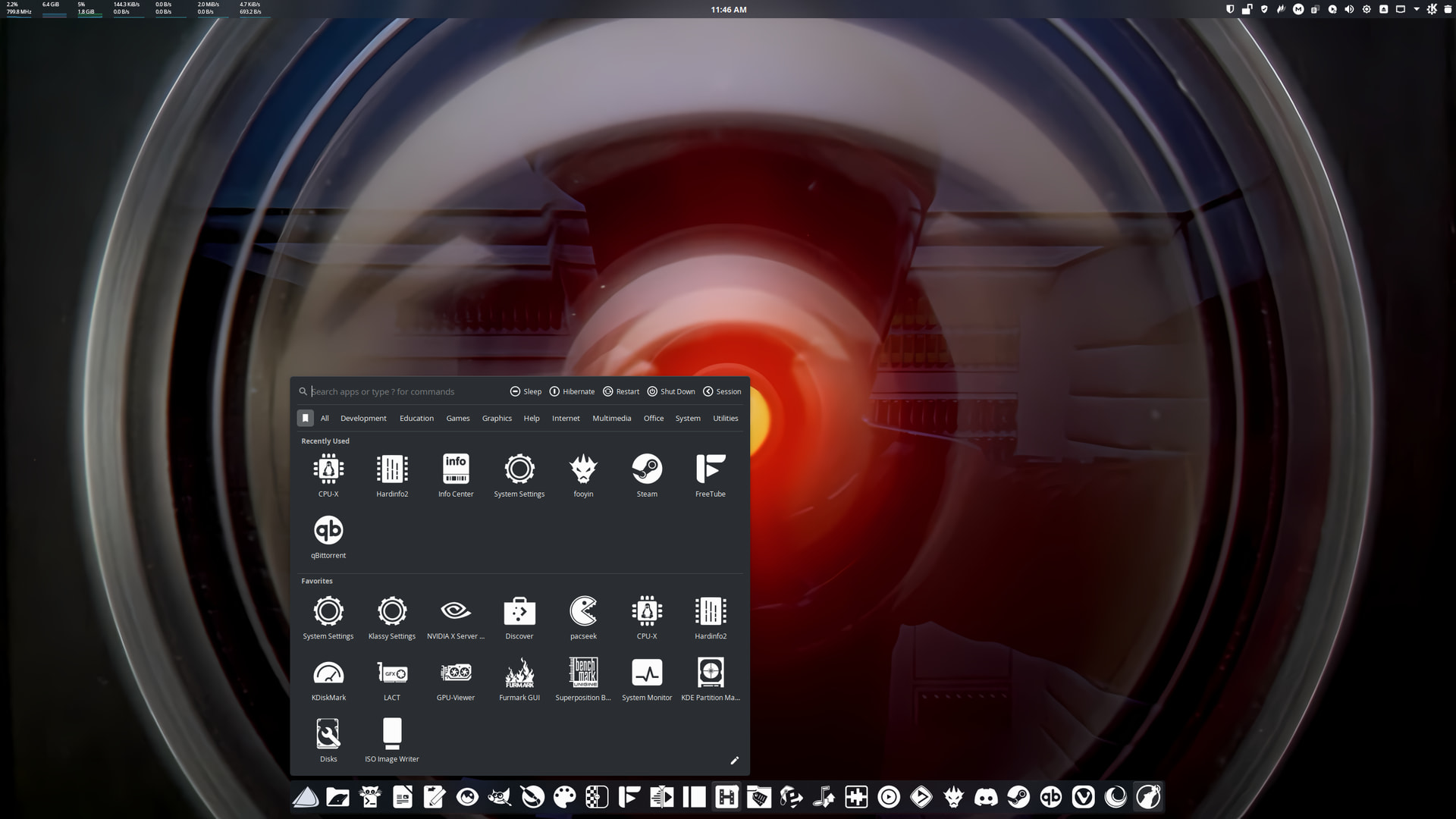
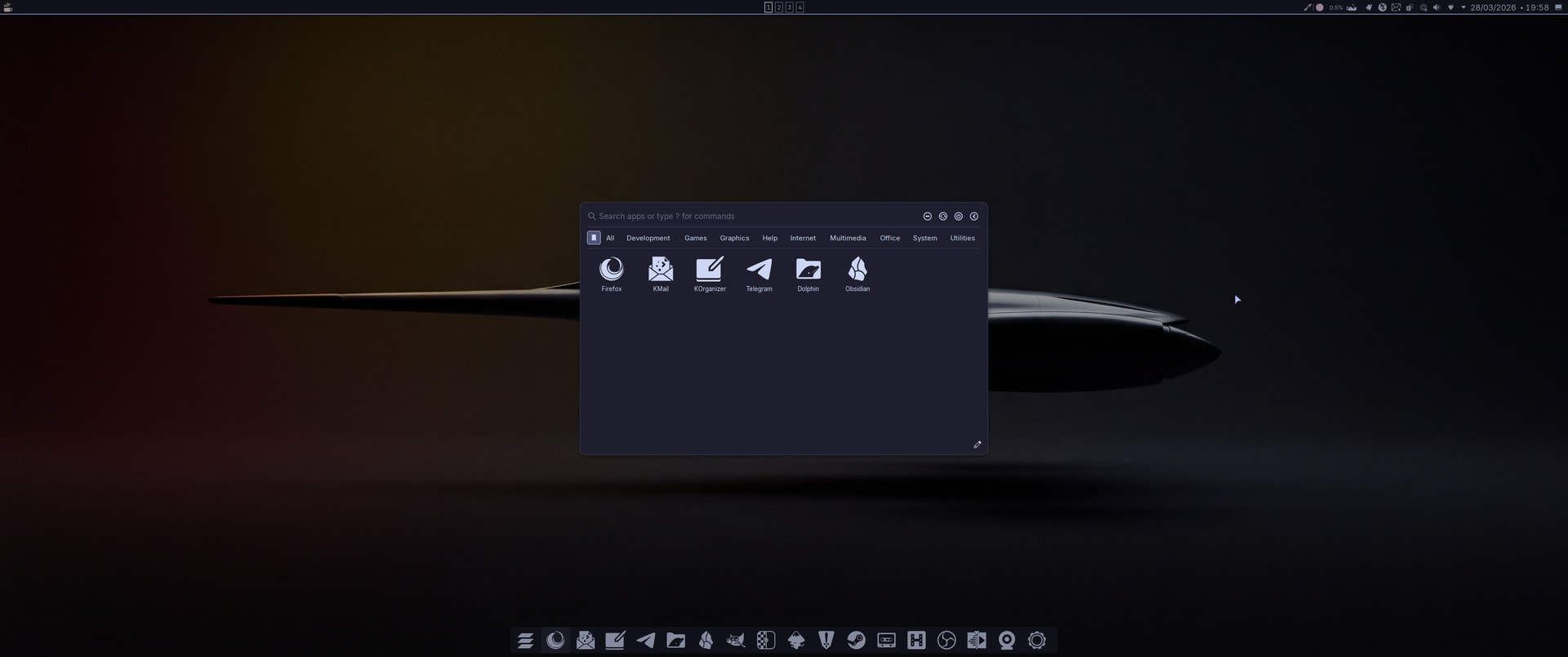
- Panel tweaks. Removed the kickoff menu on the top panel and added Resources Monitor widget in its place. Bottom panel now has AppGrid Panel by @xarbit. Really liking AppGrid a lot.
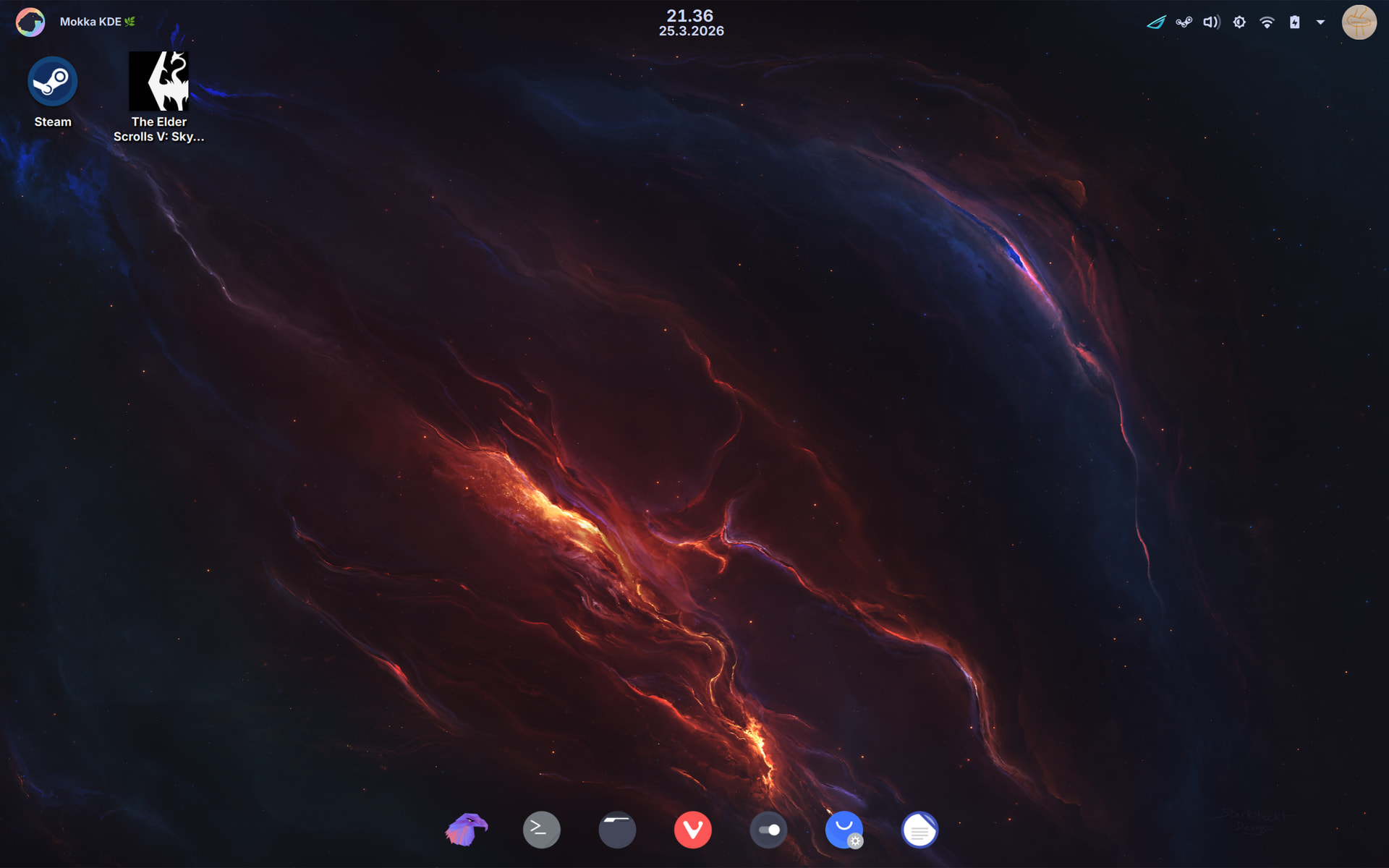
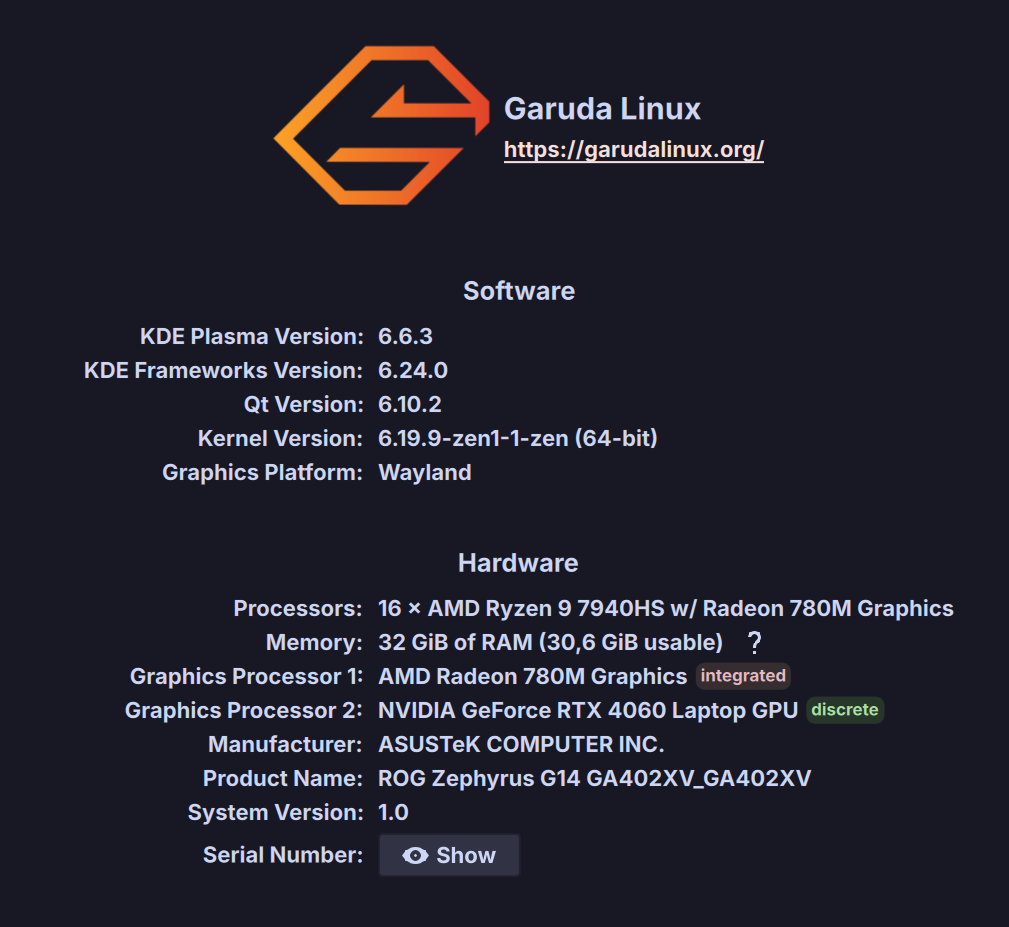
Decided to give Garuda a go.
Thus far has been quite a pleasant experience; everything has worked out of the box and there have been no issues thus far. Translation is not perfect yet, so decided to to go with English with Finnish dates times etc.
Seems to be good combination of graphical tools for maintaining system and bleeding edge for lazy guy like me. 


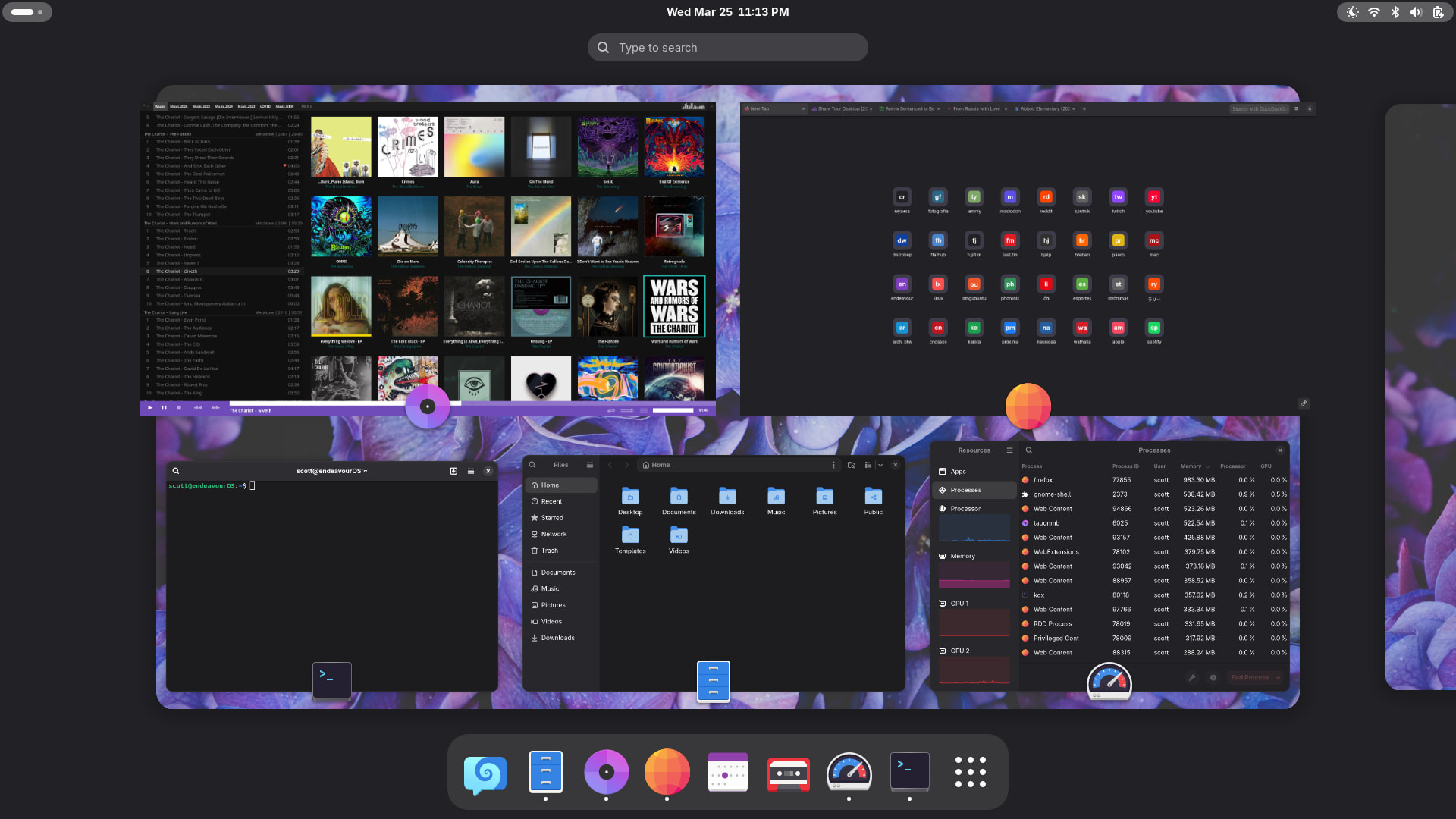
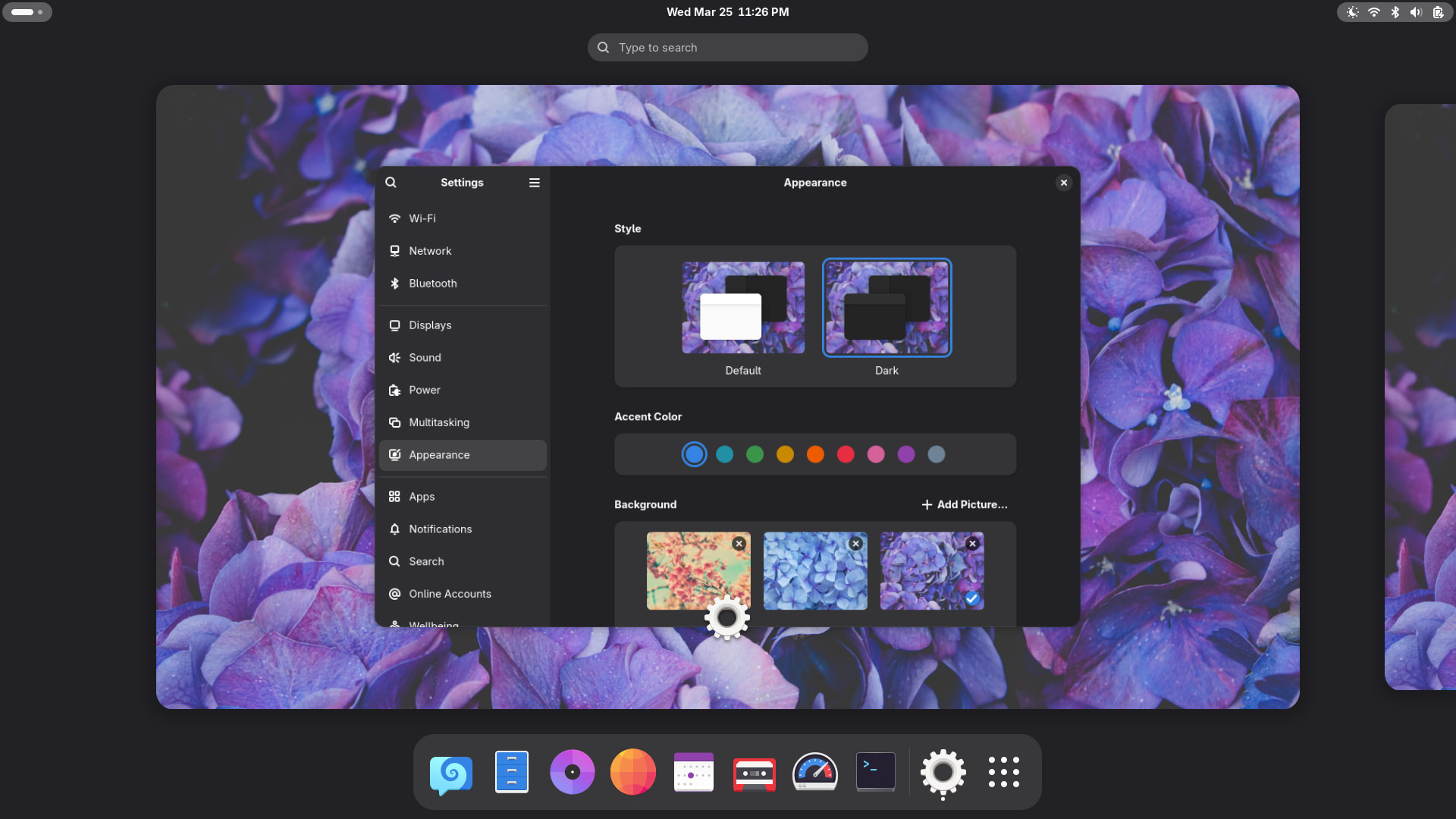
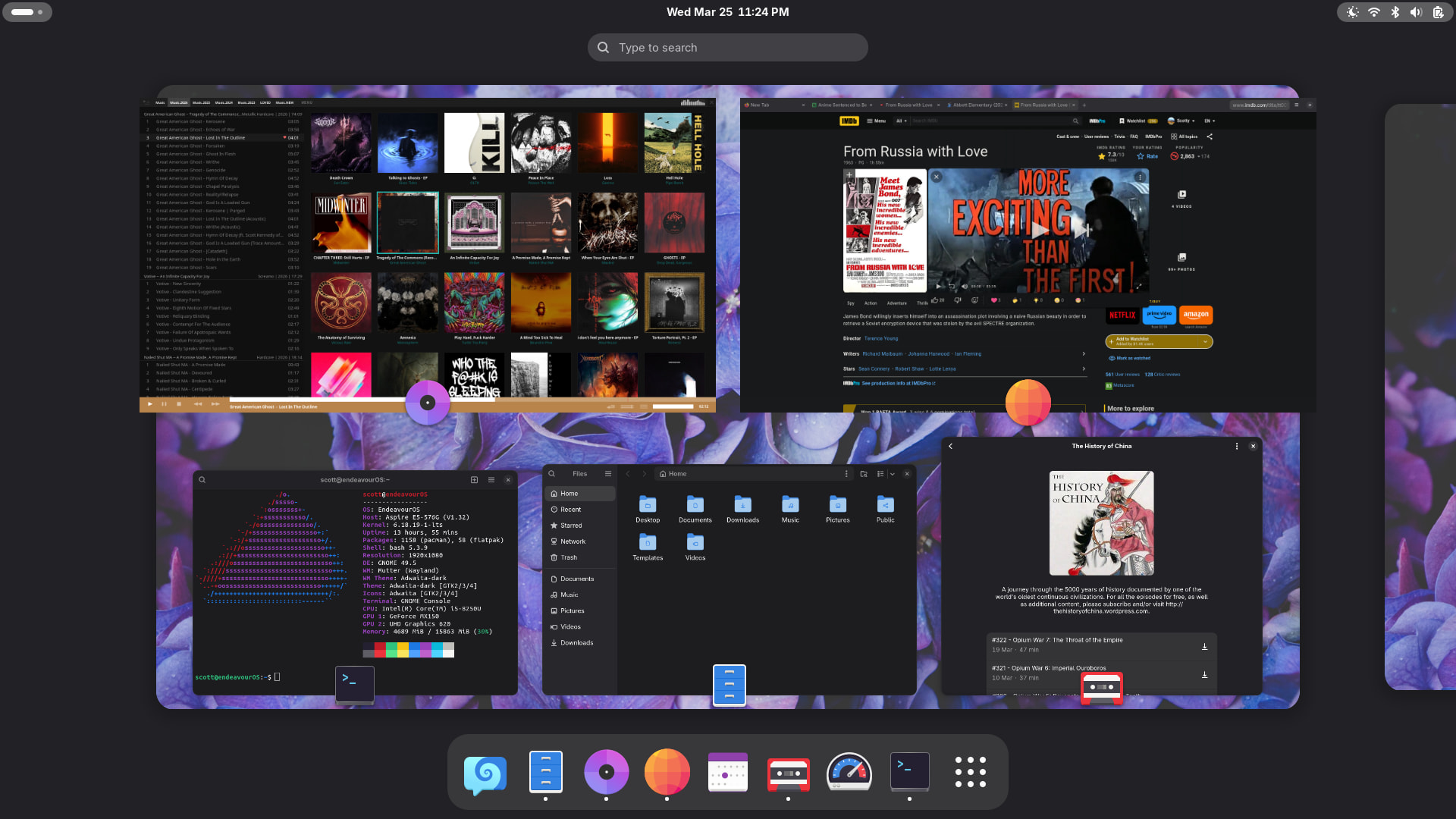
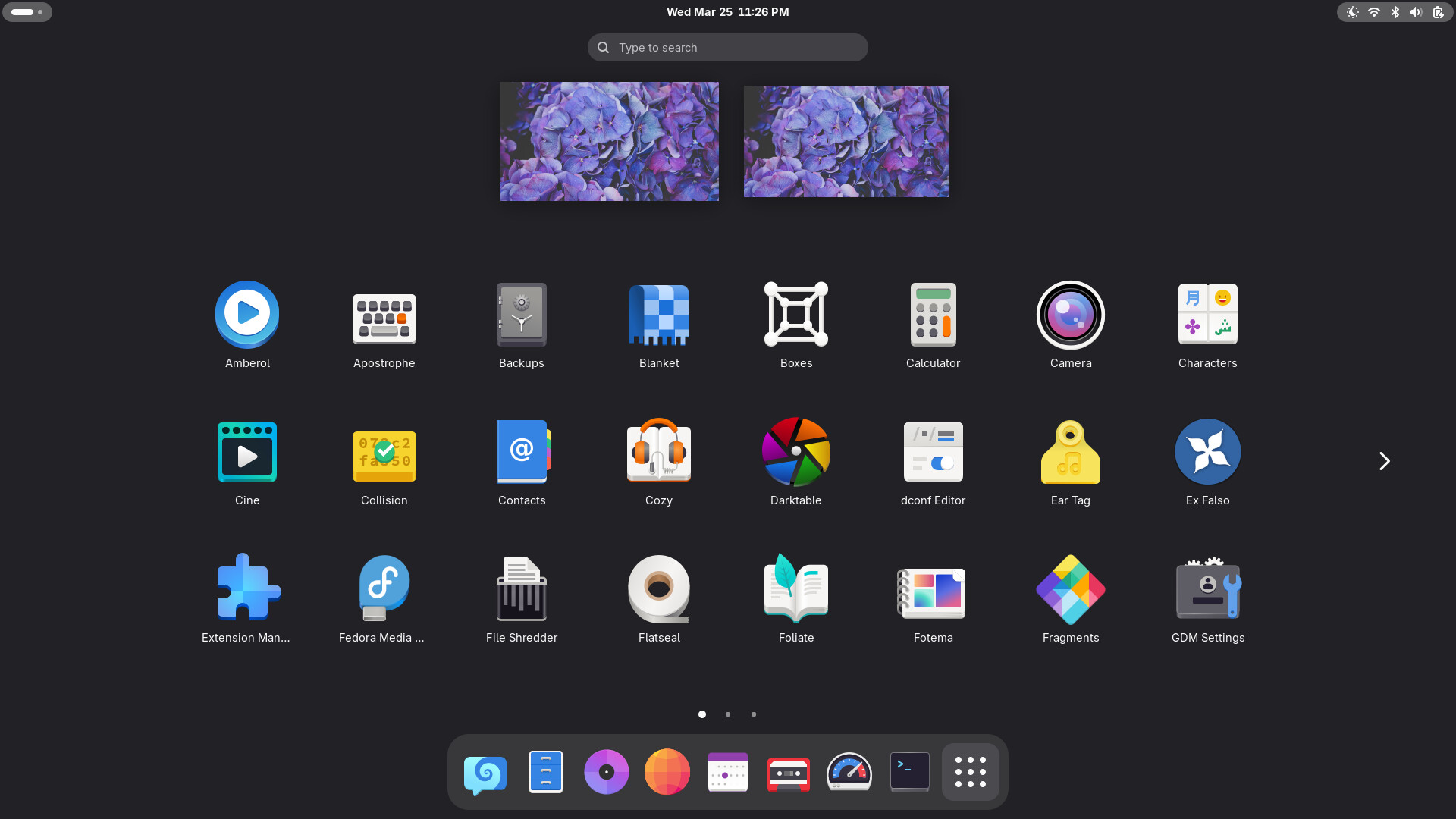
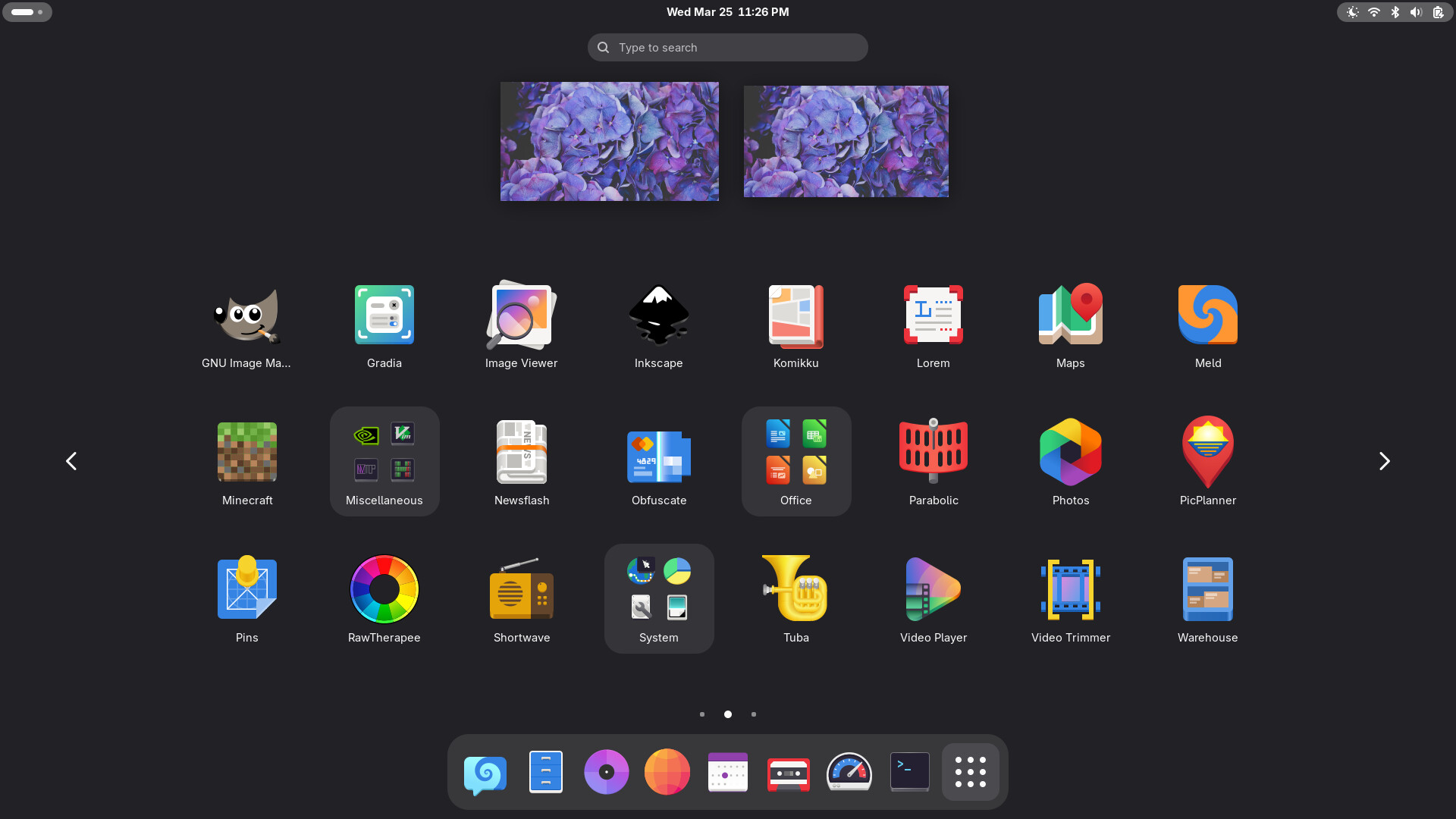
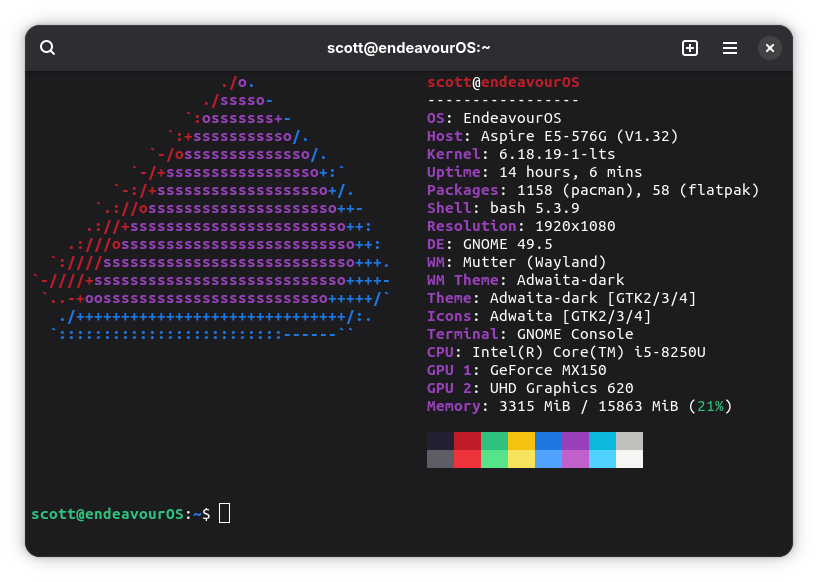
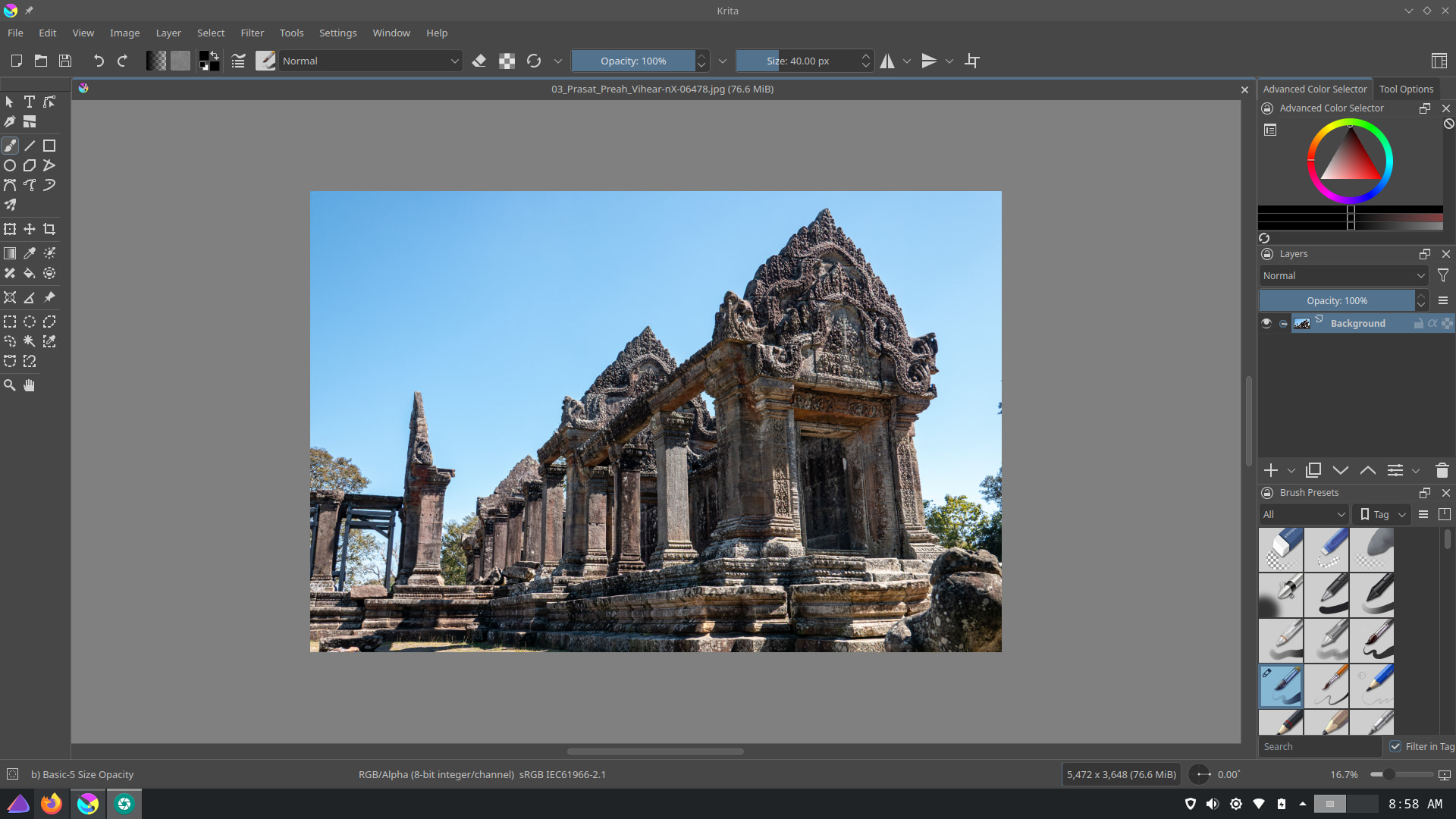
Swapped out Gimp for Krita. Other than that, about the only thing that ever changes is the wallpaper ( ancient city of Mayapán ).

I thought that was Slackware!
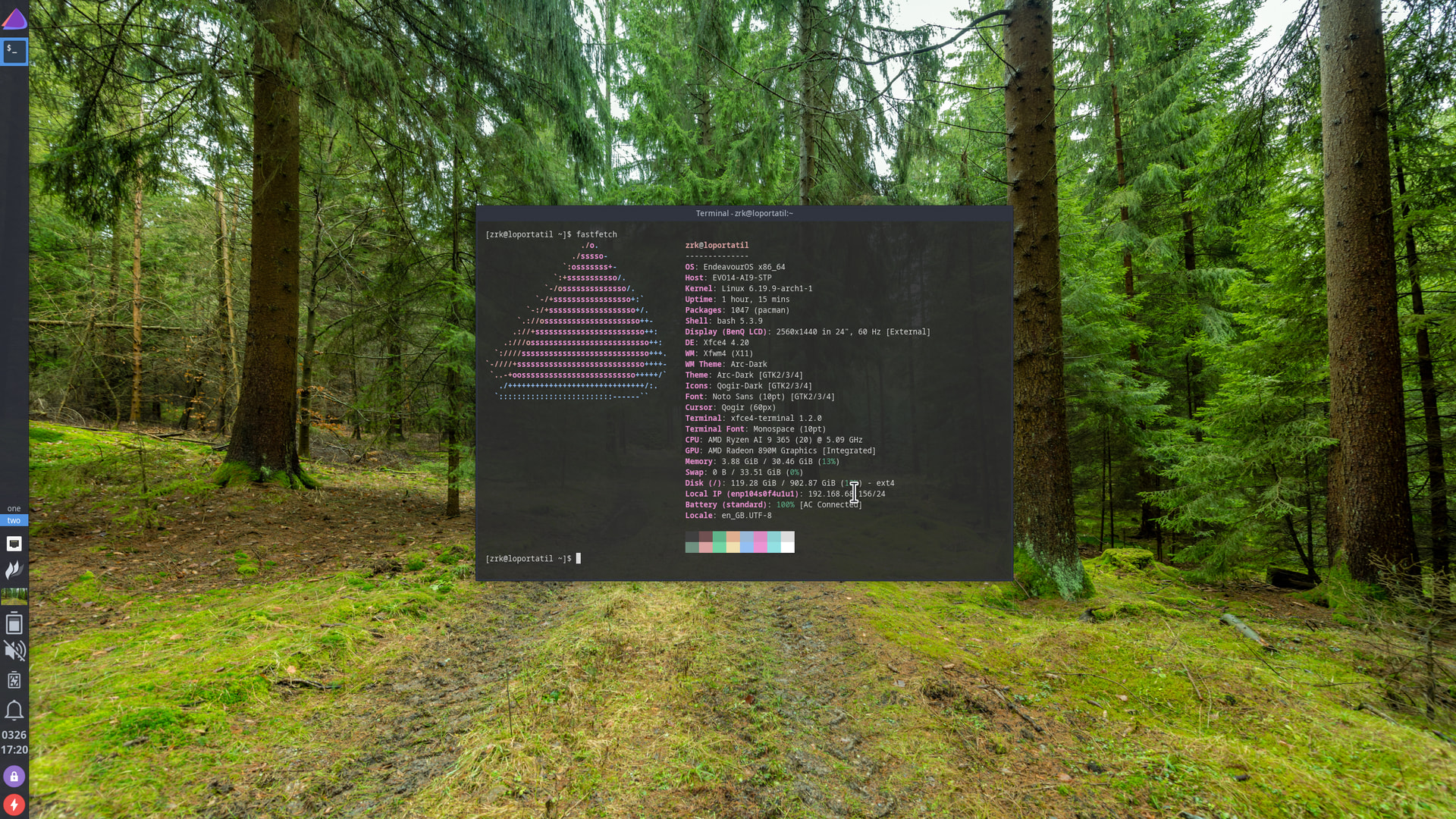
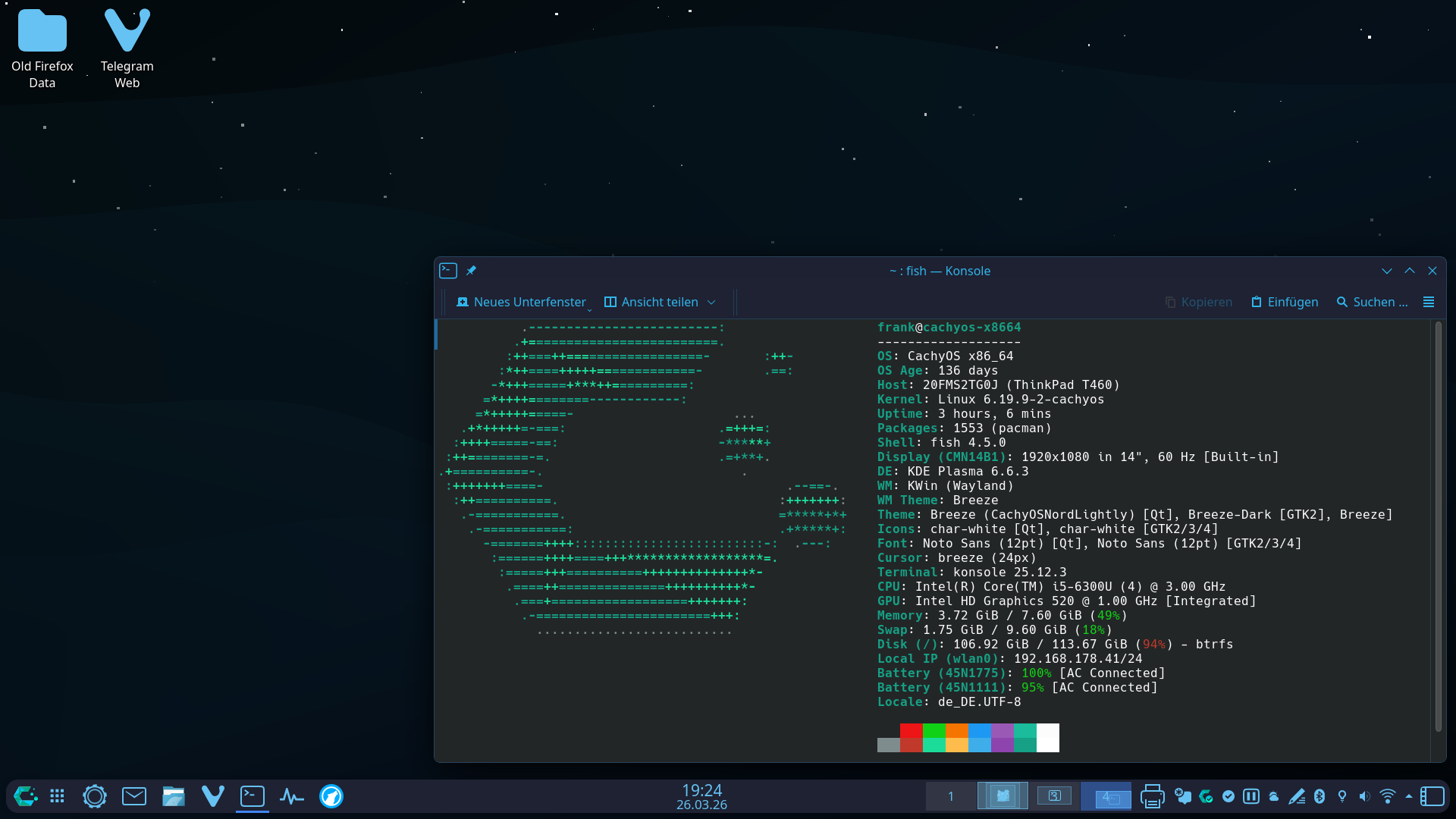
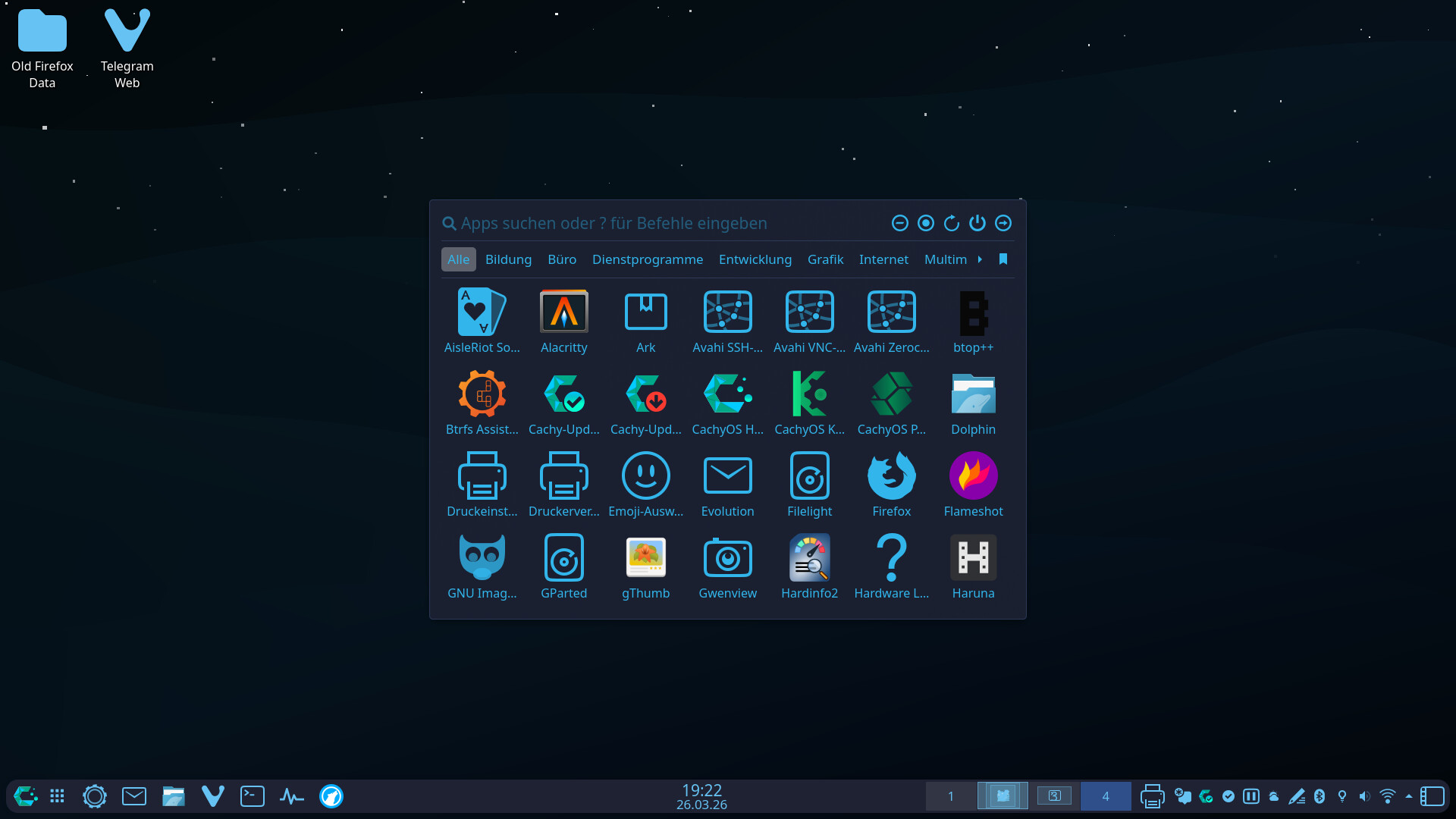
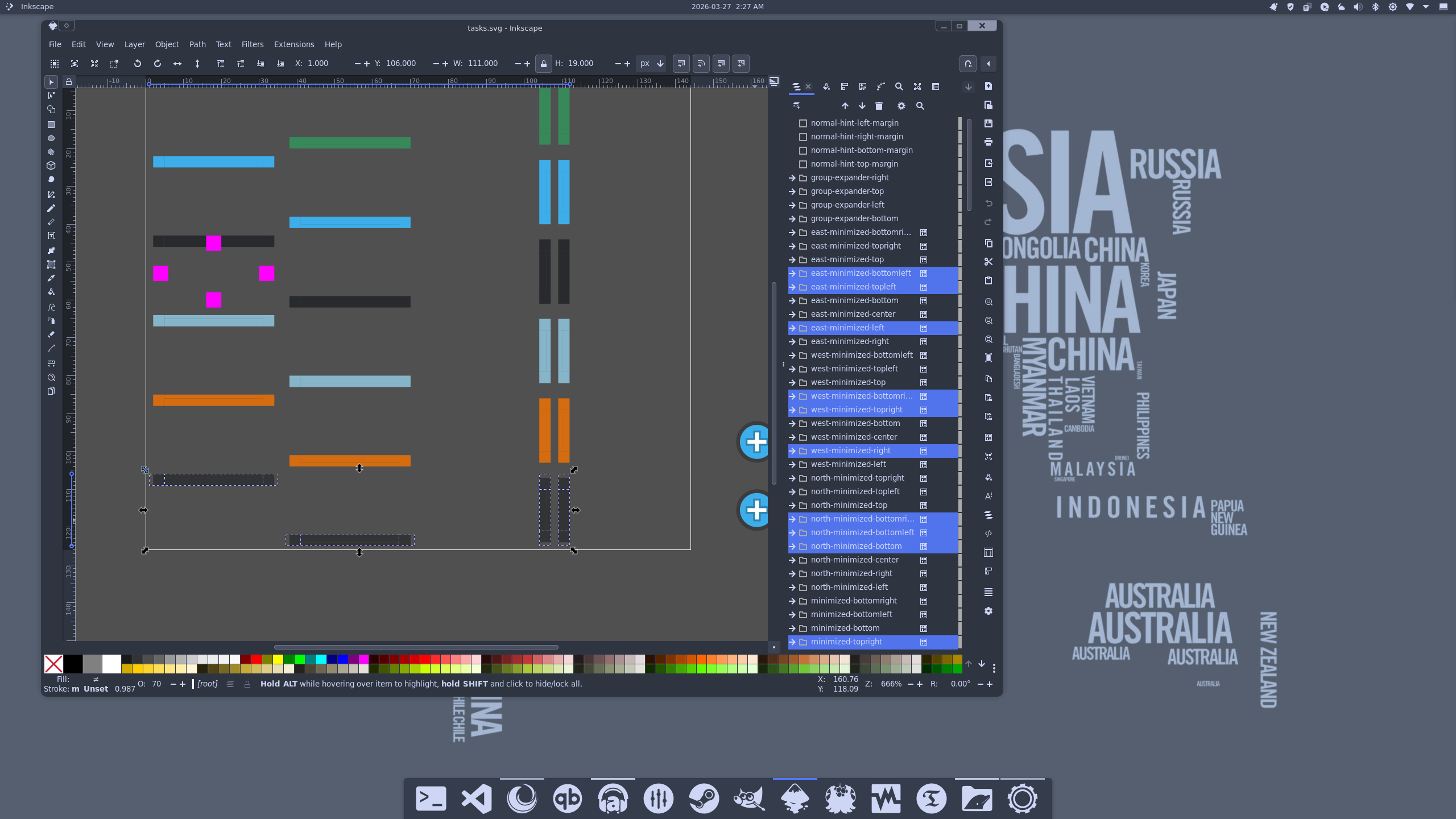
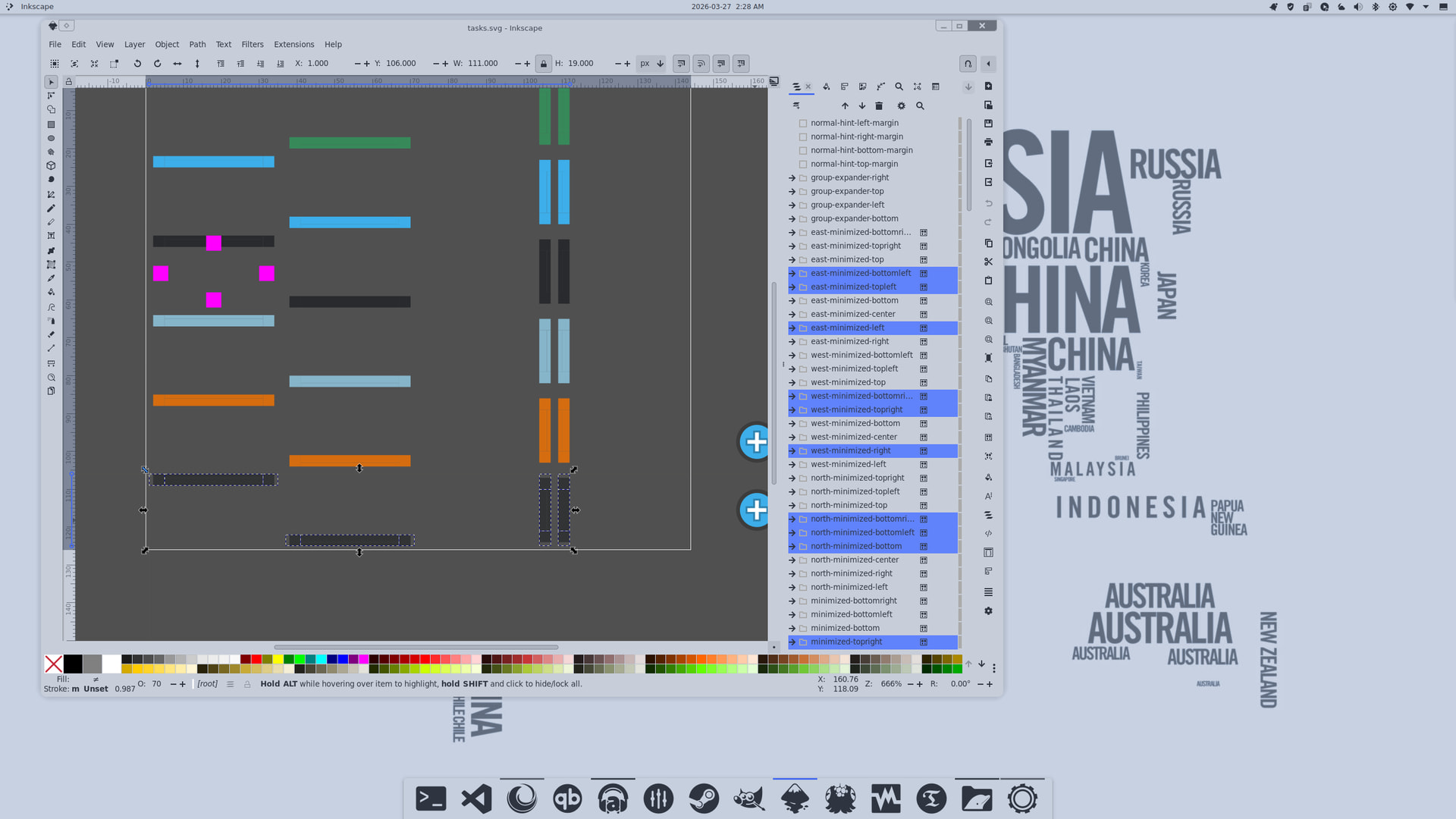
Char-White icon set! One of my favorites until it disappeared from Pling!. In earlier versions, the icons didn’t follow ColorScheme-Text, but it looks like the developer has since updated it 
Yes, I really like that too. 
My machine gave me an unimaginable low blow.
While doing hard drive work between my main EOS drive and the spare_drive for timeshfit. in a middle of large sys update, my PC just hard froze. Booting into emergency mode, the fsck had tons lost file structure in both drives.
I had to rebuild my EOS from scratch. Still, I have to sync my offline data from onedrive cloud. Some few more packages to be installed, and do the setup for UPS smart battery.
To remind myself how hard it was, I made the following AI wallpapers for the new EOS.

Here is the desktop of the mini PC where I recently finished installing everything I need. A few more small configurations remain to be done, but the bulk is done.
I use this mini PC on an old TV, a Sharp Aquos bought in 2008, which still works, and with Linux and the mini PC it can be used again too.
I chose Debian 13, not so much because EndeavorOS didn’t suit this mini PC, but simply because, as it isn’t a PC used much, but only occasionally, and in case of emergency, it didn’t seem like the best choice to have a rolling distro, but it was more convenient to put it on a so-called stable distro (EOS is too, but being rolling it has more frequent updates, which for the use of this PC is one more thing to manage that I wanted to avoid).
Even if the TV is old, it still has an HDMI socket, but I connected the miniPC via an HDMI-VGA cable. However, the maximum resolution would not have changed, I think. But for me, that’s fine on this TV.
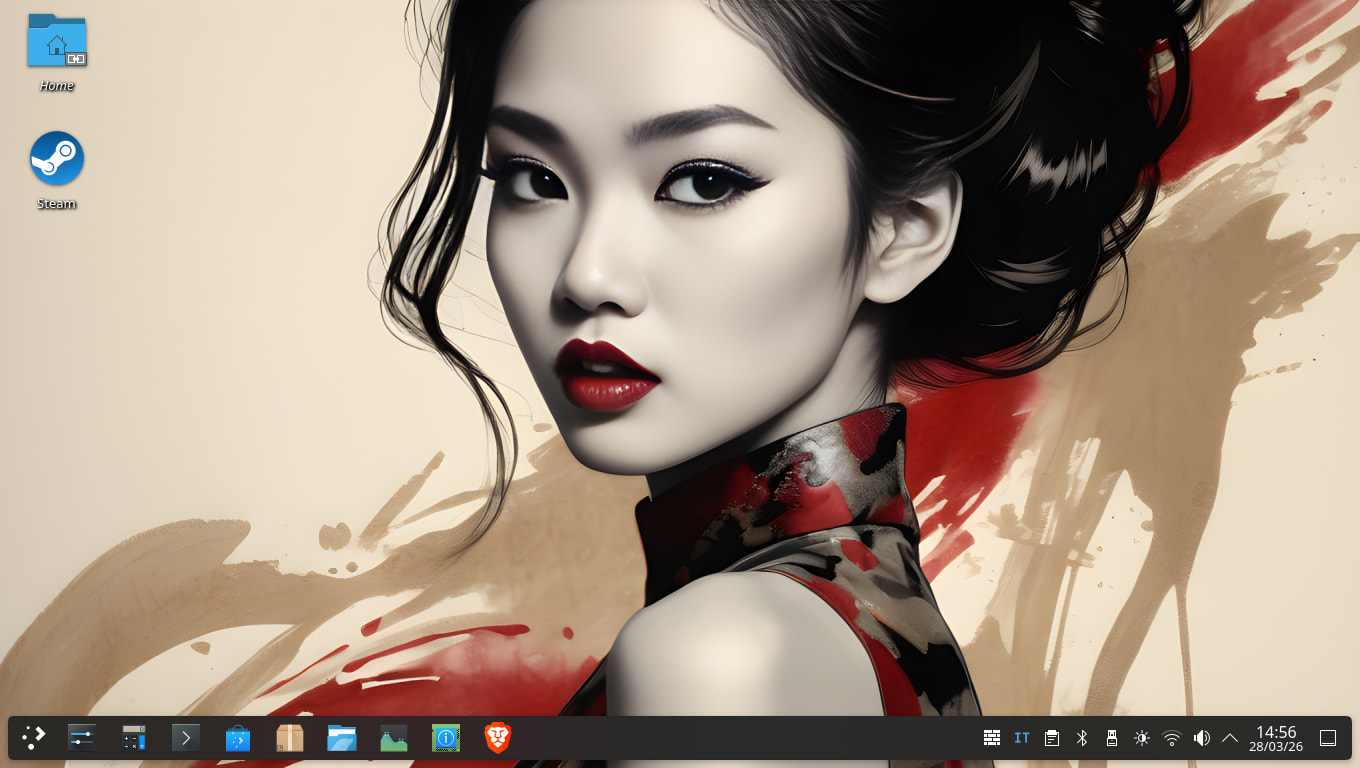
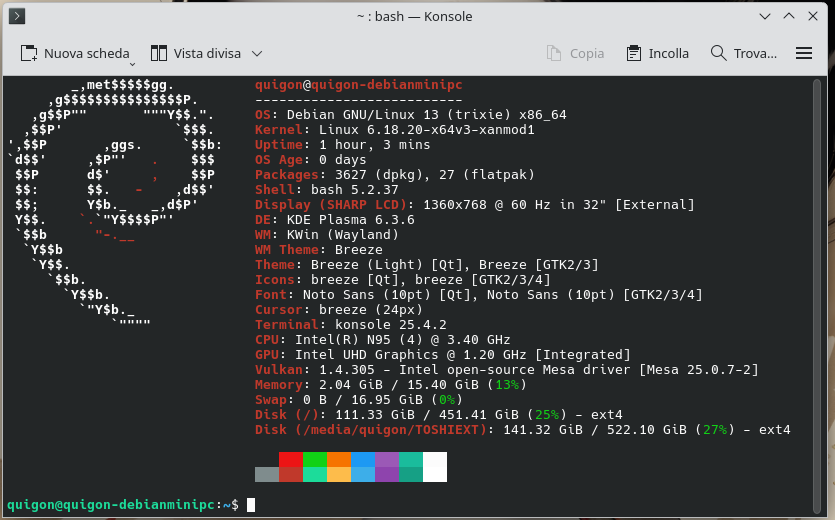
Debian is considered a “low-maintenance” distro. My desktop PC also runs it.
$ fetch

_____       OS: Debian GNU/Linux 13 (trixie) x86_64
/  __ \     Age: 1131 days
| /    |    Kernel: Linux 6.1.0-18-amd64
|  ___-     Packages: 2101 (dpkg)
-_          Shell: zsh 5.9
  –_        WM: Mutter (X11)
That’s why I put it there.
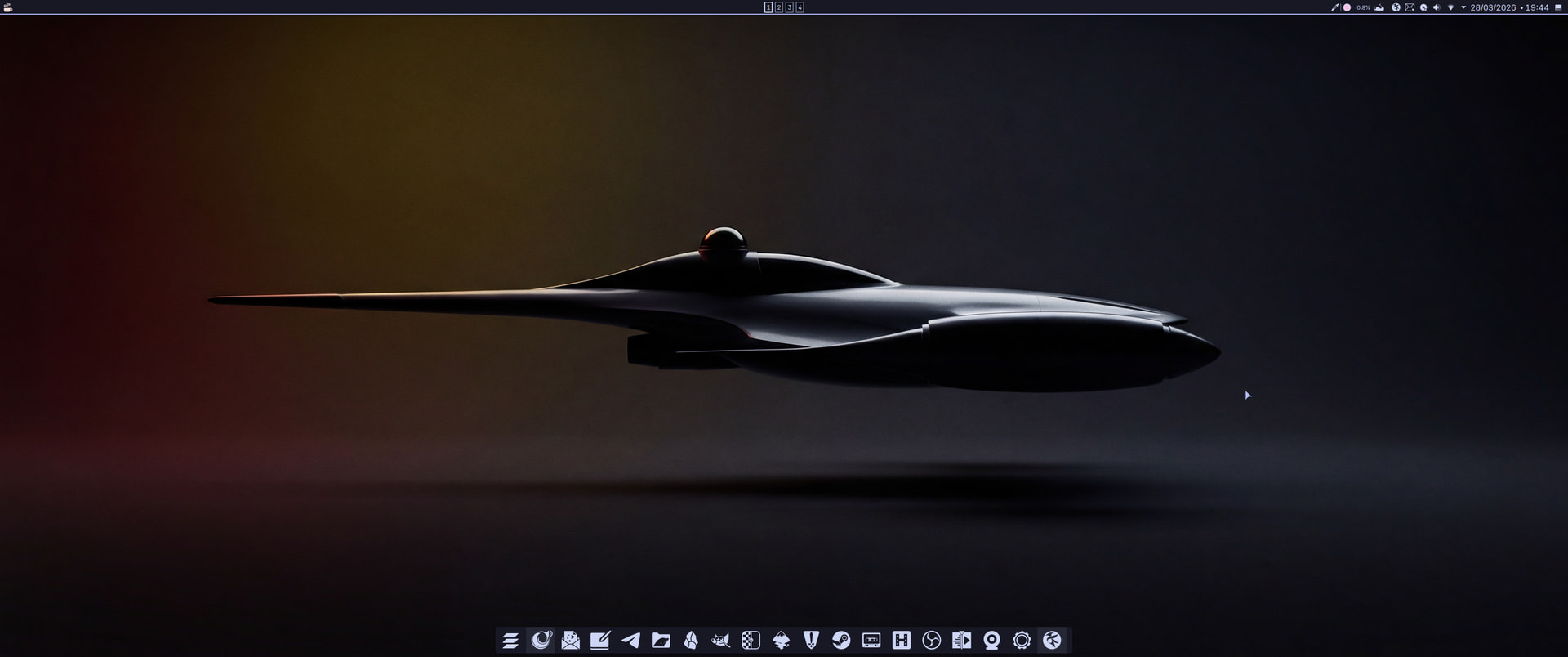
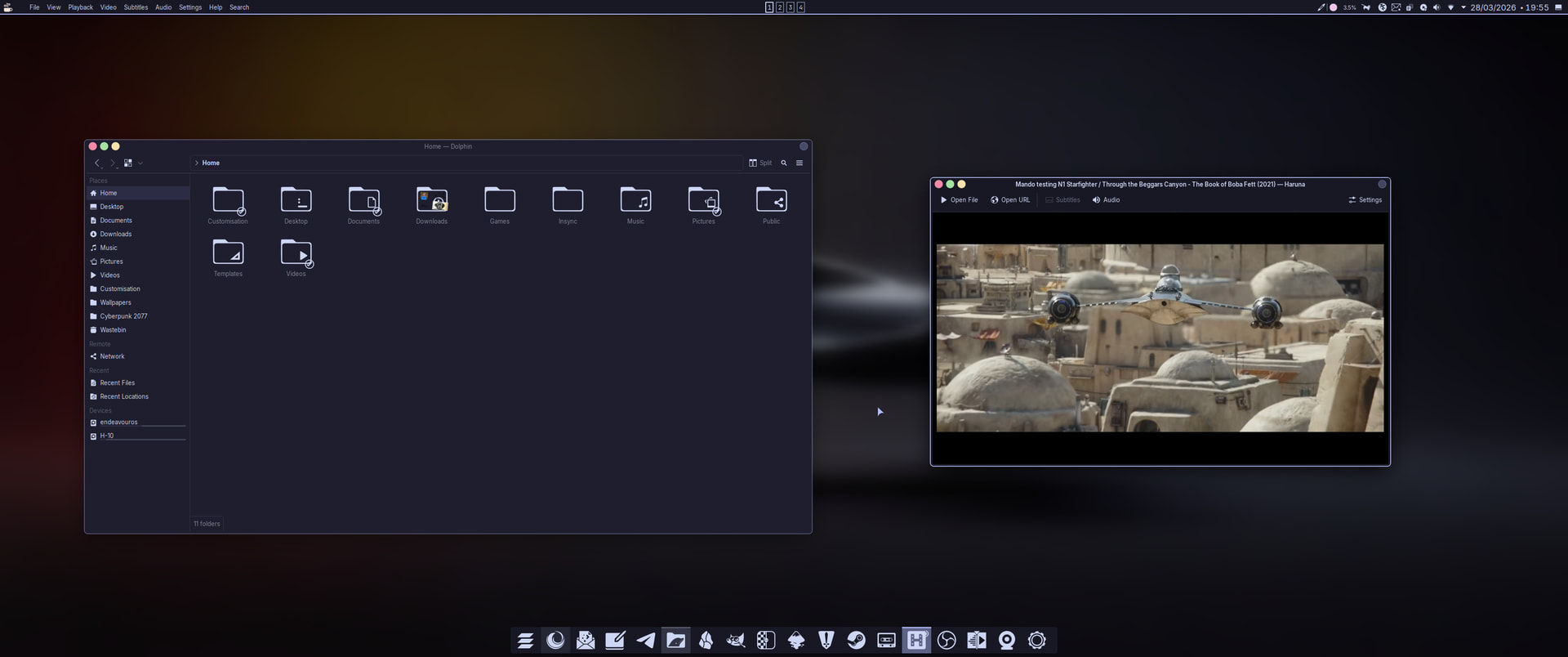
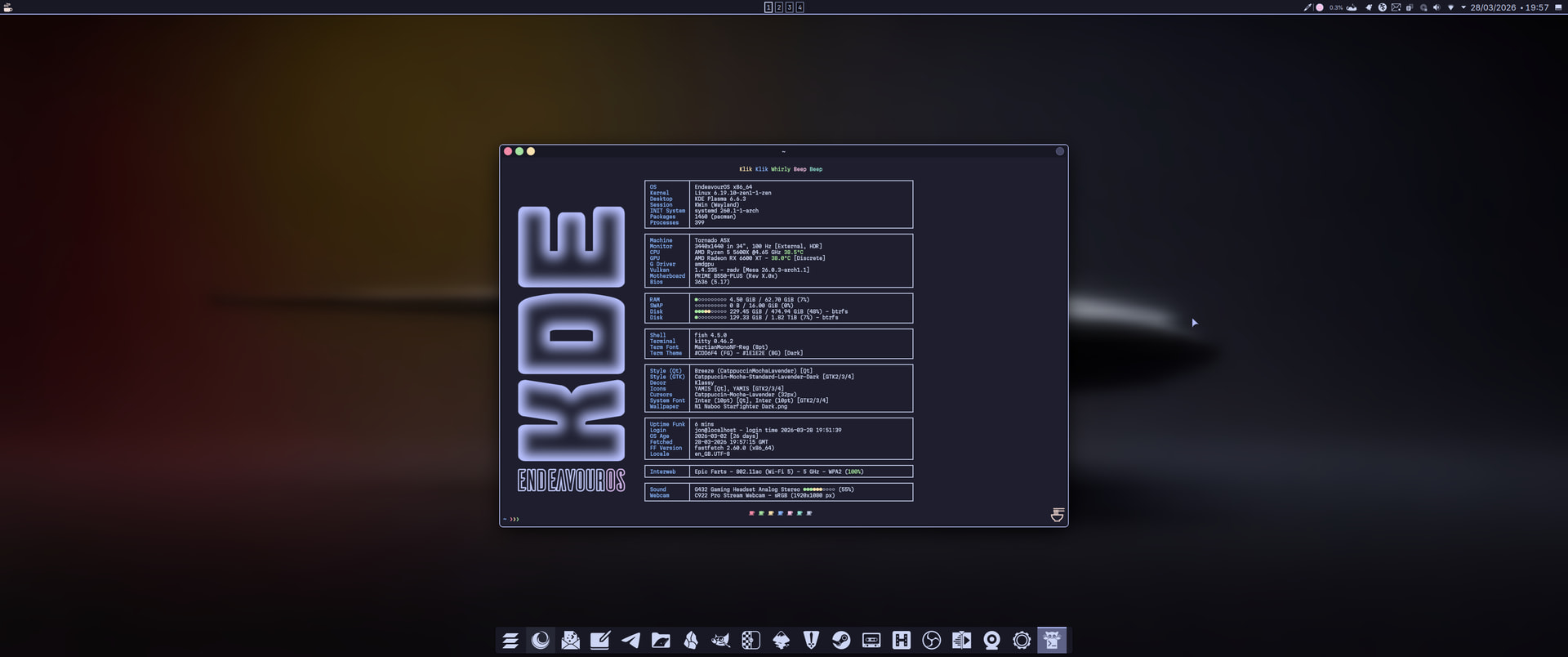
Catppuccin Mocha Lavender. Effects by Klassy, Panel Colorizer and Wallpaper Effects.
AppGrid Launcher by @xarbit 
YAMIS icons by @dirn
Peace and Love.