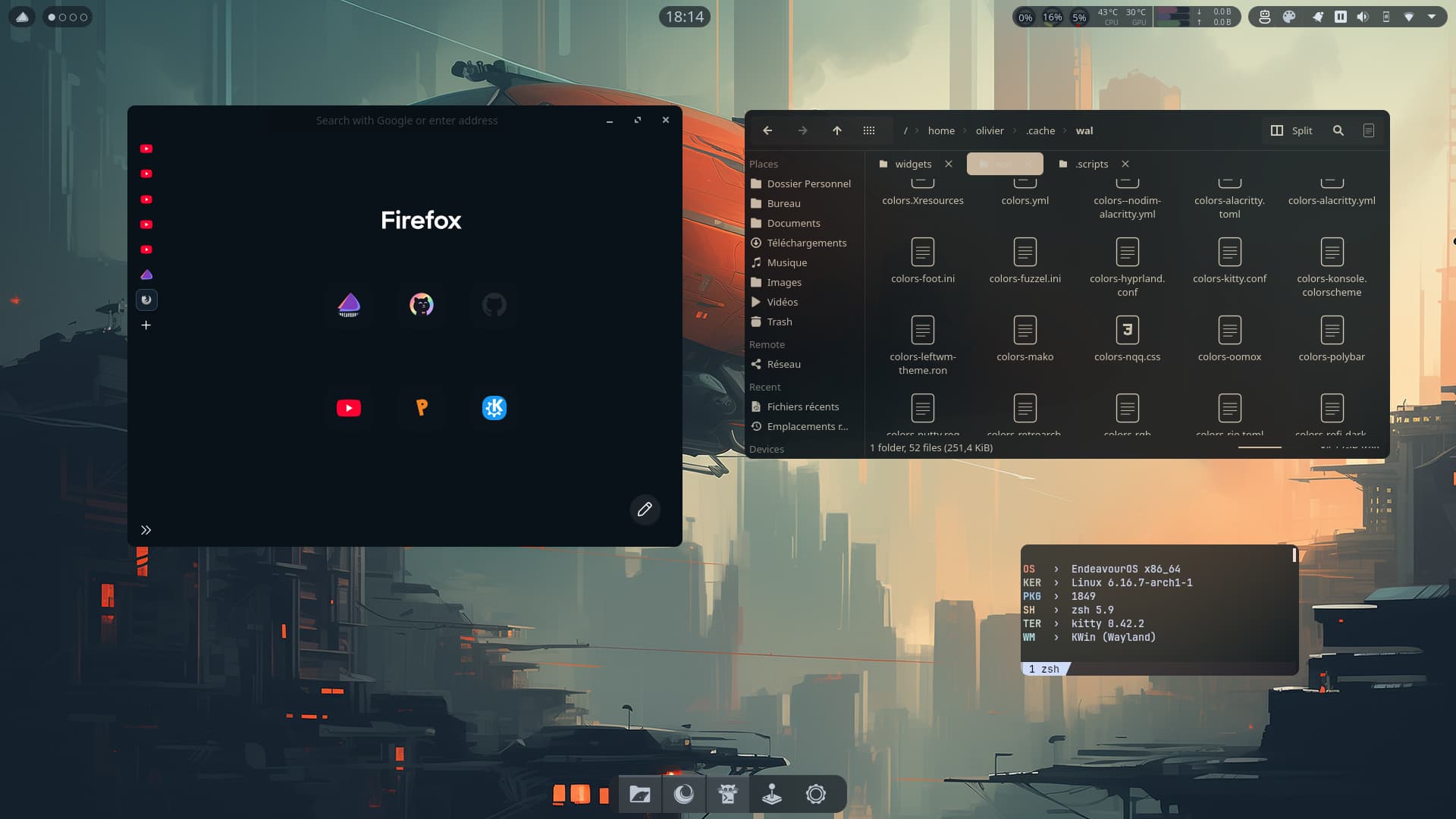
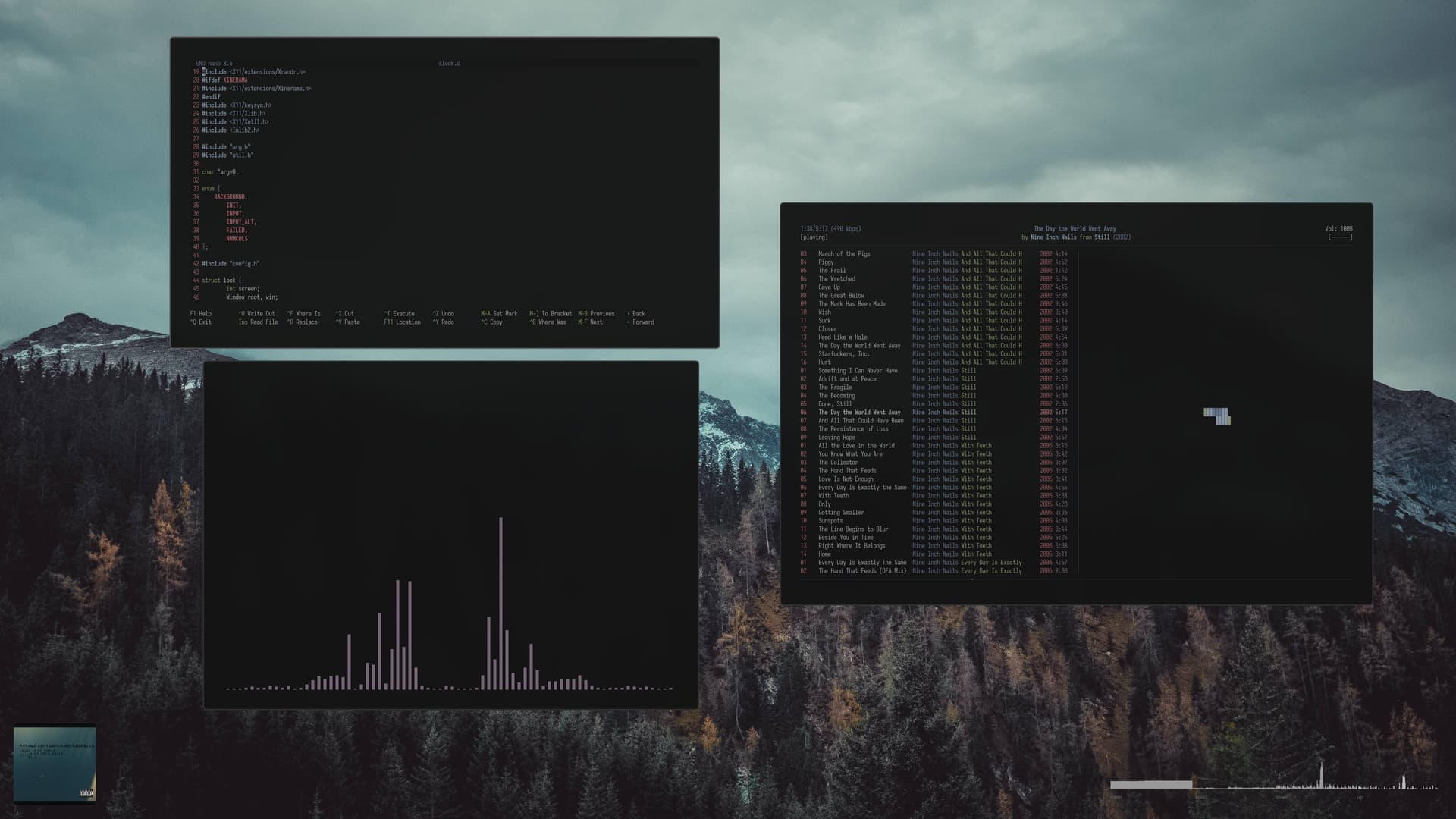
I got obsessed in having global transparency so decided to go the opposite way to freshen things up.
Transparency on desktop bars and Zen browser but everything else opaque… I think I prefer it. 
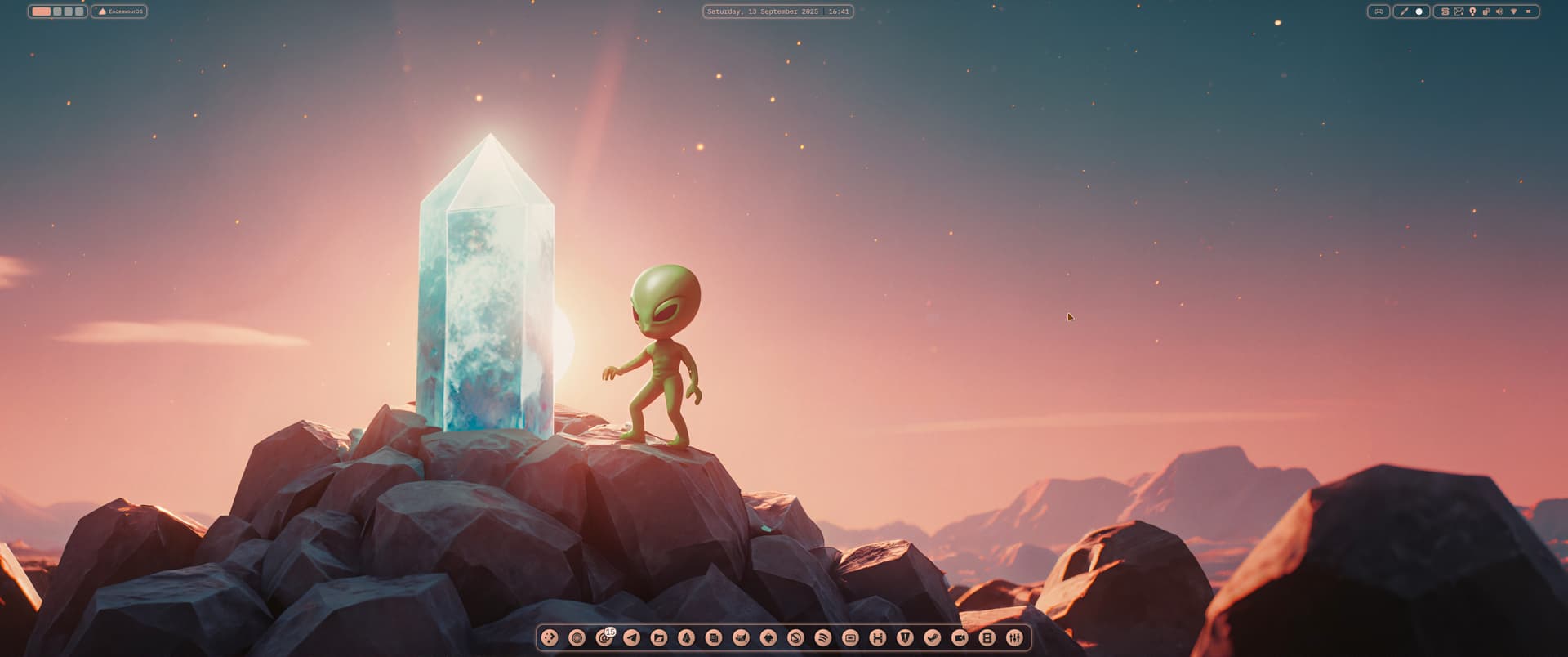
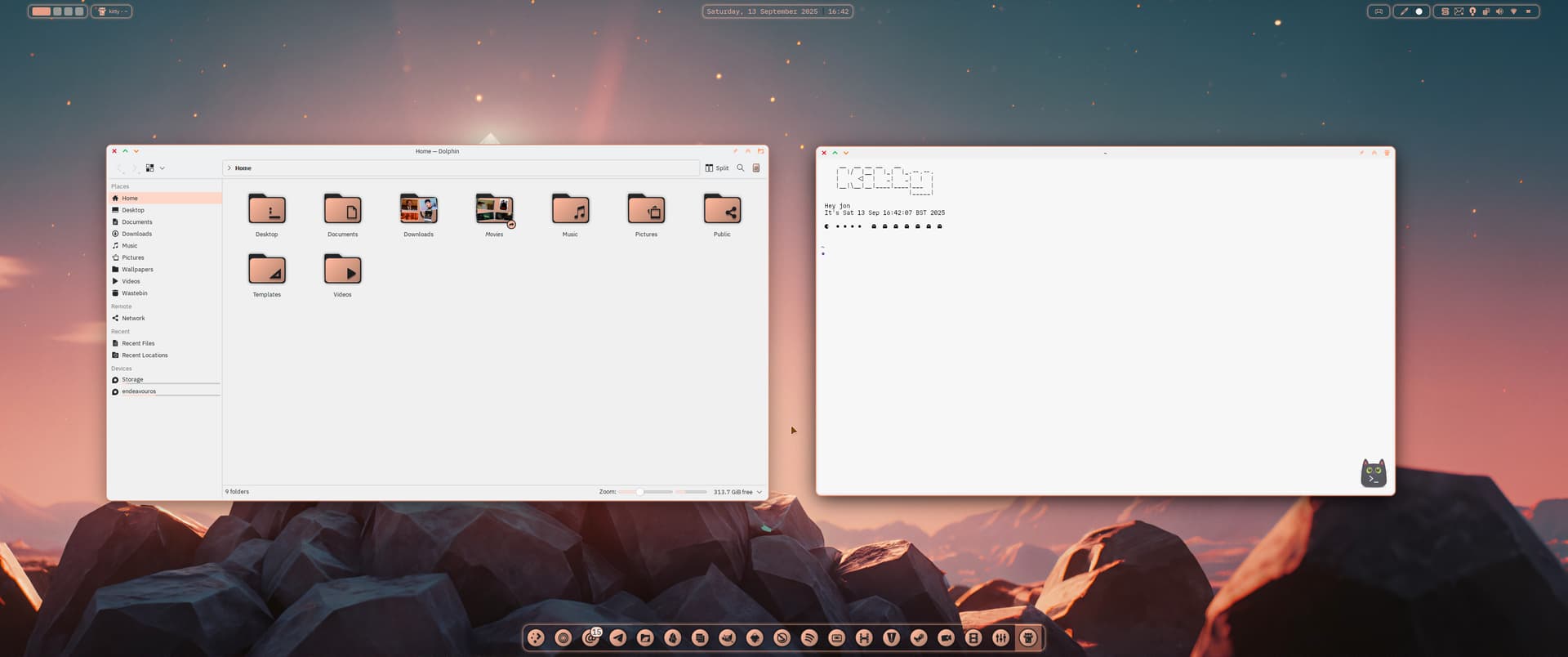
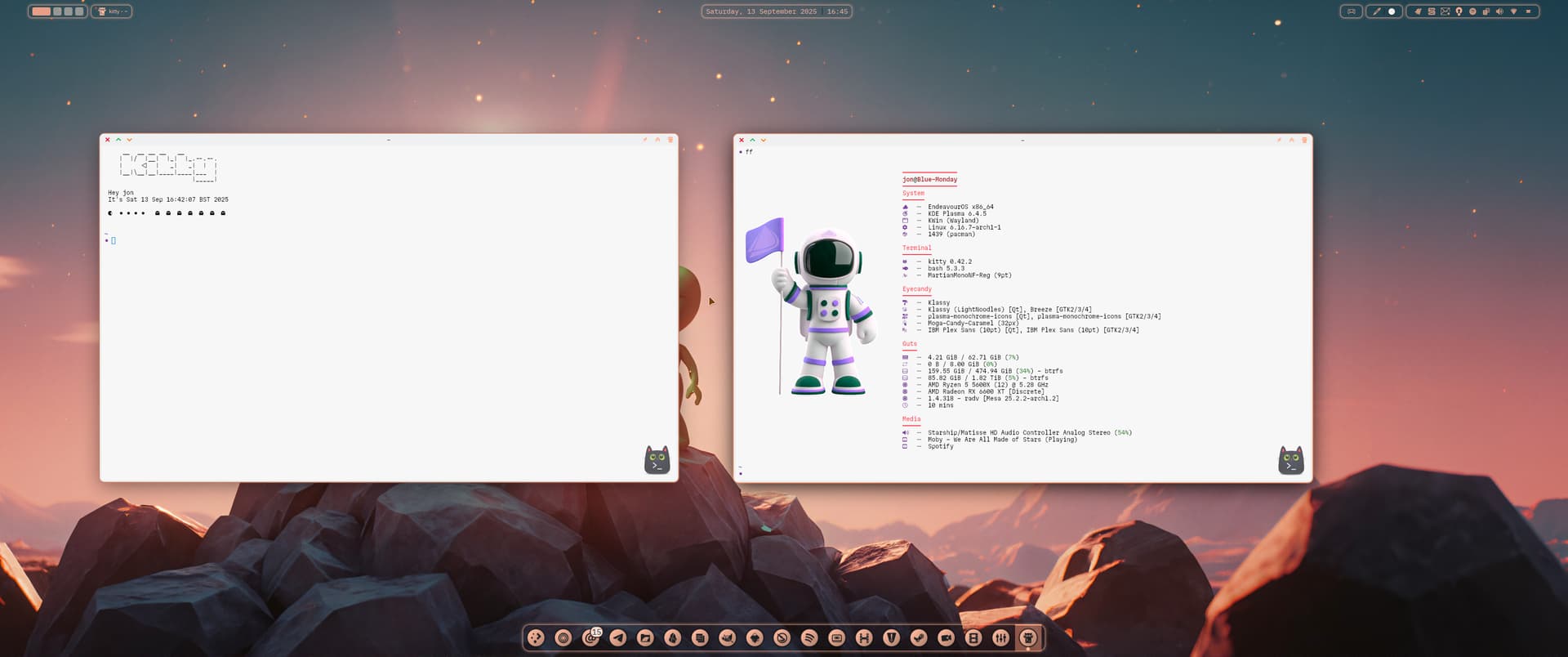

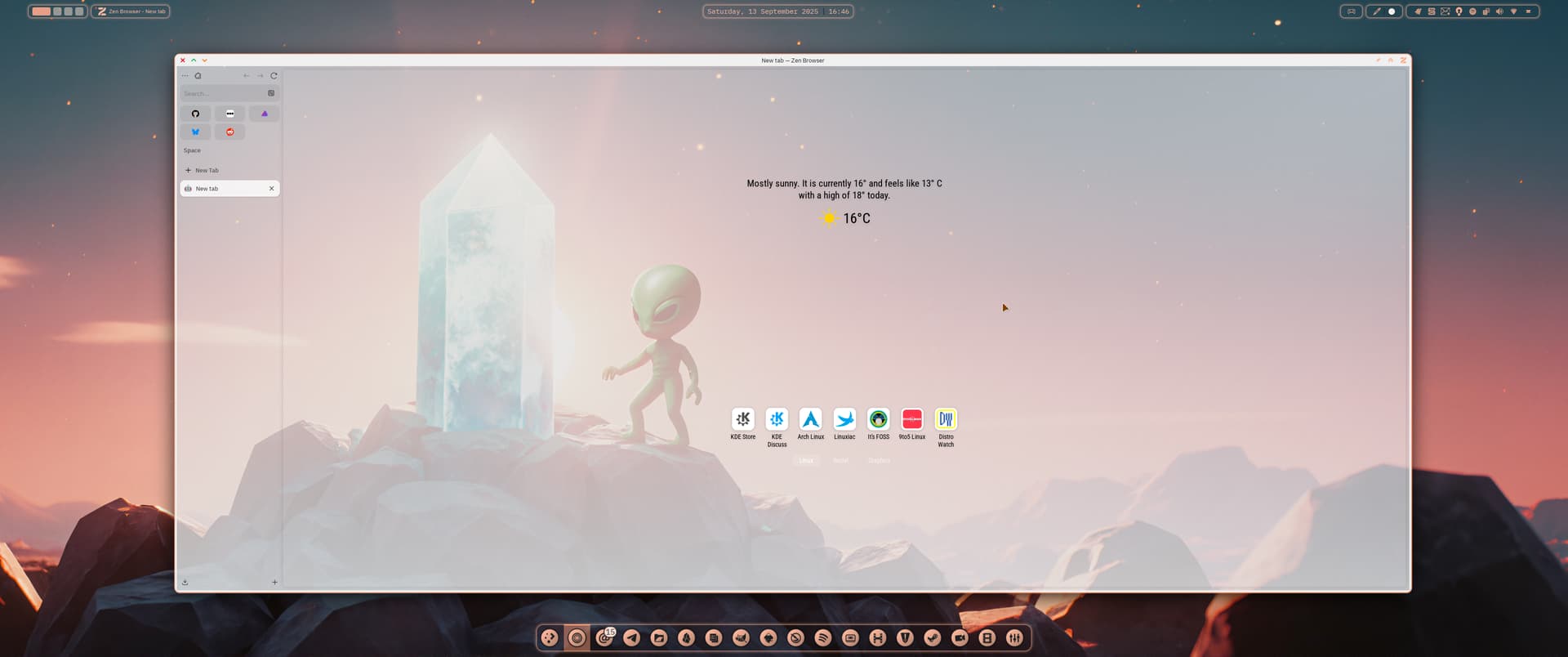
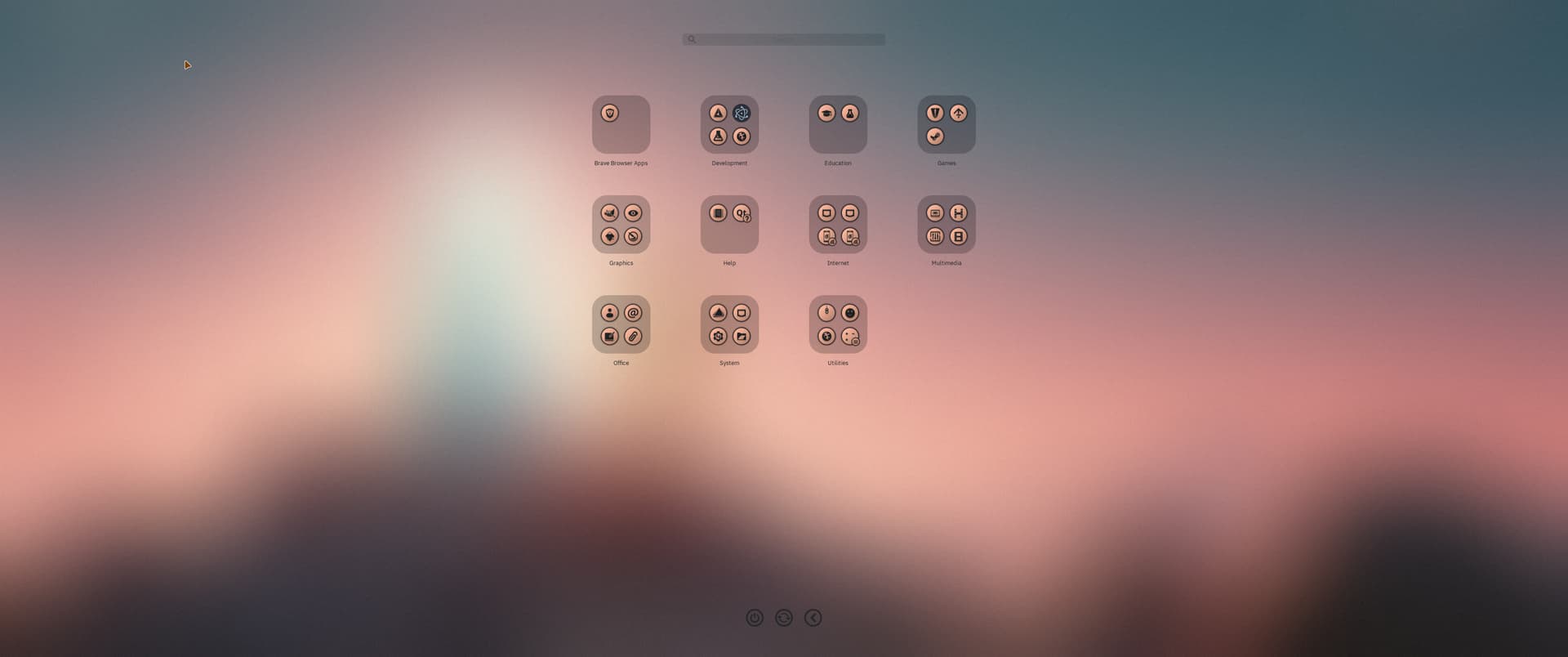
Klassy Light Noodles 
hehehehhehe 
i mean if you are interessted with what i am dealing with you can look here or dm me…
dont wanna abuse this chat for it..
this issue just doesnt wanna leave me and evolved a bit (or better i understood it wrong). right now i just want to get wayland to work again because the laptop is just 13" but has a 4k screen and scaling on x11 is weird. the monitor issue is something for another day
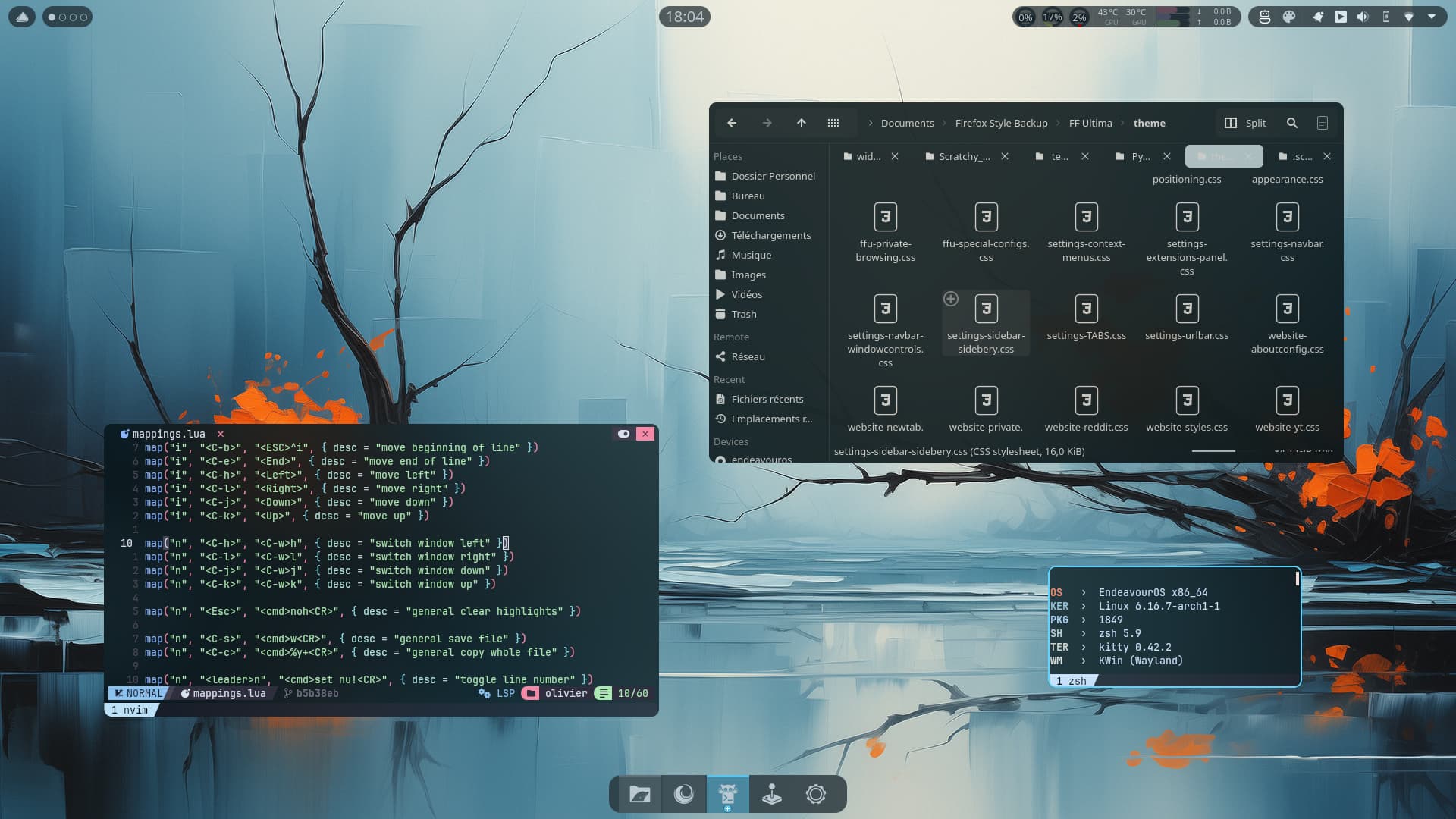
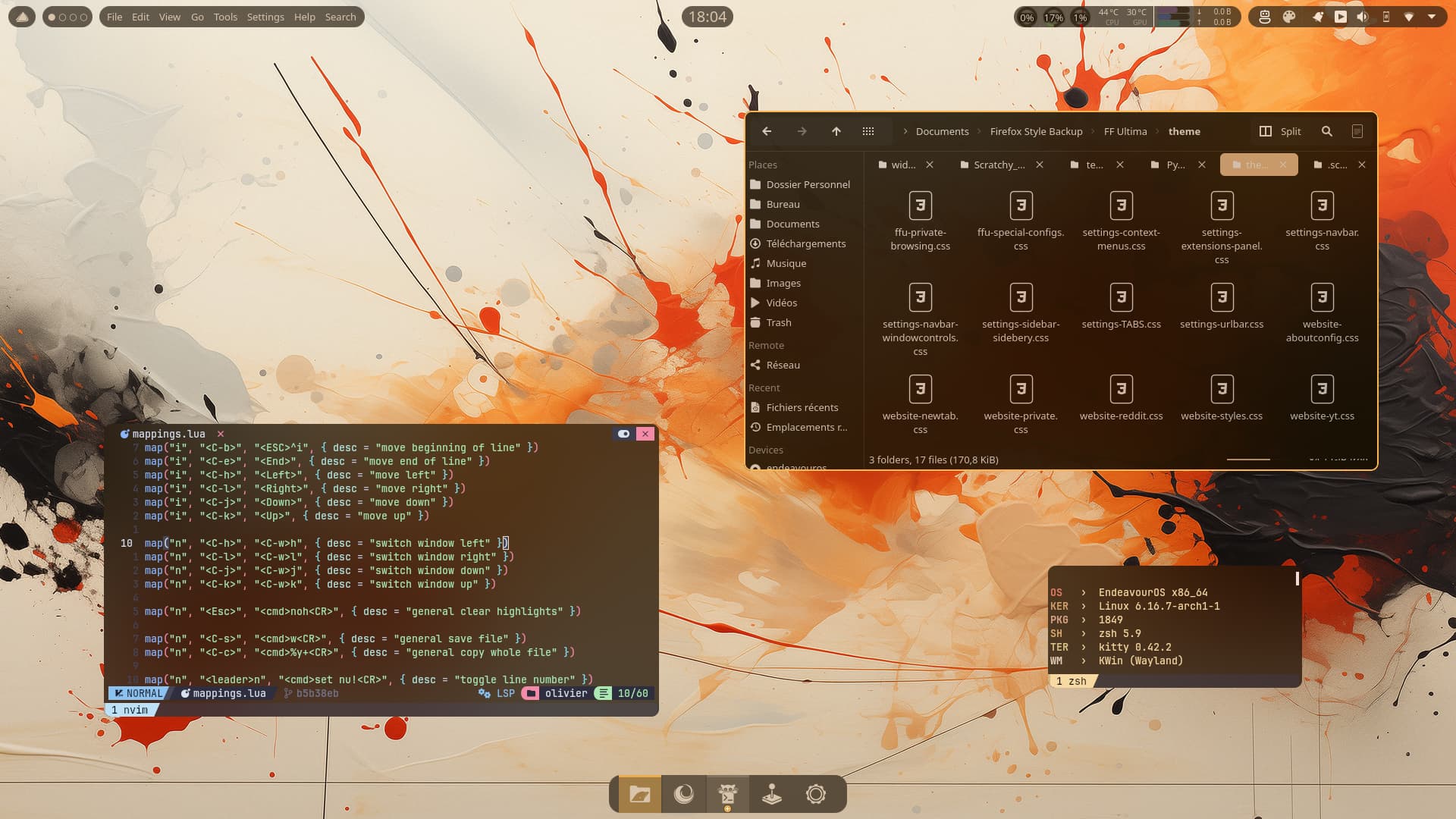
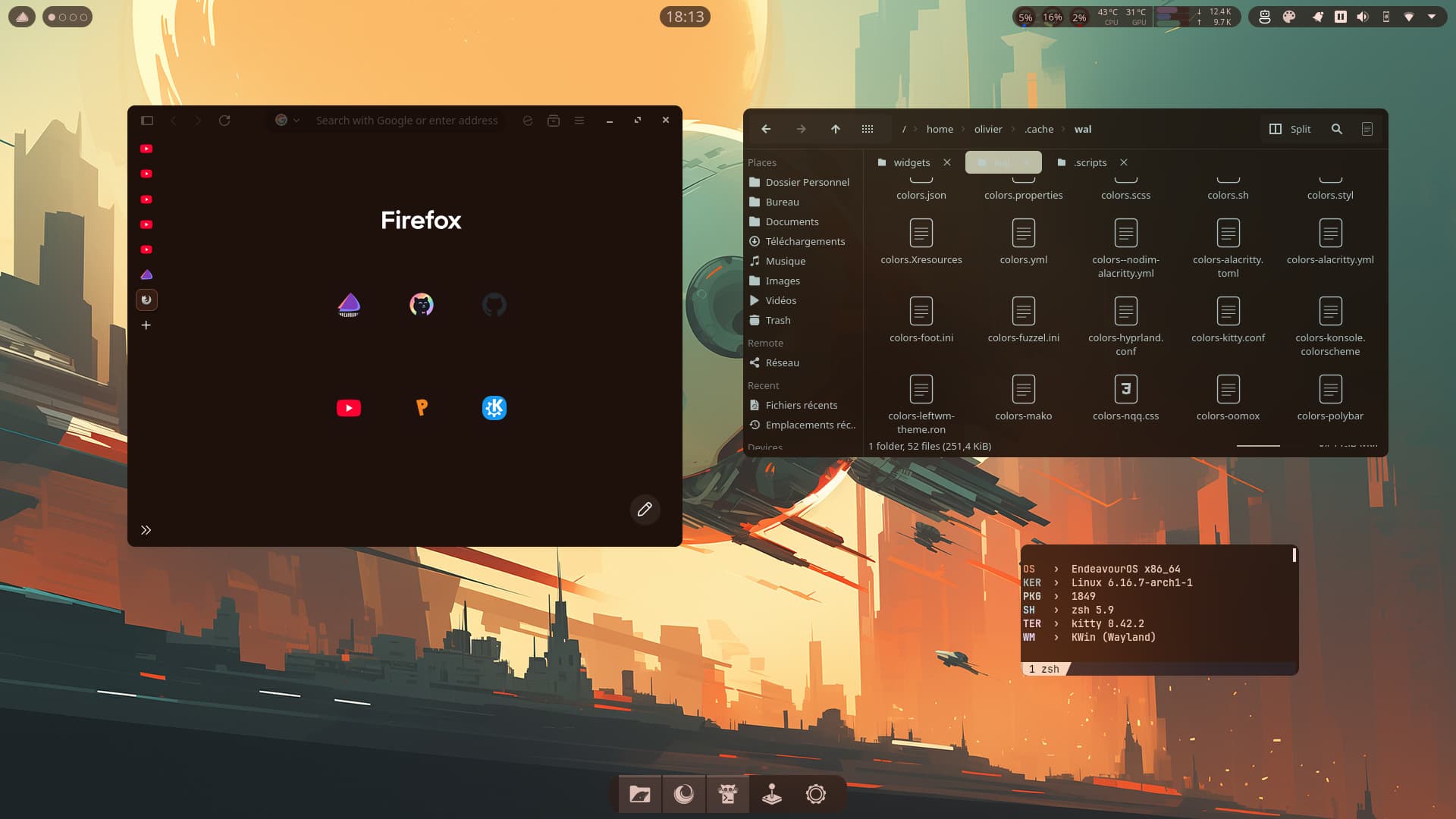

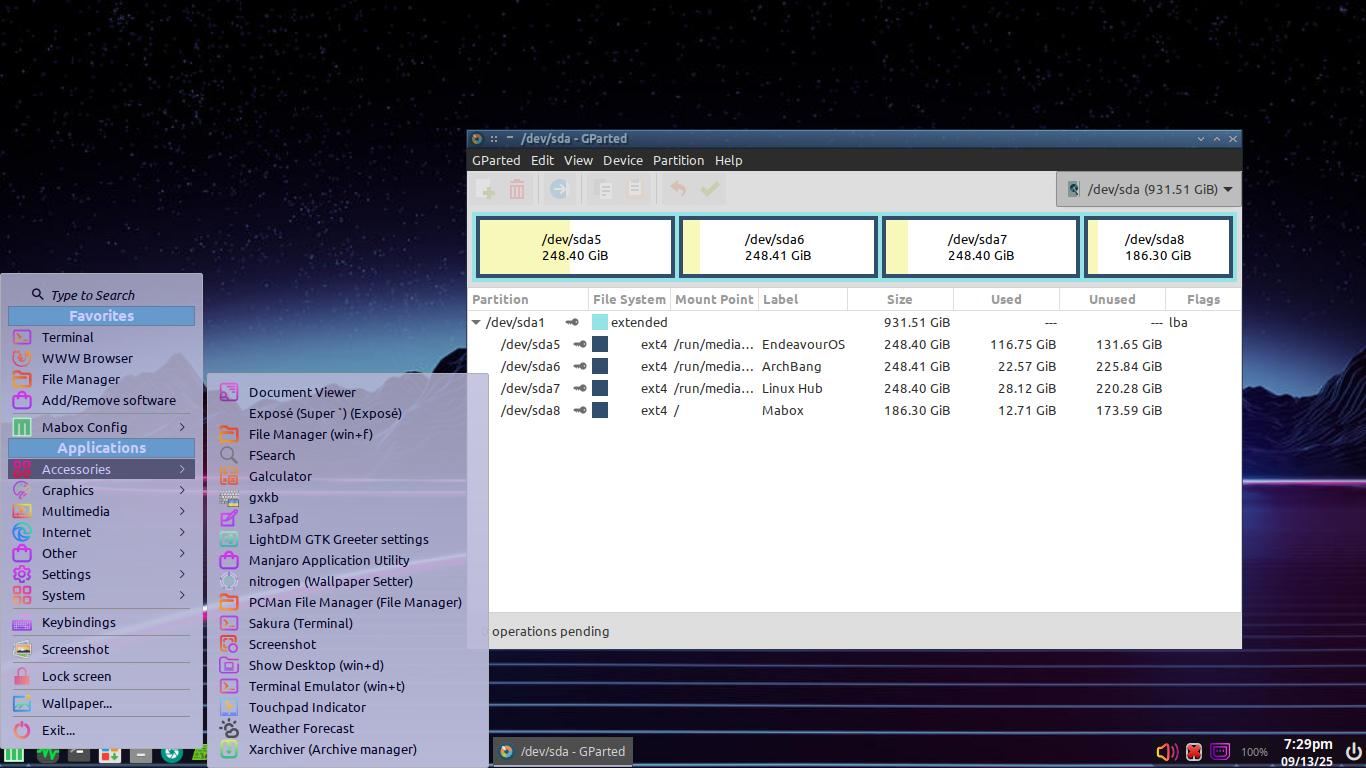
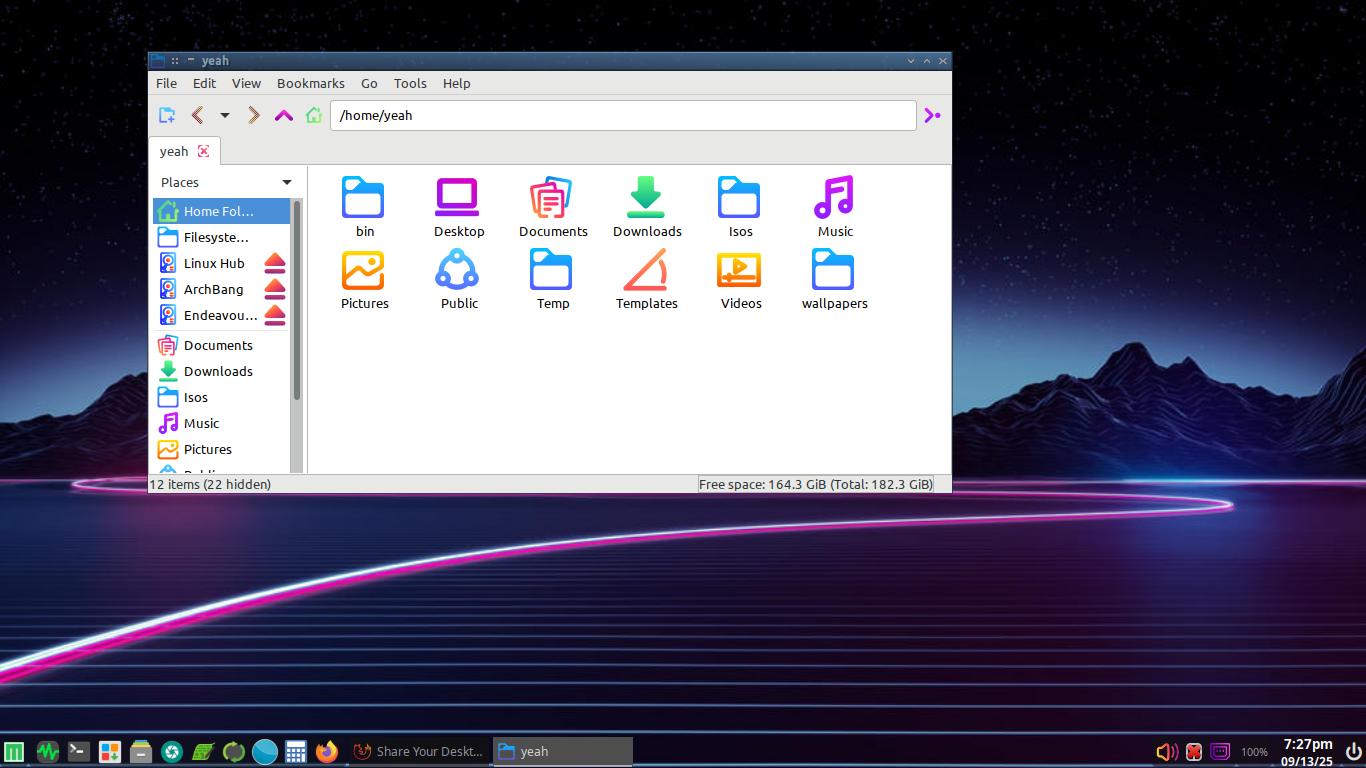
I’ve fell into that hole before. good results though but ya gotta work for it 
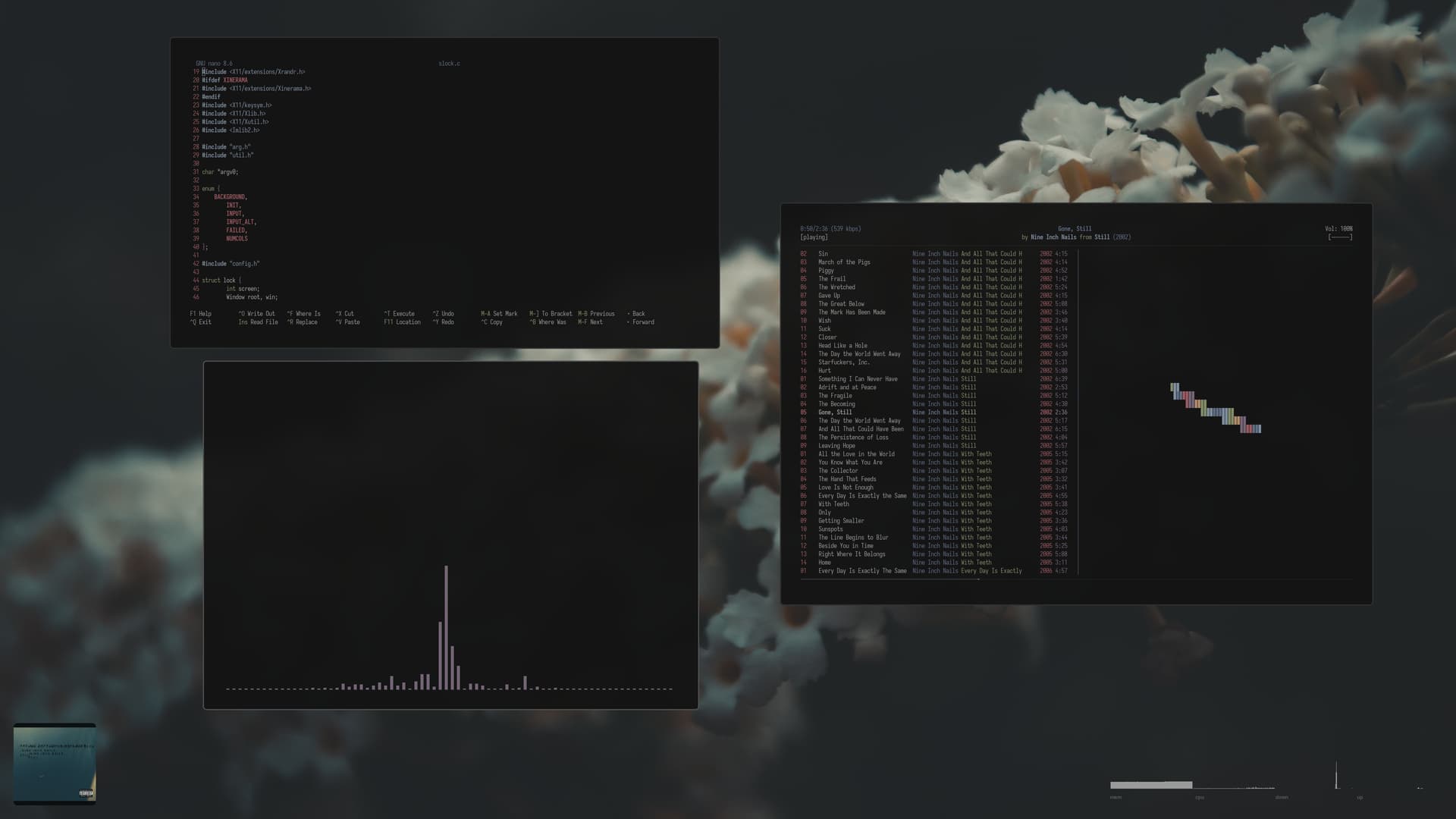
Excellent DE.
I cannot see white font on transparent window background, is there a blur option for the background?
To blur the background of windows, I use better blur which I build from the github repo. The only gotcha is that it needs rebuilding after every plasma update.
Yep true, as much as I like the transparent look, and I really do, I started to feel (for me at least) some elements of it weren’t so practical for daily use. Man it can look so good though.
Startpage in Firefox is tabliss with additional settings. On your Desktop, you can get a blur effect with plasma-wallpaper-effects plasmoid.


Nice! One of my favorite wallpapers. 
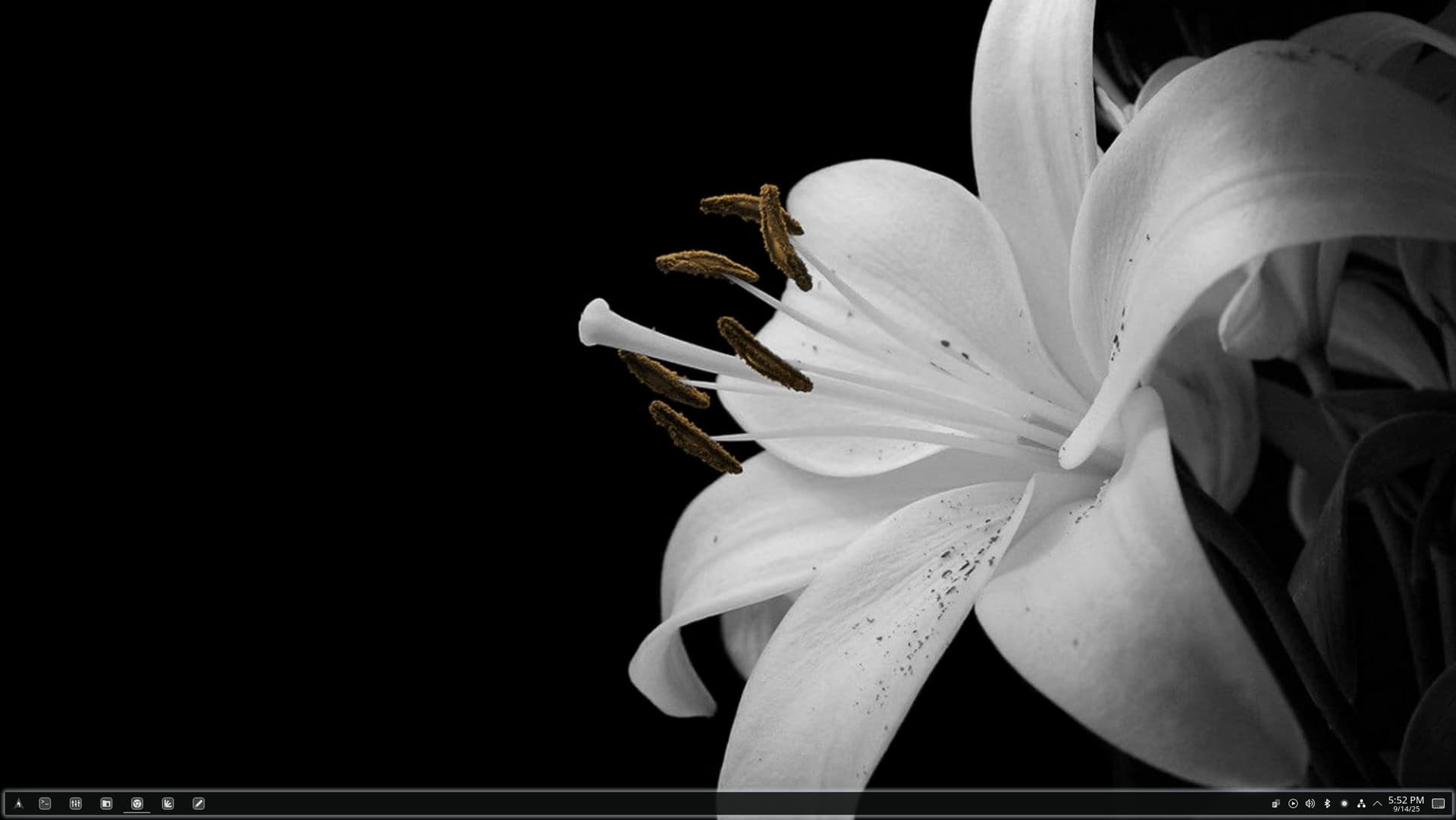
Totally agree with you. Transparent is not practical for all type of apps. Text editor, image editor and video player definitely not for transparent. Setting transparent using window rules cause image and video canvas to become transparent as well. Not so great experience.
True, true. It’s a trade off isn’t it, practicality vs style. 
Transparency with blur works just fine… It’s a little less readable than no transparency, but not enough to worry about.

Ya, with blur it’s still ok. Force blur plugin (not sure what’s it actual name. Plugin, plasmoid or extension?) really helps on this. I wonder if we set transparent blur to Haruna using window rules, can we exclude the video canvas from the transparent effect?
Should we create another topic for transparent blur effect discussion? 