You can ask @swh, @Noodly and @perletero. That’s our little secret as well 

7 Likes


Hehehe in that case we both have the same secret (except I’m a retired aviation engineer).
I theme like a club DJ who eventually stopped spinning vinyl and finally went digital… as in I twiddle knobs, buttons and dials until I get something I like. I got to a certain point with Inkscape then my brain turned to jelly and fell out of my ear. 

3 Likes
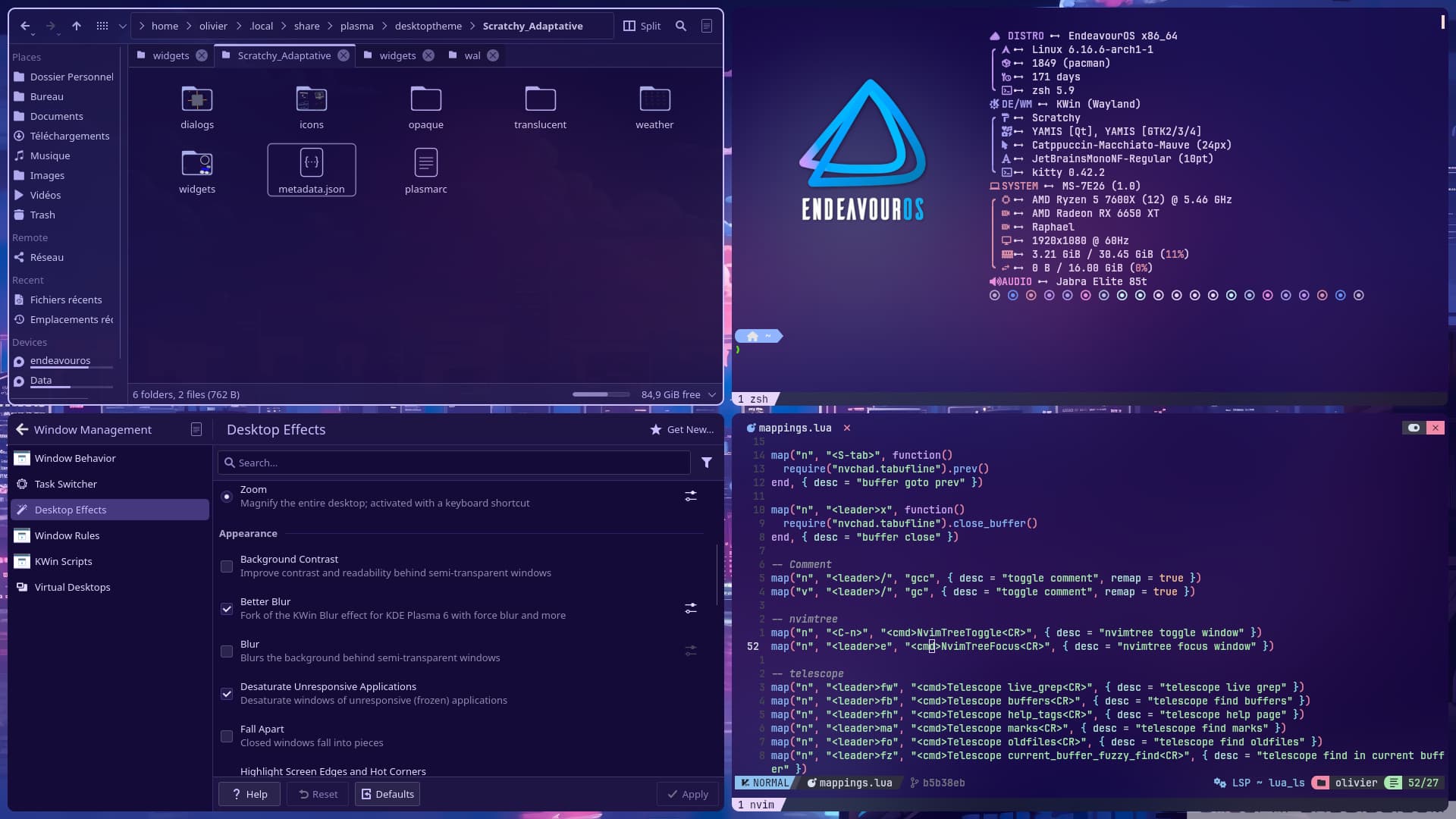
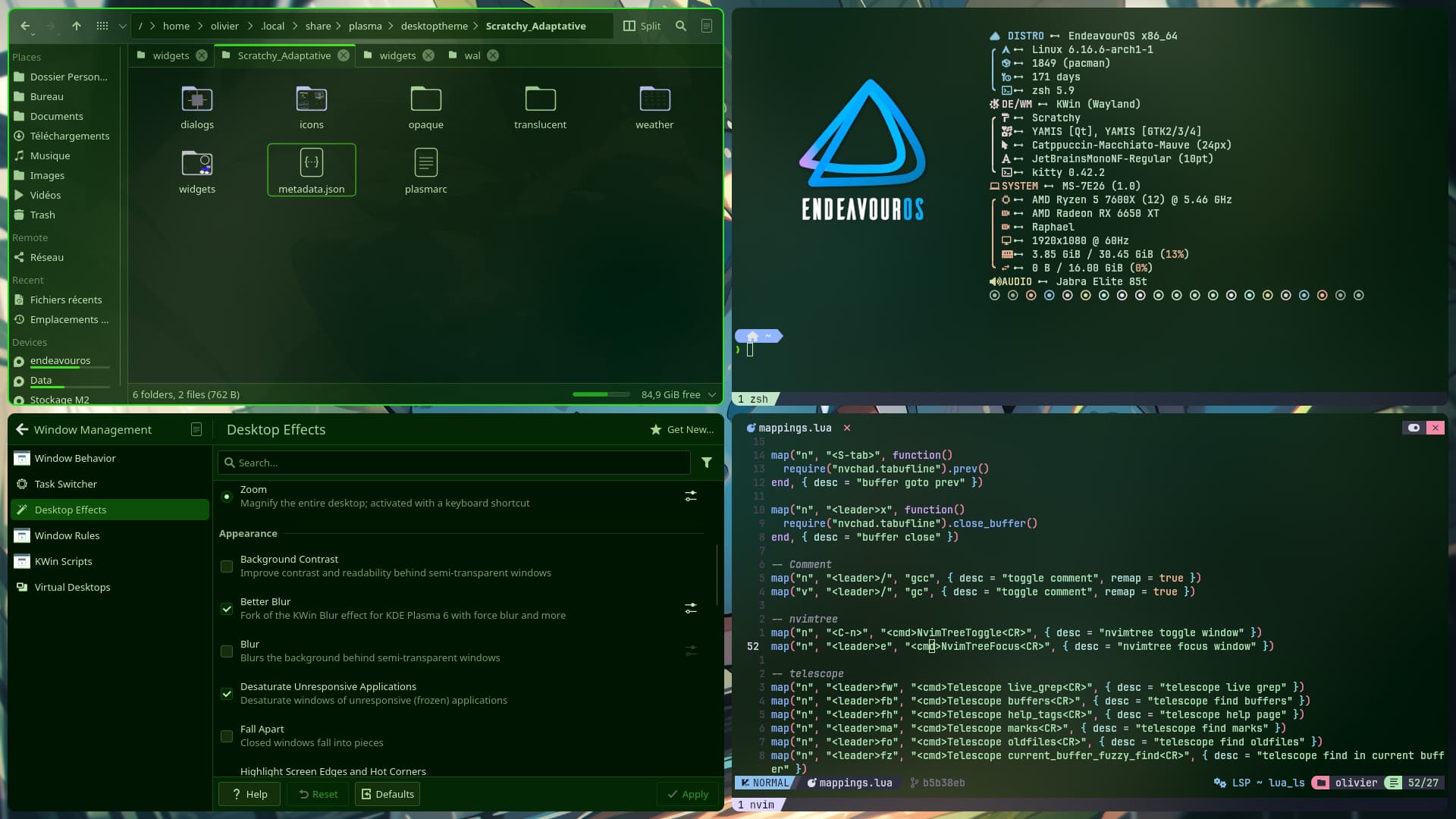
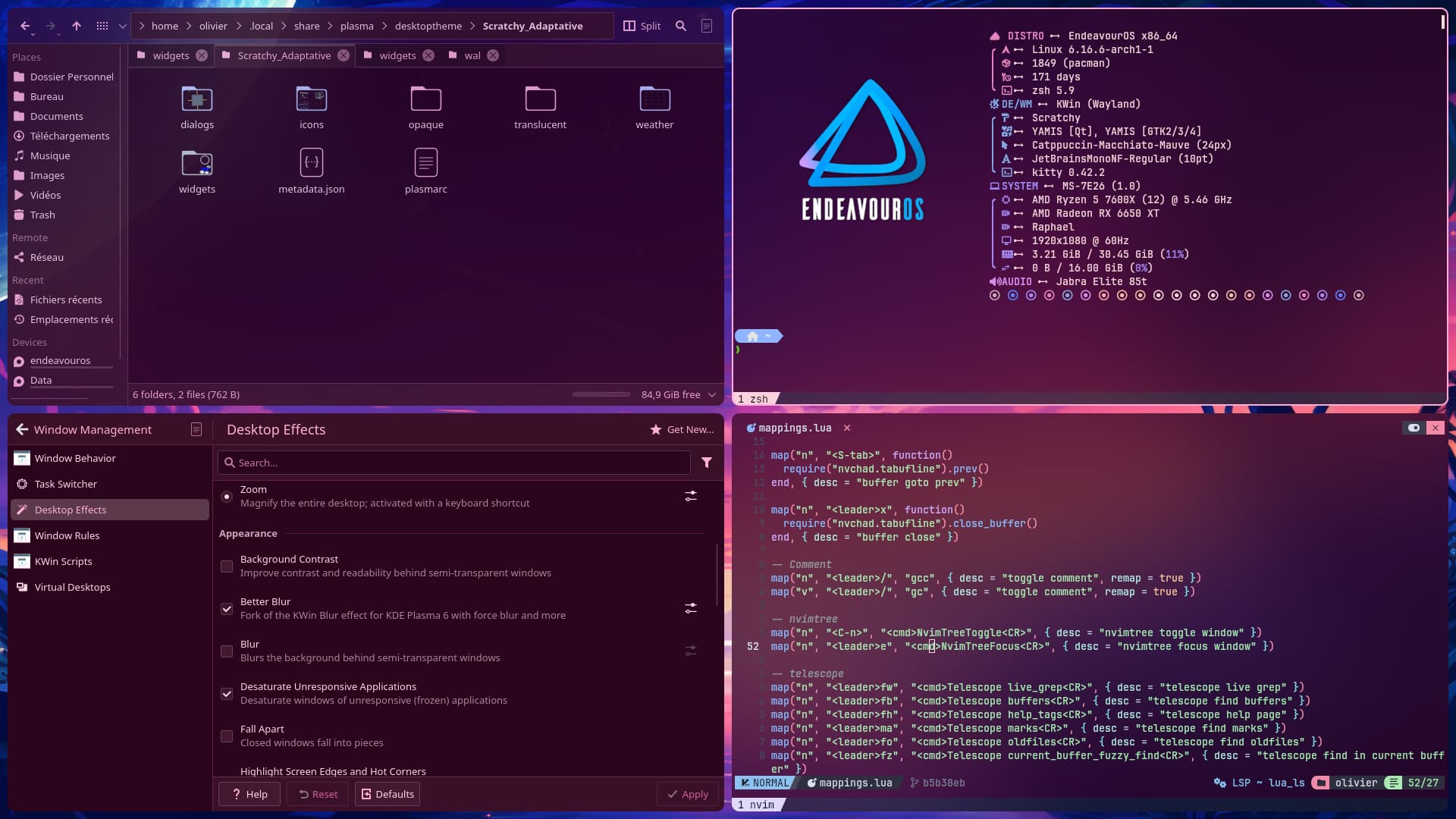
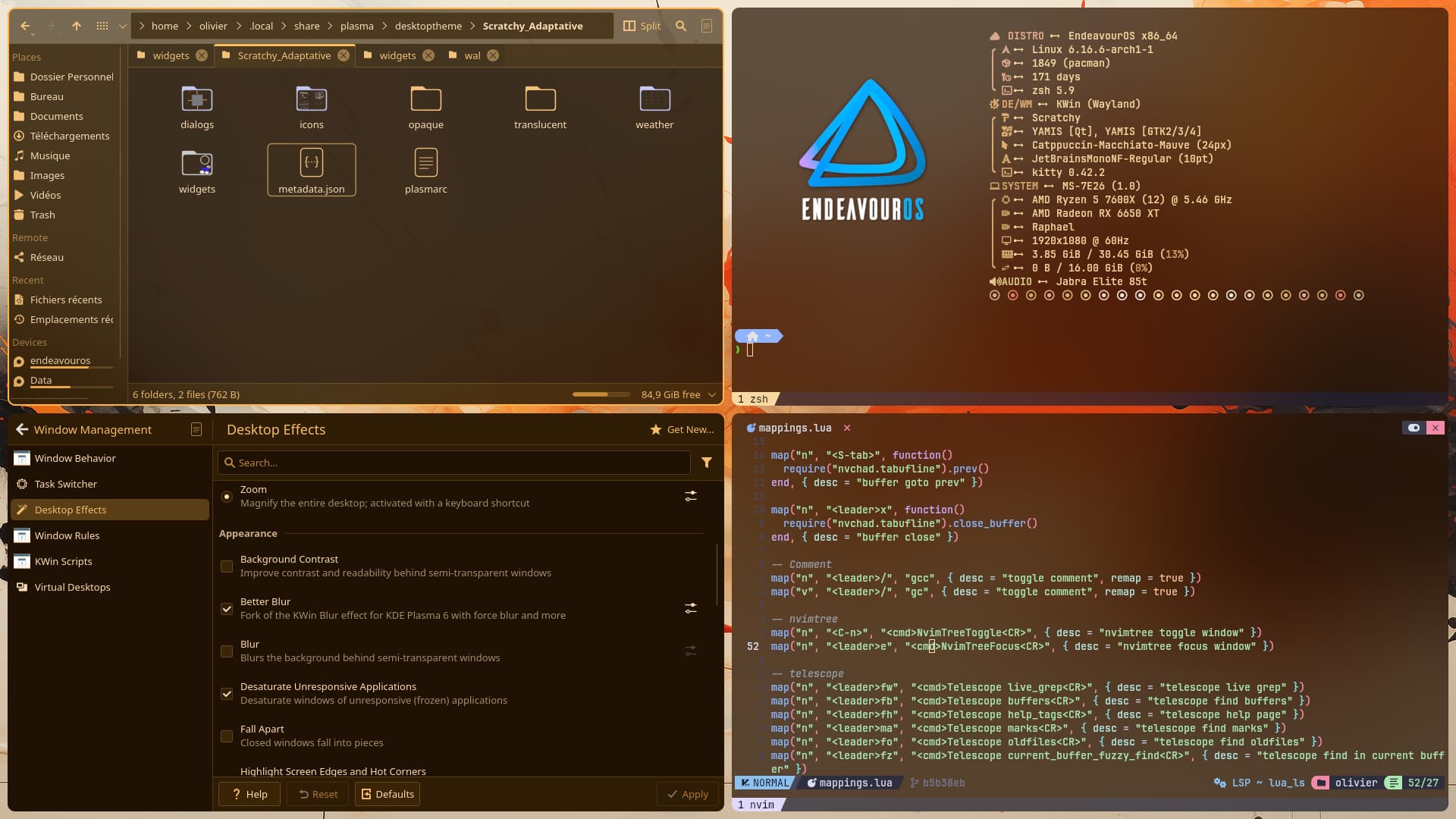

Extremely next⁹ level! 
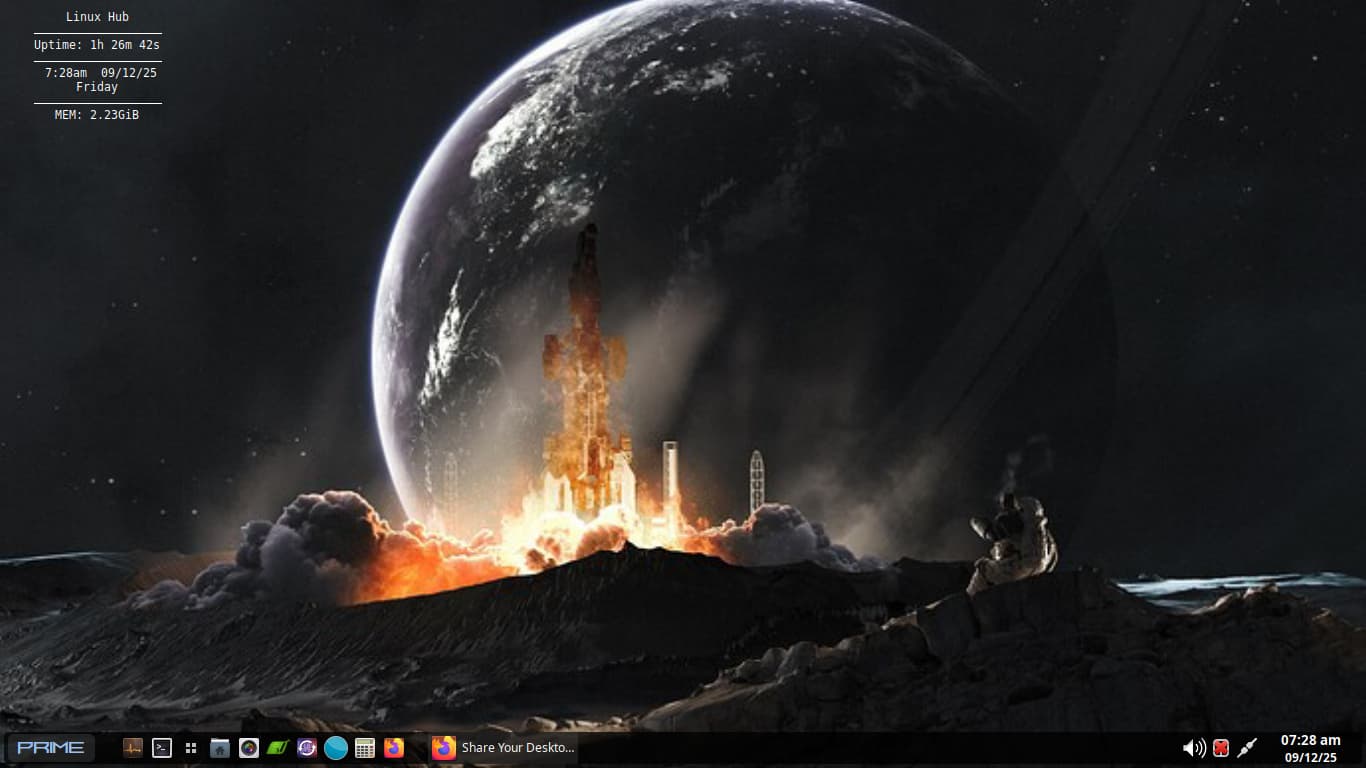
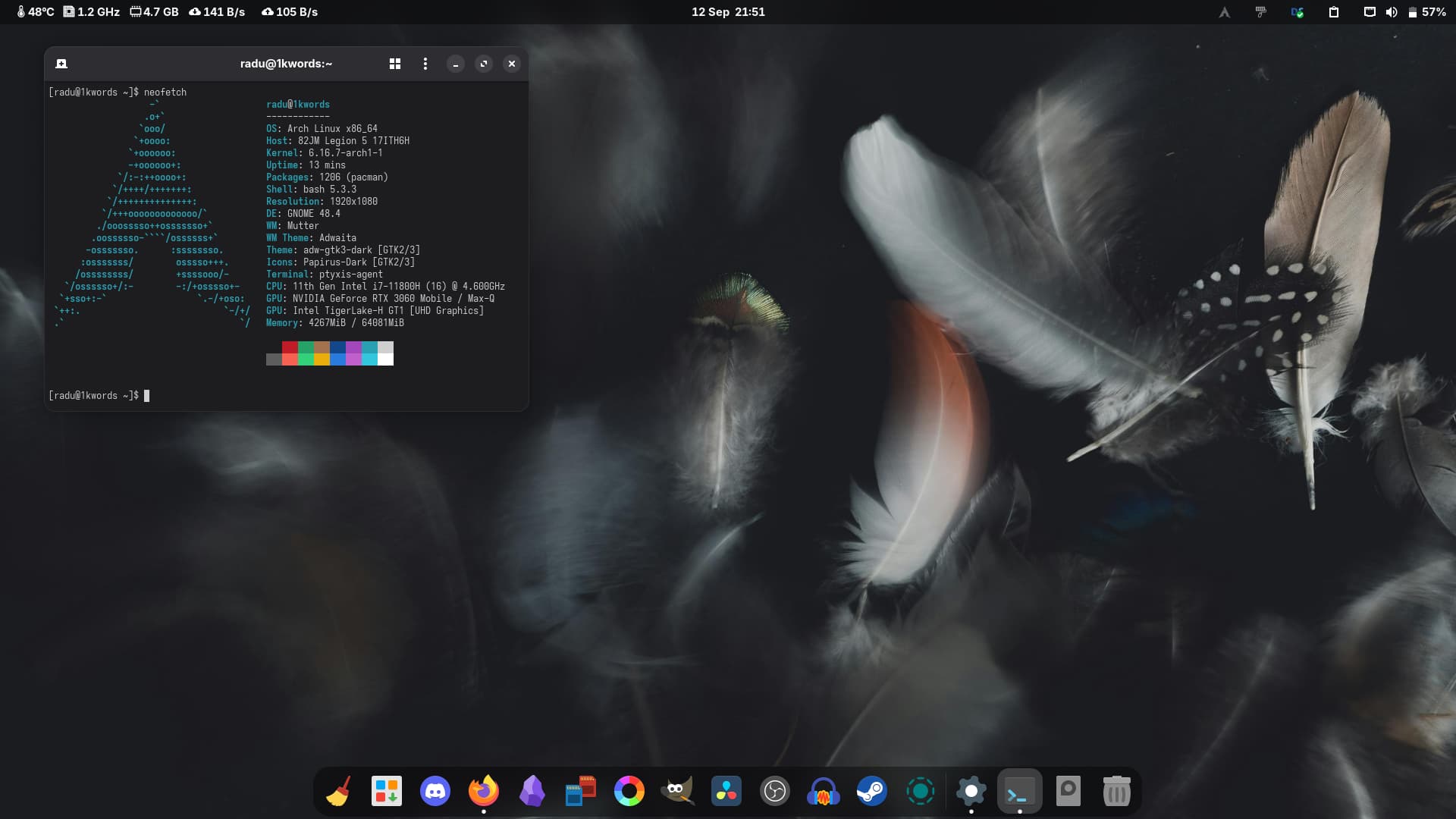
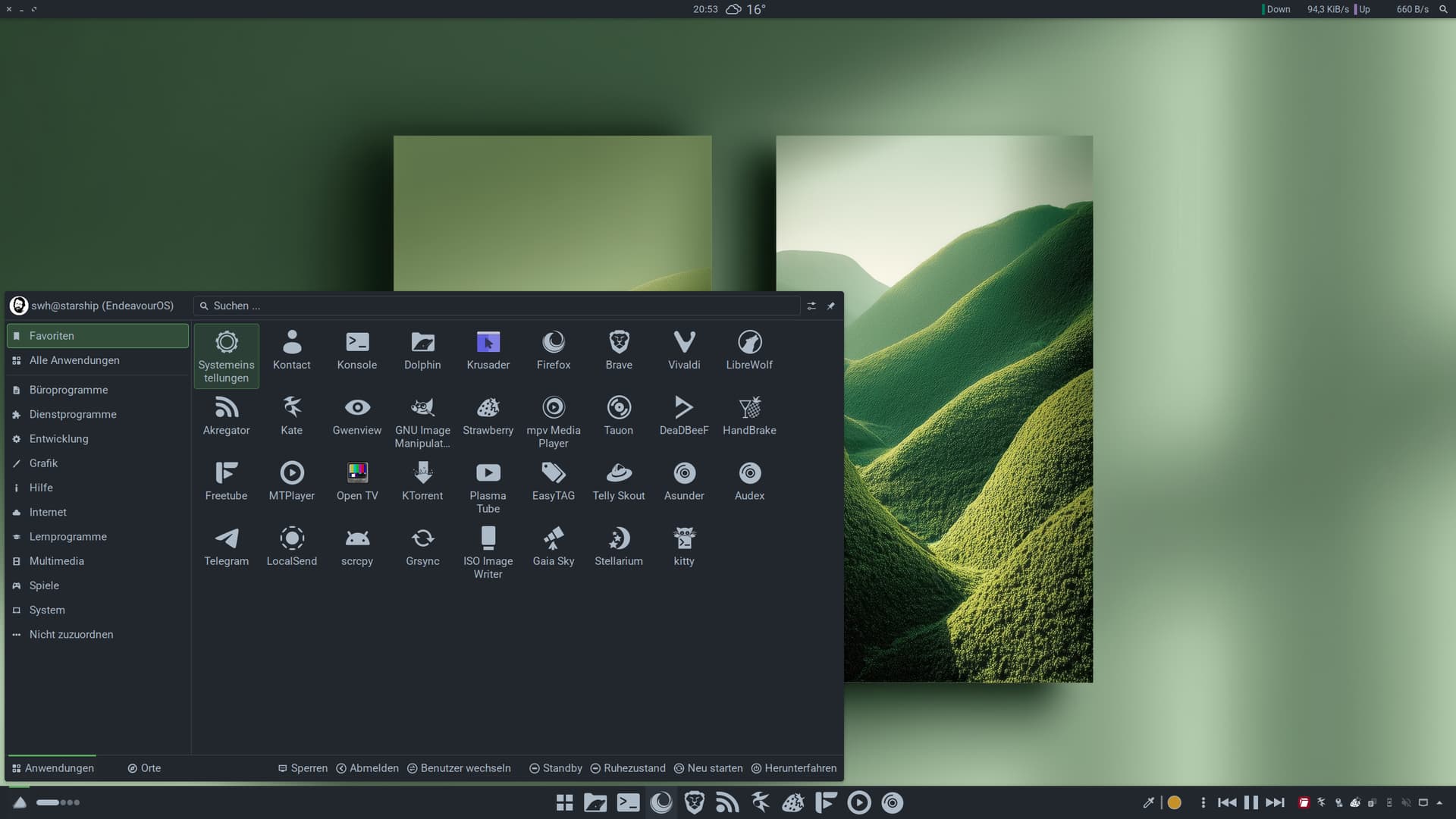
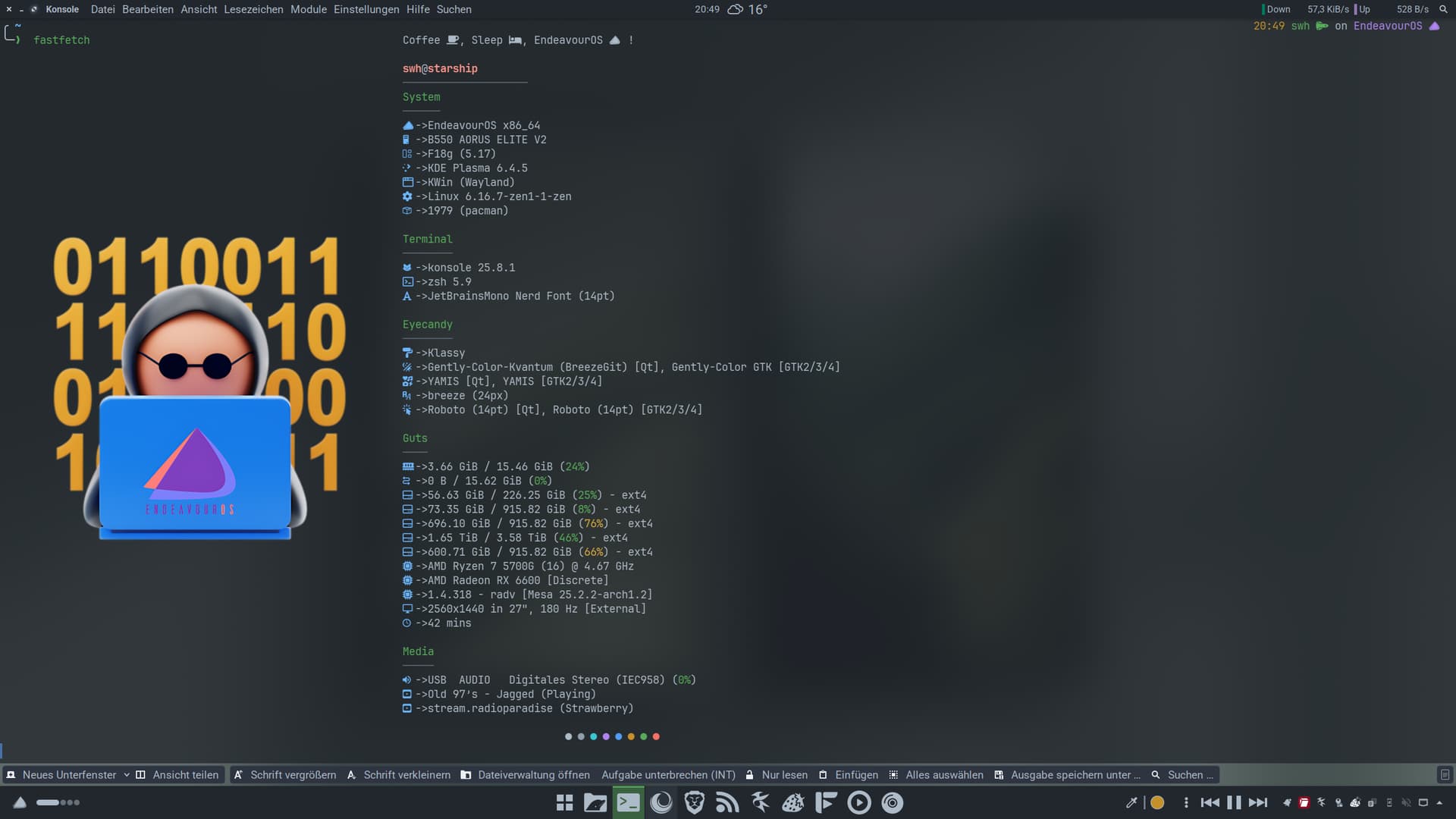
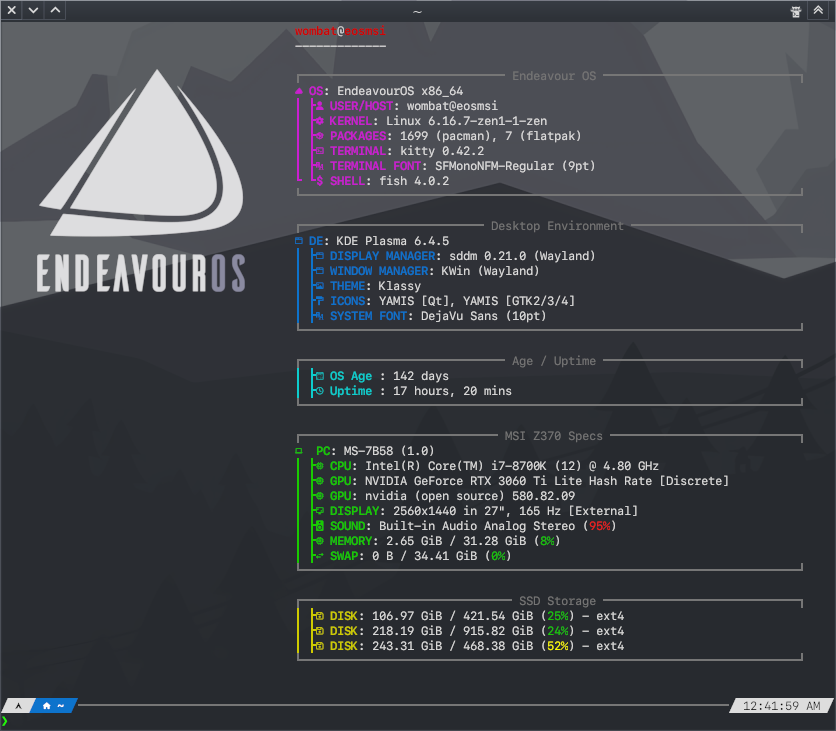
Some color tinkering based on wonderful git konsole colorscheme. Everything looks so green 
Wallpaper taken from here
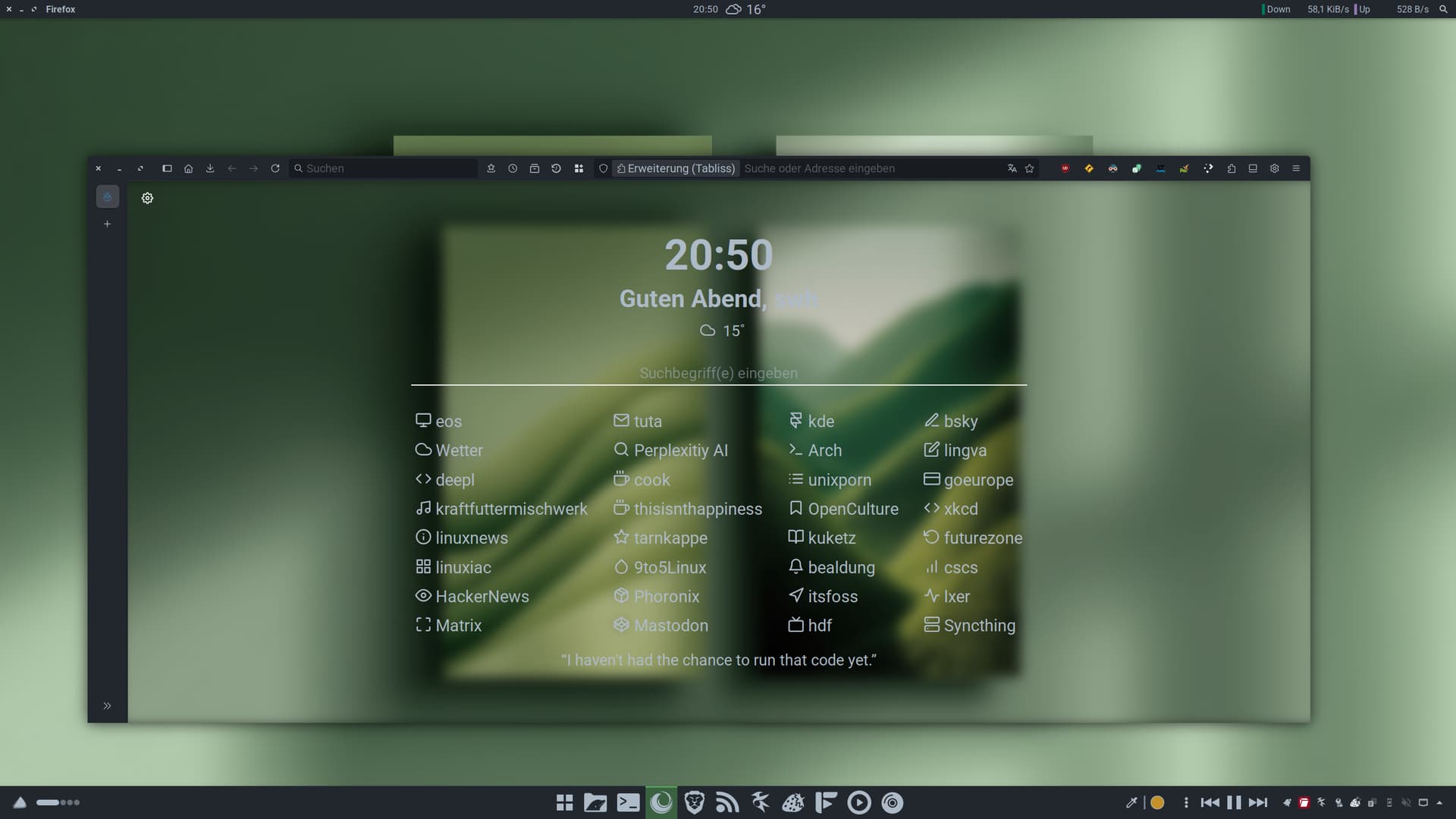
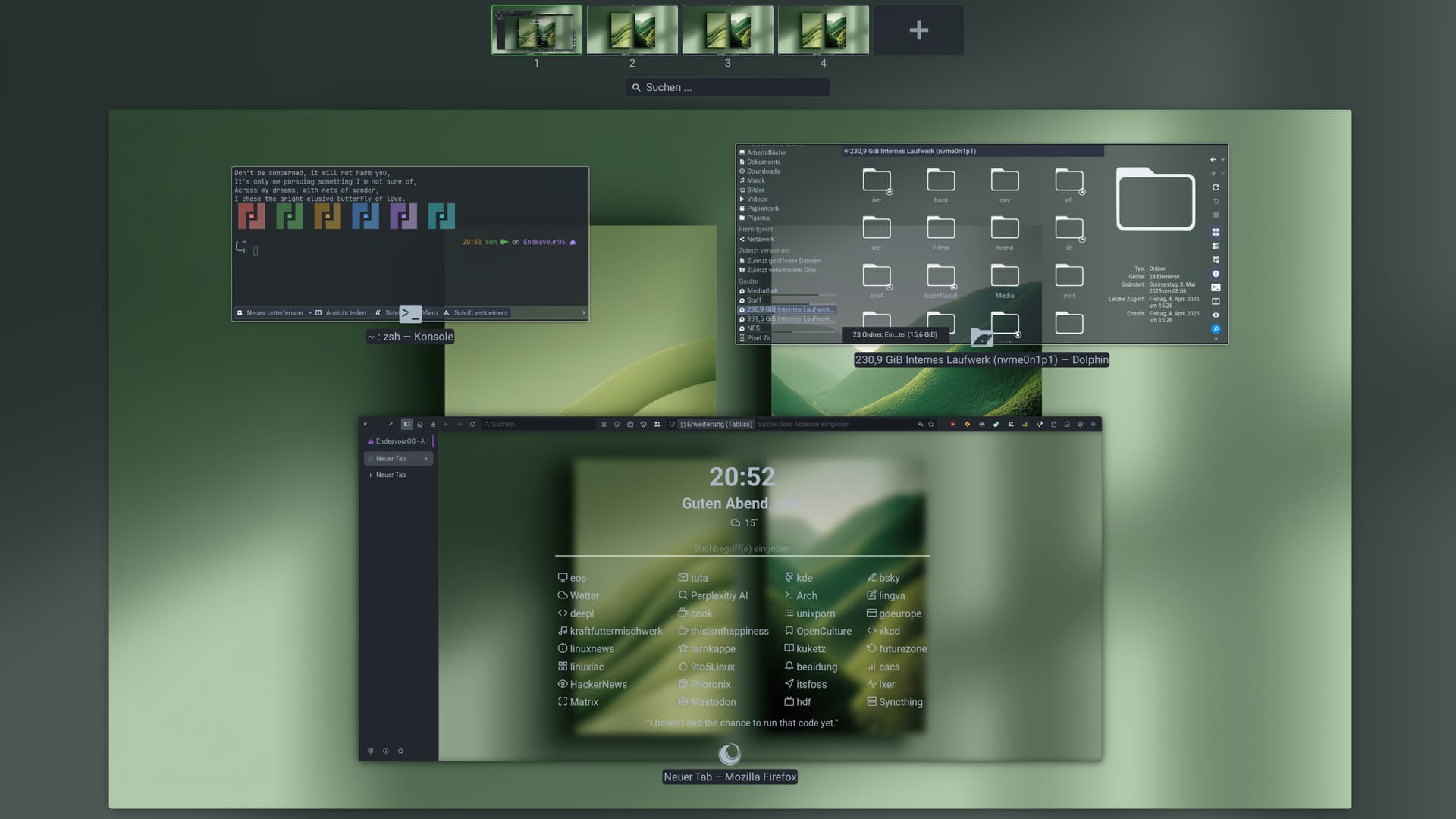
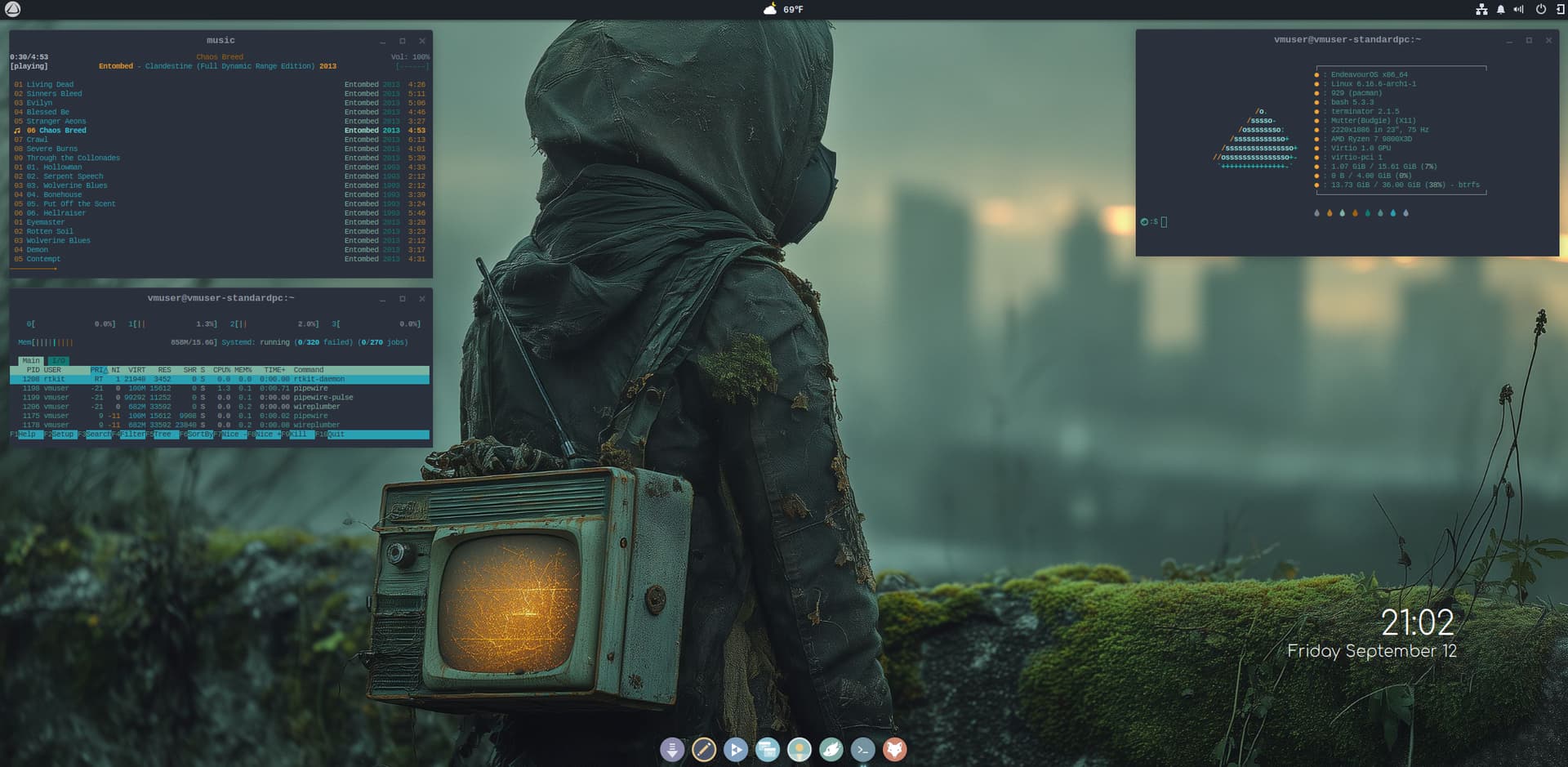
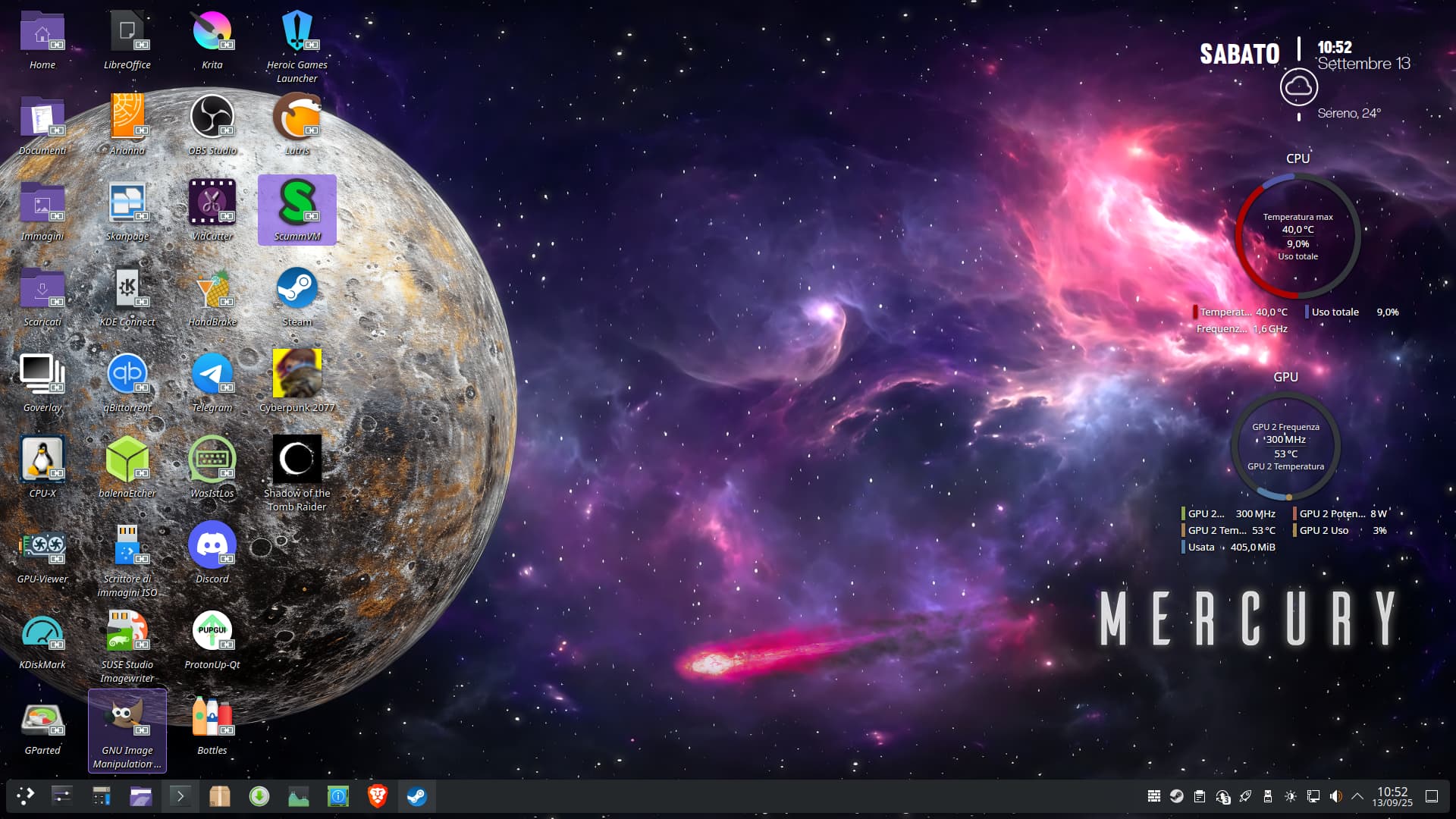
I like things like vanilla Gnome. Functional OS can be clear without flashing all the colors of rainbow in your eyeball 
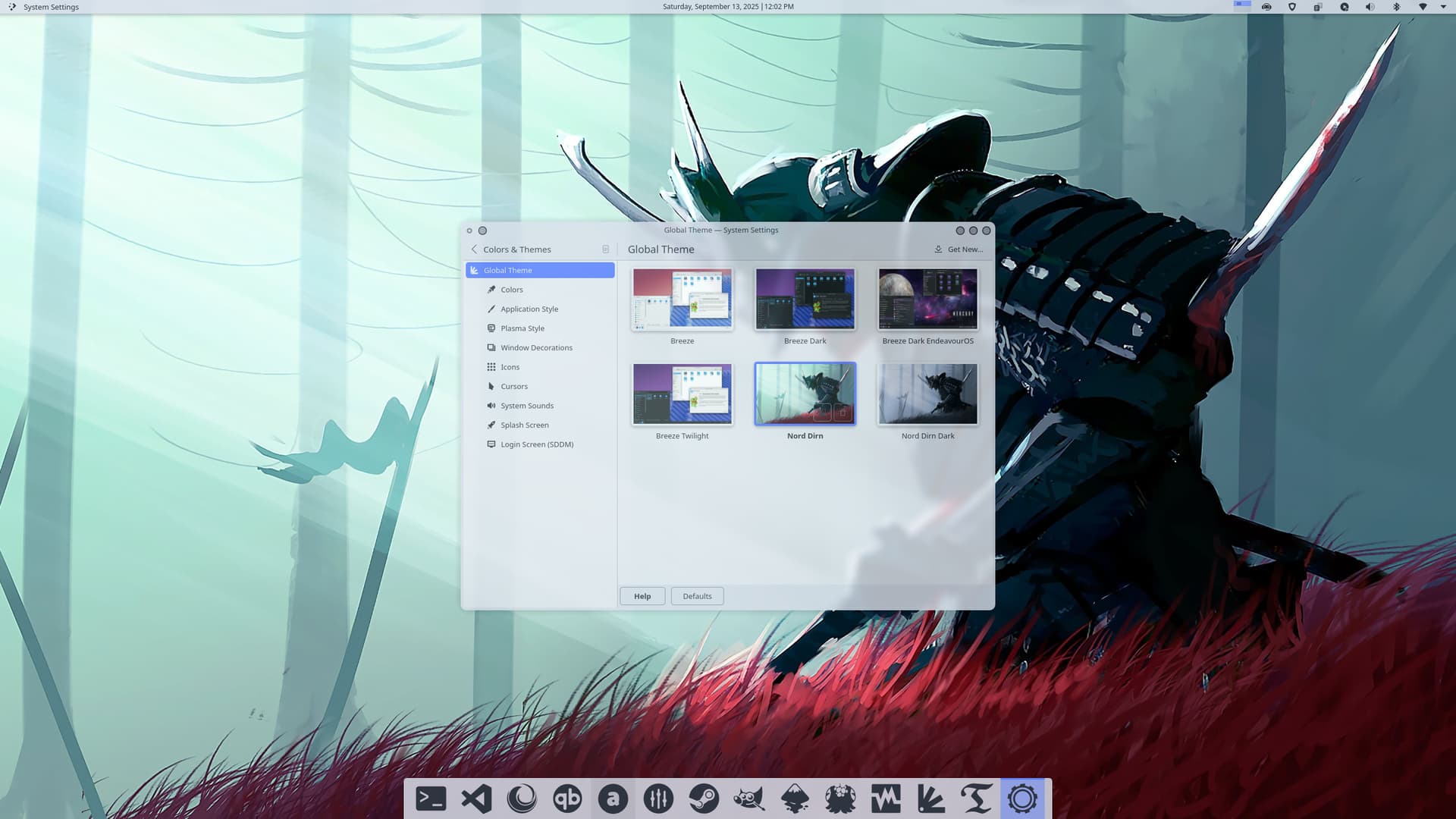
Alright, I’m all set — now it’s just a matter of waiting for Plasma 6.5.0 and its day/night-theme-switching!
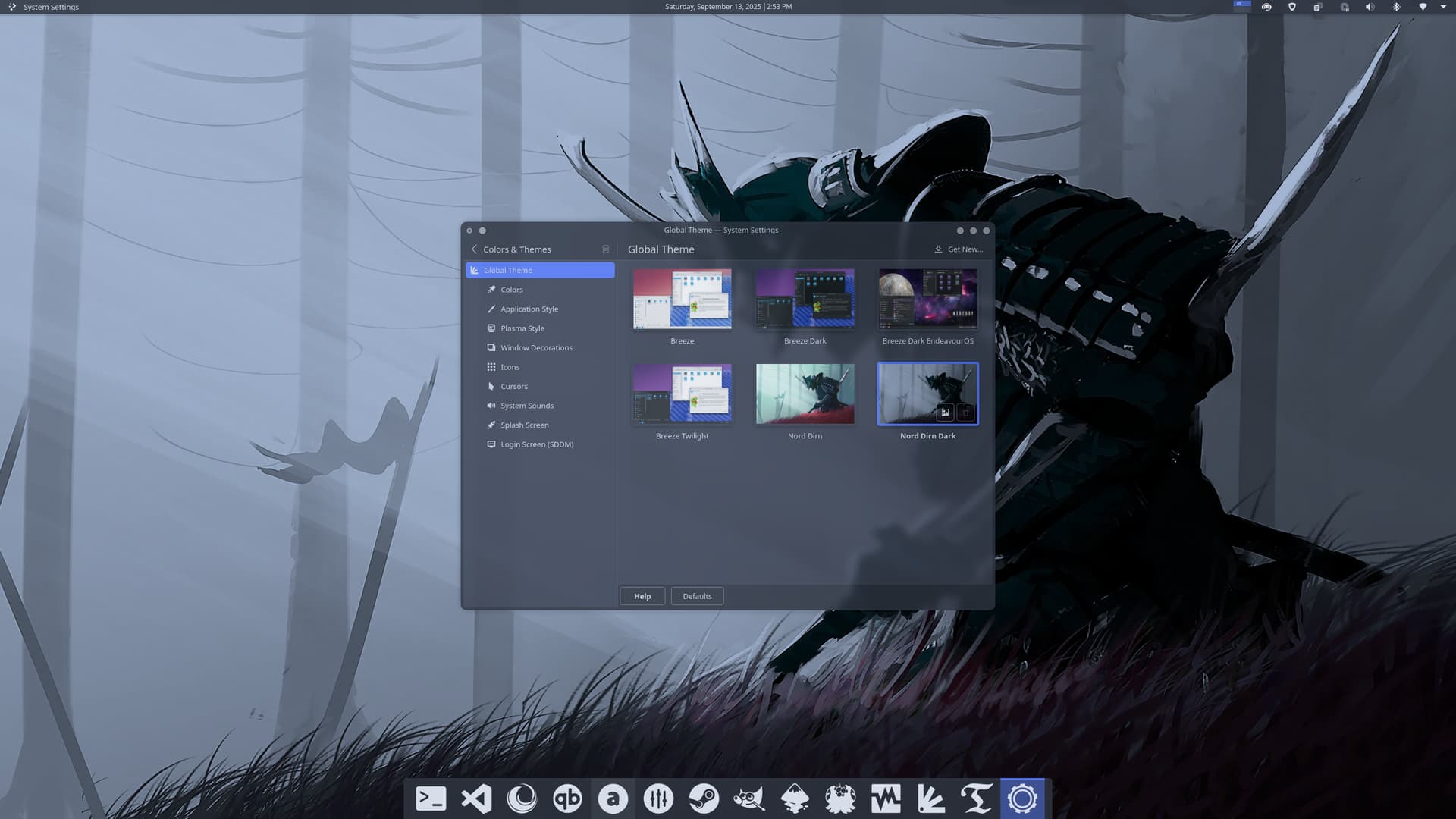
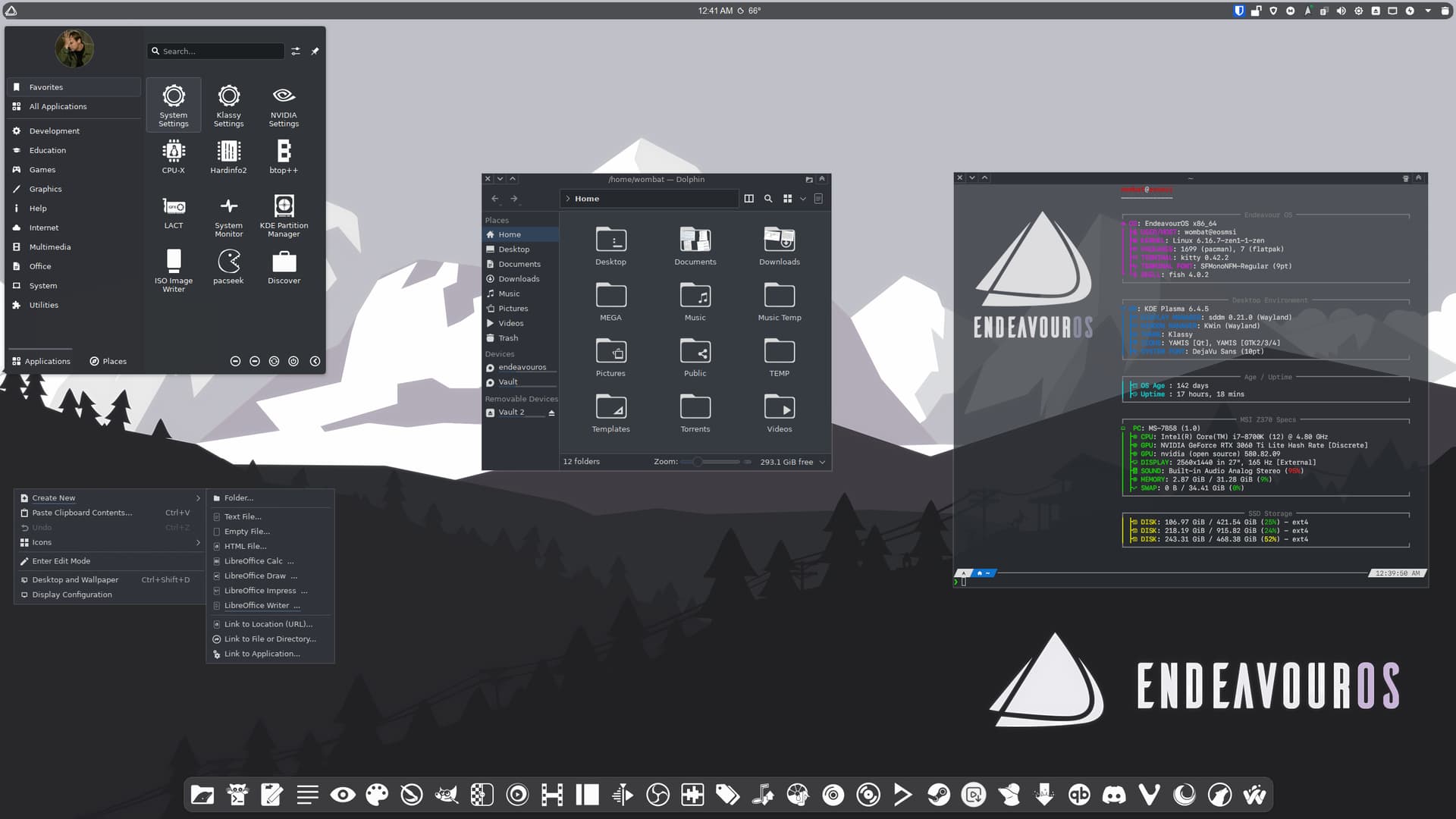
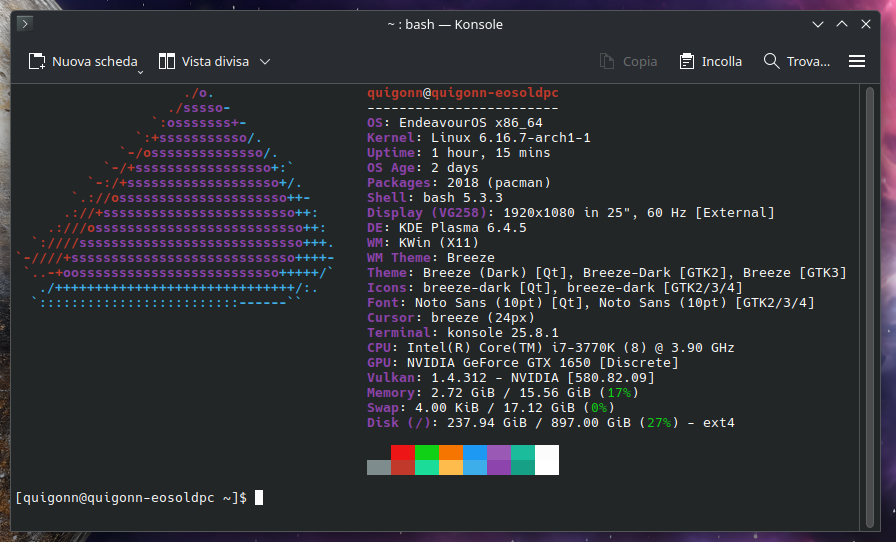
I got my old PC and installed EOS on it. The only thing different from when I used it before is the graphics card, which was an nVidia 980 Ti instead of the 1650 I use now. Sure, in terms of drivers and tweaks, it’s easier with the 1650, with X11 (I noticed it doesn’t like Wayland very much, apparently), than with the 980 Ti. I might lose a bit in graphics performance, but the important thing is that everything works well (also because the hardware is old anyway and you can’t expect much).
can you go in details about this? I am very interested what you mean and if the issue I have right now is similar to yours maybe?
Well, for example, the NVidia settings don’t fully detect the video card in Wayland, while it does with X11.
I’ve also noticed that the text in the game menus isn’t present with Wayland, while it is with X11, for example. However, this seems to have disappeared now, after the latest update.
However, the video card still isn’t detected correctly with Wayland.
Ah,… Not the same thing.. Mine goes complete blackscreen when logging in Wayland and the LED on the laptop signals it goes to sleepmode. And nothing works except shutting it down… All after an update, only x11 works somewhat.
I have an 1650ti in the laptop so I hoped that it wasn’t just me with this specific issue
Well, for example, if I try to log out and go back to the login screen to log back in with another session (perhaps switching from Wayland to X11 or vice versa), the login screen crashes and I’m forced to manually reboot.
Wayland seems to work for me, though. I installed EOS with the “Install EOS with NVIDIA drivers” option, which installs the proprietary drivers, but it’s not the dkms version. They work, but I imagine the problem persists even with the dkms version of the drivers.
Another thing I noticed is that I had to connect this old PC to a PC monitor, since the desktop on the TV was extending beyond the edges of the screen, and I couldn’t fix it (also because it’s a very old TV, the resolution on the TV is very low, so the screens aren’t fully displayed). I also tried a newer TV, but the problem was the same, at least for me. On the PC monitor, however, there was no problem.